Get 20% OFF All Premium 3D & STL Models!

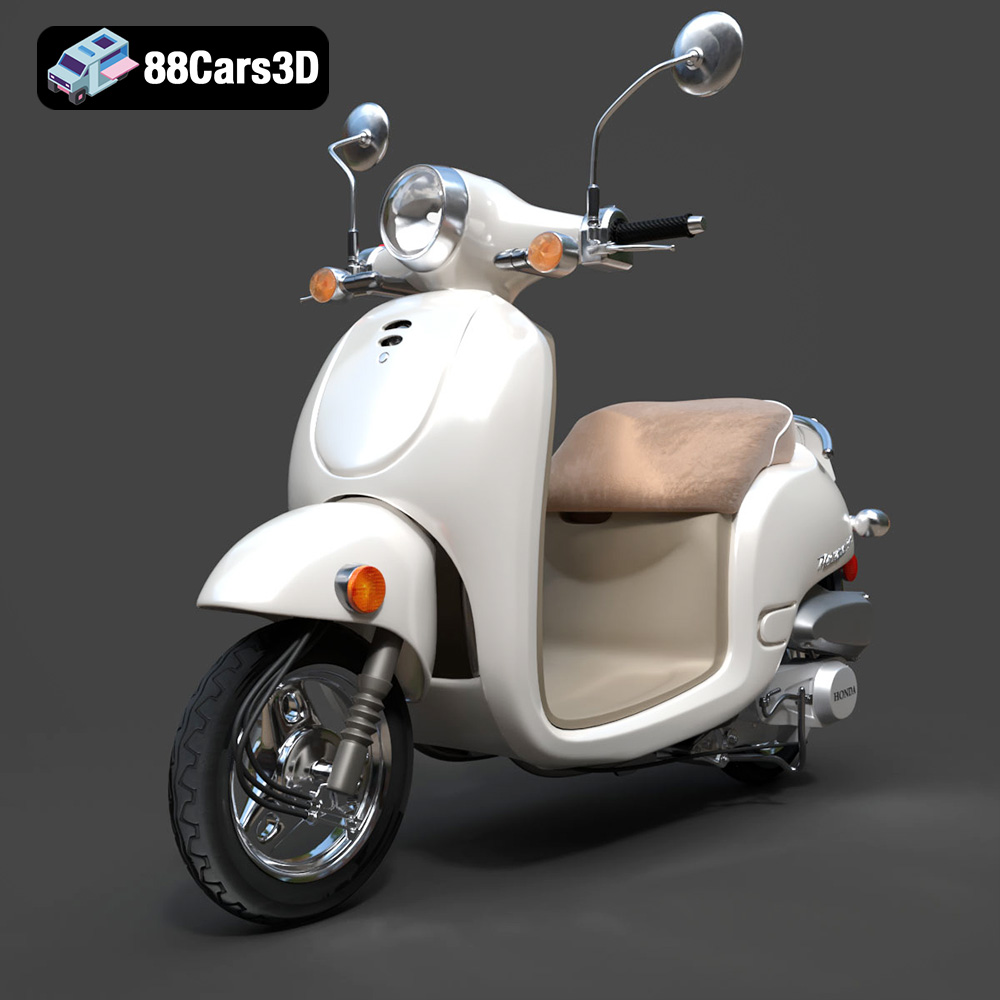
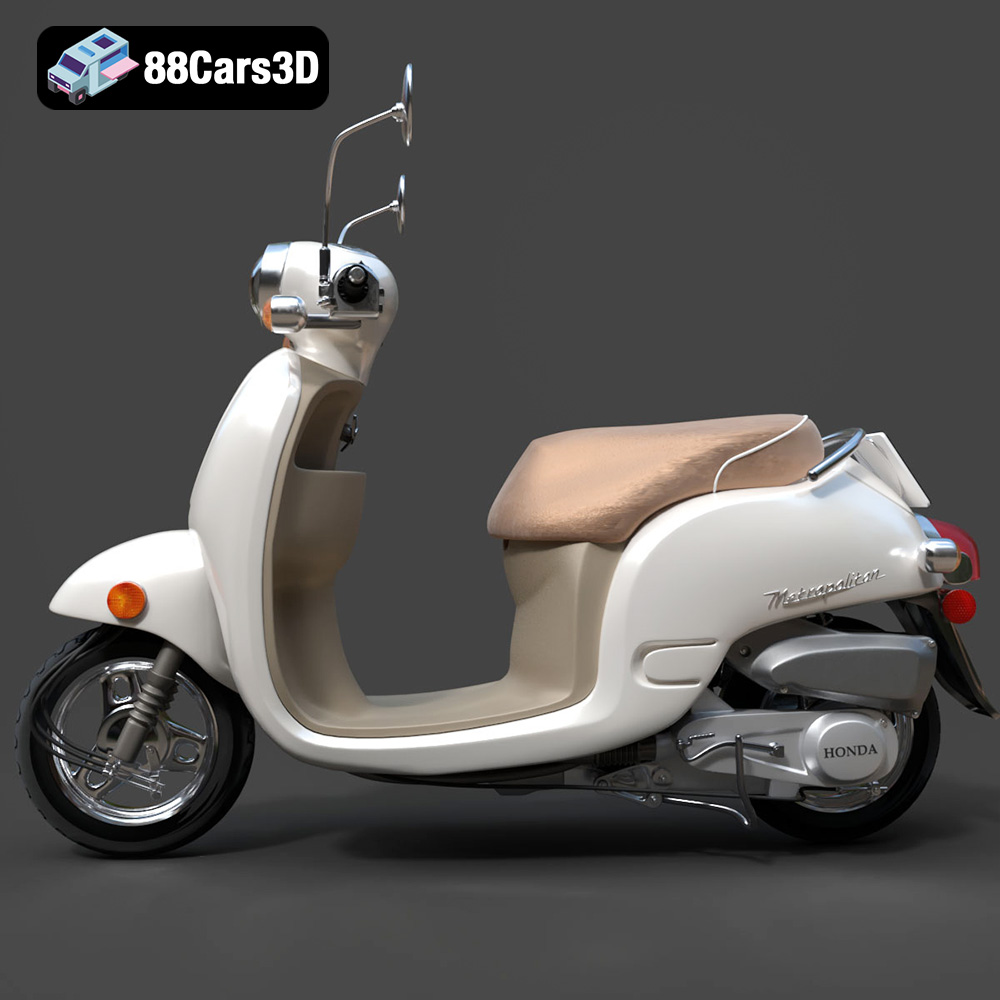
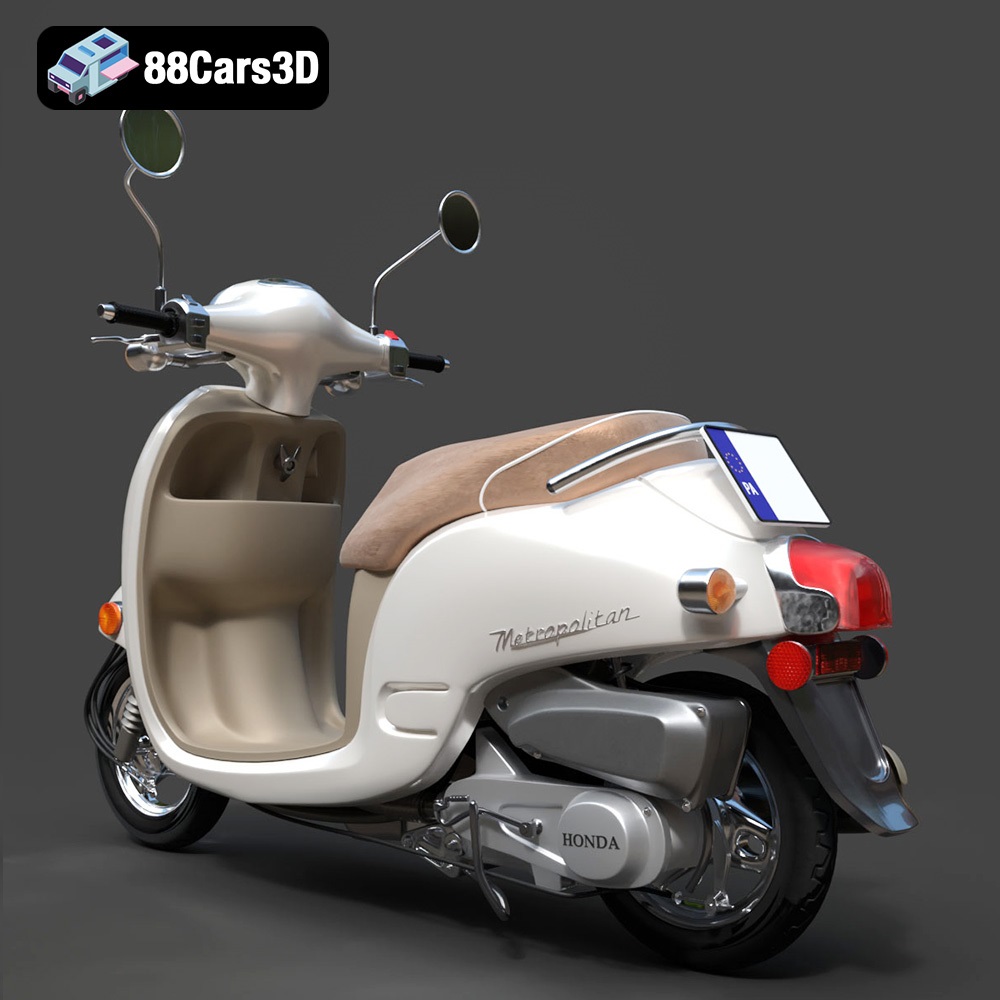
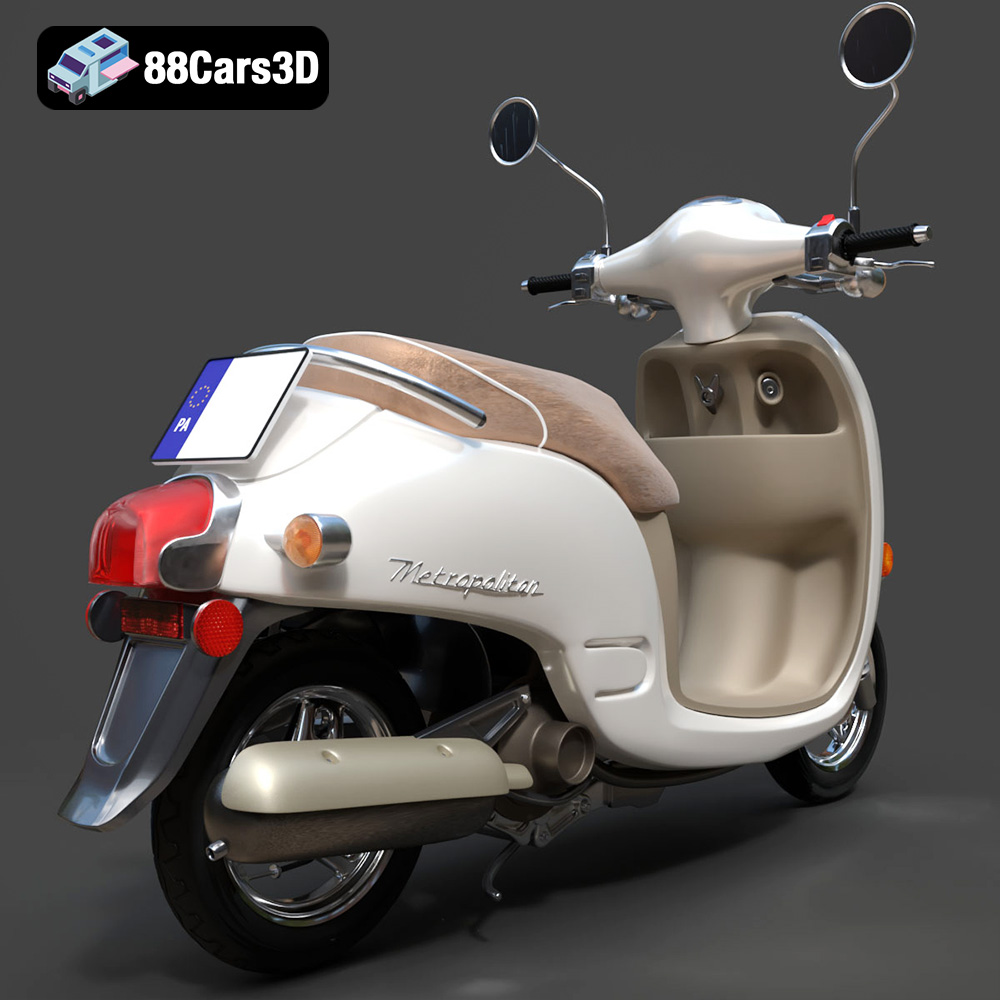
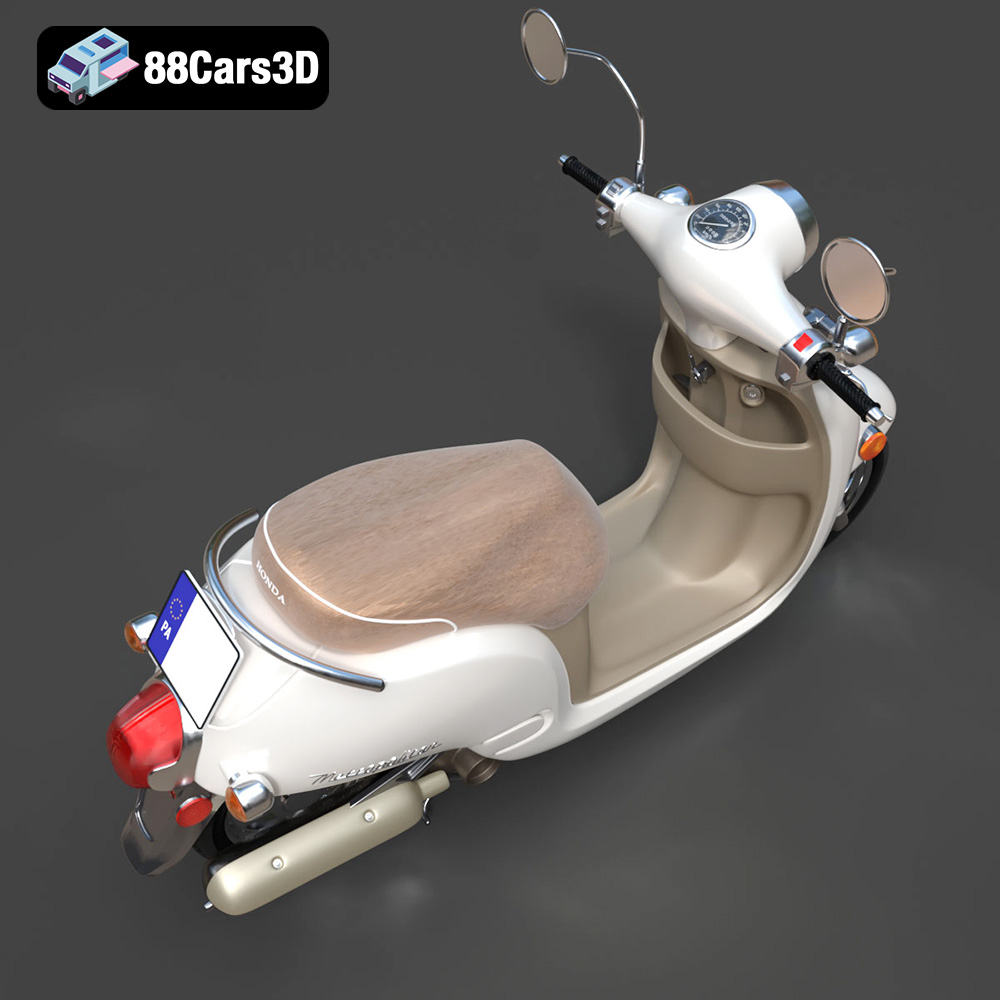
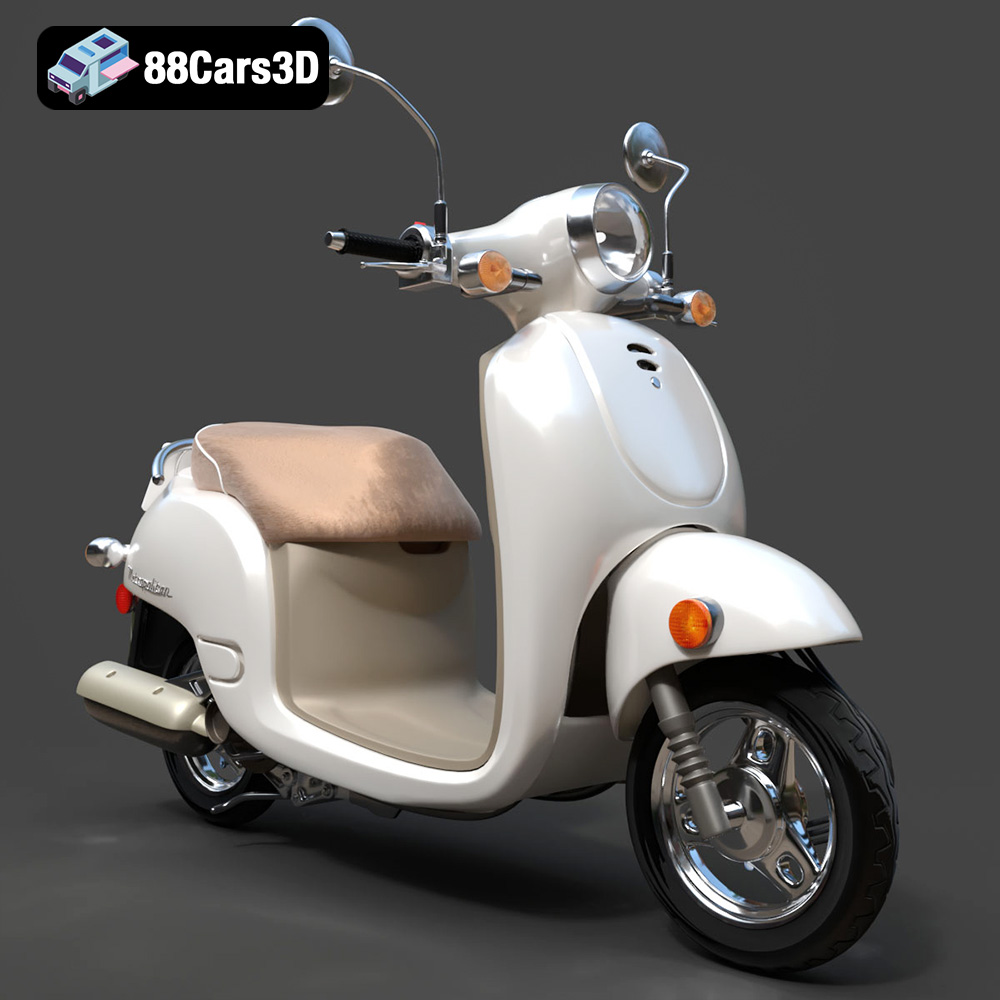
The Honda Metropolitan 2013 is a stylish scooter, and now, thanks to 88cars3d.com, you can bring a detailed replica of it to life through the magic of 3D printing. This guide will walk you through the process of successfully 3D printing the Honda Metropolitan 2013 model, covering everything from printer settings and material choices to post-processing techniques. We’ll explore the nuances of additive manufacturing to help you create a stunning miniature version of this iconic scooter.
The quality of your 3D printed Honda Metropolitan 2013 will largely depend on the type of 3D printer you use. Several technologies are available, each with its strengths and weaknesses.
FDM printers are the most common type for home users due to their affordability and ease of use. They work by extruding molten plastic filament layer by layer.
* **Pros:** Affordable, wide range of materials available (PLA, PETG, ABS, etc.), relatively simple to operate.
* **Cons:** Layer lines are typically visible, requiring post-processing for a smooth finish. Fine details may be challenging to reproduce without careful tuning.
For the Honda Metropolitan 2013, an FDM printer is a viable option, especially if you plan to paint the model afterward. Consider using a smaller nozzle (0.4mm or even 0.25mm) for increased detail.
Resin printers use liquid resin cured by UV light to create objects. This technology excels at producing highly detailed parts with smooth surfaces.
* **Pros:** Exceptional detail, smooth surface finish, ideal for small and intricate models.
* **Cons:** More expensive than FDM printers, resin is more brittle and requires careful handling, post-processing involves washing and curing the resin.
If you prioritize detail and a smooth finish for your Honda Metropolitan 2013, a resin printer is the best choice. This will capture the curves and finer elements of the scooter with accuracy.
Before you start printing, understanding the different file formats available for the Honda Metropolitan 2013 3D model from 88cars3d.com is crucial. Each format has its strengths and is suited for different applications. When preparing to 3D print, your file format choices matter greatly.
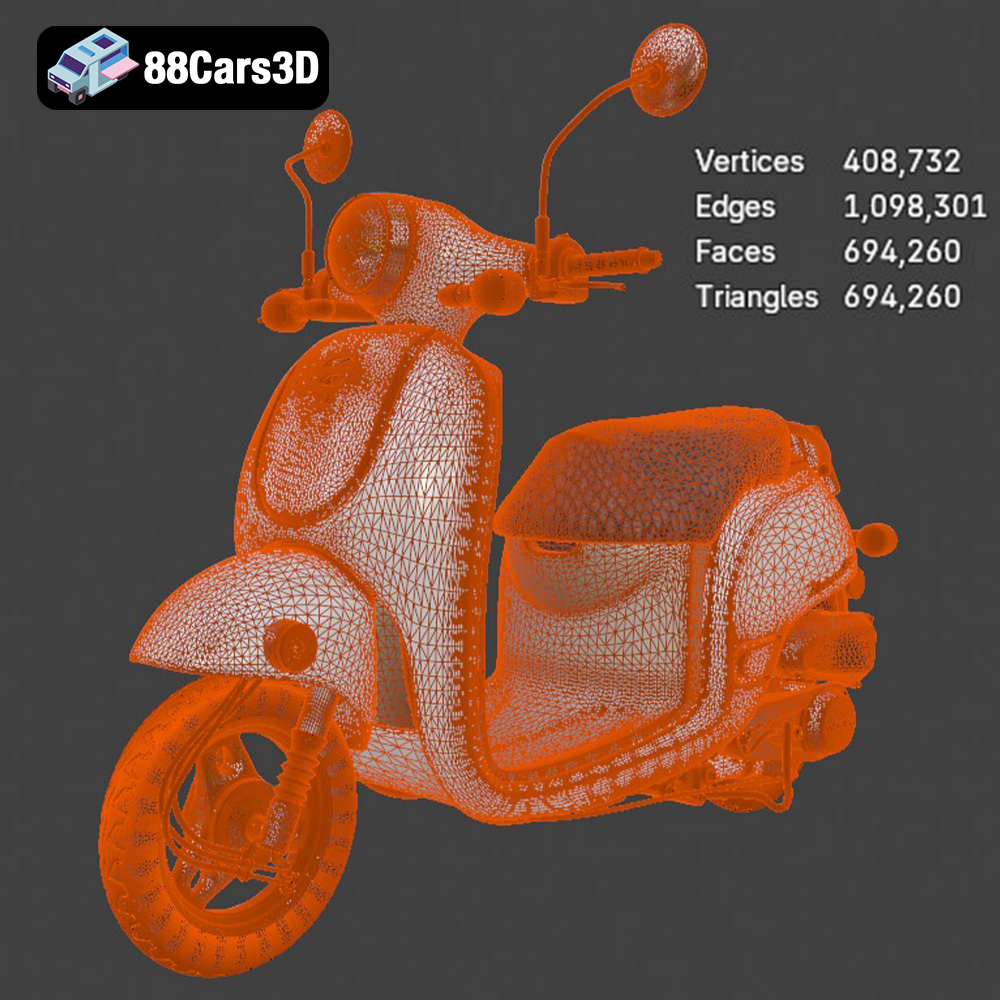
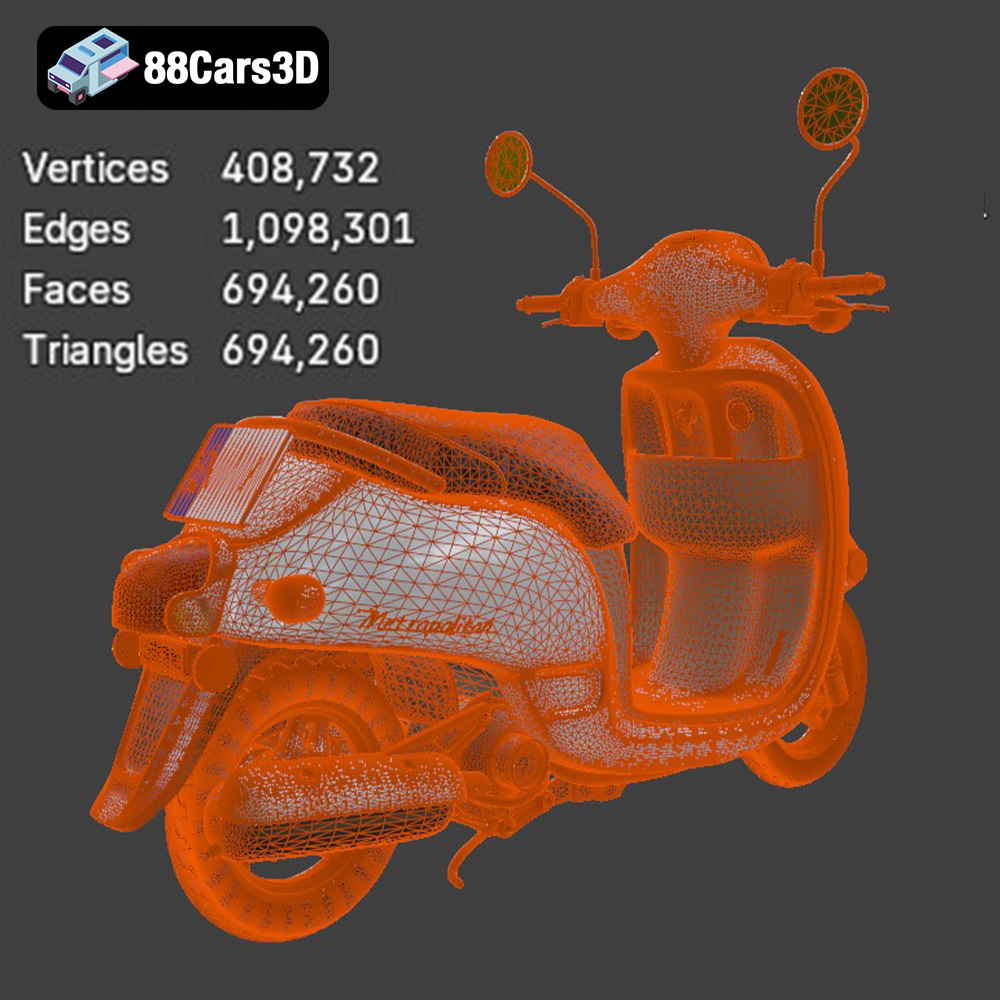
The .stl (Stereolithography) file format is the industry standard for 3D printing. It represents the surface geometry of a 3D object as a collection of triangles, creating a mesh. STL files are simple and widely compatible with all slicing software. However, they only store the shape of the object and not color or texture information. For 3D printing, STL is your go-to format. It is universally accepted by slicers, ensuring a smooth transition from the digital model to the physical print. The resolution of the STL mesh directly impacts the smoothness of the final print; a higher triangle count results in a smoother surface, but also a larger file size. When exporting to STL, ensure your software’s settings are optimized for detail, balancing quality and file size. Before sending your .stl to the printer, examine it in a mesh viewing program to detect any errors, such as holes or inverted normals. These issues can arise during the model creation or conversion process and must be fixed to ensure a successful print. Many slicers have built-in repair tools, or you can use specialized software like MeshMixer or Netfabb. STL files are ideal for single-color prints where the primary focus is on the form and accuracy of the model. Because the format is mesh-based, it’s also essential to consider the overall triangle count of your 3D model: high values mean more detailed prints, whereas low triangle counts can lead to a blocky, low-quality print. For complex models, this balance between quality and file size is very important, and you should keep it in mind while slicing.
The .obj (Wavefront Object) format is a more versatile format that supports not only the geometry of the model but also color and texture information. While .obj files can be used for 3D printing, they are more commonly used in rendering and animation applications. Some advanced 3D printers can interpret color information from .obj files, allowing for multi-color prints. However, this requires specialized hardware and software.
The .ply (Polygon File Format) is designed for storing 3D data obtained from 3D scanners. It can store color, texture, and other properties along with the geometry. While .ply files offer high precision, they are not as widely supported by 3D printing software as STL files.
The .blend format is the native file format for Blender, a popular open-source 3D modeling software. This format contains the entire Blender scene, including the model, materials, lighting, and animation data. If you want to modify the Honda Metropolitan 2013 model before printing, the .blend file is the ideal starting point.
The .fbx (Filmbox) format is developed by Autodesk and is widely used for exchanging 3D data between different software applications. It supports geometry, materials, textures, and animation. While .fbx files can be imported into some slicing software, they are primarily used in game development and animation workflows.
The .glb (GL Transmission Format Binary) is a binary file format that represents 3D models in a compact and efficient manner. It is commonly used for AR/VR applications and web-based visualization. The .glb format allows you to preview the Honda Metropolitan 2013 model in augmented reality before you even print it.
Similar to .blend, the .max format is the native file format for 3ds Max, another professional 3D modeling software. If you’re familiar with 3ds Max, this format allows you to make detailed modifications to the model before exporting it for 3D printing.
Proper preparation is key to a successful 3D print. This involves inspecting the model, orienting it correctly, and adding necessary supports.
Before slicing, open the .stl file in a mesh editor like MeshMixer or Netfabb. Check for any errors such as holes, non-manifold edges, or inverted normals. Repairing these errors will ensure a watertight model, which is essential for printing. Most slicing software also includes basic repair tools.
The orientation of the model on the print bed significantly impacts the print quality and the amount of support material needed. For the Honda Metropolitan 2013, consider orienting the model with the flattest side down to minimize support requirements. However, this may result in more visible layer lines on curved surfaces. Experiment with different orientations to find the best compromise.
* **Support Structure:** Generate supports in your slicing software to prop up overhanging features like the handlebars, seat, and fenders. Choose support settings carefully to balance support strength and ease of removal. Consider using tree supports for minimal scarring.
* **Raft or Brim:** Depending on the bed adhesion of your printer, adding a raft or brim can help prevent warping, especially with materials like ABS.
The Honda Metropolitan 2013 model can be scaled to your desired size in the slicing software. Be mindful of the printer’s limitations and the level of detail you want to achieve. Smaller scales will be more challenging to print with FDM printers.
The material you choose for printing the Honda Metropolitan 2013 depends on your printer type, desired aesthetics, and functional requirements.
* **Pros:** Easy to print, biodegradable, wide range of colors available, good for beginners.
* **Cons:** Low heat resistance, can warp in direct sunlight, not very durable.
PLA is a good choice for a decorative model that won’t be exposed to high temperatures.
* **Pros:** Stronger and more heat-resistant than PLA, good layer adhesion, less prone to warping than ABS.
* **Cons:** Can be stringy during printing, requires higher printing temperatures than PLA.
PETG is a versatile option for a more durable and functional model.
* **Pros:** High impact resistance, good heat resistance, can be sanded and painted easily.
* **Cons:** More difficult to print than PLA and PETG, requires a heated bed and enclosure to prevent warping, emits fumes during printing.
ABS is a good choice if you need a robust model that can withstand higher temperatures.
* **Pros:** Exceptional detail, smooth surface finish, various resin types available (standard, tough, flexible, etc.).
* **Cons:** More expensive than filament, resin is brittle and requires careful handling, post-processing involves washing and curing the resin.
Resin is the best choice for achieving the highest level of detail and a smooth surface finish, essential for capturing the intricate features of the Honda Metropolitan 2013.
Achieving a high-quality print requires carefully selecting the right printer settings in your slicing software. Here’s a breakdown of recommended settings for FDM and Resin printing.
* **Layer Height:** 0.1mm – 0.2mm (smaller layer heights for finer details)
* **Infill Density:** 15% – 25% (adjust based on desired strength)
* **Printing Temperature:** PLA: 200-220°C, PETG: 230-250°C, ABS: 235-255°C (refer to filament manufacturer’s recommendations)
* **Bed Temperature:** PLA: 60°C, PETG: 70-80°C, ABS: 90-110°C
* **Print Speed:** 40-60mm/s (slower speeds for better quality)
* **Supports:** Enabled, with appropriate overhang angle and support density
* **Adhesion:** Raft or brim recommended for ABS and larger prints
* **Layer Height:** 0.025mm – 0.05mm (smaller layer heights for finer details)
* **Bottom Layer Count:** 4-6
* **Exposure Time:** Refer to resin manufacturer’s recommendations (typically 6-12 seconds)
* **Bottom Exposure Time:** 30-60 seconds
* **Lift Speed:** 60-80mm/min
* **Supports:** Enabled, with appropriate support density and tip size
Even with optimal printing settings, some post-processing is usually required to achieve a polished finish on your 3D printed Honda Metropolitan 2013.
Carefully remove the support structures using pliers or a hobby knife. Sand down any remaining support marks or imperfections with progressively finer grit sandpaper (220, 400, 600, 800). For resin prints, make sure to remove all uncured resin before sanding.
Apply a thin layer of primer to the model to create a smooth surface for painting. Once the primer is dry, sand it lightly with fine-grit sandpaper. Apply several thin coats of paint, allowing each coat to dry completely before applying the next. Consider using masking tape to create clean lines and separate different colored areas. For a glossy finish, apply a clear coat after the paint has dried.
If the Honda Metropolitan 2013 model is printed in multiple parts, assemble them using glue or screws. Ensure the parts fit together snugly before applying adhesive.
Encountering problems during 3D printing is common. Here are some solutions to common issues.
* **Cause:** Uneven cooling or poor bed adhesion.
* **Solution:** Use a heated bed, apply a raft or brim, reduce print speed, enclose the printer (for ABS), ensure the bed is level.
* **Cause:** Excessive retraction distance, high printing temperature, wet filament.
* **Solution:** Adjust retraction settings, lower printing temperature, dry the filament.
* **Cause:** Loose belts, high print speed, insufficient power supply.
* **Solution:** Tighten belts, reduce print speed, check the power supply.
* **Cause:** Bed too hot, first layer too squished.
* **Solution:** Lower bed temperature, adjust Z-offset.
By following these guidelines, you can successfully 3D print a detailed and accurate replica of the Honda Metropolitan 2013. Remember to experiment with different settings and materials to achieve the best results for your specific printer and preferences. The detailed model available at 88cars3d.com is an excellent starting point.
Experience realistic visualization with the Honda Metropolitan 2013 3D Model. This exceptionally detailed asset brings true-to-life precision to your projects, featuring accurate proportions and refined curves that capture the essence of the original vehicle.
$39.99
.arvr
.blend
.car3dmodel
.fbx
.gameasset
.glb
.honda
.max
.metropolitan
.moped
.obj
.ply
.rendering
.scooter
.simulation
.stl
.unreal