Get 20% OFF All Premium 3D & STL Models!

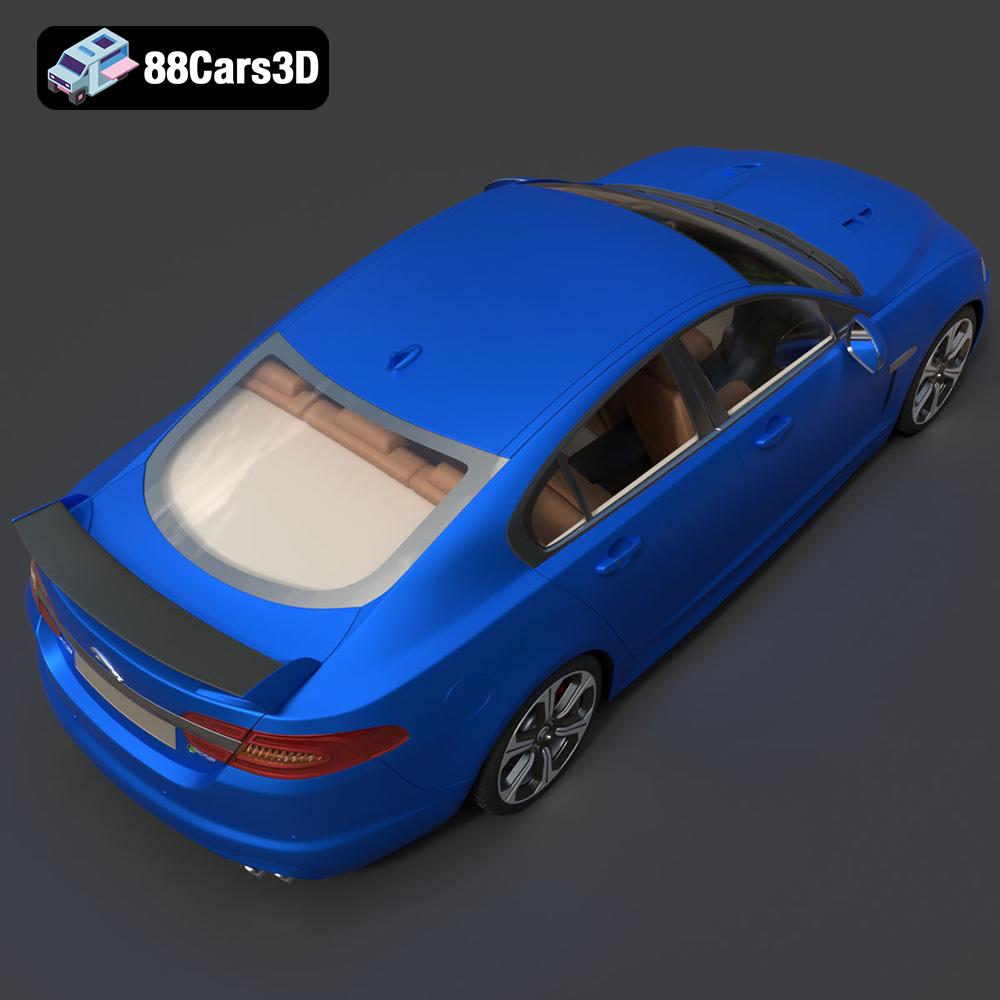
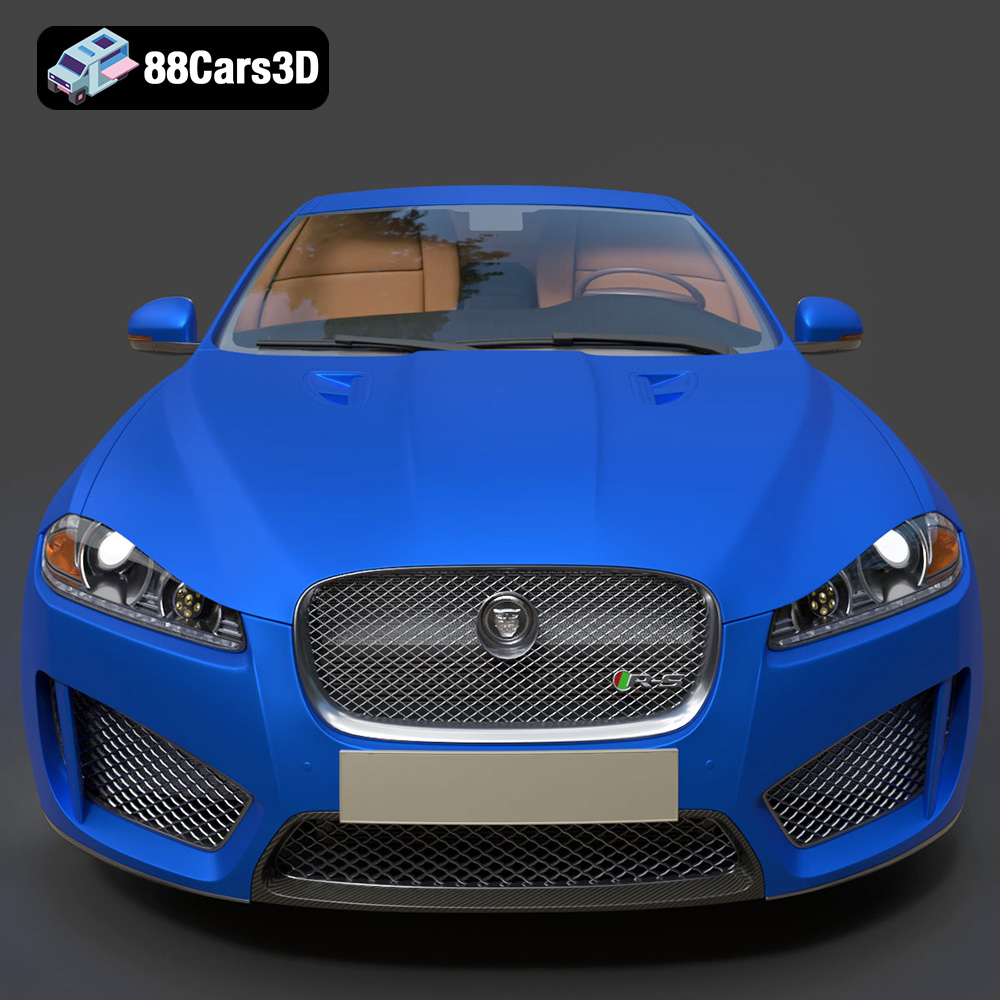
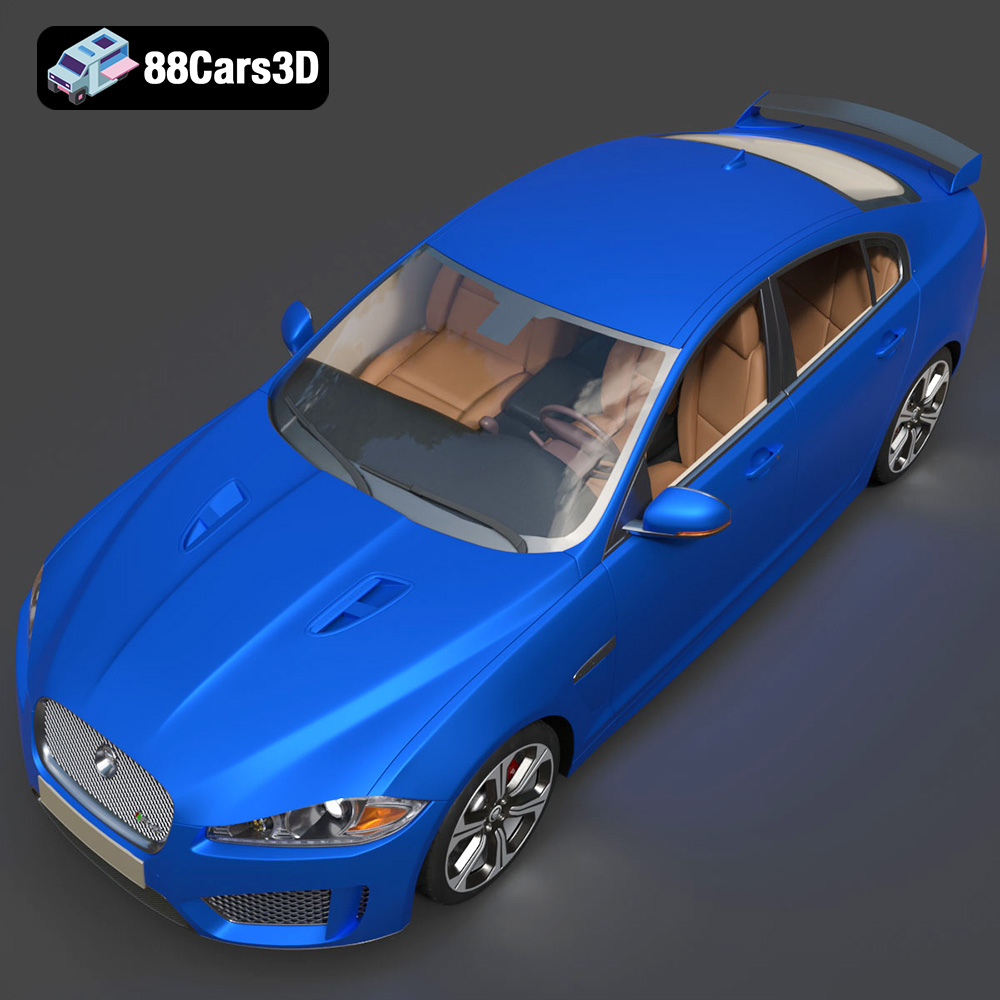
The Jaguar XFR-S 2014. A symphony of British engineering, raw power, and unmistakable style. Now, imagine holding a miniature version of this beast in your hands, a meticulously crafted replica brought to life through the magic of 3D printing. The detailed 3D model available at 88cars3d.com makes this dream a reality. This comprehensive guide will walk you through every step, from preparing the STL files to applying the final touches, ensuring you achieve a stunning 3D printed Jaguar XFR-S 2014 that you can proudly display.
Before diving into the specifics of 3D printing the Jaguar XFR-S 2014, it’s crucial to understand the different file formats associated with 3D models and their implications for the additive manufacturing process. Different formats offer varying levels of detail, compatibility, and suitability for specific applications. Selecting the right format can significantly impact the quality and printability of your final model.
The .stl (Stereolithography) file format is the industry standard for 3D printing. It represents the surface geometry of a 3D object as a collection of triangles. While simple, this format is universally compatible with virtually all 3D printers and slicing software. The Jaguar XFR-S 2014 model available at 88cars3d.com includes an STL file precisely for this reason. The quality of the STL file is critical. A poorly generated STL can have gaps, overlaps, or non-manifold edges, leading to printing errors. Most slicing software includes tools to repair minor STL issues, but it’s always best to start with a well-prepared file. Mesh resolution is also important; a higher resolution STL will capture finer details but result in a larger file size and potentially longer processing times. When preparing the STL for the XFR-S, consider the scale at which you intend to print. If you’re aiming for a larger model, a higher resolution STL is recommended to preserve details.
The .obj (Object) file format is another popular choice, particularly when dealing with models that require color or texture information. Unlike STL, OBJ can store color data per vertex, allowing for more complex and visually appealing prints, especially if you have a multi-material 3D printer. However, compatibility can vary, and not all slicing software fully supports OBJ files with color information. For the Jaguar XFR-S, if you intend to explore multi-material printing to replicate the car’s paint job or interior details, the OBJ format could be useful in conjunction with specialized slicing software.
The .ply (Polygon File Format) is designed to store 3D data acquired from 3D scanners. It excels at representing high-density meshes with detailed geometric information. While less common than STL for general 3D printing, PLY can be advantageous when printing models with intricate surface details.
Formats like .blend (Blender), .fbx (Filmbox), .glb (GL Transmission Format), and .max (3ds Max) are primarily used for editing, animation, and real-time rendering. While you won’t directly print these formats, they are valuable for pre-processing the model before exporting an STL for printing. For example, you can use the .blend file of the Jaguar XFR-S to modify the model, add details, or separate components before exporting it as an STL for 3D printing. The .glb format is particularly useful for previewing the model in augmented reality (AR) before committing to a print, allowing you to visualize the scale and appearance in a real-world environment.
Regardless of the format you start with, your slicing software is the bridge between the 3D model and the 3D printer. Popular slicing software such as Cura, Simplify3D, and PrusaSlicer support STL, OBJ, and sometimes PLY formats. Ensure your chosen software is compatible with the file format you intend to use and that it offers the necessary tools for model repair, orientation, support generation, and slicing parameter optimization.
The quality of your 3D print heavily relies on proper preparation within your slicing software. This involves importing the STL file, orienting the model, generating supports (if necessary), and setting the appropriate printing parameters.
Popular choices include Cura, Simplify3D, PrusaSlicer, and others. Each offers a range of features and settings to fine-tune the printing process. For the Jaguar XFR-S 2014, experiment with different slicers to see which one yields the best results based on your printer and material. Ensure your printer profile is correctly configured within the slicer. This includes bed size, nozzle diameter, and compatible materials.
Model orientation significantly impacts print quality, support requirements, and overall aesthetics. For the Jaguar XFR-S, consider printing the body with the roof facing upwards. This minimizes the need for supports on the exterior surfaces, preserving the smooth lines of the car. Wheels and other intricate parts may require strategically placed supports to prevent sagging or deformation during printing. The slicing software automatically generates supports, but you can manually adjust them for optimal placement and minimal material usage. Focus on supporting overhangs and areas with steep angles. Use a support density appropriate for the material you are using to make removal easier.
The choice of material affects the final appearance, strength, and durability of your 3D printed Jaguar XFR-S 2014. Different materials offer varying properties, making some better suited for specific applications than others.
PLA (Polylactic Acid) is a popular choice for beginners due to its ease of printing, low warping, and wide availability. It offers a good balance of strength and aesthetic appeal, making it suitable for creating a visually pleasing model of the XFR-S. PLA is available in a wide range of colors, allowing you to closely match the original paint scheme of the car. However, PLA is not as heat-resistant or durable as other materials, making it less suitable for functional parts or models exposed to high temperatures. Typical printing parameters for PLA include a nozzle temperature of 200-220°C and a bed temperature of 60-70°C.
PETG (Polyethylene Terephthalate Glycol-modified) offers a good balance of strength, flexibility, and heat resistance. It is more durable than PLA and less prone to warping than ABS. PETG is a good choice if you plan to handle the 3D printed XFR-S frequently or expose it to moderate temperatures. It also provides a slightly glossier finish than PLA. Printing PETG typically requires a nozzle temperature of 220-250°C and a bed temperature of 70-80°C.
Resin printing, using technologies like SLA (Stereolithography) or DLP (Digital Light Processing), offers exceptional detail and smooth surfaces. This method is ideal for printing smaller, highly detailed parts of the Jaguar XFR-S, such as badges, interior components, or intricate wheel designs. Resin prints generally require post-processing, including washing and curing.
Fine-tuning your printer settings is crucial for achieving the desired balance between print quality, speed, and material usage. The specific settings will vary depending on your printer, material, and desired level of detail.
Layer height directly impacts the smoothness of the printed surface and the overall print time. A lower layer height (e.g., 0.1mm) results in finer details and smoother curves but significantly increases the print time. A higher layer height (e.g., 0.2mm) prints faster but may compromise the surface finish. For the Jaguar XFR-S, a layer height of 0.15mm to 0.2mm is a good starting point, offering a balance between detail and efficiency. For particularly detailed areas like the front grille or taillights, consider using adaptive layer height settings in your slicer to automatically adjust the layer height based on the complexity of the geometry.
Infill density determines the internal structure of the 3D print. A higher infill density increases the strength and weight of the model but also consumes more material and increases print time. For a display model of the Jaguar XFR-S, an infill density of 15-20% is typically sufficient. Use a rectilinear or gyroid infill pattern for a good balance of strength and efficiency.
Print speed affects both the print time and the quality of the print. Printing too fast can lead to poor layer adhesion, warping, and reduced detail. Printing too slow can unnecessarily extend the print time. Experiment to find the optimal print speed for your printer and material. A general starting point is 40-60mm/s for PLA and PETG.
Post-processing is the final stage in bringing your 3D printed Jaguar XFR-S 2014 to life. This involves removing supports, sanding surfaces, painting, and assembling the various components.
Carefully remove the supports using pliers or a sharp knife. Be gentle to avoid damaging the model. Sand the surfaces with progressively finer grits of sandpaper to remove layer lines and imperfections. Start with a coarse grit (e.g., 220) and gradually move to finer grits (e.g., 400, 600, 800) for a smooth finish.
Priming the model before painting helps to create a smooth and even surface. Apply thin, even coats of primer and let it dry completely before sanding lightly. Use automotive paints or acrylic paints to replicate the original color scheme of the Jaguar XFR-S. Apply multiple thin coats for a consistent finish. Consider using clear coat to protect the paint and add a glossy shine.
Even with careful preparation, 3D printing can sometimes present challenges. Here are some common issues and their solutions:
Warping occurs when the corners of the print lift off the build plate due to uneven cooling. Ensure the build plate is clean and level. Use a heated bed and apply an adhesive like glue stick or hairspray to improve adhesion. Enclosing the printer can also help to maintain a consistent temperature and reduce warping.
Stringing occurs when the nozzle oozes filament while moving between different parts of the print. Increase retraction distance and speed in your slicing software. Lower the nozzle temperature slightly. Ensure the filament is dry.
Layer shifting occurs when the printer suddenly shifts the position of the print along one or more axes. Check the belts and pulleys to ensure they are properly tightened. Reduce the print speed. Ensure the printer is placed on a stable surface.
3D printing the Jaguar XFR-S 2014 model from 88cars3d.com is a rewarding project that combines technical skill with creative expression. By understanding the nuances of file formats, material selection, printer settings, and post-processing techniques, you can transform a digital file into a stunning physical replica of this iconic performance sedan. Remember to experiment, iterate, and learn from your experiences. Happy printing!
The Jaguar XFR-S 2014 3D Model delivers an exceptionally realistic representation of the iconic performance sedan. Designed with precision, this asset captures the aggressive styling, aerodynamic profile, and distinct characteristics of the XFR-S.
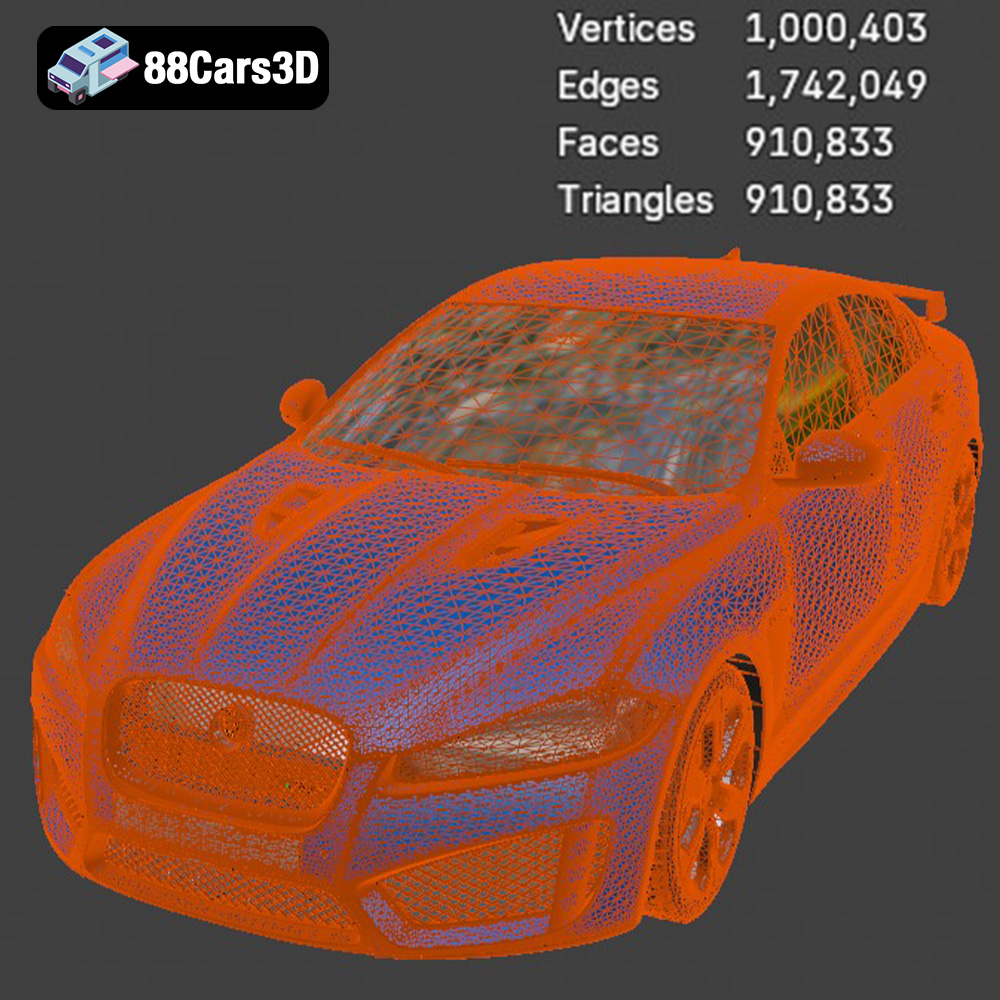
Featuring clean geometry, meticulously crafted realistic materials, and an optimized polygon count, this model ensures professional-grade performance. The fully modeled interior and detailed exterior make it versatile for close-up shots and expansive scenes.
Perfectly suited for game development, architectural visualization, cinematic rendering, and AR/VR applications, it provides a seamless integration into any production pipeline.
$39.99
.arvr
.blend
.car3dmodel
.fbx
.gameasset
.glb
.jaguar
.luxurycar
.max
.obj
.ply
.rendering
.sedan
.simulation
.sportssedan
.stl
.unreal
.xfrs