Get 20% OFF All Premium 3D & STL Models!

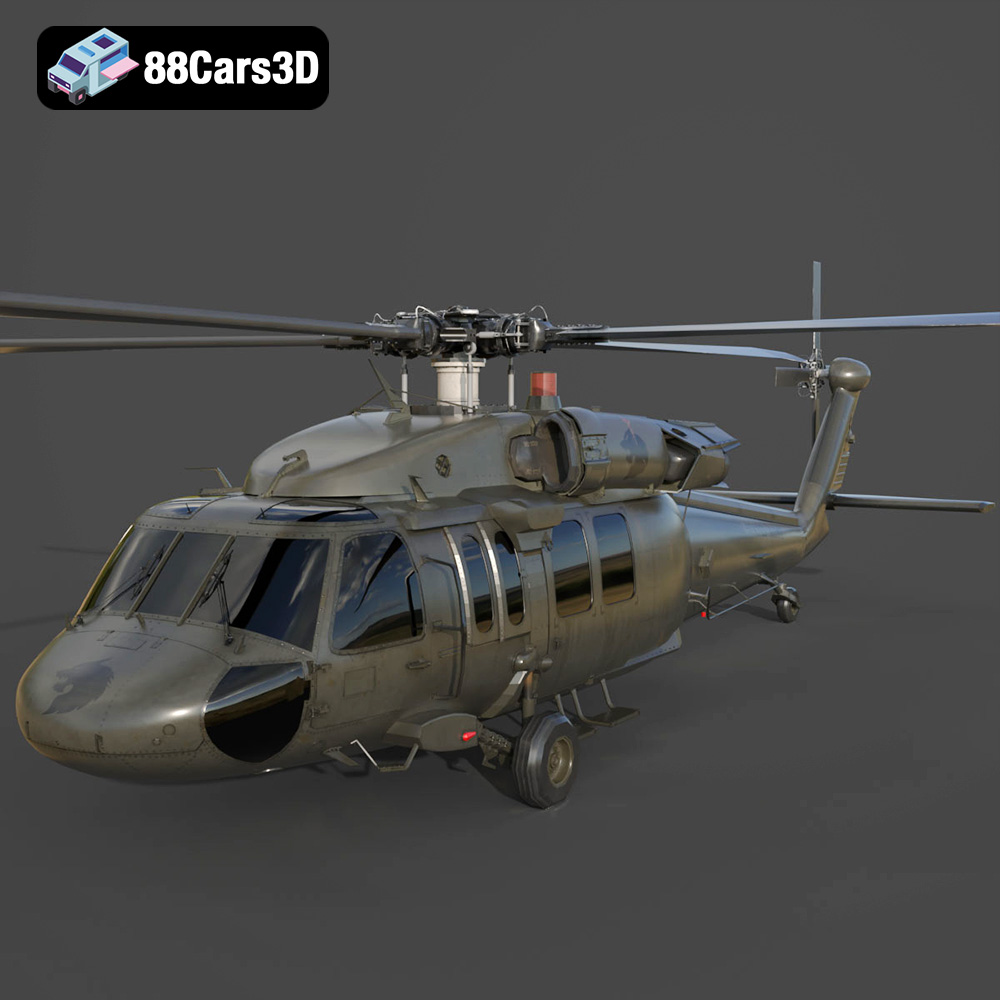
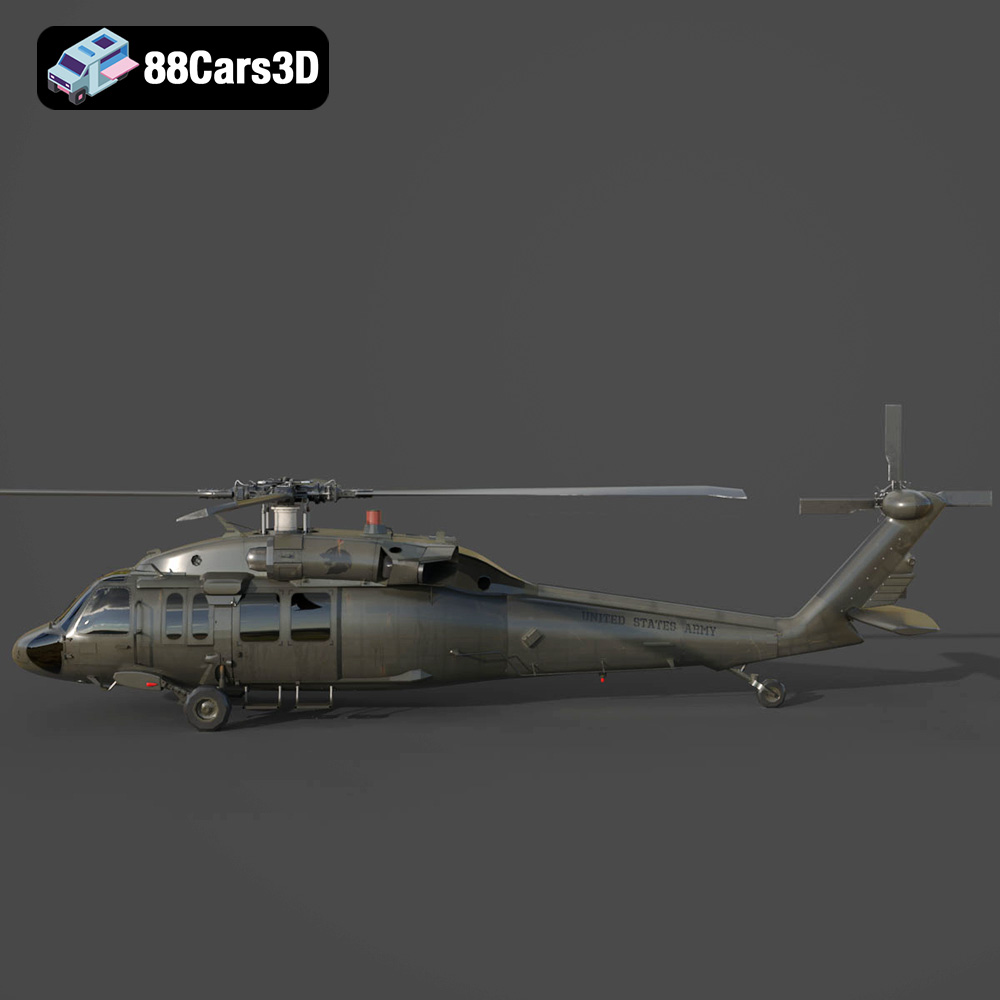
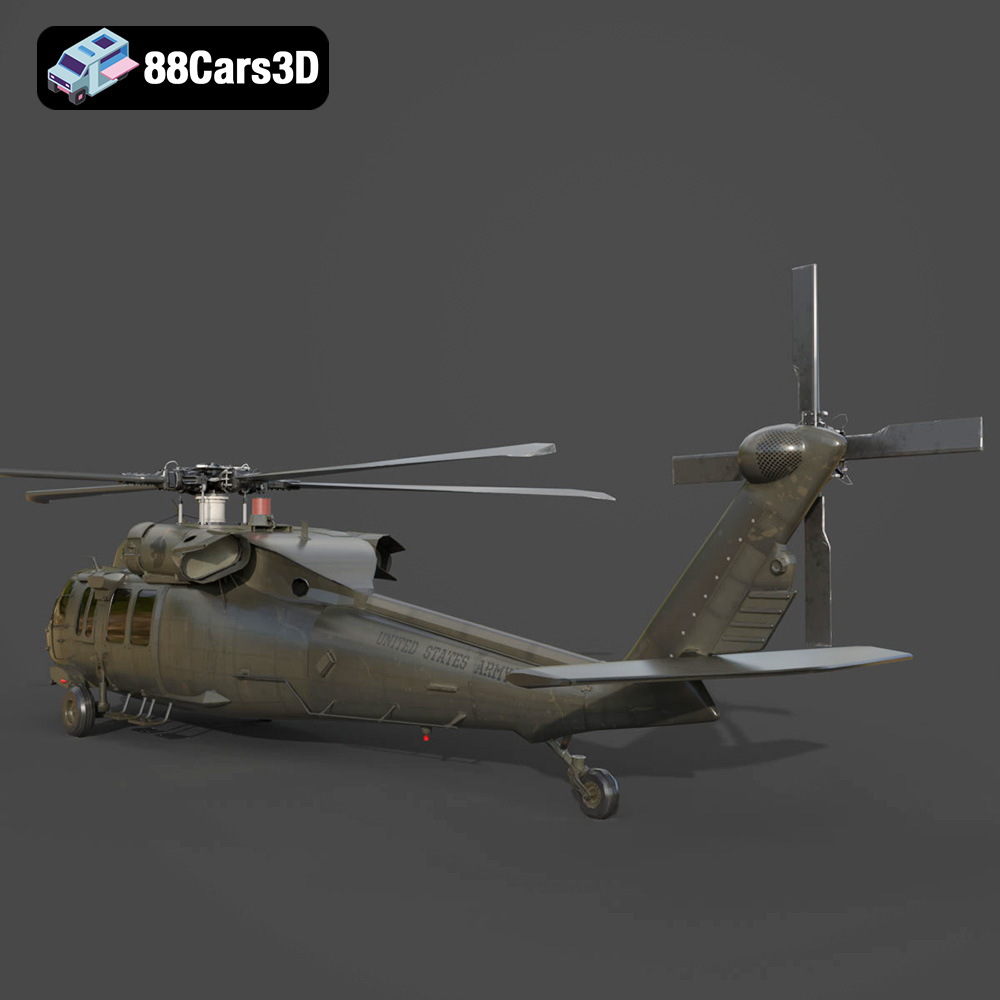
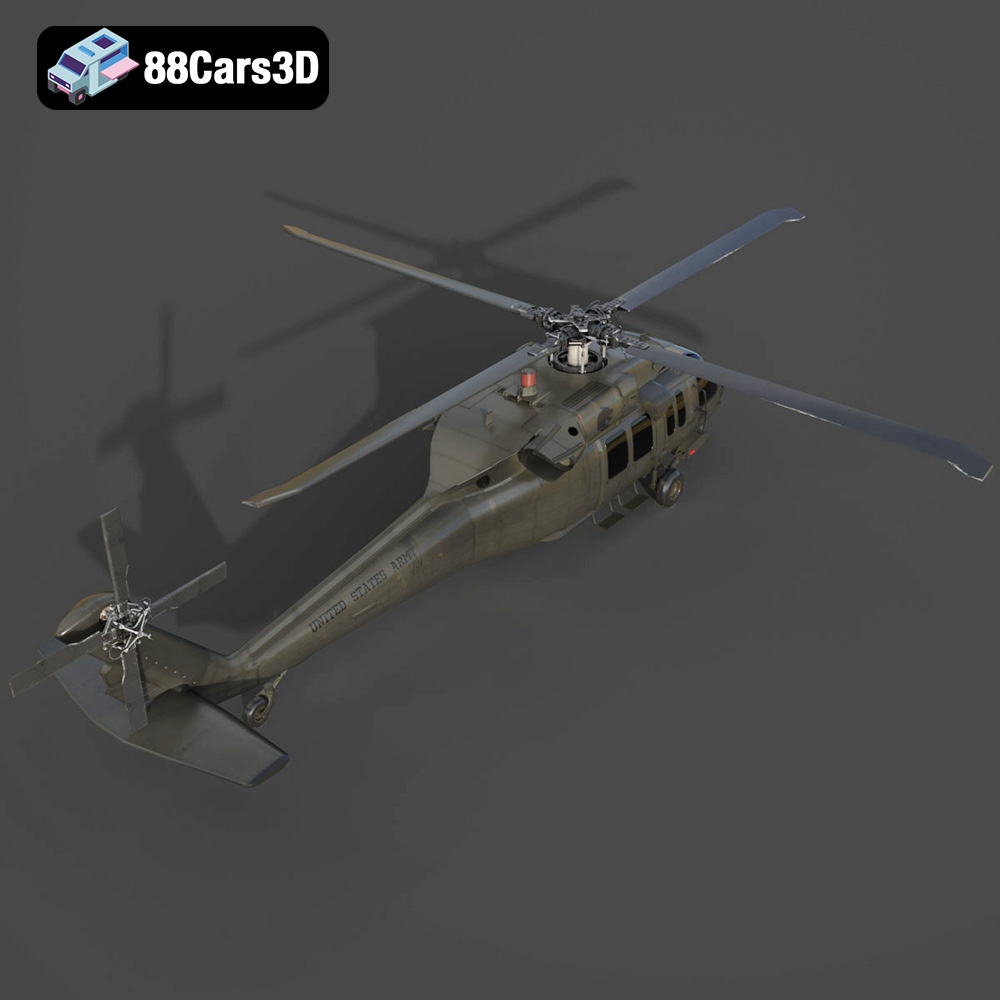
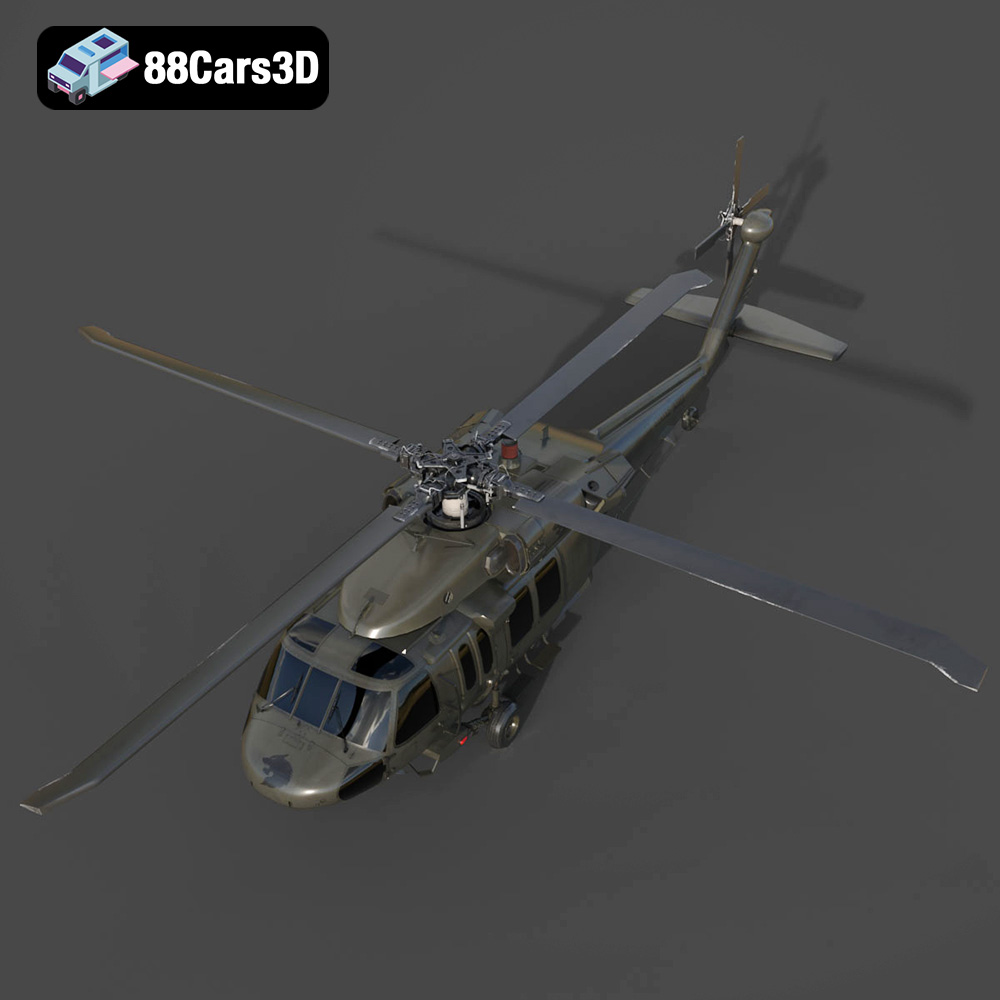
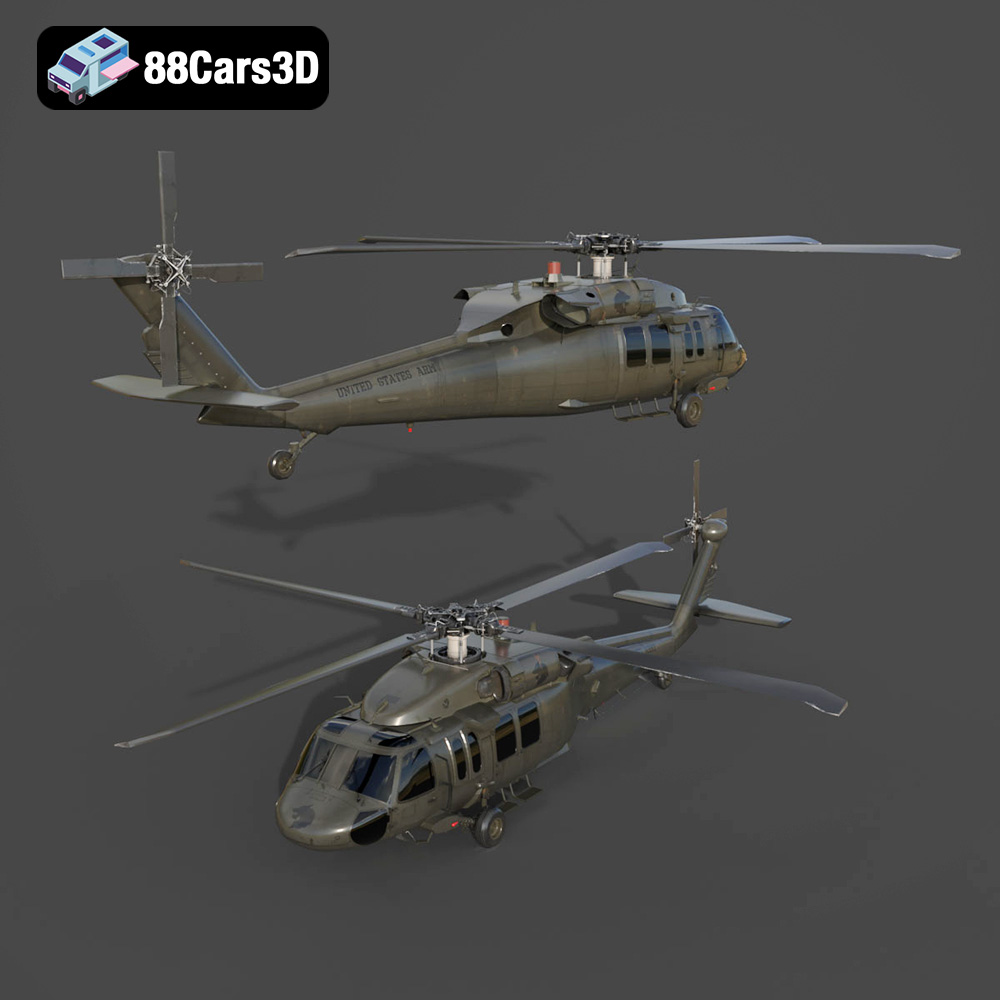
The Sikorsky UH-60 Black Hawk, a symbol of military might and versatility, can now grace your desk or become a centerpiece in your diorama thanks to the power of 3D printing. This detailed guide explores the process of bringing the UH-60 Black Hawk US 3D Model Download STL FBX OBJ GLB Blend, available from 88cars3d.com, to life through additive manufacturing. We’ll cover everything from selecting the right materials and settings to post-processing techniques that will elevate your 3D printed model to the next level. Whether you are using FDM (Fused Deposition Modeling) or resin printing (SLA/DLP), this guide provides the knowledge needed to create a stunning replica of this legendary helicopter.
Before diving into the printing process, careful preparation of the 3D model is crucial for achieving optimal results. This involves examining the STL files, making any necessary repairs, and configuring the model for your specific printer and desired scale.
The first step is to load the STL file into a mesh editing or repair program. Software like MeshMixer or MeshLab are excellent free options for this task. Look for common issues such as:
* **Non-manifold edges:** These are edges that are connected to more than two faces, which can confuse slicing software.
* **Holes:** Gaps in the mesh that need to be closed to create a watertight model.
* **Inverted normals:** Faces that are pointing the wrong way, causing printing errors.
* **Intersecting geometries:** Overlapping parts that may result in printing errors
These programs offer tools to automatically detect and repair these issues, ensuring a clean and printable model. Always double-check the repaired model before proceeding to slicing.
The product description from 88cars3d.com suggests scales of 1:35, 1:48, or 1:72 for printing the UH-60 Black Hawk. Choose a scale that suits your printer’s build volume and desired level of detail. Smaller scales will naturally result in less detail and potentially require finer printing settings.
Orientation is equally important. Consider these factors:
* **Minimize support material:** Orient the model to reduce the amount of support material needed, especially in areas with intricate details.
* **Structural Integrity:** As suggested, print the fuselage horizontally or at an angle to maximize structural integrity. This aligns the layers along the length of the fuselage, making it stronger.
* **Detail Preservation:** Orient parts like the rotors separately to optimize detail reproduction. Tilting them slightly can also help reduce the need for supports directly on the delicate rotor blades.
Once the model is prepared, import the STL file into your preferred slicing software (e.g., Cura, Simplify3D, PrusaSlicer). Here, you will define the parameters that control the printing process.
Choosing the right file format is a crucial first step in ensuring a successful 3D printing experience. While the Sikorsky UH-60 Black Hawk model from 88cars3d.com includes multiple formats, some are better suited for 3D printing than others. Understanding the nuances of each format will help you make informed decisions and optimize your workflow.
The .stl (Stereolithography) format is the workhorse of 3D printing. It represents the surface geometry of a 3D object as a collection of triangles, essentially a mesh. This simplicity makes it universally compatible with slicing software and 3D printers. However, STL files only store the shape of the object; they do not contain information about color, texture, or materials.
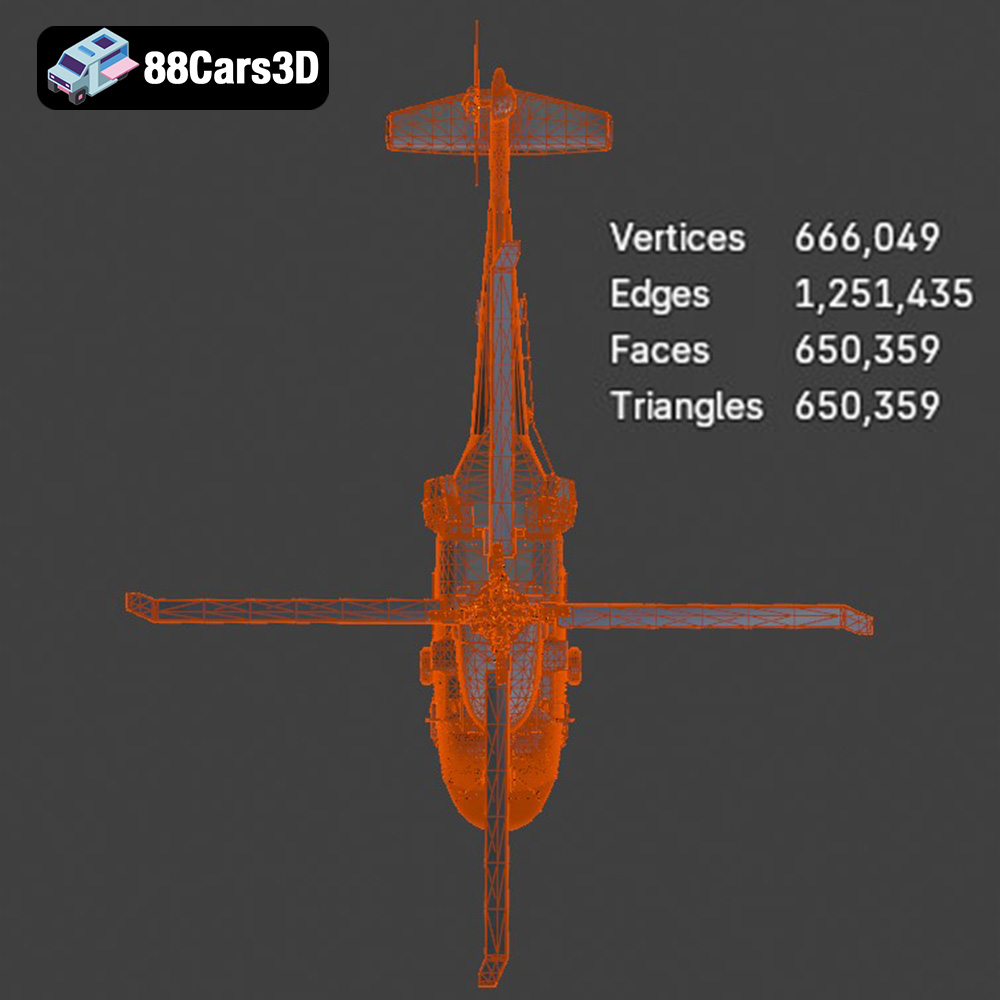
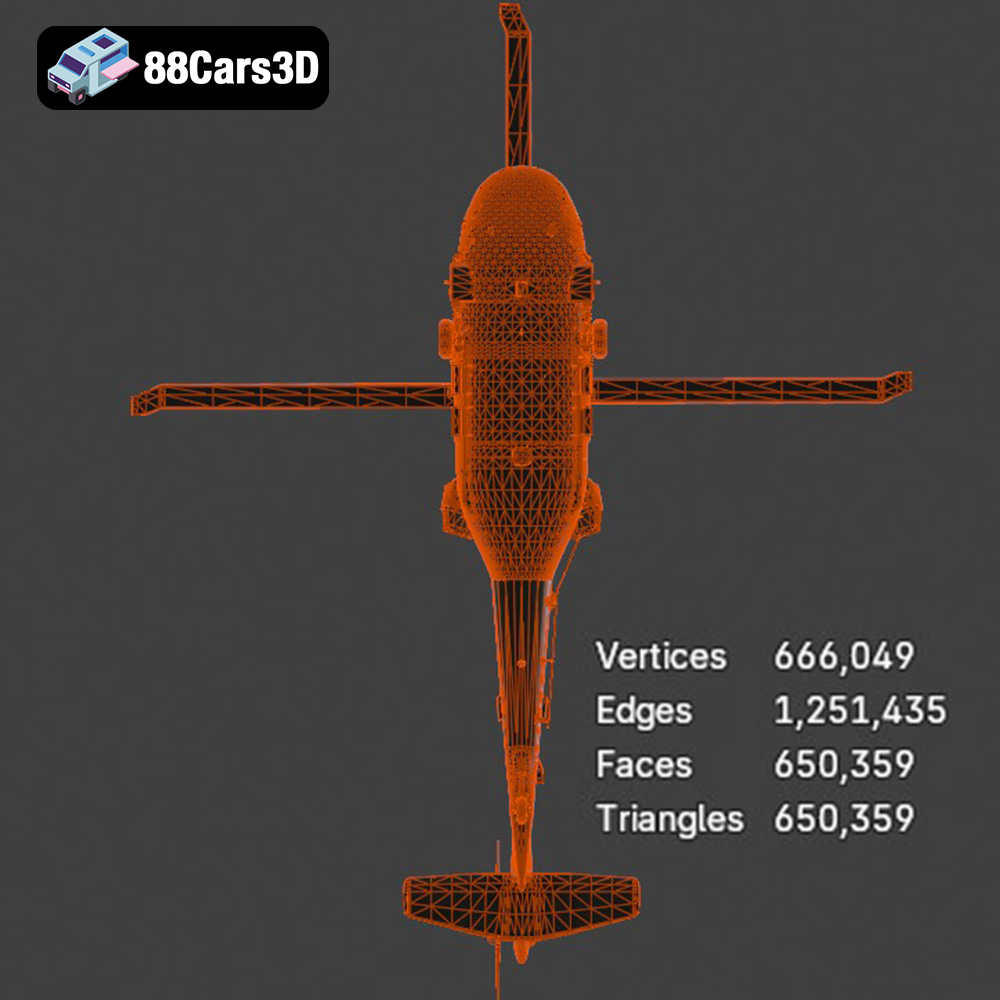
For 3D printing the UH-60 Black Hawk, the STL format is your primary choice. Slicing software readily interprets STL files, allowing you to define print settings such as layer height, infill density, and support structures. The quality of the STL file directly impacts the final print. A high-resolution STL file, with a denser mesh (more triangles), will capture finer details but also increase file size and processing time. Conversely, a low-resolution STL will result in a faceted, less-detailed print. It’s important to strike a balance between detail and practicality for your specific printing needs. When exporting to STL, ensure you select a suitable resolution setting to capture all the necessary details of the Black Hawk model, especially its intricate features.
The .obj (Object) format is a more versatile format than STL, as it can store color and texture information in addition to the geometry. This makes it suitable for applications beyond 3D printing, such as rendering and game development. However, not all 3D printers can utilize the color and texture data in OBJ files; this is typically limited to specialized multi-material printers.
While the UH-60 Black Hawk model may include an OBJ file, it’s generally not the best choice for standard 3D printing. The slicing process relies on the geometric data, and any color or texture information would be ignored unless you have a printer capable of using it. OBJ files can be useful if you plan to render the model after printing or want to use it in other applications.
The .ply (Polygon File Format) is designed to store 3D data acquired from 3D scanners. It can represent not only geometry but also color, transparency, surface normals, and texture coordinates. This format is often used in applications that require high-fidelity 3D data.
PLY files are less commonly used in standard 3D printing compared to STL, but they can be useful for models with complex surface details. Slicing software support for PLY files is generally good, but you may need to convert the file to STL if you encounter compatibility issues. For the UH-60 Black Hawk, if the PLY file offers a significant improvement in mesh quality compared to the STL, it might be worth experimenting with.
The .blend file is the native format for Blender, a popular open-source 3D modeling software. It contains the entire Blender scene, including the model, textures, lighting, and animation data. This format is extremely powerful for making modifications to the model before 3D printing.
If you are comfortable using Blender, the .blend file offers the most flexibility. You can adjust the model’s geometry, add details, split it into smaller parts for easier printing, or modify the texture. Once you’ve made your changes, you can export the model to STL for 3D printing. The .blend file allows for extensive customization of the UH-60 Black Hawk before it ever hits the printer.
The .fbx (Filmbox) format is a proprietary format developed by Autodesk and is commonly used for exchanging 3D data between different software applications. It supports geometry, materials, textures, animations, and other scene data.
While FBX can store material information, this data is generally not used in standard 3D printing. The primary advantage of FBX is its compatibility with a wide range of 3D software. You can import the FBX file into your slicing software if it supports it, but you may need to convert it to STL for optimal compatibility.
The .glb (GL Transmission Format Binary) is a binary file format that represents 3D models in a compact and efficient manner. It is designed for fast loading and rendering, making it suitable for web-based applications, augmented reality (AR), and virtual reality (VR).
For 3D printing, the .glb format is primarily useful for previewing the model in AR before you print it. This allows you to visualize the model in your real-world environment and get a sense of its size and scale. However, you will still need to convert the model to STL for slicing and printing.
The choice of material significantly impacts the appearance, strength, and durability of your 3D printed UH-60 Black Hawk.
PLA is a biodegradable thermoplastic known for its ease of use and relatively low printing temperature. It’s an excellent option for beginners and hobbyists.
* **Pros:** Easy to print, low warping, wide range of colors, good surface finish.
* **Cons:** Lower heat resistance, can be brittle, not ideal for functional parts.
* **Recommended for:** Display models, prototypes, parts that don’t require high strength or heat resistance.
For the UH-60 Black Hawk, PLA is suitable for creating a static display model. Consider using a high-quality PLA filament to achieve the best possible surface finish.
PETG offers a good balance of strength, flexibility, and ease of printing. It’s more durable and heat-resistant than PLA.
* **Pros:** Stronger than PLA, more flexible, good chemical resistance, relatively easy to print.
* **Cons:** Can be prone to stringing, requires higher printing temperatures than PLA.
* **Recommended for:** Parts that require some strength and durability, such as landing gear or rotor components.
If you plan to handle the UH-60 Black Hawk frequently or want to create a more robust model, PETG is a good choice.
Resin printing (SLA/DLP) uses liquid photopolymer resins that are cured by UV light. This technology is capable of producing incredibly detailed parts with smooth surfaces.
* **Pros:** Exceptional detail, smooth surface finish, ideal for small and intricate parts.
* **Cons:** Requires post-processing (washing and curing), resins can be expensive and require careful handling, more brittle than FDM materials.
* **Recommended for:** Small-scale models, highly detailed parts like the cockpit and rotor blades.
For the UH-60 Black Hawk, resin printing is highly recommended for achieving the finest details, particularly on smaller-scale models. Consider using a tough resin for increased durability.
Achieving a successful print requires careful adjustment of your printer settings. These settings will vary depending on your chosen material and printer type.
* **FDM:** For PLA or PETG, a layer height of 0.1mm to 0.2mm provides a good balance between print time and detail. For finer details, consider reducing the layer height to 0.08mm or even 0.04mm.
* **Resin:** Resin printers offer much finer layer resolution. A layer height of 0.025mm to 0.05mm is recommended for the UH-60 Black Hawk model to capture its intricate details.
* **FDM:** An infill density of 15% to 25% is generally sufficient for most parts of the UH-60 Black Hawk model. For parts that require more strength, such as the landing gear, increase the infill density to 30% or higher.
Support structures are essential for printing overhanging features like the rotors and landing gear.
* **FDM:** Use tree supports or manually placed supports for greater control. Ensure the supports are easily removable to avoid damaging the model.
* **Resin:** Resin printers typically use a lattice-like support structure. Optimize the support placement to minimize scarring on the surface of the model.
* **FDM:** A print speed of 40-60 mm/s is generally recommended for PLA and PETG. Reduce the speed for smaller or more detailed parts.
* **Resin:** Print speed is determined by the exposure time per layer. Follow the resin manufacturer’s recommendations for optimal exposure settings.
Post-processing is an essential step in refining the appearance and finish of your 3D printed model.
Carefully remove the support structures using pliers, cutters, or a sharp knife. Take your time to avoid damaging the model.
Sand the surface of the model to remove layer lines and smooth out imperfections. Use progressively finer grits of sandpaper, starting with 220 grit and working up to 400 or 600 grit. Fill any gaps or imperfections with putty or filler, and then sand again.
Apply a primer coat to the model to create a uniform surface for painting. Choose a primer that is compatible with your chosen paint. Once the primer is dry, paint the model with your desired colors. Airbrushing is recommended for achieving a smooth and even finish. Consider researching the authentic color schemes of the UH-60 Black Hawk for accurate detailing.
Assemble the various parts of the model using glue or screws. Pay attention to the alignment of the parts to ensure a proper fit.
Even with careful preparation, you may encounter issues during the printing process. Here are some common problems and their solutions:
* **Warping:** This is when the corners of the print lift off the build plate. To prevent warping, ensure the build plate is clean and level, use a heated bed, and apply an adhesive like glue stick or hairspray.
* **Stringing:** This is when thin strands of filament are left between parts of the print. To prevent stringing, reduce the printing temperature, increase retraction distance, and adjust travel speed.
* **Layer Shifting:** This is when the layers of the print are misaligned. To prevent layer shifting, ensure the belts are tight, the frame is stable, and the print speed is not too high.
* **Support Failure:** This is when the support structures collapse during printing. To prevent support failure, increase the support density, adjust the support angle, and use a stronger support material.
3D printing the Sikorsky UH-60 Black Hawk US 3D Model Download STL FBX OBJ GLB Blend from 88cars3d.com is a rewarding project that allows you to create a stunning replica of this iconic helicopter. By carefully preparing the model, selecting the right materials and settings, and employing proper post-processing techniques, you can achieve exceptional results. Remember to consult the product details on 88cars3d.com for specific recommendations and customization options. Embrace the challenge and enjoy the process of bringing this legendary aircraft to life!
The Sikorsky UH-60 Black Hawk is the backbone of the U.S. Army’s tactical transport fleet, renowned for its versatility, ruggedness, and iconic silhouette. This 3D model meticulously captures the legendary military utility helicopter, featuring its distinct twin-engine housing, formidable four-blade main and tail rotors, and robust military fuselage. Built to reflect its real-world counterpart’s aggressive yet functional military styling, it embodies air assault, medevac, and troop transport readiness.
$39.99
.blend
.fbx
.glb
.max
.obj
.ply
.rendering
.sikorsky
.stl
.unreal
black-hawk
game asset
game-ready
helicopter-3d-model
low-poly
military-helicopter
optimized
uh-60
us-army
VR/AR