Get 20% OFF All Premium 3D & STL Models!

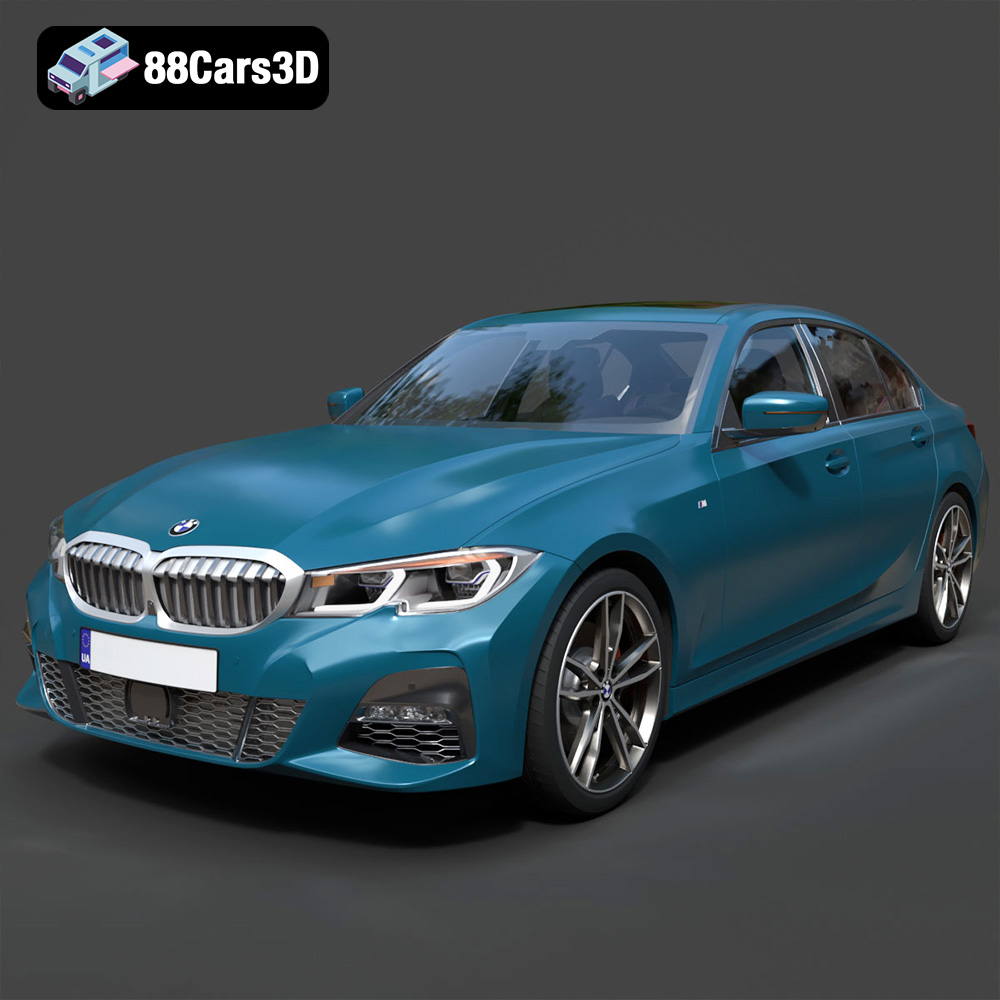
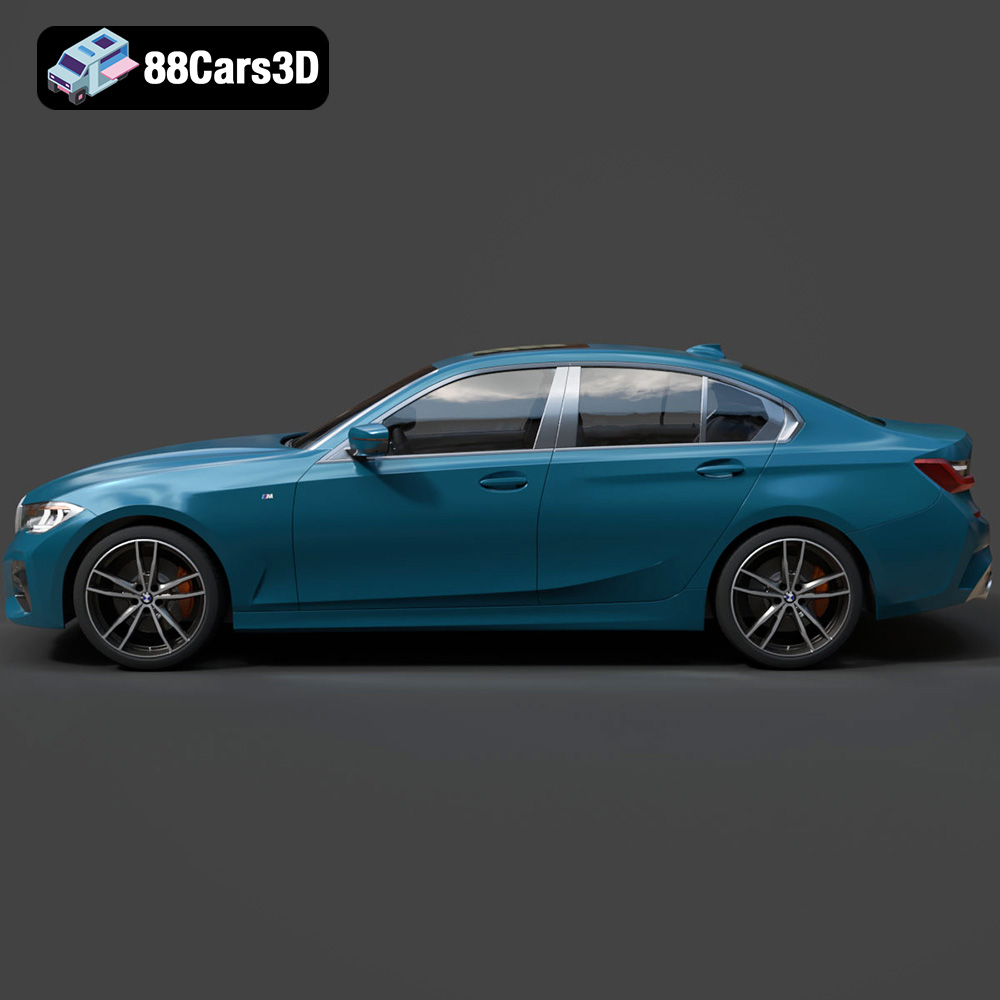
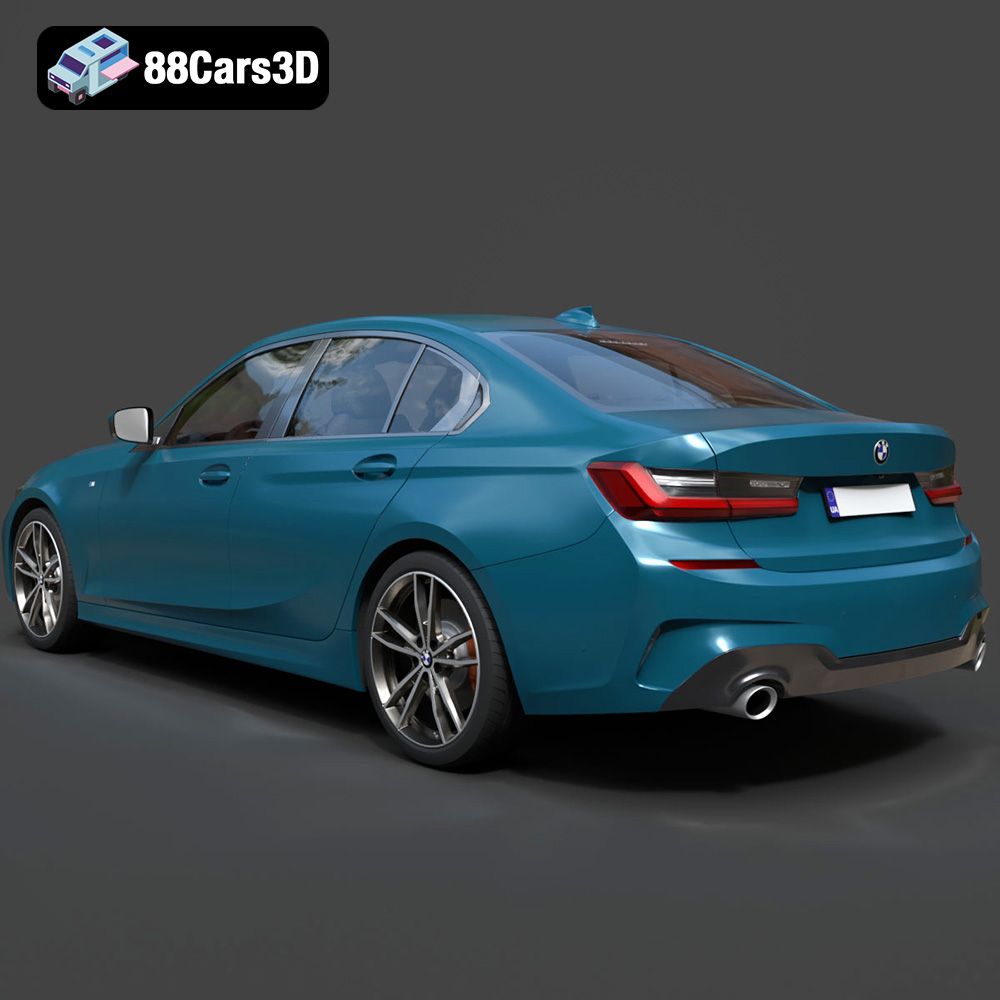
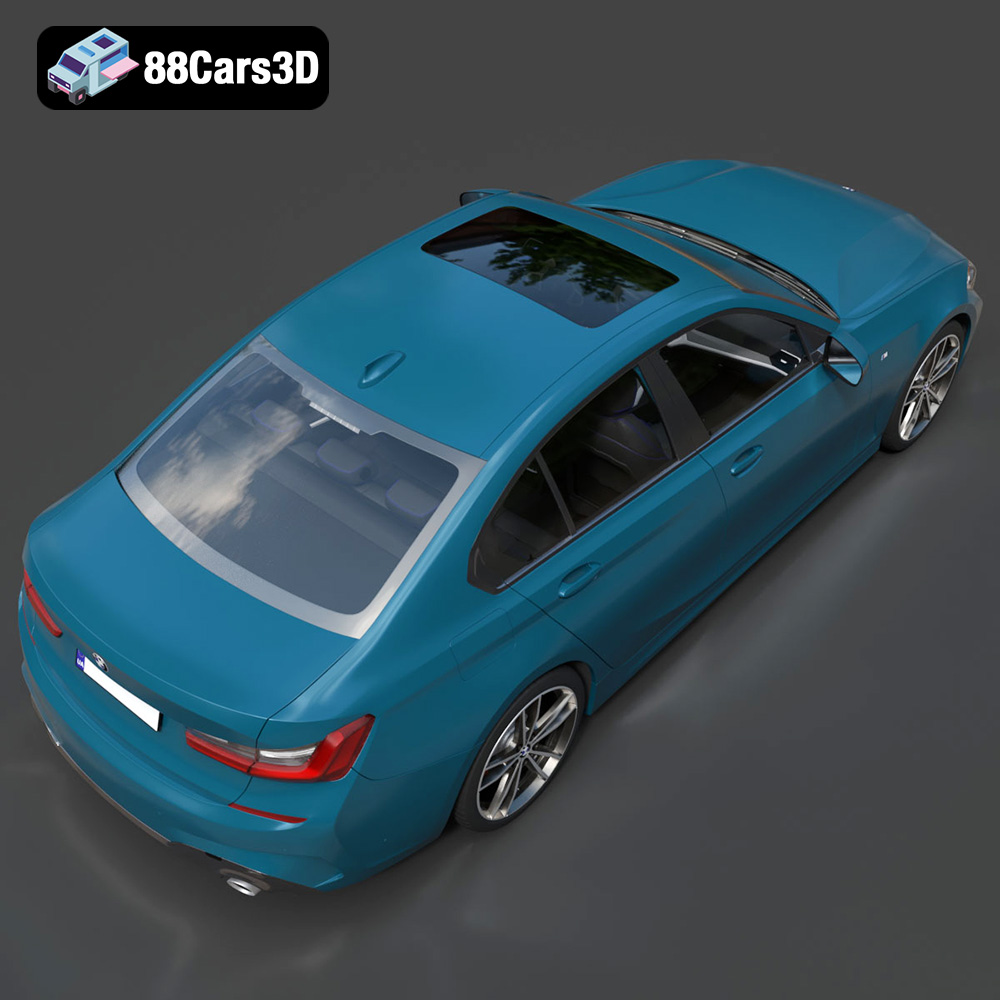
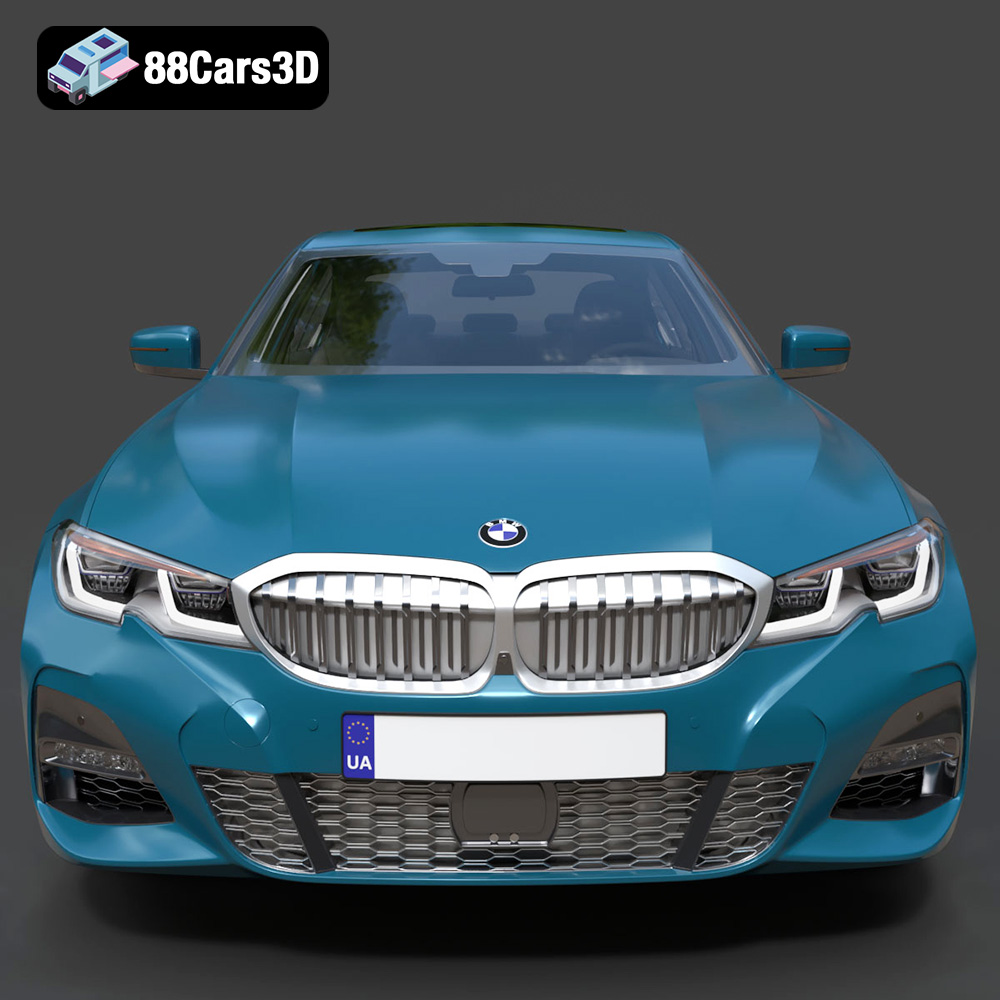
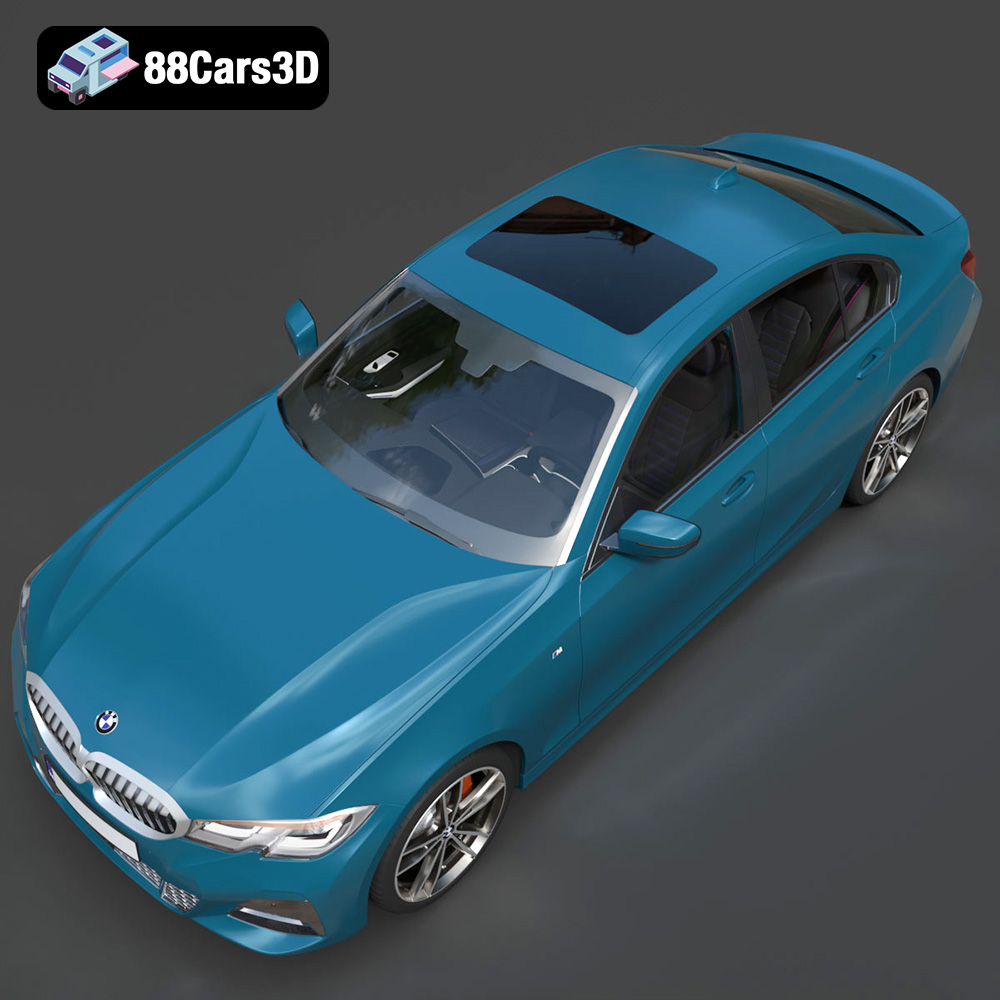
The BMW 3 Series M-Sport Sedan 2019 is an icon of automotive engineering and design. Now, thanks to 88cars3d.com, you can bring this beauty to life through the power of 3D printing. This guide will walk you through the entire process, from preparing the 3D model to post-processing your finished print. We’ll cover optimal printer settings, material recommendations, slicing tips, and troubleshooting advice to ensure you achieve a stunning replica of this classic vehicle.
Selecting the appropriate 3D printer is crucial for achieving a high-quality print of the BMW 3 Series M-Sport Sedan 2019. Two primary types of 3D printers are suitable for this project: Fused Deposition Modeling (FDM) and Stereolithography (SLA) resin printers.
FDM printers are known for their versatility and affordability. They work by melting and extruding plastic filament layer by layer. For the BMW 3 Series, an FDM printer with a decent build volume (at least 200x200x200 mm) is recommended to print the car in larger sections or as a whole, depending on the model’s scale and how it’s been split into parts (if at all).
* **Pros:** Lower cost, wider range of materials (PLA, ABS, PETG, etc.), larger build volumes.
* **Cons:** Layer lines are visible, requires more post-processing, lower detail resolution compared to resin printers.
Resin printers use liquid resin that is cured by UV light. This technology allows for much finer details and smoother surfaces, making it ideal for intricate models like the BMW 3 Series.
* **Pros:** High detail resolution, smooth surfaces, minimal layer lines.
* **Cons:** Higher cost, smaller build volumes, resin can be messy and requires proper ventilation, limited material options compared to FDM.
The 3D model of the BMW 3 Series M-Sport Sedan 2019 from 88cars3d.com comes in various file formats to suit different applications. Understanding these formats is key to a successful 3D printing experience.
The .stl (Stereolithography) file format is the industry standard for 3D printing. It represents the 3D model’s surface geometry as a mesh of triangles. This format is universally compatible with slicing software, making it the go-to choice for additive manufacturing. When preparing the BMW 3 Series for printing, the STL file will be the primary file used within your slicing software. The slicing software will convert this mesh into a series of instructions (G-code) for your 3D printer.
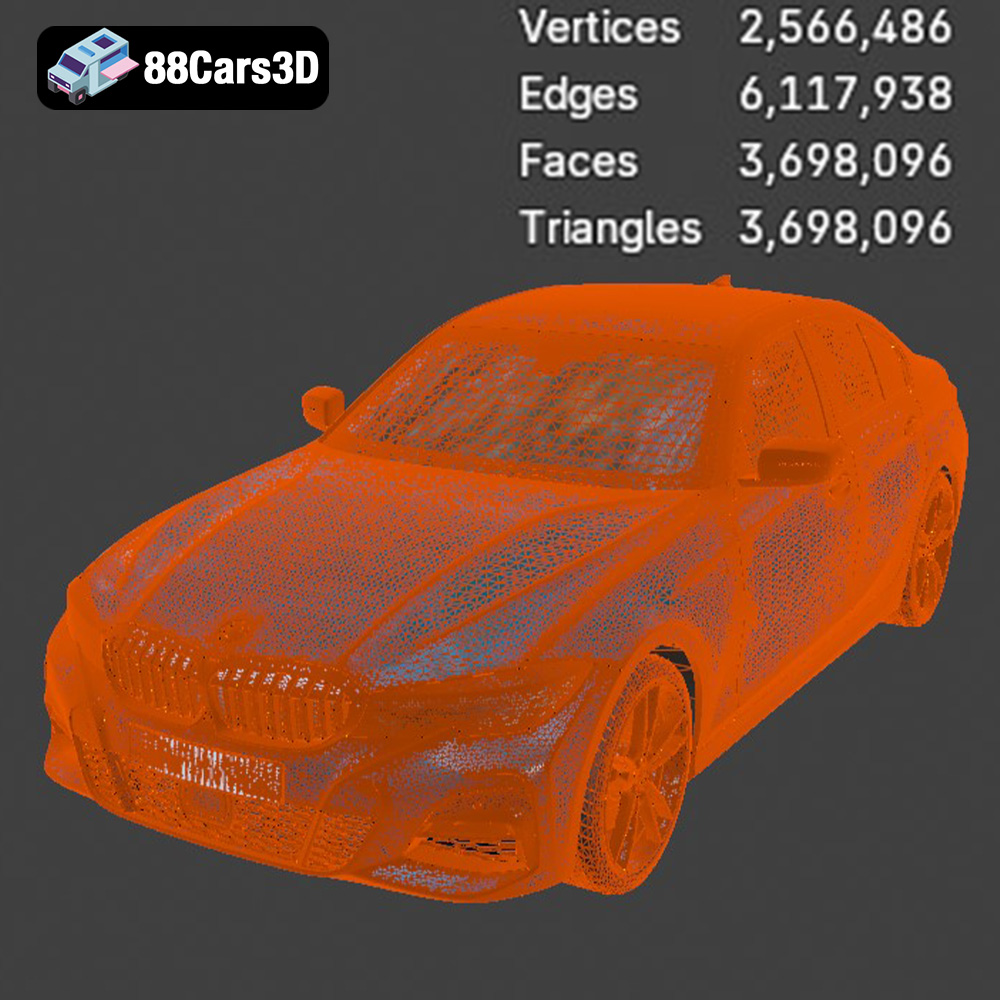
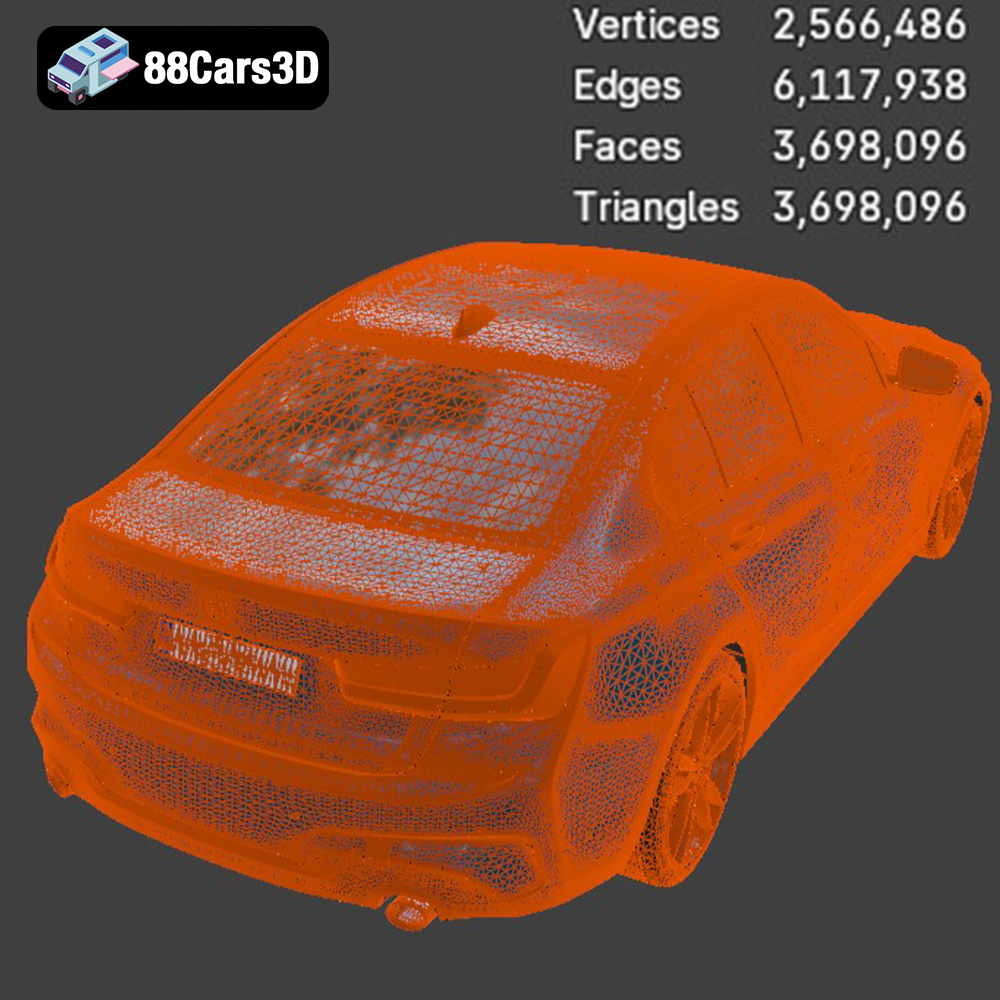
* **Mesh Quality:** The quality of the STL file is determined by the number of triangles used to represent the model. A higher triangle count results in a smoother surface and more accurate representation of the original design. However, a very high triangle count can increase file size and processing time. Optimizing the mesh quality involves finding a balance between detail and file size. Most slicing programs allow you to adjust the mesh resolution during the import process.
The .obj (Object) file format is another common 3D model format, known for its ability to store color and texture information, unlike the .stl format which is purely geometric. While .obj files can be used for 3D printing, they are typically used in conjunction with other files that define the materials and textures. If you plan to paint or apply decals to your 3D printed BMW 3 Series, having access to the .obj file can be useful for referencing the original textures.
The .ply (Polygon File Format) is designed to store 3D data acquired from 3D scanning devices. It’s capable of storing not only the geometry but also other properties like color, transparency, and surface normals. For 3D printing, .ply files can provide a more precise representation of the model, but may require more processing power in slicing software due to the additional data.
The .blend file is the native format for Blender, a popular open-source 3D creation suite. This file format contains the entire Blender scene, including the 3D model, materials, textures, lighting, and camera settings. Having access to the .blend file allows you to fully customize the BMW 3 Series before exporting it to a printable format like .stl. You can modify the model’s geometry, add details, or even split it into multiple parts for easier printing.
The .fbx (Filmbox) format is developed by Autodesk and is widely used in the gaming and animation industries. It supports the transfer of 3D models, animations, and materials between different software packages. While primarily designed for animation, some advanced slicing software might be able to import .fbx files to retain material information for multi-material printing (if your printer supports it).
The .glb (GL Transmission Format Binary) is a binary file format that represents 3D models in a compact and efficient way. It is designed for real-time rendering and is commonly used in web-based applications, augmented reality (AR), and virtual reality (VR). While not directly used for 3D printing, the .glb file can be useful for previewing the BMW 3 Series in AR before you commit to printing it, allowing you to visualize the model in a real-world context.
Similar to .blend, the .max file is the native format for Autodesk 3ds Max, another professional 3D modeling and animation software. It contains the entire scene setup, allowing for comprehensive modifications to the BMW 3 Series model before exporting it for 3D printing.
For optimal 3D printing results, the **.stl** file format is generally the preferred choice due to its widespread compatibility and focus on geometric data. Ensure that the .stl file is properly prepared and optimized within your slicing software before sending it to your 3D printer.
Before you start printing, it’s essential to prepare the BMW 3 Series model using slicing software. This software converts the 3D model into a series of layers that the printer can understand. Popular slicing software options include Cura, Simplify3D, PrusaSlicer, and IdeaMaker.
The orientation of the model on the print bed can significantly impact the print quality and the amount of support material required. Experiment to find the orientation that minimizes overhangs and maximizes surface detail. For the BMW 3 Series, consider printing the body at an angle to reduce the need for supports on the curved surfaces. Use the slicing software to generate support structures where necessary, especially for overhangs like the roof and spoiler.
* **Support Placement:** Manually adjust support placement to ensure critical areas are well-supported while minimizing the impact on surface finish.
* **Rafts and Brims:** Using a raft or brim can improve adhesion to the print bed, especially for larger models.
The slicing settings determine the resolution, strength, and print time of the model. Here are some recommended settings for the BMW 3 Series:
* **Layer Height:** 0.1-0.2mm for FDM, thinner layers for resin for higher detail.
* **Infill Density:** 10-20% for FDM, depending on the desired strength and weight.
* **Print Speed:** Adjust based on your printer’s capabilities and the material used. A slower speed generally results in better quality. Start with 40-60 mm/s for FDM.
* **Temperature:** Follow the manufacturer’s recommendations for the chosen filament or resin.
The choice of material affects the appearance, durability, and post-processing options for your 3D printed BMW 3 Series.
PLA (Polylactic Acid) is a popular choice for beginners due to its ease of printing and biodegradability. It’s suitable for creating visually appealing models, but it’s not as strong or heat-resistant as other materials.
* **Pros:** Easy to print, low odor, wide range of colors.
* **Cons:** Not very heat-resistant, can be brittle.
PETG (Polyethylene Terephthalate Glycol-modified) offers a good balance of strength, flexibility, and ease of printing. It’s more durable and heat-resistant than PLA, making it a great choice for functional parts and models that need to withstand some wear and tear.
* **Pros:** Strong, durable, good chemical resistance.
* **Cons:** Can be stringy during printing, requires higher printing temperatures.
For resin printers, there are various types of resins available, including standard resin, tough resin, and flexible resin. Standard resin is suitable for creating highly detailed models with smooth surfaces, but it can be brittle. Tough resin offers improved strength and impact resistance, while flexible resin can be used for parts that need to bend or flex.
* **Pros:** High detail, smooth surfaces, various types available.
* **Cons:** Requires post-processing (washing and curing), can be brittle depending on the type.
After printing, some post-processing is usually required to achieve the desired finish.
Carefully remove the support structures from the model. Use a sharp knife or pliers to avoid damaging the surface. Sand the model to smooth out any imperfections and layer lines. Start with coarse sandpaper and gradually move to finer grits.
* **Sanding Tips:** Wet sanding can help reduce dust and improve the surface finish.
* **Filler Primer:** Apply a filler primer to fill in any remaining imperfections before painting.
Painting can enhance the appearance of your 3D printed BMW 3 Series and make it look more realistic. Use automotive-grade paints for a durable and glossy finish.
* **Primer:** Apply a primer coat before painting to ensure proper adhesion.
* **Color Coats:** Apply multiple thin coats of paint, allowing each coat to dry completely.
* **Clear Coat:** Apply a clear coat to protect the paint and add a glossy finish.
Even with careful preparation, you may encounter some issues during the 3D printing process. Here are some common problems and their solutions:
* **Warping:** Ensure the print bed is properly leveled and use a raft or brim to improve adhesion.
* **Stringing:** Adjust the retraction settings in your slicing software.
* **Layer Shifting:** Check the belts and pulleys on your printer to ensure they are tight and properly aligned.
* **Insufficient Detail:** Decrease layer height or switch to a resin printer for higher resolution.
* **Poor Bed Adhesion:** Clean the print bed with isopropyl alcohol or use an adhesive like glue stick or hairspray.
By following these guidelines, you’ll be well on your way to creating a stunning 3D printed replica of the BMW 3 Series M-Sport Sedan 2019. Remember that 3D printing often involves experimentation, so don’t be afraid to try different settings and techniques to achieve the best results. Visit 88cars3d.com for more high-quality 3D models and resources.
Experience true realism with the BMW 3 Series M-Sport Sedan 2019 3D Model. Crafted to exact specifications, this digital vehicle replica captures the sophisticated contours, aggressive styling, and dynamic presence of the iconic luxury sports sedan. Designed for versatility, this model delivers precise proportions and authentic detailing suitable for demanding digital environments.
$39.99
.3series
.arvr
.blend
.bmw
.car3dmodel
.fbx
.gameasset
.glb
.luxurycar
.max
.msport
.obj
.ply
.rendering
.sedan
.simulation
.sportssedan
.stl
.unreal