Get 20% OFF All Premium 3D & STL Models!

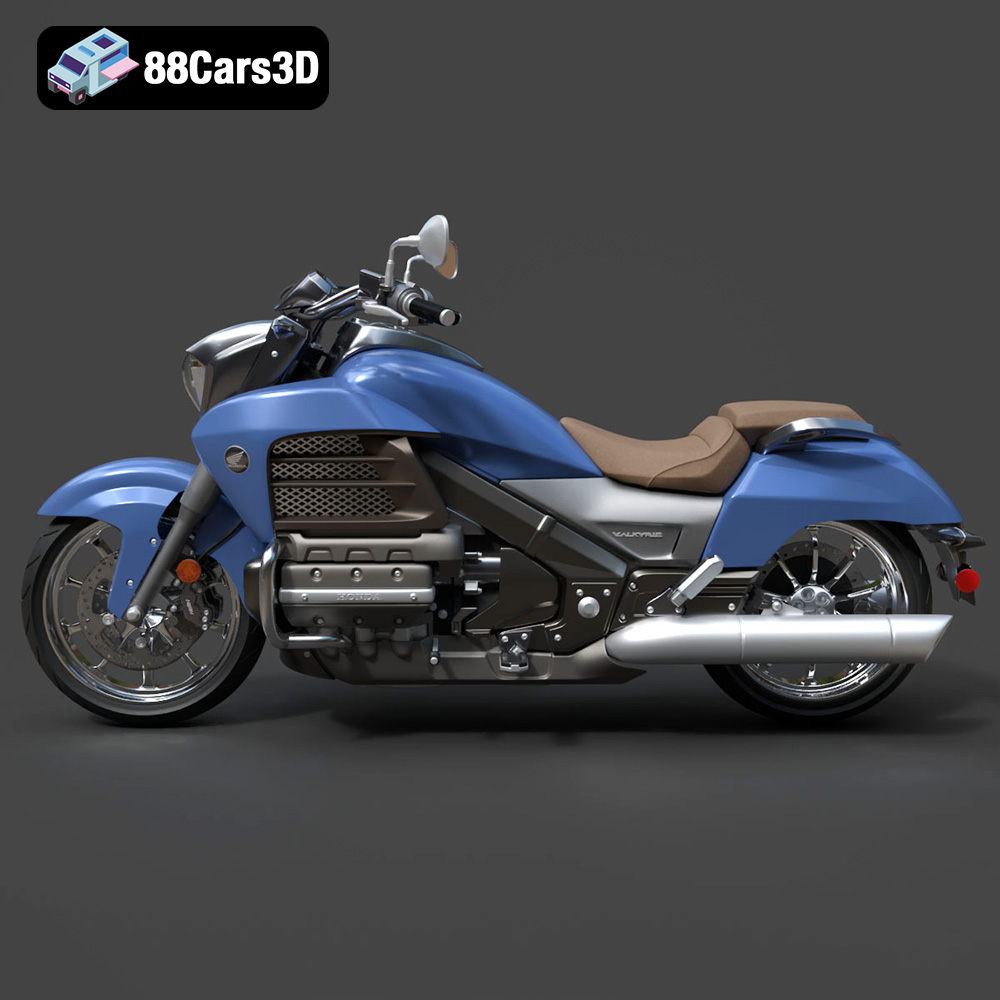
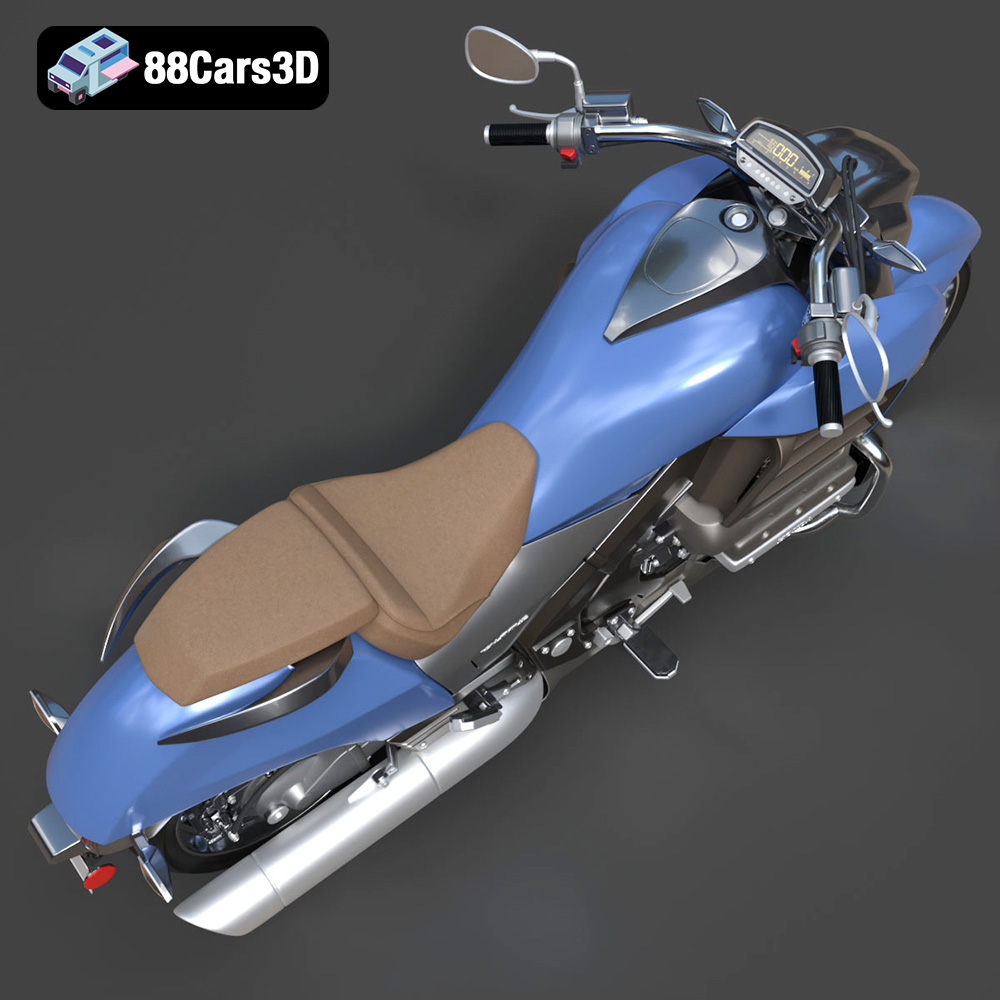
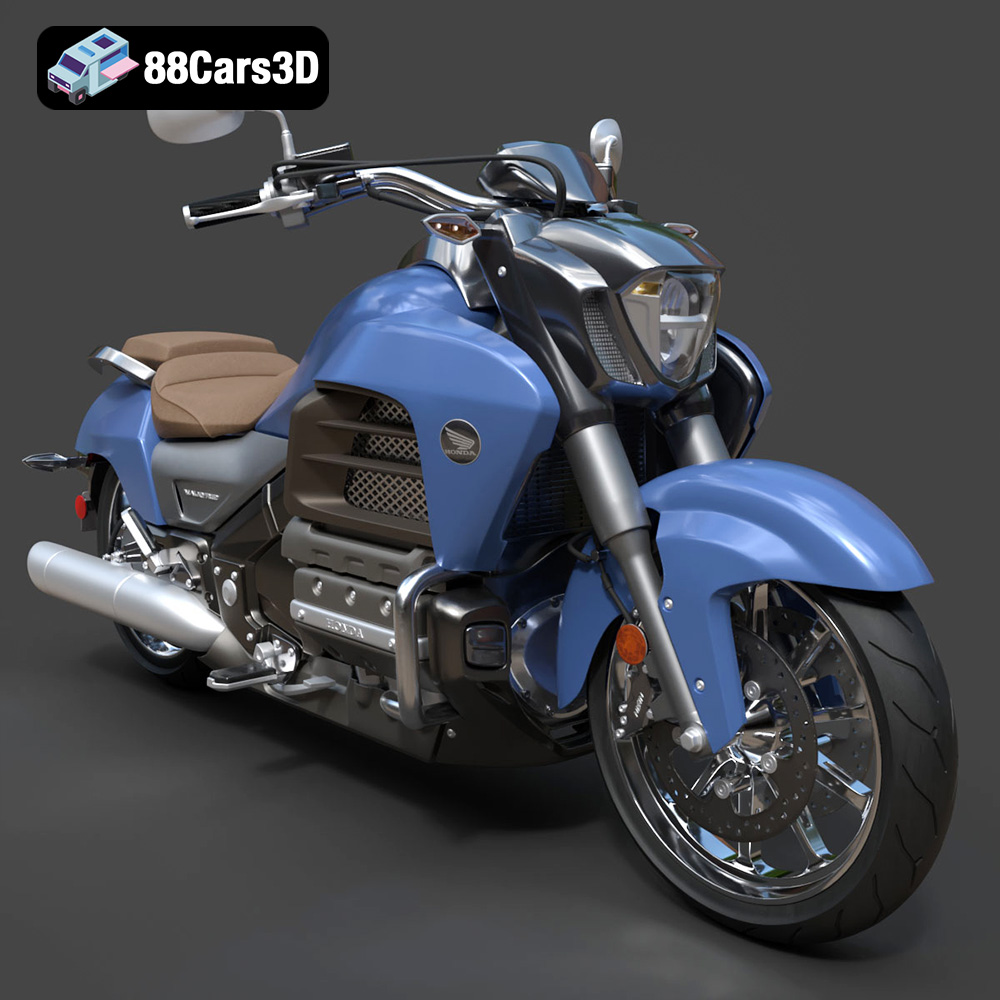
The Honda Valkyrie GL1800C is a motorcycle icon, known for its powerful engine and distinctive styling. Now, thanks to 88cars3d.com, you can bring this legendary machine to life with 3D printing. This guide will provide you with a detailed roadmap for successfully 3D printing the Honda Valkyrie GL1800C 2015 3D model, covering everything from pre-print preparation to post-processing techniques. Whether you’re a seasoned 3D printing enthusiast or a beginner, this article will equip you with the knowledge and skills to create a stunning replica of this iconic motorcycle. We will focus primarily on using the provided STL files, as these are the standard for 3D printing.
Before diving into the specifics of printing the Honda Valkyrie, it’s crucial to understand the various 3D model file formats and their suitability for additive manufacturing. 88cars3d.com provides a range of formats for the Valkyrie model, catering to different applications. Here’s a breakdown:
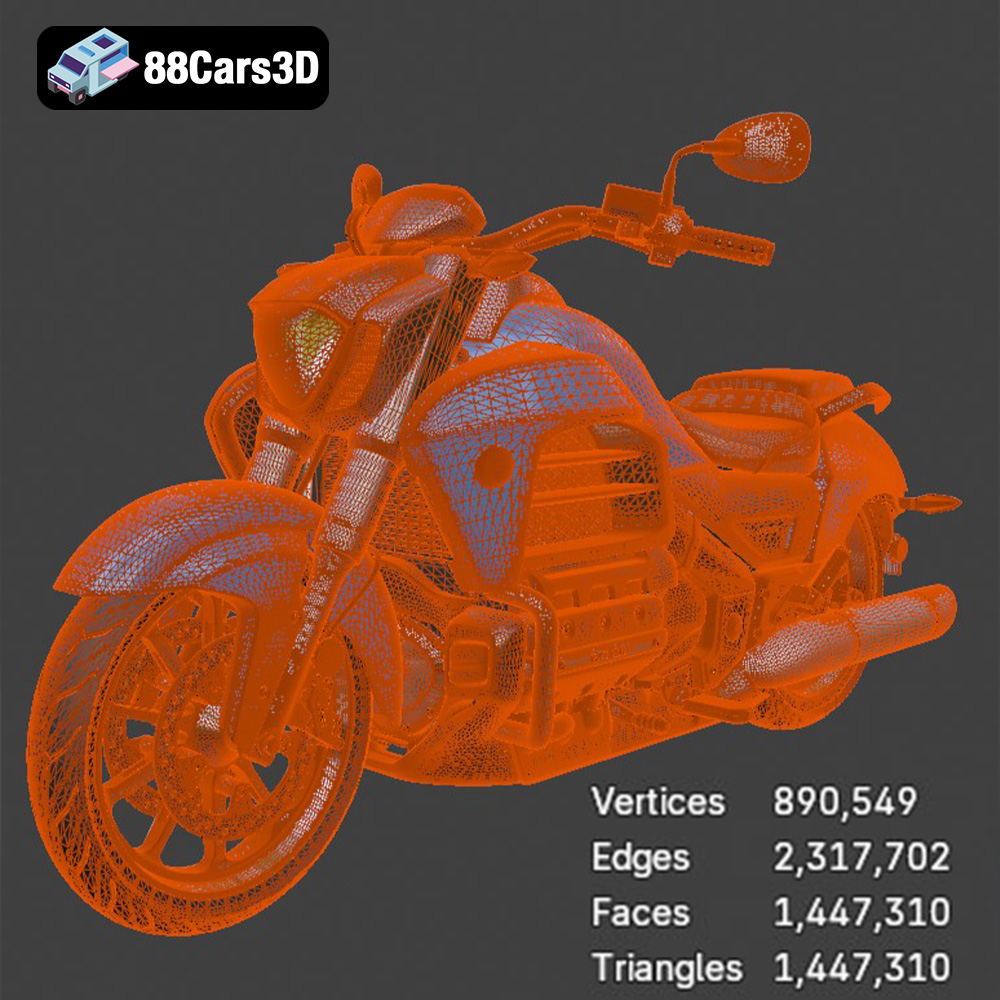
The .stl (Stereolithography) format is the workhorse of 3D printing. It represents a 3D model as a collection of triangles, forming a mesh that defines the object’s surface. The density of this mesh (the number of triangles) determines the resolution and accuracy of the 3D printed object. A higher triangle count results in a smoother surface but also increases file size and processing time.
STL files are widely supported by slicing software, the programs that convert 3D models into instructions for your 3D printer. Common slicing software like Cura, PrusaSlicer, and Simplify3D all readily accept STL files. When working with STL files, it’s important to check for common issues like non-manifold geometry (holes or gaps in the mesh) and flipped normals (surfaces pointing in the wrong direction). These issues can lead to printing errors. Many software tools, including MeshMixer and Netfabb, can repair these errors automatically. The STL files provided by 88cars3d.com are designed to be clean and ready for printing, but it’s always a good practice to verify their integrity.
The .obj (Object) format is another widely used 3D model format. Unlike STL, OBJ files can store color and texture information, making them suitable for colored 3D prints, rendering, and visualization. However, for pure 3D printing where you plan to paint the model yourself, the texture information in an OBJ file is not as critical. Slicing software generally supports OBJ files, but be aware that handling the texture data might require specific configurations or plugins, depending on the software.
The .ply (Polygon File Format) is designed to store 3D data acquired from 3D scanners. It’s a flexible format that can represent a wide range of data, including color, texture, and surface normals. PLY files are often used for high-resolution models and scientific visualizations. For 3D printing, PLY files can offer a more accurate representation of complex geometries, but they can also be larger and require more processing power.
The .blend format is the native file format for Blender, a popular open-source 3D modeling software. Having the .blend file for the Honda Valkyrie allows you to customize the model before exporting it for 3D printing. You can modify the geometry, add details, or split the model into smaller parts for easier printing. After making your changes, you would typically export the modified model as an STL file for 3D printing.
The .fbx (Filmbox) format is a proprietary file format developed by Autodesk. It’s commonly used for exchanging 3D data between different software applications, particularly in game development and animation. FBX files can store a wide range of data, including geometry, textures, animations, and scene information. While some advanced slicing software might support importing FBX files, it’s more common to convert them to STL for 3D printing.
The .glb (GL Transmission Format Binary) is designed for efficient transmission and loading of 3D models, especially in web-based applications and AR/VR experiences. GLB files are compact and self-contained, including all the necessary data (geometry, textures, animations) in a single file. While not directly used for 3D printing, the GLB file allows you to preview the Honda Valkyrie model in augmented reality before committing to a print. This can be helpful for visualizing the size and scale of the model in your environment.
The .max format is the native file format for 3ds Max, another professional 3D modeling and animation software package. Similar to the Blender file, having the .max file gives you the ability to further customize the Honda Valkyrie model. You can modify the design, add personalized touches, and then export the file as an STL for printing.
In summary, for 3D printing the Honda Valkyrie GL1800C, the STL format is the most crucial. Ensure that the STL file is free of errors and that your slicing software is properly configured for optimal results.
Before you hit the “print” button, careful preparation of the 3D model is essential for a successful outcome. This involves inspecting the STL file, making necessary repairs, and configuring the model within your slicing software.
The STL files provided by 88cars3d.com are generally optimized for 3D printing. However, it’s always good practice to perform a quick inspection using software like MeshMixer, Netfabb Basic, or even your slicer’s built-in tools. Look for:
* **Non-manifold geometry:** Holes or gaps in the mesh.
* **Flipped normals:** Surfaces pointing in the wrong direction.
* **Intersecting faces:** Overlapping geometry.
These issues can cause printing errors or weak spots in the final print. Most software packages offer automatic repair tools that can fix these problems with a single click.
Choosing the right orientation for your 3D model on the print bed is crucial for minimizing support material and maximizing print quality. For the Honda Valkyrie, consider these factors:
* **Minimize overhangs:** Orient the model to reduce the amount of unsupported areas that require support structures. Overhangs exceeding 45 degrees typically need support.
* **Preserve detail:** Orient the model to ensure that fine details are facing upwards, allowing for better resolution.
* **Consider assembly:** If the model is split into multiple parts for assembly, consider the orientation of each part to minimize support material and simplify post-processing.
Carefully plan your support structures. Use your slicing software to generate supports in areas where they are needed. Consider using tree supports or custom supports for complex areas. For areas that need very fine supports, ensure the support pillar diameter and support density are set accordingly in the slicer settings.
The original 3D model from 88cars3d.com might be too large or too small for your desired application. You can easily scale the model in your slicing software to achieve the desired size. Be mindful of the minimum feature size that your printer can accurately reproduce.
For larger prints, consider hollowing the model to save material and reduce printing time. Most slicing software has a hollowing feature that allows you to create a hollow shell with a specified wall thickness. Add drainage holes to allow resin to escape during printing (for resin printers) or to prevent pressure buildup during printing (for FDM printers).
The choice of 3D printing technology and material greatly impacts the final outcome of your Honda Valkyrie GL1800C 3D print.
FDM printing is the most common and affordable 3D printing technology. It involves extruding a thermoplastic filament layer by layer to create the object.
* **Materials:** Common FDM materials include PLA, ABS, PETG, and Nylon. PLA is a good starting point due to its ease of use and biodegradability. PETG offers better strength and heat resistance. ABS is known for its durability but requires a heated bed and good ventilation. Nylon is a strong and flexible material but can be challenging to print. For the Valkyrie, PETG is recommended for its balance of strength, durability, and ease of printing.
* **Printer Settings:**
* Layer Height: 0.1mm – 0.2mm (lower layer height for finer details)
* Infill Density: 15%-25% (adjust based on desired strength and weight)
* Print Speed: 40-60 mm/s
* Nozzle Temperature: 220-240°C (depending on material)
* Bed Temperature: 60-80°C (depending on material)
* Supports: Enable supports for overhangs exceeding 45 degrees.
* Bed Adhesion: Use a brim or raft for better bed adhesion, especially for larger prints.
Resin printing offers higher resolution and finer details compared to FDM printing. It involves curing liquid resin layer by layer using a light source.
* **Materials:** Resin materials include standard resin, tough resin, flexible resin, and castable resin. Standard resin is suitable for models with fine details. Tough resin offers better impact resistance. Flexible resin allows for flexible parts. For the Valkyrie, standard or tough resin is recommended.
* **Printer Settings:**
* Layer Height: 0.025mm – 0.05mm
* Exposure Time: Varies depending on resin type and printer (refer to resin manufacturer’s recommendations).
* Lift Speed: Moderate lift speed to prevent suction issues.
* Supports: Extensive support structures are typically required for resin printing.
* Hollowing: Hollow the model to save resin and reduce printing time. Add drainage holes.
* **FDM:** PLA typically costs $20-$30 per kg, PETG $25-$40 per kg, ABS $20-$35 per kg.
* **Resin:** Standard resin typically costs $30-$50 per liter, tough resin $40-$60 per liter.
Estimate the amount of material needed based on your model’s size and infill/hollowing settings.
Achieving a high-quality 3D print of the Honda Valkyrie requires careful attention to printer settings. Here are some specific recommendations:
For FDM printing, a layer height of 0.1mm to 0.15mm is recommended for capturing the fine details of the motorcycle. For resin printing, a layer height of 0.025mm to 0.05mm will yield excellent results.
The infill density determines the internal strength of the model. For a display model, a 15-25% infill density is usually sufficient. For parts that require more strength, increase the infill density to 50% or higher. Consider using a gyroid infill pattern for a good balance of strength and weight.
Proper support structures are crucial for printing overhangs and complex geometries. Use tree supports or custom supports for better support removal and surface finish. Adjust support density and interface settings for optimal results.
Print speed and temperature should be adjusted according to the material being used. Refer to the material manufacturer’s recommendations for optimal settings. Avoid printing too fast, as this can lead to poor layer adhesion and reduced detail.
Once the 3D print is complete, post-processing techniques can enhance the appearance and durability of the Honda Valkyrie model.
Carefully remove support structures using pliers, cutters, or a deburring tool. Sand the surface of the model to remove any imperfections or layer lines. Start with coarse sandpaper (e.g., 220 grit) and gradually move to finer grits (e.g., 400, 600, 800 grit) for a smooth finish. Wet sanding can help to reduce dust and improve the surface finish.
Apply a primer coat to the model to prepare the surface for painting. Use a spray primer for even coverage. Sand the primer coat lightly with fine-grit sandpaper to remove any imperfections.
Choose high-quality acrylic paints for painting the model. Apply thin, even coats and allow each coat to dry completely before applying the next. Consider using masking tape to create clean lines and separate colors.
If the model is printed in multiple parts, assemble them using glue or screws. Add detailing such as decals, chrome accents, or weathering effects to enhance the realism of the model.
Even with careful preparation, 3D printing can sometimes present challenges. Here are some common issues and their solutions:
Warping occurs when the bottom layers of the print detach from the print bed. This can be caused by poor bed adhesion, temperature fluctuations, or material shrinkage.
* **Solutions:** Ensure the print bed is clean and level. Use a brim or raft for better bed adhesion. Increase the bed temperature. Use an enclosure to maintain a stable temperature. Choose materials with lower shrinkage rates.
Stringing occurs when the printer extrudes filament between non-printing areas. This can be caused by excessive retraction distance, high nozzle temperature, or wet filament.
* **Solutions:** Increase retraction distance and speed. Lower the nozzle temperature. Dry the filament before printing. Adjust travel speed and coasting settings.
Layer shifting occurs when the print layers are misaligned. This can be caused by loose belts, stepper motor issues, or vibrations.
* **Solutions:** Tighten belts and screws. Check stepper motor drivers and connections. Reduce print speed and acceleration. Stabilize the printer to minimize vibrations.
This is a common issue with FDM printing.
* **Solutions:** Level the bed, clean the bed with isopropyl alcohol, use a bed adhesive such as glue stick or hairspray, increase the initial layer temperature.
With these tips and techniques, you’ll be well-equipped to 3D print a stunning Honda Valkyrie GL1800C 2015 model. Remember to check out 88cars3d.com for more high-quality 3D models ready for additive manufacturing!
Experience the realistic precision of the Honda Valkyrie GL1800C 2015 3D Model. This authentic digital replica accurately captures the powerful stance and intricate mechanical details of the renowned motorcycle.
$39.99
.arvr
.blend
.car3dmodel
.cruiser
.fbx
.gameasset
.gl1800c
.glb
.honda
.max
.motorcycle
.obj
.ply
.rendering
.simulation
.stl
.unreal
.valkyrie