Get 20% OFF All Premium 3D & STL Models!

The Jaguar XFR-S 2014. A machine that embodies both refined luxury and raw power. Now, imagine holding a miniature version of this automotive icon in your hands, brought to life through the magic of 3D printing. The 3D model available at 88cars3d.com allows you to do just that. This blog post will delve into the specifics of 3D printing the Jaguar XFR-S 2014 model, covering everything from pre-print preparation to post-processing techniques, ensuring you achieve a stunningly accurate and detailed replica. Whether you’re a seasoned 3D printing enthusiast or a curious beginner, this guide will provide the knowledge and insights needed to successfully navigate the process.
Before you even think about loading filament or calibrating your print bed, understanding the different 3D model file formats is crucial. The Jaguar XFR-S 2014 model comes with a variety of file types, each designed for different applications. However, when it comes to 3D printing, one format reigns supreme: STL.
The STL (stereolithography) file format is the industry standard for 3D printing. It represents the surface geometry of a 3D object as a collection of triangles. This simplicity makes it universally compatible with almost all slicing software and 3D printers. However, it’s important to understand its limitations. STL files only store the mesh data; they don’t contain information about color, texture, or materials. For 3D printing, this is usually not a problem, as those properties are typically controlled by the printer and filament settings.
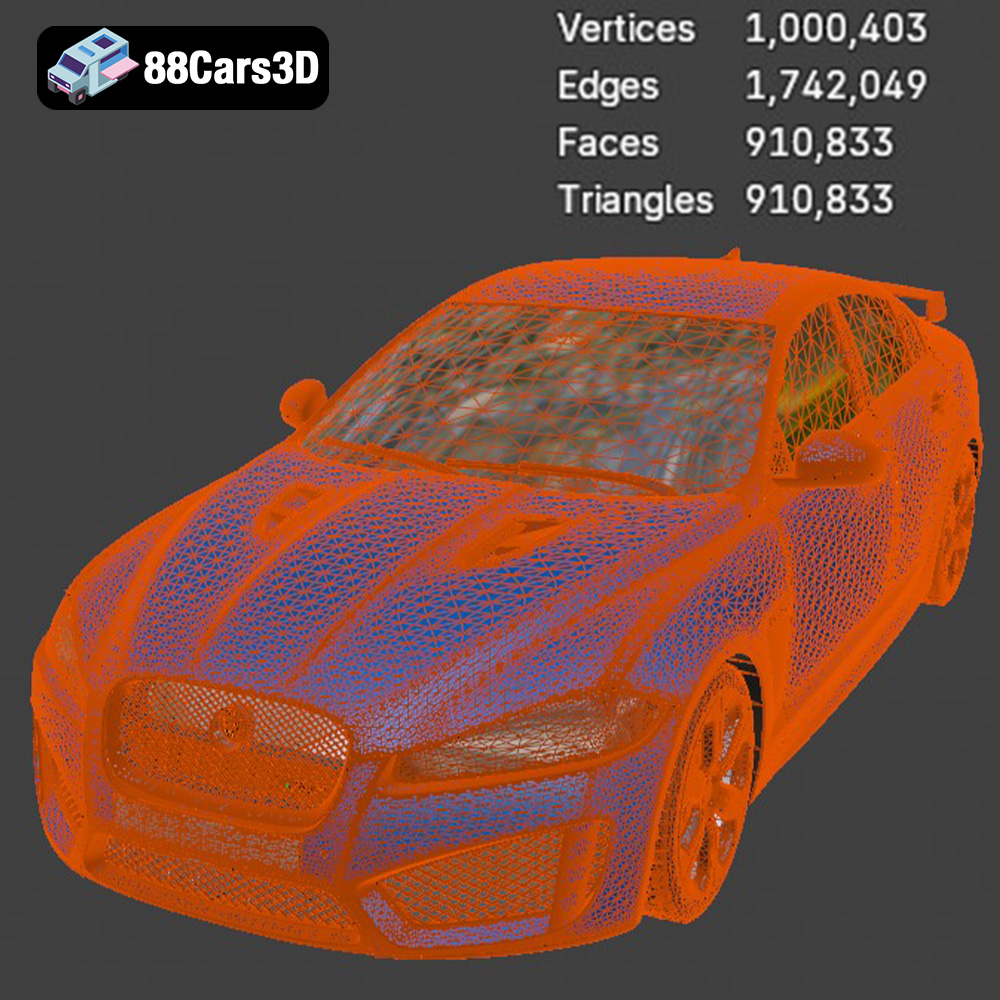
The quality of the STL file directly impacts the quality of your 3D print. A poorly constructed STL with overlapping triangles, holes, or inverted normals can lead to printing errors. Fortunately, most slicing software includes tools to automatically repair these issues. The Jaguar XFR-S 2014 STL file available on 88cars3d.com is designed to be clean and optimized for 3D printing, minimizing the need for extensive repairs.
While STL is the primary format for printing, the other formats included with the Jaguar XFR-S 2014 model offer valuable options:
* **.obj:** This format is more versatile than STL, as it can store color and texture information. While some advanced 3D printers can handle OBJ files with color data, it’s generally not recommended for standard FDM or resin printing.
* **.ply:** Known for its precision and ability to store high-detail mesh data, PLY is often used for scanning and reverse engineering. While you *could* technically print a PLY file, it’s often overkill and can lead to unnecessarily large file sizes and longer slicing times.
* **.blend:** The native file format for Blender, a popular open-source 3D modeling software. If you want to customize the Jaguar XFR-S 2014 model before printing – for example, adding custom details or splitting it into separate parts – Blender is an excellent tool. You’ll then need to export the modified model as an STL file for printing.
* **.fbx:** Primarily used for game development, FBX files can contain complex animations, materials, and scene information. They’re not directly compatible with most 3D printers, but you can import them into a 3D modeling software, simplify them, and export them as STL files.
* **.glb:** A compact format designed for web-based visualization and AR/VR applications. Like FBX, it’s not directly printable but useful for previewing the model before you start the printing process.
* **.max:** The native file format for 3ds Max, a professional 3D modeling and rendering software. Similar to Blender, you can use 3ds Max to modify the model and then export it as an STL file for printing.
In summary, the STL file is your go-to for 3D printing the Jaguar XFR-S 2014. The other formats offer flexibility for customization, rendering, and integration into other workflows, but ultimately, you’ll need an STL file to bring the model to life with your 3D printer.
Once you have your STL file, the next crucial step is pre-print preparation. This involves using slicing software to convert the 3D model into a series of instructions that your 3D printer can understand. This is where you define critical printing parameters such as layer height, infill density, support structures, and print speed.
There are numerous slicing software options available, both free and paid. Popular choices include Cura, PrusaSlicer, Simplify3D, and IdeaMaker. Cura and PrusaSlicer are excellent free options, offering a wide range of features and settings suitable for both beginners and advanced users. Simplify3D is a paid option known for its advanced control and optimization features. Ultimately, the best slicing software depends on your individual needs and preferences.
The Jaguar XFR-S 2014 model, like many complex 3D models, might require some optimization for optimal printing. This includes:
* **Orientation:** The orientation of the model on the print bed significantly impacts the print quality, support requirements, and print time. For the Jaguar XFR-S 2014, consider orienting the model with the flattest side down to minimize the need for supports. However, pay attention to overhangs and details that might require support regardless of the orientation. Printing the car at an angle (approximately 30-45 degrees) can sometimes reduce the need for supports on curved surfaces.
* **Scaling:** Depending on your desired size and printer capabilities, you may need to scale the model. Be mindful of the smallest details when scaling down, as they might become too small to be printed accurately. Scaling up can reveal imperfections in the model that might need to be addressed.
* **Mesh Repair:** Even well-designed 3D models can sometimes have minor mesh errors. Most slicing software includes built-in mesh repair tools that can automatically fix these issues. Before slicing, run the mesh repair function to ensure a smooth and error-free printing process.
* **Hollowing:** For resin printing, hollowing the model is essential to reduce material consumption and prevent warping. Ensure that you include sufficient drainage holes to allow resin to escape during the printing process.
The choice of material significantly impacts the final look, feel, and durability of your 3D printed Jaguar XFR-S 2014 model. Different materials offer varying properties in terms of strength, flexibility, temperature resistance, and surface finish.
For FDM (Fused Deposition Modeling) printing, the most common filament choices are PLA, PETG, and ABS.
* **PLA (Polylactic Acid):** PLA is a biodegradable thermoplastic derived from renewable resources. It’s easy to print, offers excellent detail, and has a low odor. PLA is ideal for aesthetic models and display pieces like the Jaguar XFR-S 2014. However, it’s not as strong or heat-resistant as other materials.
* **PETG (Polyethylene Terephthalate Glycol-modified):** PETG offers a good balance of strength, flexibility, and ease of printing. It’s more durable and heat-resistant than PLA, making it suitable for parts that might be subjected to some stress or temperature fluctuations. PETG also has a glossy finish, which can enhance the look of the Jaguar XFR-S 2014 model.
* **ABS (Acrylonitrile Butadiene Styrene):** ABS is a strong and durable thermoplastic known for its high-temperature resistance. However, it’s more challenging to print than PLA and PETG, requiring a heated bed and an enclosed printer to prevent warping. ABS is a good choice for parts that need to withstand high temperatures or significant stress.
For resin printing (SLA, DLP, or LCD), you’ll be using liquid photopolymer resins that are cured by UV light. Resin printing offers superior detail and surface finish compared to FDM printing, making it ideal for intricate models like the Jaguar XFR-S 2014.
* **Standard Resin:** Standard resins are a good all-around choice for general-purpose printing. They offer good detail and strength but can be brittle.
* **Tough Resin:** Tough resins are formulated to be more durable and impact-resistant than standard resins. They’re a good choice for parts that need to withstand some stress or handling.
* **Flexible Resin:** Flexible resins offer a degree of flexibility and can be used to create parts that can bend or flex without breaking.
* **Water-Washable Resin:** Water-washable resins can be cleaned with water instead of isopropyl alcohol, making them more convenient and environmentally friendly.
The ideal print settings will vary depending on your printer, material, and desired print quality. However, here are some general guidelines to get you started:
* **Layer Height:** 0.1mm – 0.2mm (smaller layer heights for finer detail)
* **Infill Density:** 15% – 25% (adjust based on desired strength and weight)
* **Print Speed:** 40mm/s – 60mm/s (slower speeds for better detail)
* **Support Structures:** Enabled (use tree supports or custom supports for complex overhangs)
* **Bed Temperature:** 60°C (for PLA and PETG), 100°C (for ABS)
* **Nozzle Temperature:** 200°C – 220°C (for PLA), 230°C – 250°C (for PETG), 230°C – 260°C (for ABS)
* **Layer Height:** 0.025mm – 0.05mm (smaller layer heights for finer detail)
* **Bottom Layer Count:** 4-6
* **Exposure Time:** Varies depending on the resin and printer (refer to the resin manufacturer’s recommendations)
* **Lift Speed:** 60mm/min – 80mm/min
* **Retract Speed:** 150mm/min – 180mm/min
For both FDM and resin printing, proper support generation is crucial for successfully printing the Jaguar XFR-S 2014 model. Use the slicing software to automatically generate supports, but carefully review the placement and adjust as needed. Tree supports are often a good option for FDM printing, as they minimize the contact area with the model. For resin printing, consider using a combination of light and medium supports to balance support strength and ease of removal.
Once the printing is complete, the real fun begins: post-processing! This is where you remove supports, smooth the surface, and add finishing touches to bring your 3D printed Jaguar XFR-S 2014 to life.
Carefully remove the support structures using pliers, cutters, or a sharp knife. Take your time to avoid damaging the model. For resin prints, soaking the model in warm water can soften the supports and make them easier to remove.
Sanding is essential for achieving a smooth surface finish, especially on FDM prints. Start with a coarse grit sandpaper (e.g., 220 grit) and gradually move to finer grits (e.g., 400, 600, 800, 1000 grit). Wet sanding can help to reduce dust and improve the surface finish. For resin prints, sanding is often less necessary due to the inherently smoother surface.
Painting is a great way to add color and realism to your 3D printed Jaguar XFR-S 2014. Use acrylic paints or model paints designed for plastics. Apply multiple thin coats for a smooth and even finish. Consider using masking tape to create clean lines and details. You can also use weathering techniques to add a sense of realism and age to the model.
If you’ve printed the model in multiple parts, carefully assemble them using glue or adhesive. Ensure that the parts are properly aligned before the glue sets.
Even with careful preparation and optimized settings, you might encounter some common 3D printing issues. Here are some tips for troubleshooting:
* **Warping:** Warping occurs when the printed part lifts off the print bed during printing. This is more common with ABS than with PLA or PETG. To prevent warping, ensure that your bed is properly leveled and heated. You can also use a brim or raft to improve adhesion.
* **Stringing:** Stringing occurs when thin strands of filament are left between different parts of the print. This is usually caused by the nozzle oozing filament while traveling between parts. To reduce stringing, adjust the retraction settings in your slicing software.
* **Layer Separation:** Layer separation occurs when the layers of the print don’t adhere properly to each other. This can be caused by insufficient nozzle temperature, poor bed adhesion, or drafts in the printing environment.
* **Elephant’s Foot:** Elephant’s foot occurs when the bottom layers of the print are wider than the rest of the print. This is usually caused by the bed being too close to the nozzle. Adjust the bed level to correct this issue.
By understanding these common issues and their solutions, you’ll be well-equipped to tackle any challenges that arise during the 3D printing process. The Jaguar XFR-S 2014 model is a testament to the capabilities of modern 3D printing, and with a little patience and experimentation, you can achieve stunning results. You can find a great selection of high-quality car models, including this one, at 88cars3d.com.
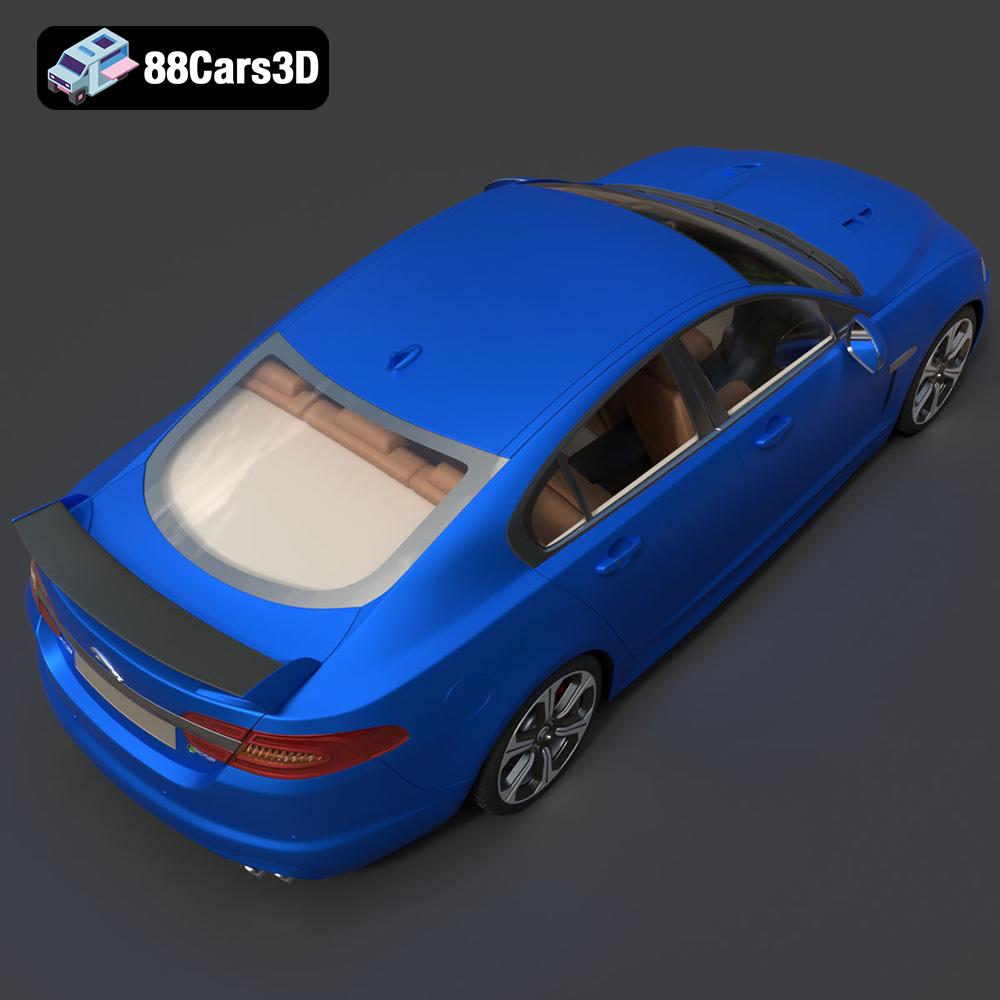
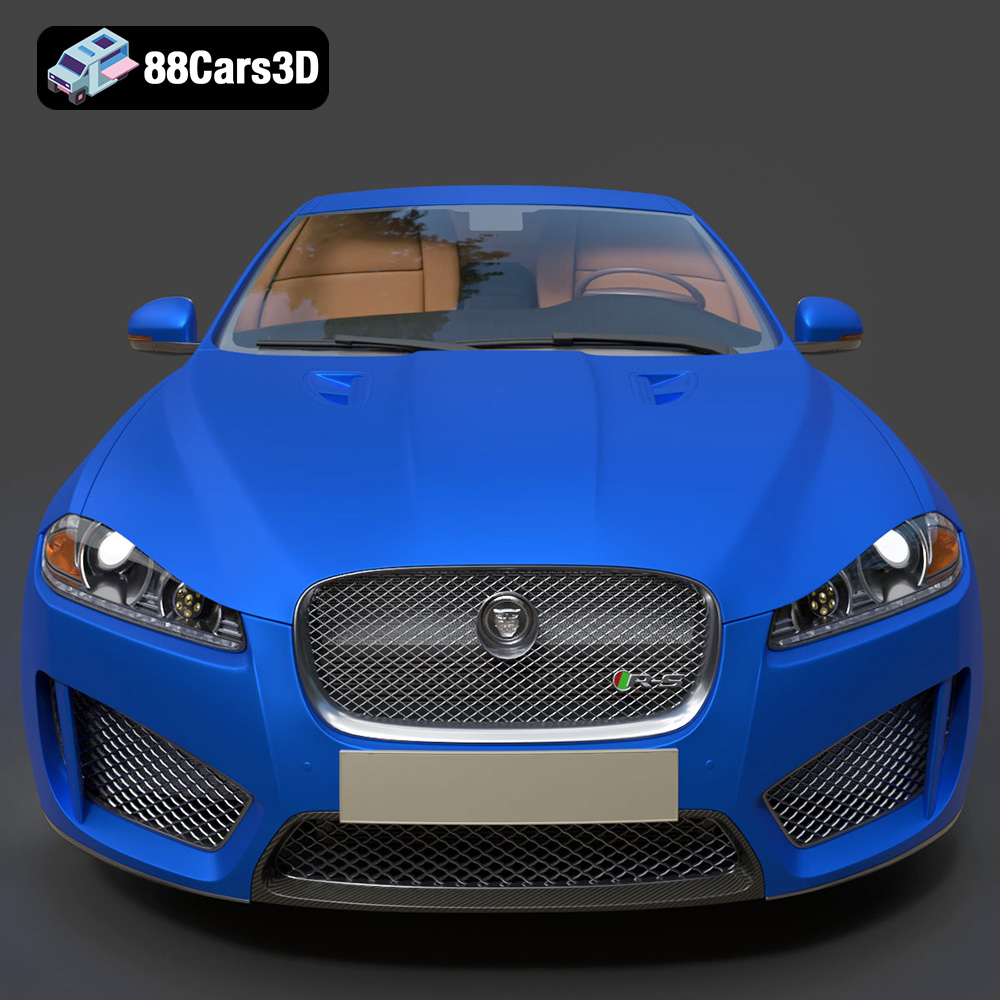
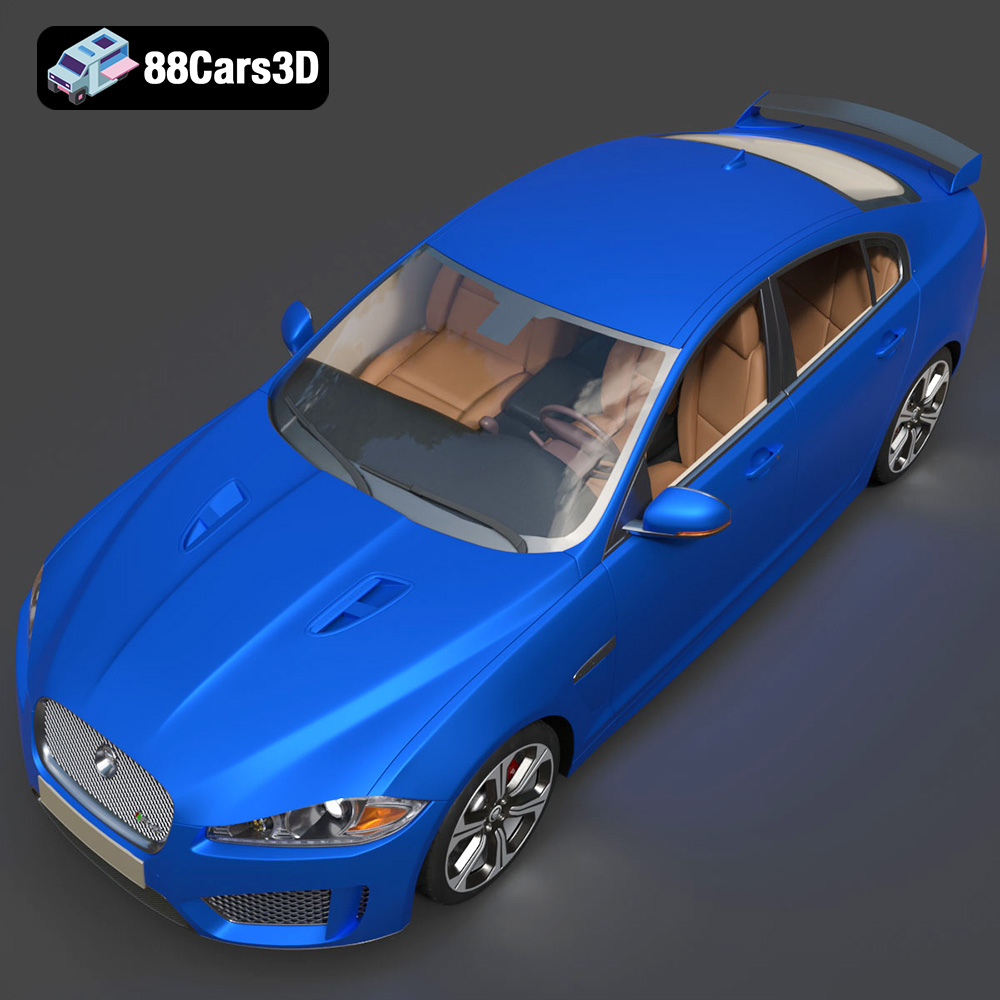
The Jaguar XFR-S 2014 3D Model delivers an exceptionally realistic representation of the iconic performance sedan. Designed with precision, this asset captures the aggressive styling, aerodynamic profile, and distinct characteristics of the XFR-S. Featuring clean geometry, meticulously crafted realistic materials, and an optimized polygon count, this model ensures professional-grade performance. The fully modeled interior and detailed exterior make it versatile for close-up shots and expansive scenes. Perfectly suited for game development, architectural visualization, cinematic rendering, and AR/VR applications, it provides a seamless integration into any production pipeline.
$39.99
.arvr
.blend
.car3dmodel
.fbx
.gameasset
.glb
.jaguar
.luxurycar
.max
.obj
.ply
.rendering
.sedan
.simulation
.sportssedan
.stl
.unreal
.xfrs