Get 20% OFF All Premium 3D & STL Models!

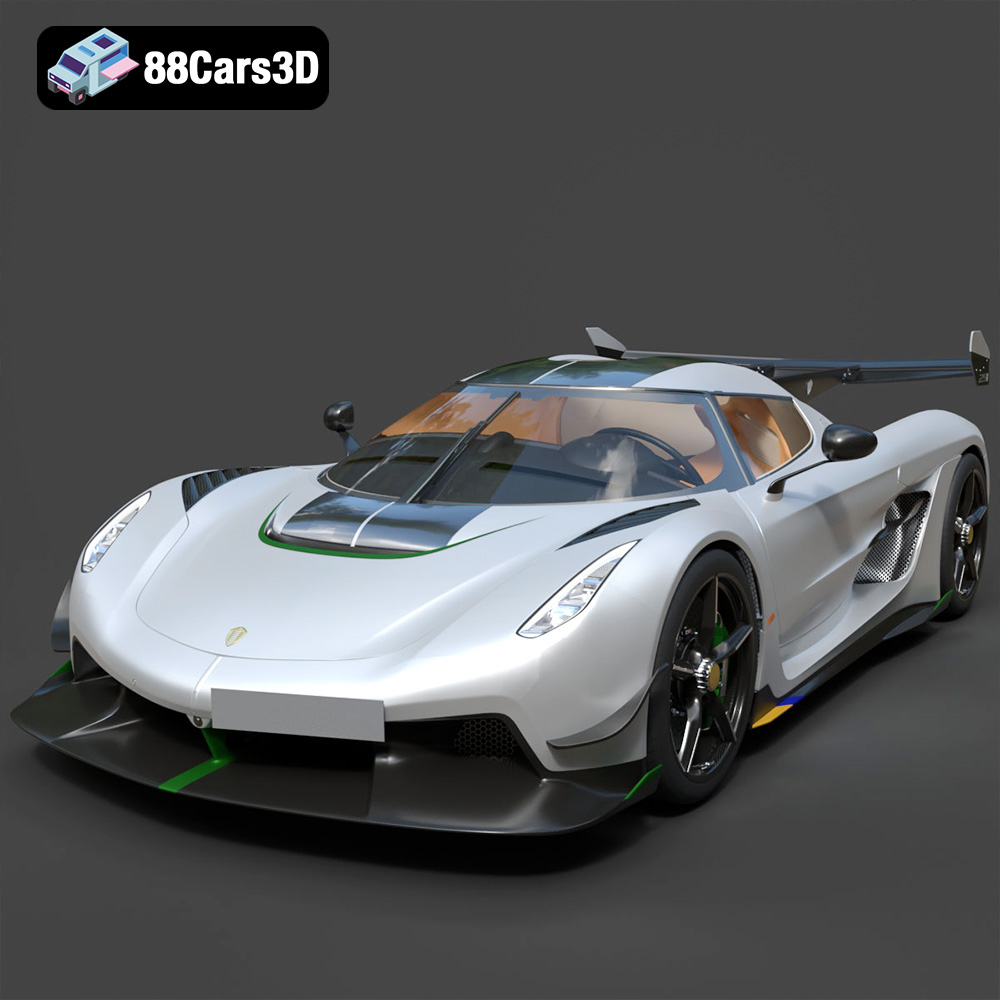
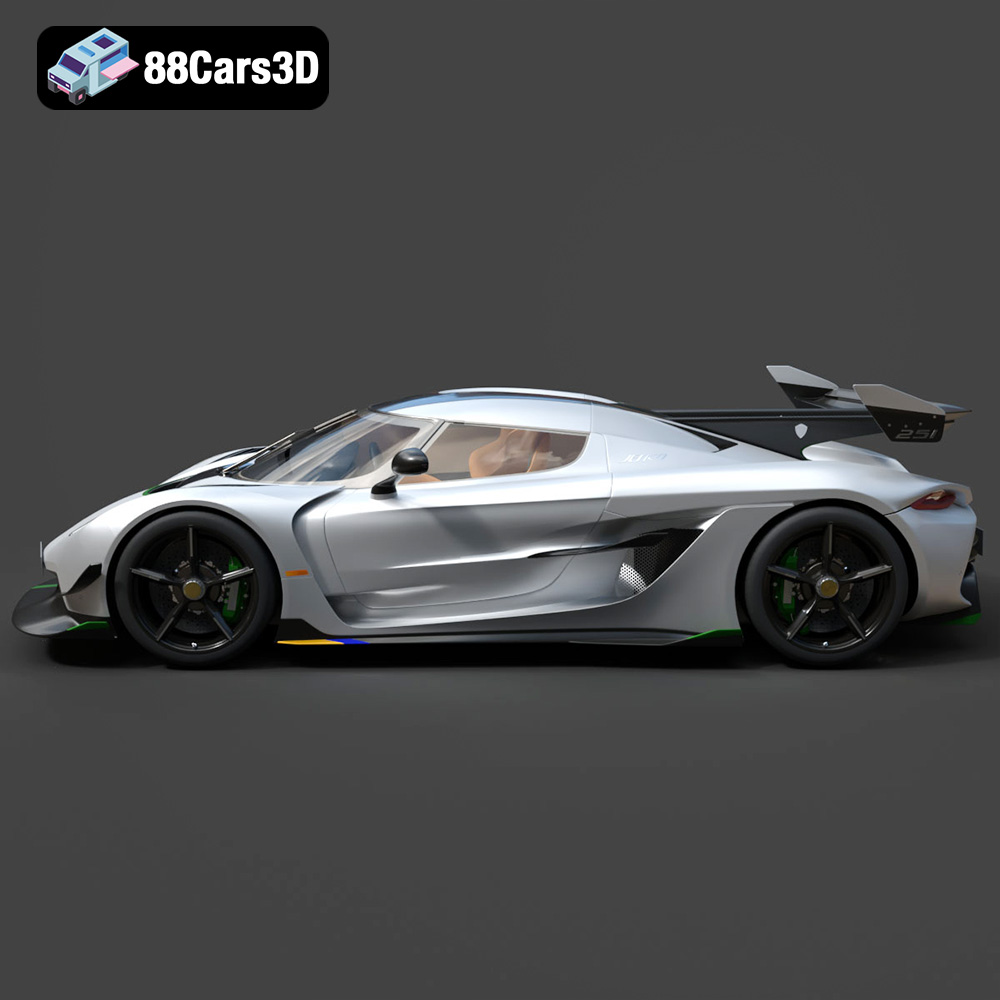
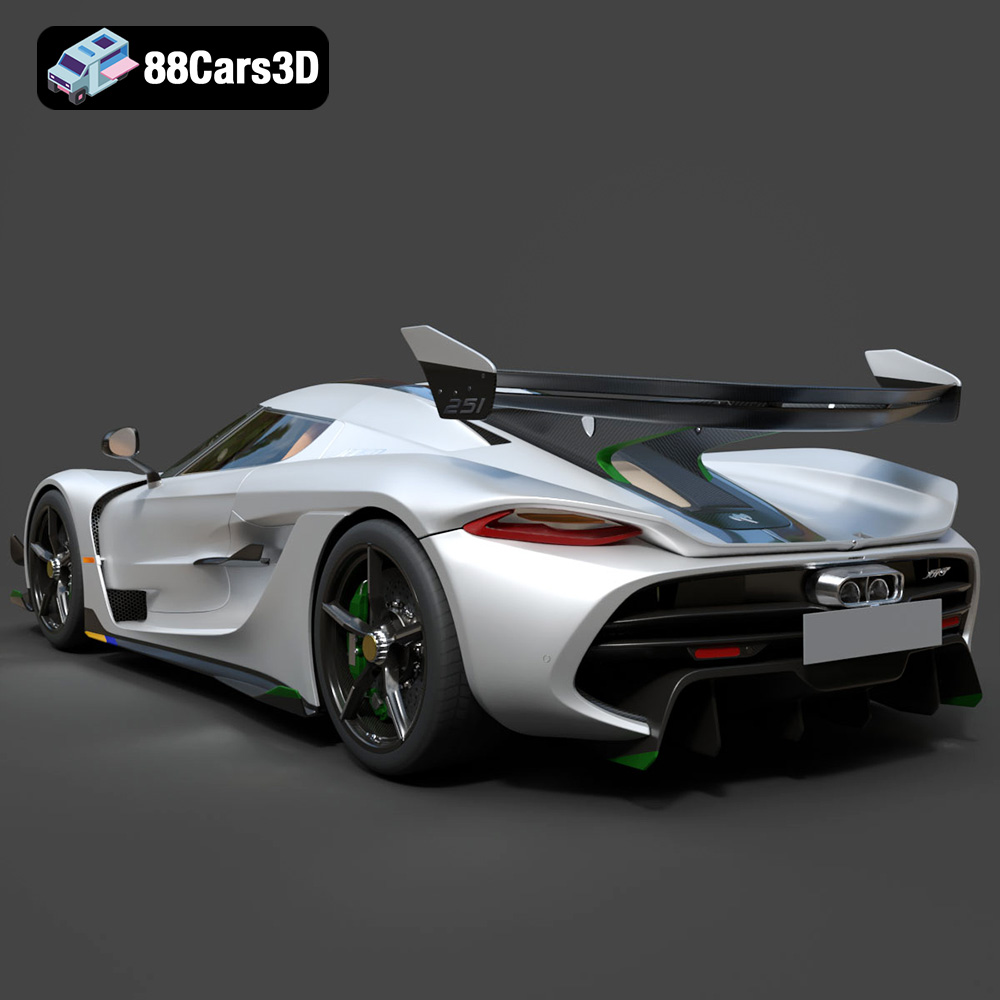
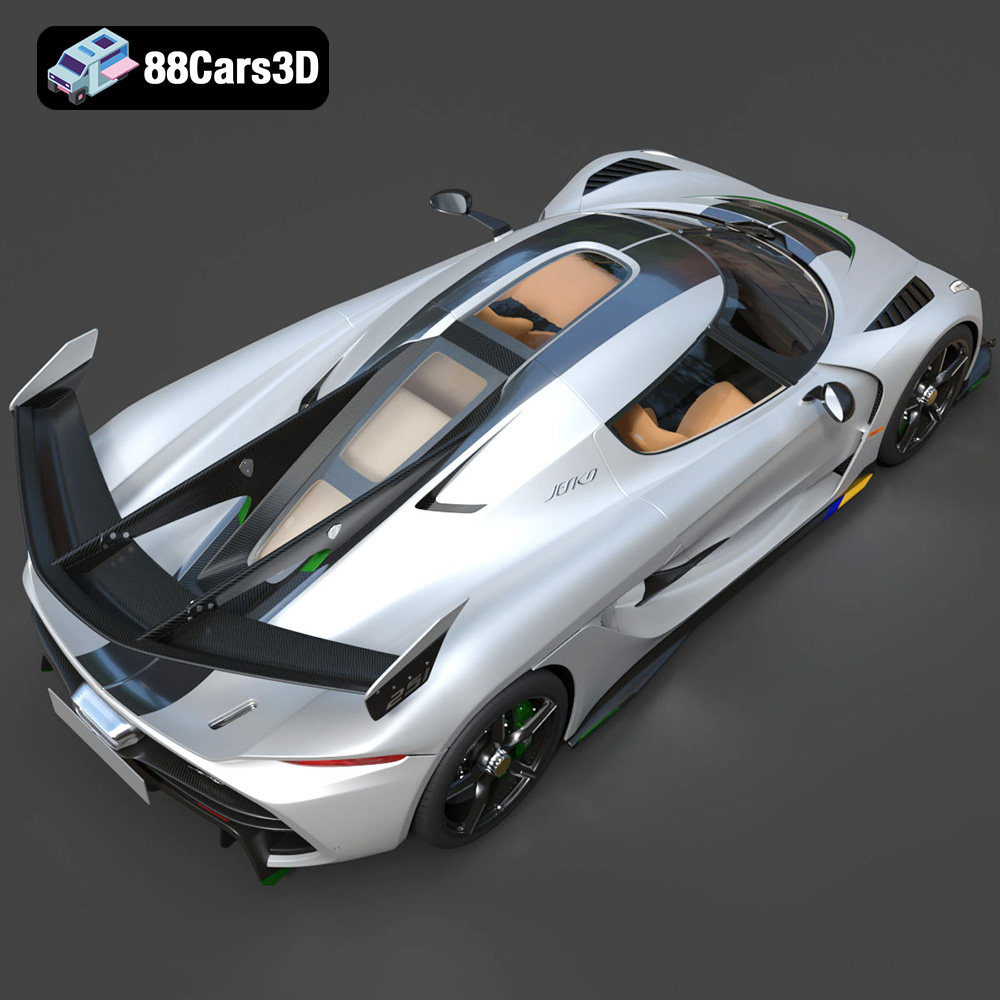
The Koenigsegg Jesko. Just the name evokes a sense of speed, luxury, and cutting-edge engineering. Now, imagine holding a miniature, yet intricately detailed, replica of this hypercar in your hands, brought to life through the magic of 3D printing. With the high-quality Koenigsegg Jesko 2020 3D model available at 88cars3d.com, this dream can become a reality. This guide will take you through the entire process, from selecting the right materials and settings to post-processing techniques that will elevate your 3D printed Jesko from a simple model to a stunning showpiece. Let’s dive in and explore the world of additive manufacturing, tailored specifically for this incredible vehicle.
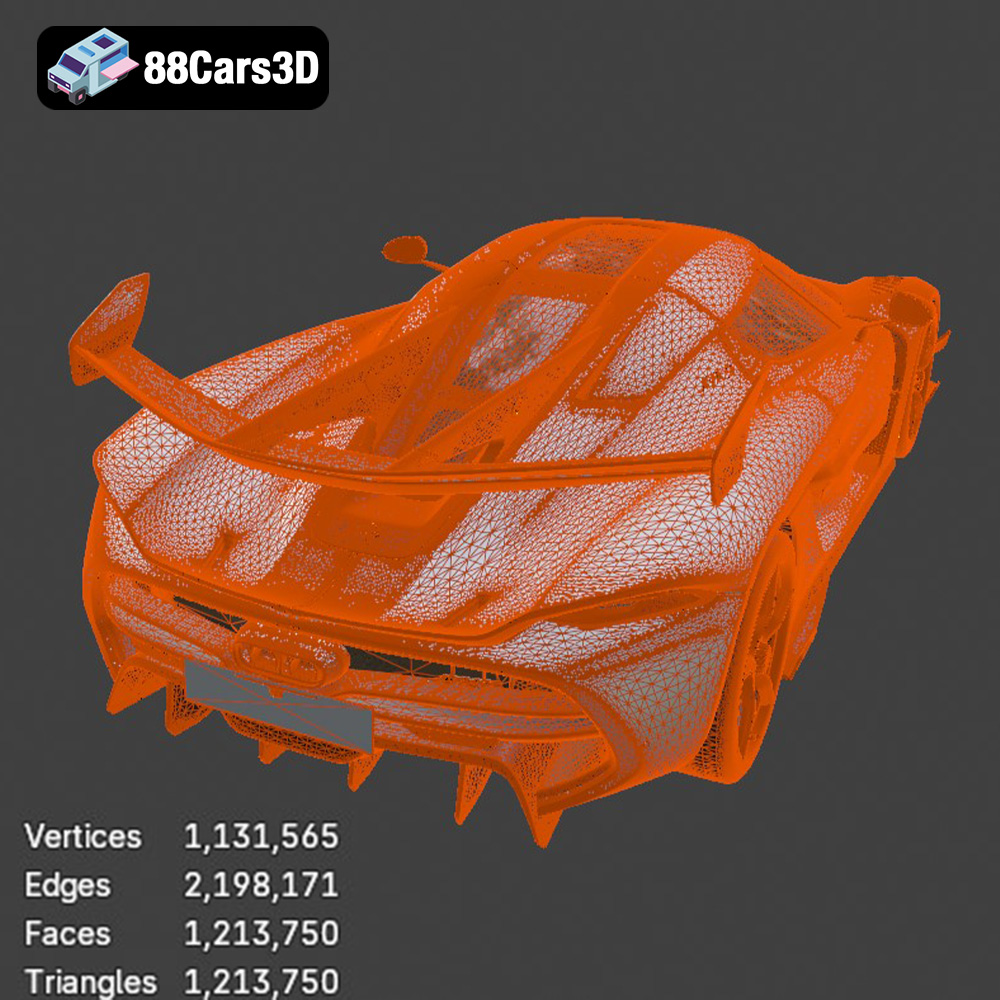
Before you even think about firing up your 3D printer, proper preparation of the 3D model is paramount. This involves inspecting the model, making any necessary repairs, and orienting it correctly for optimal printing. The Koenigsegg Jesko 2020 3D model from 88cars3d.com is designed with 3D printing in mind, but some fine-tuning might still be required.
Even the best 3D models can sometimes have imperfections that can cause issues during printing. These can include non-manifold edges, holes, or intersecting faces. Using software like MeshLab, Netfabb, or even the built-in repair tools in your slicer, carefully inspect the model for any errors. Address these issues before proceeding. Fixing these problems now will save you time and frustration later. A “watertight” mesh is essential for successful 3D printing.
The orientation of your model on the print bed significantly impacts print quality, support structure requirements, and overall structural integrity. For the Koenigsegg Jesko, consider orienting the model with the roof facing down. This minimizes the need for supports on the more visible upper surfaces. However, this orientation will require more supports underneath the car’s chassis. Experiment with different orientations in your slicing software to see what provides the best balance between print quality and support material usage. Consider printing the body and chassis separately for maximum detail.
The size of your 3D printed Koenigsegg Jesko is a matter of personal preference and printer capabilities. Keep in mind that smaller models will be more challenging to print with fine details, while larger models will take significantly longer and consume more material. A scale of 1:24 or 1:18 is generally a good starting point for a detailed car model. Ensure that your printer’s build volume can accommodate the chosen scale.
Choosing the right file format is crucial for a smooth 3D printing experience. The Koenigsegg Jesko 2020 3D model is provided in multiple formats, each with its strengths and weaknesses. Understanding these differences will help you select the best format for your specific needs.
The STL (Stereolithography) file format is the workhorse of 3D printing. It represents a 3D model as a collection of triangles, defining only the surface geometry without any color or texture information. This simplicity makes STL files universally compatible with virtually all slicing software and 3D printers. For 3D printing the Koenigsegg Jesko, the STL format is generally the best choice. However, the resolution of the STL file (the number of triangles used to represent the model) is critical. A low-resolution STL will result in a faceted, blocky print, while a very high-resolution STL can be unnecessarily large and slow down your slicing software. The Koenigsegg Jesko 3D model from 88cars3d.com should provide an STL with sufficient resolution for detailed printing without being excessively large. When exporting to STL, ensure you select a reasonable resolution or tolerance setting.
OBJ (Object) files are another common 3D model format. Unlike STL, OBJ files can store color and texture information, making them suitable for colored 3D prints (if your printer supports it). However, for most standard 3D printing applications, the additional complexity of the OBJ format is unnecessary.
PLY (Polygon File Format) files are designed for storing 3D data acquired from 3D scanners. They can handle complex meshes with high levels of detail. While suitable for 3D printing, they are less common than STL files.
The .blend format is the native file format for Blender, a free and open-source 3D creation suite. If you are familiar with Blender, this format allows you to directly edit the Koenigsegg Jesko 3D model, modify its geometry, add details, or prepare it for printing. Before printing, you’ll need to export the model to STL format from Blender.
FBX (Filmbox) is a proprietary file format developed by Autodesk. It is primarily used for exchanging data between different 3D applications. While FBX files can contain material information, most slicing software focuses on the geometric data. It is not generally recommended for direct 3D printing without prior conversion.
GLB (GL Transmission Format Binary) is a format designed for efficient delivery and loading of 3D models, particularly in web-based and AR/VR applications. While you can preview the Koenigsegg Jesko in AR using this format, it’s not suitable for direct 3D printing.
.max is the native file format for 3ds Max, another professional 3D modeling and animation software. Like .blend files, .max files allow for extensive editing of the 3D model. You’ll need to export the model to STL format before printing.
The material you choose for 3D printing your Koenigsegg Jesko will greatly influence its appearance, durability, and overall quality. Several options are available, each with its own set of characteristics.
PLA is a biodegradable thermoplastic derived from renewable resources. It’s easy to print, doesn’t require a heated bed (though it’s recommended), and produces relatively odorless prints. PLA is a good option for beginners and for creating models where high strength and heat resistance are not critical. However, PLA is prone to warping and has a lower melting point than other materials.
PETG is a modified version of PET (the plastic used in water bottles). It combines the ease of printing of PLA with the strength and durability of ABS. PETG is more heat resistant than PLA and less prone to warping. It’s a great all-around material for 3D printing the Koenigsegg Jesko, offering a good balance of printability and performance.
ABS is a petroleum-based plastic known for its high strength, heat resistance, and durability. It’s commonly used in automotive parts and other demanding applications. However, ABS is more challenging to print than PLA and PETG. It requires a heated bed and an enclosed printer to prevent warping and cracking. The fumes produced during printing can also be unpleasant and potentially harmful.
Resin printing (SLA or DLP) offers a completely different approach to 3D printing. Instead of melting and extruding plastic filament, resin printers use liquid resin that is cured by UV light. Resin printing produces incredibly detailed and smooth prints, making it ideal for showcasing the intricate design of the Koenigsegg Jesko. However, resin printers are more expensive than filament printers, and resin printing requires careful handling of chemicals and proper ventilation. Post-processing also involves washing and curing the printed parts.
Slicing software is the bridge between your 3D model and your 3D printer. It takes the STL file and converts it into a set of instructions (G-code) that your printer can understand. The printer settings you choose in your slicing software will significantly impact the quality, strength, and printing time of your Koenigsegg Jesko.
Layer height is the thickness of each layer of plastic deposited by the printer. Lower layer heights result in smoother surfaces and finer details, but they also increase printing time. Higher layer heights print faster but result in more visible layer lines. A layer height of 0.1mm to 0.2mm is generally a good starting point for the Koenigsegg Jesko, offering a good balance between detail and speed. For resin printing, layer heights can be even lower, down to 0.025mm or even less.
Infill is the internal structure of your 3D printed model. It provides strength and support. Higher infill densities result in stronger models but also use more material and increase printing time. For the Koenigsegg Jesko, an infill density of 15% to 25% is generally sufficient for a display model. Consider increasing the infill density for parts that will be subjected to stress or strain.
Support structures are temporary structures that are printed to support overhanging parts of your model. They prevent sagging and ensure that these parts print correctly. The Koenigsegg Jesko has many overhanging features, so support structures will be necessary. Choose a support pattern that is easy to remove without damaging the model’s surface. Consider using dissolvable support material (e.g., PVA for PLA) for complex geometries.
Print speed and temperature are crucial for successful 3D printing. Printing too fast can result in poor layer adhesion and warping. Printing too slow can lead to stringing and oozing. The optimal print speed and temperature will depend on the material you are using and your printer’s capabilities. Consult the filament manufacturer’s recommendations as a starting point.
Once your Koenigsegg Jesko is printed, some post-processing is usually required to achieve a professional finish. This can include removing support structures, sanding, priming, painting, and assembly.
Carefully remove the support structures using pliers, cutters, or a sharp knife. Be careful not to damage the model’s surface. For dissolvable support material, simply soak the print in water until the supports dissolve.
Sanding is essential for removing layer lines and creating a smooth surface for painting. Start with a coarse grit sandpaper (e.g., 220 grit) and gradually work your way up to finer grits (e.g., 400, 600, 800 grit). Wet sanding can help to reduce dust and create a smoother finish.
Priming is an important step before painting. It creates a uniform surface for the paint to adhere to and helps to hide any remaining imperfections. Apply several thin coats of primer, allowing each coat to dry completely before applying the next. Once the primer is dry, you can paint the Koenigsegg Jesko with your desired colors. Use automotive paints for a realistic finish. Consider using stencils or masking tape to create intricate details.
If you printed the Koenigsegg Jesko in multiple parts, you’ll need to assemble them. Use super glue or epoxy to join the parts together. Be careful to align the parts correctly.
Even with careful preparation, you may encounter some issues during 3D printing. Here are some common problems and their solutions:
Warping occurs when the corners of your print lift off the build plate. This is more common with ABS but can also happen with PLA and PETG. To prevent warping, ensure that your build plate is clean and level. Use a heated bed and an enclosure. Apply an adhesive to the build plate, such as hairspray, glue stick, or painter’s tape.
Stringing and oozing occur when the printer extrudes plastic while moving between different parts of the model. To reduce stringing, decrease the printing temperature, increase retraction settings, and increase travel speed.
Poor layer adhesion can result in weak and brittle prints. To improve layer adhesion, increase the printing temperature, decrease the printing speed, and ensure that your build plate is clean and level.
Supports that are too difficult to remove can damage the model. Increase the support Z distance (the gap between the support and the model) and reduce the support density.
With these tips and techniques, you’ll be well-equipped to 3D print your own stunning Koenigsegg Jesko 2020 model. Don’t be afraid to experiment with different materials and settings to find what works best for your printer and your desired results. Remember to always prioritize safety and follow the manufacturer’s instructions for your printer and materials. And remember, the Koenigsegg Jesko 2020 3D model from 88cars3d.com provides a fantastic base for your 3D printing journey!
Experience unparalleled realism with the Koenigsegg Jesko 2020 3D Model. This meticulously crafted asset captures every intricate detail of the iconic hypercar, providing a professional-grade solution for advanced digital projects. Perfect for game development, architectural rendering, automotive visualization, and immersive AR/VR experiences, this model delivers outstanding digital results.
$39.99
.arvr
.blend
.car3dmodel
.fbx
.gameasset
.glb
.hypercar
.jesko
.koenigsegg
.max
.obj
.ply
.rendering
.simulation
.sportsCar
.stl
.unreal