Get 20% OFF All Premium 3D & STL Models!

The MV Agusta Brutale 1090 R is an icon, a naked bike that screams performance and Italian design. Now, thanks to 88cars3d.com, you can bring this beast to life in miniature form with a 3D printer. This comprehensive guide will walk you through every step of the process, from selecting the right materials to perfecting your post-processing techniques, ensuring you get a stunning replica of this legendary motorcycle. Get ready to transform digital files into a tangible tribute to Italian engineering.
The quality of your 3D printed MV Agusta Brutale 1090 R will largely depend on the type of 3D printer you use. Two primary technologies are relevant here: Fused Deposition Modeling (FDM) and Stereolithography (SLA), also known as resin printing.
FDM printers are a popular choice due to their affordability and ease of use. They work by extruding molten plastic filament layer by layer. For the Brutale 1090 R, FDM printing is suitable for larger scale models, especially if you prioritize durability and a faster print time. However, achieving the fine details of the engine and other intricate components may require significant post-processing.
SLA printers use a laser or projector to cure liquid resin, layer by layer. This technology excels at producing highly detailed parts with smooth surfaces. Resin printing is the recommended method for the Brutale 1090 R, especially if you’re aiming for a smaller scale model (1:24 or smaller) where capturing every detail is crucial. The downside is that resin printers tend to have a smaller build volume, and the resin material can be more brittle than FDM filaments.
Choosing the correct file format is crucial for successful 3D printing. While 88cars3d.com offers a range of options for the MV Agusta Brutale 1090 R, understanding their strengths and weaknesses will help you select the best one for your needs.
The STL (Stereolithography) format is the undisputed king of 3D printing. It represents a 3D model as a collection of triangles, forming a mesh that defines the object’s surface. Its simplicity is its strength; virtually every slicing software and 3D printer supports STL. However, STL files only contain geometric data, lacking information about color, texture, or material properties. This means that any color or texture information you see in the preview images on 88cars3d.com won’t be automatically translated to your 3D print.
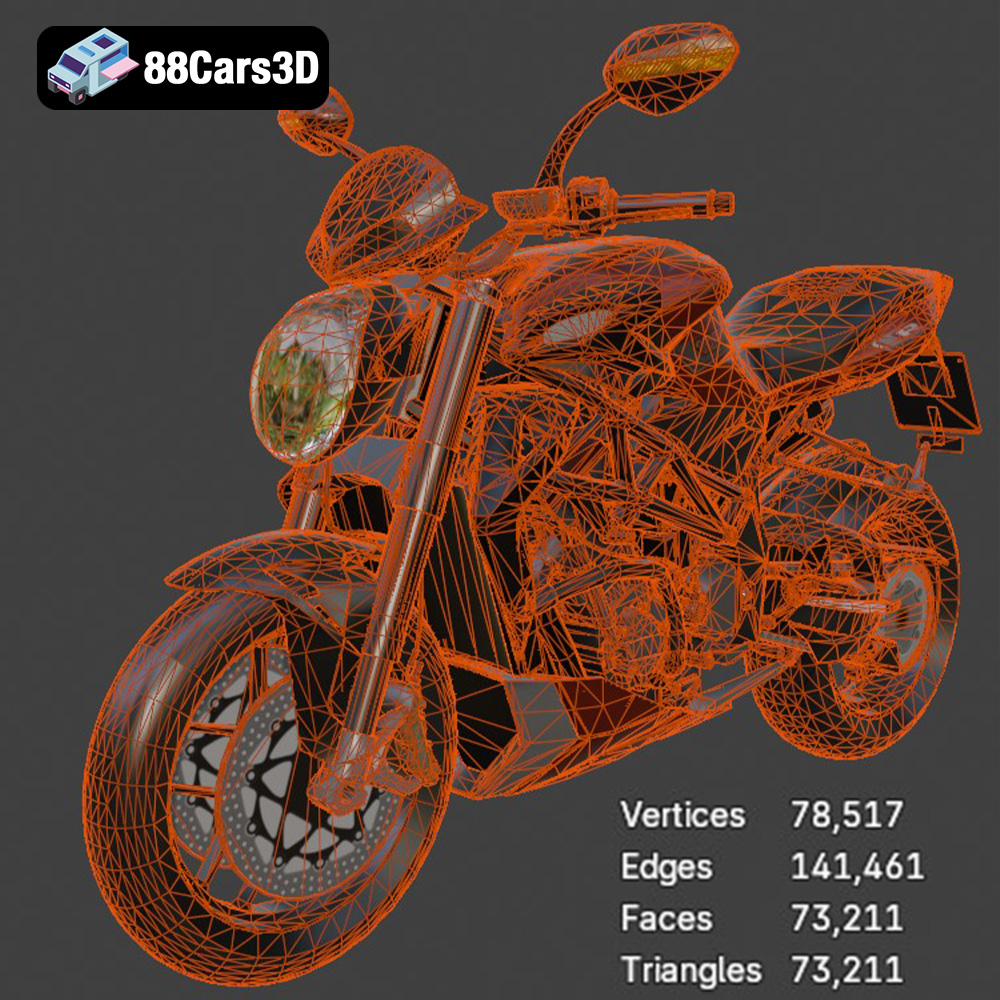
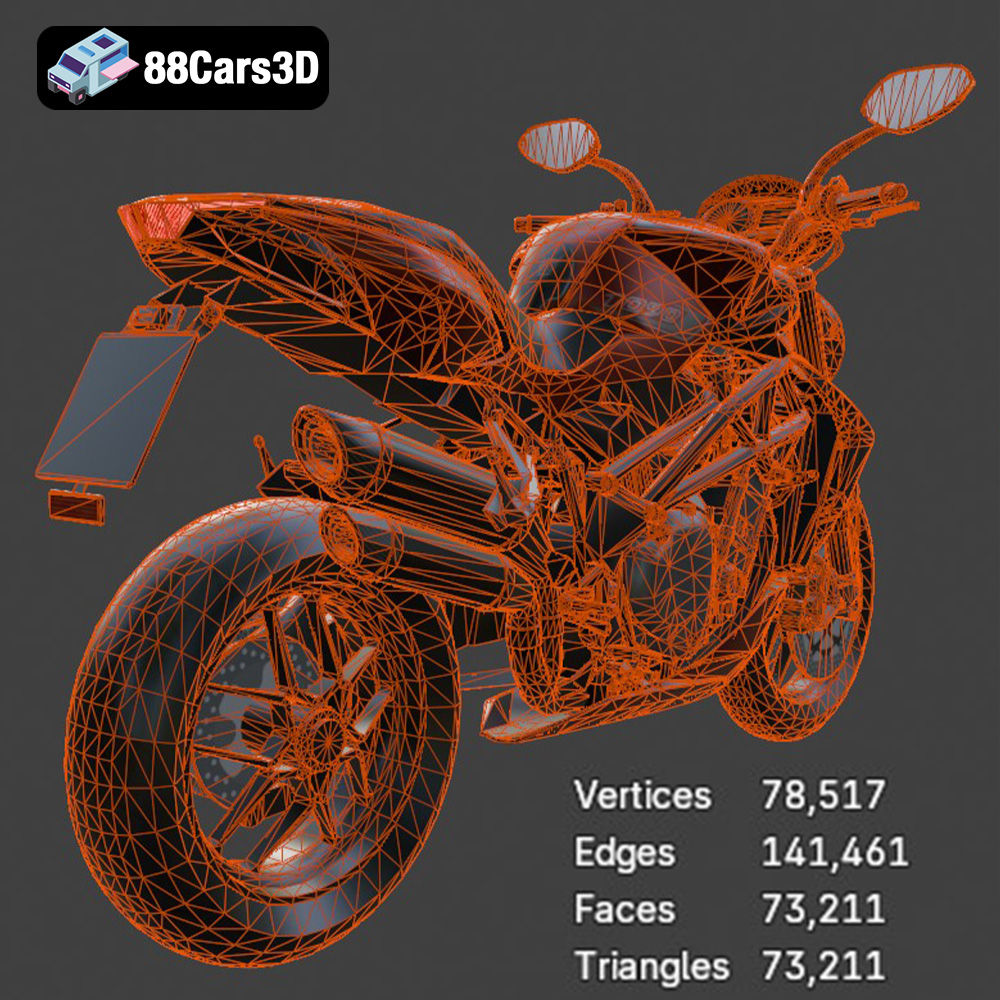
When working with STL files for the Brutale 1090 R, it’s crucial to ensure the mesh quality is high enough to capture the intricate details of the motorcycle. A low-resolution STL will result in a blocky, faceted print, while an excessively high-resolution STL can bloat the file size and slow down slicing and printing. Most slicing software allows you to adjust the mesh resolution during import to find the right balance. For the Brutale 1090 R, an STL derived from a model with around 200,000 triangles should provide a good starting point for a detailed print without excessive file size. Ensure that the STL file is manifold (watertight) with no holes or self-intersecting faces, as these can cause errors during slicing.
OBJ files are more versatile than STL, as they can store color and texture information alongside the geometric data. This is beneficial if you want to apply custom textures to the Brutale 1090 R model in a 3D modeling program before printing. However, most 3D printers don’t directly support printing with multiple colors or textures from a single OBJ file. Instead, you would typically need to print separate parts with different materials and then assemble them.
PLY (Polygon File Format) is designed for storing 3D data acquired from 3D scanners. It can represent models with high precision and supports color and texture information. While PLY files can be used for 3D printing, they are less common than STL and OBJ, and not all slicing software fully supports them.
.blend files are the native format for Blender, a popular open-source 3D modeling software. This format allows you to directly access and modify the 3D model of the Brutale 1090 R, making it ideal for advanced users who want to customize the design before printing. You can change the shape, add details, or even create entirely new parts. Once you’ve made your modifications, you can export the model as an STL file for 3D printing.
FBX (Filmbox) is a proprietary file format developed by Autodesk. It’s commonly used for exchanging 3D data between different software applications, including 3D modeling programs and game engines. FBX files can store geometric data, textures, materials, and animations. However, just like OBJ files, printing with materials directly from an FBX file is not generally supported.
GLB (GL Transmission Format Binary) is a file format designed for efficient delivery and loading of 3D models in web browsers and augmented reality (AR) applications. GLB files are typically smaller and faster to load than other 3D formats. While GLB is excellent for previewing the Brutale 1090 R model in AR before printing, it’s not directly used for 3D printing itself. You would still need to export the model as an STL or OBJ file.
Similar to .blend files for Blender, .max files are the native format for 3ds Max, another popular 3D modeling software. They allow you to access and modify the 3D model of the Brutale 1090 R in 3ds Max before exporting it as an STL file for printing.
For most 3D printing applications, the STL format is the best choice due to its widespread support and simplicity. Ensure that you choose an STL file with sufficient resolution to capture the details of the Brutale 1090 R model and that it is manifold before importing it into your slicing software.
Once you’ve chosen your file format (ideally STL from 88cars3d.com), you need to prepare the model for printing using slicing software. This software converts the 3D model into a series of layers that the printer can understand. Popular options include Cura, PrusaSlicer, Simplify3D, and Chitubox (for resin printers).
The orientation of the model on the build plate is crucial for print quality and success. For the MV Agusta Brutale 1090 R, consider printing the frame at an angle (around 45 degrees) to minimize the need for supports and improve its structural integrity. The wheels, handlebars, and exhaust system should be printed separately and attached later.
Support structures are necessary to hold up overhanging parts during printing. For FDM printing, manually placing supports can give you more control over their density and location, minimizing material waste and improving surface finish. For resin printing, automatic support generation in Chitubox is often sufficient, but it’s still wise to review and adjust them to ensure adequate support for delicate areas like the exhaust pipes.
The recommended settings for the MV Agusta Brutale 1090 R are:
* **Layer Height:** 0.04-0.12mm (Resin highly recommended for small layer height)
* **Infill:** 20-30% (for FDM printing; resin prints are typically solid)
* **Wall Thickness:** 1.2-2.0mm
* **Print Speed:** Adjust based on your printer’s capabilities and material recommendations.
* **Bed Adhesion:** Use a brim or raft for FDM printing to ensure the model sticks to the build plate.
The choice of material will affect the appearance, strength, and durability of your 3D printed MV Agusta Brutale 1090 R.
PLA (Polylactic Acid) is a biodegradable thermoplastic known for its ease of printing and wide availability. It’s a good choice for beginners using FDM printers, but it’s not as strong or heat-resistant as other materials.
PETG (Polyethylene Terephthalate Glycol-modified) offers better strength, flexibility, and heat resistance than PLA. It’s a great option for parts that need to withstand some stress or exposure to sunlight.
Resin is the preferred material for SLA printing. It allows for incredibly fine details and smooth surfaces, making it ideal for intricate models like the MV Agusta Brutale 1090 R. However, resin prints can be more brittle than FDM prints and require careful handling.
Post-processing is where you transform a raw 3D print into a polished masterpiece.
Carefully remove the support structures using pliers, clippers, or a hobby knife. Take your time to avoid damaging the model. For resin prints, you’ll need to rinse the parts in isopropyl alcohol to remove any uncured resin.
Start with coarse-grit sandpaper and gradually move to finer grits to smooth out any layer lines or imperfections. Wet sanding can help reduce dust and improve the surface finish.
Apply a primer coat to the model to create a smooth surface for painting. Once the primer is dry, you can apply the base colors using spray paint or an airbrush. For the MV Agusta Brutale 1090 R, consider using metallic paints to replicate the authentic factory colors and finishes.
Carefully glue the separate parts (wheels, handlebars, exhaust, etc.) together using super glue or epoxy. Add any finishing touches, such as decals or clear coat, to enhance the realism of the model.
Even with careful preparation, 3D printing can sometimes present challenges. Here are a few common issues and their solutions:
* **Warping:** This occurs when the corners of the print lift off the build plate. Ensure your bed is properly leveled and use a brim or raft for better adhesion.
* **Stringing:** This happens when thin strands of filament are left between parts of the print. Adjust your retraction settings and lower the printing temperature.
* **Layer Shifting:** This can be caused by loose belts or a faulty stepper motor. Check and tighten your printer’s belts and ensure the motors are working correctly.
* **Elephant’s Foot:** This is when the first layer of the print is wider than the rest. Adjust the Z-offset or lower the bed temperature.
The print time for the MV Agusta Brutale 1090 R will vary depending on the size of the model, the layer height, and the printer’s speed. A typical 1:12 scale model can take anywhere from 10 to 30 hours to print. Material costs will also vary depending on the type of filament or resin you use. A rough estimate would be between $5 and $20 for a complete model.
Remember that this MV Agusta Brutale 1090 R 3D model available on 88cars3d.com is your starting point. Your passion and skill will bring it to life. Happy printing!
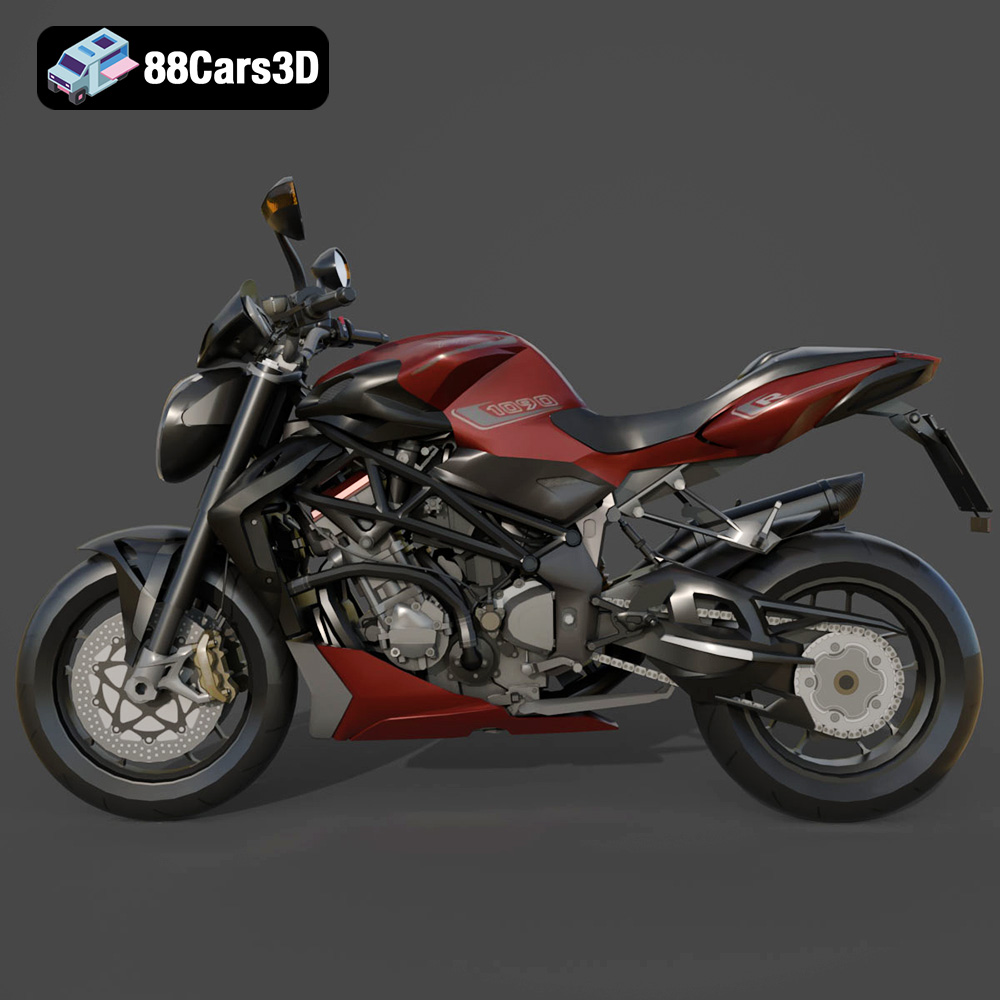
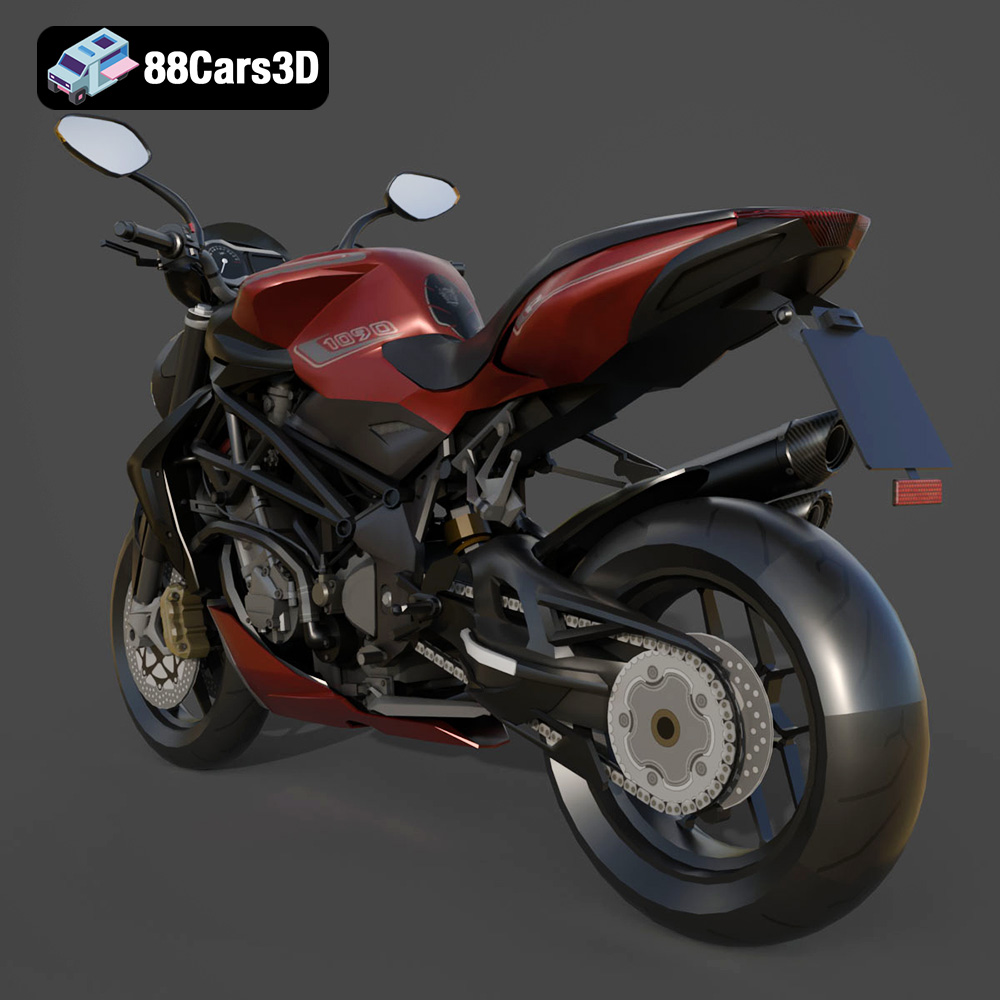
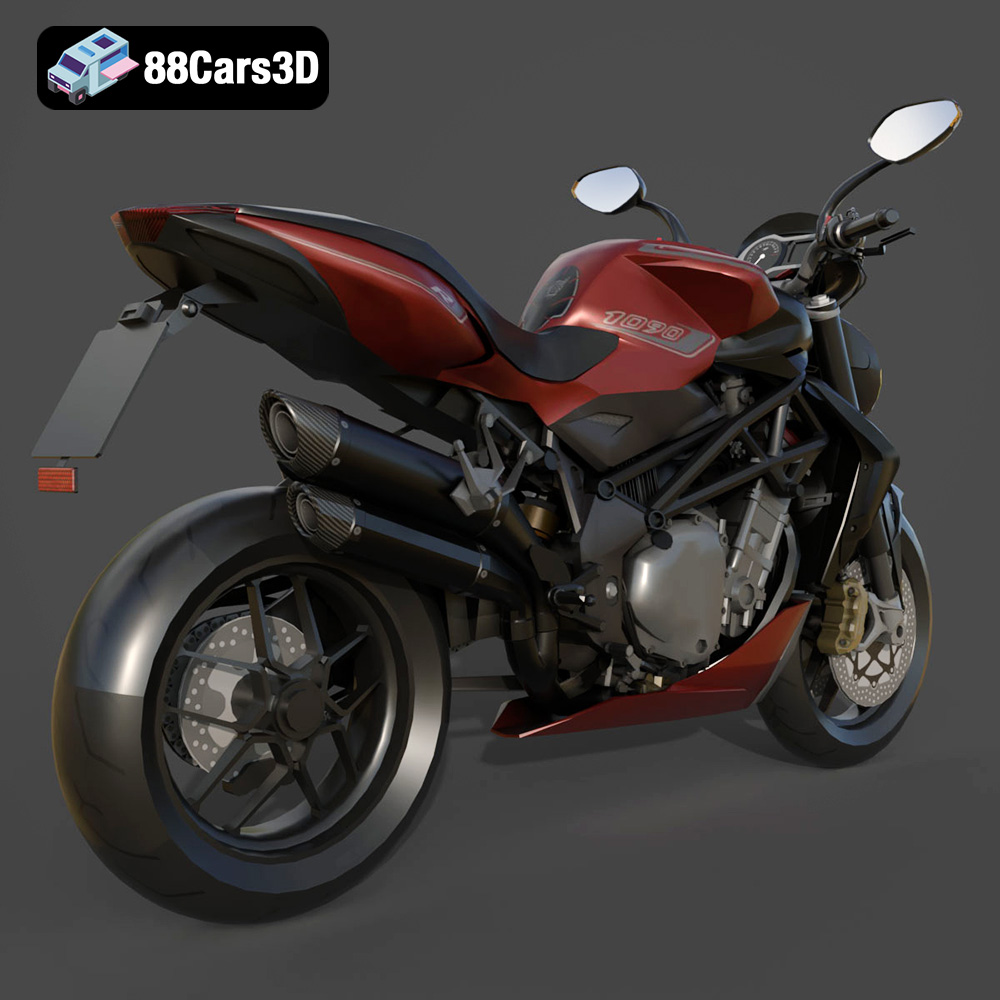
The MV Agusta Brutale 1090 R is a masterpiece of Italian motorcycle engineering, renowned for its aggressive naked bike styling, thrilling performance, and iconic exposed trellis frame. This 3D model perfectly captures the essence of the Brutale lineage, featuring its signature muscular fuel tank, distinctive teardrop headlight assembly, and the raw mechanical beauty of its 1078cc inline-four engine.
$39.99