Get 20% OFF All Premium 3D & STL Models!

“`html
The world of 3D printing has revolutionized the hobbyist and collector scene, allowing enthusiasts to bring their dream cars to life in miniature. But navigating the complexities of STL files, printer settings, and post-processing techniques can be daunting. This comprehensive guide will walk you through every stage of 3D printing car models, from selecting the right STL files to achieving a professional-quality finish. We’ll cover essential concepts, software tricks, and troubleshooting tips to ensure your printing journey is a success. Whether you’re aiming to build a detailed replica of a classic Porsche or a futuristic concept car, this guide will equip you with the knowledge to achieve stunning results.
In this guide, you will learn:
The STL (stereolithography) file format is the cornerstone of 3D printing. It represents a 3D object as a collection of interconnected triangles, forming a mesh. The quality and structure of this mesh directly impact the final print. When dealing with printable car models, especially those with intricate details, understanding the nuances of STL files is crucial. A poorly designed STL can lead to print failures, weak points, and a lack of detail. Platforms like 88cars3d.com offer print-ready STL files, but it’s still essential to understand the underlying principles.
The number of triangles in an STL file determines its resolution. A higher triangle count results in a smoother surface and finer details but also increases file size and processing time. For car models, striking a balance is key. Too few triangles will result in a faceted appearance, while too many can overwhelm your slicer and printer. A good rule of thumb is to aim for a triangle count that captures the key features of the car without excessive detail in flat or simple areas. For example, complex curves on the body require higher resolution, while the flat underside can have fewer triangles.
A manifold mesh is a closed, watertight surface. This is a fundamental requirement for 3D printing. Non-manifold meshes have holes, self-intersections, or other topological errors that can confuse the slicer and lead to print failures. Common issues include:
Software like Meshmixer and Netfabb are invaluable for identifying and repairing these errors. Netfabb, in particular, is known for its robust automatic repair capabilities. Meshmixer offers more manual control for complex repairs. For example, using Meshmixer, you can select the “Make Solid” tool to automatically close small holes and repair inverted normals. Regular mesh inspection is crucial for successful 3D printing.
Slicing software transforms the STL file into a series of instructions (G-code) that the 3D printer can understand. This process involves defining parameters like layer height, infill density, print speed, and support structures. The right settings are crucial for achieving optimal print quality, especially when dealing with the intricate details of car models. Software like Cura, PrusaSlicer, and Simplify3D offer a wide range of options for fine-tuning your prints.
Layer height directly impacts the print’s resolution and surface finish. A smaller layer height results in smoother curves and finer details but also increases print time. For car models, a layer height between 0.1mm and 0.2mm is generally recommended for FDM printing. Resin printers can achieve even finer details with layer heights as low as 0.025mm. For example, printing a car model with a layer height of 0.1mm will take longer than 0.2mm, but the resulting surface will be noticeably smoother, especially on curved surfaces like fenders and roofs.
Infill density determines the amount of material inside the model. A higher infill density increases strength but also adds weight and print time. For car models, a low to medium infill density (10-25%) is typically sufficient, unless the model needs to withstand significant stress. The infill pattern also affects strength and print time. Common patterns include:
For car models displayed as collectibles, a Gyroid infill at 15% density offers a good balance between strength and print time. You can use different infill densities for different parts of the model. For example, the chassis could have a higher infill density for added rigidity, while the body panels could have a lower density to save material.
Support structures are essential for printing overhangs and complex geometries. They provide a temporary foundation for parts of the model that would otherwise be unsupported during printing. The placement, type, and density of support structures significantly impact print quality and post-processing efforts. Poorly designed support structures can be difficult to remove and leave blemishes on the final print. When downloading models from marketplaces such as 88cars3d.com, you might find pre-supported models, but understanding how to generate your own supports is crucial for customization and troubleshooting.
Most slicing software offers automatic support generation, which can be a convenient starting point. However, manual support placement often yields better results, especially for intricate car models. Automatic supports can sometimes be overly aggressive, placing supports in areas that don’t need them, leading to increased material usage and more cleanup. Manual placement allows you to strategically position supports in critical areas while minimizing their impact on the visible surfaces of the model. For example, you can add custom supports under the side mirrors and rear spoiler, where they are most needed.
Different support types are suitable for different geometries and materials. Common support types include:
Support density also affects print quality and removal. A denser support structure provides more support but is also harder to remove. A sparser structure is easier to remove but may not adequately support the overhang. A support density of 15-20% is a good starting point for most car models. Experiment with different settings to find the optimal balance for your specific printer and material. For delicate areas, consider using tree supports with a low density for easier removal and minimal impact on the surface finish.
The choice of material significantly impacts the durability, aesthetics, and functionality of your 3D printed car model. Different materials offer varying properties, such as strength, flexibility, temperature resistance, and surface finish. The two main categories of 3D printing materials are filaments (for FDM printers) and resins (for resin printers). Each has its own set of advantages and disadvantages.
FDM (Fused Deposition Modeling) printers use filaments, which are thermoplastic materials extruded through a heated nozzle. Common filament types include:
For a beginner, PLA is a great starting point due to its ease of use. If you need a more durable model, PETG is a solid choice. ABS should be reserved for more advanced users with experience in controlling print environment factors.
Resin printers use liquid resins that are cured by UV light. SLA (Stereolithography) and DLP (Digital Light Processing) are two common resin printing technologies. Resin printers offer much higher resolution and finer details compared to FDM printers, making them ideal for intricate car models. However, resin prints tend to be more brittle than FDM prints and require post-processing steps like washing and curing. There are many different types of resins with varying properties:
Resin printing requires careful handling and proper ventilation due to the fumes emitted during printing. Always wear gloves and eye protection when working with resins. Resin printers are excellent for achieving highly detailed car models, but they require more experience and attention to detail than FDM printers.
Post-processing is the key to transforming a raw 3D print into a polished, professional-looking car model. This involves removing support structures, sanding down imperfections, painting, and assembling the various parts. The level of post-processing you apply will depend on your desired level of detail and realism. Even the best 3D printer cannot produce a perfect surface finish straight off the build plate, so mastering these techniques is essential.
Removing support structures carefully is the first step. Use a sharp hobby knife or flush cutters to remove the bulk of the support material, being careful not to damage the model. For areas where the supports are difficult to reach, consider using needle-nose pliers. After removing the supports, sanding is necessary to smooth out any remaining blemishes. Start with a coarse grit sandpaper (e.g., 220 grit) and gradually move to finer grits (e.g., 400 grit, 600 grit, 800 grit) to achieve a smooth surface. Wet sanding can help to reduce dust and improve the finish. For hard-to-reach areas, use small sanding sticks or sponges.
Painting is crucial for adding color and realism to your car model. Start with a primer to create a smooth, even surface for the paint to adhere to. Use multiple thin coats of paint rather than one thick coat to avoid drips and runs. Acrylic paints are a good choice for beginners, as they are easy to use and clean up. Enamel paints offer a more durable finish but require more care and ventilation. Airbrushing can achieve a professional-quality finish, especially for complex paint jobs. After painting, apply a clear coat to protect the paint and add a glossy or matte finish. Decals can be added to replicate logos, racing stripes, or other details. Allow each layer of paint and clear coat to dry completely before applying the next.
Even with careful planning and preparation, 3D printing is not without its challenges. Encountering printing issues is part of the learning process. Understanding common problems and their solutions is crucial for a successful 3D printing experience.
Warping occurs when the printed part detaches from the build plate during printing. This is more common with materials like ABS that shrink as they cool. To prevent warping:
Stringing occurs when the printer nozzle oozes material while moving between different parts of the model. Blobs are small excess deposits of material on the surface of the print. To prevent stringing and blobs:
Layer shifting occurs when the printed layers are misaligned. This can be caused by:
Regular maintenance and calibration are essential for preventing layer shifting. Check and tighten belts and pulleys, adjust motor current if necessary, and ensure the build plate is clean and free of obstructions.
3D printing car models is a rewarding hobby that allows you to create stunning replicas of your favorite vehicles. By understanding the fundamentals of STL files, mastering slicing software, selecting the right materials, and perfecting post-processing techniques, you can achieve professional-quality results. Remember to experiment with different settings and materials to find what works best for your printer and desired outcome. With practice and patience, you’ll be able to bring your dream car to life in miniature.
As a next step, explore platforms like 88cars3d.com to find high-quality, print-ready STL files of various car models. Don’t be afraid to experiment with different printing techniques and materials. Start with simpler models and gradually work your way up to more complex projects. Join online communities and forums to share your experiences and learn from others. Happy printing!
“`

Texture: Yes | Material: Yes
Download the highly detailed, game-ready Toyota Camry 2018 3D Model. Features an aggressive aerodynamic body, distinct LED lighting signature, and precise interior detailing. Includes .blend, .fbx, .obj, .glb, .stl, .ply, .unreal, and .max formats for game development, AR/VR, and rendering.
Price: $19.99
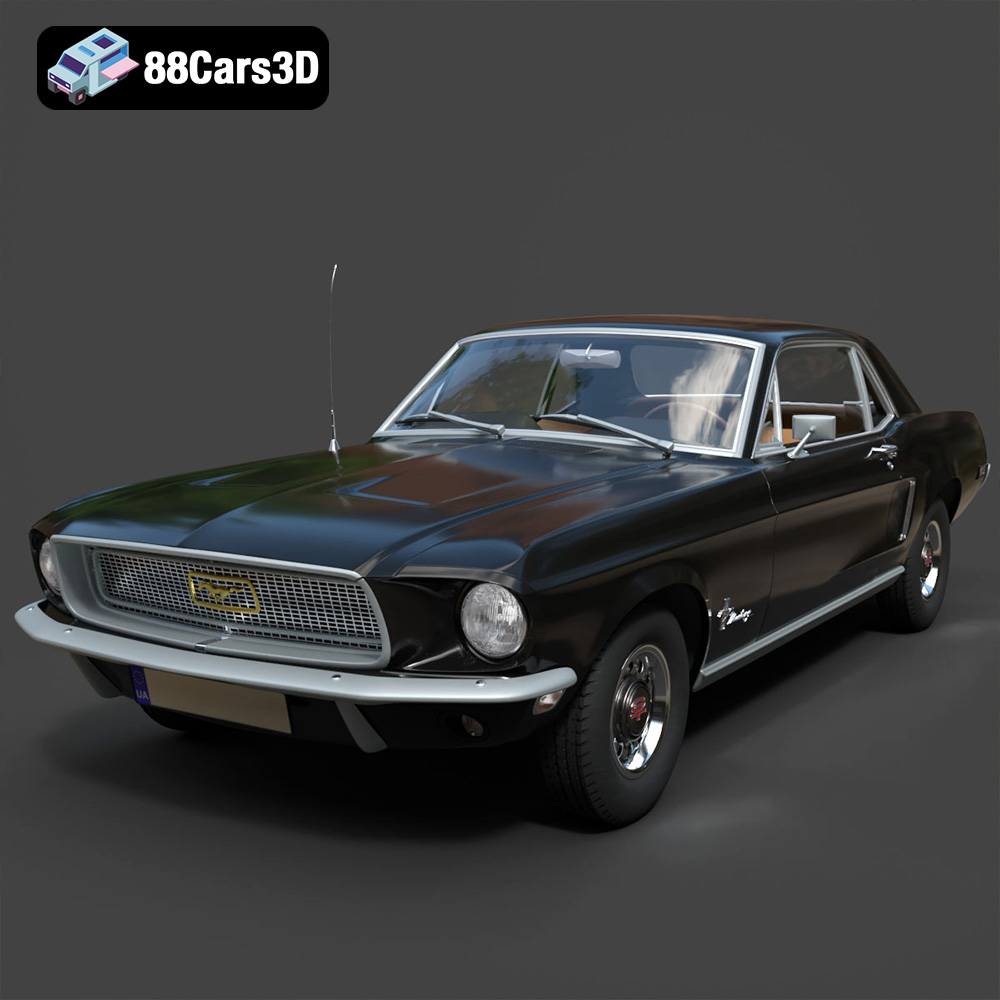
Texture: Yes | Material: Yes
Download the highly detailed, game-ready Ford Mustang Hardtop 1968 3D Model. Features the iconic galloping pony grille, signature tri-bar taillights, and an authentic vintage interior. Includes .blend, .fbx, .obj, .glb, .stl, .ply, .unreal, and .max formats for game development, AR/VR, and rendering.
Price: $19.99
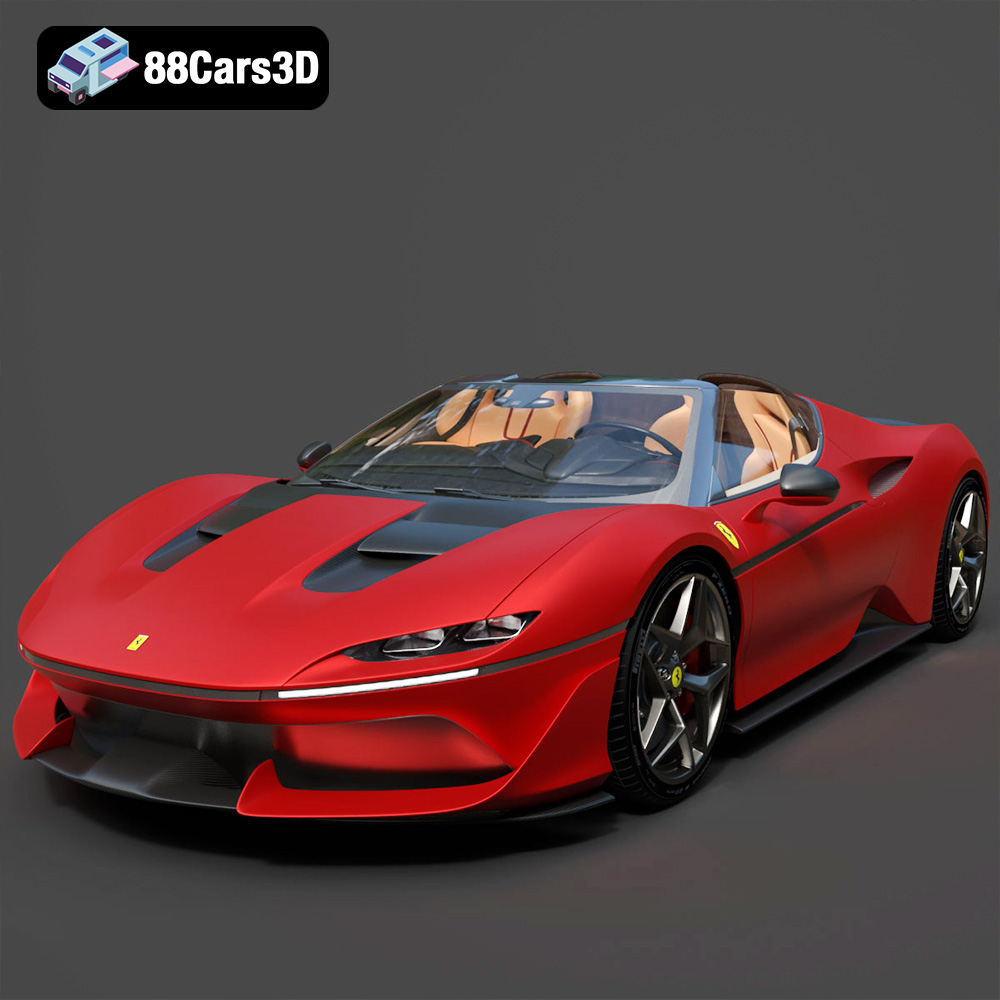
Texture: Yes | Material: Yes
Download the highly detailed, game-ready Ferrari J50 2017 3D Model. Features aggressive aerodynamic styling, twin-turbo V8 engine details, and targa top design. Includes .blend, .fbx, .obj, .glb, .stl, .ply, .unreal, and .max formats for game development, AR/VR, and rendering.
Price: $19.99
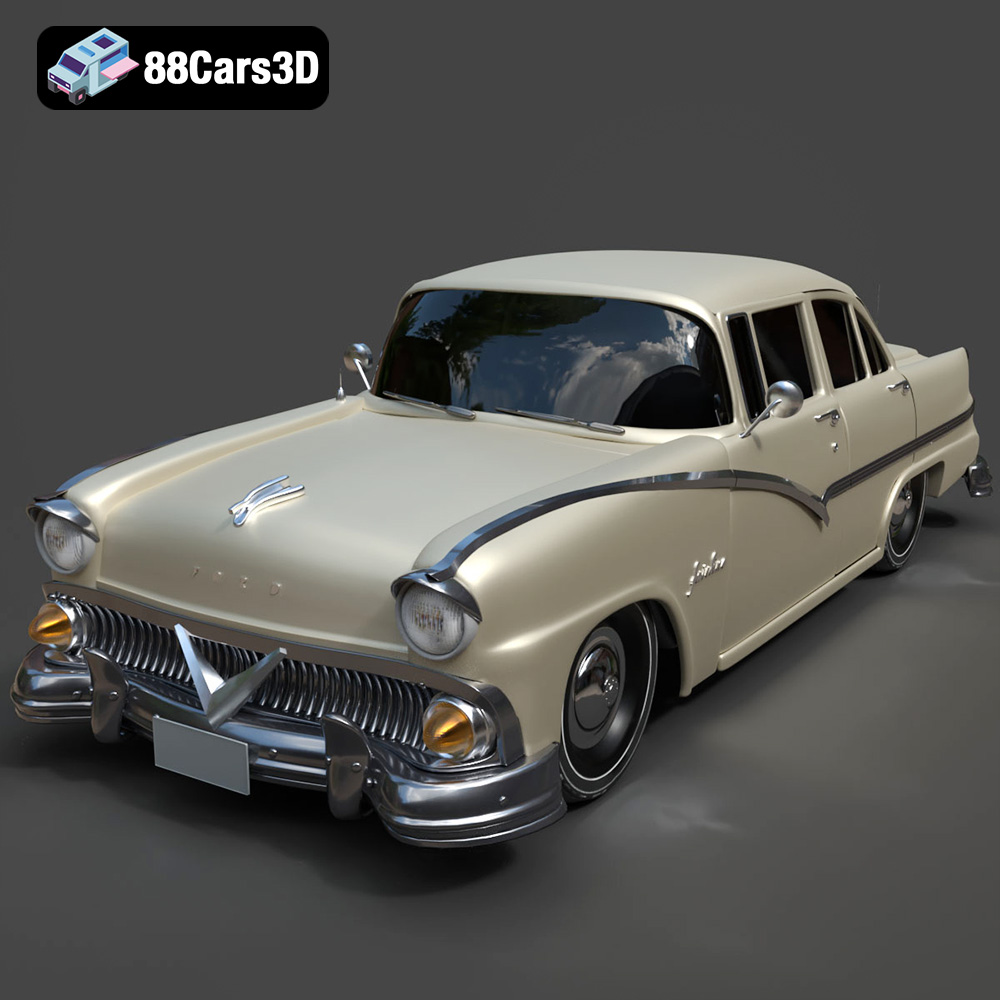
Texture: Yes | Material: Yes
Download the highly detailed, game-ready Ford Fairlin 3D Model. Features iconic classic styling, sweeping bodylines, and an accurate vintage interior. Includes .blend, .fbx, .obj, .glb, .stl, .ply, .unreal, and .max formats for game development, AR/VR, and rendering.
Price: $19.99
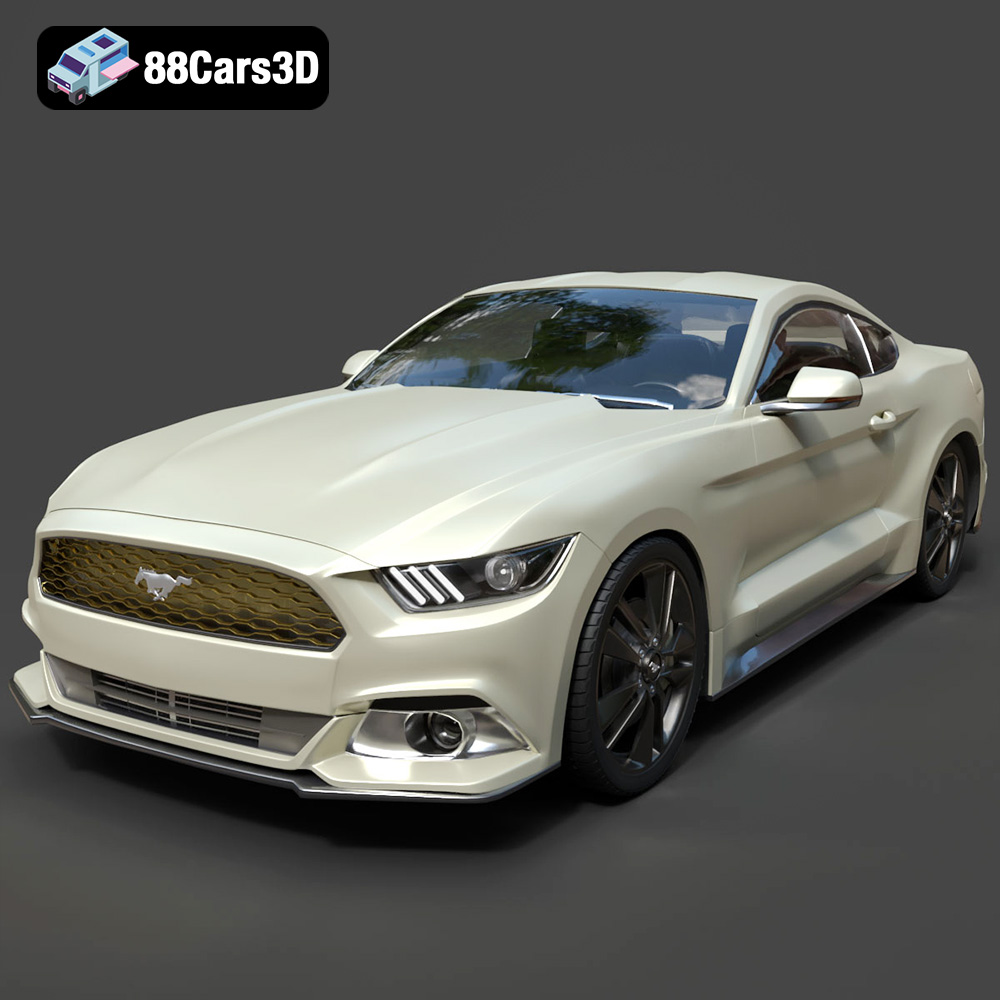
Texture: Yes | Material: Yes
Download the highly detailed, game-ready Ford Mustang GT 3D Model. Features aggressive muscle car styling, a highly detailed V8 engine bay, and accurate interior cockpit. Includes .blend, .fbx, .obj, .glb, .stl, .ply, .unreal, and .max formats for game development, AR/VR, and rendering.
Price: $19.99

Texture: Yes | Material: Yes
Download the highly detailed, game-ready Renault Megane CC 2011 3D Model. Features an accurately modeled folding glass roof, sleek aerodynamic body lines, and a detailed interior. Includes .blend, .fbx, .obj, .glb, .stl, .ply, .unreal, and .max formats for game development, AR/VR, and rendering.
Price: $19.99

Texture: Yes | Material: Yes
Download the highly detailed, game-ready Ford GT 2005 3D Model. Features signature aerodynamic bodylines, mid-mounted supercharged V8 detailing, and iconic racing stripes. Includes .blend, .fbx, .obj, .glb, .stl, .ply, .unreal, and .max formats for game development, AR/VR, and rendering.
Price: $19.99

Texture: Yes | Material: Yes
Download the highly detailed, game-ready Yamaha YZF-R125 EU 3D Model. Features an aggressive aerodynamic fairing, twin LED headlights, and a detailed 125cc engine block. Includes .blend, .fbx, .obj, .glb, .stl, .ply, .unreal, and .max formats for game development, AR/VR, and rendering.
Price: $19.99

Texture: Yes | Material: Yes
Download the highly detailed, game-ready Yamaha R1 3D Model. Features aggressive aerodynamic fairings, a detailed crossplane inline-4 engine, and track-focused suspension geometry. Includes .blend, .fbx, .obj, .glb, .stl, .ply, .unreal, and .max formats for game development, AR/VR, and rendering.
Price: $19.99

Texture: Yes | Material: Yes
Download the highly detailed, game-ready Yamaha XV950 Racer 3D Model. Features an aggressive cafe-racer front cowl, detailed air-cooled V-twin engine, and classic retro styling. Includes .blend, .fbx, .obj, .glb, .stl, .ply, .unreal, and .max formats for game development, AR/VR, and rendering.
Price: $19.99

