Get 20% OFF All Premium 3D & STL Models!

“`html
3D printing offers incredible possibilities, especially for automotive enthusiasts eager to bring their dream cars to life. Platforms like 88cars3d.com provide a fantastic resource for high-quality, printable car models in STL format. However, stepping into the world of 3D printing can be daunting, and beginners often encounter similar pitfalls. This guide outlines the top 10 mistakes new users make when printing STL files, particularly focusing on how to avoid these issues to achieve stunning results with models from 88cars3d.com. We’ll cover everything from proper file preparation and slicing techniques to crucial 3D printer settings and post-processing tips, ensuring your journey into 3D-printed automotive models is smooth and successful.
One of the most common mistakes is directly sending an STL file to the printer without proper inspection and preparation. STL files, while widely used, can contain errors that lead to print failures or compromised quality. These errors often stem from the model creation process and can manifest as non-manifold geometry, holes, or flipped normals.
Non-manifold geometry refers to areas in the mesh where edges share more than two faces. This can confuse slicing software and lead to unexpected results. To fix this, use software like Meshmixer or Netfabb. In Meshmixer, the “Make Solid” function effectively repairs non-manifold edges. Netfabb offers more advanced tools, including automatic repair scripts, but requires a paid license for full functionality.
High-resolution STL files can be unnecessarily large, consuming excessive memory and slowing down the slicing process. Decimation reduces the polygon count while preserving the model’s overall shape. In Blender, use the “Decimate” modifier. A decimation ratio of 0.5 to 0.8 often strikes a good balance between file size and detail preservation. Remember to back up your original file before decimating, so you always have the high-resolution version. Lowering the polygon count drastically reduces the workload on your 3D printer’s processor, leading to smoother operation and reduced risk of pausing during the print.
Print orientation significantly impacts print quality, support requirements, and overall structural integrity. Choosing the wrong orientation can lead to excessive support material, weak points, and unsightly surface finishes. For models from 88cars3d.com, consider the car’s shape and features when determining the best orientation.
Orient the model to minimize the area requiring support structures. For example, when printing a car body, placing the roof facing down can reduce the need for supports on curved surfaces. Analyze the model in your slicing software to identify overhangs that will require support. Experiment with different rotations to find the orientation with the least support material.
Surfaces printed directly on the build plate often have a smoother finish compared to those printed on top of supports. For car models, orient critical surfaces like the hood, doors, and roof facing downwards to achieve a better finish. Consider the visual impact of layer lines – orient the model to minimize their visibility on prominent surfaces.
Slicing parameters control how the 3D model is converted into layers that the printer can understand. Incorrect settings can result in weak prints, poor surface quality, and wasted filament. Common parameters include layer height, infill density, print speed, and temperature.
Lower layer heights (e.g., 0.1mm) produce smoother surfaces but increase print time. Higher layer heights (e.g., 0.2mm or 0.3mm) print faster but result in more visible layer lines. For detailed car models, a layer height of 0.15mm to 0.2mm is a good compromise. Print speed should be adjusted based on the material and printer capabilities. A speed of 40-60mm/s is a good starting point for PLA.
Infill density determines the internal solidity of the print. Higher density (e.g., 20-30%) provides greater strength but increases material usage and print time. For models primarily for display, a lower density (e.g., 10-15%) may be sufficient. Choose an infill pattern that balances strength and efficiency. Gyroid infill offers excellent strength in all directions, while rectilinear infill is faster but less robust.
Support structures are essential for printing overhangs and complex geometries. However, poorly configured supports can be difficult to remove and leave blemishes on the final print. There are different support types: tree supports, linear supports, and customized supports.
Carefully consider support placement to ensure all overhangs are adequately supported without interfering with critical surfaces. Increase support density in areas with steep overhangs or fine details. Use a support interface layer to improve adhesion between the support and the model, making removal easier. In Cura, the “Support Interface” setting controls this layer. Setting the “Support Overhang Angle” to a lower value will generate more support and ensure stability.
Remove supports carefully using tools like pliers, flush cutters, or a hobby knife. Heat the supports with a heat gun or hairdryer to soften them and make removal easier. Consider using dissolvable support material (e.g., PVA) for complex models, especially if using dual extrusion capabilities. This significantly simplifies the support removal process and reduces the risk of damaging the model.
Poor bed adhesion can cause prints to warp or detach from the build plate, leading to print failures. This is particularly common with materials like ABS, which are prone to warping due to temperature changes.
Ensure the build plate is perfectly level. Most printers have manual or automatic bed leveling procedures. A well-leveled bed ensures consistent adhesion across the entire print area. Proper Z-offset is crucial; the nozzle should be close enough to the bed to slightly squish the first layer without being so close that it obstructs filament flow.
Use bed adhesion aids like glue sticks, hairspray, or painter’s tape to improve adhesion. Applying a thin layer of glue stick to the build plate provides a textured surface that enhances grip. A heated bed is essential for many materials. For PLA, a bed temperature of 60°C is generally recommended. For ABS, a temperature of 100-110°C is necessary to prevent warping.
Choosing the right material is crucial for successful 3D printing. Different materials have different properties, strengths, and printing requirements. Common materials include PLA, PETG, ABS, and various resin types.
PLA is a biodegradable thermoplastic that is easy to print and suitable for beginners. It has low warping tendencies and good dimensional accuracy. PETG is more durable and heat-resistant than PLA, making it a good choice for functional parts. ABS is strong and impact-resistant but requires a heated bed and enclosure to prevent warping. For 3D printable car models, PLA is a great starting point, especially for decorative pieces. If higher temperature resistance is needed, PETG offers a good alternative. For models that need to withstand stress, ABS, or even Nylon, might be better choices.
Resin printing offers exceptional detail and smooth surfaces, making it ideal for intricate car models. However, it requires more post-processing, including washing and curing. Choose a resin type based on the desired properties, such as strength, flexibility, or temperature resistance. Ensure proper ventilation when working with resin due to its fumes.
Incorrect temperature settings can lead to a range of problems, including poor layer adhesion, warping, stringing, and nozzle clogs. Optimizing nozzle and bed temperatures is essential for achieving high-quality prints.
The optimal nozzle temperature depends on the material. For PLA, a temperature of 200-220°C is generally recommended. PETG typically requires a higher temperature of 230-250°C. Experiment with different temperatures to find the sweet spot for your particular filament. Use temperature towers to visually assess the print quality at different temperatures.
Bed temperature affects bed adhesion and warping. For PLA, a bed temperature of 60°C is usually sufficient. PETG often requires a higher temperature of 70-80°C. Monitor the first few layers closely to ensure proper adhesion. Adjust the bed temperature if you notice warping or detachment.
Post-processing is an essential step in achieving a professional finish for 3D-printed models. It includes removing support structures, sanding, filling gaps, and painting.
Sanding smooths out layer lines and removes imperfections. Start with coarse sandpaper (e.g., 220 grit) and gradually move to finer grits (e.g., 400, 600, 800 grit). Use filler to fill any gaps or imperfections. Apply thin layers of filler and sand it smooth after it dries.
Apply primer to the model to create a smooth surface for painting. Use multiple thin coats of paint for even coverage. Consider using an airbrush for a professional finish. Apply a clear coat to protect the paint and enhance the shine. Automotive-grade paints can provide a realistic and durable finish for car models.
Regular printer calibration and maintenance are essential for consistent print quality. This includes leveling the bed, cleaning the nozzle, and lubricating moving parts.
Level the bed regularly, especially if you move the printer or notice adhesion problems. Use a feeler gauge or a piece of paper to ensure the nozzle is at the correct height at all points on the bed. Automatic bed leveling features can simplify this process.
Clean the nozzle regularly to prevent clogs. Use a nozzle cleaning needle or a cold pull technique to remove any debris. Replace the nozzle periodically, especially if you notice a decline in print quality. Cold pulls involve heating the nozzle slightly and then quickly pulling out the filament to remove any accumulated debris.
3D printing is a process that requires patience and experimentation. Don’t be discouraged by initial failures. Learn from your mistakes and keep trying new things. When downloading models from marketplaces such as 88cars3d.com, remember that even with high-quality files, optimal printing requires fine-tuning and experimentation with your specific printer and materials.
Start with small test prints to dial in your settings before printing larger models. Make small adjustments to your slicing parameters and observe the results. Keep a log of your settings and results to track your progress. Share your experiences with the 3D printing community to learn from others.
3D printing has a learning curve. Don’t be afraid to ask for help from online forums or local maker spaces. There are countless resources available to help you troubleshoot problems and improve your skills. Celebrate your successes and learn from your failures.
Avoiding these ten common mistakes can significantly improve your 3D printing success, especially when working with the detailed and intricate car models available on 88cars3d.com. Remember to properly prepare your STL files, optimize print orientation and slicing parameters, carefully manage support structures, ensure good bed adhesion, choose the right materials, calibrate your printer regularly, and embrace the learning process. By following these guidelines, you’ll be well on your way to creating stunning 3D-printed automotive masterpieces. Start with small, simple models to get a feel for your printer and materials, and gradually work your way up to more complex projects. Don’t hesitate to experiment and tweak your settings until you achieve the desired results. Happy printing!
“`

Texture: Yes | Material: Yes
Download the highly detailed, game-ready Toyota Camry 2018 3D Model. Features an aggressive aerodynamic body, distinct LED lighting signature, and precise interior detailing. Includes .blend, .fbx, .obj, .glb, .stl, .ply, .unreal, and .max formats for game development, AR/VR, and rendering.
Price: $19.99
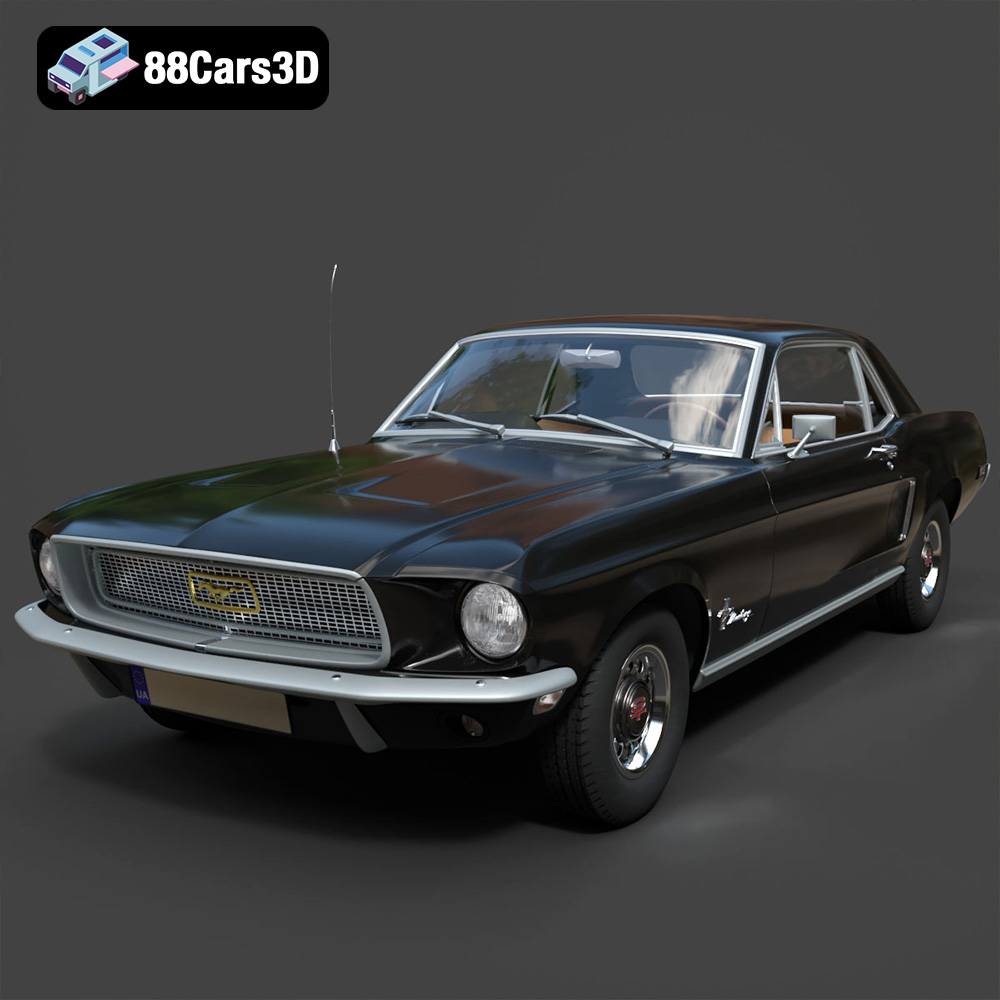
Texture: Yes | Material: Yes
Download the highly detailed, game-ready Ford Mustang Hardtop 1968 3D Model. Features the iconic galloping pony grille, signature tri-bar taillights, and an authentic vintage interior. Includes .blend, .fbx, .obj, .glb, .stl, .ply, .unreal, and .max formats for game development, AR/VR, and rendering.
Price: $19.99
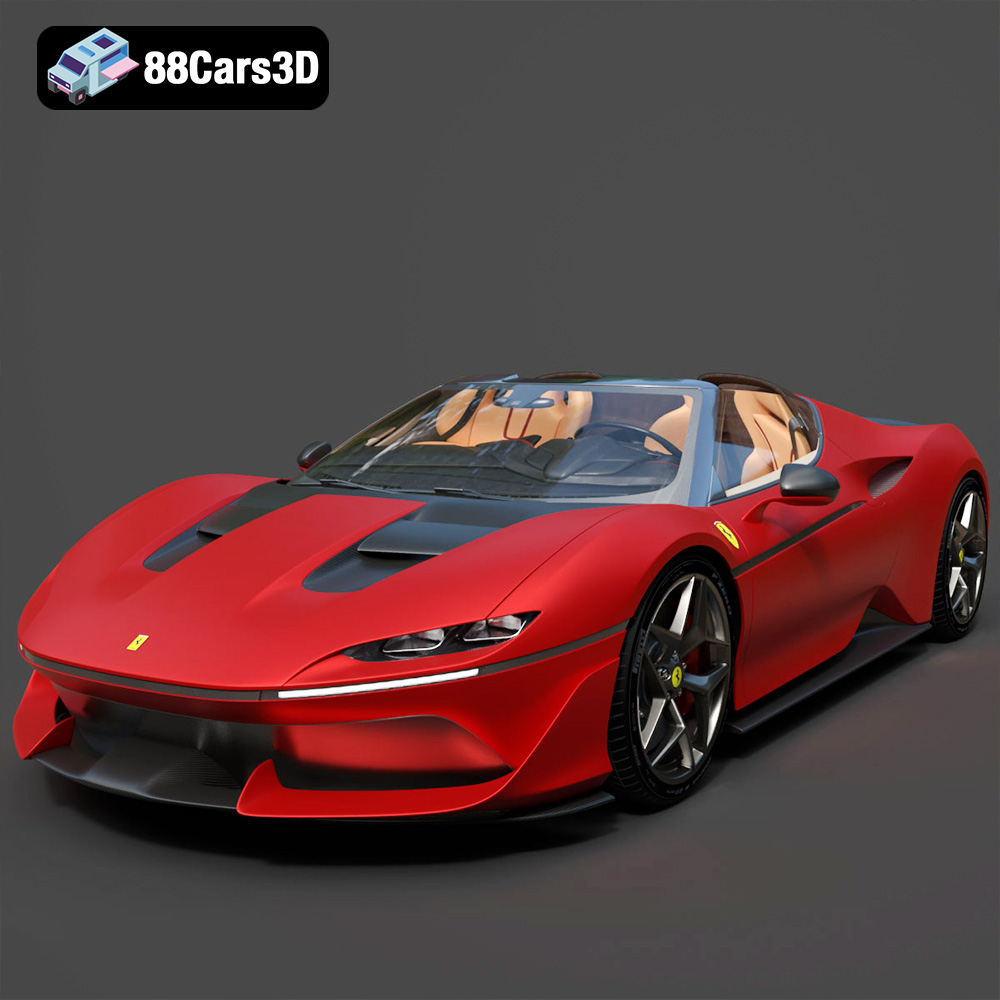
Texture: Yes | Material: Yes
Download the highly detailed, game-ready Ferrari J50 2017 3D Model. Features aggressive aerodynamic styling, twin-turbo V8 engine details, and targa top design. Includes .blend, .fbx, .obj, .glb, .stl, .ply, .unreal, and .max formats for game development, AR/VR, and rendering.
Price: $19.99
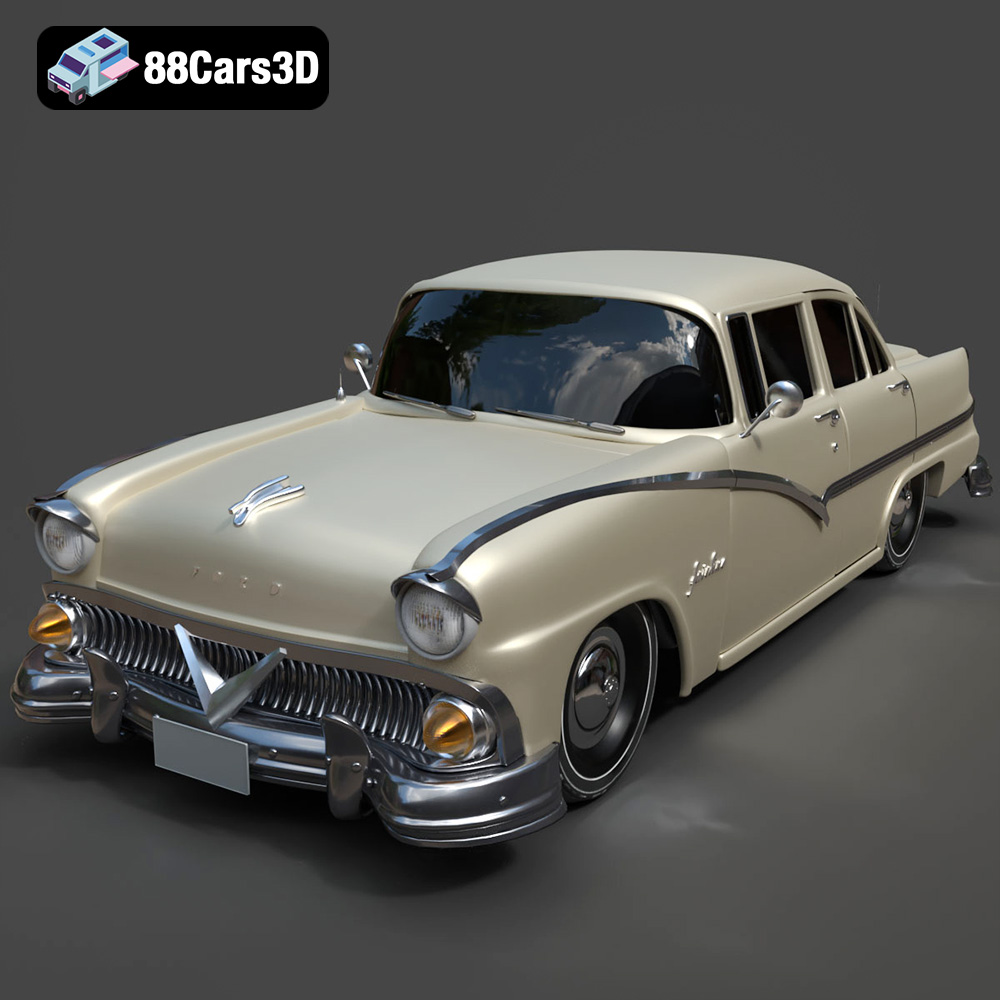
Texture: Yes | Material: Yes
Download the highly detailed, game-ready Ford Fairlin 3D Model. Features iconic classic styling, sweeping bodylines, and an accurate vintage interior. Includes .blend, .fbx, .obj, .glb, .stl, .ply, .unreal, and .max formats for game development, AR/VR, and rendering.
Price: $19.99
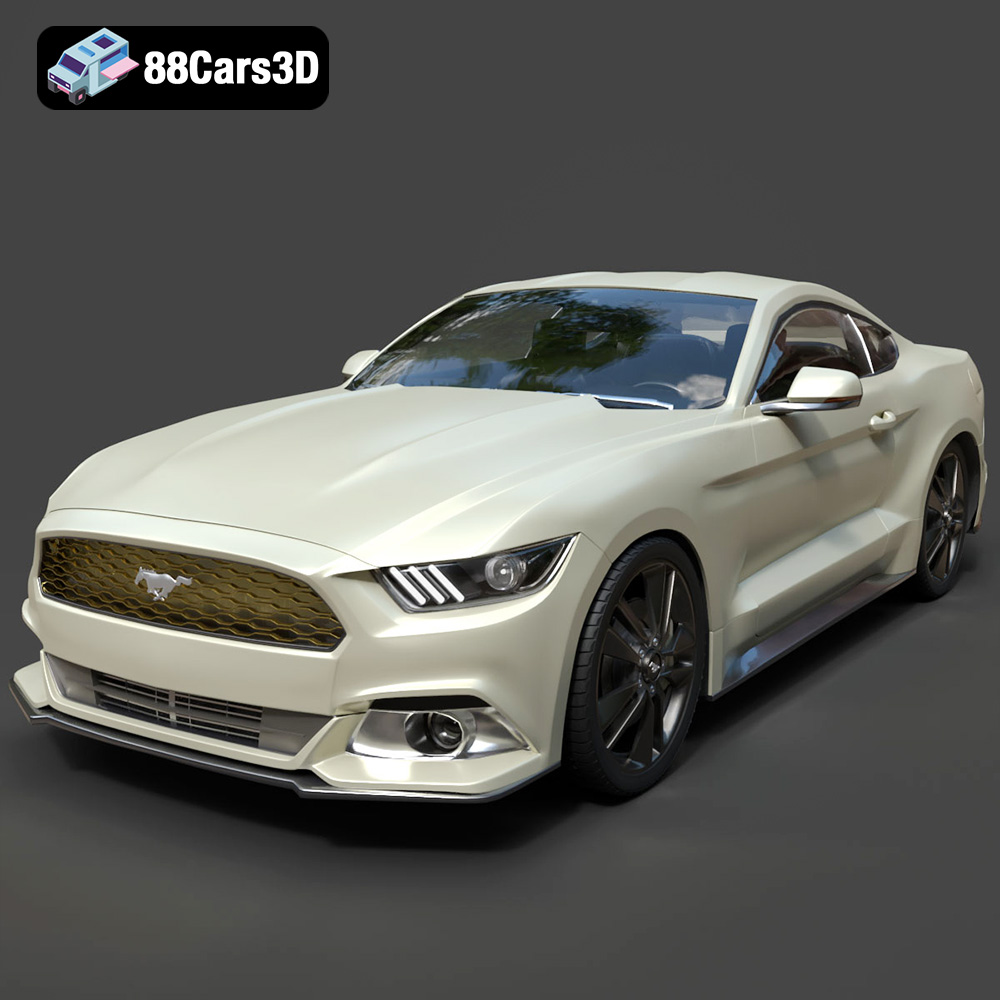
Texture: Yes | Material: Yes
Download the highly detailed, game-ready Ford Mustang GT 3D Model. Features aggressive muscle car styling, a highly detailed V8 engine bay, and accurate interior cockpit. Includes .blend, .fbx, .obj, .glb, .stl, .ply, .unreal, and .max formats for game development, AR/VR, and rendering.
Price: $19.99

Texture: Yes | Material: Yes
Download the highly detailed, game-ready Renault Megane CC 2011 3D Model. Features an accurately modeled folding glass roof, sleek aerodynamic body lines, and a detailed interior. Includes .blend, .fbx, .obj, .glb, .stl, .ply, .unreal, and .max formats for game development, AR/VR, and rendering.
Price: $19.99

Texture: Yes | Material: Yes
Download the highly detailed, game-ready Ford GT 2005 3D Model. Features signature aerodynamic bodylines, mid-mounted supercharged V8 detailing, and iconic racing stripes. Includes .blend, .fbx, .obj, .glb, .stl, .ply, .unreal, and .max formats for game development, AR/VR, and rendering.
Price: $19.99

Texture: Yes | Material: Yes
Download the highly detailed, game-ready Yamaha YZF-R125 EU 3D Model. Features an aggressive aerodynamic fairing, twin LED headlights, and a detailed 125cc engine block. Includes .blend, .fbx, .obj, .glb, .stl, .ply, .unreal, and .max formats for game development, AR/VR, and rendering.
Price: $19.99

Texture: Yes | Material: Yes
Download the highly detailed, game-ready Yamaha R1 3D Model. Features aggressive aerodynamic fairings, a detailed crossplane inline-4 engine, and track-focused suspension geometry. Includes .blend, .fbx, .obj, .glb, .stl, .ply, .unreal, and .max formats for game development, AR/VR, and rendering.
Price: $19.99

Texture: Yes | Material: Yes
Download the highly detailed, game-ready Yamaha XV950 Racer 3D Model. Features an aggressive cafe-racer front cowl, detailed air-cooled V-twin engine, and classic retro styling. Includes .blend, .fbx, .obj, .glb, .stl, .ply, .unreal, and .max formats for game development, AR/VR, and rendering.
Price: $19.99

