Get 20% OFF All Premium 3D & STL Models!

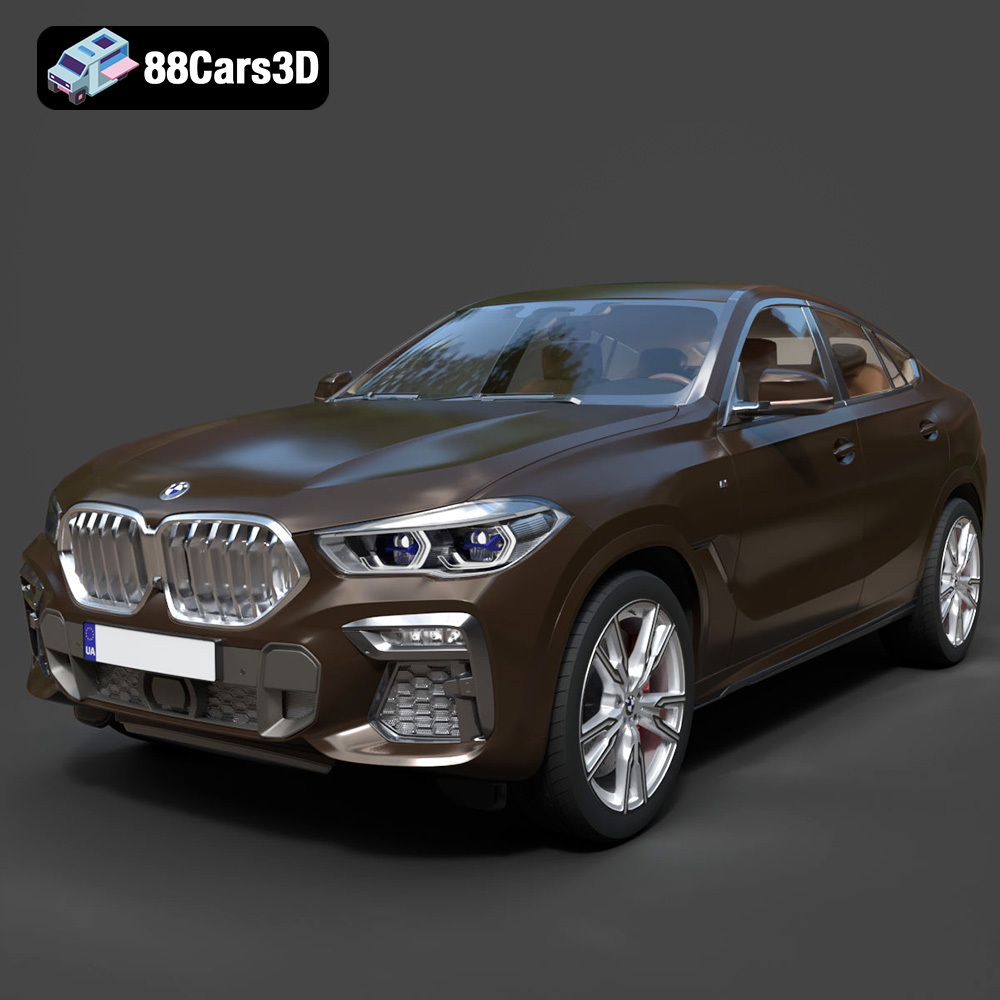
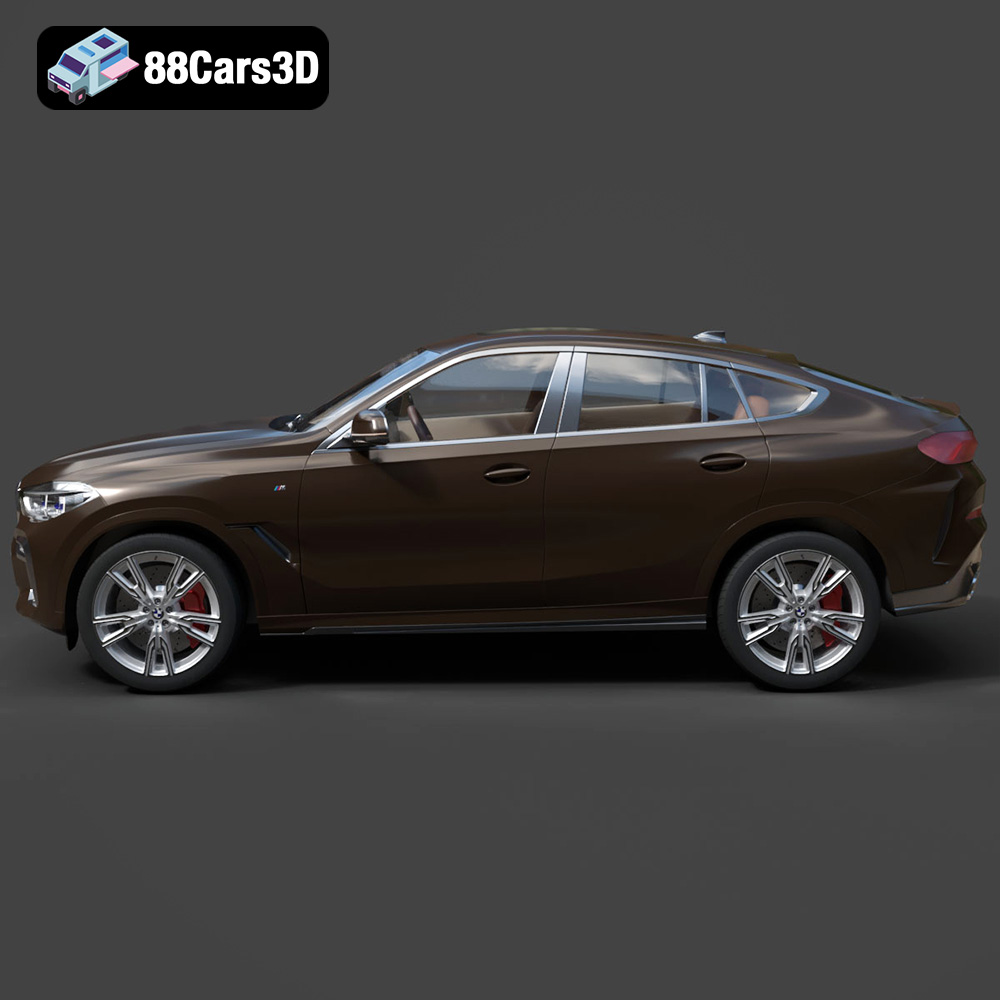
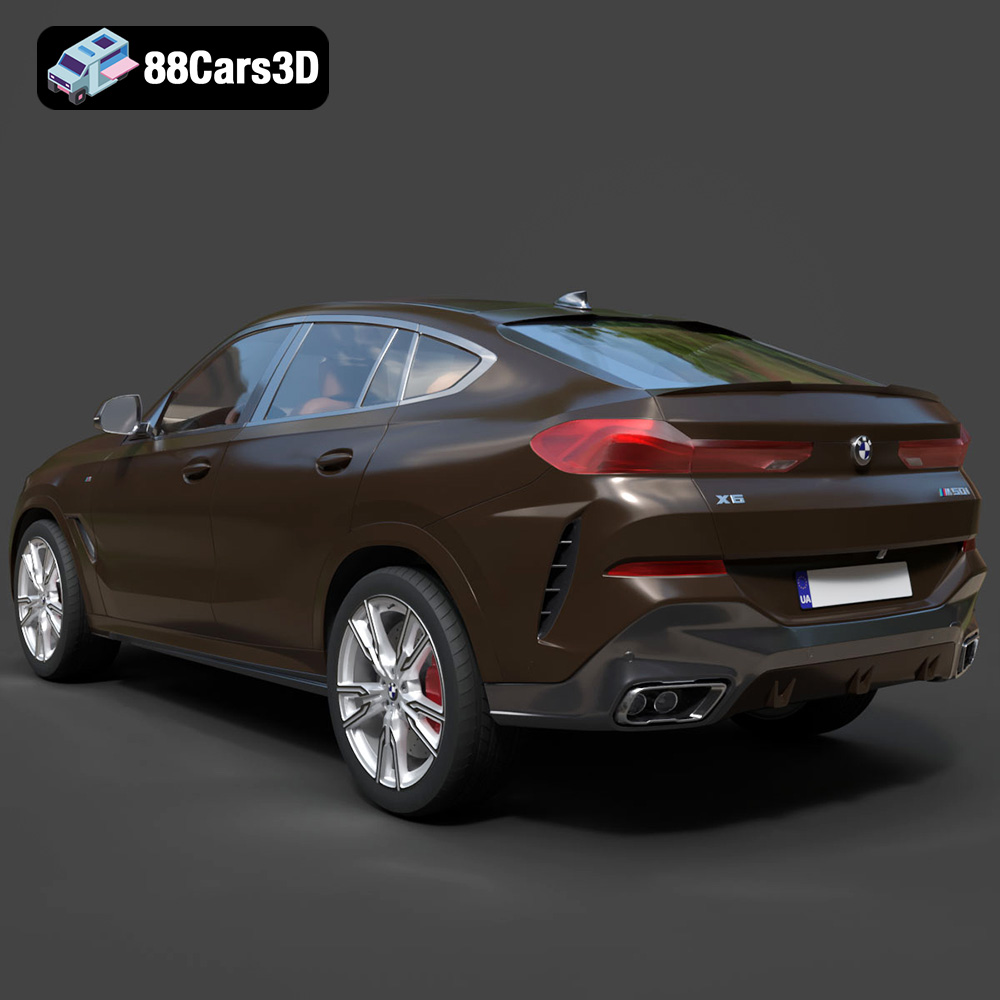
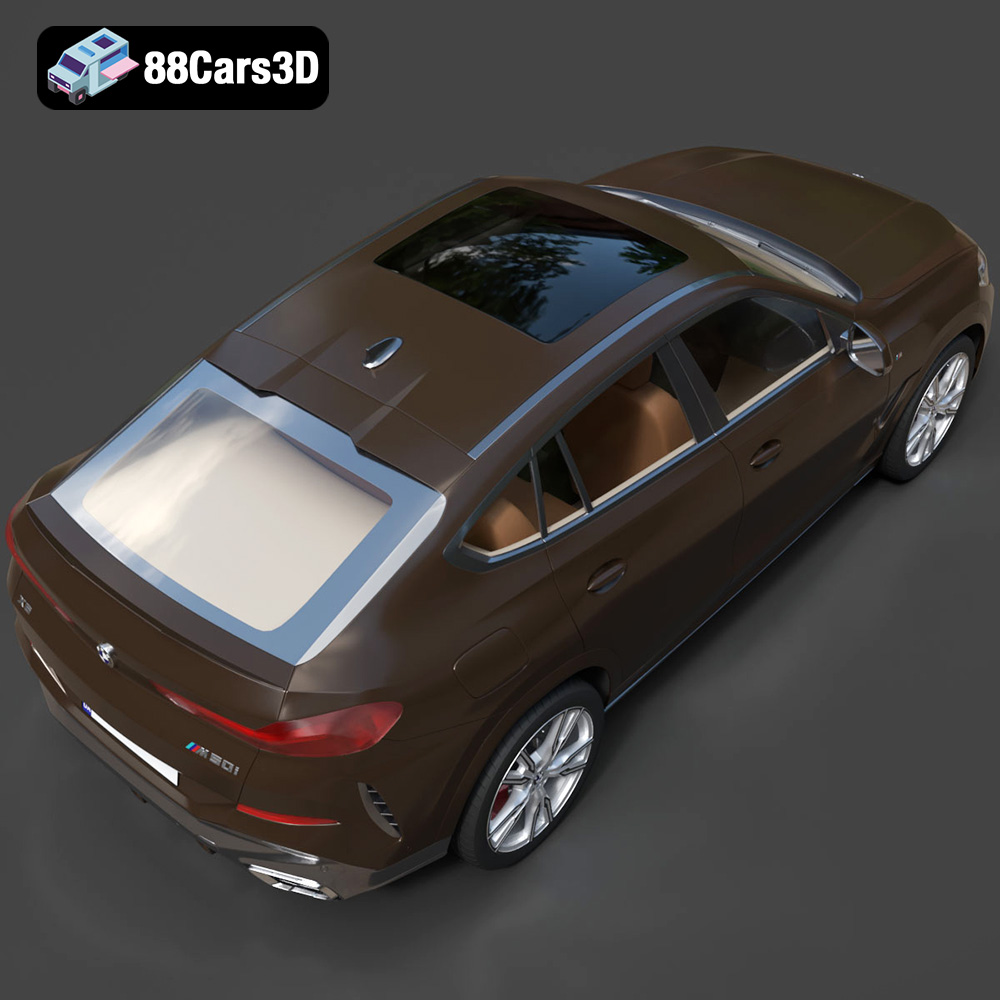
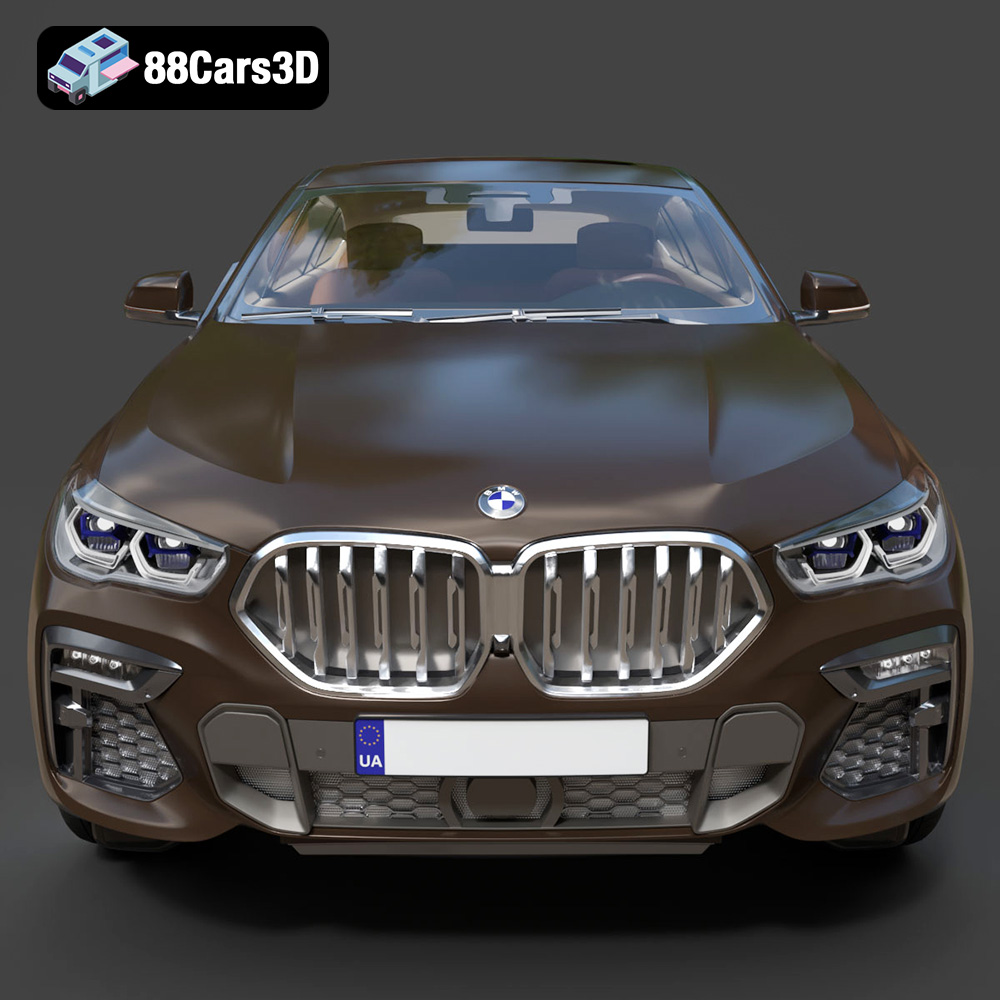
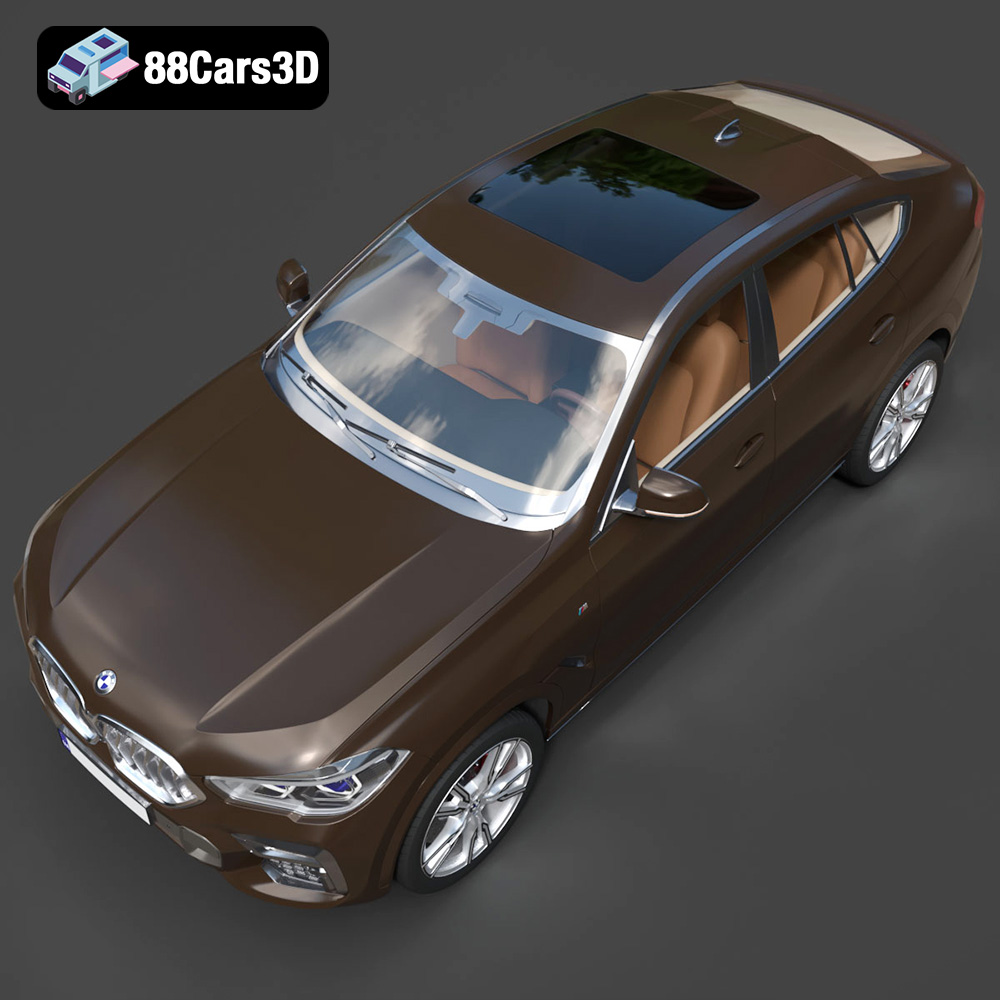
The BMW X6 (Mk3) (G06) M Sport 2020, a symbol of luxury and performance, can now grace your desk or become a centerpiece of your collection thanks to the magic of 3D printing. This isn’t just about creating a miniature car; it’s about bringing a high-quality 3D model to life, showcasing the intricate details and sleek design that defines the X6. Whether you’re a seasoned 3D printing enthusiast or a newcomer eager to explore the possibilities, this guide will provide you with the knowledge and techniques to successfully 3D print the BMW X6 (Mk3) (G06) M Sport 2020 model.
Before diving into the specifics of printing the BMW X6, it’s crucial to understand the various file formats associated with 3D models. Different formats offer distinct advantages, and choosing the right one can significantly impact the final print quality and ease of use.
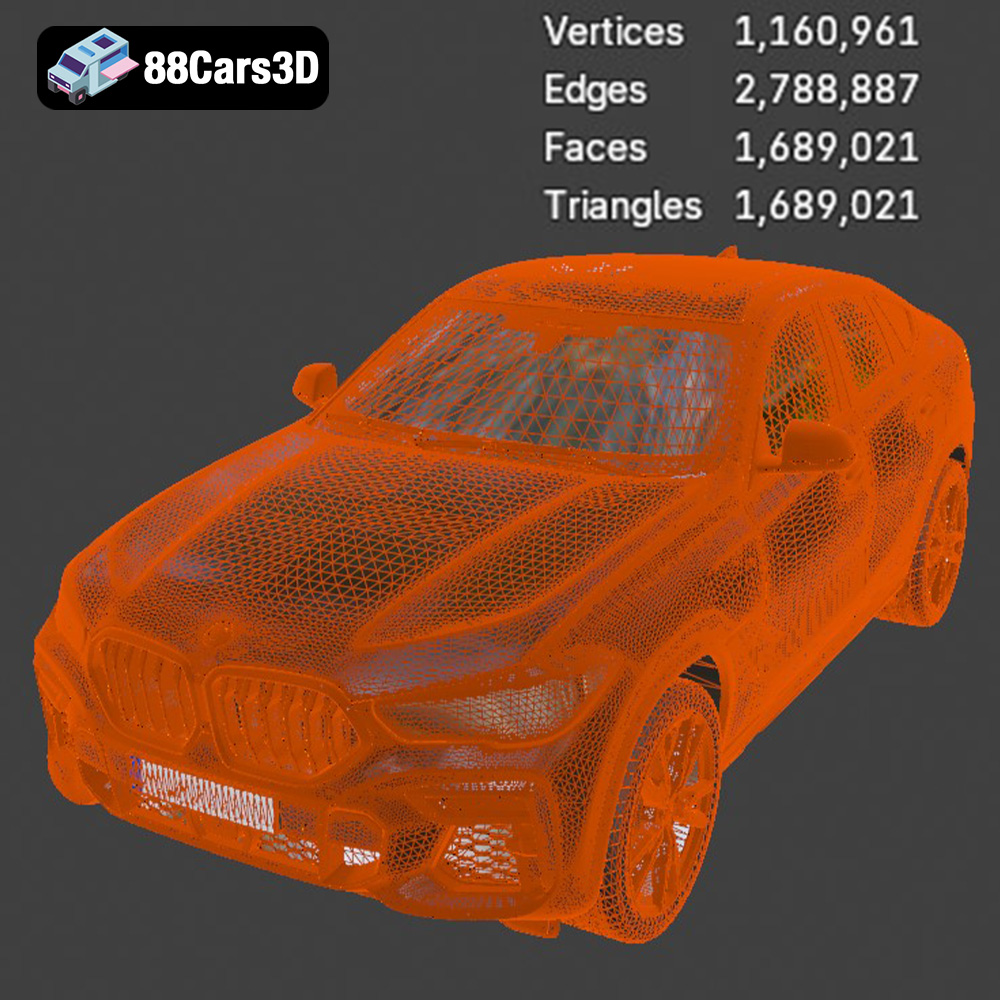
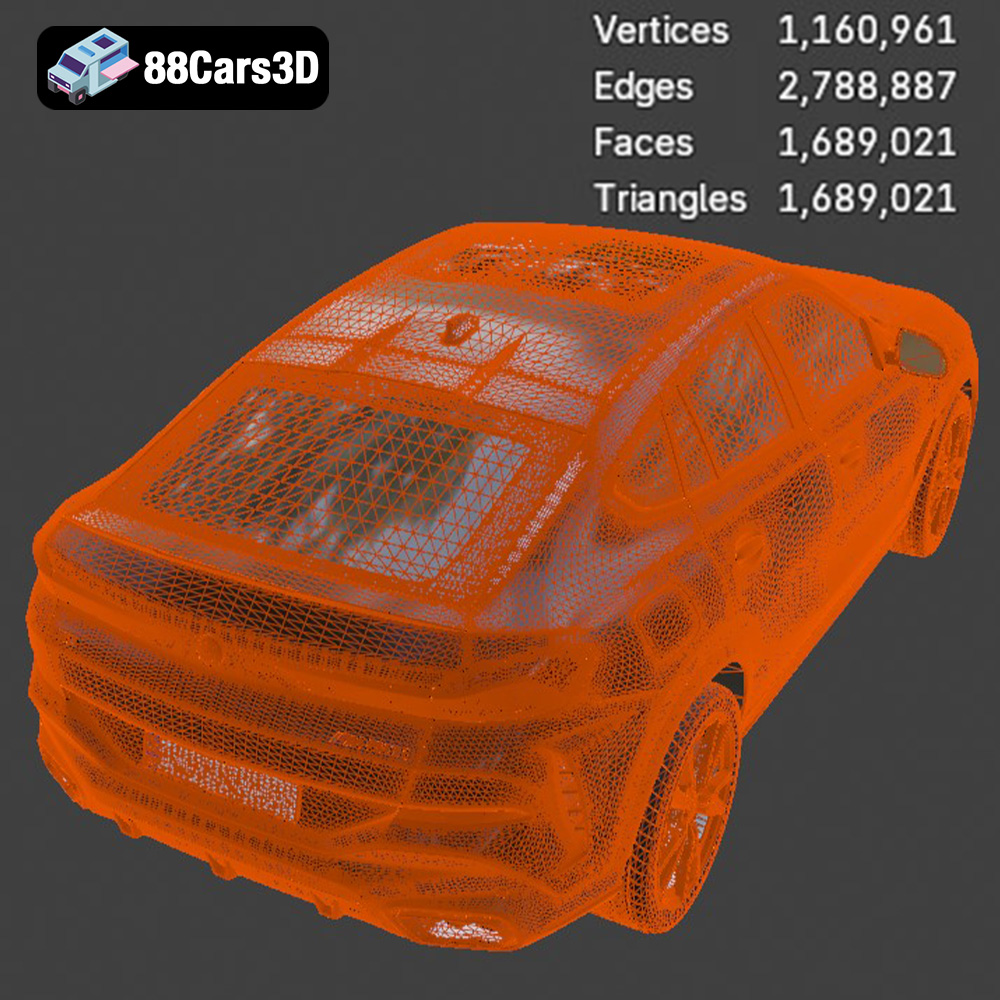
The .stl (stereolithography) format is the workhorse of 3D printing. It represents a 3D object’s surface geometry as a collection of triangles. This simplicity makes it universally compatible with almost all 3D printing software and printers. However, .stl files only contain mesh data; they don’t store information about color, texture, or materials. When working with .stl files, the mesh resolution (the number of triangles) is critical. A higher resolution results in a smoother surface but also a larger file size, potentially slowing down slicing and printing. Conversely, a lower resolution can lead to a faceted appearance. For the BMW X6, aim for a medium to high resolution STL to capture the vehicle’s curves and details accurately. 88cars3d.com provides the BMW X6 in .stl format, optimized for 3D printing.
The .obj (object) format is another widely used format, offering broader compatibility than .stl. Unlike .stl, .obj files can store color and texture information, making them suitable for 3D models with intricate surface details or planned for colored printing (if your printer supports it). However, not all slicing software handles .obj files with color data effectively, so testing is recommended. While the BMW X6 model is primarily intended for single-color printing in most cases, the .obj format is still valuable for visualization and pre-print preparation.
The .ply (polygon file format) is designed for storing 3D data acquired from scanning devices. It supports various data types beyond geometry, including color, normals, and texture coordinates. While .ply offers high precision, it’s not as universally supported by 3D printing software as .stl or .obj. It’s generally not the preferred format for printing car models.
The .blend format is the native file format for Blender, a popular open-source 3D modeling software. It contains the entire scene, including the model’s geometry, materials, textures, lighting, and animation data. If you plan to modify the BMW X6 model before printing, having access to the .blend file is a significant advantage. You can adjust the model’s scale, add details, or even create customized versions. However, you’ll need Blender to open and edit .blend files, and the final model must be exported to a printable format like .stl.
The .fbx (Filmbox) format is primarily used for transferring 3D models between different software applications, especially in game development. It supports geometry, materials, textures, animations, and rigging. While .fbx is not directly used for 3D printing, it can be useful for importing the BMW X6 model into slicing software that supports it, potentially preserving material assignments or other metadata. However, ultimately, you’ll still need to export a printable format like .stl.
The .glb (GL Transmission Format Binary) is designed for efficient delivery of 3D models in web and AR/VR applications. It’s a self-contained format that includes geometry, textures, and animations in a single file. While not directly printable, the .glb version of the BMW X6 can be used to preview the model in augmented reality before committing to the printing process, giving you a better sense of its scale and detail.
The .max format is the native format for Autodesk 3ds Max, a professional 3D modeling and animation software. Similar to .blend, it contains the complete scene data, allowing for extensive editing and customization of the BMW X6 model. You’ll need 3ds Max to open and modify .max files, and the final model must be exported to a printable format.
For 3D printing the BMW X6 (Mk3) (G06) M Sport 2020, the .stl format is generally the most suitable choice due to its widespread compatibility and simplicity. Ensure the STL file you use has sufficient resolution to capture the details of the X6, and repair any mesh errors before slicing.
The slicing process transforms the 3D model into a series of instructions that the 3D printer can understand. This involves configuring several settings in your slicing software to optimize the print for the BMW X6 model. Popular slicers include Cura, PrusaSlicer, Simplify3D, and others.
Choosing the right orientation for your model on the print bed is crucial. For the BMW X6, consider printing it with the roof facing upwards to minimize the need for support structures on visible surfaces. However, this might require more supports underneath the car’s body. Experiment with different orientations to find the best balance between support material usage and surface finish. Always use supports, especially for overhanging parts like the side mirrors, spoilers, and the roofline. Tree supports tend to be easier to remove than linear supports.
Layer height determines the resolution of your print. A smaller layer height (e.g., 0.1mm) results in smoother surfaces and finer details but increases print time. A larger layer height (e.g., 0.2mm) prints faster but may sacrifice some detail. For the BMW X6, a layer height of 0.15mm to 0.2mm is a good starting point. Infill density affects the strength and weight of the print. A higher infill density (e.g., 20%) makes the model stronger but uses more material. For a decorative model, 10-15% infill is typically sufficient. Consider using a gyroid infill pattern for a good balance of strength and material usage.
Ensuring good adhesion to the print bed is essential to prevent warping or detachment during printing. Use a brim, a single-layer outline around the base of the model, to increase the contact area with the print bed. You can also use adhesion-enhancing products like glue stick or hairspray on the print bed.
The choice of material significantly impacts the appearance, strength, and durability of the 3D printed BMW X6.
PLA (Polylactic Acid) is a biodegradable thermoplastic that’s easy to print, making it an excellent choice for beginners. It has low warping and a smooth surface finish. However, PLA is not very heat-resistant and can become brittle over time. For a display model of the BMW X6, PLA is a suitable option, especially if you plan to paint it. Recommended print settings for PLA: nozzle temperature 200-220°C, bed temperature 60°C.
PETG (Polyethylene Terephthalate Glycol-modified) offers a good balance of strength, flexibility, and heat resistance. It’s more durable than PLA and less prone to warping than ABS. PETG is a great option if you want a more robust BMW X6 model that can withstand some wear and tear. Recommended print settings for PETG: nozzle temperature 230-250°C, bed temperature 70-80°C.
Resin printing, using technologies like SLA (Stereolithography) or DLP (Digital Light Processing), offers the highest level of detail and surface finish. Resin printers use liquid resin cured by UV light. If you want to capture every intricate detail of the BMW X6, resin printing is the way to go. However, resin printers are more expensive, and the process can be messier than filament printing. Resin prints also require post-curing under UV light. When using resin, orient the model to minimize the area that requires supports. Hollow the model to save on resin consumption. Layer heights of 0.025mm to 0.05mm will give incredible detail. 88cars3d.com offers the BMW X6 in a format that can be adapted for resin printing.
Achieving a successful print depends heavily on the printer settings. Here’s a breakdown of optimal parameters:
Nozzle temperature should be adjusted based on the material used. For PLA, 210°C is a good starting point. For PETG, aim for 240°C. Print speed also affects the quality of the print. A slower print speed (e.g., 40-50mm/s) generally results in better surface finish and fewer errors. Adjust the fan speed to optimize cooling, especially for overhangs. For PLA, use 100% fan speed. For PETG, reduce the fan speed to 50-75%.
Fine-tune support settings for optimal results. Increase support density for areas with complex overhangs and decrease it for simpler areas to save on material. Experiment with different support patterns (e.g., zigzag, grid) to find what works best for your printer. Adjust the support z-distance (the distance between the support and the model) to make it easier to remove the supports without damaging the surface of the model. A z-distance of 0.15mm to 0.2mm is usually a good starting point.
Proper retraction settings are crucial to prevent stringing (thin strands of plastic between different parts of the model). Retraction distance and retraction speed should be adjusted based on the material and the printer. For PLA, a retraction distance of 6-7mm and a retraction speed of 40mm/s is a good starting point. For PETG, reduce the retraction distance to 4-5mm and the retraction speed to 30mm/s.
Once the 3D printing is complete, post-processing is essential to refine the model’s appearance and functionality.
Carefully remove the support structures using pliers, cutters, or a deburring tool. Take your time to avoid damaging the model’s surface. For stubborn supports, try heating them with a heat gun to soften the plastic before removal.
Sanding is essential for smoothing out layer lines and imperfections. Start with coarse sandpaper (e.g., 220 grit) and gradually move to finer grits (e.g., 400, 600, 800 grit) to achieve a smooth surface. Wet sanding can help reduce dust and improve the surface finish. For hard-to-reach areas, use small sanding sponges or files.
Painting can transform the 3D printed BMW X6 into a realistic replica. Apply a primer coat to improve paint adhesion and create a uniform base. Use spray paint or airbrush for even coverage. Apply multiple thin coats of paint, allowing each coat to dry completely before applying the next. Consider using masking tape to create detailed paint schemes. After painting, apply a clear coat to protect the paint and add a glossy or matte finish.
If the BMW X6 model consists of multiple parts, assemble them using glue or screws. Use CA glue (cyanoacrylate adhesive, also known as super glue) for a strong and fast bond. For larger parts, consider using epoxy adhesive for a more durable connection. If you plan to disassemble the model in the future, use screws instead of glue. Be sure to dry fit all parts before applying any adhesive.
Even with careful preparation, you may encounter some challenges during 3D printing. Here are some common issues and solutions:
Warping occurs when the corners of the print lift off the print bed. This is often caused by poor bed adhesion or temperature fluctuations. To prevent warping, ensure the print bed is clean and level, use a brim or raft, and increase the bed temperature. Enclosing the printer can also help maintain a consistent temperature.
Stringing is caused by excess plastic oozing from the nozzle during travel moves. To prevent stringing, adjust the retraction settings, reduce the nozzle temperature, and increase the travel speed. Also, ensure the filament is dry, as moisture can contribute to stringing.
Layer shifting occurs when the printer’s axes move unexpectedly, resulting in misaligned layers. This can be caused by loose belts, stepper motor issues, or obstructions on the print bed. Check the belts for proper tension, lubricate the axes, and ensure there are no obstructions.
Elephant’s foot is a phenomenon where the bottom layers of the print are wider than the rest. This is often caused by the bed being too close to the nozzle. Adjust the bed level to increase the distance between the nozzle and the bed.
By following these guidelines, you can successfully 3D print the BMW X6 (Mk3) (G06) M Sport 2020 and bring this iconic vehicle to life. Remember that 3D printing is an iterative process, so don’t be afraid to experiment with different settings and techniques to achieve the best results.
Experience unparalleled realism with the BMW X6 (Mk3) (G06) M Sport 2020 3D Model. This meticulously crafted digital asset accurately replicates the distinct proportions, aggressive styling, and luxurious detailing of the renowned sports activity coupe. Engineered with precision, this model provides an exceptional level of accuracy, making it an indispensable resource for creators seeking top-tier automotive models.
$39.99
.arvr
.blend
.bmw
.car3dmodel
.fbx
.g06
.gameasset
.glb
.luxurycar
.max
.mk3
.msport
.obj
.ply
.rendering
.simulation
.sportSUV
.stl
.unreal
.x6
SUV