Get 20% OFF All Premium 3D & STL Models!

In the vibrant world of 3D visualization, the demand for exceptionally detailed and accurate assets is ever-growing. From cinematic spectacles and immersive video games to architectural walkthroughs and cutting-edge AR/VR experiences, the quality of a 3D model dictates the realism and impact of the final output. Among the most sought-after assets are 3D car models, which require a meticulous balance of artistic flair and technical precision to capture the intricate beauty and engineering of their real-world counterparts.
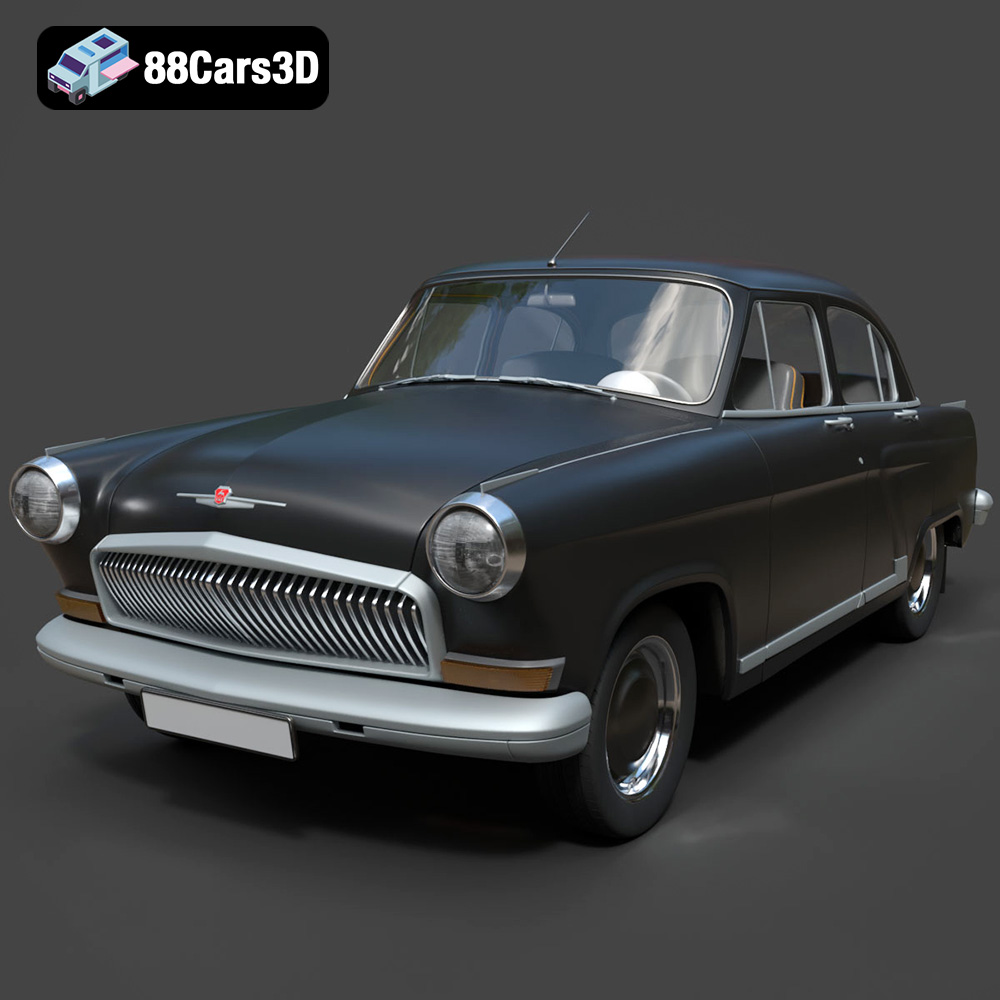
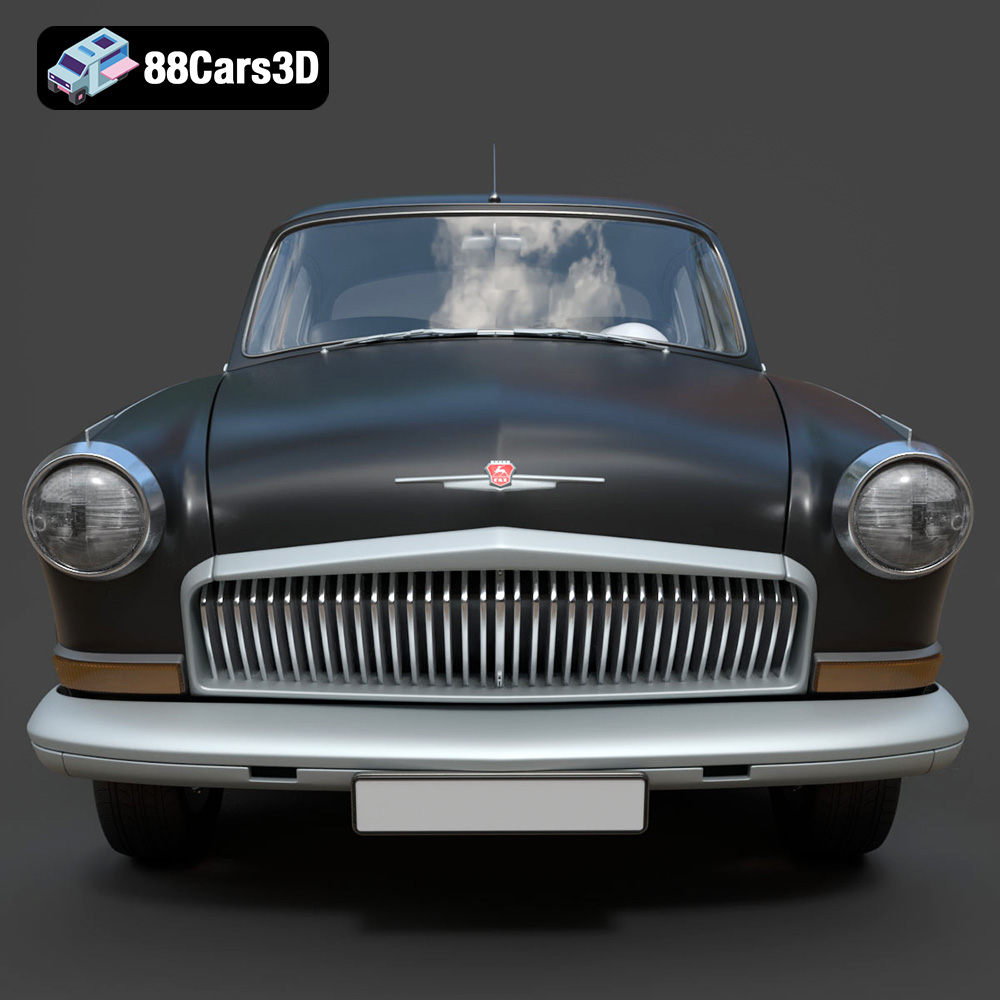
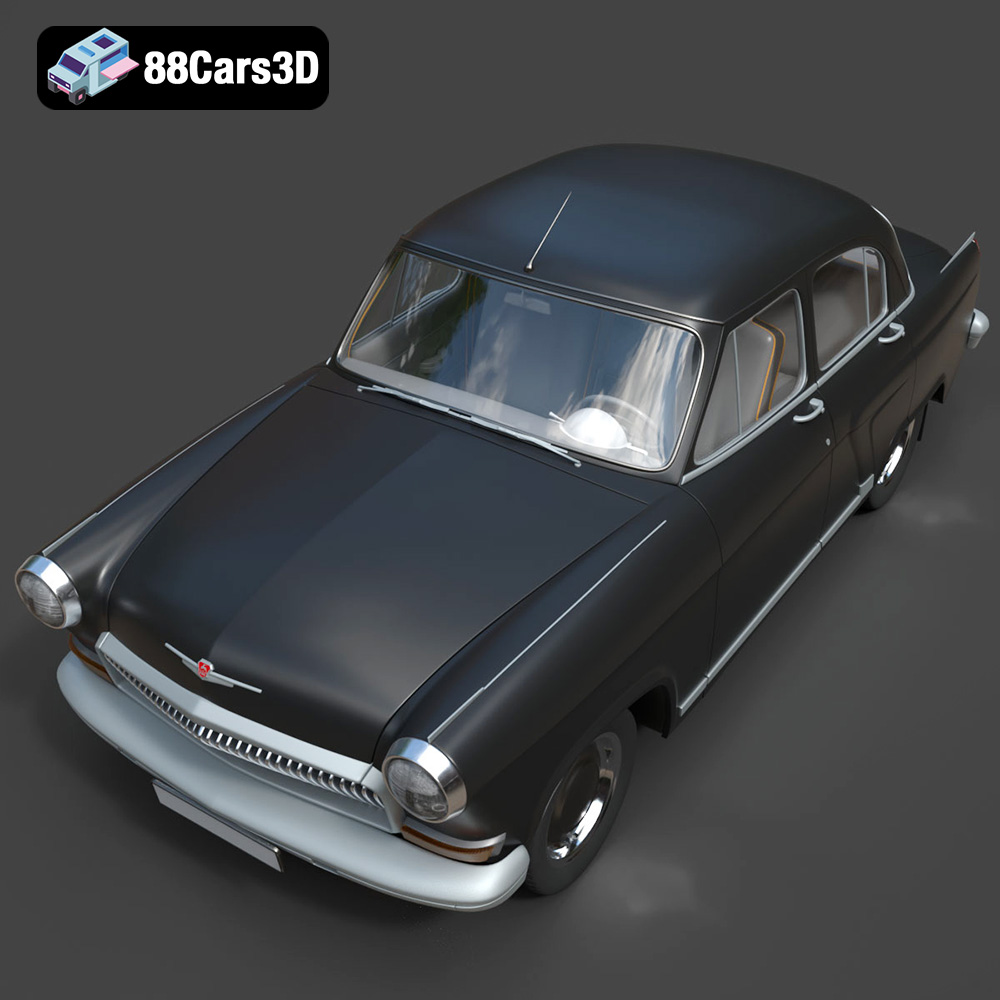
Today, we’re taking a closer look at what makes a truly professional 3D vehicle asset, exemplified by the GAZ 21-001 3D Model. This iconic classic vehicle serves as a perfect case study for exploring the technical intricacies, versatile applications, and essential considerations for anyone working with high-quality automotive 3D assets. Whether you’re a seasoned professional or an aspiring artist, understanding the foundational elements and advanced workflows behind such models is crucial for achieving photorealistic results and seamless integration into diverse projects.
The choice of file format is a critical decision in any 3D workflow, directly impacting compatibility, feature retention, and optimization for specific applications. Professional 3D car models, like the GAZ 21-001 3D Model available at 88cars3d.com, are often provided in multiple formats to cater to a broad spectrum of needs, from detailed rendering to real-time game development and even 3D printing. Understanding each format’s strengths and weaknesses is paramount for efficient project execution.
The .blend format is native to Blender, the powerful open-source 3D creation suite. When a 3D model is provided as a .blend file, it typically includes the complete scene setup: the mesh data, materials, textures, lighting, camera settings, and even any animation rigs or modifiers applied. This makes it an ideal choice for users who primarily work in Blender and require full editability of the asset. Artists can dissect the model, understand its construction, adjust materials, or re-purpose elements with maximum flexibility. The GAZ 21-001’s .blend file, for instance, would offer an insight into the artist’s material setup and topology strategy within Blender itself, making it invaluable for learning or deep customization.
.fbx (Filmbox) is an industry-standard proprietary file format developed by Autodesk, widely adopted for its excellent interoperability across various 3D software and game engines. It’s particularly favored for real-time applications like Unreal Engine and Unity because it can store not only mesh data but also critical information such as material assignments, textures, bone animations, blend shapes, and even camera and light data. When exporting to FBX, careful consideration is given to baking transformations and ensuring clean hierarchies for optimal performance in game engines. The GAZ 21-001’s .fbx variant is specifically designed to be “game-engine ready,” implying optimized mesh density, proper UV layouts, and PBR material setup for smooth integration into interactive environments.
The .obj (Wavefront OBJ) format is one of the oldest and most universally supported 3D formats. It’s a simple, text-based format that primarily stores geometry data (vertices, normals, texture coordinates, and faces) and can reference external material (.mtl) and texture files. Its strength lies in its widespread compatibility; almost every 3D software package can import and export OBJ files. While it doesn’t support complex features like animation or rigging, it’s an excellent choice for transferring static mesh data between different applications reliably. For the GAZ 21-001, the .obj file serves as a robust foundation for users needing a clean, standard mesh to work with in any 3D environment, from Maya to Cinema 4D.
.glb (GL Transmission Format Binary) is the binary version of glTF (GL Transmission Format), an open-standard format for 3D scenes and models. GLB is highly efficient, designed for fast loading and rendering, making it perfect for web-based 3D, augmented reality (AR), and virtual reality (VR) applications. It bundles all necessary data—geometry, materials, textures, animations—into a single, self-contained file, simplifying deployment. Its optimizations often include mesh compression and PBR material support, ensuring visual quality even on less powerful devices or web browsers. The GAZ 21-001’s .glb version signifies its readiness for interactive web viewers or AR overlays, delivering a lightweight yet visually appealing experience.
.stl (Stereolithography) is the de facto standard format for 3D printing. It represents a 3D model as a series of connected triangles, describing only the surface geometry without color, texture, or material information. For successful 3D printing, an STL model must be “watertight” (manifold), meaning it has no holes or gaps in its surface that would prevent a solid object from being defined. The GAZ 21-001’s .stl variant implies it has been prepared with 3D printing in mind, ensuring a clean, manifold mesh suitable for fabrication, whether for prototyping or creating physical scale models.
The .ply (Polygon File Format or Stanford Triangle Format) is another format for storing 3D data, often used in scientific and research applications, particularly for data acquired from 3D scanners. It can store a wide range of properties, including color, transparency, normals, texture coordinates, and more, for each vertex or face. Unlike OBJ, PLY can represent both triangulated meshes and point clouds, offering greater precision for certain analytical tasks or for integrating scan data with CAD workflows. For the GAZ 21-001, a .ply file would offer a detailed polygon mesh suitable for reverse engineering, precise measurements, or advanced visualization and analysis in contexts where high geometric fidelity is paramount.
The inclusion of a .unreal file (or an Unreal-specific package/project) signifies a model that has not just been exported for Unreal Engine, but has been pre-configured and set up within the engine itself. This typically means materials are correctly assigned and optimized for Unreal’s renderer, textures are imported and linked, collision meshes might be present, and potentially LODs (Levels of Detail) are already configured. This saves significant time for Unreal Engine developers, as the asset is ready to be dropped into a scene with minimal additional setup, a clear advantage for integrating a complex asset like the GAZ 21-001 into a dynamic environment.
Similar to .blend for Blender, the .max format is native to Autodesk 3ds Max, a leading software for architectural visualization, rendering, and animation. A .max file contains the complete 3ds Max scene, including all models, materials, textures, lights, cameras, modifiers, and animation data. It offers the highest level of editability for 3ds Max users, allowing them to inspect the construction, modify elements, adjust rendering settings, or integrate the model into existing 3ds Max projects seamlessly. The GAZ 21-001’s .max file is perfect for those using 3ds Max for high-end rendering projects, where scene optimization and animation capabilities are crucial.
Automotive rendering stands as one of the most demanding disciplines in 3D visualization, requiring impeccable attention to detail to replicate the intricate interplay of light, form, and material that defines a real vehicle. A premium 3D asset like the GAZ 21-001 3D Model provides an exceptional foundation, but understanding the rendering pipeline is key to unlocking its full potential.
At the heart of photorealistic automotive rendering is the accurate representation of materials. Modern rendering relies heavily on Physically Based Rendering (PBR) principles, where materials are defined by properties like albedo (base color), roughness, metallic, normal, and ambient occlusion maps. For a car model, this translates to:
The GAZ 21-001 3D Model’s “realistic materials” indicate that these complex PBR setups have been meticulously crafted, with clean UV mapping ensuring textures align perfectly and minimize distortion, even in extreme close-up shots. This foundation allows artists to focus on lighting and composition, knowing the materials will react realistically.
No matter how good the model, poor lighting will always yield an unconvincing render. High-quality automotive renders typically utilize:
The “clean geometry” and “accurate proportions” of the GAZ 21-001 model ensure that light interacts correctly with its surfaces, producing accurate shadows, specular highlights, and reflections that define its classic silhouette. This precise modeling is critical for achieving a sense of depth and volume in the final image.
Even the most stunning raw render can be elevated through thoughtful post-production. Techniques commonly applied in automotive visualization include:
A well-constructed 3D asset like the GAZ 21-001 simplifies the compositing process, as its accurate reflections and material responses naturally integrate with its surroundings, reducing the need for extensive manual adjustments.
Game development presents a unique set of challenges and requirements for 3D assets. While visual fidelity is paramount, it must be balanced with performance optimization to ensure smooth frame rates across various hardware platforms. High-quality 3D car models like those found on 88cars3d.com are essential for delivering realistic and immersive game experiences.
Integrating a 3D car model into game engines like Unreal Engine or Unity involves a specialized workflow:
Maximizing performance in game engines is a constant battle. Key considerations include:
The “professional detailing” and “clean geometry” of the GAZ 21-001 3D Model ensure it’s built with these performance considerations in mind, allowing it to shine in a real-time environment.
Beyond static appearance, game assets need to be interactive:
A high-quality asset is built from the ground up to support these interactive elements, making it truly valuable for game developers seeking realism and functionality.
The emergence of Augmented Reality (AR), Virtual Reality (VR), and advanced web-based 3D viewers has opened new frontiers for showcasing digital assets. These platforms demand highly optimized models that can deliver rich visual experiences on a range of devices, often with stringent performance constraints.
For AR/VR and web visualization, the .glb format has become the standard bearer. Its key advantages include:
The GAZ 21-001 3D Model’s availability in .glb format highlights its readiness for these modern immersive applications, providing an optimized asset that retains visual fidelity while meeting the demanding performance requirements of AR/VR and browser-based rendering.
Developing AR/VR applications with 3D car models involves specific considerations:
Web-based 3D viewers, powered by libraries like Three.js or Babylon.js, allow for rich, interactive experiences directly in a web browser, without needing plugins. This is perfect for:
The “ease of use” and optimization of the GAZ 21-001 3D Model make it an ideal candidate for such applications, providing a seamless and engaging experience for web visitors.
The utility of a high-quality 3D car model extends beyond purely digital visualization. With the advancements in 3D printing and the integration of artistic models into engineering workflows, assets like the GAZ 21-001 3D Model are finding new life in tangible forms and analytical applications.
For enthusiasts and professionals alike, the ability to transform a digital model into a physical object through 3D printing is immensely valuable. The .stl format, as previously discussed, is the standard for this purpose. When preparing a 3D car model for printing, several factors are critical:
Imagine printing a highly detailed scale model of the iconic GAZ 21-001 for a collector’s display, a diorama, or even as a unique gift. This tangible output offers a new dimension of interaction with digital assets.
While STL is for additive manufacturing, the .ply format offers greater precision for analytical tasks and bridging the gap between artistic models and engineering workflows. Its ability to store vertex colors, normals, and potentially more detailed mesh data makes it suitable for:
The availability of a .ply version for the GAZ 21-001 3D Model underscores its versatility, extending its use from purely visual applications to those demanding high geometric fidelity and analytical capabilities, appealing to a broader range of technical users.
The world of 3D modeling is a dynamic fusion of art and technology, where precision, optimization, and versatility are paramount. As we’ve explored through the lens of the GAZ 21-001 3D Model, a high-quality automotive asset is far more than just a mesh; it’s a meticulously crafted digital product designed to excel across a multitude of applications. From stunning cinematic renders and immersive game environments to interactive AR/VR experiences and even tangible 3D prints, the foundational quality of the model and the thoughtful provision of diverse file formats are crucial.
The GAZ 21-001 3D Model exemplifies the standards of professional 3D car models: clean geometry, realistic materials, accurate proportions, and robust construction. Its availability in formats like .blend, .fbx, .obj, .glb, .stl, .ply, .unreal, and .max ensures that artists and developers, regardless of their preferred software or target platform, have the right tool for the job. This attention to detail and multi-format support saves invaluable development time and guarantees consistent, high-fidelity results.
For those seeking to elevate their projects with top-tier 3D car models, understanding these technical nuances is indispensable. Whether your goal is photorealistic visualization, seamless game integration, or pioneering AR/VR content, investing in professionally crafted assets like those offered by 88cars3d.com is a smart choice. Explore the GAZ 21-001 3D Model and discover the difference that truly high-fidelity digital assets can make.
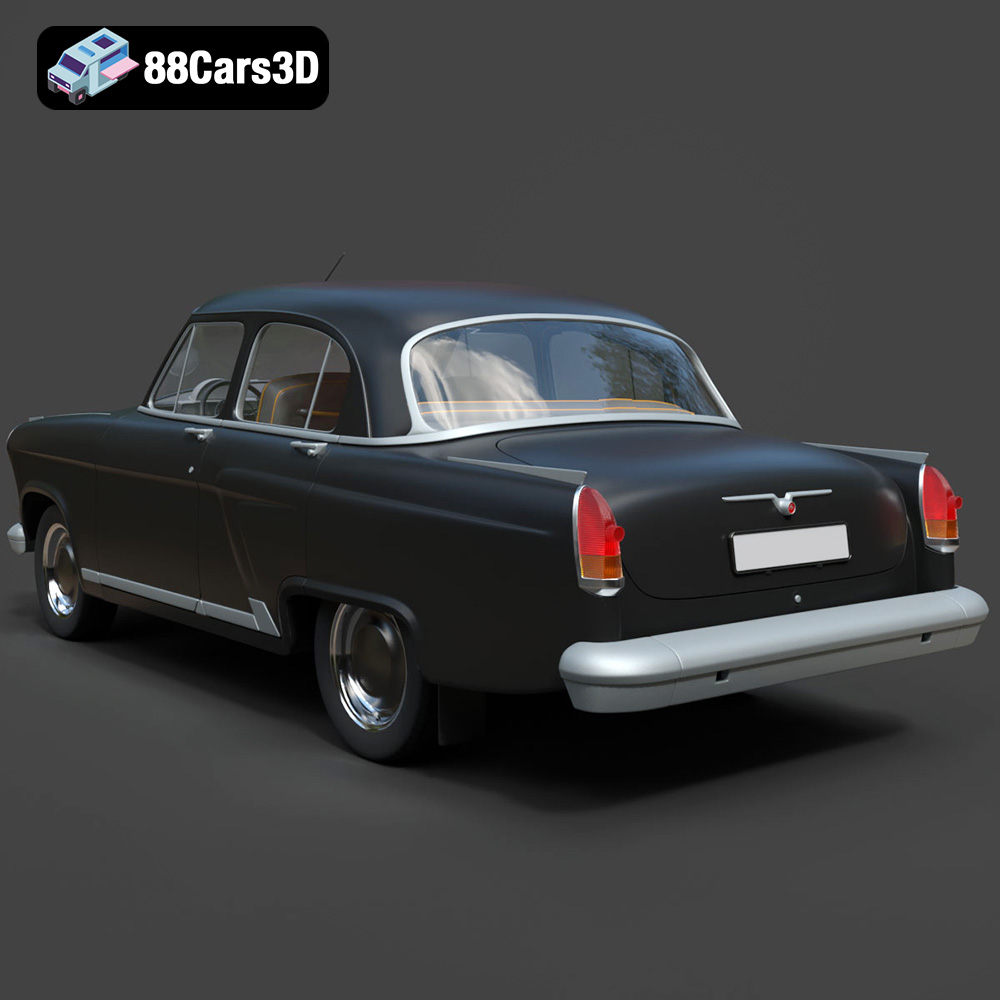
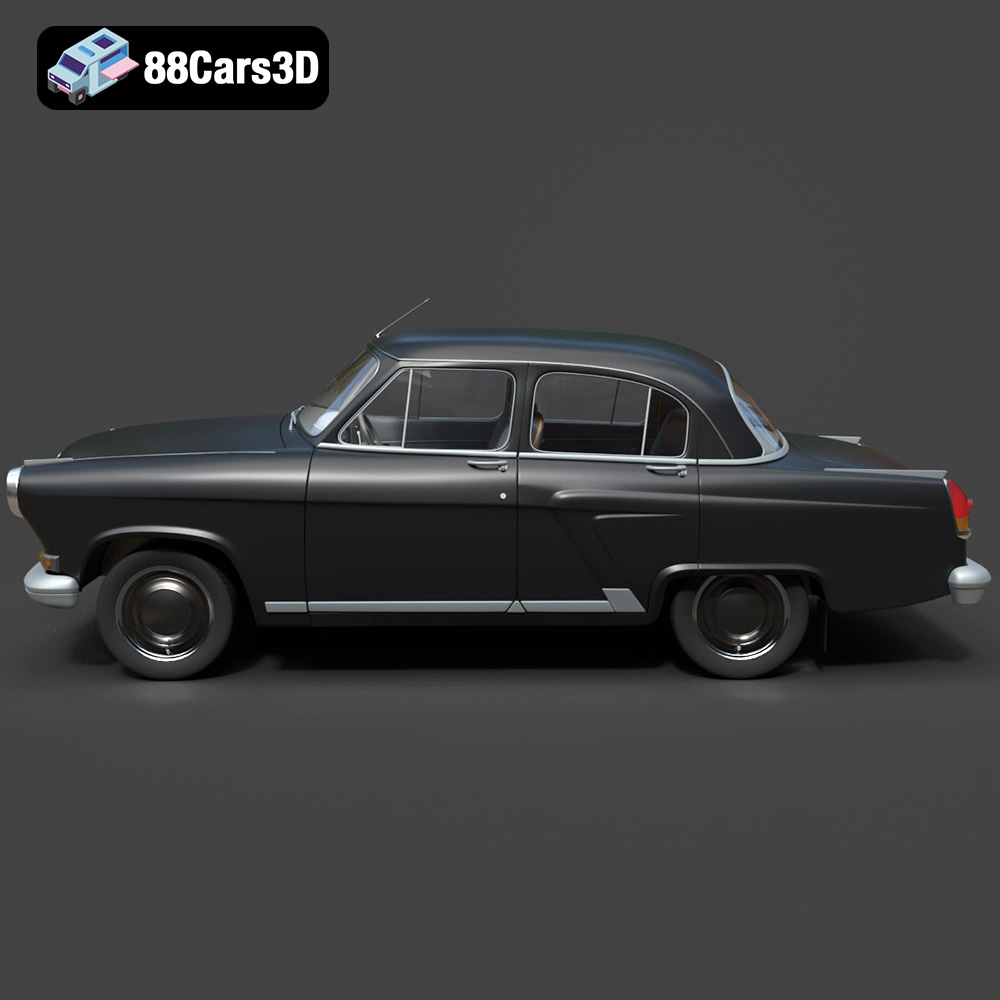
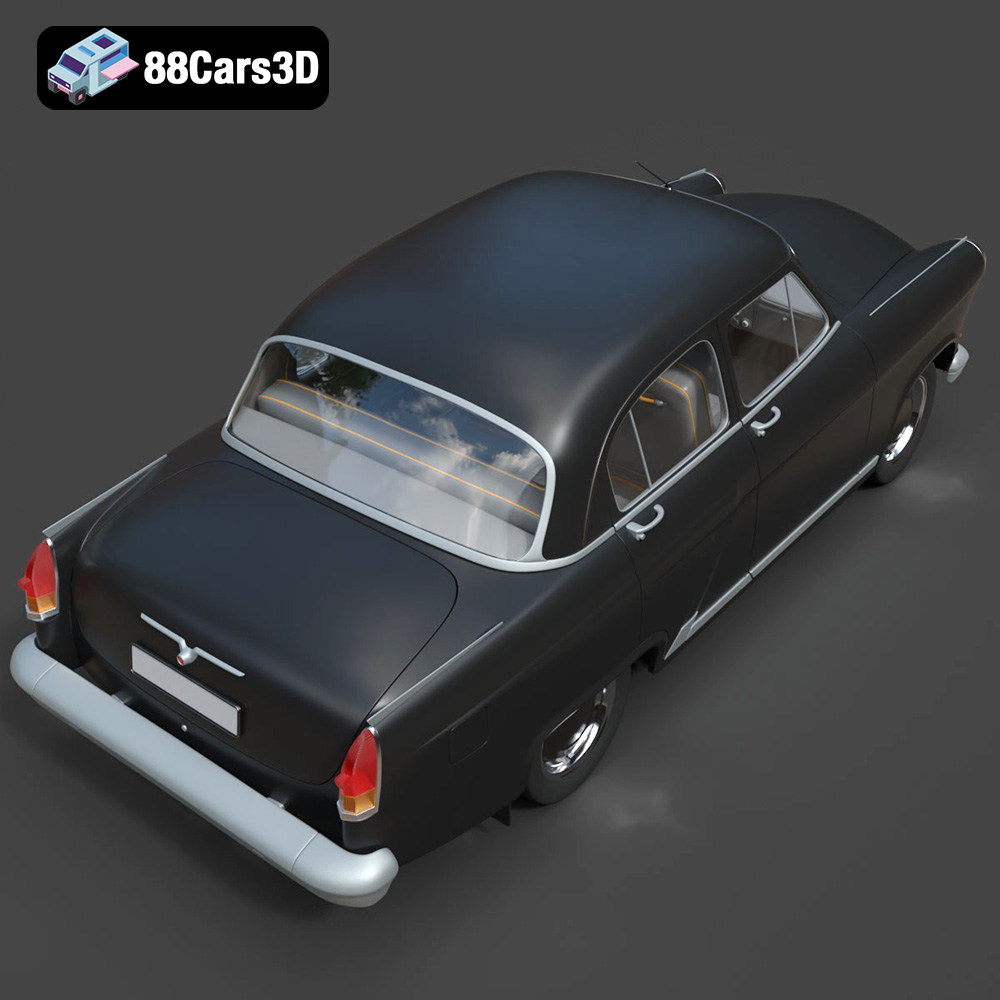
Experience precision and realism with the GAZ 21-001 3D Model. This meticulously modeled digital asset delivers an accurate representation of the iconic classic vehicle, offering realistic materials, accurate proportions, and professional detailing suitable for a wide variety of digital projects.
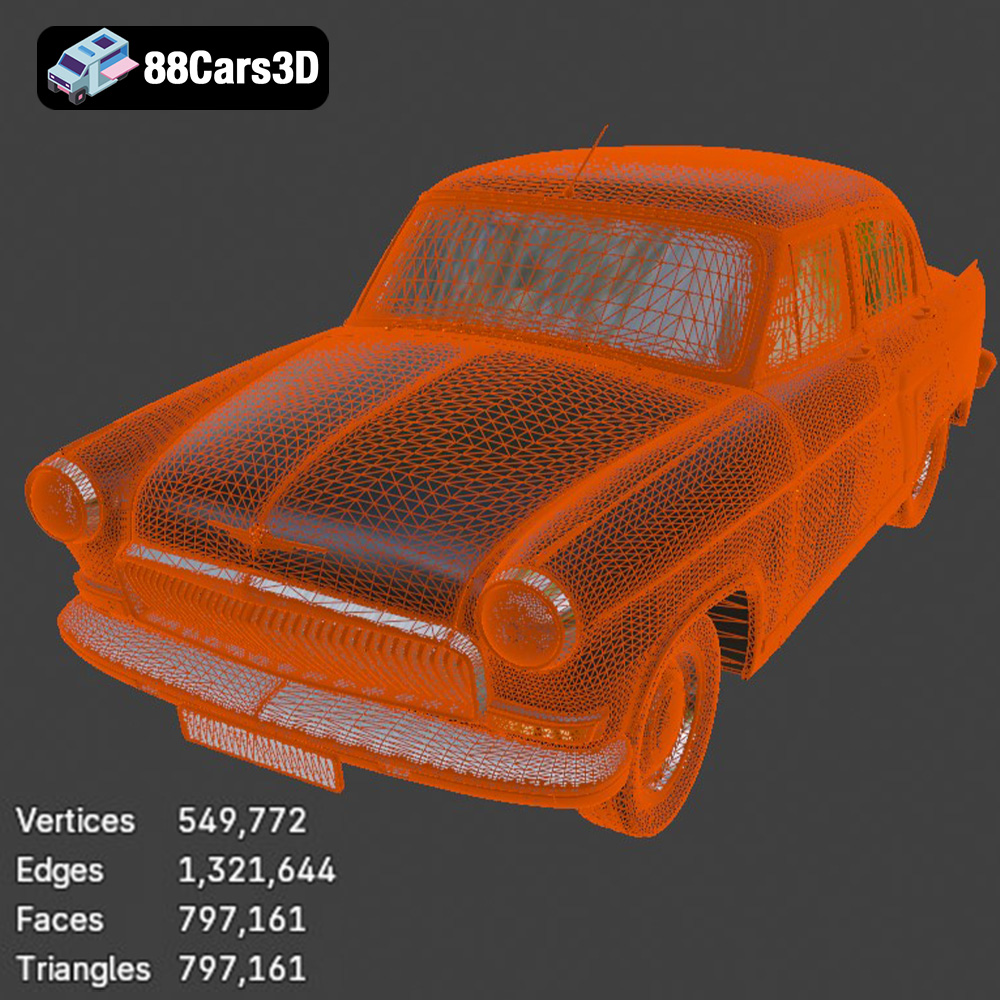
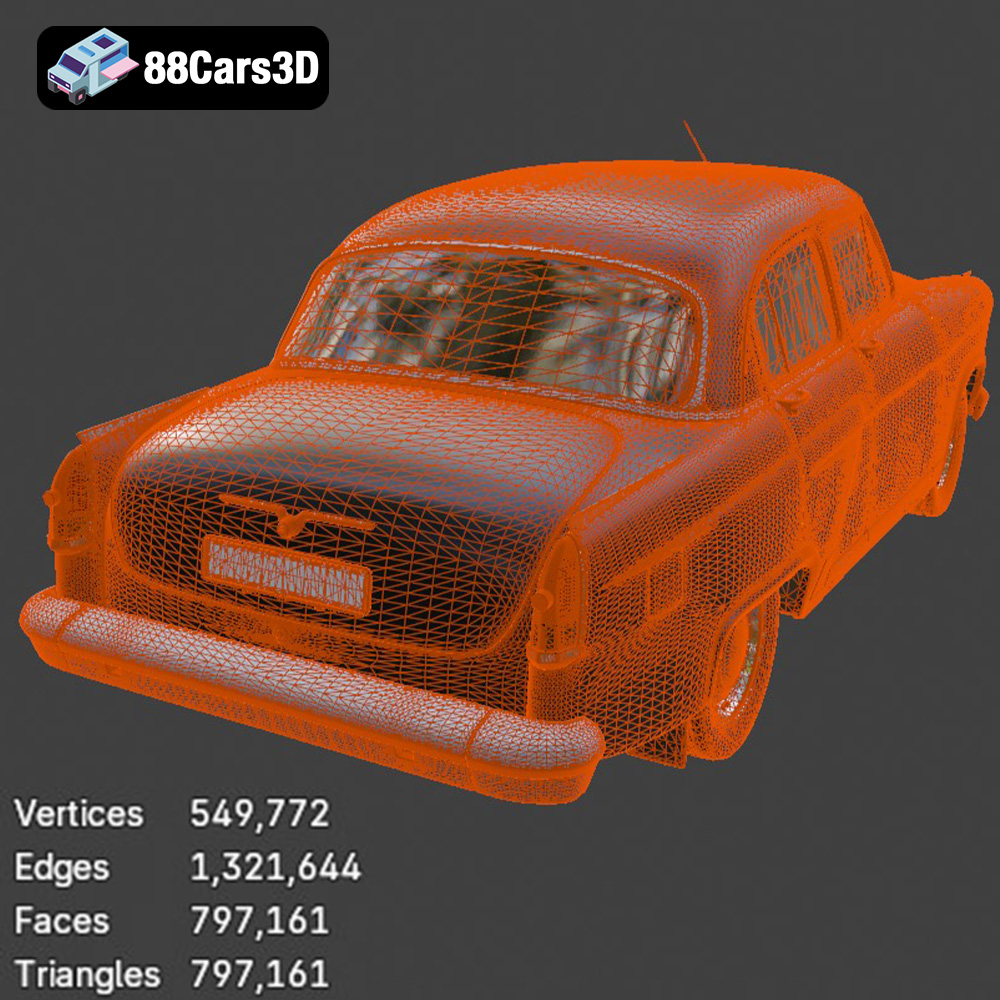
Key features include clean geometry for optimal performance, realistic materials that accurately reflect light and environment, and professional construction that ensures seamless integration into any scene. The model’s topology is carefully planned, making it ideal for close-up shots as well as dynamic background placement.
Perfect for diverse applications, this model excels in game development, architectural rendering, AR/VR experiences, film production, and visual simulations. Whether you are building an interactive environment or producing realistic still visualizations, this asset provides the necessary fidelity and ease of use.
Available file formats include:
Tags: .gaz, .21001, .sedan, .classiccar, .vintagecar, .car3dmodel, .rendering, .simulation, .gameasset, .arvr, .blend, .fbx, .obj, .glb, .stl, .ply, .unreal, .max
Tags:
.gaz, .21001, .sedan, .classiccar, .vintagecar, .car3dmodel, .rendering, .simulation, .gameasset, .arvr, .blend, .fbx, .obj, .glb, .stl, .ply, .unreal, .max
$39.99
.21001
.arvr
.blend
.car3dmodel
.classiccar
.fbx
.gameasset
.gaz
.glb
.max
.obj
.ply
.rendering
.sedan
.simulation
.stl
.unreal
.vintagecar