Get 20% OFF All Premium 3D & STL Models!

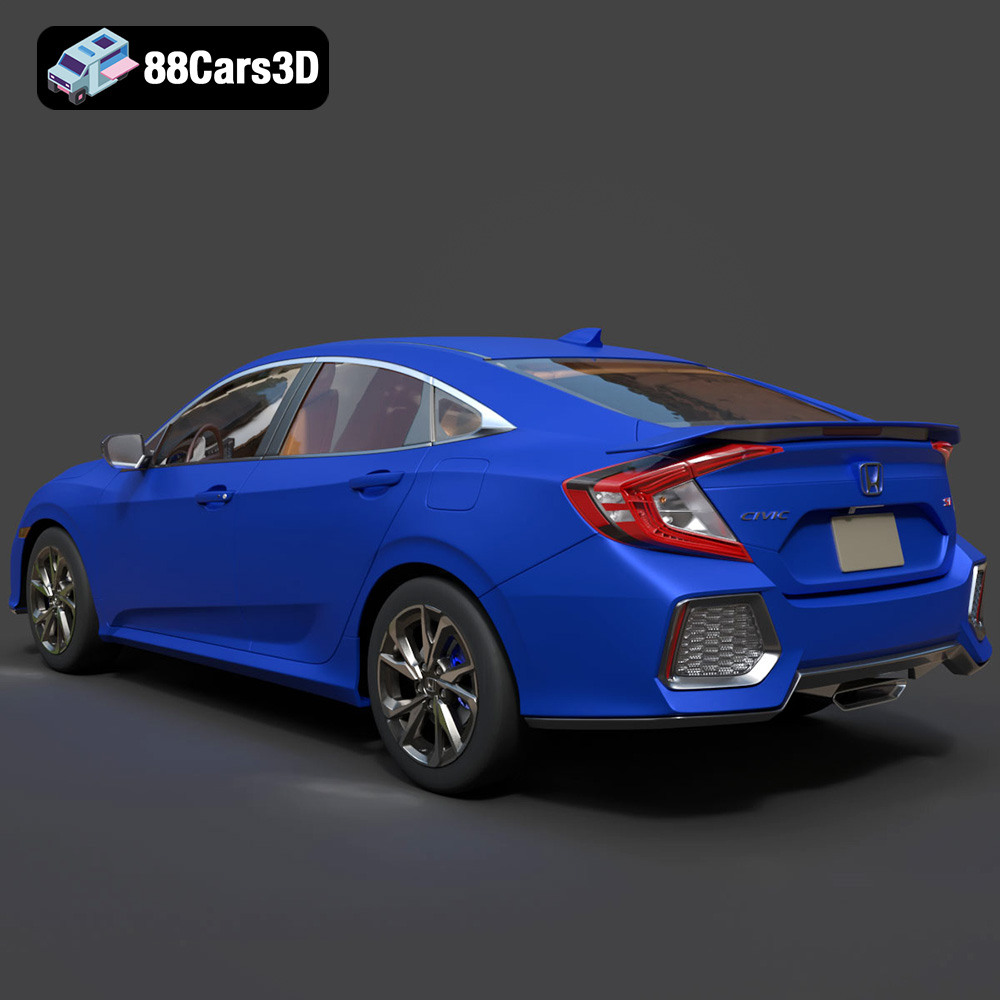
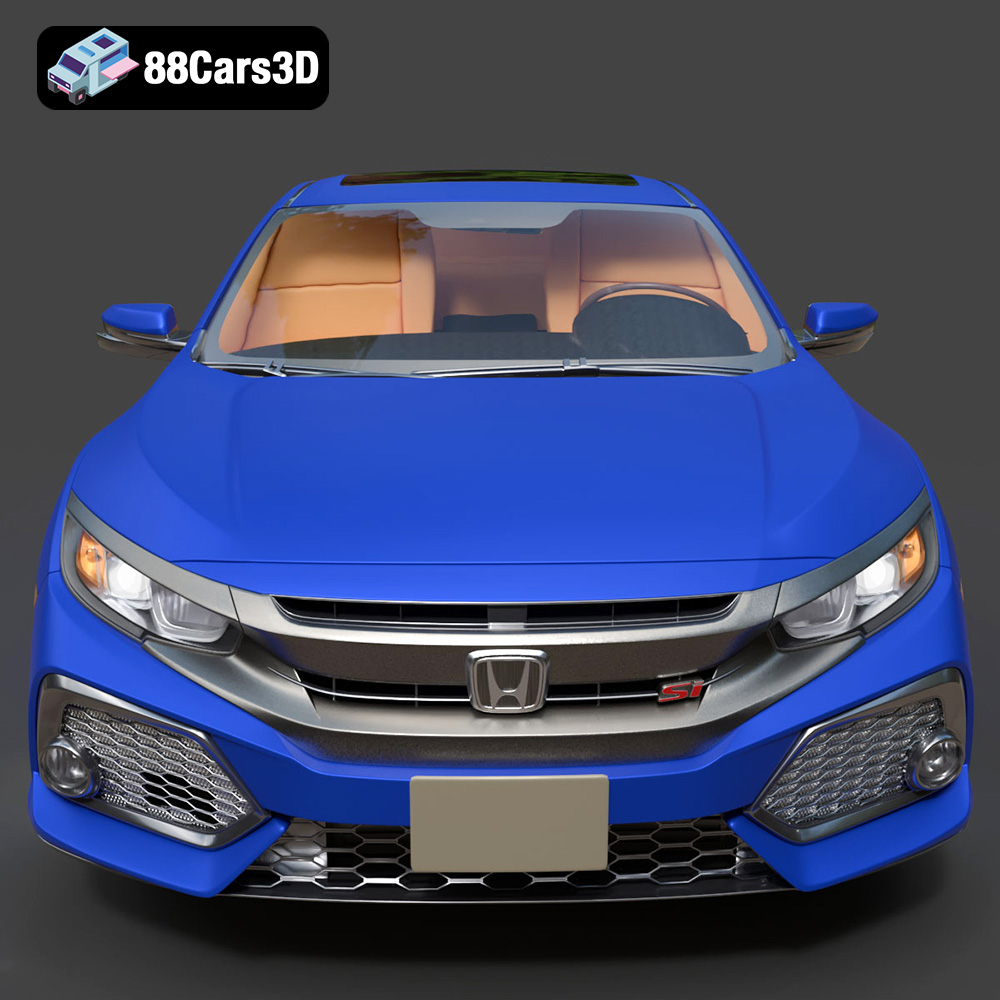
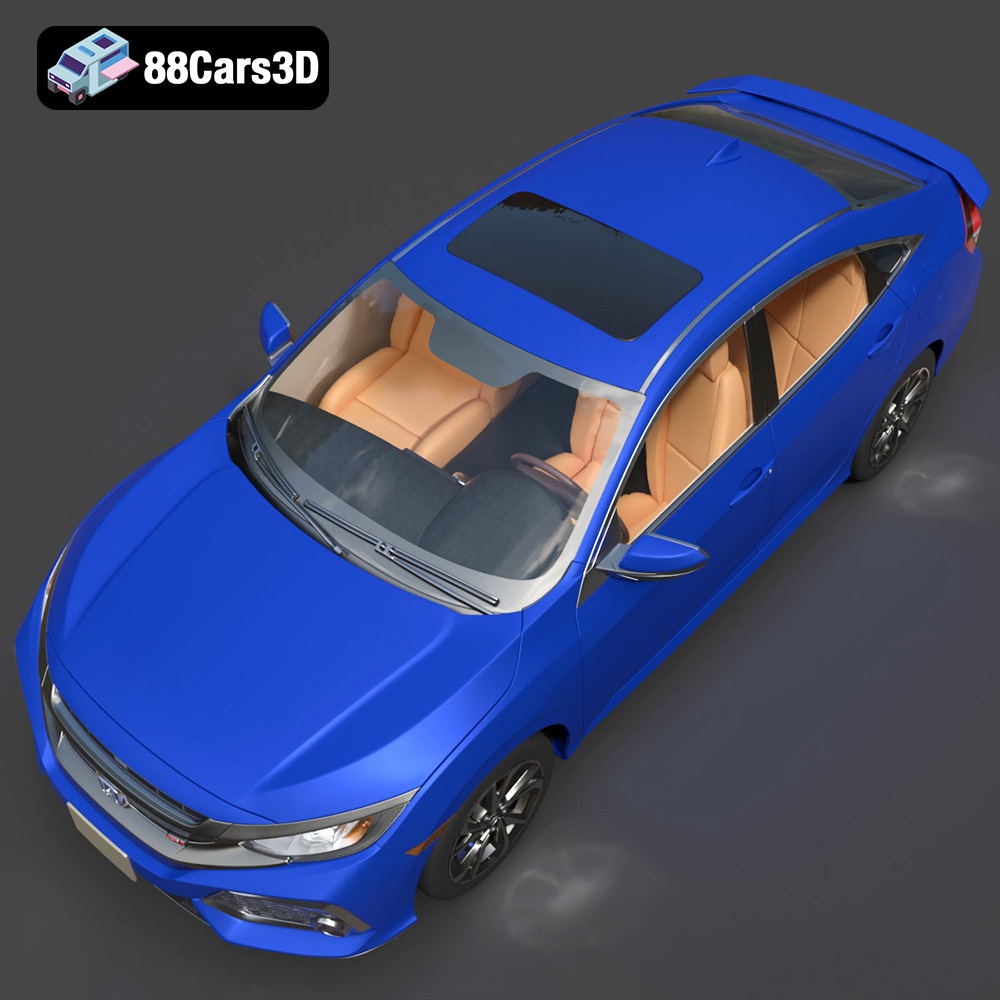
The Honda Civic Si Sedan 2017 is an iconic car, known for its sporty handling and appealing design. Thanks to 88cars3d.com, you can now bring this vehicle to life through the magic of 3D printing. This comprehensive guide will walk you through the process of successfully 3D printing the Honda Civic Si Sedan 2017 model, covering everything from pre-print preparation to post-processing techniques. Whether you’re a seasoned 3D printing enthusiast or a beginner, this article will provide valuable insights and practical tips for achieving high-quality results. The availability of the STL file makes this project readily accessible for additive manufacturing.
Selecting the correct file format is paramount for successful 3D printing. The Honda Civic Si Sedan 2017 3D model from 88cars3d.com includes multiple formats, each suited for different applications. For 3D printing, the .STL file format is the most crucial.
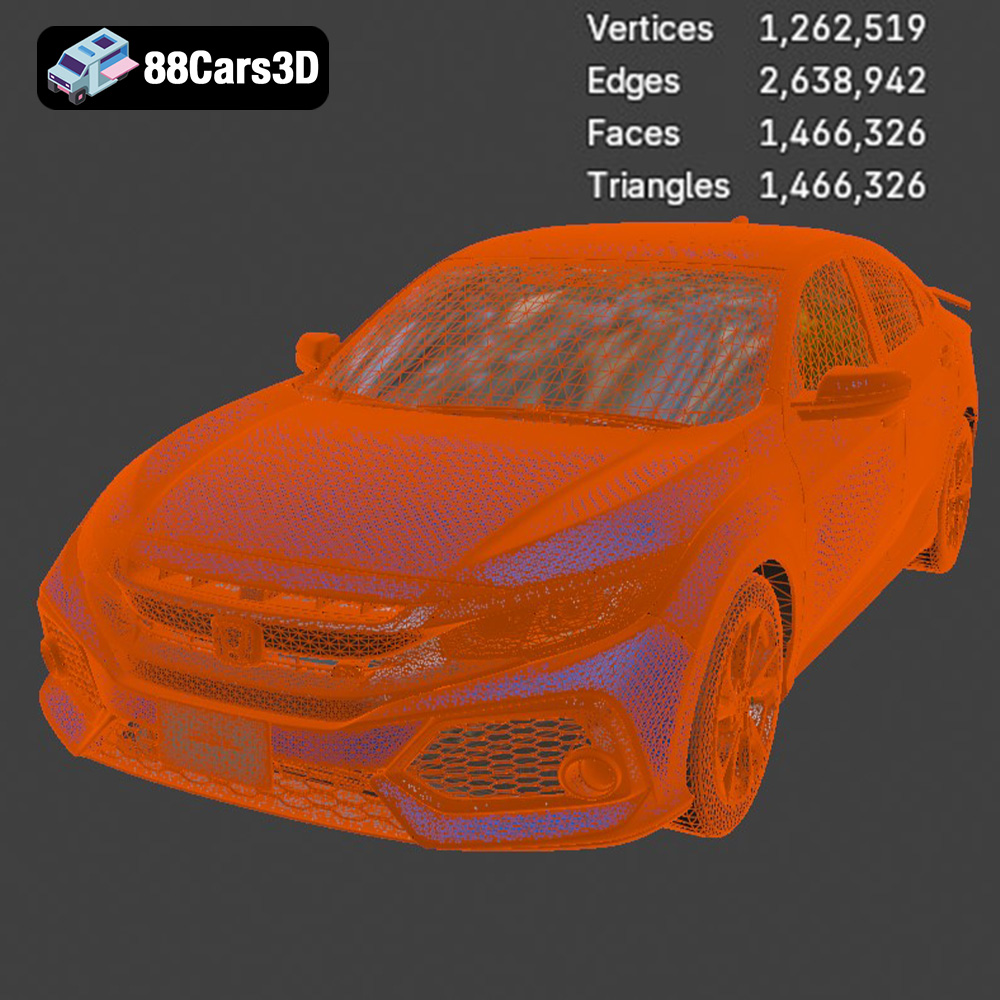
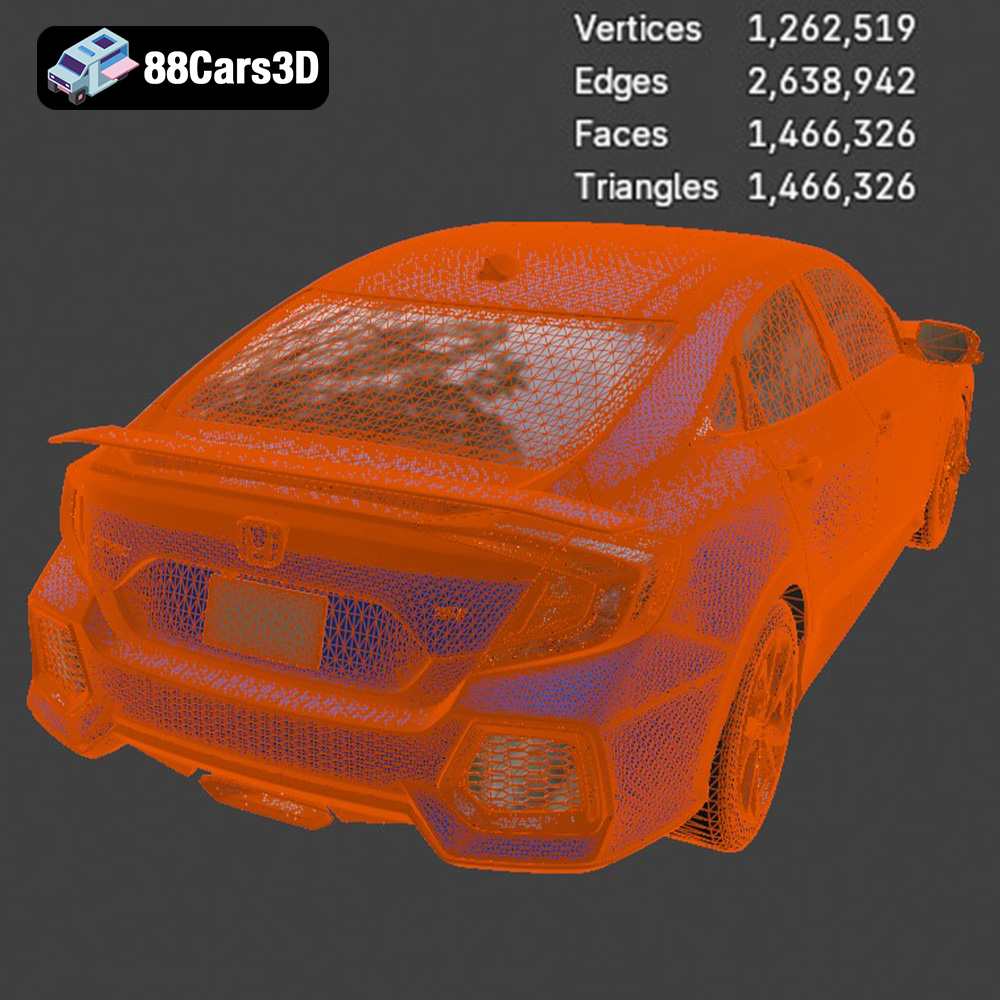
The .STL (Stereolithography) file format has become the industry standard for 3D printing. It represents the surface geometry of a 3D object using a mesh of triangles. The denser the mesh (i.e., the more triangles), the higher the resolution and the smoother the printed object. However, a very dense mesh can lead to larger file sizes and longer processing times in slicing software. The STL format is simple and widely supported by virtually all 3D printers and slicing software. When preparing the Honda Civic Si Sedan 2017 model for printing, ensure you are working with the STL file provided. It has been specifically optimized for 3D printing and will import cleanly into your chosen slicer.
While .STL is the primary format for 3D printing, understanding the other included formats can be beneficial:
* **.OBJ:** This format is a universal 3D file format that supports texture information. If you plan to paint your 3D printed Honda Civic Si Sedan 2017 model, you might find the .OBJ file helpful as a reference for applying colors and details. However, .OBJ files often require additional processing in slicing software before they are suitable for 3D printing.
* **.PLY:** The Polygon File Format (.PLY) is designed to store 3D data from scanners or other sources that capture high-resolution geometric data. Although capable of holding highly detailed meshes, PLY files are not always the best choice for straightforward 3D printing because some slicers may struggle with the complexity.
* **.BLEND, .MAX, .FBX:** These formats (.BLEND for Blender, .MAX for 3ds Max, and .FBX for game engines) are primarily used for editing, rendering, and animation. They are less relevant for the direct 3D printing process itself. However, if you want to modify the Honda Civic Si Sedan 2017 model before printing, you could use these files in their respective software, then export the modified version as an .STL for printing.
* **.GLB:** This format is gaining popularity for AR/VR applications and web-based visualization. You can use .GLB to preview the model in augmented reality before committing to a 3D print, giving you a better sense of its size and appearance.
The quality of the mesh in the .STL file is critical for a successful 3D print. The Honda Civic Si Sedan 2017 model from 88cars3d.com is designed with clean geometry and professional topology to minimize printing issues. However, it’s always a good idea to inspect the mesh in your slicing software before printing. Look for any gaps, holes, or non-manifold edges that could cause problems during printing. Most slicing software includes tools to automatically repair minor mesh errors. The slicing software converts the 3D model into a set of instructions (G-code) that your 3D printer can understand. Popular slicing software includes Cura, PrusaSlicer, Simplify3D, and others. Each slicer has its own strengths and weaknesses, so experiment to find the one that works best for you and your printer.
Choosing the right material is crucial for achieving the desired look, feel, and durability for your 3D printed Honda Civic Si Sedan 2017. Several materials are suitable, each with its own advantages and disadvantages.
PLA is a popular choice for 3D printing due to its ease of use, biodegradability, and wide availability. It’s a great option for beginners and provides good detail for models like the Honda Civic Si Sedan 2017.
* **Pros:** Easy to print, low warping, wide range of colors, biodegradable.
* **Cons:** Lower temperature resistance compared to other materials, can be brittle.
* **Recommended Settings:** Bed temperature 60°C, nozzle temperature 200-220°C, print speed 40-60 mm/s.
PETG offers a good balance of strength, flexibility, and temperature resistance. It’s a more durable option than PLA and is also relatively easy to print.
* **Pros:** Stronger and more flexible than PLA, good temperature resistance, low warping.
* **Cons:** Can be stringy during printing, requires slightly higher temperatures.
* **Recommended Settings:** Bed temperature 70-80°C, nozzle temperature 230-250°C, print speed 40-60 mm/s.
If you want to achieve the highest possible level of detail for the Honda Civic Si Sedan 2017, resin printing (using SLA or DLP printers) is the way to go. Resin printers use liquid resin that is cured by UV light, allowing for extremely fine details and smooth surfaces.
* **Pros:** Exceptional detail, smooth surfaces, high precision.
* **Cons:** More expensive than FDM printing, requires post-processing (washing and curing), can be messy.
* **Recommended Settings:** Exposure time and layer height depend on the specific resin and printer used. Follow the manufacturer’s recommendations.
Before you can start printing the Honda Civic Si Sedan 2017 model, you need to prepare the STL file using slicing software. This involves orienting the model, adding supports, and setting the appropriate print parameters.
The orientation of the model on the print bed can significantly impact the print quality and the amount of support material required. For the Honda Civic Si Sedan 2017, consider printing it with the bottom facing down or at a slight angle. This can minimize the need for supports on the visible surfaces. Support structures are essential for printing overhangs and complex geometries. Use your slicing software to generate appropriate support structures, paying attention to areas like the roof, mirrors, and bumpers.
The slicing parameters, such as layer height, infill density, and print speed, will affect the print time, material usage, and the final appearance of the model. A smaller layer height (e.g., 0.1mm or 0.15mm) will result in a smoother surface finish but will increase the print time. For the Honda Civic Si Sedan 2017, an infill density of 15-20% should be sufficient for most parts. Increase the infill density for parts that require more strength, such as the chassis.
Fine-tuning your printer settings is essential to ensure the Honda Civic Si Sedan 2017 prints smoothly and accurately.
Layer height and print speed are two crucial parameters that directly influence the quality and time required for 3D printing. Lower layer heights, such as 0.1mm or 0.15mm, can significantly improve surface finish and capture finer details on the Honda Civic Si Sedan 2017 model. However, they also increase print time. Print speed should be optimized to balance speed and quality. Too high a speed can lead to poor layer adhesion and other printing defects.
Maintaining optimal temperatures for both the print bed and the nozzle is vital. Correct bed adhesion prevents warping, especially for larger parts. For PLA, a bed temperature of 60°C is generally recommended. For PETG, slightly higher temperatures (70-80°C) may be necessary. Effective cooling is also crucial, particularly for detailed sections. Ensure your printer’s cooling fan is correctly positioned and functioning well to prevent overheating and deformation.
Ensuring proper bed adhesion is essential for preventing warping and ensuring that the Honda Civic Si Sedan 2017 model stays firmly in place during the print. Techniques include using a heated bed, applying adhesive solutions like glue stick or hairspray, and employing a raft or brim in your slicing software. A raft is a sacrificial layer printed underneath the model to enhance adhesion, while a brim is a single-layer outline around the base of the model that serves the same purpose.
Once the 3D printing is complete, post-processing is necessary to achieve a polished and professional-looking Honda Civic Si Sedan 2017 model.
Carefully remove the support structures using pliers, a hobby knife, or specialized support removal tools. Take your time to avoid damaging the model. After removing the supports, you can smooth the surface using sandpaper. Start with a coarse grit (e.g., 220 grit) and gradually move to finer grits (e.g., 400, 600, 800 grit) to achieve a smooth finish.
Painting the 3D printed Honda Civic Si Sedan 2017 can bring it to life and add a realistic touch. Use automotive-grade paints and primers for the best results. Apply multiple thin coats of paint, allowing each coat to dry completely before applying the next. You can also use masking tape to create intricate paint schemes and add fine details.
If the model is printed in multiple parts, assemble them carefully using glue or other adhesives. Ensure that the parts are aligned correctly before the glue dries. You can also use small screws or pins to reinforce the joints.
Even with careful preparation, 3D printing can sometimes present challenges. Here are some common issues and their solutions.
Warping occurs when the corners of the print lift off the bed. This can be caused by poor bed adhesion, incorrect bed temperature, or drafts. To prevent warping, ensure that your bed is properly leveled and clean. Use adhesive solutions like glue stick or hairspray, and consider using a raft or brim.
Stringing occurs when the printer nozzle oozes material while moving between parts. Blobs are small clumps of plastic that can form on the surface of the print. To reduce stringing and blobs, adjust the retraction settings in your slicing software, lower the nozzle temperature, and increase the travel speed.
Layer shifting occurs when the layers of the print are misaligned. This can be caused by loose belts, stepper motor issues, or vibrations. To prevent layer shifting, ensure that your printer is properly calibrated and that all belts are tight. Reduce the print speed and consider placing your printer on a stable surface.
The print time and material cost for the Honda Civic Si Sedan 2017 model will depend on several factors, including the size of the model, the layer height, the infill density, and the material used. As a general estimate, a model printed in PLA with a layer height of 0.15mm and an infill density of 20% might take 15-20 hours to print and use 200-300 grams of material. The material cost will depend on the price of the filament or resin you are using.
Experience unparalleled realism with the Honda Civic Si Sedan 2017 3D Model. This exceptionally detailed asset has been accurately modeled to represent the iconic exterior styling, dynamic lines, and precise proportions of the original vehicle. Engineered with clean geometry, professional topology, and realistic materials, this model delivers outstanding performance across various digital environments.
$39.99
3D printing the Honda Civic Si Sedan 2017 model from 88cars3d.com is a rewarding project that allows you to create a detailed replica of this iconic car. By carefully selecting the right material, optimizing your printer settings, and following the pre-print and post-processing techniques outlined in this guide, you can achieve high-quality results. Remember to pay attention to the orientation of the model, use appropriate support structures, and fine-tune your slicing parameters. With a little patience and practice, you’ll be able to showcase a stunning 3D printed version of the Honda Civic Si Sedan 2017. This is a fantastic entry point into the world of 3D printed models.
.arvr
.blend
.car3dmodel
.civic
.compactcar
.fbx
.gameasset
.glb
.honda
.max
.obj
.ply
.rendering
.sedan
.si
.simulation
.stl
.unreal