Get 20% OFF All Premium 3D & STL Models!

The Land Rover Range Rover Sport SVR 2015 is a statement. It’s a powerful blend of luxury and performance, and now you can bring that iconic SUV to life with the magic of 3D printing. This guide will walk you through the process, from choosing the right materials and settings to post-processing techniques that will elevate your 3D printed model to the next level. Whether you’re a seasoned 3D printing enthusiast or just starting out, this comprehensive guide will equip you with the knowledge to create a stunning replica of this iconic vehicle. The high-quality STL files available at 88cars3d.com make this project accessible to a wide range of printers and skill levels.
Before diving into the specifics of printing the Land Rover Range Rover Sport SVR 2015, it’s crucial to understand the different file formats available and their suitability for 3D printing. Choosing the right format can significantly impact the final print quality and ease of use.
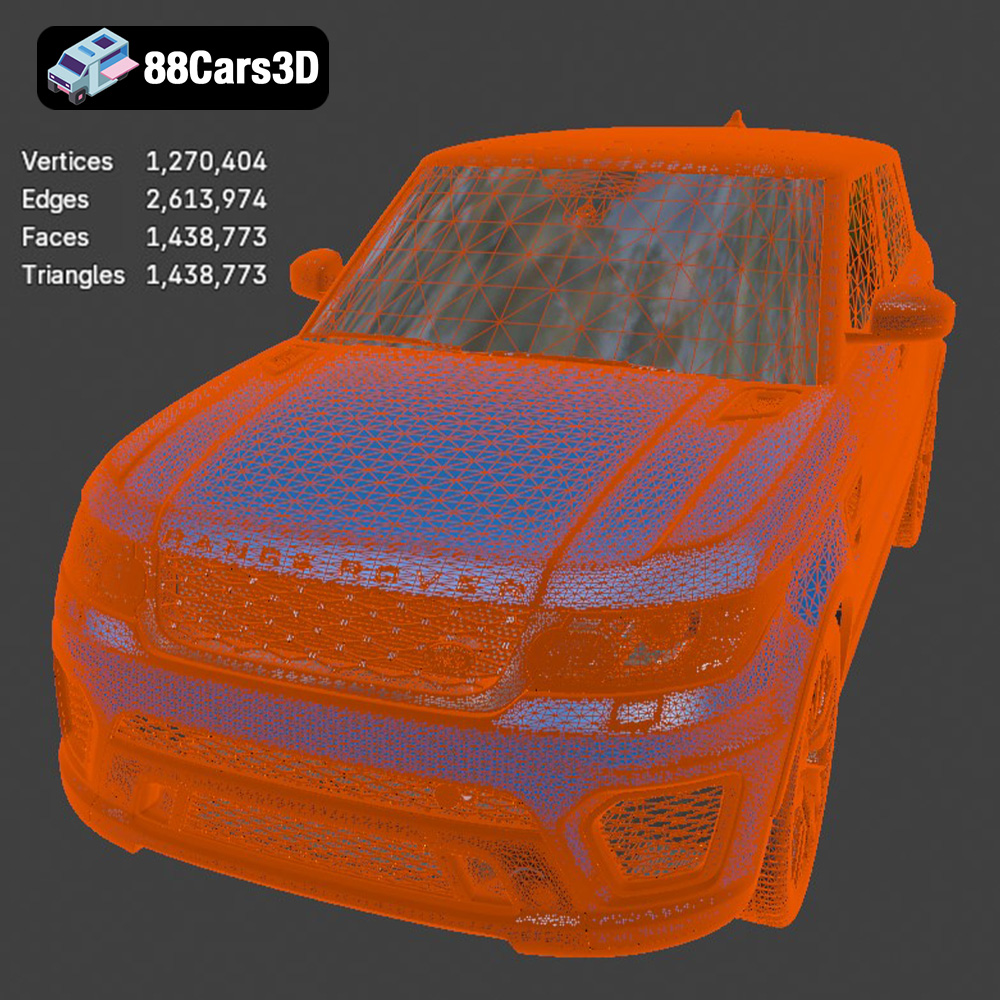
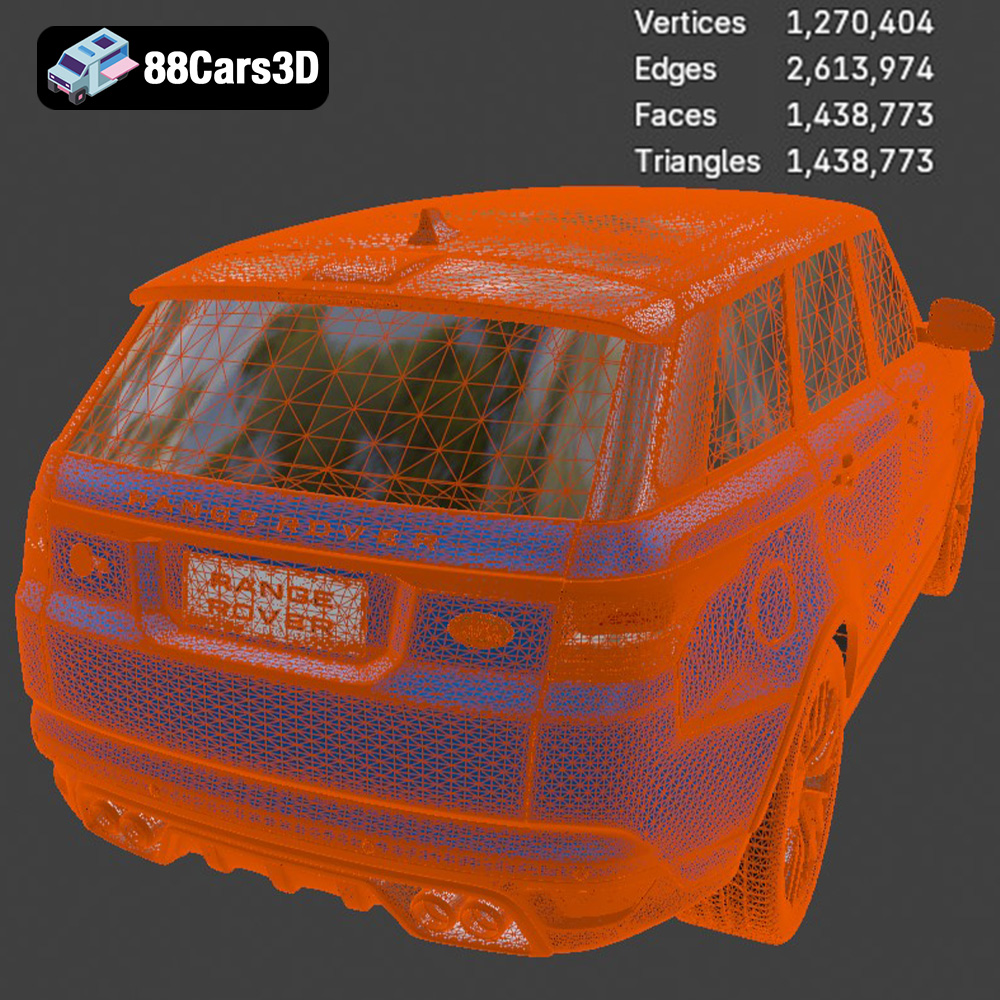
The STL (Stereolithography) file format is the workhorse of 3D printing. It represents the surface geometry of a 3D object as a collection of triangles. This simplicity makes it universally compatible with slicing software and 3D printers. When you download the Land Rover Range Rover Sport SVR 2015 from 88cars3d.com, you’ll find the .stl file, ready for slicing and printing. The key consideration with STL files is the mesh resolution. A low-resolution STL will result in a blocky, faceted print, while an excessively high-resolution STL can create extremely large files that are difficult to process. Striking a balance is important. Typically, a deviation of 0.01mm from the original surface is considered acceptable for visual models. Most slicing software allows you to control the facet angle and chord height, indirectly affecting the STL resolution.
OBJ files are another common 3D model format, often used for storing more complex data than STL. While STL only contains geometric data, OBJ can store color and texture information. This makes it potentially useful if you plan to add textures to your 3D printed Range Rover Sport SVR, although most 3D printers are still limited to single-color printing. OBJ files also represent geometry using polygons (typically triangles or quadrilaterals), but they can handle more complex shapes and are often used in animation and visual effects. If you intend to paint your model, an OBJ version might be helpful as a reference for applying colors accurately.
PLY (Polygon File Format or Stanford Triangle Format) is designed for storing 3D data acquired from 3D scanners. It supports various properties like color, normals, and texture coordinates, but is mainly known for its ability to store high-resolution mesh data. For 3D printing, PLY is more suitable for highly detailed models where accuracy is paramount. However, due to the file size, you may need a more powerful computer and slicer to process it efficiently. It is less commonly used for general 3D printing compared to STL due to its larger file sizes and the complexity it adds to the slicing process.
.blend files are specific to Blender, a powerful open-source 3D creation suite. These files contain the entire Blender scene, including the model, materials, textures, lighting, and animations. Having the .blend file of the Land Rover Range Rover Sport SVR 2015 allows you to make modifications to the model before exporting it to a 3D printable format like STL. This could include simplifying the model, adding details, or splitting it into multiple parts for easier printing. Keep in mind that you’ll need Blender installed to open and edit .blend files.
FBX (Filmbox) is a proprietary file format developed by Autodesk. It is primarily used for exchanging data between different 3D applications, such as game engines and modeling software. FBX files can store geometry, materials, textures, animations, and other scene data. While not commonly used directly for 3D printing, you might find an FBX version of the Range Rover Sport SVR useful if you want to bring the model into a game engine or other 3D application for further processing before exporting to STL.
GLB is a binary file format representing 3D models in the glTF (GL Transmission Format) format. GLTF is designed for efficient transmission and loading of 3D scenes and models. GLB files are often used for displaying 3D models on the web or in AR/VR applications. Although not directly printable, having a GLB version allows you to preview the Land Rover Range Rover Sport SVR 2015 in augmented reality using a smartphone or tablet before you commit to printing it, giving you a better sense of its size and appearance.
Like .blend files, .max files are specific to a 3D modeling software, in this case, Autodesk 3ds Max. These files contain the entire 3ds Max project, including the model, materials, textures, lighting, and animation settings. This is excellent if you prefer 3ds Max for modifications before printing, offering similar customizability benefits as the Blender file. However, using this format requires that you have 3ds Max installed.
In Summary: For 3D printing the Land Rover Range Rover Sport SVR 2015, the STL file format will be your primary choice. Ensure the STL file has sufficient resolution for the desired level of detail. While other formats like OBJ, PLY, and FBX offer additional features like color and material information, these are less critical for basic 3D printing where the focus is on geometry. Having the .blend or .max file is valuable for customization before exporting to STL. Remember to check the mesh quality and repair any errors in your chosen software before proceeding with slicing.
Once you’ve chosen your STL file, the next step is preparing it for your 3D printer using slicing software. This software converts the 3D model into a series of instructions (G-code) that your printer can understand.
There are numerous slicing software options available, both free and paid. Popular choices include Cura, PrusaSlicer, Simplify3D, and IdeaMaker. Each has its strengths and weaknesses, but most offer similar core functionality: setting layer height, infill density, support structures, and printing speed. Cura and PrusaSlicer are excellent free options with active communities and extensive documentation. Simplify3D offers more advanced features and customization options for experienced users. Experiment with different slicers to find one that suits your workflow and printer.
Before slicing, it’s crucial to ensure the STL file is “watertight” – meaning it has no holes or gaps in the mesh. Most slicing software can automatically detect and repair minor errors. However, for more complex issues, consider using dedicated mesh repair tools like MeshLab or Netfabb Basic. Proper orientation on the print bed is also critical. Consider which features require the most detail and position them facing upwards. Minimize overhangs to reduce the need for support structures, which can leave blemishes on the finished print. For the Land Rover Range Rover Sport SVR 2015, consider printing the body separately from smaller components like wheels and mirrors to optimize print quality and reduce support material usage.
Scaling the model is straightforward in most slicing software. Consider the size of your print bed and the desired level of detail when choosing a scale factor. Hollowing the model can save significant amounts of filament, especially for larger prints. However, ensure the walls are thick enough (typically 2-3mm) to maintain structural integrity. Add drainage holes in concealed areas to allow resin or excess filament to escape during printing.
The material you choose will significantly impact the appearance, strength, and durability of your 3D printed Land Rover Range Rover Sport SVR 2015.
PLA (Polylactic Acid) is a biodegradable thermoplastic derived from renewable resources. It’s easy to print, produces minimal odors, and offers a wide range of colors. PLA is a great choice for beginners and for creating visually appealing models. However, PLA is relatively brittle and has low heat resistance, making it unsuitable for functional parts or applications exposed to high temperatures.
PETG (Polyethylene Terephthalate Glycol-modified) offers a good balance of strength, flexibility, and ease of printing. It’s more durable and heat-resistant than PLA, making it a better choice for parts that need to withstand some stress or exposure to higher temperatures. PETG can be slightly more challenging to print than PLA, requiring careful temperature and adhesion settings.
Resin printing (SLA or DLP) uses liquid resin cured by UV light. This technology offers significantly higher resolution and smoother surfaces compared to FDM printing. Resin is ideal for capturing the intricate details of the Land Rover Range Rover Sport SVR 2015, such as the grille, headlights, and interior. However, resin prints are typically more brittle than FDM prints and require careful post-processing, including washing and curing. Resin printing also involves handling potentially hazardous chemicals, so proper safety precautions are essential.
Achieving a high-quality print requires fine-tuning your printer settings based on the material and your printer’s capabilities.
Layer height determines the vertical resolution of your print. Lower layer heights (e.g., 0.1mm) result in smoother surfaces and finer details but increase print time. Higher layer heights (e.g., 0.2mm) are faster but sacrifice some detail. For the Land Rover Range Rover Sport SVR 2015, a layer height of 0.15mm to 0.2mm is a good compromise between detail and speed.
Infill density controls the amount of material inside the model. Higher infill densities increase strength and weight but also increase print time and material consumption. For a display model, an infill density of 15-20% is usually sufficient. Choose an infill pattern that balances strength and print time, such as gyroid, honeycomb, or grid.
Support structures are necessary to print overhangs and unsupported features. Use support blockers in your slicing software to minimize support material in areas where it’s not needed. Ensure good bed adhesion by using a heated bed, applying adhesive (glue stick or hairspray), or using a brim or raft. The Land Rover Range Rover Sport SVR 2015 has several overhangs, especially around the wheel arches and roofline, so careful support placement is crucial.
Post-processing is essential for refining the appearance and feel of your 3D printed model.
Carefully remove support structures using pliers, clippers, or a hobby knife. Sand down any remaining stubs or blemishes with progressively finer grits of sandpaper (e.g., 220, 400, 600). For resin prints, remove supports before curing to make the process easier.
Apply a primer coat to create a smooth surface for painting. Choose a primer that is compatible with your chosen paint. Use multiple thin coats of paint instead of one thick coat to avoid runs and drips. Consider using automotive-grade paints for a durable and realistic finish. For added realism, apply clear coat for a glossy shine.
If you printed the model in separate parts, carefully assemble them using glue or epoxy. Add details like decals, badges, and window tint to enhance the realism of the Land Rover Range Rover Sport SVR 2015. The .blend or .max files available from 88cars3d.com can be valuable references for accurate detailing.
Even with careful planning, 3D printing can sometimes present challenges. Here are some common issues and their solutions:
Warping occurs when the corners of the print lift off the build plate due to uneven cooling. Increase bed adhesion by using a heated bed, applying adhesive, or using a brim. Ensure proper bed leveling and avoid drafts.
Stringing occurs when filament oozes from the nozzle during travel moves. Reduce printing temperature, increase retraction distance, and increase travel speed.
Layer separation occurs when layers fail to adhere properly. Increase printing temperature, reduce printing speed, and ensure proper bed leveling.
Elephant’s foot is the term for when the bottom layers of your print are wider than the rest, causing a flared-out effect. Lower your initial layer temperature, adjust your Z offset (usually decreasing it), and ensure your bed is properly leveled.
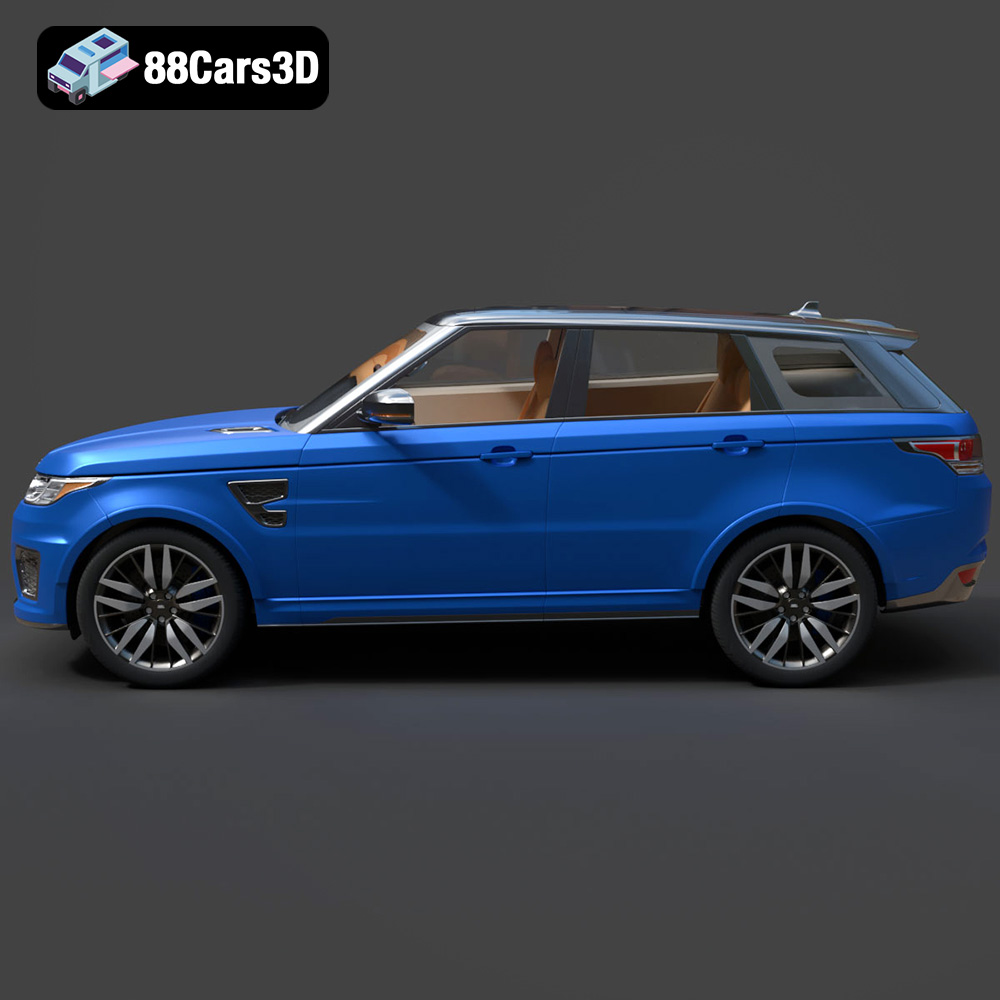
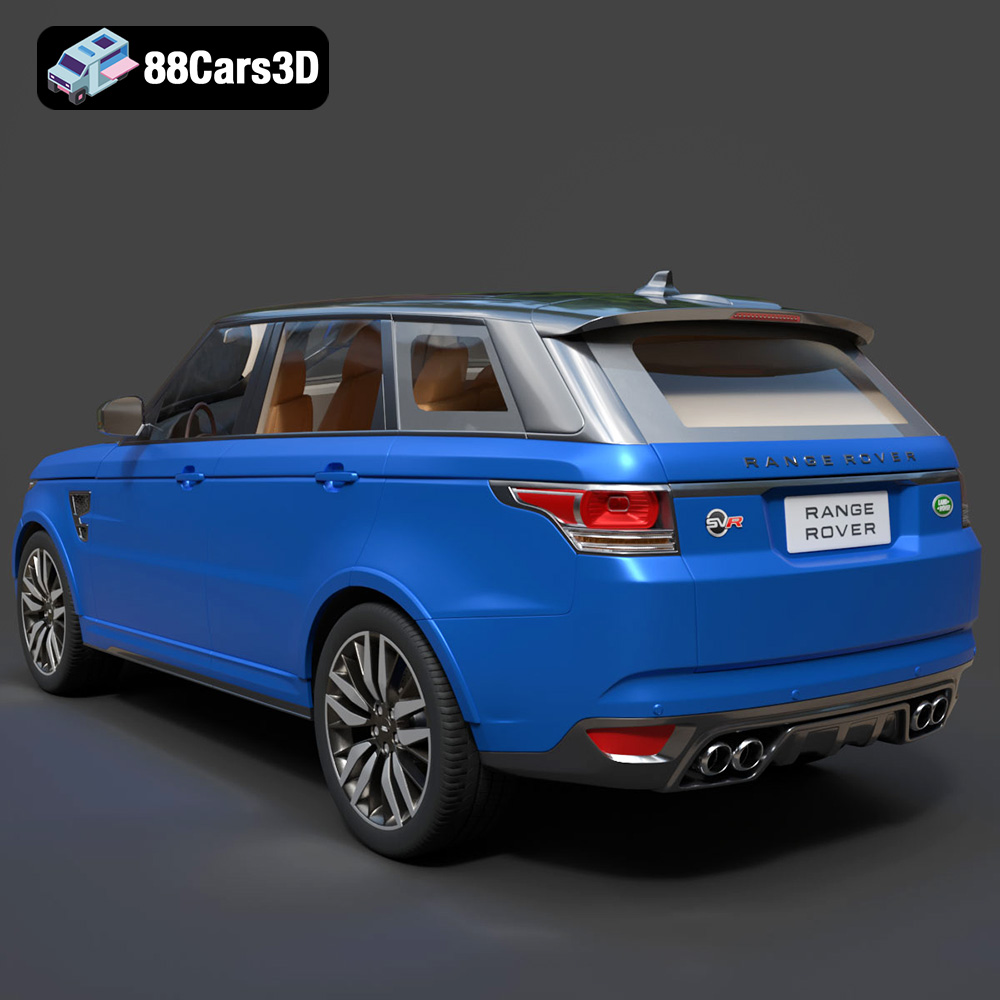
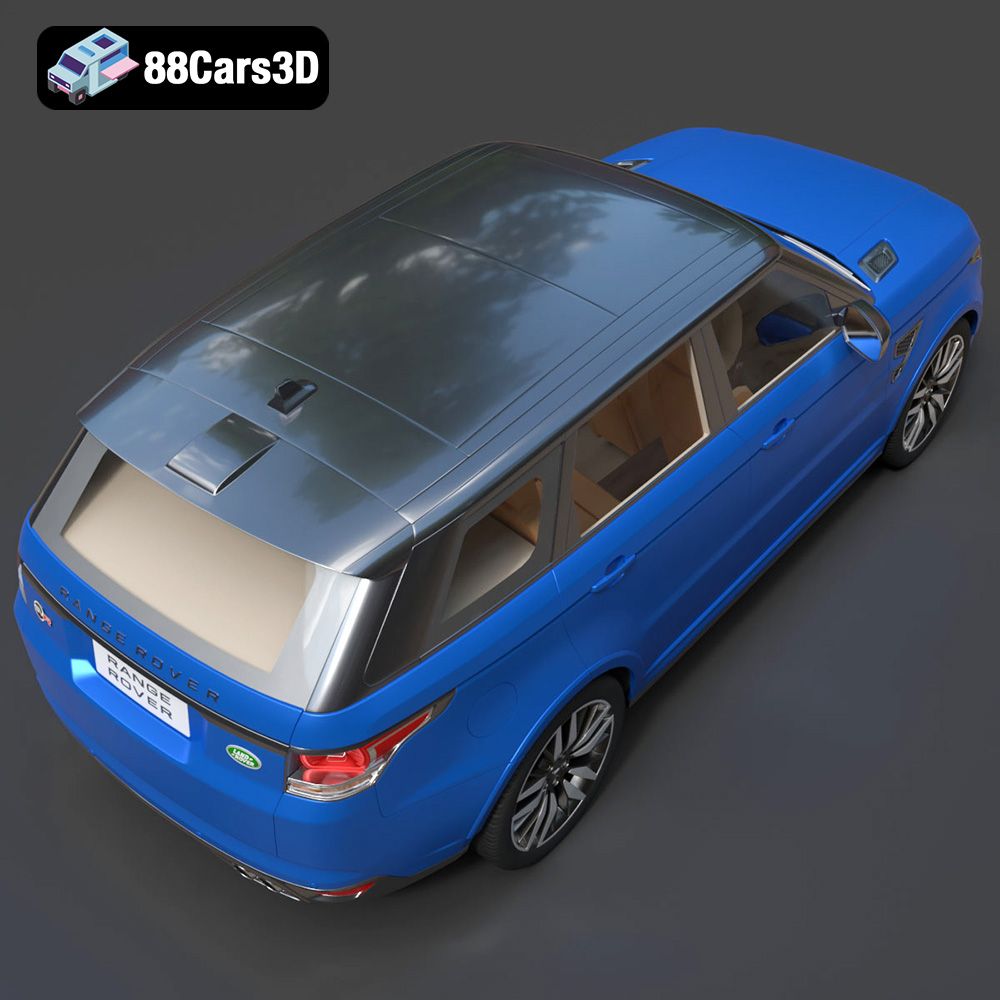
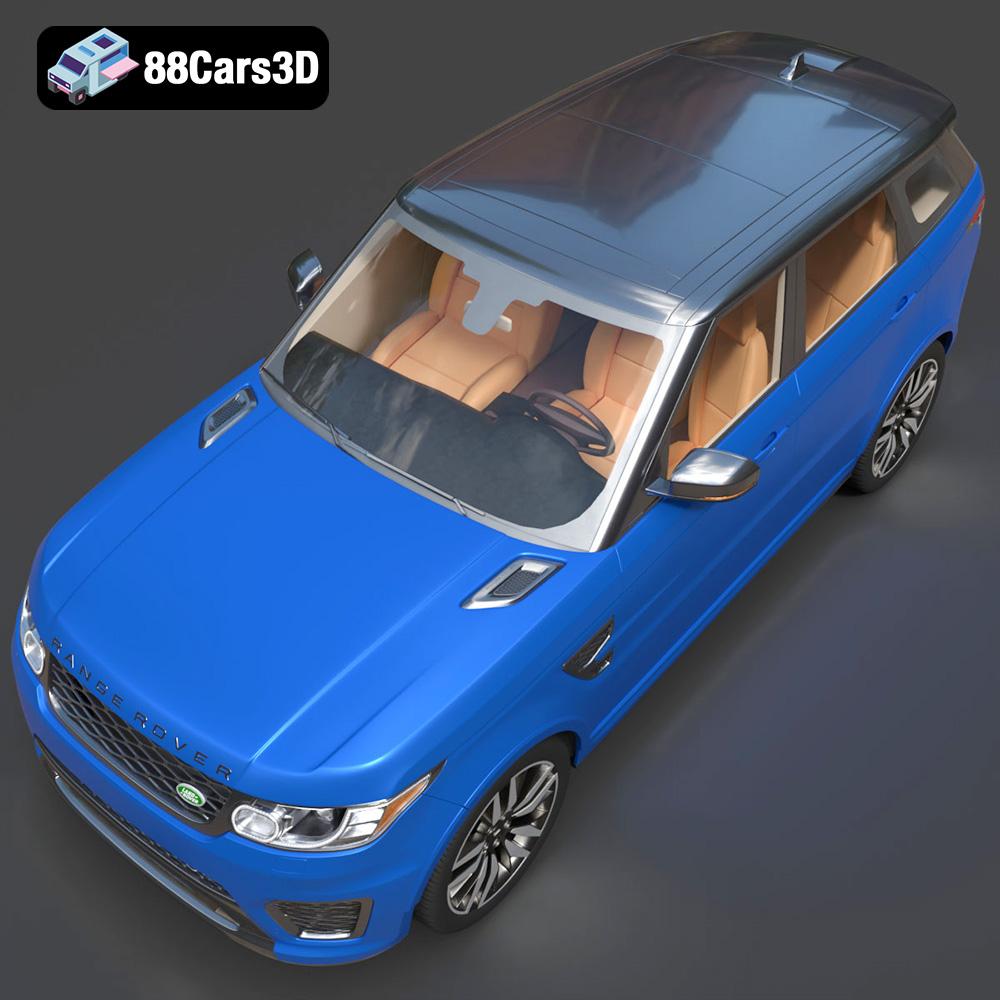
Experience unparalleled realism with the Land Rover Range Rover Sport SVR 2015 3D model. Designed to meet the demanding requirements of modern digital environments, this asset delivers an exceptionally accurate representation of the iconic performance SUV, capturing its aggressive styling, aerodynamic contours, and detailed interior.
$39.99
3D printing the Land Rover Range Rover Sport SVR 2015 is a rewarding project that combines technical skill with creative expression. By carefully selecting materials, optimizing printer settings, and mastering post-processing techniques, you can create a stunning replica of this iconic vehicle. Remember to start with a high-quality STL file, such as the one available at 88cars3d.com, and experiment with different settings to achieve the best results. The world of 3D printed models is constantly evolving, so embrace the learning process and enjoy the journey of bringing your favorite vehicles to life. With dedication and attention to detail, you can proudly display your own 3D printed Land Rover Range Rover Sport SVR 2015 and showcase the power of additive manufacturing.
.arvr
.blend
.car3dmodel
.fbx
.gameasset
.glb
.landrover
.luxurysuv
.max
.obj
.ply
.rangerover
.rendering
.simulation
.sport
.sportSUV
.stl
.svr
.unreal
SUV