Get 20% OFF All Premium 3D & STL Models!

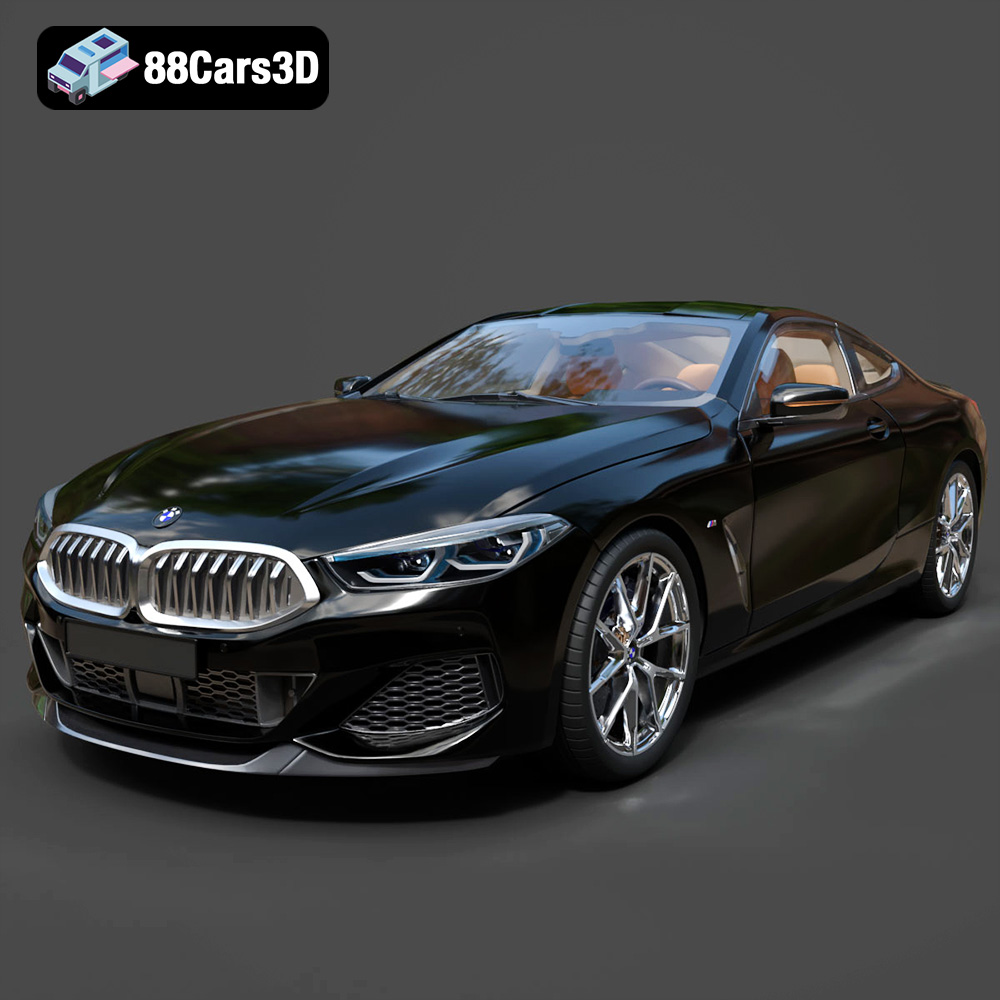
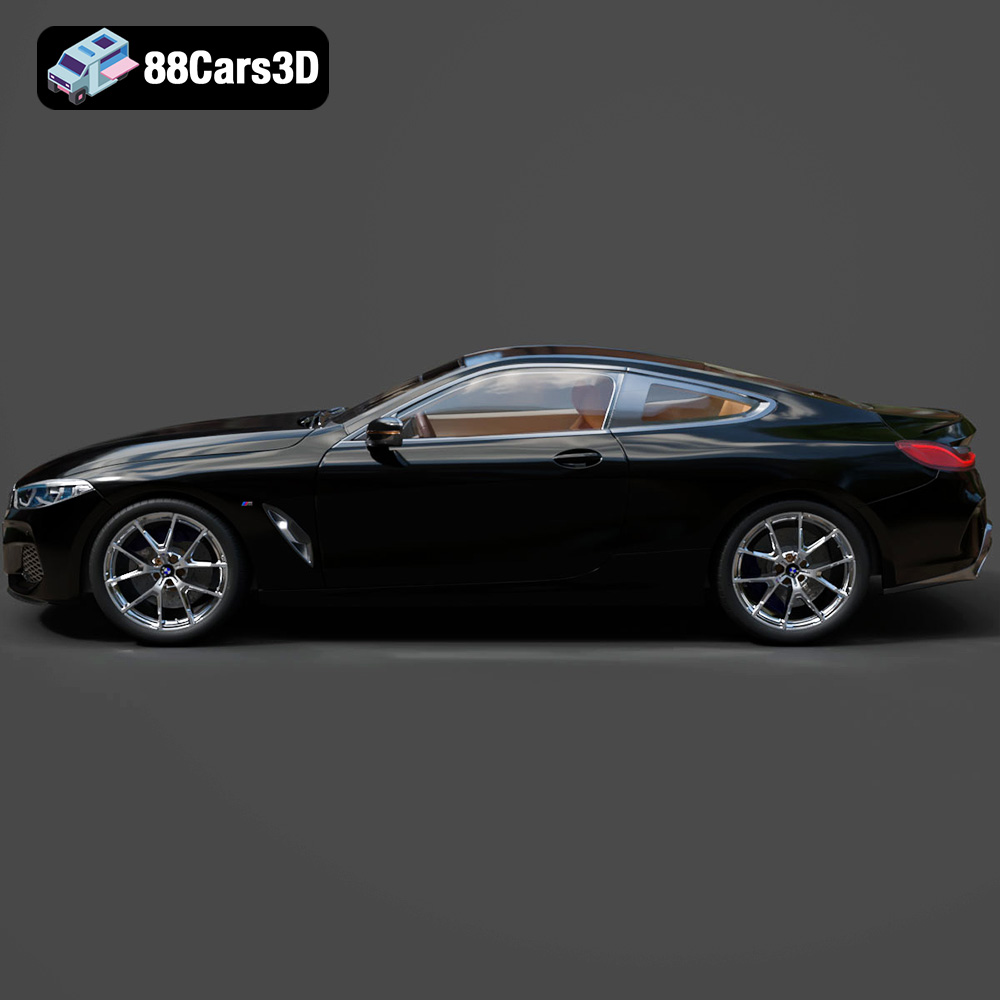
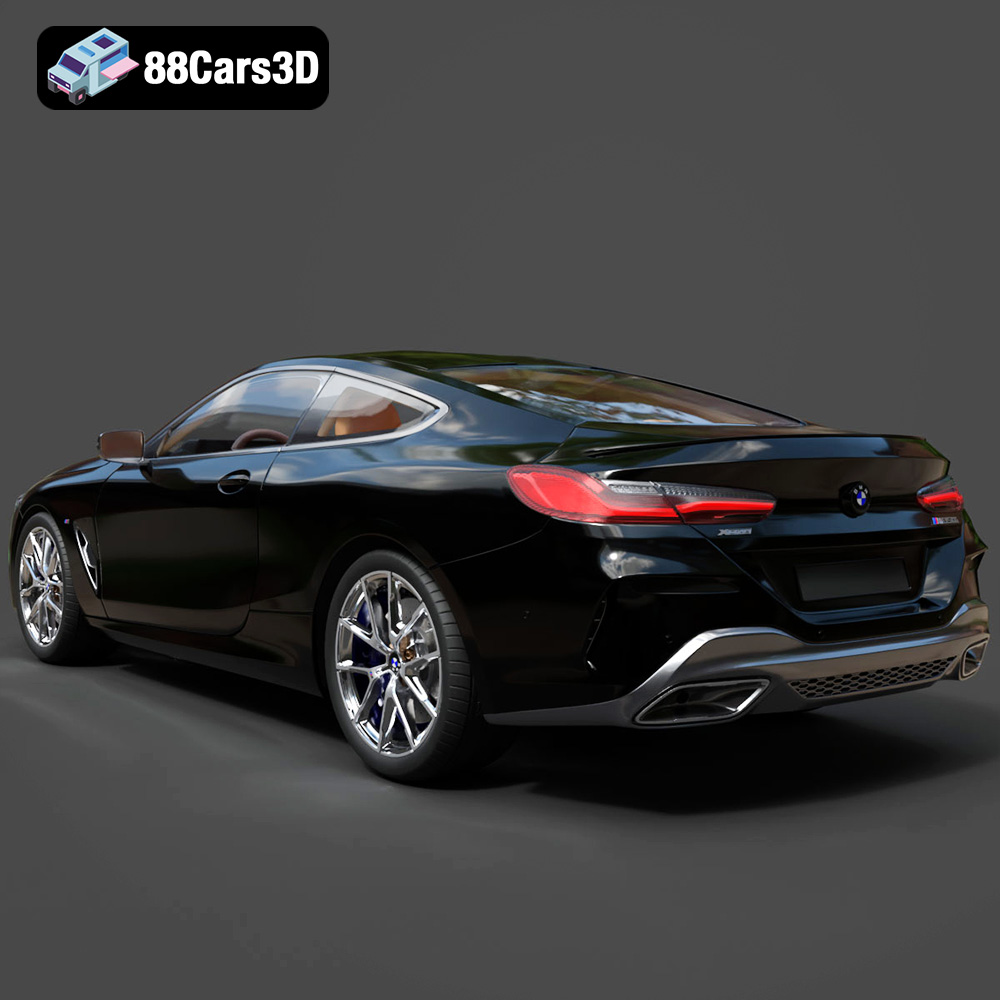
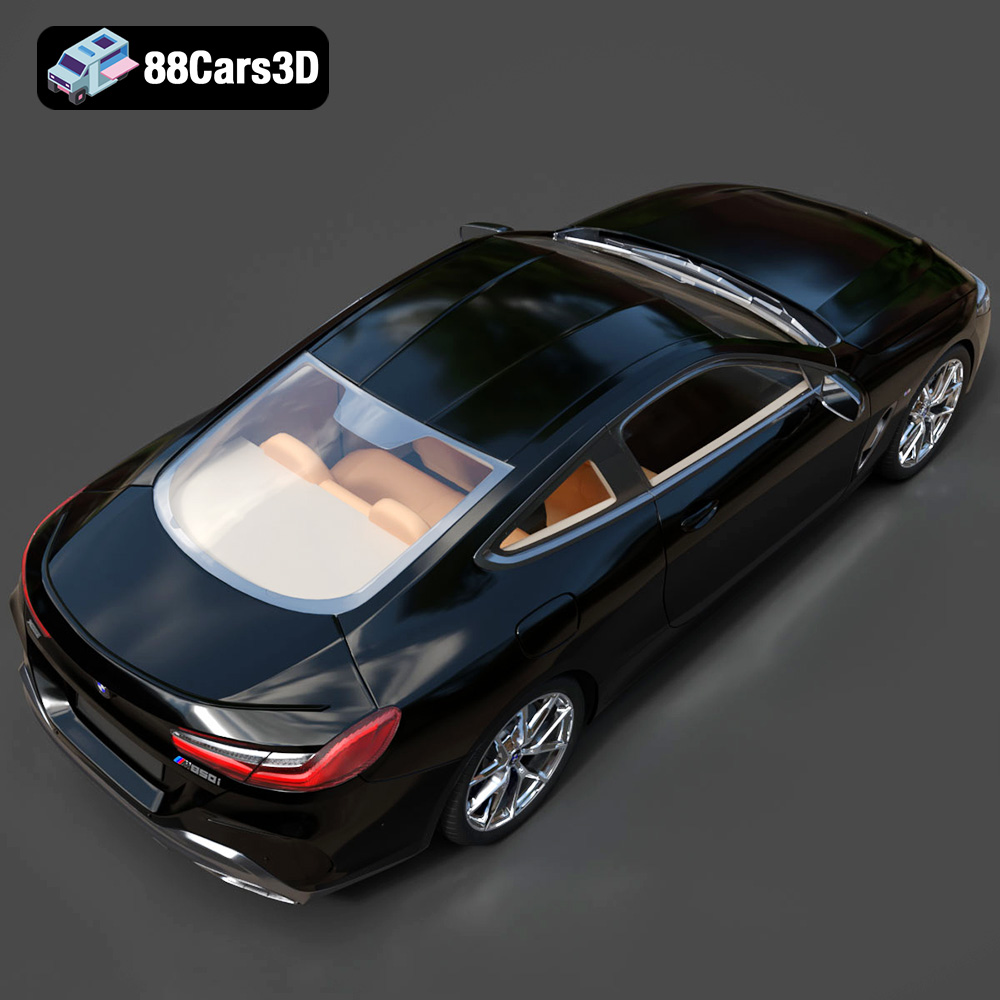
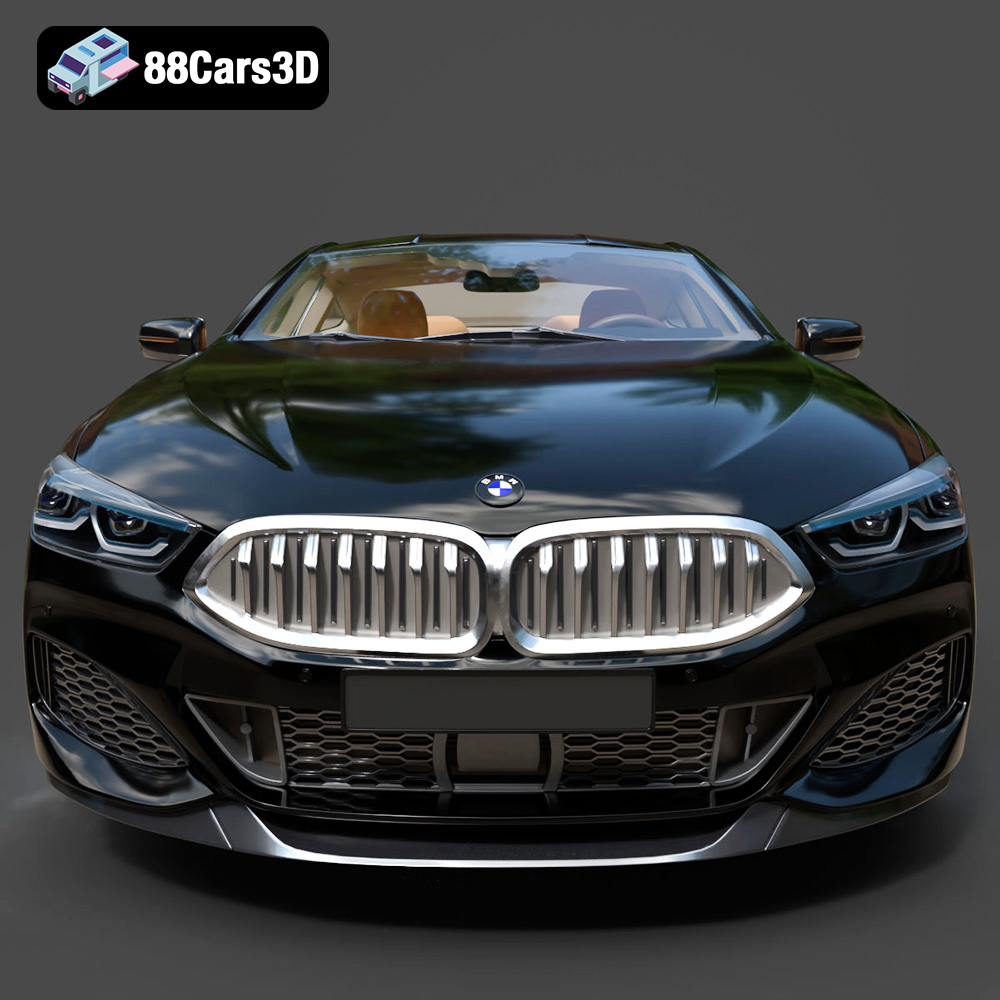
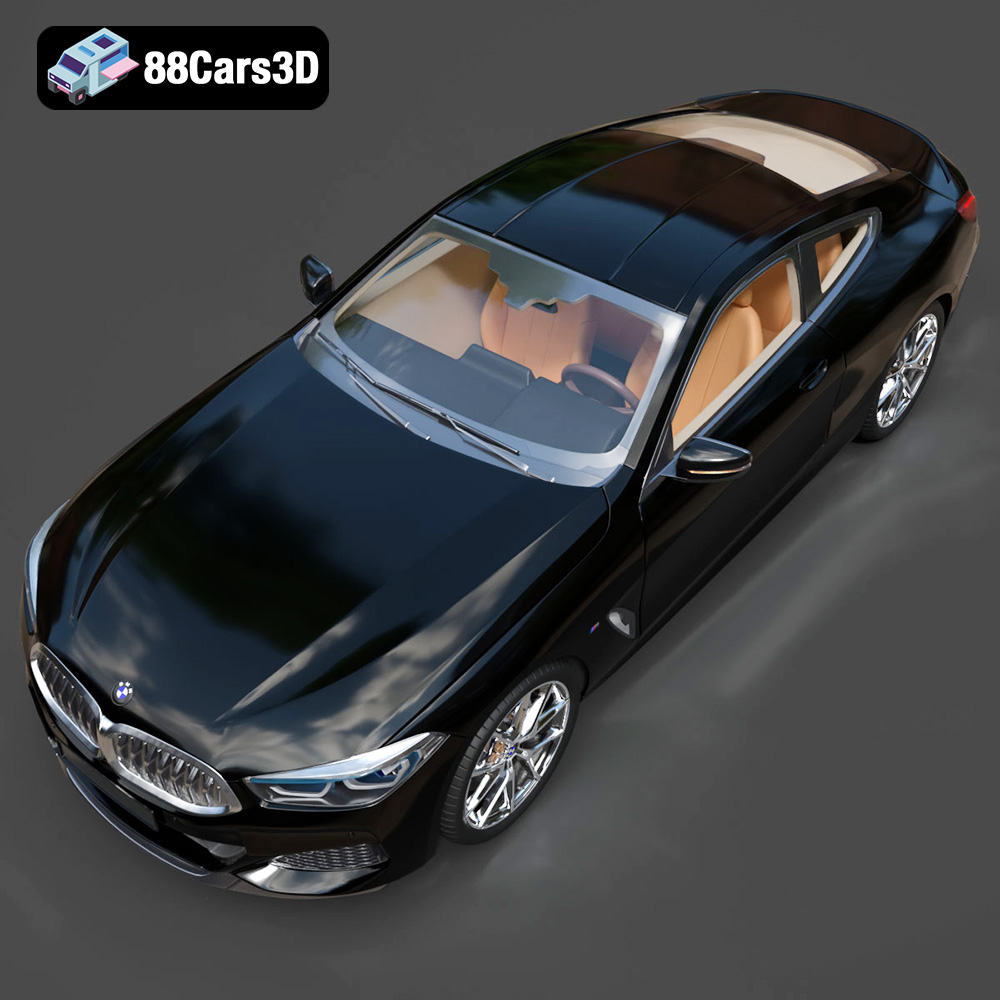
The BMW 8 Series M850i Coupe 2019 is a masterpiece of automotive engineering, blending luxury with performance in a sleek and captivating design. Now, thanks to the availability of high-quality 3D models like the one offered at 88cars3d.com, you can bring this iconic vehicle to life through the magic of 3D printing. This guide provides a comprehensive overview of how to successfully 3D print your own miniature M850i, covering everything from pre-print preparation to post-processing techniques. Get ready to transform digital design into a tangible reality!
The success of any 3D printing project hinges on choosing the appropriate printer and material for the job. For a model as detailed as the BMW 8 Series M850i Coupe 2019, both Fused Deposition Modeling (FDM) and Stereolithography (SLA) printers can yield impressive results, each with its own set of considerations.
FDM printers are a popular choice due to their affordability and the wide range of materials available. When printing the M850i Coupe with an FDM printer, consider using materials like PLA (Polylactic Acid) or PETG (Polyethylene Terephthalate Glycol-modified). PLA is biodegradable and easy to print, making it a good option for beginners. PETG offers increased strength and heat resistance, resulting in a more durable final product.
* **Material Recommendations:** PLA, PETG
* **Considerations:** Fine details like the grille and side mirrors may require careful support placement and removal. Choose a nozzle size of 0.4mm or smaller for better resolution.
SLA printers utilize resin-based printing, which allows for significantly higher resolution and finer detail. This makes them ideal for capturing the complex curves and intricate features of the M850i Coupe.
* **Material Recommendations:** Standard Resin, ABS-like Resin
* **Considerations:** Resin prints tend to be more brittle than FDM prints and require thorough washing and curing after printing. Support removal can be challenging, so plan support placement strategically.
Choosing the correct file format is crucial for seamless integration between your 3D model and slicing software. While the BMW 8 Series M850i Coupe 2019 3D Model from 88cars3d.com includes a variety of formats, some are better suited for 3D printing than others.
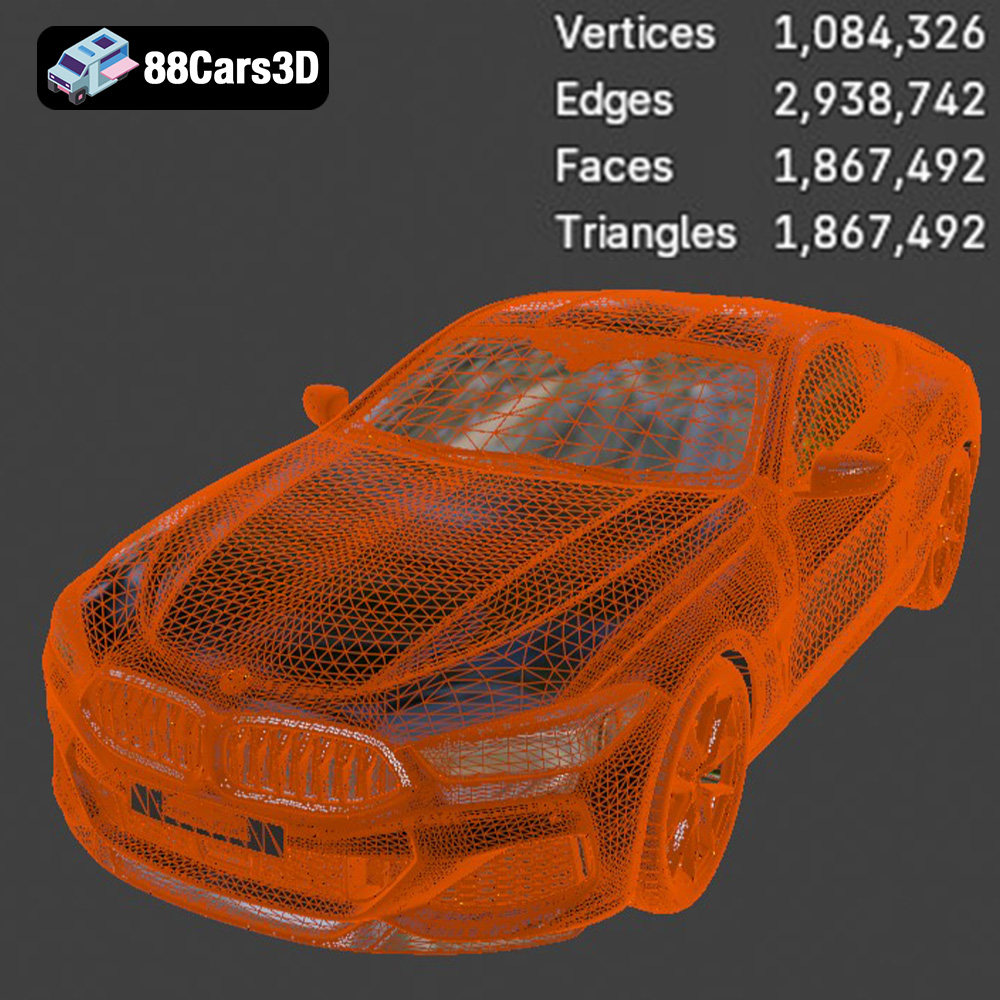
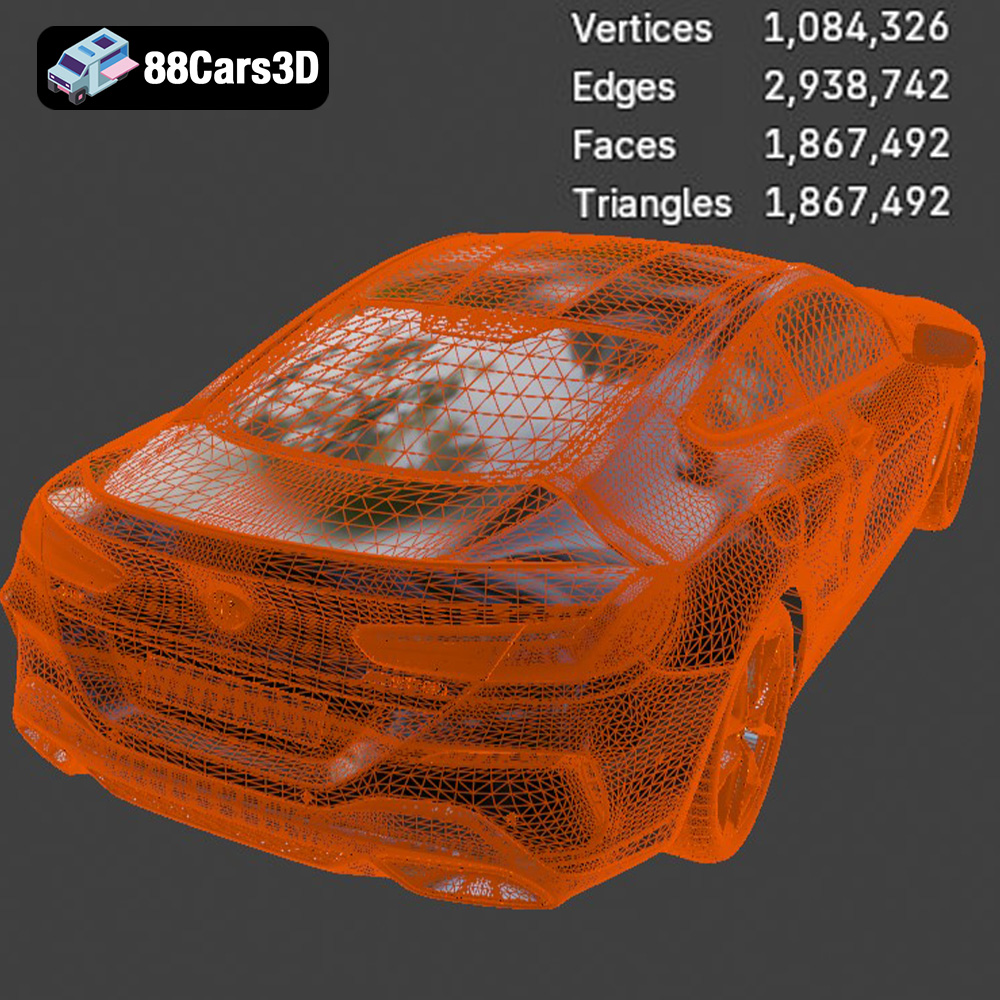
The STL (Stereolithography) format is the most widely used file type for 3D printing. It represents the surface geometry of a 3D object as a collection of triangles. STL files are simple, universal, and compatible with virtually all 3D printing software and hardware. The simplicity of the STL format, however, means it only stores the shape of the object, not color or texture information. The quality of an STL file directly impacts the final print; a poorly meshed STL can lead to faceting and loss of detail. For the BMW 8 Series M850i Coupe 2019, ensure the STL file you use has a sufficient triangle count to accurately represent the car’s curves and edges. Slicing software interprets the STL file to generate the toolpath for the 3D printer, dictating how the material will be deposited layer by layer.
The OBJ (Object) format is another popular 3D model file type. Unlike STL, OBJ files can store color and texture information, making them suitable for colored 3D prints if your printer supports it. OBJ files can also contain more complex geometry than STL files. While generally compatible, some older slicing software versions might not fully support all OBJ features.
The PLY (Polygon File Format) is designed for storing 3D data acquired from 3D scanners. It supports a wide range of properties including color, transparency, and surface normals. PLY is a good option when dealing with extremely detailed meshes where retaining as much information as possible is critical.
The BLEND format is the native file format for Blender, a free and open-source 3D creation suite. This format allows you to open the model directly in Blender, make modifications, add details, or customize the model before exporting it to a 3D printable format like STL.
The FBX (Filmbox) format is commonly used for transferring 3D data between different software applications. It supports meshes, textures, materials, and animations. While FBX is not directly used for 3D printing, you can import it into some advanced slicing software that supports material properties to potentially influence print settings based on material assignments.
The GLB format is a binary file format that represents 3D models in a compact and efficient manner, designed for real-time applications. It is often used for Augmented Reality (AR) and web-based visualizations, allowing you to preview the model in a real-world environment before committing to a 3D print.
The MAX format is the native file format for 3ds Max, a professional 3D modeling and animation software. Similar to BLEND, the MAX file lets you open the BMW 8 Series M850i Coupe 2019 model in 3ds Max to make adjustments and refinements before exporting it for 3D printing.
Before sending the BMW 8 Series M850i Coupe 2019 model to your printer, you need to prepare it using slicing software. This software converts the 3D model into a series of layers that the printer can understand. Popular slicing software options include Cura, Simplify3D, and PrusaSlicer.
The orientation of the model on the print bed significantly impacts print quality and the amount of support material required. For the M850i Coupe, consider orienting the car with the roof facing upwards. This minimizes the need for supports on the body and preserves the smooth curves of the car. However, the underside of the car may then require more support. Experiment with different orientations to find the optimal balance.
* **Optimal Orientation:** Roof facing upwards, slightly angled to minimize overhangs.
* **Considerations:** Minimizing support material reduces post-processing effort and improves surface finish.
Supports are necessary to hold up overhanging parts of the model during printing. However, they can also leave marks on the surface. Experiment with different support types (e.g., tree supports, linear supports) and densities to find a balance between adequate support and minimal surface impact.
* **Recommended Support Type:** Tree supports (for FDM), fine tip supports (for SLA)
* **Support Density:** 15-20% (for FDM), lower density for SLA to minimize surface impact.
Fine-tuning your printer settings is essential for achieving a high-quality 3D print of the BMW 8 Series M850i Coupe 2019. These settings will vary depending on your printer, material, and desired level of detail.
Layer height determines the resolution of the print in the vertical direction. A lower layer height results in finer details but increases print time.
* **Recommended Layer Height:** 0.1mm – 0.15mm (for FDM), 0.025mm – 0.05mm (for SLA)
* **Considerations:** Lower layer heights require more precise printer calibration.
Infill density determines the amount of material used inside the model. A higher infill density results in a stronger print but also increases material consumption and print time. For a display model like the M850i Coupe, a lower infill density is usually sufficient.
* **Recommended Infill Density:** 10-15% (for FDM)
* **Infill Pattern:** Gyroid or Cubic (for FDM)
Print speed affects the quality of the print. Slower print speeds generally result in higher accuracy and fewer errors, but they also increase print time.
* **Recommended Print Speed:** 40-60 mm/s (for FDM), standard speed for SLA resins
* **Considerations:** Reduce speed for intricate details and overhangs.
Post-processing is the final stage in the 3D printing process, and it involves cleaning, sanding, painting, and assembling the printed parts to achieve a polished and professional look for your BMW 8 Series M850i Coupe 2019.
Carefully remove any support structures using pliers or a sharp knife. Sand down any remaining support marks or imperfections with progressively finer grits of sandpaper. For resin prints, ensure all resin residue is thoroughly cleaned using isopropyl alcohol.
* **Tools:** Pliers, hobby knife, sandpaper (120-400 grit)
* **Techniques:** Wet sanding can help achieve a smoother surface finish.
Once the surface is smooth, you can paint the model to match the original BMW 8 Series M850i Coupe 2019. Use automotive-grade paints for a durable and realistic finish. Add details such as window trim, lights, and badges using fine-tipped brushes and model paints.
* **Materials:** Automotive primer, automotive paint, model paints, clear coat
* **Techniques:** Apply multiple thin coats of paint for a smoother finish. Use masking tape to create clean lines.
Even with careful preparation, you may encounter some challenges during the 3D printing process. Here are some common issues and their solutions.
Warping occurs when the corners of the print lift off the print bed. To prevent warping, ensure the print bed is level and clean. Use a heated print bed and apply an adhesive such as hairspray or glue stick.
* **Solutions:** Level print bed, use bed adhesive, increase bed temperature.
Stringing occurs when the printer extrudes material while moving between different parts of the model. To reduce stringing, decrease the printing temperature, increase retraction distance, and adjust travel speed.
* **Solutions:** Adjust temperature, retraction, and travel speed.
Layer separation occurs when the layers of the print do not adhere properly to each other. To improve layer adhesion, increase the printing temperature, decrease the printing speed, and ensure the print bed is level.
* **Solutions:** Adjust temperature, speed, and bed leveling.
Experience the exceptional realism of the BMW 8 Series M850i Coupe 2019 3D Model, expertly crafted to bring authentic automotive design to your digital projects. This meticulously built digital asset captures the sophisticated, sporty silhouette and luxurious details of the renowned coupe, providing a stunning visual centerpiece for any scene.
$39.99
.8series
.arvr
.blend
.bmw
.car3dmodel
.coupe
.fbx
.gameasset
.glb
.luxurycar
.m850i
.max
.obj
.ply
.rendering
.simulation
.sportsCar
.stl
.unreal