Get 20% OFF All Premium 3D & STL Models!

The BMW X7 G07 2019 is a statement of luxury and engineering, and now, thanks to 88cars3d.com, you can bring a scaled-down version of this impressive SUV into your physical world through the magic of 3D printing. This blog post will serve as your comprehensive guide to successfully 3D printing the BMW X7 G07 2019 model, covering everything from pre-print preparation to post-processing techniques. Whether you’re a seasoned 3D printing enthusiast or a newcomer eager to explore the possibilities, this article will provide you with the knowledge and insights needed to achieve stunning results.
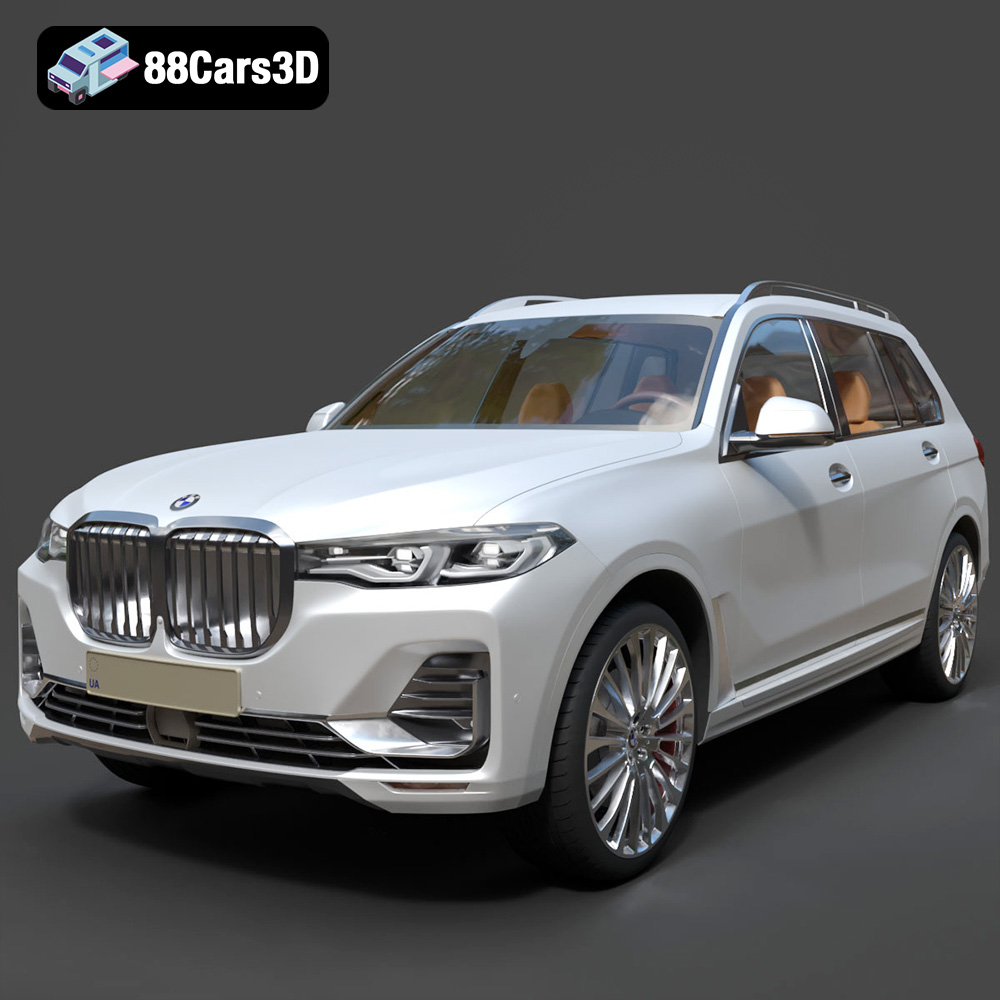
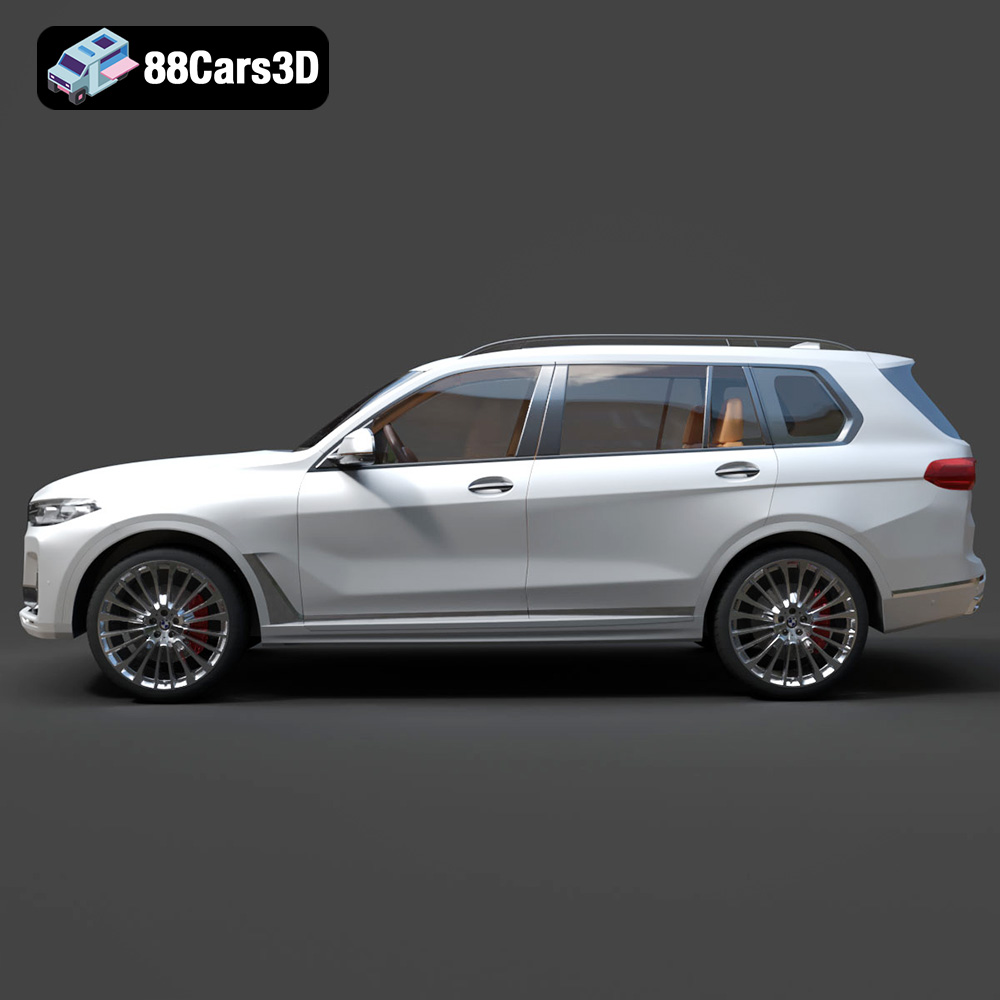
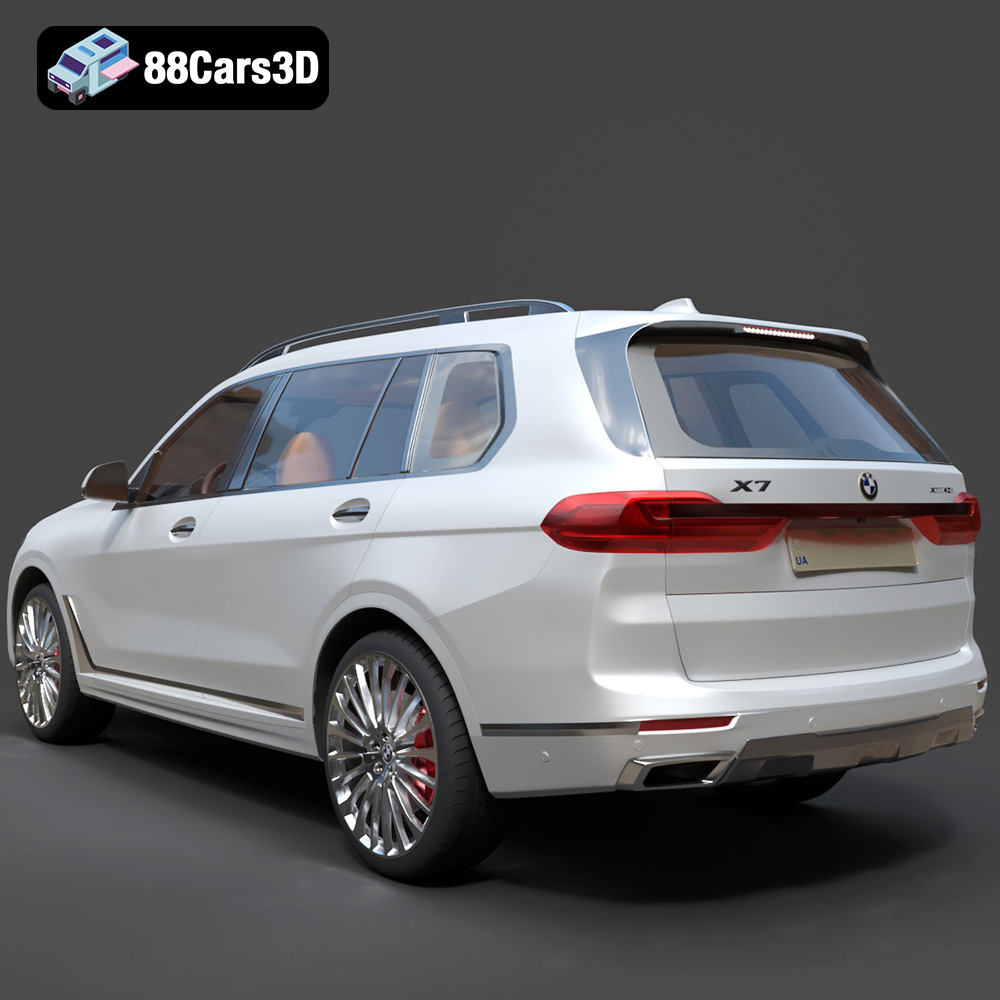
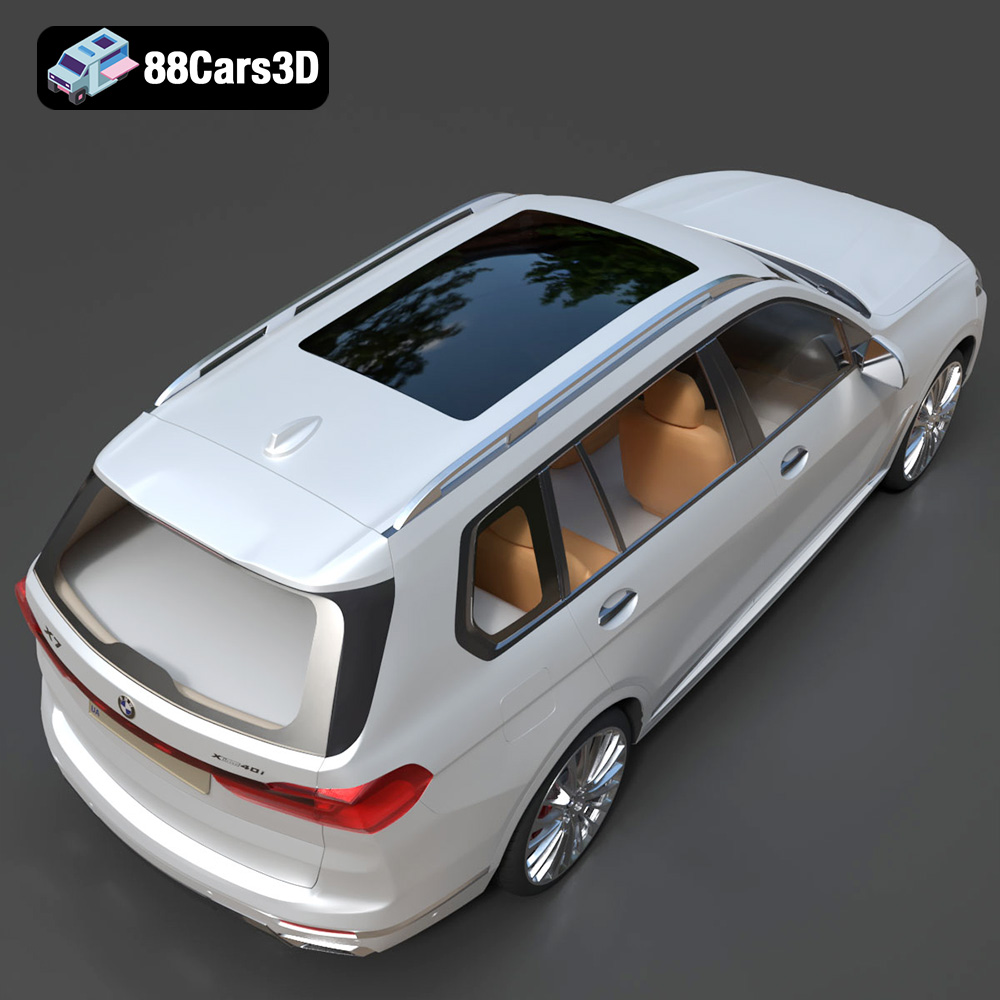
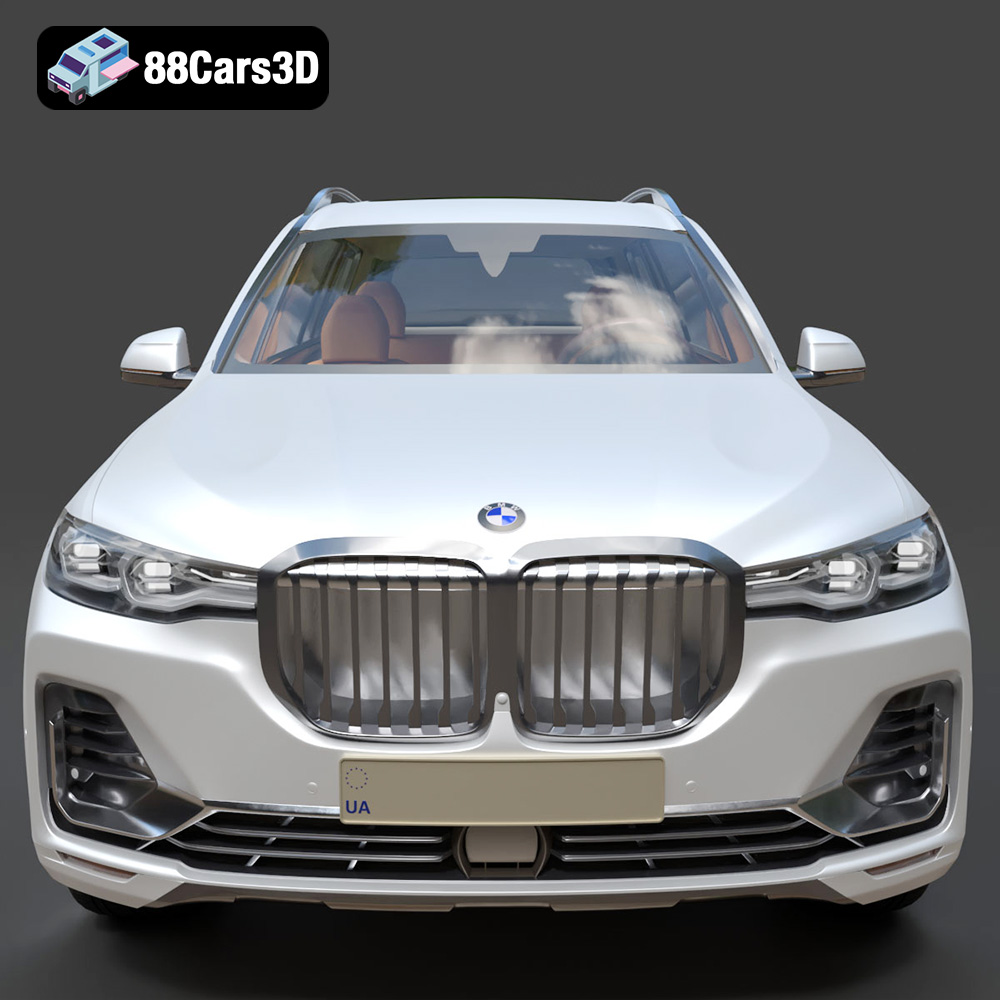
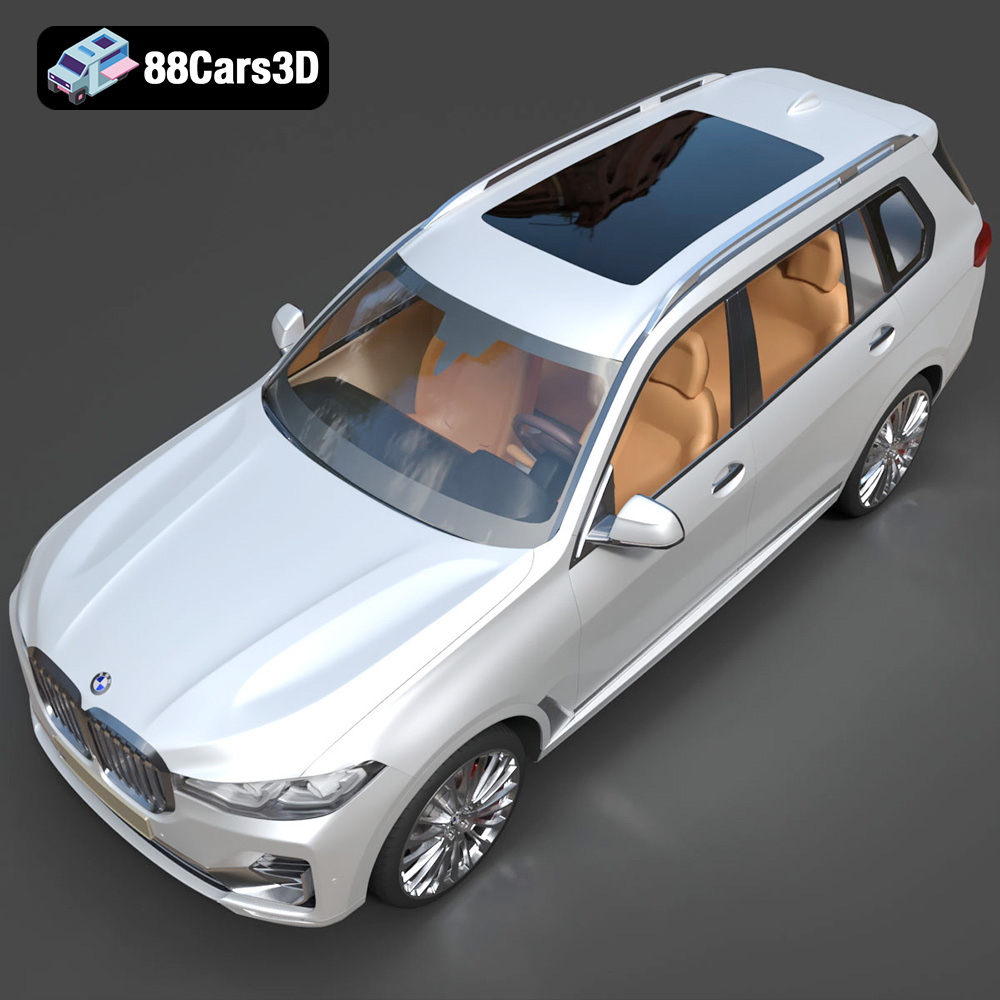
Before diving into the intricacies of 3D printing, it’s important to understand the characteristics of the 3D model itself. The BMW X7 G07 2019 model available on 88cars3d.com is designed with high accuracy and visual fidelity in mind. This means the model should closely resemble the real-world vehicle, capturing its defining features and proportions.
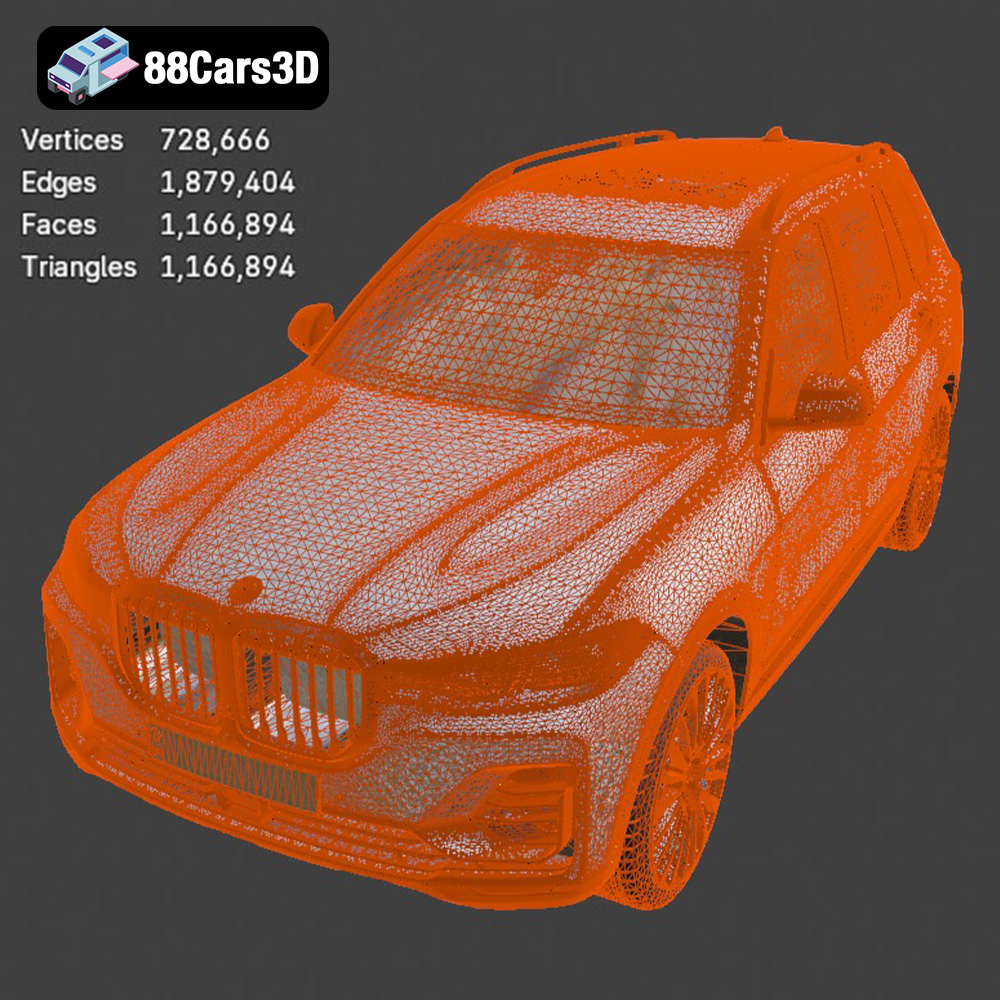
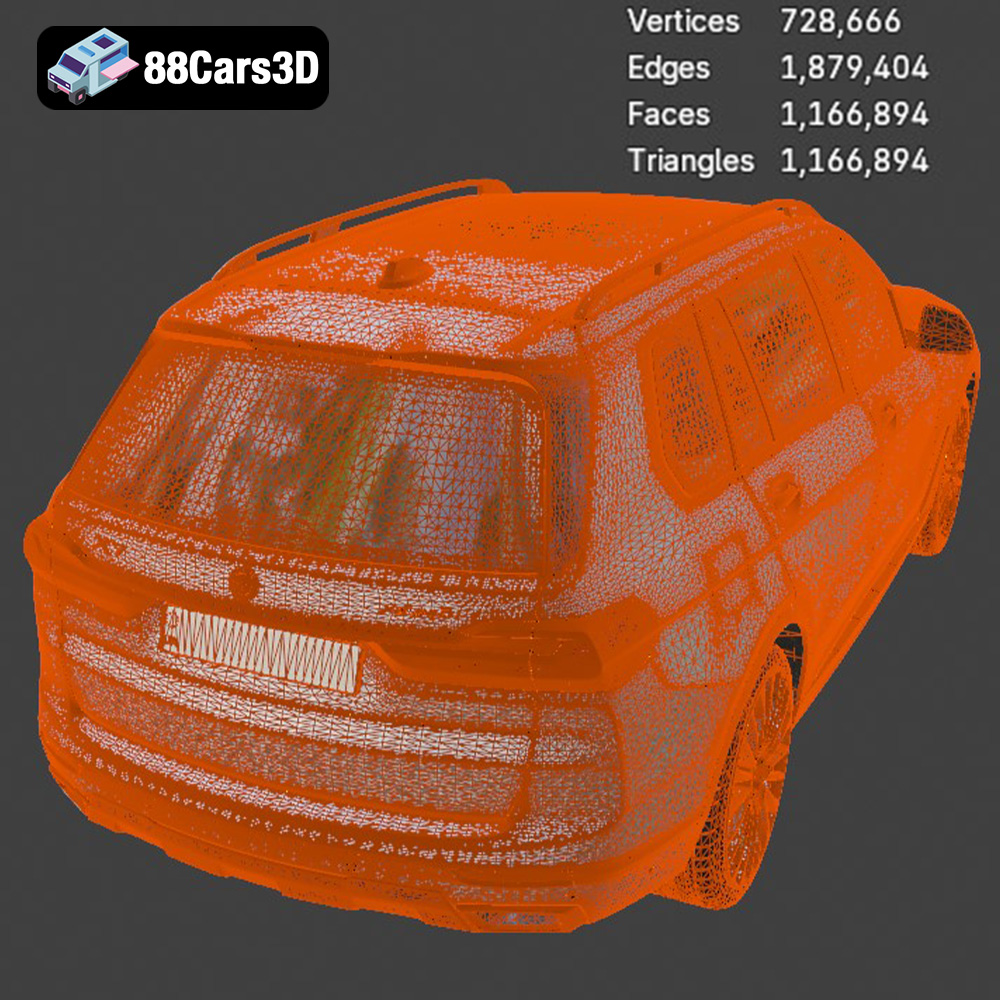
The complexity of the model will directly impact the printing process. A highly detailed model will require more supports, slower print speeds, and potentially higher resolution settings. Examine the model in your slicing software to identify areas that might pose challenges, such as intricate grilles, complex curves, or thin overhangs.
The product description lists various file formats. If the model is provided as a single, monolithic STL file, consider whether it would be beneficial to split it into smaller, more manageable parts for printing. This can improve print quality, reduce the need for supports, and simplify post-processing. For example, you might separate the body from the wheels, or the chassis from the interior. If you have access to the .blend or .max files, you can easily perform this splitting in Blender or 3ds Max before exporting individual STLs.
Selecting the right file format is crucial for a successful 3D printing experience. While the BMW X7 G07 2019 model is provided in multiple formats, some are better suited for 3D printing than others. Here’s a breakdown:
The .stl (stereolithography) format is the workhorse of 3D printing. It represents the surface geometry of a 3D object as a collection of triangles. This simplicity makes it universally compatible with slicing software and 3D printers. However, .stl files only contain mesh data; they don’t include information about color, textures, or materials. For 3D printing, this is usually sufficient, as the slicer software manages material settings. The STL format is generally the best option for this 3D model. Ensure the STL file you use is properly manifold (watertight) and free of errors to avoid printing issues.
The .obj (object) format is another widely supported 3D model format. Unlike .stl, .obj files can store color and texture information. This can be useful if you plan to paint your 3D printed model and want to use the texture information as a guide. While .obj files can be used for 3D printing, they are often larger than .stl files and may require additional processing in the slicing software.
The .ply (polygon) format is designed to store 3D data acquired from 3D scanners. It can represent color, transparency, and surface normals, making it suitable for high-detail models. While .ply files can be used for 3D printing, they are less common than .stl or .obj. Slicing software compatibility may vary.
The .blend format is the native file format for Blender, a popular open-source 3D modeling software. This format provides the most flexibility, allowing you to modify the model before exporting it for 3D printing. You can adjust the design, split the model into parts, or add custom features. However, you’ll need to have Blender installed and have some familiarity with 3D modeling.
The .fbx (Filmbox) format is a proprietary format developed by Autodesk. It’s commonly used for exchanging 3D data between different software applications. While .fbx files can contain material and animation data, they are primarily intended for game development and animation, not 3D printing.
The .glb (GL Transmission Format Binary) format is designed for efficient delivery of 3D models on the web. It’s often used for AR/VR applications and allows you to preview the model in a real-world environment before printing. While .glb files are not directly used for 3D printing, they can be helpful for visualizing the final product.
The .max format is the native file format for 3ds Max, another popular 3D modeling software from Autodesk. Like .blend, .max provides maximum flexibility for modifying the model before 3D printing. You’ll need 3ds Max installed and some familiarity with the software to use this format effectively.
For 3D printing the BMW X7 G07 2019 model, the .stl format is the recommended starting point. It’s widely supported, efficient, and contains the necessary geometric data for slicing. If you need to make modifications or split the model into parts, the .blend or .max formats offer the greatest flexibility.
Before slicing, always inspect the mesh quality of your chosen file. Use mesh analysis tools within your slicing software or a dedicated mesh repair program like Meshmixer or Netfabb Basic. Look for issues such as non-manifold edges, holes, or self-intersecting faces. These defects can cause printing errors and should be repaired before proceeding.
Once you have your 3D model in the correct format (ideally STL) and have verified its integrity, the next step is to prepare it for printing using slicing software. Slicing software takes your 3D model and converts it into a series of layers that the 3D printer can understand. Popular slicing software options include Cura, Simplify3D, PrusaSlicer, and IdeaMaker.
Choosing the correct orientation is crucial for minimizing support material and maximizing print quality. Consider the shape of the BMW X7 G07 2019 model. Orienting it with the roof facing upwards might be a good starting point, but analyze the overhangs carefully. Areas like the wheel arches, bumpers, and side mirrors will likely require support structures. Experiment with different orientations in your slicing software to find the optimal balance between support usage and surface finish.
Support settings are equally important. You’ll need to choose the type of support (linear, tree, etc.), the support density, and the support overhang angle. For a detailed model like the BMW X7 G07 2019, consider using tree supports, as they tend to be easier to remove and leave fewer marks on the printed surface.
* **Layer Height:** A smaller layer height will result in a smoother surface finish but will also increase print time. A layer height of 0.1mm to 0.15mm is a good starting point for a model like the BMW X7 G07 2019.
* **Infill Density:** Infill density determines the internal structure of the 3D print. A higher infill density will make the model stronger but will also increase print time and material usage. For a display model, an infill density of 15% to 25% should be sufficient. If you plan to use the model for functional purposes (e.g., a toy), you may need to increase the infill density.
* **Print Speed:** Slower print speeds generally result in better print quality. A print speed of 40mm/s to 60mm/s is a good starting point. You may need to adjust the print speed depending on your printer and the material you are using.
The choice of material will depend on your desired aesthetic, functional requirements, and the type of 3D printer you have.
PLA (Polylactic Acid) is a biodegradable thermoplastic polymer derived from renewable resources. It’s one of the easiest materials to print with, making it a great option for beginners. PLA produces parts with a smooth surface finish and is available in a wide range of colors. However, PLA is not as strong or heat-resistant as other materials. It’s ideal for creating display models of the BMW X7 G07 2019.
PETG (Polyethylene Terephthalate Glycol-modified) is a thermoplastic polymer that offers a good balance of strength, durability, and temperature resistance. It’s more flexible than PLA and less prone to warping. PETG is a good choice if you want a more durable 3D printed model of the BMW X7 G07 2019.
Resin 3D printing, also known as stereolithography (SLA) or digital light processing (DLP), uses liquid resin that is cured by UV light. Resin printing is capable of producing parts with exceptional detail and smooth surfaces. However, resin printers are generally more expensive than FDM (Fused Deposition Modeling) printers, and the resins can be more expensive than filament. If you want the highest level of detail and a flawless surface finish on your BMW X7 G07 2019 model, resin printing is an excellent choice. Note that larger models might need to be printed in multiple parts on resin printers due to build volume limitations.
Once the 3D printing is complete, some post-processing is usually required to achieve the desired final result.
The first step is to carefully remove the support structures. Use pliers, cutters, or a sharp knife to gently detach the supports from the model. Take care not to damage the printed surface. After removing the supports, you can use sandpaper to smooth any imperfections or remaining support marks. Start with a coarse grit sandpaper (e.g., 220 grit) and gradually move to finer grits (e.g., 400 grit, 600 grit, 800 grit) for a smoother finish.
Painting can significantly enhance the appearance of your 3D printed BMW X7 G07 2019 model. Start by priming the model with a plastic primer. This will help the paint adhere better and create a more uniform surface. After the primer has dried, you can apply the desired paint colors. Use masking tape to create clean lines and protect areas that you don’t want to paint. Consider using automotive paints and clear coats for a professional-looking finish that matches the real-world vehicle.
If you printed the model in multiple parts, you’ll need to assemble them after painting. Use a strong adhesive, such as super glue or epoxy, to join the parts together. Ensure the parts are properly aligned before the adhesive sets. You may need to use clamps or tape to hold the parts in place while the adhesive cures.
Even with careful preparation, 3D printing can sometimes present challenges. Here are some common issues and their solutions:
Warping occurs when the corners of the 3D print lift off the print bed. This is more common with materials like ABS but can also occur with PLA or PETG. To prevent warping, ensure your print bed is properly leveled and heated. Use a bed adhesion aid, such as glue stick or hairspray, to improve adhesion. Enclosing the printer can also help to maintain a more consistent temperature and reduce warping. If warping does occur, you may be able to salvage the print by using a heat gun to gently soften the warped areas and flatten them against the print bed.
Stringing refers to thin strands of filament that are left between different parts of the 3D print. This is typically caused by the filament oozing out of the nozzle while the printer is moving between parts. To reduce stringing, try increasing the retraction distance and retraction speed in your slicing software. Lowering the printing temperature can also help.
Layer adhesion issues occur when the layers of the 3D print do not properly bond together. This can result in a weak or brittle print. To improve layer adhesion, try increasing the printing temperature. Ensure your print bed is properly leveled, and that the first layer is properly squished onto the bed. You can also try reducing the fan speed, as excessive cooling can inhibit layer adhesion.
The print time and material cost for the BMW X7 G07 2019 model will depend on several factors, including the size of the model, the layer height, the infill density, and the material you are using. As a rough estimate, a model printed at a size of 20cm long with a layer height of 0.15mm and an infill density of 20% might take 15-20 hours to print and cost $10-$20 in material. Resin printing will likely be more expensive in terms of material costs.
3D printing the BMW X7 G07 2019 model from 88cars3d.com can be a rewarding experience. By carefully preparing the model, selecting the right material, and optimizing your printer settings, you can create a stunning replica of this iconic SUV. Remember to take your time, experiment with different settings, and don’t be afraid to learn from your mistakes. Happy printing!
The BMW X7 G07 2019 3D model is a meticulously crafted digital replica capturing the luxurious and commanding presence of the flagship SUV. This highly realistic model is designed for professionals seeking exceptional accuracy and visual fidelity in their digital projects.
$39.99
.arvr
.blend
.bmw
.car3dmodel
.fbx
.g07
.gameasset
.glb
.luxurycar
.max
.obj
.ply
.rendering
.simulation
.stl
.unreal
.x7
SUV