Get 20% OFF All Premium 3D & STL Models!

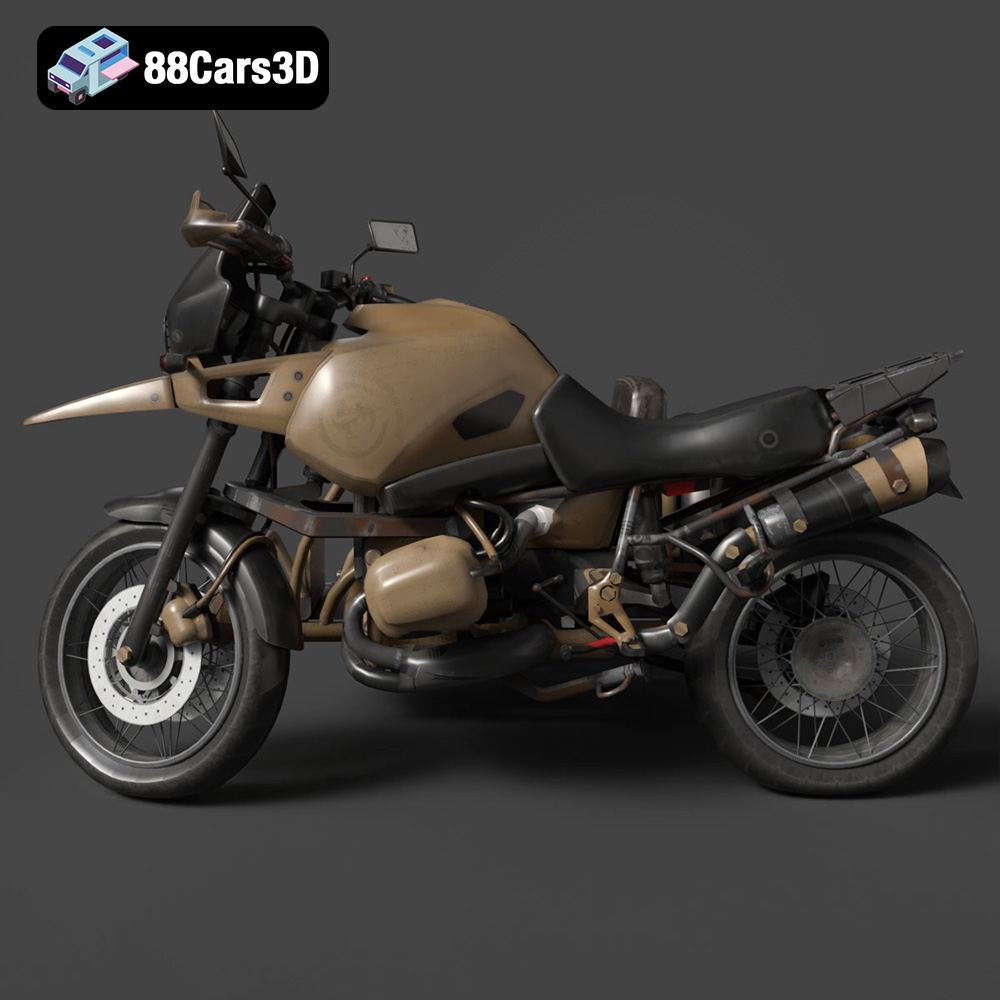
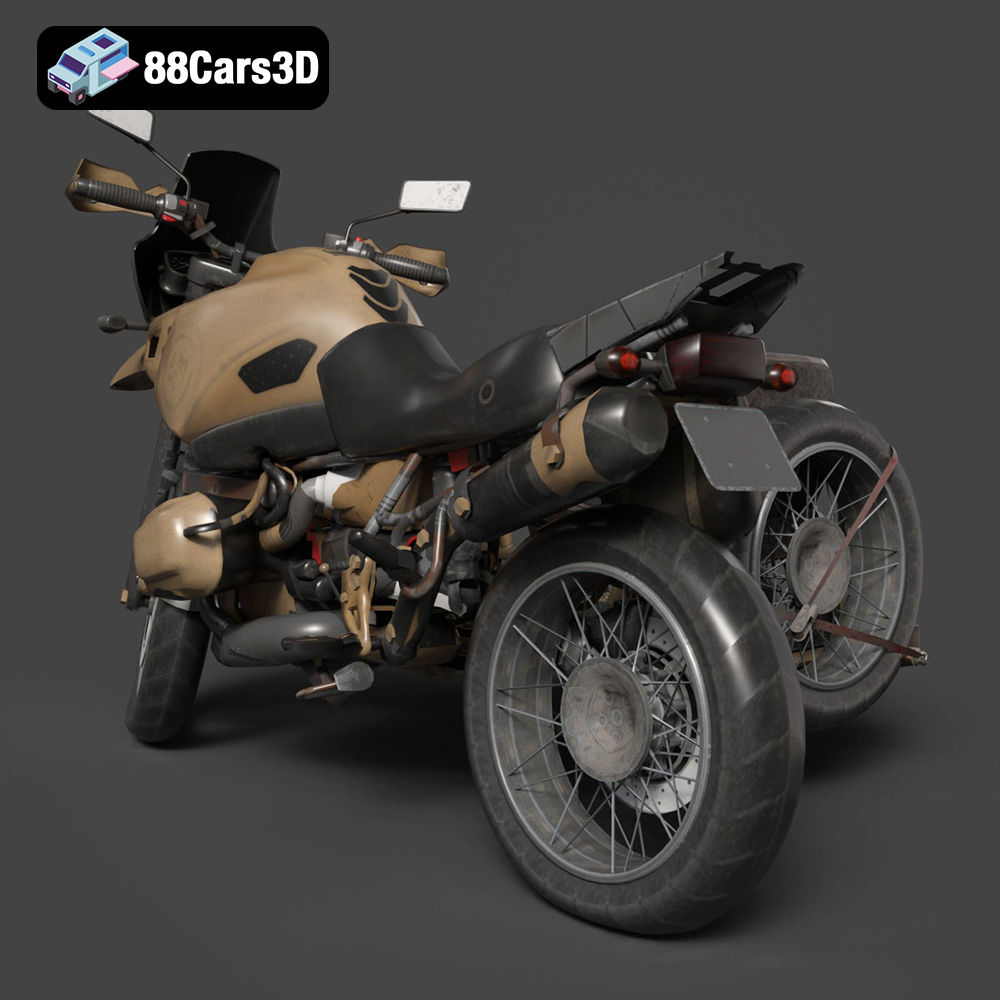
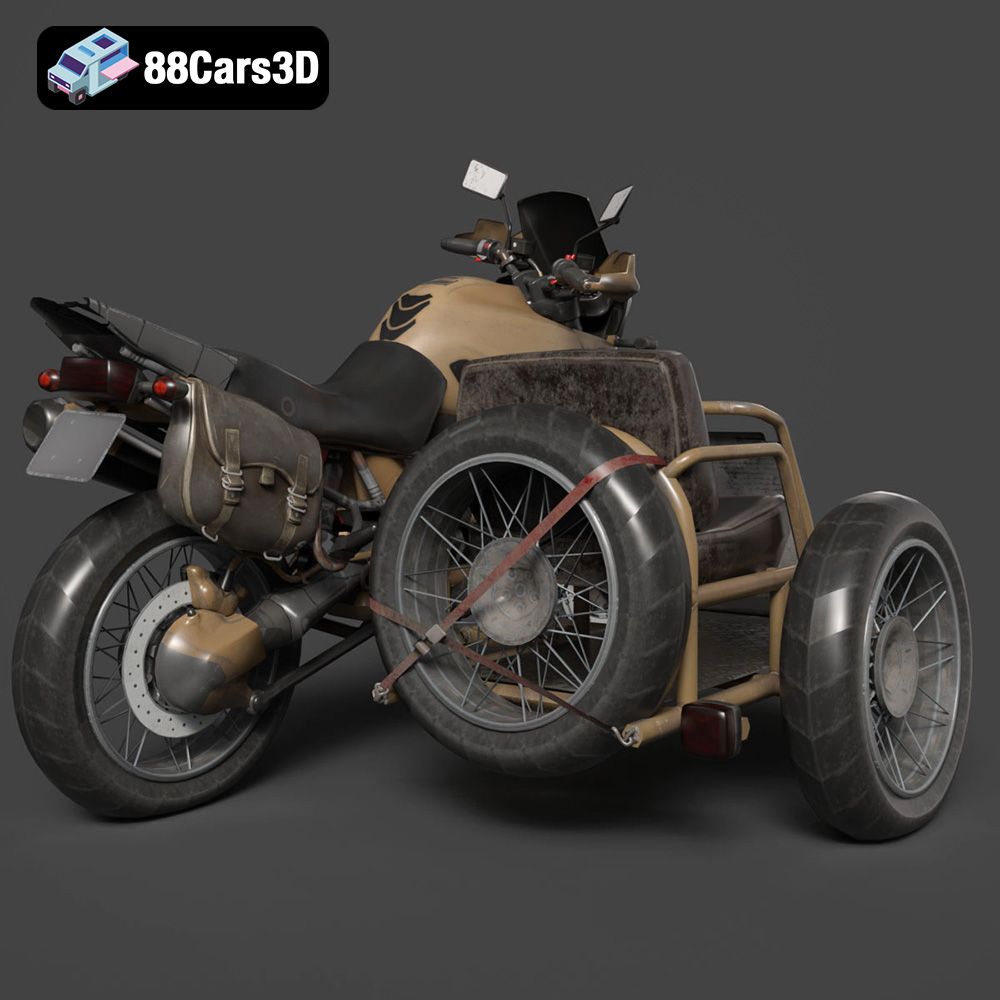
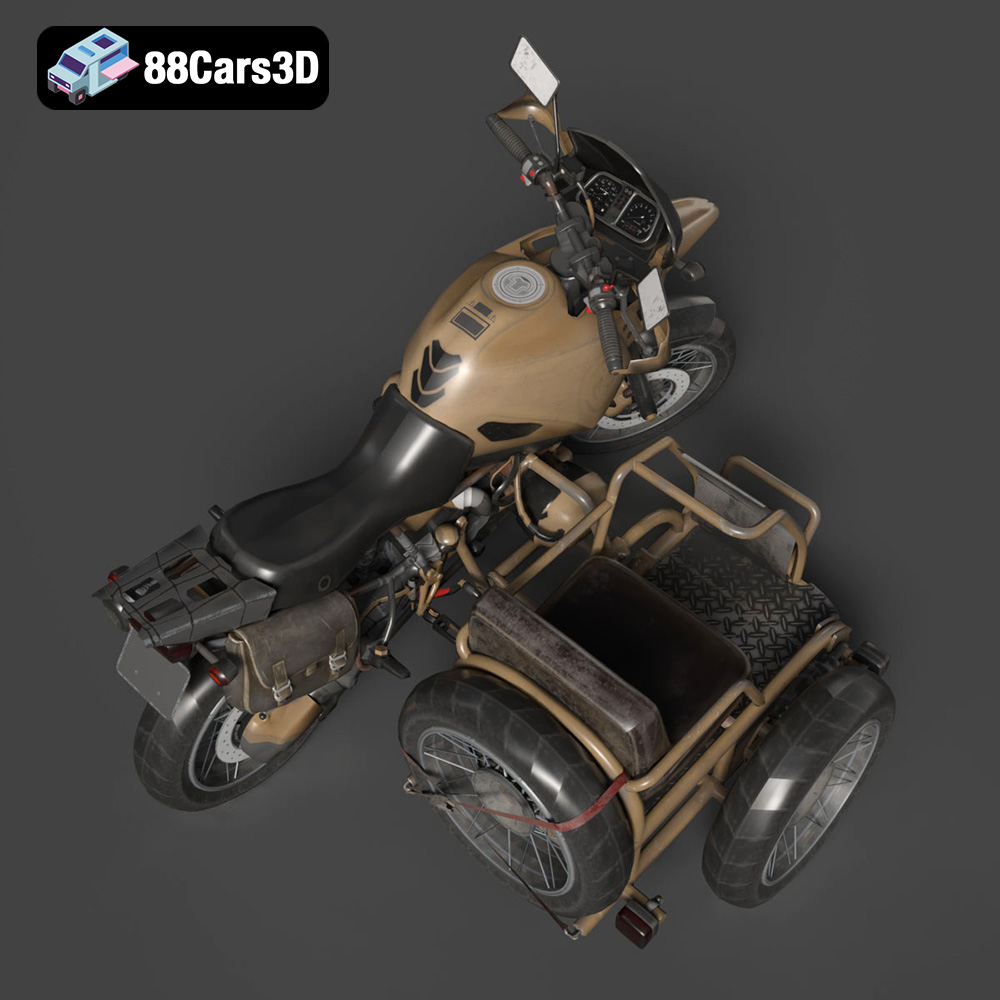
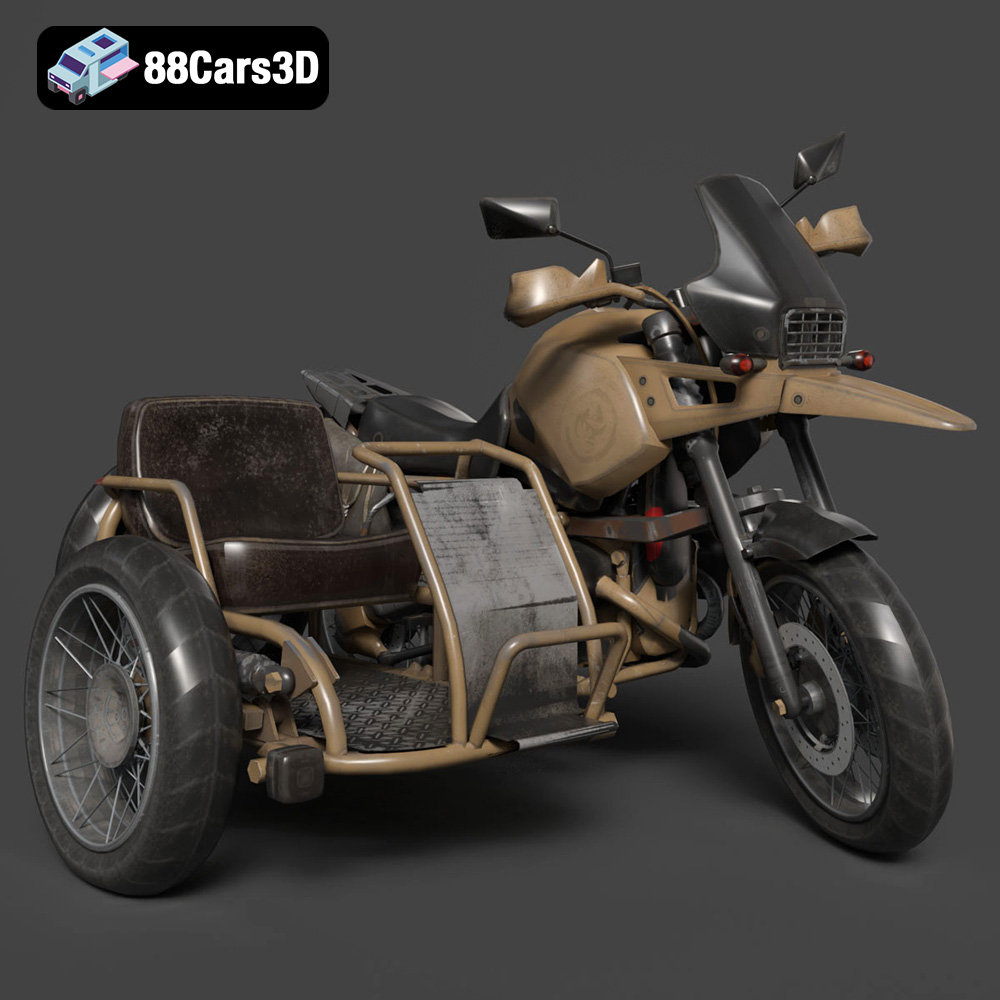
The roar of a boxer twin engine, the glint of sunlight on knobby tires, the promise of adventure beyond the asphalt – the Custom Off-Road BMW R1150GS Adventure Sidecar embodies the spirit of exploration. Now, thanks to 3D printing and the meticulously crafted model available at 88cars3d.com, you can bring this iconic machine to life in miniature. This blog post will guide you through the process of 3D printing this stunning model, covering everything from choosing the right materials and settings to post-processing techniques that will make your print a true masterpiece. Whether you’re a seasoned 3D printing enthusiast or a newcomer eager to test your skills, this guide will provide the knowledge you need to successfully create your own miniature adventure rig.
Before diving into the specifics of printing the Custom Off-Road BMW R1150GS Adventure Sidecar, it’s essential to understand the different file formats provided and how they relate to 3D printing. While numerous formats exist for 3D models, some are better suited for additive manufacturing than others. The file format acts as a blueprint, dictating how your 3D printer interprets and builds the digital design. Choosing the right format can significantly impact print quality, ease of use, and compatibility with your chosen slicing software.
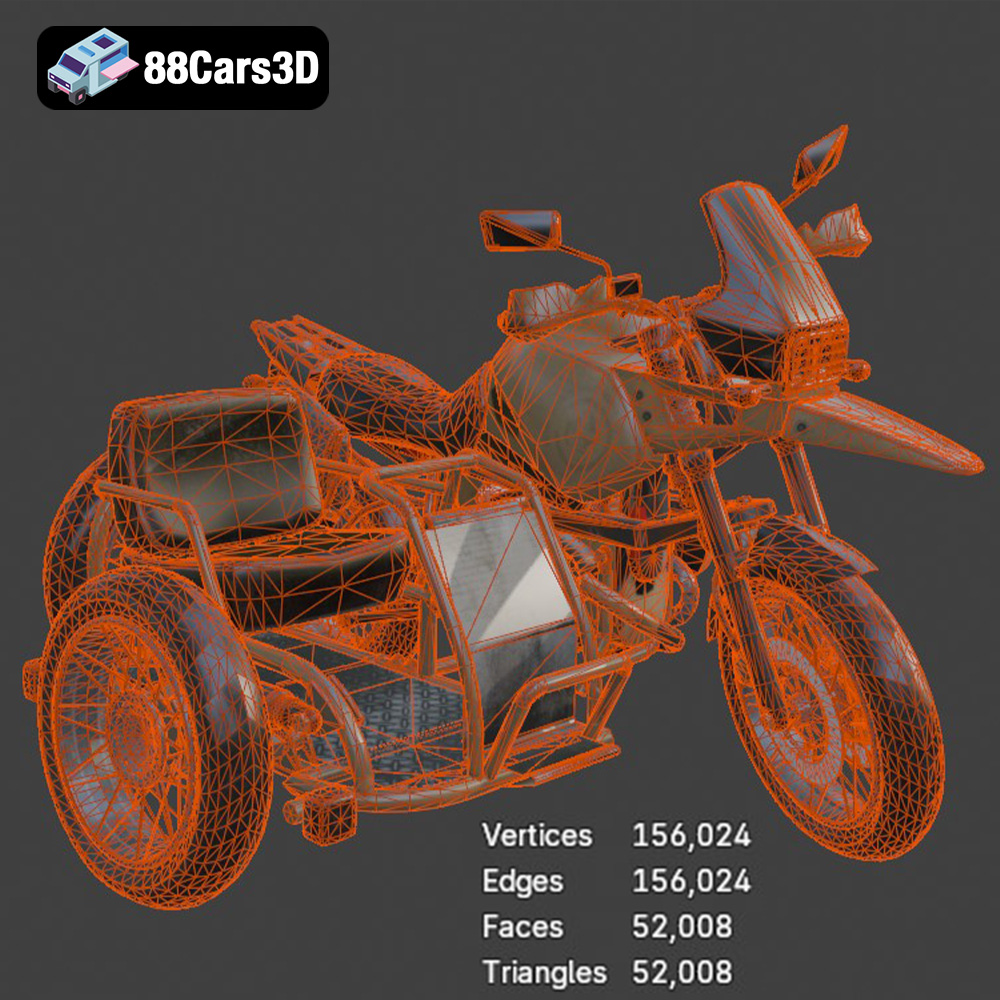
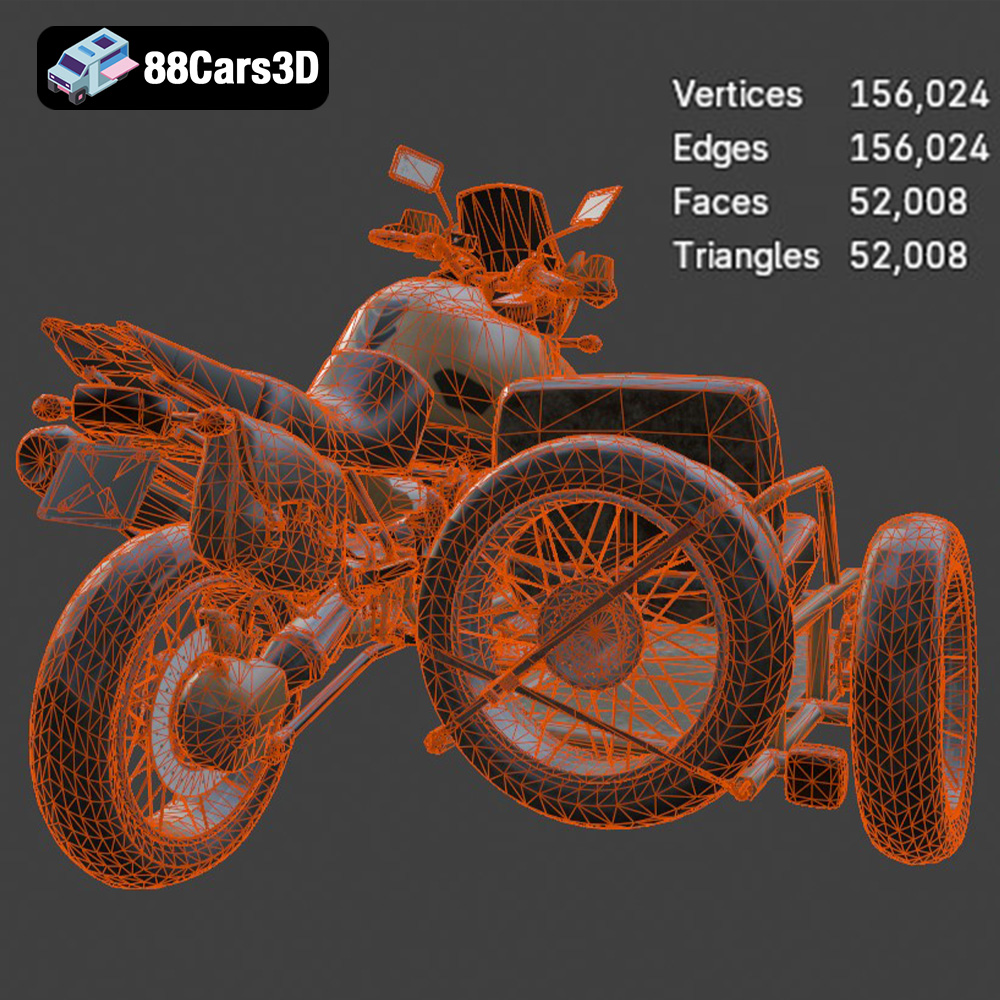
The .stl (stereolithography) format is the workhorse of 3D printing. It represents a 3D model as a series of connected triangles, forming a mesh that approximates the surface of the object. This simplicity is its strength, making it universally compatible with virtually all 3D printers and slicing software. For the Custom Off-Road BMW R1150GS Adventure Sidecar, the .stl file is your primary choice for printing. However, because .stl files only contain mesh data (surface geometry), they lack color and texture information. When you download the model from 88cars3d.com, importing the STL into your slicing software will be your first step. From there you can adjust scaling and print settings.
.obj files are more versatile than .stl, as they can store color and texture information alongside the geometric data. This allows for the possibility of printing multi-colored objects, although this requires a printer capable of handling multiple filaments or resins. While .obj files are supported by many slicing programs, the .stl format remains the preferred choice for 3D printing due to its simplicity and widespread compatibility. It’s also worth noting that even with a multi-material printer, achieving photographic-quality textures through .obj is rare in FDM printing, and more suited for resin-based printing with advanced techniques.
The .ply format is designed for capturing 3D data with high precision. It’s particularly useful for representing scanned objects or models with complex surfaces. While it can be used for 3D printing, .ply files are often larger than .stl files and may require more processing power from your slicing software. .ply’s detail is rarely needed for 3D printing, as slicing software will simplify the mesh for optimized toolpaths.
The .blend format is specific to Blender, a popular open-source 3D modeling software. It contains the entire scene, including the model, textures, lighting, and animation data. If you want to customize the Custom Off-Road BMW R1150GS Adventure Sidecar before printing – perhaps changing the colors, adding accessories, or modifying the geometry – opening the .blend file in Blender allows you to make these changes. After modifications, you will need to export the model as an .stl file to prepare it for printing.
The .fbx format is widely used for exchanging 3D models between different software applications. It supports various data types, including geometry, textures, materials, and animations. While some advanced slicing software can import .fbx files, it’s primarily used for transferring the model between design and rendering applications. The primary use of .fbx is maintaining material assignments when working between software. This can be useful for planning out colors for painting the print after it’s finished.
.glb is a binary file format that represents 3D models in a compact and efficient manner. It’s particularly well-suited for use in augmented reality (AR) applications. With .glb, you can preview the Custom Off-Road BMW R1150GS Adventure Sidecar in your real-world environment using your smartphone or tablet before committing to the print. This allows you to visualize the size and appearance of the model in your space.
Similar to .blend, .max files are project files native to 3ds Max, another industry-standard 3D modeling software. The .max format contains all the project’s elements, including geometry, materials, lighting, and animation setups. If you are a 3ds Max user, you can leverage this file type for advanced customizations to the model before exporting the modified version as an .stl file for 3D printing.
The Custom Off-Road BMW R1150GS Adventure Sidecar model can be brought to life using various 3D printing technologies, each with its own advantages and disadvantages. Fused Deposition Modeling (FDM) and Stereolithography (SLA) are the most common technologies for hobbyists, while more advanced options like Selective Laser Sintering (SLS) offer greater material choices and precision but come at a higher cost.
FDM involves melting and extruding thermoplastic filaments, layer by layer, to build the object. It’s the most accessible and affordable 3D printing technology, making it ideal for beginners. Popular FDM materials include PLA, PETG, and ABS. For the R1150GS model, PLA is a good starting point due to its ease of use and biodegradability. PETG offers improved strength and heat resistance, making it suitable for parts that might be exposed to sunlight or stress. ABS provides even greater durability but requires a heated bed and enclosure to prevent warping.
SLA (Stereolithography) and DLP (Digital Light Processing) resin printing use liquid resin that is cured by a UV light source. Resin printing excels at producing highly detailed parts with smooth surfaces, making it an excellent choice for intricate models like the R1150GS. While resin printers tend to be more expensive than FDM printers, the level of detail they can achieve is unmatched. When working with resin, be sure to follow safety precautions like wearing gloves and working in a well-ventilated area.
Once you’ve chosen your printing technology and material, the next step is to prepare the model for printing using slicing software. Slicing software takes the 3D model and divides it into thin layers, generating the instructions (G-code) that the printer will follow. Key considerations during slicing include model orientation, support placement, and layer height.
The orientation of the model on the print bed can significantly impact print quality and structural integrity. For the Custom Off-Road BMW R1150GS Adventure Sidecar, printing the frame at an angle can improve its strength by aligning the layers along the primary stress directions. Printing the wheels separately in a vertical orientation will result in smoother surfaces and more accurate details. Experimentation is key to finding the optimal orientation for each part.
Supports are temporary structures that provide a foundation for overhanging parts of the model. The R1150GS model will likely require supports for the exhaust system, mirrors, handlebars, and sidecar components. Placement and density of supports are critical; too few supports can lead to sagging and print failures, while too many supports can be difficult to remove and leave behind unwanted marks. Slicing software offers various support generation options, allowing you to customize the support structure to suit the model’s geometry. Some slicers have tree support options that use less material and are easier to remove.
Achieving a successful print requires carefully tuning the printer settings in your slicing software. Key parameters to adjust include layer height, infill density, print speed, and temperature.
Layer height determines the thickness of each layer of the print. Lower layer heights result in smoother surfaces and finer details, but they also increase print time. The recommended layer height for resin printing is 0.04–0.12 mm for fine details on the Custom Off-Road BMW R1150GS Adventure Sidecar model. With FDM, a layer height of 0.1-0.2mm is a good starting point. Finding the right balance between speed and resolution is essential.
Infill density refers to the amount of material used to fill the interior of the model. Higher infill densities increase the strength and weight of the print but also consume more material and increase print time. For a display model like the R1150GS, an infill density of 20–30% should be sufficient. Consider increasing the infill density for parts that will be subjected to stress or require greater rigidity.
Print speed and temperature settings depend on the material you’re using. Consult the filament or resin manufacturer’s recommendations for optimal settings. Generally, slower print speeds improve layer adhesion and reduce the risk of warping. Too high of a temperature can lead to stringing in FDM or deformation in resin. Finding the right balance ensures strong, accurate prints.
Once the print is complete, post-processing is essential to refine the surface finish and bring the Custom Off-Road BMW R1150GS Adventure Sidecar model to its full potential. Post-processing can involve removing supports, sanding, filling imperfections, painting, and assembling the various parts.
Carefully remove the supports using pliers or a sharp knife. Sand the surface of the print to remove any blemishes and create a smooth finish. Start with coarse sandpaper and gradually move to finer grits. For resin prints, you may need to cure the model further under UV light after sanding.
Apply a primer to the print to create a uniform surface for painting. Use acrylic paints or spray paints to achieve the desired colors and finishes. Consider using metallic paints for the engine and exhaust system to add realism. Apply a clear coat to protect the paint and enhance the shine. The 88cars3d.com product description mentions authentic factory colors with metallic finishes for added realism, so consulting reference images while painting is highly recommended.
Even with careful preparation and optimized settings, 3D printing can sometimes present challenges. Here are some common issues and their solutions:
Warping occurs when the corners of the print lift off the build plate due to uneven cooling. To prevent warping, use a heated bed, apply an adhesive like glue stick or hairspray to the build plate, and ensure proper bed adhesion. Enclosing the printer can also help maintain a consistent temperature.
Stringing is caused by molten filament oozing from the nozzle during travel moves. To reduce stringing, decrease the printing temperature, increase retraction settings, and adjust travel speed.
Poor layer adhesion can result in weak prints that easily break apart. To improve layer adhesion, increase the printing temperature, decrease the print speed, and ensure that the build plate is properly leveled.
3D printing the Custom Off-Road BMW R1150GS Adventure Sidecar model is a rewarding project that allows you to showcase your engineering skills and create a stunning miniature replica of an iconic machine. By following the guidance provided in this blog post, you can navigate the 3D printing process with confidence and achieve exceptional results. Remember to experiment with different materials and settings to fine-tune your prints. 88cars3d.com provides high-quality STL files that are optimized for 3D printing, saving you time and effort in model preparation. So, fire up your 3D printer and embark on this exciting adventure!
The Custom Off-Road BMW R1150GS Adventure Sidecar represents the pinnacle of overland exploration and rugged dual-sport capability. Renowned for its iconic boxer twin engine and indestructible shaft drive, this customized adventure rig integrates a heavy-duty passenger sidecar, transforming it into an ultimate all-terrain expedition vehicle. Perfect for post-apocalyptic survival games, off-road racing simulators, overland expedition visualizations, and immersive VR garage environments, and now 3D printing!
$39.99
.adventure
.blend
.bmw
.custom
.fbx
.glb
.max
.obj
.ply
.rendering
.sidecar
.stl
.unreal
game asset
game-ready
low-poly
motorcycle-3d-model
off-road
optimized
r1150gs
VR/AR