Get 20% OFF All Premium 3D & STL Models!

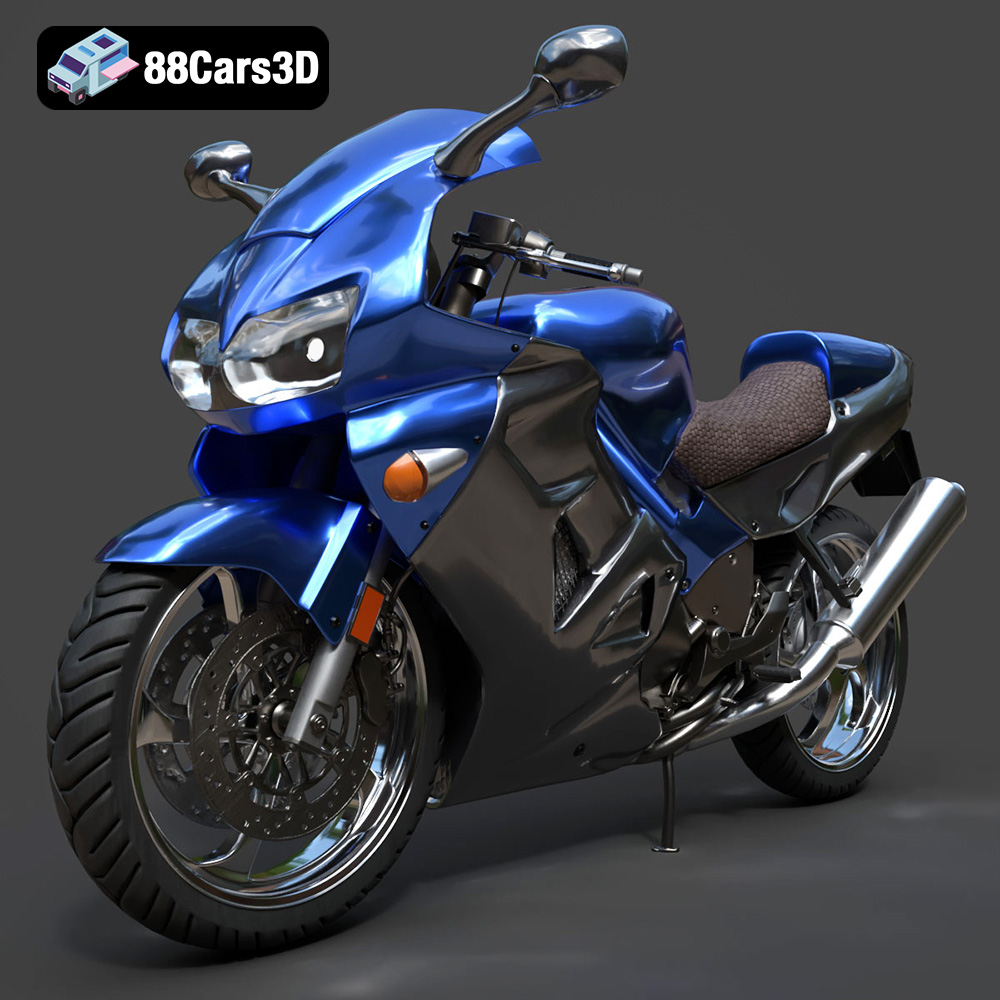
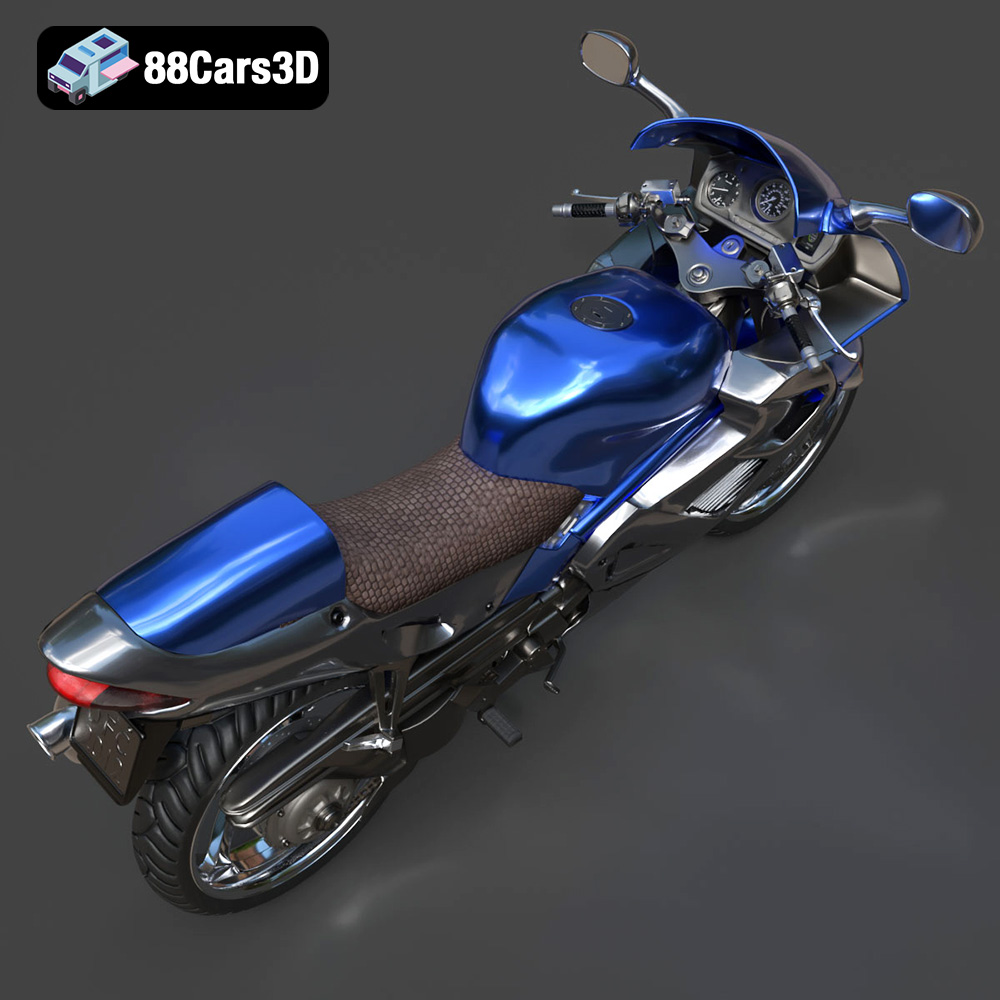
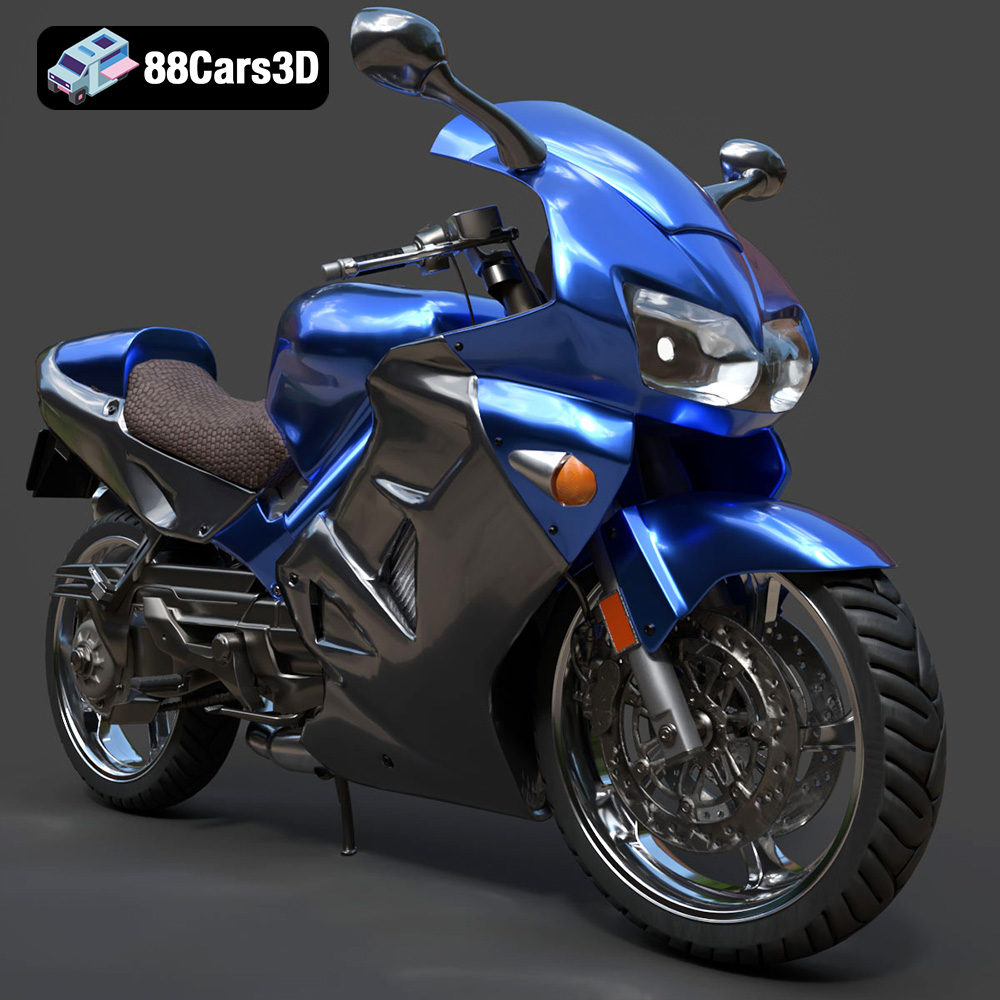
The Honda VFR 801, a symbol of sportbike engineering and design, can now grace your desk, workshop, or collection thanks to the power of 3D printing. The meticulously crafted 3D model available at 88cars3d.com offers an incredible opportunity to recreate this iconic motorcycle in stunning detail. This guide will walk you through the process of 3D printing the Honda VFR 801 model, covering everything from pre-print preparation to post-processing techniques, ensuring a successful and satisfying project. Whether you’re a seasoned 3D printing enthusiast or a beginner, this article provides the knowledge to transform a digital file into a tangible masterpiece.
Selecting the appropriate 3D printer and materials is crucial for achieving a high-quality 3D printed model of the Honda VFR 801. The level of detail in the model demands a printer capable of fine resolution, and the choice of material impacts the final look, feel, and durability of your print.
* **FDM (Fused Deposition Modeling):** FDM printers are a popular choice due to their affordability and ease of use. They work by extruding heated thermoplastic filament layer by layer. While FDM printers are suitable for printing larger parts of the Honda VFR 801 model, achieving the finest details might require a smaller nozzle size (0.4mm or even 0.25mm) and careful calibration. Printers with heated beds are recommended to prevent warping, especially for larger components.
* **Resin (SLA/DLP/LCD):** Resin printers offer significantly higher resolution and are ideal for capturing intricate details of the Honda VFR 801, such as the engine components, exhaust system, and rider controls. However, resin printers typically have a smaller build volume, potentially requiring the model to be divided into more parts. Resin prints also require post-processing steps like washing and curing.
* **PLA (Polylactic Acid):** PLA is a biodegradable thermoplastic known for its ease of printing and wide availability. It’s a good choice for beginners and suitable for non-functional parts of the Honda VFR 801 model. However, PLA has lower heat resistance and can be brittle, making it less ideal for parts exposed to high temperatures or stress.
* **PETG (Polyethylene Terephthalate Glycol-modified):** PETG offers a balance of strength, flexibility, and heat resistance. It’s a more durable alternative to PLA and a good choice for parts that require some flexibility or need to withstand minor impacts. PETG can be slightly more challenging to print than PLA, requiring careful temperature and adhesion settings.
* **Resin (Various Types):** Several resin types are available, each with its own properties. Standard resin is suitable for general-purpose printing, while tougher resins offer increased impact resistance. Flexible resins can be used for parts requiring flexibility, such as tires or hoses. The choice of resin depends on the specific application and desired properties of the printed parts.
Choosing the right file format and understanding its implications is a critical step in preparing the Honda VFR 801 3D model for printing. Different file formats offer varying degrees of compatibility, detail representation, and suitability for specific applications within the 3D printing workflow.
The STL (Stereolithography) file format is the undisputed industry standard for 3D printing. It represents a 3D model’s surface geometry as a collection of interconnected triangles, forming a mesh. This format is universally accepted by slicing software, making it the most reliable choice for 3D printing applications. However, STL files only contain information about the model’s shape; they do not store color, texture, or material properties. This means that any STL file will be printed in a single color based on the filament or resin loaded into the printer.
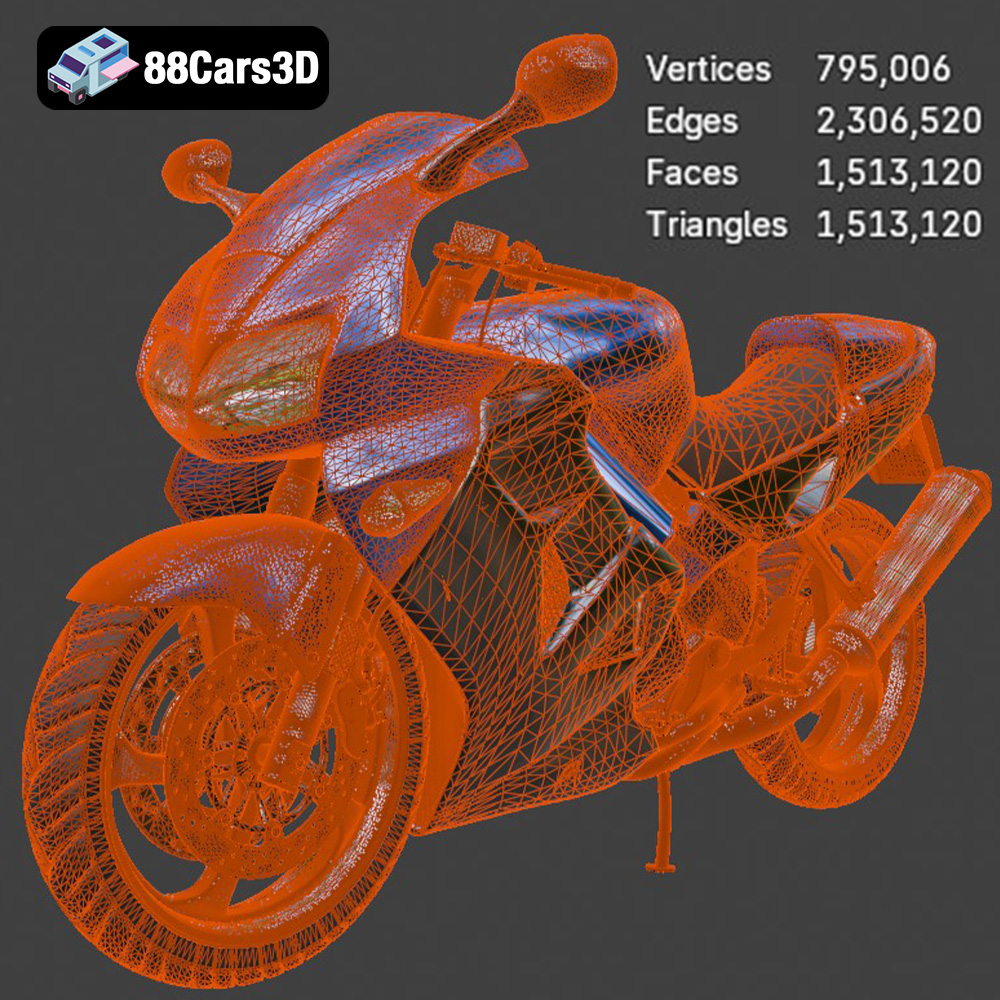
When working with STL files, it’s crucial to ensure the mesh quality is high enough to capture the details of the Honda VFR 801 model. A higher triangle count results in a smoother surface but also increases file size and processing time. Slicing software uses the STL file to generate toolpaths for the 3D printer, and any errors or imperfections in the mesh can lead to printing artifacts or failures. Before slicing, it’s recommended to use mesh repair tools within your slicing software or dedicated software like Meshmixer to identify and fix any issues, such as non-manifold edges, holes, or self-intersections. The STL format from 88cars3d.com is optimized for printing.
OBJ (Object) files are another widely used format for 3D models. Unlike STL, OBJ files can store color and texture information, opening up the possibility of printing multi-colored models if your printer supports it. However, OBJ files are typically larger than STL files and can be more complex to process.
PLY (Polygon File Format) is designed to store 3D data acquired from 3D scanners. It can represent color, texture, and other properties in addition to the geometry. PLY files are often used for high-detail models where accuracy is paramount.
BLEND files are native to Blender, a popular open-source 3D modeling software. The Honda VFR 801 model from 88cars3d.com includes a .blend file, allowing users to customize the model before exporting it to a printable format. You can modify the design, add details, or split the model into parts for easier printing.
FBX (Filmbox) is a proprietary format developed by Autodesk. It supports complex scenes, animations, and materials, making it suitable for game development and animation pipelines. While some slicing software can import FBX files, the material information is not always preserved during the slicing process.
GLB (GL Transmission Format Binary) is designed for efficient delivery and loading of 3D models on the web and in AR/VR applications. It’s a compact format that supports textures and animations. GLB files are primarily used for visualization and are not directly compatible with 3D printing.
MAX files are native to 3ds Max, another popular 3D modeling software. Similar to BLEND files, MAX files allow users to modify the model before exporting it to a printable format.
Once you’ve selected your printer and material, the next crucial step is preparing the Honda VFR 801 model for printing using slicing software. This software converts the 3D model into a series of instructions (G-code) that the printer can understand. Slicing involves adjusting various parameters, such as layer height, infill density, support structures, and print speed, to optimize the print quality and minimize printing time.
* **Orientation:** The orientation of the Honda VFR 801 model on the print bed significantly impacts the print quality, support requirements, and overall success of the print. Consider orienting the model to minimize overhangs, which require support structures. However, also consider the aesthetic impact of layer lines on visible surfaces. For example, orienting the fairings vertically might result in smoother surfaces, while orienting them horizontally could require more supports.
* **Support Structures:** Support structures are necessary to support overhangs and prevent them from collapsing during printing. Slicing software offers various support types, such as tree supports and linear supports. Tree supports are generally easier to remove and leave fewer marks on the printed surface. Adjust support density and placement carefully to balance support strength and ease of removal.
* **Layer Height:** Layer height determines the resolution of the print. Lower layer heights (e.g., 0.1mm) result in smoother surfaces but increase printing time. Higher layer heights (e.g., 0.2mm) are faster but may result in more visible layer lines. For the Honda VFR 801 model, a layer height of 0.15mm to 0.2mm is a good starting point.
* **Infill Density:** Infill density affects the strength and weight of the print. Higher infill densities (e.g., 50%) result in stronger but heavier prints, while lower infill densities (e.g., 15%) are lighter but less strong. For non-functional parts, a lower infill density is sufficient. For parts that require more strength, such as the chassis or suspension components, a higher infill density is recommended.
* **Print Speed:** Print speed affects the print quality and printing time. Slower print speeds generally result in better print quality, especially for intricate details. However, excessively slow speeds can increase printing time significantly. Experiment with different print speeds to find the optimal balance between quality and speed for your printer and material.
Once the Honda VFR 801 model is printed, post-processing is often necessary to achieve the desired finish and assemble the different parts. Post-processing techniques include sanding, painting, and applying clear coats.
* **Sanding:** Sanding removes layer lines and imperfections from the printed surface. Start with coarse sandpaper (e.g., 220 grit) and gradually move to finer grits (e.g., 400 grit, 600 grit, 800 grit) to achieve a smooth finish. Wet sanding can help to reduce dust and improve the sanding quality.
* **Priming:** Applying a primer coat helps to fill in any remaining imperfections and provides a uniform surface for painting. Choose a primer that is compatible with the material you used for printing.
* **Painting:** Painting the Honda VFR 801 model allows you to replicate the original colors and details of the motorcycle. Use acrylic paints or enamel paints designed for model building. Apply thin, even coats of paint and allow each coat to dry completely before applying the next.
* **Clear Coating:** Applying a clear coat protects the paint and adds a glossy or matte finish to the model. Choose a clear coat that is compatible with the paint you used.
* **Assembly:** The Honda VFR 801 model may consist of multiple parts that need to be assembled. Use adhesive or glue to join the parts together. Ensure that the parts are aligned correctly before the adhesive sets.
* **Detailing:** Add final details to the model, such as decals, stickers, or weathering effects, to enhance its realism.
Even with careful preparation, 3D printing can sometimes present challenges. Here are some common issues and their solutions:
* **Problem:** The print detaches from the print bed during printing, resulting in warping or a failed print.
* **Solution:** Ensure the print bed is clean and level. Use a bed adhesion aid, such as glue stick or painter’s tape. Increase the bed temperature. Use a brim or raft to increase the surface area in contact with the bed.
* **Problem:** Fine strands of plastic are left between different parts of the print, or blobs of plastic accumulate on the surface.
* **Solution:** Reduce the printing temperature. Increase retraction distance and speed. Adjust the travel speed. Ensure the filament is dry.
* **Problem:** Insufficient plastic is extruded, resulting in gaps or weak layers, or excessive plastic is extruded, resulting in rough surfaces.
* **Solution:** Calibrate the extruder. Adjust the flow rate. Check for clogs in the nozzle. Ensure the filament diameter is set correctly in the slicing software.
* **Problem:** Layers are misaligned, resulting in a noticeable shift in the print.
* **Solution:** Tighten belts and pulleys. Reduce printing speed. Ensure the printer is stable and not vibrating excessively.
The Honda VFR 801 3D model from 88cars3d.com is already designed with 3D printing in mind. However, some additional steps can further optimize it for printing:
* **Scaling:** Depending on your printer’s build volume and desired size of the model, you may need to scale the model up or down in your slicing software. Be mindful of the impact of scaling on the level of detail. Scaling down too much can make fine details difficult to print.
* **Hollowing:** Hollowing out the model can significantly reduce printing time and material usage. However, ensure that the walls are thick enough to provide sufficient strength.
* **Part Separation:** Consider separating the model into smaller parts for easier printing and assembly. This can be particularly useful for complex geometries or models with large overhangs.
By following these guidelines, you can successfully 3D print the Honda VFR 801 model from 88cars3d.com and create a stunning replica of this iconic motorcycle. Remember to experiment with different settings and techniques to find what works best for your printer and material.
Experience unmatched realism with the Honda VFR 801-002 3D Model. Constructed with meticulous attention to detail, this professional 3D asset captures the dynamic essence and engineering precision of the iconic Honda VFR. It is designed to elevate your visual projects with accurate scaling and true-to-life aesthetics.
$39.99
.arvr
.blend
.car3dmodel
.fbx
.gameasset
.glb
.honda
.max
.motorcycle
.obj
.ply
.rendering
.simulation
.sportbike
.stl
.twowheeler
.unreal
.vfr