Get 20% OFF All Premium 3D & STL Models!

The Lexus LS 500 2018 is a stunning vehicle, renowned for its luxurious design and cutting-edge technology. Now, thanks to 88cars3d.com, you can bring this automotive masterpiece to life through the magic of 3D printing. This article will provide a comprehensive guide on how to successfully 3D print the Lexus LS 500 2018 model, covering everything from pre-print preparation to post-processing techniques. Whether you’re a seasoned 3D printing enthusiast or a newcomer to the world of additive manufacturing, this guide will equip you with the knowledge to create a stunning replica of this iconic luxury sedan. The detailed STL files available make this project achievable for hobbyists and professionals alike.
Before diving into the specifics of printing the Lexus LS 500 2018, it’s crucial to understand the various 3D model file formats and their implications for 3D printing. The format you choose can significantly impact the print quality, compatibility with slicing software, and overall success of your project.
The .stl (Stereolithography) format is the workhorse of 3D printing. It represents the surface geometry of a 3D object as a collection of triangles. While simple and widely supported, .stl files only contain information about the shape of the object, not its color, texture, or material properties. This means that all 3D printed parts will be a single color based on the filament or resin used.
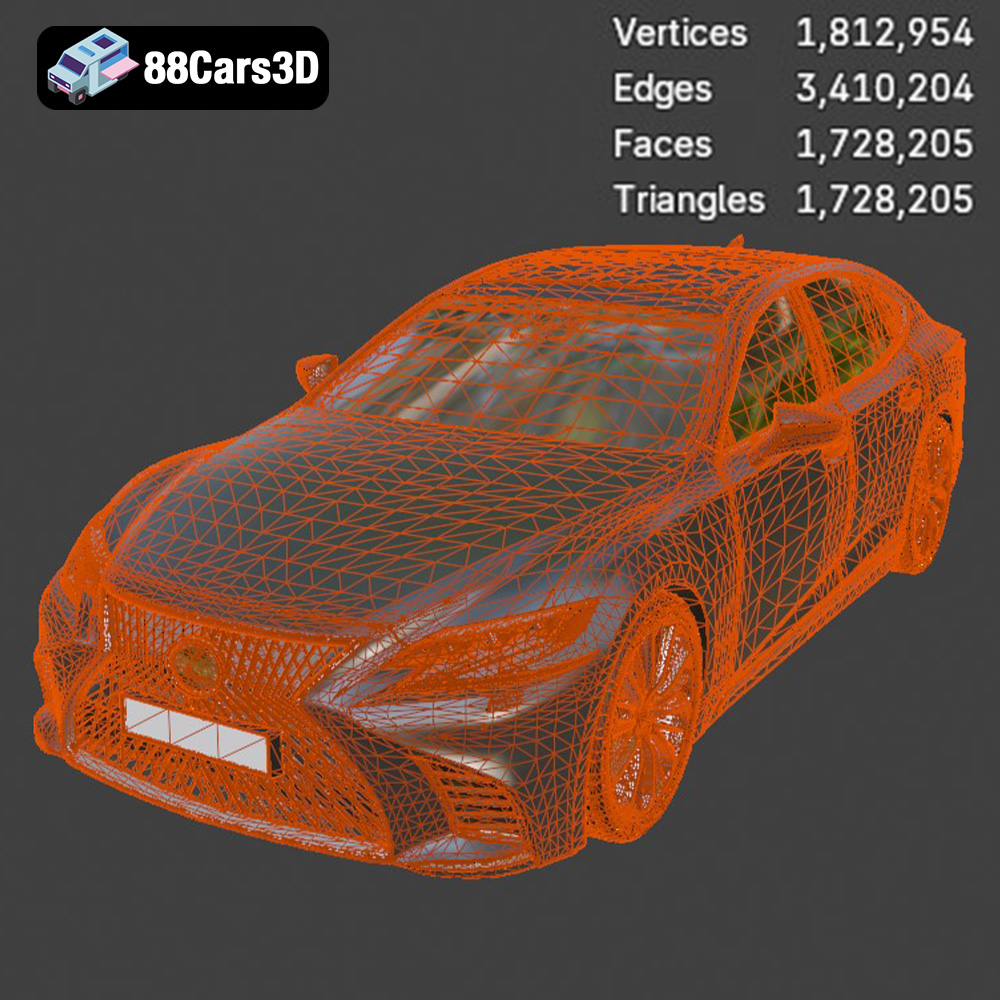
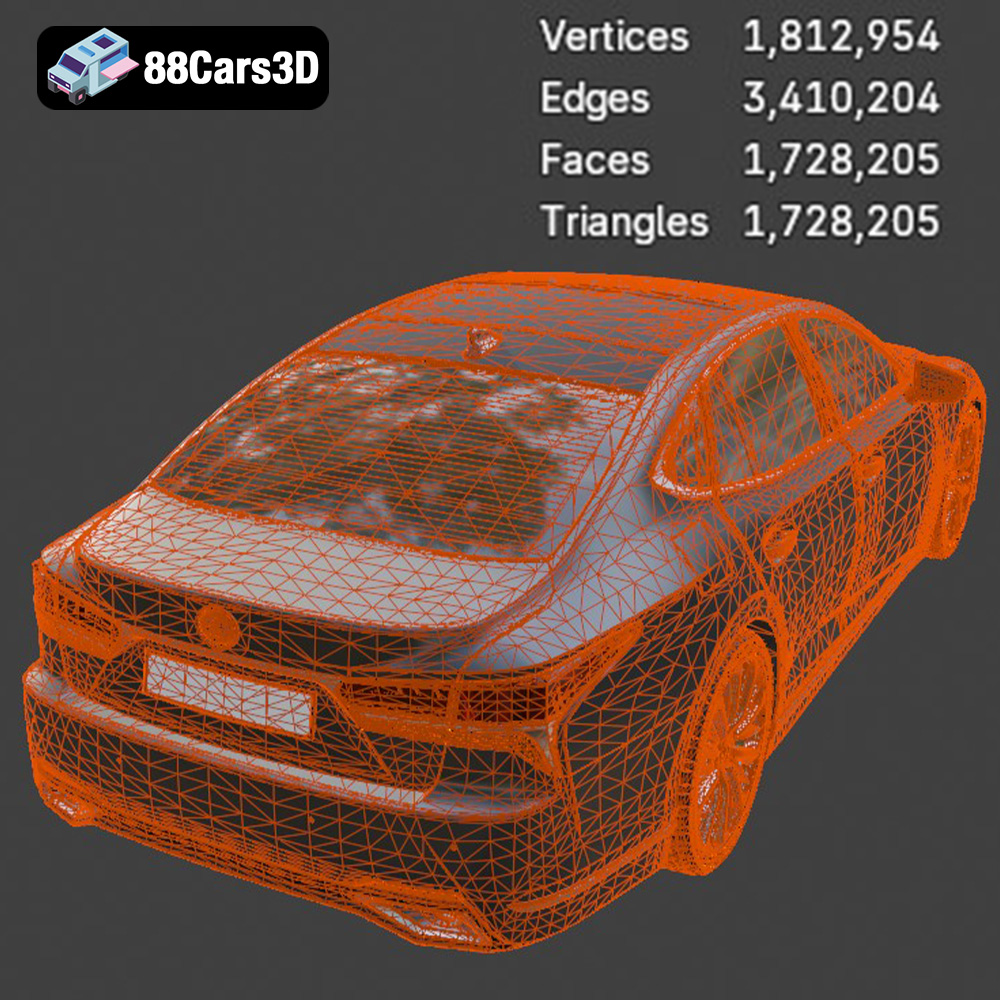
For 3D printing, the quality of the .stl mesh is paramount. A high-resolution mesh with a large number of small triangles will result in a smoother surface finish, but it also increases file size and processing time. Conversely, a low-resolution mesh will lead to a faceted appearance. Finding the right balance is key, and the Lexus LS 500 2018 model from 88cars3d.com is designed with optimized topology, ensuring a good balance between detail and printability in the included .stl file. When importing the .stl into your slicing software, pay attention to any warnings about non-manifold geometry or other errors. Repairing these issues is critical for a successful print.
The .obj (Wavefront Object) format is another popular choice, offering the advantage of supporting color and texture information. This allows for the possibility of printing multi-colored objects, although this requires specialized 3D printers capable of handling multiple filaments or resins. While the .obj format includes texture information, it is less commonly used for pure 3D printing unless color or texture detail is required and your printer supports it.
The .ply (Polygon File Format) is designed for storing 3D data acquired from 3D scanners or generated by specialized software. It’s known for its ability to represent complex geometries with high precision, making it suitable for detailed models. The increased detail comes at the cost of larger file sizes compared to .stl.
The .blend format is the native file format for Blender, a free and open-source 3D creation suite. It contains the entire scene, including the model’s geometry, textures, materials, lighting, and animation data. While .blend files themselves cannot be directly 3D printed, they provide the opportunity to customize the Lexus LS 500 2018 model before exporting it to a printable format like .stl. This allows for modifications like adding custom features, splitting the model into separate parts for easier printing, or adjusting the level of detail.
The .fbx (Filmbox) format is a proprietary file format developed by Autodesk. It’s widely used for exchanging 3D data between different software applications, particularly in game development and animation. While .fbx supports materials and animations, these features are not directly applicable to standard 3D printing. However, .fbx can be useful for importing the Lexus LS 500 2018 model into slicing software that supports it, potentially preserving some material information for visual reference during the slicing process.
The .glb (GL Transmission Format Binary) format is designed for efficient transmission and loading of 3D models, particularly in web and mobile applications. It’s commonly used for Augmented Reality (AR) applications, allowing users to preview the model in their real-world environment before committing to a print. While not directly used for 3D printing, .glb files provide a valuable way to visualize the Lexus LS 500 2018 model and assess its size and appearance.
The .max format is the native file format for 3ds Max, a professional 3D modeling, animation, rendering, and visualization software. Similar to .blend, .max files contain the entire project scene, allowing for extensive customization and modification of the Lexus LS 500 2018 model. Before 3D printing, the model can be exported to a printable format like .stl.
Different 3D printing technologies offer varying levels of precision, material options, and cost. Selecting the right technology is crucial for achieving the desired results with the Lexus LS 500 2018 model.
* **Description:** FDM is the most common and affordable 3D printing technology. It works by extruding a thermoplastic filament through a heated nozzle, layer by layer, to build the object.
* **Materials:** PLA, ABS, PETG, TPU, and various composites.
* **Pros:** Low cost, wide material availability, relatively simple to use.
* **Cons:** Lower resolution compared to resin printing, visible layer lines, requires support structures for overhangs.
* **Suitability for Lexus LS 500 2018:** FDM can be used for printing larger parts of the car, like the chassis, but may struggle with fine details like the grille or intricate interior components. Consider printing larger parts in FDM and smaller, detailed components using resin.
* **Description:** SLA and DLP are resin-based 3D printing technologies. SLA uses a laser to cure liquid resin, while DLP uses a projector.
* **Materials:** Various photopolymers (resins) with different properties (e.g., standard, tough, flexible).
* **Pros:** High resolution, smooth surface finish, excellent detail reproduction.
* **Cons:** Higher cost compared to FDM, limited build volume, requires post-processing (washing and curing).
* **Suitability for Lexus LS 500 2018:** Ideal for printing detailed parts like the grille, wheels, interior components, and badges. The high resolution ensures accurate reproduction of intricate details. The recommended scale of 1:12 to 1:24 will work best on resin printers.
* **Description:** SLS uses a laser to fuse powdered material (typically nylon) layer by layer.
* **Materials:** Nylon (PA12, PA11), TPU, and composites.
* **Pros:** High strength and durability, no support structures required, good for functional parts.
* **Cons:** Higher cost compared to FDM and SLA, rougher surface finish, limited color options.
* **Suitability for Lexus LS 500 2018:** Less suitable for purely aesthetic models due to the rougher surface finish. However, it could be used for printing durable chassis components if desired.
The choice of material and printer settings will heavily influence the final result. Here’s a breakdown of recommendations for the Lexus LS 500 2018 model.
* **PLA (Polylactic Acid):** A biodegradable thermoplastic that is easy to print and provides good detail. Suitable for the main body of the car if using FDM. Offers a good balance of strength and ease of use.
* **PETG (Polyethylene Terephthalate Glycol-modified):** Stronger and more heat-resistant than PLA. Good for parts that may experience stress or higher temperatures.
* **Resin (Photopolymer):** Essential for printing detailed parts with SLA/DLP printers. Choose a standard resin for general use or a tough resin for increased durability.
* **Flexible Resin:** Consider using flexible resin for tires to give them a more realistic feel.
* **Layer Height:** 0.1-0.2mm. Lower layer heights will improve surface finish but increase print time.
* **Infill:** 15-25%. Adjust based on desired strength and weight.
* **Wall Thickness:** 1.2mm (3 perimeters). Ensures adequate strength and rigidity.
* **Print Speed:** 40-60mm/s. Adjust based on your printer’s capabilities.
* **Support Structures:** Required for overhangs, especially for the chassis and intricate details.
* **Bed Adhesion:** Use a brim or raft for better bed adhesion, especially for larger parts.
* **Layer Height:** 0.04-0.05mm. Essential for capturing fine details.
* **Exposure Time:** Follow the resin manufacturer’s recommendations. Adjust based on your printer and resin.
* **Bottom Layer Exposure Time:** Significantly higher than normal exposure time for good bed adhesion.
* **Support Structures:** Use pre-supported files if available. Otherwise, manually add supports in your slicing software, paying close attention to overhangs and delicate features like the grille.
* **Hollowing:** Hollow out larger parts to save resin and reduce print time. Ensure adequate drain holes to allow resin to escape.
Proper pre-print preparation is crucial for a successful 3D printing experience. This involves preparing the 3D model, choosing the right slicing software, and optimizing settings for your specific printer and material.
* **Check for Errors:** Before slicing, import the STL file into a mesh editing program like MeshMixer or Blender to check for errors such as non-manifold geometry, holes, or intersecting faces. Repair any errors to ensure a watertight model.
* **Orientation:** Orient the model in your slicing software to minimize the need for support structures and maximize print quality. For the Lexus LS 500 2018, consider printing the chassis at an angle to improve structural integrity, as suggested by 88cars3d.com. Print wheels separately for better detail.
* **Scaling:** Adjust the scale of the model to your desired size. 88cars3d.com recommends scales of 1:12, 1:18, or 1:24. Ensure that all parts are scaled proportionally.
* **Popular Options:** Cura (free), PrusaSlicer (free), Simplify3D (paid), Chitubox (free for resin printing).
* **Key Features:** Support generation, infill control, layer height adjustment, temperature control, print speed settings.
* **Slicing Tips:**
* Experiment with different support settings to find the optimal balance between support strength and ease of removal.
* Use adaptive layer height to improve surface finish on curved surfaces.
* Adjust infill density based on the part’s function and desired weight.
* Enable coasting or wipe settings to reduce stringing and improve surface quality.
For larger prints, consider splitting the Lexus LS 500 2018 model into multiple parts for easier printing and assembly. This can also allow you to optimize the orientation of each part individually and minimize the need for support structures. Common areas to split include the chassis, body panels, wheels, and interior components.
Once the 3D printing is complete, post-processing is essential to achieve the desired final appearance and functionality. This can include removing support structures, sanding, painting, and assembling the various parts.
* **Gentle Removal:** Carefully remove support structures using pliers, flush cutters, or a hobby knife. Avoid damaging the model surface.
* **Dissolvable Supports (PVA):** If you used PVA supports with a dual-extrusion FDM printer, dissolve the supports in water.
* **Resin Printing:** Remove supports from resin prints before curing. After curing, supports become much harder to remove.
* **Sanding:** Start with coarse sandpaper (e.g., 220 grit) to remove major imperfections, then gradually move to finer grits (e.g., 400, 600, 800) to smooth the surface.
* **Filling:** Use a filler primer or spot putty to fill any remaining imperfections or layer lines.
* **Priming:** Apply a primer coat to create a smooth, uniform surface for painting.
* **Acrylic Paints:** Suitable for most 3D printed materials. Apply in thin, even coats.
* **Enamel Paints:** More durable than acrylic paints, but require proper ventilation.
* **Airbrushing:** Provides the best control and smoothest finish, especially for metallic or pearl finishes.
* **Color Matching:** Use reference images of the real Lexus LS 500 2018 to accurately match the factory colors.
* **Clear Coat:** Apply a clear coat to protect the paint and add gloss.
* **Adhesives:** Use super glue (cyanoacrylate) or epoxy to assemble the various parts.
* **Alignment:** Ensure proper alignment of parts before gluing them together.
* **Hardware:** Consider using small screws or pins for added strength and stability.
Even with careful preparation, 3D printing can sometimes present challenges. Here are some common issues and their solutions:
* **Warping:**
* **Cause:** Uneven cooling, poor bed adhesion.
* **Solution:** Use a heated bed, improve bed adhesion with a brim or raft, reduce print speed, enclose the printer.
* **Stringing:**
* **Cause:** Excessive filament retraction, high nozzle temperature.
* **Solution:** Adjust retraction settings, lower nozzle temperature, enable coasting or wipe settings.
* **Layer Separation:**
* **Cause:** Insufficient layer adhesion, low nozzle temperature, insufficient cooling.
* **Solution:** Increase nozzle temperature, reduce print speed, increase cooling fan speed (for PLA).
* **Support Structure Issues:**
* **Cause:** Insufficient support density, weak support material.
* **Solution:** Increase support density, use a stronger support material, adjust support placement.
The Lexus LS 500 2018 3D model from 88cars3d.com is designed with 3D printing in mind. It offers several advantages that contribute to a successful printing experience:
* **Optimized Topology:** The model features an optimized triangle count (~200,000 triangles) that strikes a balance between detail and printability, reducing the risk of excessive processing time or memory issues.
* **Separate Components:** The model includes separate components for wheels, doors, suspension, and steering, allowing for greater flexibility in printing and assembly.
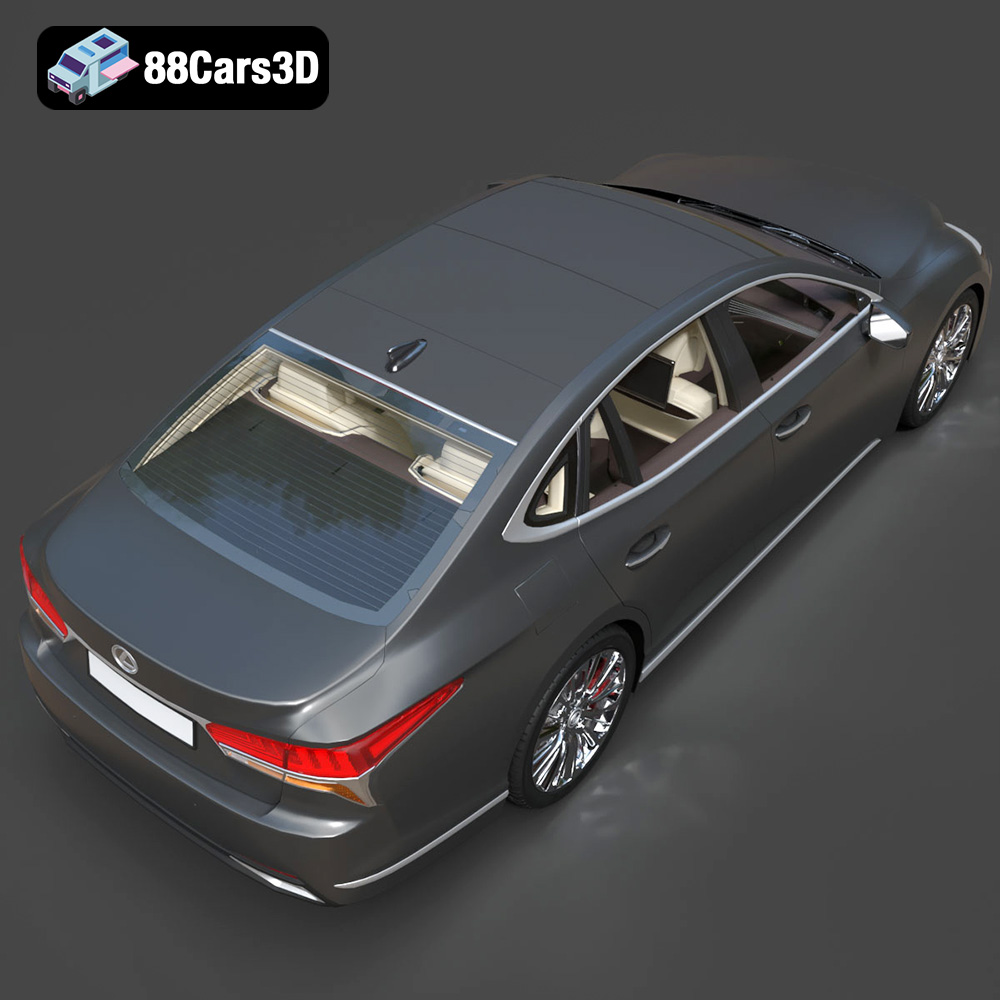
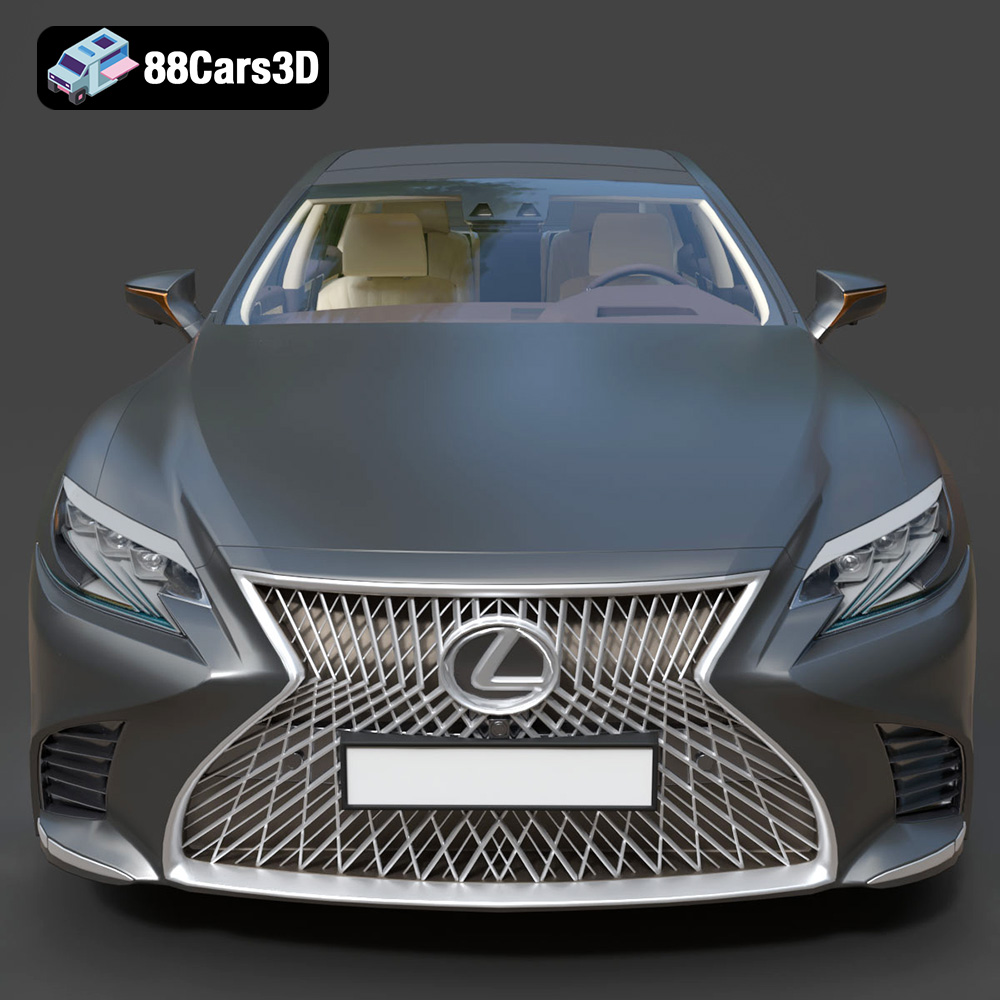
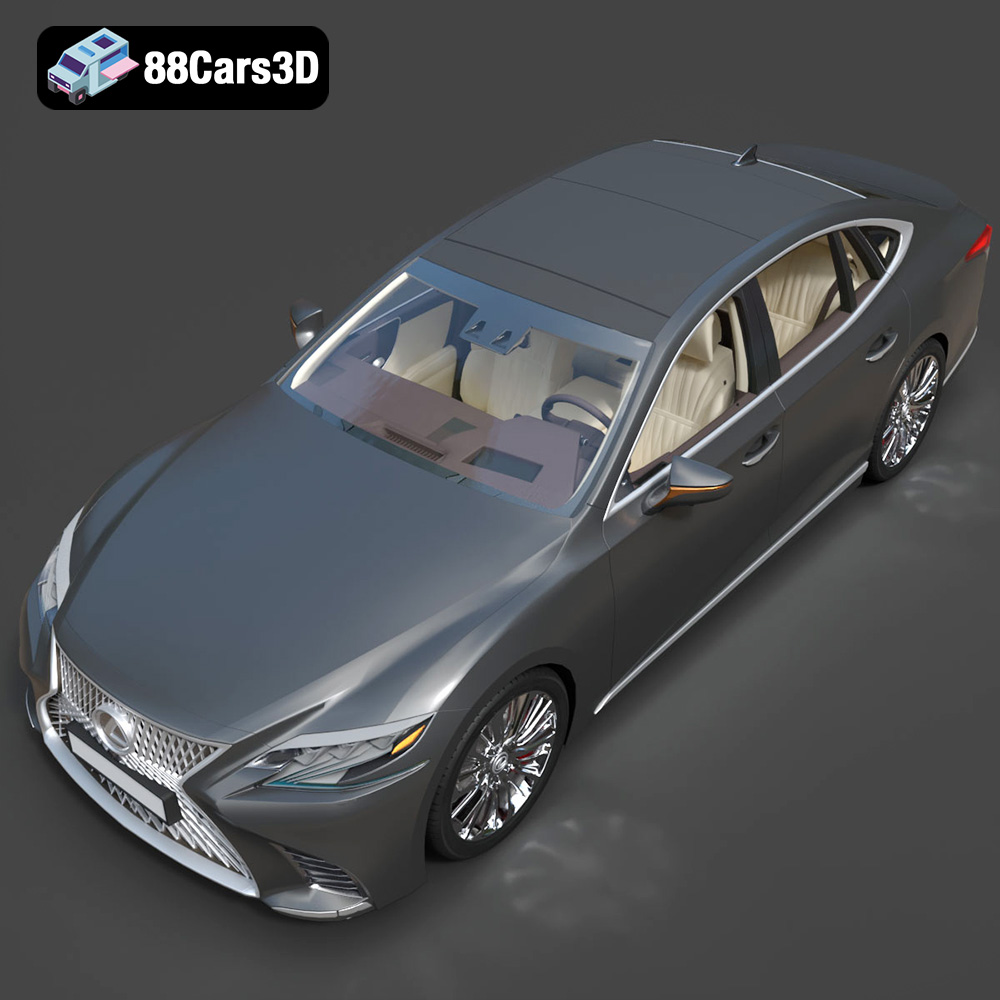
* **Detailed Features:** The model captures the intricate details of the Lexus LS 500 2018, including the signature spindle grille, LED headlights, and luxurious interior.
* **STL Format Included:** The inclusion of the STL format ensures compatibility with most 3D printing software and hardware.
* **Real-World Scale Accuracy:** The model is designed to real-world scale, ensuring accurate proportions and dimensions when printed.
By following the guidelines outlined in this article and leveraging the quality of the 88cars3d.com model, you can create a stunning 3D printed replica of the Lexus LS 500 2018.
3D printing the Lexus LS 500 2018 model is an exciting project that combines the precision of additive manufacturing with the elegance of automotive design. By carefully selecting your 3D printing technology and material, meticulously preparing the model, optimizing printer settings, and mastering post-processing techniques, you can bring this iconic luxury sedan to life in stunning detail. Remember to leverage the quality and features of the Lexus LS 500 2018 model from 88cars3d.com to achieve the best possible results. With patience, practice, and a keen eye for detail, you’ll be cruising with your very own 3D printed Lexus LS 500 2018 in no time.
The 2018 Lexus LS 500 is the pinnacle of Japanese luxury, featuring a striking spindle grille, elegant coupe-like silhouette, and a powerful twin-turbo V6 engine. Known for its meticulous Takumi craftsmanship, whisper-quiet ride, and aggressive yet refined styling, the LS 500 represents the intersection of executive comfort and cutting-edge automotive design.
$39.99
.2018
.blend
.fbx
.glb
.lexus
.max
.obj
.ply
.rendering
.stl
.unreal
car-3d-model
executive-car
game asset
game-ready
low-poly
ls-500
luxury-sedan
optimized
VR/AR