Get 20% OFF All Premium 3D & STL Models!

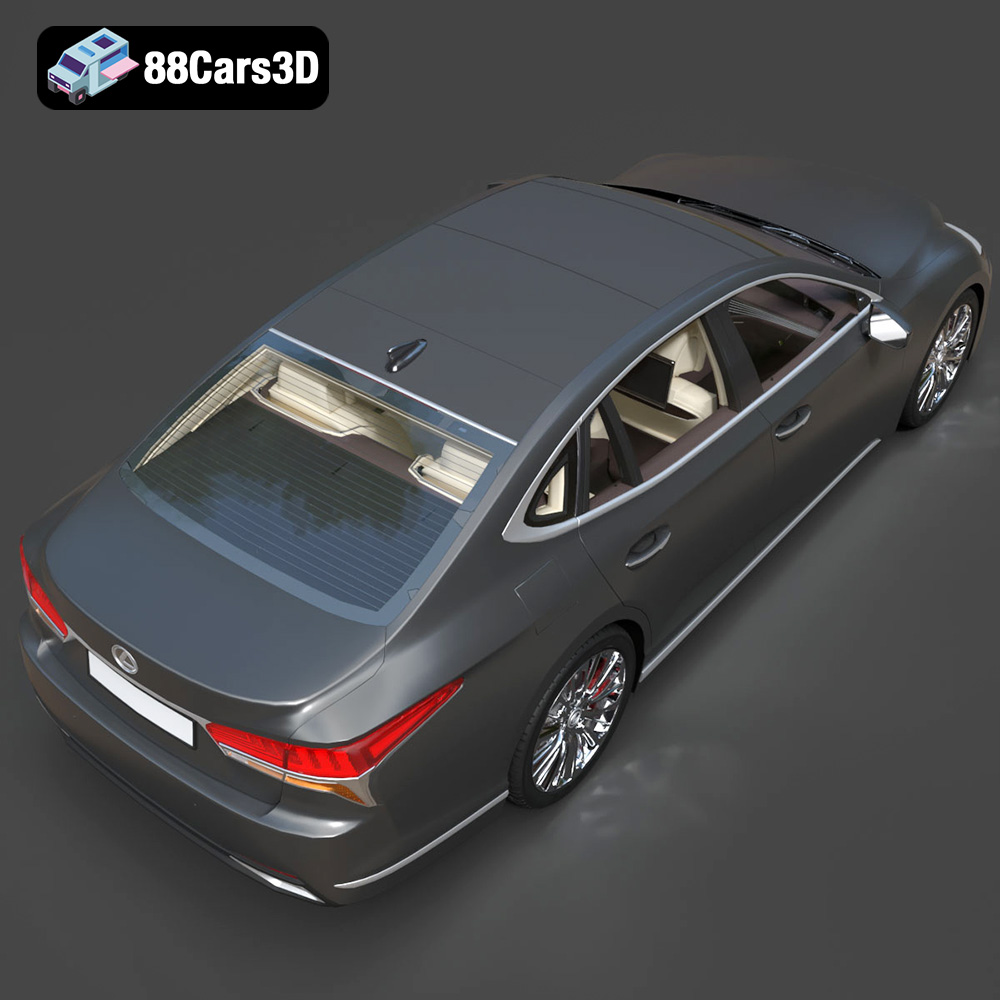
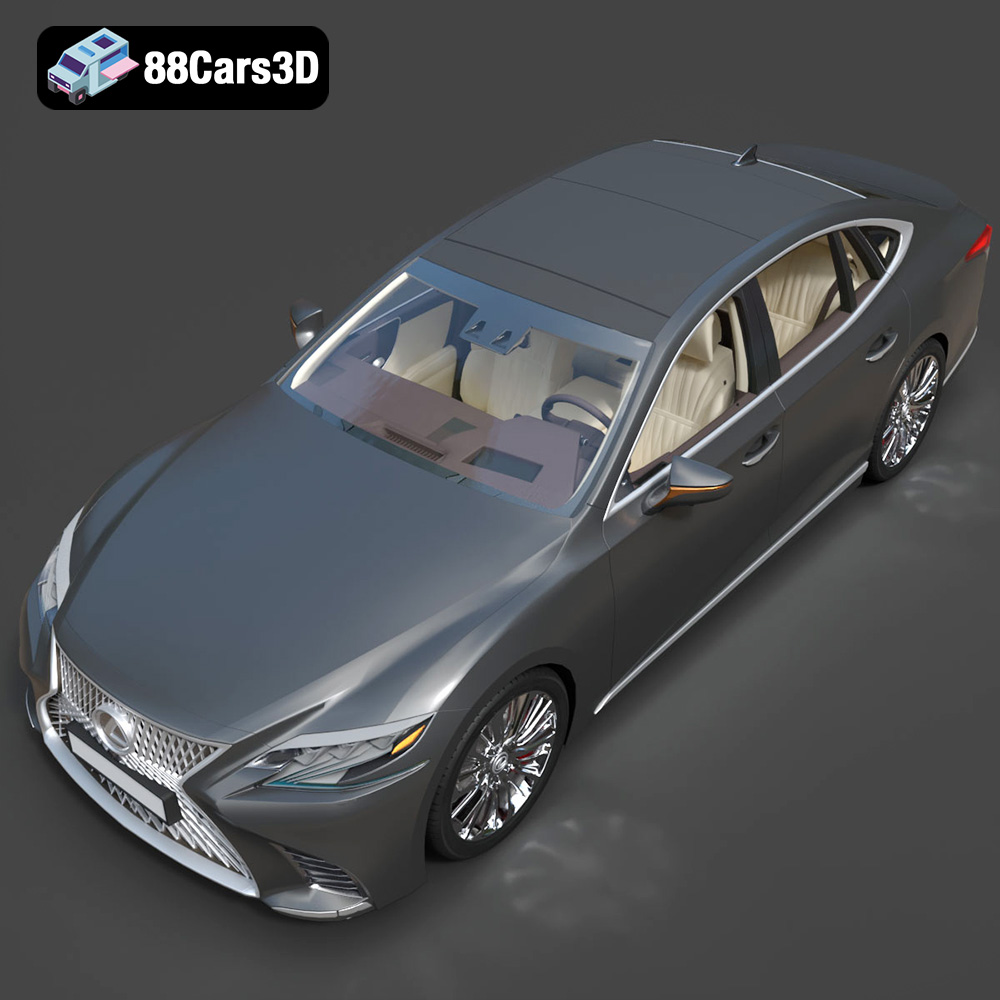
The Lexus LS 500 2018 is a masterpiece of automotive design, blending aggressive styling with luxurious comfort. Now, thanks to 88cars3d.com, you can bring this iconic vehicle to life in your own home through the power of 3D printing. This guide provides a detailed, step-by-step approach to successfully 3D printing the Lexus LS 500 2018 3D model, covering everything from pre-print preparation to post-processing techniques. Whether you’re a seasoned 3D printing enthusiast or a beginner, this article will equip you with the knowledge and skills needed to create a stunning replica of this luxury sedan.
Before diving into the printing process, it’s crucial to prepare the 3D model for optimal results. This involves selecting the appropriate file format, inspecting the model for errors, and scaling it to your desired size.
The product description recommends scales of 1:12, 1:18, or 1:24. Consider the size of your 3D printer’s build volume when choosing a scale. A larger scale (e.g., 1:12) will capture more detail but require more material and print time. A smaller scale (e.g., 1:24) will be quicker and more economical but may sacrifice some finer details. Consider your display intentions to select the scale that best fits your desired outcome.
Open the STL file in a 3D modeling or repair software like MeshMixer, Netfabb, or Cura. Look for any errors such as non-manifold edges, holes, or flipped normals. These errors can cause printing problems and affect the final quality of the print. Use the software’s repair tools to fix any identified issues. Ensuring a clean, watertight mesh is essential for successful 3D printing.
The orientation of the model on the print bed significantly impacts print quality, support requirements, and overall structural integrity. The product description suggests printing the frame angled for structural integrity and the wheels separately. Experiment with different orientations within your slicing software to minimize the need for supports, especially on visible surfaces. Tilting the car body at a 45-degree angle can often reduce the support needed on the roof and hood.
Choosing the right file format is paramount for successful 3D printing. While several formats exist, some are better suited for additive manufacturing than others. Understanding the nuances of each format ensures compatibility with your slicing software and optimal print quality.
The STL (stereolithography) file format is the workhorse of 3D printing. It represents the surface geometry of a 3D object as a collection of triangles. This simplicity makes it universally compatible with virtually all 3D printers and slicing software. The Lexus LS 500 2018 3D model available on 88cars3d.com includes an STL file specifically optimized for 3D printing.
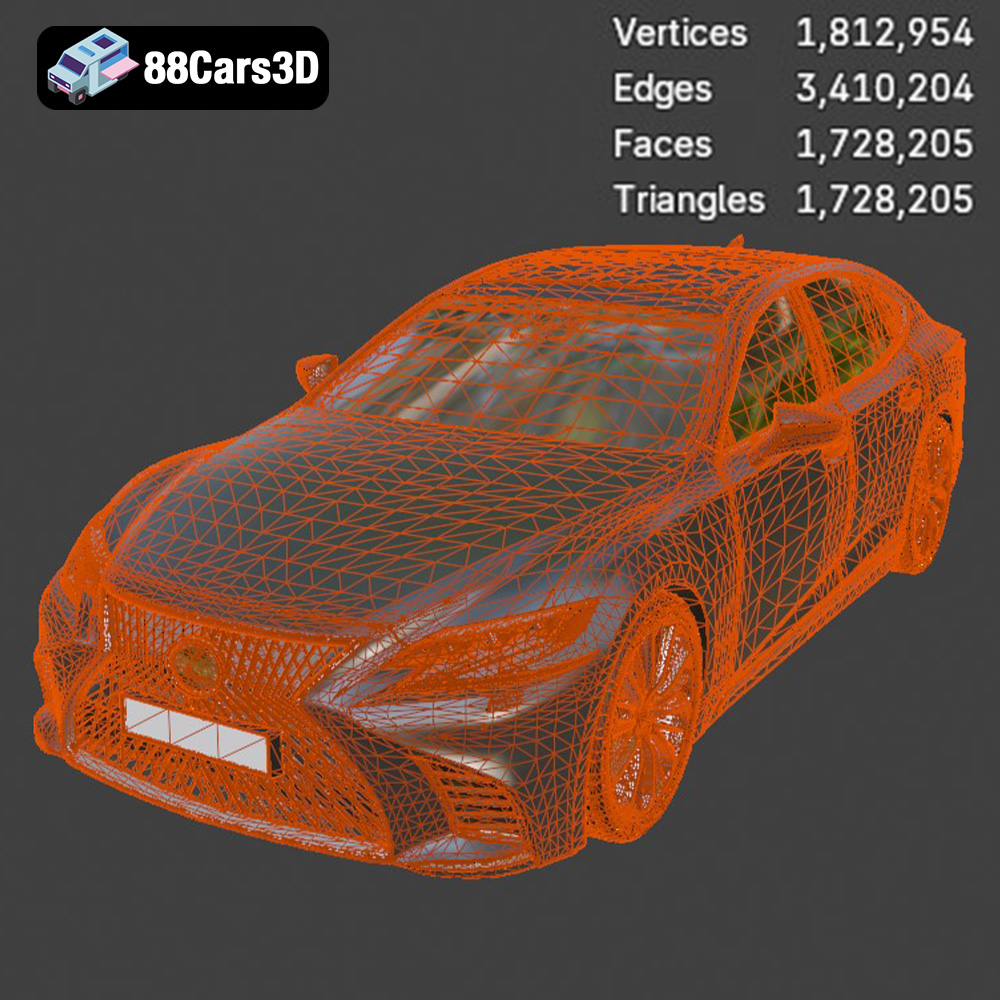
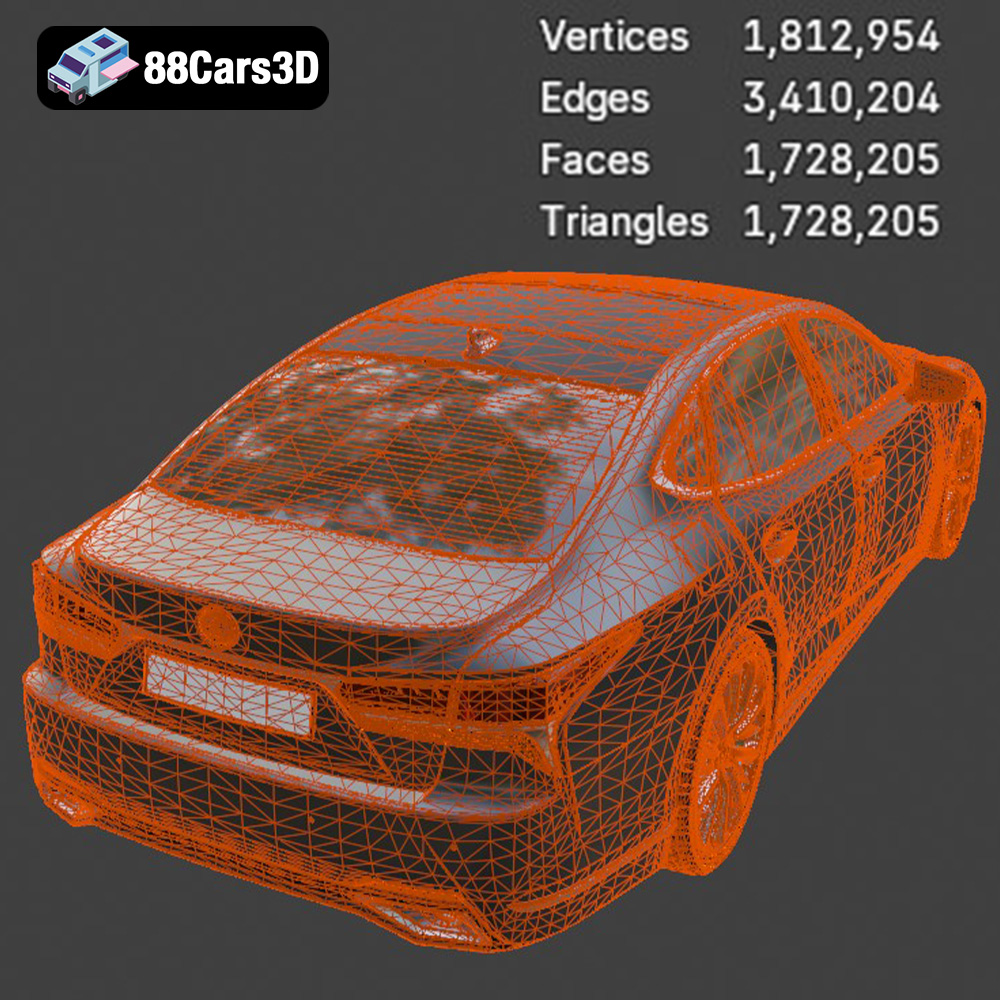
However, STL files have limitations. They only store the surface geometry and do not contain information about color, texture, or materials. The quality of an STL file depends on the number of triangles used to represent the model; more triangles result in a smoother surface but also a larger file size. When exporting to STL, ensure that the resolution or deviation setting is appropriate for the level of detail in the Lexus LS 500 model. Too low a resolution will result in faceted surfaces, while too high a resolution can unnecessarily increase file size and processing time.
When working with STL files, consider the mesh quality. Overly complex meshes can be difficult to slice and print, while overly simplified meshes may lack detail. The STL file from 88cars3d.com is optimized for 3D printing, striking a balance between detail and printability.
OBJ is another widely used 3D file format. Unlike STL, OBJ files can store color and texture information, making them suitable for colored 3D prints. However, most desktop 3D printers do not support multi-material or full-color printing, so this capability is less relevant for many users.
PLY files are known for their ability to store high-detail mesh data. They can capture complex geometries with great accuracy, making them suitable for applications like 3D scanning and reverse engineering. While PLY files can be used for 3D printing, they are often larger and more complex than STL files, potentially leading to longer slicing times.
Blender is a popular open-source 3D modeling software. The .blend file format contains the entire Blender scene, including the model geometry, textures, materials, and lighting. This is ideal if you wish to customize the Lexus LS 500 model before printing. You can modify the design, add details, or optimize the mesh for specific printing requirements. After making changes, you’ll need to export the model as an STL file for 3D printing.
FBX is a proprietary file format developed by Autodesk. It’s commonly used for exchanging 3D data between different software applications. FBX files can store geometry, textures, materials, and animation data. While FBX can be imported into some slicing software, it’s primarily used for transferring models between different stages of the 3D content creation pipeline. The material information may not always be directly translated into 3D printing settings, so you may still need to configure the print settings manually.
GLB is a binary file format that is designed to be compact and efficient for real-time applications. It’s commonly used for displaying 3D models in web browsers and augmented reality (AR) applications. While GLB files are not directly used for 3D printing, they can be helpful for previewing the model in AR before you commit to printing it. This allows you to visualize the size and scale of the model in your physical environment.
Similar to .blend for Blender, .max files store the entire 3ds Max project. This gives users the ability to fully customize the model in 3ds Max. Users must export the model as an STL file for 3D printing after customization.
Selecting the appropriate 3D printing technology and material is crucial for achieving the desired level of detail and structural integrity. For the Lexus LS 500 2018, both Fused Deposition Modeling (FDM) and Stereolithography (SLA) printing are viable options, each with its own advantages and disadvantages.
FDM printers extrude molten plastic filament layer by layer to build the object. PLA (polylactic acid) and PETG (polyethylene terephthalate glycol) are popular choices for FDM printing due to their ease of use and relatively low cost.
* **PLA:** PLA is biodegradable and offers good detail and rigidity. It’s a good option for beginners and for printing non-functional parts. However, PLA is relatively brittle and can warp under high temperatures.
* **PETG:** PETG offers improved strength, flexibility, and temperature resistance compared to PLA. It’s a good choice for parts that need to withstand some stress or heat. However, PETG can be more challenging to print than PLA, requiring careful temperature and retraction settings.
For the Lexus LS 500, PETG might be preferable for the chassis due to its increased strength. However, PLA could be suitable for interior parts or display-only models.
SLA printers use a laser or projector to cure liquid resin layer by layer. SLA printing offers significantly higher resolution and detail than FDM printing, making it ideal for capturing the intricate features of the Lexus LS 500, such as the spindle grille and interior details.
Resin materials are generally more brittle than FDM filaments, so they may be less suitable for parts that require high strength. However, specialized resins are available that offer improved impact resistance and toughness. The product description specifically recommends resin printing for fine details, making it a strong contender for this project.
Ensuring proper bed adhesion is crucial, regardless of the chosen printing technology. For FDM printing, use a heated bed and apply an adhesive like glue stick or hairspray. For SLA printing, ensure the build plate is clean and level.
Fine-tuning your printer settings is essential for achieving a high-quality 3D print. The recommended settings in the product description provide a good starting point, but you may need to adjust them based on your specific printer and material.
The product description recommends a layer height of 0.04–0.12 mm. Lower layer heights result in smoother surfaces and finer details but increase print time. For FDM printing, start with a layer height of 0.1 mm and adjust as needed. For SLA printing, aim for the lower end of the recommended range (e.g., 0.04 mm) to maximize detail.
Infill density determines the internal solidity of the printed part. A higher infill density increases strength but also increases material usage and print time. The product description recommends an infill density of 20–30%. Experiment with different infill patterns, such as gyroid or honeycomb, to optimize strength and weight.
Support structures are necessary to support overhanging features during printing. The product description notes supports are required for detailed parts like the exhaust, mirrors, and grille. Use your slicing software to generate supports automatically, but carefully review the placement and density of the supports. Minimize the contact area between the supports and the model to make them easier to remove and reduce the risk of damaging the surface.
Refer to your material manufacturer’s recommendations for optimal print speed and temperature settings. Printing too fast can result in poor layer adhesion and reduced detail. Printing at the wrong temperature can cause warping, stringing, or other issues.
Post-processing is the final stage in the 3D printing process. It involves removing supports, sanding the surface, and applying paint or other finishes to enhance the appearance of the printed model.
Carefully remove the support structures using pliers, a hobby knife, or other tools. Be gentle to avoid damaging the surface of the model. After removing the supports, sand the surface with progressively finer grits of sandpaper to smooth out any imperfections. Start with a coarser grit (e.g., 220) and gradually move to finer grits (e.g., 400, 600, 800) to achieve a smooth, paintable surface.
Apply a primer to the sanded surface to create a uniform base for painting. Use multiple thin coats of primer, allowing each coat to dry completely before applying the next. After the primer has dried, sand it lightly with fine-grit sandpaper (e.g., 800 or 1000 grit) to remove any imperfections.
The product description recommends using authentic factory colors with metallic finishes. Research the official Lexus LS 500 2018 color palette and choose paints that match the desired color. Apply multiple thin coats of paint, allowing each coat to dry completely before applying the next. Use a clear coat to protect the paint and add a glossy or matte finish.
The Lexus LS 500 2018 3D model features separate wheels, doors, suspension, and steering components for animation. These parts can also be printed separately and assembled after post-processing. Use glue or other adhesives to attach the parts together. Add additional details, such as decals or badges, to enhance the realism of the model.
Even with careful preparation and optimized settings, 3D printing can sometimes present challenges. Here are some common issues and their solutions:
* **Warping:** Warping occurs when the printed part detaches from the print bed due to uneven cooling. Ensure proper bed adhesion and use a heated bed.
* **Stringing:** Stringing occurs when molten plastic oozes from the nozzle during travel moves. Increase retraction settings and lower the printing temperature.
* **Layer Separation:** Layer separation occurs when the layers of the printed part do not adhere properly. Increase the printing temperature and reduce the printing speed.
* **Support Failure:** Support failure occurs when the support structures collapse during printing. Increase the support density and thickness.
By understanding these common issues and their solutions, you can troubleshoot problems and improve the quality of your 3D prints. Remember to consult online forums and communities for additional support and advice. You can also check the 88cars3d.com website for tips and tricks.
The 2018 Lexus LS 500 is the pinnacle of Japanese luxury, featuring a striking spindle grille, elegant coupe-like silhouette, and a powerful twin-turbo V6 engine. Known for its meticulous Takumi craftsmanship, whisper-quiet ride, and aggressive yet refined styling, the LS 500 represents the intersection of executive comfort and cutting-edge automotive design.
$39.99
.2018
.blend
.fbx
.glb
.lexus
.max
.obj
.ply
.rendering
.stl
.unreal
car-3d-model
executive-car
game asset
game-ready
low-poly
ls-500
luxury-sedan
optimized
VR/AR