Get 20% OFF All Premium 3D & STL Models!

“`html
The allure of 3D printing lies in its ability to transform digital designs into tangible objects with incredible precision. This capability is particularly exciting for automotive enthusiasts and model makers who strive to create realistic and detailed replicas of their favorite cars. One of the most challenging, yet rewarding aspects of this endeavor is 3D printing detailed car interiors. Achieving a high level of realism requires a deep understanding of STL files, slicing parameters, material selection, and post-processing techniques. This comprehensive guide will walk you through the process, from preparing your STL file to the final touches that bring your 3D printed car interior to life. Whether you’re printing a classic dashboard, intricate seats, or complex center consoles, this guide will equip you with the knowledge and skills to achieve professional-quality results. Platforms like 88cars3d.com offer print-ready STL files, but understanding the nuances of 3D printing is essential for a successful outcome. We’ll delve into the specifics of optimizing your workflow, understanding common pitfalls, and elevating your 3D printing game to new heights.
The foundation of any successful 3D print lies in the quality of the STL file. STL (Stereolithography) is a file format native to stereolithography CAD software used to define the surface geometry of a 3D object. For car interiors, which often involve complex curves, intricate details, and thin walls, a well-prepared STL file is crucial. The file represents the 3D model as a collection of triangles, and the density of these triangles directly impacts the smoothness and accuracy of the final print. Higher triangle counts result in smoother surfaces but can also increase file size and processing time. When downloading models from marketplaces such as 88cars3d.com, ensure that the STL file is specifically designed for 3D printing and optimized for detail.
The resolution of your STL file is paramount for capturing the intricate details of a car interior. A low-resolution mesh will result in a faceted, blocky appearance, especially on curved surfaces. Aim for a mesh density that accurately represents the contours of the dashboard, seats, and other interior components. If you are creating your own STL files, use CAD software that allows you to control the mesh resolution during export. A good starting point is a deviation setting of 0.01mm to 0.05mm, balancing detail and file size. Also, consider using adaptive meshing techniques, where areas with higher curvature have a denser mesh.
A “manifold” mesh is a closed, watertight surface – essential for 3D printing. Non-manifold geometry, such as holes, self-intersections, or disconnected edges, can cause slicing errors and printing failures. Before printing, always use mesh repair software like Meshmixer or Netfabb to identify and correct any errors in your STL file. These tools can automatically fix common issues such as flipped normals, overlapping faces, and boundary edges. Repairing the mesh before slicing will save you time and material by preventing failed prints. Software like Netfabb can also analyze wall thicknesses and identify areas that may be too thin for printing.
Slicing is the process of converting the 3D model in STL format into a series of 2D layers that the 3D printer can understand. The slicing software (e.g., Cura, PrusaSlicer, Simplify3D) allows you to control numerous parameters that significantly impact the quality of your print, especially when dealing with the fine details of a car interior. Layer height, print speed, infill density, and support structures are all critical settings that need careful consideration. It’s a delicate balance, but mastering these settings is key to achieving the desired level of detail and structural integrity.
Layer height directly influences the vertical resolution of your print. A lower layer height results in smoother surfaces and finer details, but it also increases print time. For car interiors with intricate textures and small features, a layer height of 0.05mm to 0.1mm is generally recommended. While this will significantly increase print time compared to a 0.2mm or 0.3mm layer height, the improved surface finish is often worth the trade-off. Experiment with different layer heights to find the optimal balance between detail and print speed for your specific model and printer.
Print speed affects both the quality and the structural integrity of the print. Printing too fast can lead to poor layer adhesion, warping, and loss of detail. For detailed car interiors, a print speed of 30-50mm/s is a good starting point. Proper cooling is also essential, especially when printing small features and overhangs. Ensure that your printer’s cooling fan is adequately cooling the printed layers to prevent sagging and deformation. You can also adjust the fan speed in your slicing software to optimize cooling for different parts of the model. If using ABS, consider an enclosure to minimize warping. If using PLA, ensure sufficient airflow to prevent heat buildup.
Support structures are often necessary to print overhangs and complex geometries that would otherwise collapse during printing. However, generating and removing supports can be challenging, especially in the confined spaces of a car interior model. Careful planning and strategic placement of supports are crucial to minimize their impact on the surface finish and to make them easier to remove. Choosing the right support type and adjusting the support settings in your slicing software can significantly improve the outcome.
The orientation of your model on the print bed plays a significant role in determining the amount and placement of support structures. Experiment with different orientations to minimize the need for supports on visible surfaces. Consider rotating the model to reduce the angle of overhangs, making them self-supporting or requiring minimal support. Manual support placement in your slicing software allows you to strategically add supports only where they are needed, avoiding unnecessary support material and potential surface damage during removal. Software like PrusaSlicer offers excellent manual support placement tools.
Different slicing software offers various support types, such as linear supports, tree supports, and hybrid supports. Tree supports are particularly useful for complex geometries as they branch out from the build plate and provide support with minimal contact area, making them easier to remove. Adjust the support density to provide adequate support without over-supporting the model. A support density of 15-25% is generally sufficient for most car interior parts. Also, consider using a lower support interface density to further ease removal and minimize surface blemishes. The interface layer is the connection between the support and the model, and a looser interface helps in clean separation.
The choice of material significantly impacts the appearance, durability, and post-processing options for your 3D printed car interior. Common filaments for 3D printing include PLA, PETG, ABS, and resin. Each material has its own strengths and weaknesses, and the best choice depends on the specific requirements of your project. Consider factors such as the level of detail required, the intended use of the model, and your post-processing capabilities.
PLA (Polylactic Acid) is a popular choice for beginners due to its ease of use and biodegradability. It prints at relatively low temperatures and doesn’t require a heated bed (although it’s recommended for larger prints). PLA is also less prone to warping than other materials. However, PLA is relatively brittle and has a lower heat resistance, making it less suitable for parts that will be exposed to high temperatures or stress. It’s ideal for aesthetic parts with intricate details but not for functional components requiring high strength. A good starting point for PLA settings is 200-220°C nozzle temperature and 60°C bed temperature.
ABS (Acrylonitrile Butadiene Styrene) is known for its strength, durability, and heat resistance. It is a common choice for functional parts and automotive components. However, ABS is more challenging to print than PLA due to its tendency to warp and crack. It requires a heated bed and often an enclosed printer to maintain a consistent temperature. Proper ventilation is also necessary, as ABS fumes can be harmful. If you need a part to withstand higher temperatures (like on a dashboard) or endure stress, ABS is a better choice than PLA. ABS typically prints at 230-250°C nozzle temperature and 80-110°C bed temperature.
For ultimate detail and a smooth surface finish, resin printing is the way to go. Resin printers use liquid photopolymer resin that is cured by UV light, resulting in parts with exceptional resolution and intricate features. Resin printing is ideal for small, detailed parts like dashboard buttons, intricate vents, and fine textures. However, resin printing is more expensive and requires more post-processing than FDM printing. Resin parts also tend to be more brittle and less durable than FDM parts. Be sure to follow safety precautions when handling resin and cleaning the printer. Typical layer heights for resin printing are 0.025mm to 0.05mm, providing incredible detail.
Post-processing is an essential step in achieving a professional-quality finish for your 3D printed car interior. Even with optimized print settings, 3D printed parts often have visible layer lines, support marks, and other imperfections. Sanding, filling, priming, and painting can transform a raw 3D print into a realistic and visually appealing component. Assembly may also be required if your car interior model consists of multiple parts.
Sanding is the first step in smoothing the surface of your 3D printed part. Start with a coarse grit sandpaper (e.g., 220 grit) to remove any large imperfections or support marks. Gradually work your way up to finer grits (e.g., 400, 600, 800 grit) to achieve a smooth, uniform surface. Wet sanding can help to reduce dust and prevent the sandpaper from clogging. For resin prints, start with finer grit sandpaper as the surface is typically smoother to begin with. Pay close attention to corners and edges to maintain sharp details. Consider using filler primer to fill in any remaining imperfections after sanding.
Painting is the final step in bringing your 3D printed car interior to life. Start with a primer to create a smooth, even surface for the paint to adhere to. Apply multiple thin coats of paint, allowing each coat to dry completely before applying the next. Use automotive-grade paints for a durable and realistic finish. Consider using stencils or masking tape to create intricate details and patterns. A clear coat can add a protective layer and enhance the gloss or matte finish of your paint. For added realism, consider weathering techniques like dry brushing to simulate wear and tear.
Even with careful planning and optimized settings, 3D printing can sometimes present challenges. Common issues include warping, layer adhesion problems, stringing, and support failures. Understanding the causes of these issues and knowing how to troubleshoot them is essential for achieving successful prints. Consistent printer maintenance is also vital for preventing many of these problems.
Warping occurs when the corners of your print lift off the build plate due to uneven cooling and thermal contraction. This is more common with materials like ABS. To prevent warping, ensure that your build plate is properly leveled and heated. Use a bed adhesive such as glue stick, hairspray, or specialized build plate tape. An enclosure can also help to maintain a consistent temperature and reduce warping. For large prints, consider using a brim or raft to increase the surface area in contact with the build plate and improve bed adhesion.
Poor layer adhesion can result in weak prints that easily delaminate. This can be caused by low printing temperature, insufficient cooling, or incorrect flow rate. Increase the printing temperature and adjust the cooling fan settings to improve layer adhesion. Stringing occurs when molten filament oozes from the nozzle during travel moves, leaving thin strands of plastic between different parts of the print. This can be caused by high printing temperature, slow retraction speed, or wet filament. Lower the printing temperature, increase the retraction speed, and dry your filament to prevent stringing. Also, ensure proper nozzle calibration.
3D printing detailed car interiors from STL files is a challenging but incredibly rewarding endeavor. By understanding the intricacies of STL file preparation, slicing parameters, material selection, support structures, and post-processing techniques, you can create stunningly realistic and detailed models. Remember to always start with a high-quality STL file, carefully optimize your slicing settings, and choose the right material for your project. Don’t be afraid to experiment and learn from your mistakes. With practice and patience, you’ll be able to master the art of 3D printing car interiors and bring your automotive visions to life. Platforms like 88cars3d.com provide a great starting point with their range of printable car models, but the journey to perfect prints is a continuous process of learning and refinement. Start with simple models, and gradually increase the complexity as you gain experience. Good luck, and happy printing!
“`
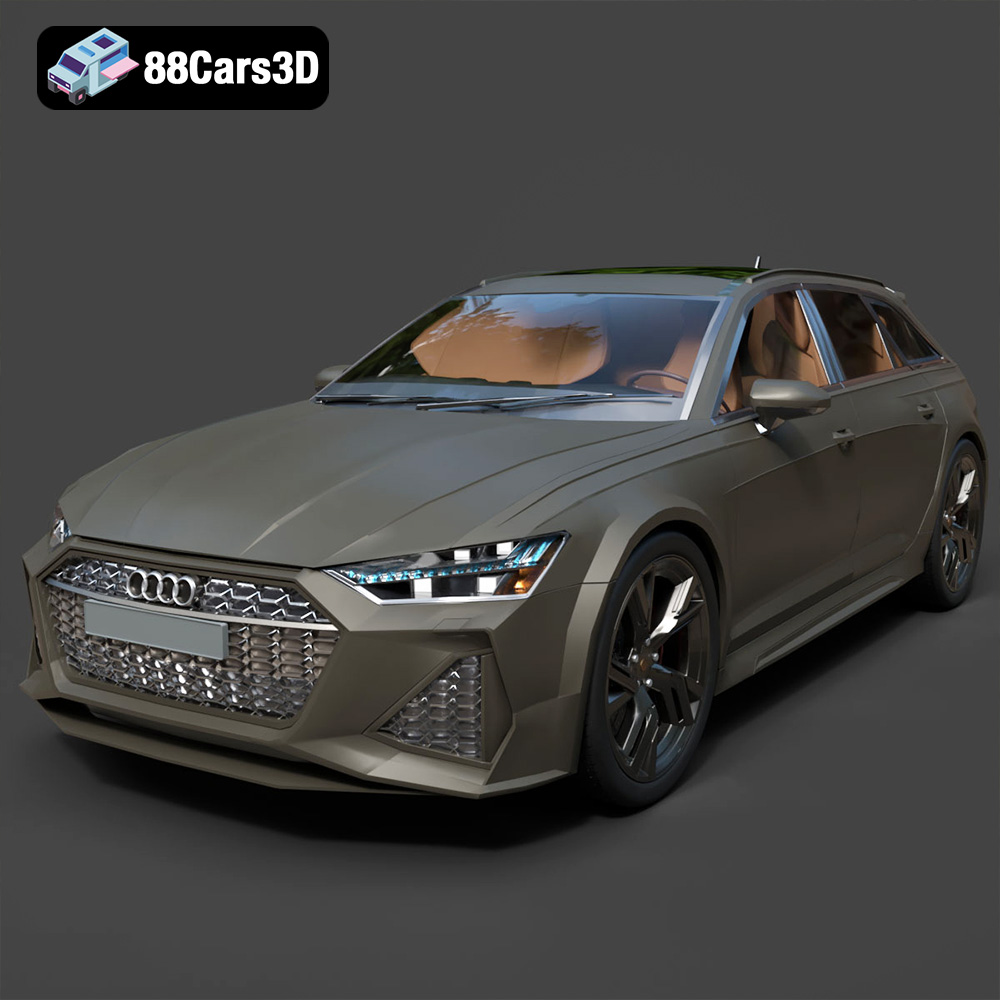
Texture: Yes | Material: Yes
Download the highly detailed, game-ready Audi RS6 3D Model. Features aggressive RS bodywork, detailed alloy wheels, and signature LED lighting. Includes .blend, .fbx, .obj, .glb, .stl, .ply, .unreal, and .max formats for game development, AR/VR, and rendering.
Price: $19.99

Texture: Yes | Material: Yes
Download the highly detailed, game-ready Toyota Camry 2018 3D Model. Features an aggressive aerodynamic body, distinct LED lighting signature, and precise interior detailing. Includes .blend, .fbx, .obj, .glb, .stl, .ply, .unreal, and .max formats for game development, AR/VR, and rendering.
Price: $19.99
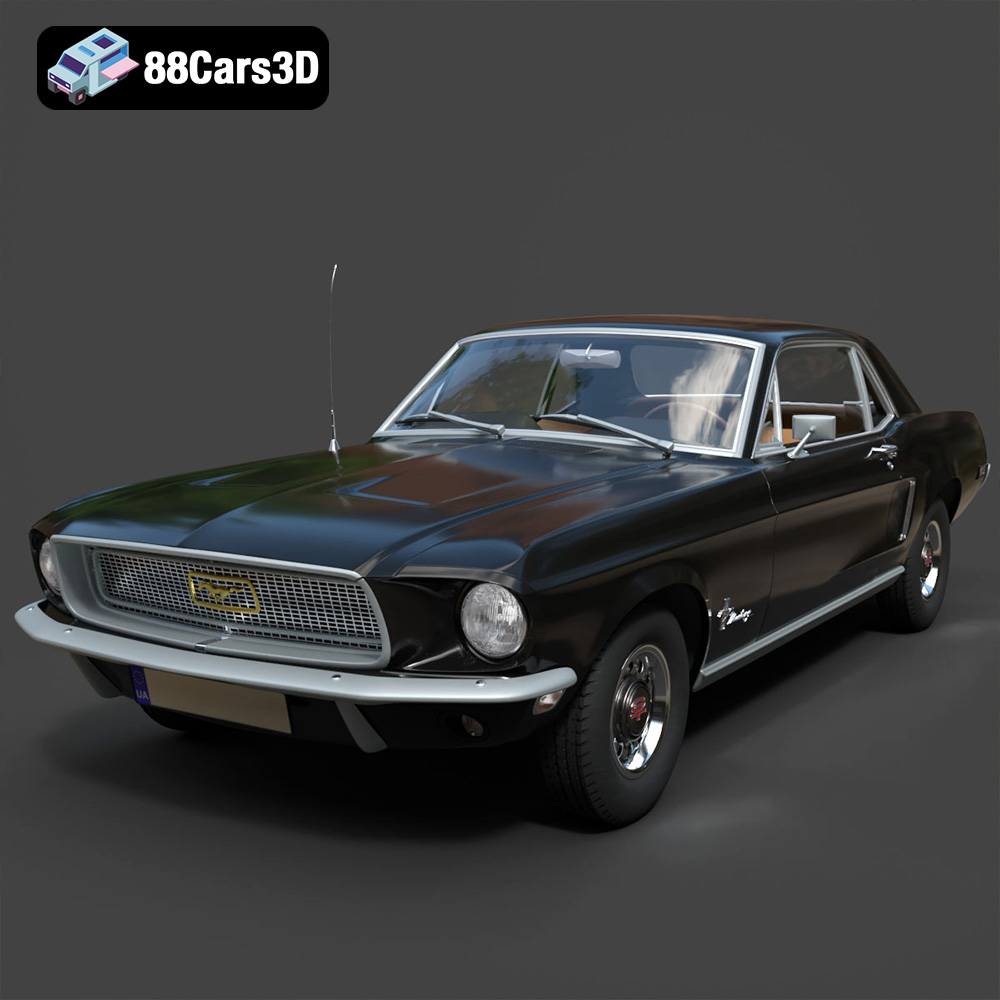
Texture: Yes | Material: Yes
Download the highly detailed, game-ready Ford Mustang Hardtop 1968 3D Model. Features the iconic galloping pony grille, signature tri-bar taillights, and an authentic vintage interior. Includes .blend, .fbx, .obj, .glb, .stl, .ply, .unreal, and .max formats for game development, AR/VR, and rendering.
Price: $19.99
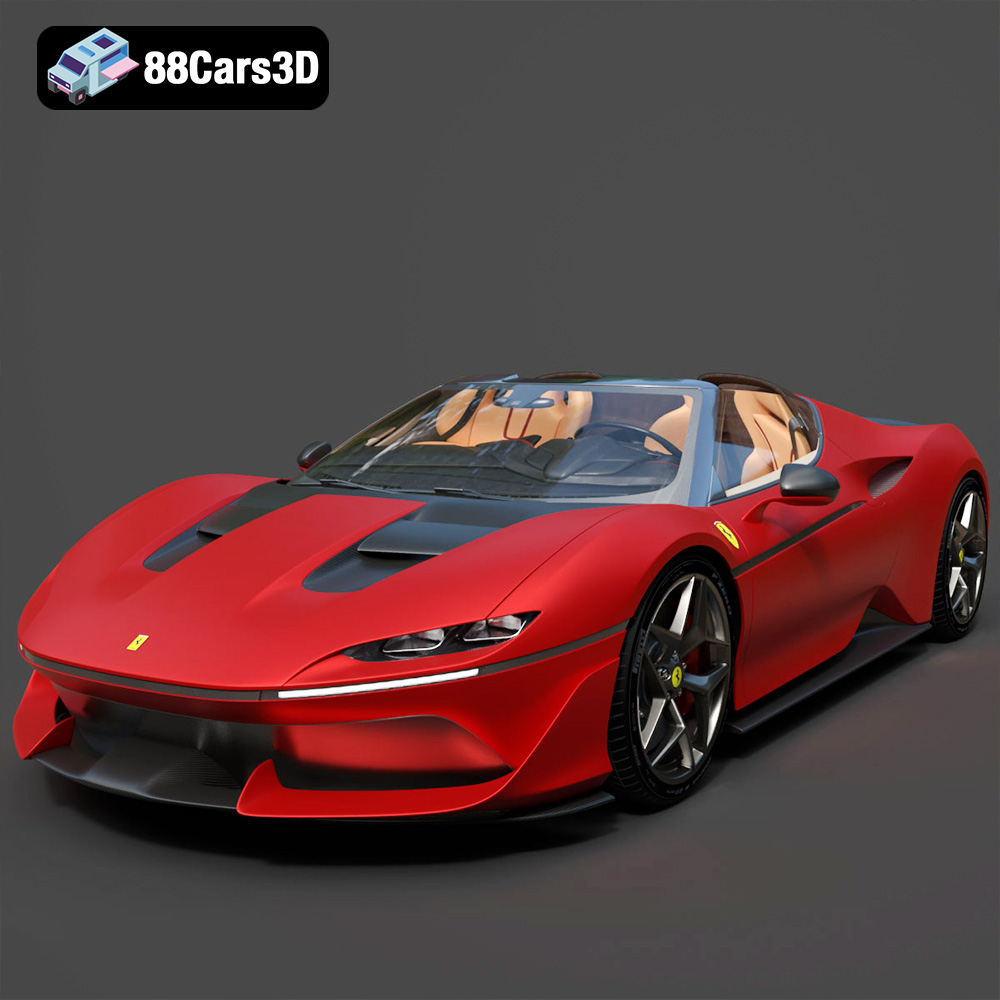
Texture: Yes | Material: Yes
Download the highly detailed, game-ready Ferrari J50 2017 3D Model. Features aggressive aerodynamic styling, twin-turbo V8 engine details, and targa top design. Includes .blend, .fbx, .obj, .glb, .stl, .ply, .unreal, and .max formats for game development, AR/VR, and rendering.
Price: $19.99
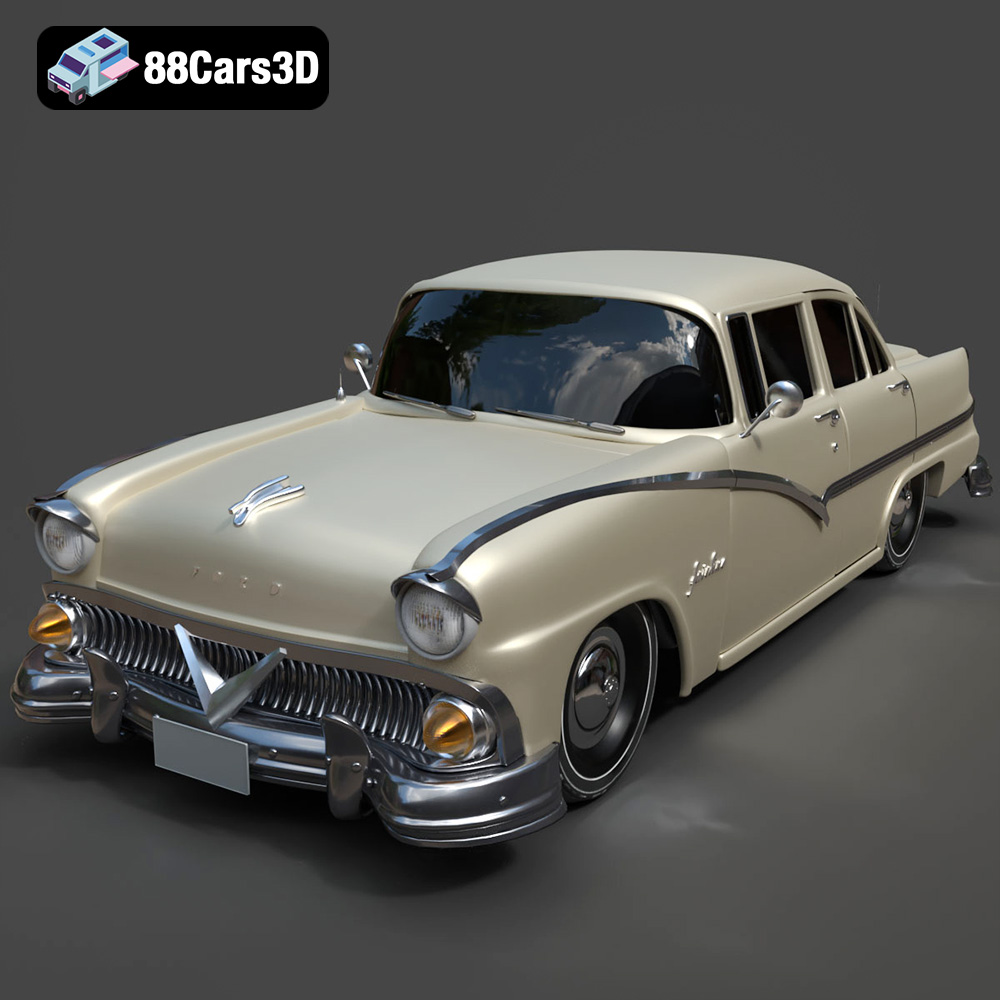
Texture: Yes | Material: Yes
Download the highly detailed, game-ready Ford Fairlin 3D Model. Features iconic classic styling, sweeping bodylines, and an accurate vintage interior. Includes .blend, .fbx, .obj, .glb, .stl, .ply, .unreal, and .max formats for game development, AR/VR, and rendering.
Price: $19.99
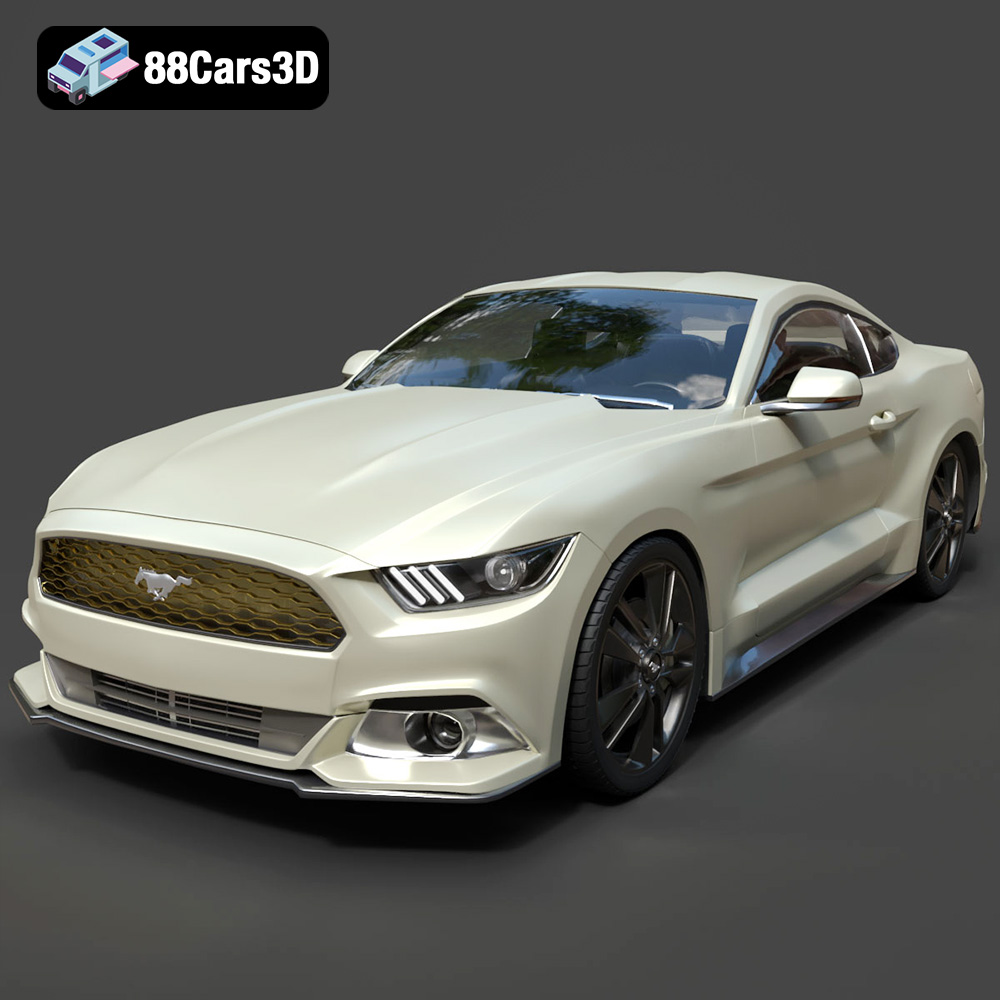
Texture: Yes | Material: Yes
Download the highly detailed, game-ready Ford Mustang GT 3D Model. Features aggressive muscle car styling, a highly detailed V8 engine bay, and accurate interior cockpit. Includes .blend, .fbx, .obj, .glb, .stl, .ply, .unreal, and .max formats for game development, AR/VR, and rendering.
Price: $19.99

Texture: Yes | Material: Yes
Download the highly detailed, game-ready Renault Megane CC 2011 3D Model. Features an accurately modeled folding glass roof, sleek aerodynamic body lines, and a detailed interior. Includes .blend, .fbx, .obj, .glb, .stl, .ply, .unreal, and .max formats for game development, AR/VR, and rendering.
Price: $19.99

Texture: Yes | Material: Yes
Download the highly detailed, game-ready Ford GT 2005 3D Model. Features signature aerodynamic bodylines, mid-mounted supercharged V8 detailing, and iconic racing stripes. Includes .blend, .fbx, .obj, .glb, .stl, .ply, .unreal, and .max formats for game development, AR/VR, and rendering.
Price: $19.99

Texture: Yes | Material: Yes
Download the highly detailed, game-ready Yamaha YZF-R125 EU 3D Model. Features an aggressive aerodynamic fairing, twin LED headlights, and a detailed 125cc engine block. Includes .blend, .fbx, .obj, .glb, .stl, .ply, .unreal, and .max formats for game development, AR/VR, and rendering.
Price: $19.99

Texture: Yes | Material: Yes
Download the highly detailed, game-ready Yamaha R1 3D Model. Features aggressive aerodynamic fairings, a detailed crossplane inline-4 engine, and track-focused suspension geometry. Includes .blend, .fbx, .obj, .glb, .stl, .ply, .unreal, and .max formats for game development, AR/VR, and rendering.
Price: $19.99

