Get 20% OFF All Premium 3D & STL Models!

“`html
The world of 3D printing offers incredible possibilities for automotive enthusiasts, hobbyists, and model makers. Platforms like 88cars3d.com provide a vast library of printable car models in STL format, ready to be brought to life. However, the crucial decision lies in choosing the right 3D printing technology: Resin (SLA/DLP) or Fused Deposition Modeling (FDM). This comprehensive guide will delve into the technical nuances of both methods, comparing their strengths, weaknesses, and suitability for printing car STL files, ensuring you make an informed decision for your next project. We’ll explore everything from file preparation and slicing parameters to post-processing techniques, empowering you to achieve stunning results, regardless of the technology you choose. Whether you’re aiming for intricate details or robust durability, understanding the intricacies of resin and FDM printing is paramount.
Fused Deposition Modeling (FDM) is a widely accessible 3D printing technology that works by extruding a thermoplastic filament through a heated nozzle, layer by layer, to build a three-dimensional object. This method is popular due to its relatively low cost, ease of use, and the availability of a wide range of materials. However, its suitability for printing detailed car STL files requires careful consideration.
The FDM printing process involves several key steps:
The choice of filament greatly impacts the final outcome. Common materials include:
Resin printing, utilizing technologies like Stereolithography (SLA) and Digital Light Processing (DLP), offers a different approach to 3D printing. These methods use liquid resin cured by UV light to create objects layer by layer. Resin printing is renowned for its ability to produce incredibly detailed and smooth surfaces, making it a prime candidate for printing intricate car STL files.
The resin printing process involves:
Different resin types offer varying properties:
The most significant difference between FDM and resin printing lies in the achievable level of detail. Resin printing excels in producing smooth surfaces and intricate details that FDM struggles to replicate. This is due to the smaller layer heights and the nature of the curing process. FDM printers, with their larger nozzle sizes, tend to produce noticeable layer lines, even at low layer heights. However, advancements in FDM technology, such as using smaller nozzles (0.25mm or smaller) and advanced slicing techniques, can improve surface finish.
Resin: Expect exceptionally smooth surfaces with virtually invisible layer lines, especially when using layer heights of 0.025mm or less. This makes resin printing ideal for car models where aesthetic appeal is paramount. Sanding is often minimal, primarily focused on removing support marks.
FDM: Layer lines are typically visible, even at lower layer heights. Post-processing, such as sanding and filling, is often necessary to achieve a smooth finish. The visibility of layer lines can be minimized by optimizing print settings and using specialized filaments designed for smoother finishes.
Resin: Captures minute details with high precision, allowing for intricate designs and fine features to be accurately reproduced. This is crucial for replicating the complex geometries of car models, including emblems, grilles, and interior details.
FDM: While FDM can reproduce some details, it’s limited by the nozzle size and layer height. Small features and intricate details may be lost or appear less defined. However, careful design and slicing can mitigate these limitations to some extent.
While resin printing excels in detail, FDM printing generally offers superior strength and durability. FDM materials like PETG and ABS are known for their high impact resistance and temperature resistance, making them suitable for functional parts and models that might be subjected to stress. Resin, on the other hand, tends to be more brittle and less resistant to impact and temperature.
Resin: Standard resins are typically less resistant to tensile stress and impact compared to FDM materials. However, specialized resins like “tough resin” are designed to improve these properties, offering a better balance of detail and durability.
FDM: Materials like ABS and PETG provide excellent tensile strength and impact resistance, making them suitable for car models that need to withstand some wear and tear. The infill density also plays a crucial role in determining the overall strength of the model.
Resin: Most resins have lower temperature resistance compared to FDM materials. Exposing resin-printed models to high temperatures can cause them to warp or soften. Some high-temperature resins are available, but they often come at a higher cost.
FDM: Materials like ABS offer good temperature resistance, allowing FDM-printed car models to withstand higher temperatures without deforming. This is particularly important if the model will be exposed to sunlight or other heat sources.
The cost of 3D printing car STL files involves several factors, including the price of the printer, the cost of materials, and maintenance expenses. FDM printers are generally more affordable than resin printers, making them a more accessible option for beginners. However, the cost of resin can be higher than that of FDM filament, depending on the type of resin used.
FDM: Entry-level FDM printers can be purchased for as little as $200-$300, while high-end models can cost several thousand dollars. A decent FDM printer capable of printing car models with reasonable quality can be found in the $400-$800 range.
Resin: Resin printers typically start at around $200-$400 for entry-level models, with more advanced printers costing upwards of $1000. The initial investment is often higher than that of FDM printers.
FDM: Filament costs vary depending on the material, but PLA and PETG are relatively inexpensive. Maintenance costs are typically low, involving occasional nozzle replacements and cleaning.
Resin: Resin costs can be higher than filament costs, especially for specialized resins. Maintenance involves cleaning the vat, replacing FEP films, and disposing of used resin properly. Isopropyl alcohol (IPA) for cleaning is also an ongoing expense. Careful handling of resin is crucial for safety.
Let’s examine some real-world examples to illustrate the strengths and weaknesses of each printing method:
Ultimately, the choice between resin and FDM printing for car STL files depends on your specific needs and priorities. If your primary goal is to achieve the highest level of detail and surface finish, resin printing is the clear winner. However, if you prioritize strength, durability, and cost-effectiveness, FDM printing might be a better choice. Consider the size and complexity of the model, the intended use, and your budget when making your decision. Platforms like 88cars3d.com offer print-ready STL files designed for both FDM and resin printing, making it easier to find models that suit your chosen technology.
Before you start, consider these actionable steps:
By carefully considering these factors and experimenting with different techniques, you can unlock the full potential of 3D printing and create stunning car models that capture your passion for automotive design.
“`
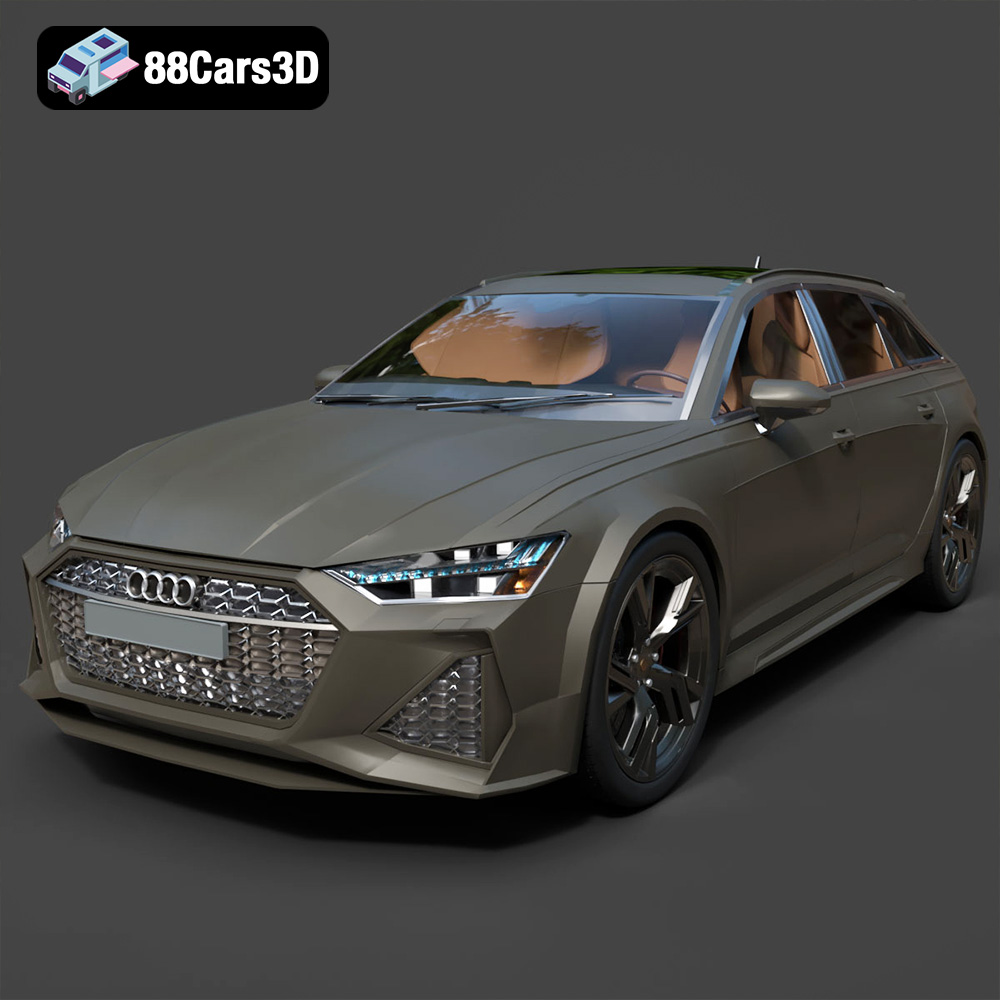
Texture: Yes | Material: Yes
Download the highly detailed, game-ready Audi RS6 3D Model. Features aggressive RS bodywork, detailed alloy wheels, and signature LED lighting. Includes .blend, .fbx, .obj, .glb, .stl, .ply, .unreal, and .max formats for game development, AR/VR, and rendering.
Price: $19.99

Texture: Yes | Material: Yes
Download the highly detailed, game-ready Toyota Camry 2018 3D Model. Features an aggressive aerodynamic body, distinct LED lighting signature, and precise interior detailing. Includes .blend, .fbx, .obj, .glb, .stl, .ply, .unreal, and .max formats for game development, AR/VR, and rendering.
Price: $19.99
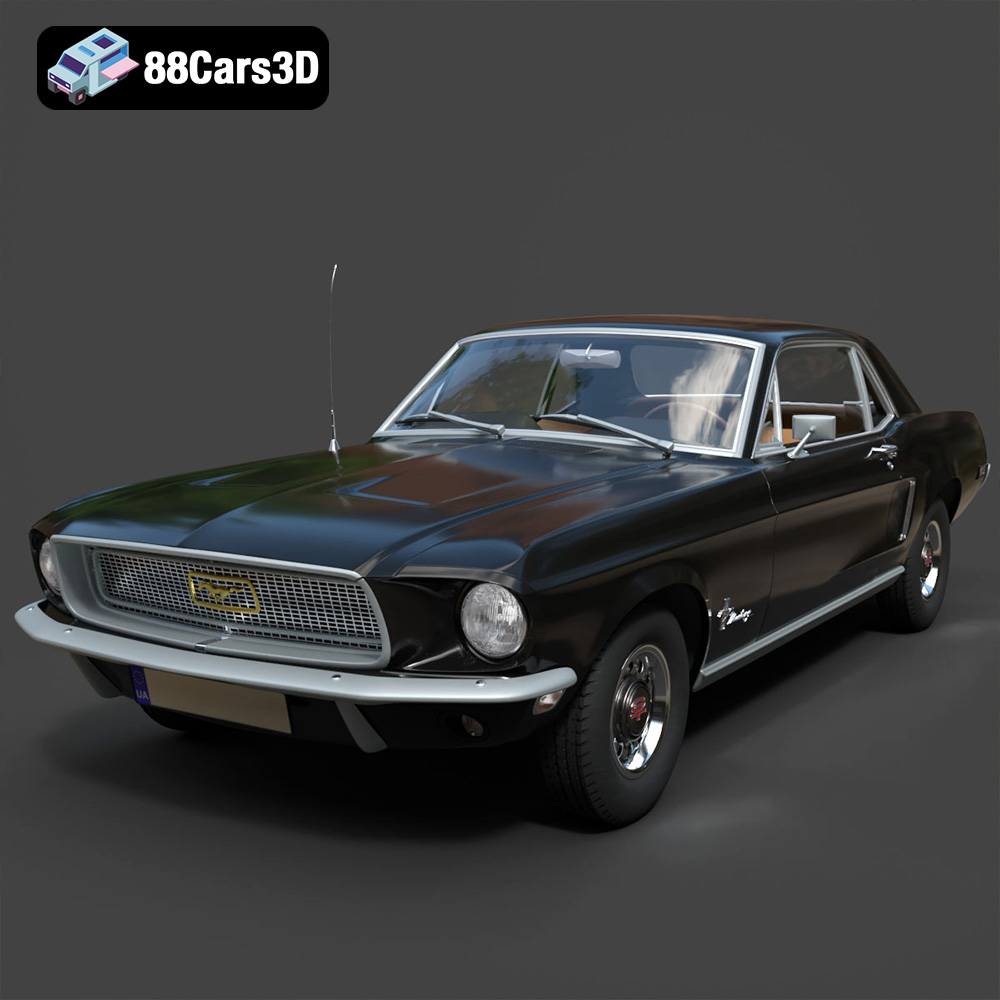
Texture: Yes | Material: Yes
Download the highly detailed, game-ready Ford Mustang Hardtop 1968 3D Model. Features the iconic galloping pony grille, signature tri-bar taillights, and an authentic vintage interior. Includes .blend, .fbx, .obj, .glb, .stl, .ply, .unreal, and .max formats for game development, AR/VR, and rendering.
Price: $19.99
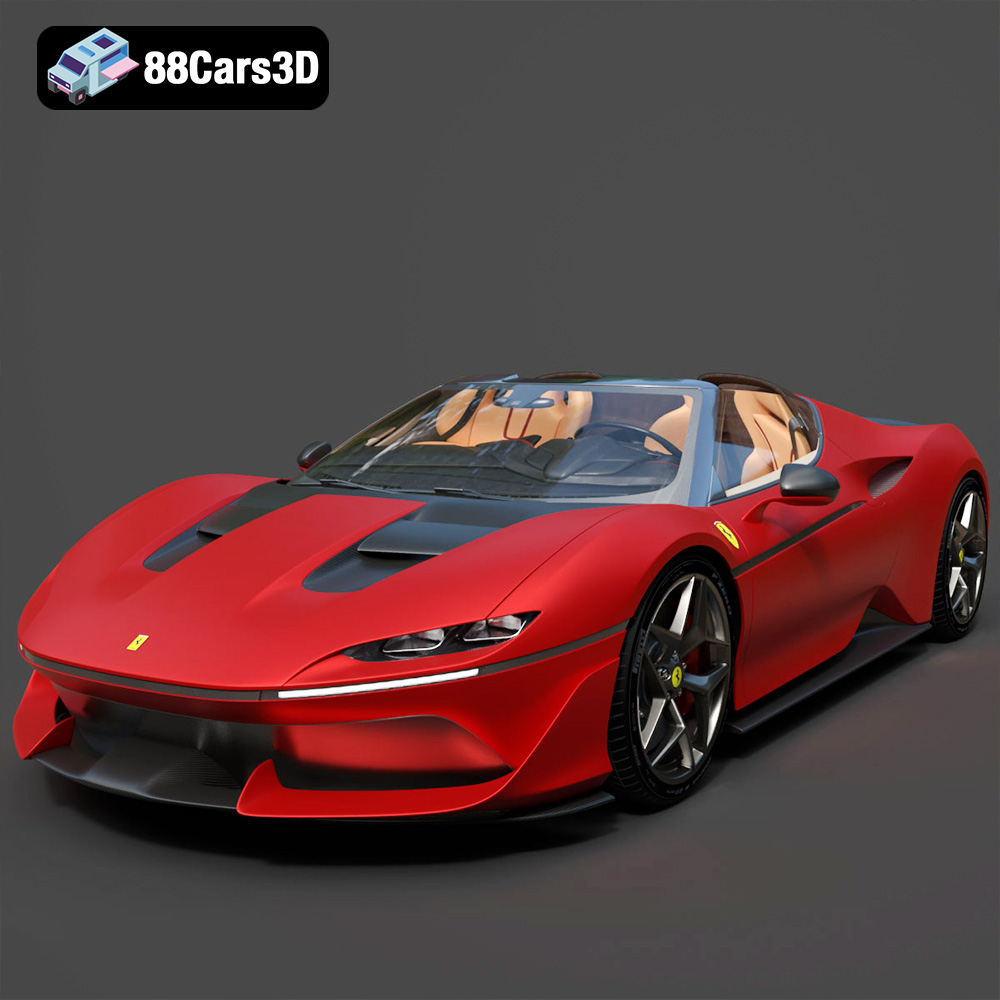
Texture: Yes | Material: Yes
Download the highly detailed, game-ready Ferrari J50 2017 3D Model. Features aggressive aerodynamic styling, twin-turbo V8 engine details, and targa top design. Includes .blend, .fbx, .obj, .glb, .stl, .ply, .unreal, and .max formats for game development, AR/VR, and rendering.
Price: $19.99
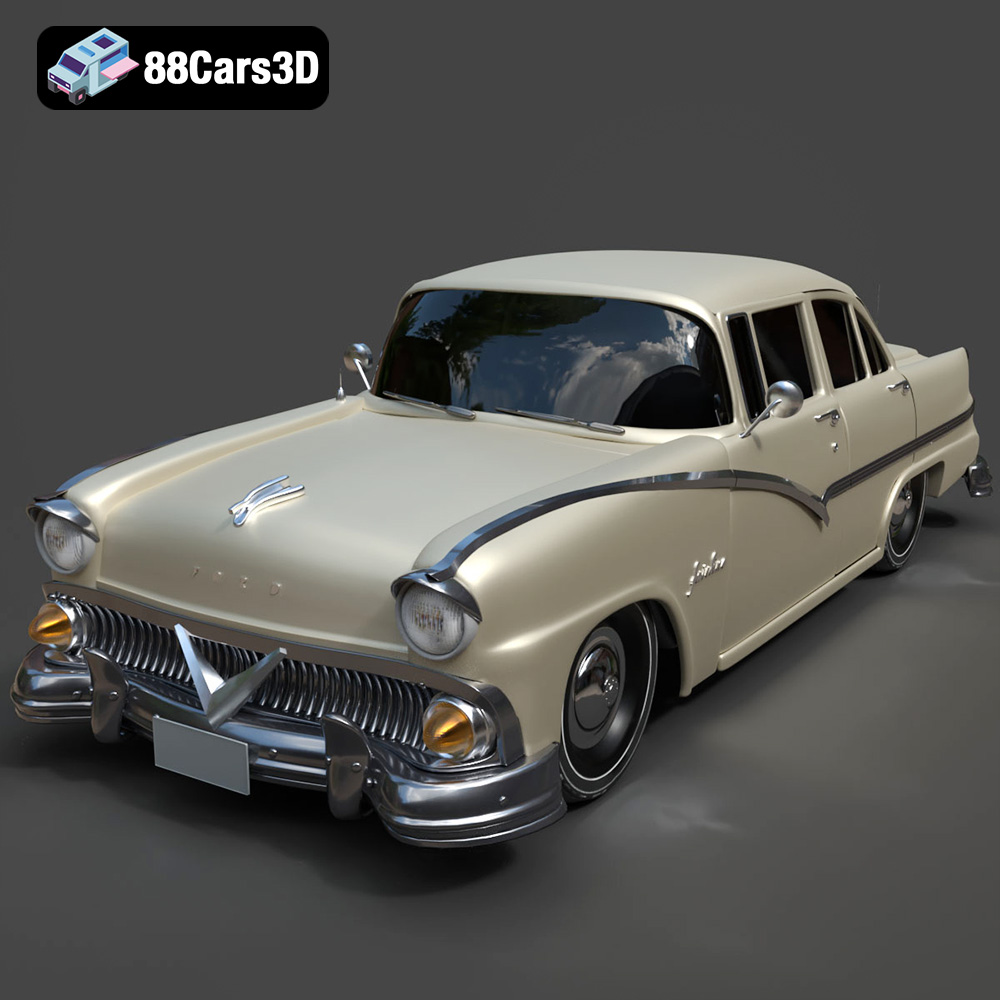
Texture: Yes | Material: Yes
Download the highly detailed, game-ready Ford Fairlin 3D Model. Features iconic classic styling, sweeping bodylines, and an accurate vintage interior. Includes .blend, .fbx, .obj, .glb, .stl, .ply, .unreal, and .max formats for game development, AR/VR, and rendering.
Price: $19.99
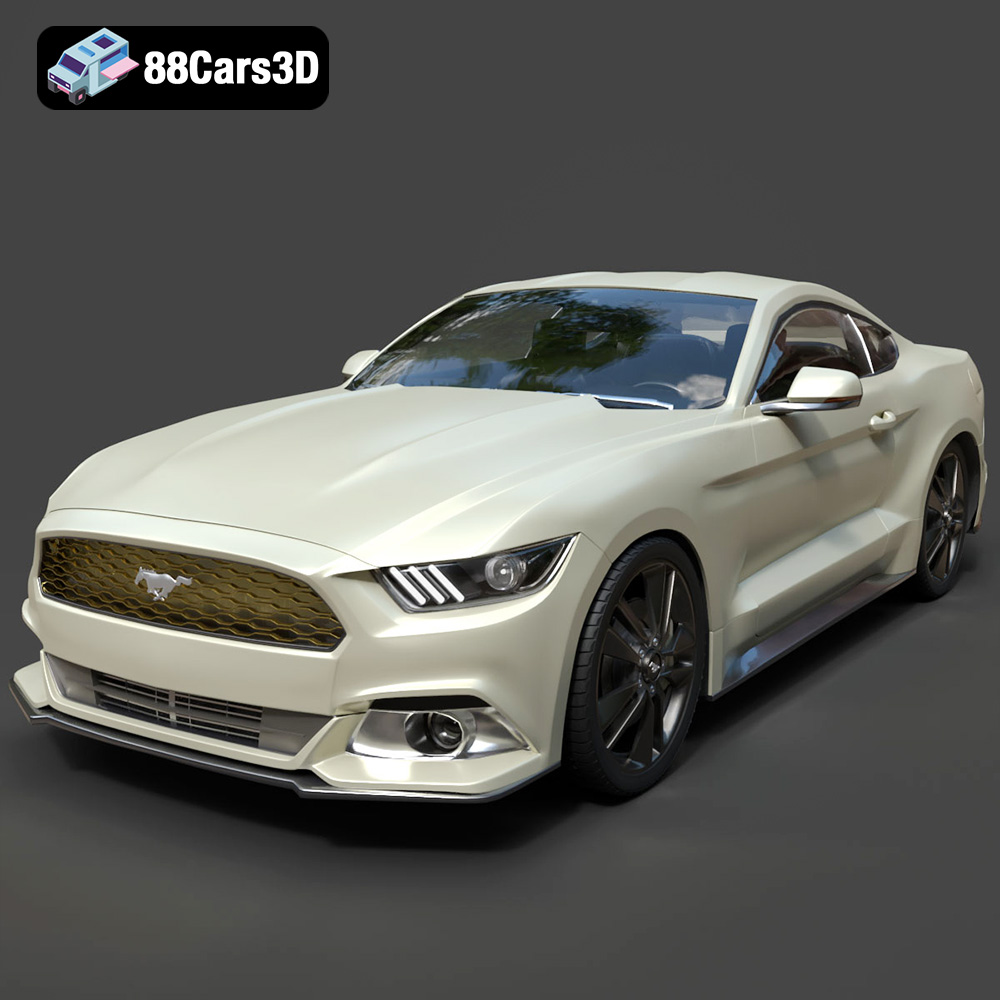
Texture: Yes | Material: Yes
Download the highly detailed, game-ready Ford Mustang GT 3D Model. Features aggressive muscle car styling, a highly detailed V8 engine bay, and accurate interior cockpit. Includes .blend, .fbx, .obj, .glb, .stl, .ply, .unreal, and .max formats for game development, AR/VR, and rendering.
Price: $19.99

Texture: Yes | Material: Yes
Download the highly detailed, game-ready Renault Megane CC 2011 3D Model. Features an accurately modeled folding glass roof, sleek aerodynamic body lines, and a detailed interior. Includes .blend, .fbx, .obj, .glb, .stl, .ply, .unreal, and .max formats for game development, AR/VR, and rendering.
Price: $19.99

Texture: Yes | Material: Yes
Download the highly detailed, game-ready Ford GT 2005 3D Model. Features signature aerodynamic bodylines, mid-mounted supercharged V8 detailing, and iconic racing stripes. Includes .blend, .fbx, .obj, .glb, .stl, .ply, .unreal, and .max formats for game development, AR/VR, and rendering.
Price: $19.99

Texture: Yes | Material: Yes
Download the highly detailed, game-ready Yamaha YZF-R125 EU 3D Model. Features an aggressive aerodynamic fairing, twin LED headlights, and a detailed 125cc engine block. Includes .blend, .fbx, .obj, .glb, .stl, .ply, .unreal, and .max formats for game development, AR/VR, and rendering.
Price: $19.99

Texture: Yes | Material: Yes
Download the highly detailed, game-ready Yamaha R1 3D Model. Features aggressive aerodynamic fairings, a detailed crossplane inline-4 engine, and track-focused suspension geometry. Includes .blend, .fbx, .obj, .glb, .stl, .ply, .unreal, and .max formats for game development, AR/VR, and rendering.
Price: $19.99

