Get 20% OFF All Premium 3D & STL Models!

“`html
The world of 3D printing has revolutionized the way we create and prototype, especially for enthusiasts and professionals working with detailed models like printable car models available on platforms like 88cars3d.com. At the heart of this revolution lies the STL file format, the de facto standard for 3D printing. However, raw STL files often require editing to optimize them for printing, fix errors, or customize designs. This comprehensive guide will explore the best free and paid software options for editing STL files, providing the knowledge and tools you need to achieve flawless 3D prints. Whether you’re a beginner just starting out or an experienced maker, understanding STL editing is crucial for unlocking the full potential of your 3D printer. We’ll delve into mesh repair, modification, and optimization techniques, empowering you to create stunning and accurate models.
This article covers everything from basic STL file structure to advanced mesh manipulation techniques. We’ll explore a variety of software solutions, comparing their features, ease of use, and suitability for different tasks. You’ll learn how to identify and fix common STL errors, optimize models for specific printers, and master post-processing techniques to achieve professional-quality results. By the end of this guide, you’ll be equipped with the knowledge and skills to confidently edit STL files and bring your 3D printing projects to life.
Before diving into software options, it’s essential to understand the structure of an STL file and the common errors that can plague them. STL stands for Stereolithography, and it represents a 3D object as a collection of triangles. Each triangle is defined by its three vertices and a normal vector, which indicates the triangle’s orientation. This simple structure, while efficient, can lead to various issues that need to be addressed before printing.
The integrity of an STL file hinges on its mesh topology. A “manifold” mesh is one that is watertight, meaning it has no holes, self-intersections, or non-manifold edges (edges shared by more than two triangles). Non-manifold geometry is a common source of printing errors, as it can confuse slicer software and lead to unexpected results. Tools like Netfabb Basic (mentioned later) are excellent for identifying and automatically repairing these types of errors. Properly preparing the mesh ensures consistent layer adhesion and prevents structural weaknesses in the final printed object. When sourcing your STL files, especially for detailed car models, ensure they are described as “manifold” or “watertight” to minimize the need for extensive repair.
Common STL errors include:
These errors can lead to print failures, poor surface finish, and structural weaknesses. Ignoring these errors often results in wasted filament and time. Therefore, consistently validating and repairing STL files is crucial for successful 3D printing.
For hobbyists and beginners, several free software options provide powerful tools for basic STL editing and repair. These programs offer a great starting point for learning the fundamentals of mesh manipulation without breaking the bank. While they may not have all the advanced features of paid software, they are more than capable of handling most common STL editing tasks.
MeshMixer, by Autodesk, is a free and incredibly versatile tool for STL editing. It allows you to import, analyze, repair, and modify STL files with ease. Key features include:
MeshMixer is an excellent choice for cleaning up STL files before printing, adding custom features, and preparing models for optimal print performance. It’s particularly useful for modifying printable car models, allowing you to add details or customize the design.
Netfabb Basic (now part of Autodesk Fusion 360, but still available as a separate download in some cases) is renowned for its robust STL repair capabilities. It’s considered an industry standard for identifying and fixing mesh errors. Key features include:
While Netfabb Basic’s modification capabilities are limited compared to MeshMixer, its unparalleled repair functionality makes it an indispensable tool for any 3D printing enthusiast. It’s especially helpful when dealing with downloaded STL files from various sources, ensuring they are print-ready. For example, models from marketplaces such as 88cars3d.com, while generally high quality, may still benefit from a quick check in Netfabb Basic.
For professionals and serious hobbyists who require advanced features and greater control over their STL editing workflow, several paid software options offer a significant step up from free alternatives. These programs provide a wider range of tools for mesh manipulation, complex modifications, and advanced analysis, enabling you to create highly detailed and optimized models.
Autodesk Fusion 360 is a powerful CAD/CAM software that includes robust STL editing capabilities. While it’s a subscription-based service, it offers a free version for personal use, making it accessible to a wide range of users. Key features include:
Fusion 360 is an excellent choice for users who need a comprehensive CAD/CAM solution with advanced STL editing capabilities. It’s particularly well-suited for designing and modifying complex parts and assemblies. The direct editing tools are extremely powerful for optimizing STL files for 3D printing.
ZBrush, by Maxon, is a digital sculpting software that excels at creating highly detailed and organic models. While it’s not primarily designed for STL editing, it offers powerful tools for refining and modifying STL files. Key features include:
ZBrush is a great choice for artists and designers who want to create highly detailed and visually stunning 3D printed models. It’s particularly well-suited for sculpting organic shapes and adding intricate details to existing designs. When downloading models from marketplaces such as 88cars3d.com, ZBrush can be used to add personalized details or modifications.
Once you’ve edited your STL file, the next step is to slice it using slicing software. Slicing software converts the 3D model into a series of 2D layers that the 3D printer can understand and build. The slicing process involves setting various parameters that affect the print quality, speed, and material consumption.
Cura, by Ultimaker, is a popular open-source slicing software that offers a wide range of features and customization options. It supports a variety of 3D printers and materials, making it a versatile choice for both beginners and experienced users. Key features include:
Specific 3D printer settings in Cura that drastically affect the outcome of a print include layer height (0.1mm-0.2mm for detailed car models), infill density (15%-25% for structural integrity), print speed (40-60mm/s for optimal quality), and printing temperature (dependent on filament type; PLA typically around 200-210°C). Using the correct profile and tweaking these settings ensures your prints adhere to the bed properly and minimize warping or stringing.
PrusaSlicer, developed by Prusa Research, is another excellent slicing software known for its precision and control. It offers a wide range of advanced features and is particularly well-suited for users who want to fine-tune every aspect of their print. Key features include:
PrusaSlicer excels at giving the user granular control over the printing process. When printing complex geometries of car models from 88cars3d.com, using PrusaSlicer’s variable layer height feature can significantly improve the detail in areas with fine features, while reducing print time in simpler areas. Experimentation with different infill patterns, like gyroid or honeycomb, can also enhance the strength and aesthetic appeal of the finished print.
The optimal settings and file preparation techniques vary significantly depending on whether you are using an FDM (Fused Deposition Modeling) or resin printer. Understanding these differences is crucial for achieving the best possible results.
FDM printers build objects by extruding molten plastic layer by layer. Key considerations for FDM printing include:
For FDM printing, use infill patterns strategically to reduce material usage and improve the strength of the printed parts. Gyroid infill is strong in all directions, while rectilinear infill is faster to print. Adjusting wall thickness also impacts overall model strength. For functional parts, aim for at least 3-4 wall layers.
Resin printers use ultraviolet light to cure liquid resin layer by layer. Key considerations for resin printing include:
When using resin printers, consider post-processing steps. Wash the printed model with isopropyl alcohol (IPA) to remove uncured resin. Then, cure the model under UV light to fully harden the resin. Proper support placement and removal are crucial for resin prints; use sharp tools to carefully remove supports without damaging the model’s surface.
Post-processing is an essential step in the 3D printing workflow, transforming a raw print into a polished and professional-looking object. Various techniques can be used to improve the surface finish, remove imperfections, and add color to your 3D prints.
Sanding is a common technique for removing layer lines and smoothing the surface of 3D prints. Start with coarse sandpaper (e.g., 220 grit) and gradually move to finer grits (e.g., 400, 600, 800, 1000 grit) to achieve a smooth finish. Wet sanding can help to reduce dust and improve the sanding process. For ABS plastic, vapor smoothing with acetone can create a very smooth and glossy surface, but it requires careful handling and ventilation. Automotive body filler can be used to fill large gaps or imperfections before sanding.
Painting is a great way to add color and detail to your 3D prints. Prime the model first to create a smooth and uniform surface for the paint to adhere to. Use multiple thin coats of paint to avoid drips and runs. Acrylic paints are a popular choice for 3D prints, as they are easy to use and offer a wide range of colors. After painting, apply a clear coat to protect the paint and add a glossy or matte finish. Consider airbrushing for a smoother, more professional finish, especially when painting intricate details on car models.
Even with careful planning and preparation, 3D printing can be prone to various issues. Understanding common problems and their solutions is essential for achieving consistent and successful prints.
Warping occurs when the corners of a 3D print lift off the build plate due to uneven cooling. This is particularly common with ABS plastic. Solutions include:
Make sure to level your bed correctly before beginning the printing process to ensure optimal adhesion throughout the print.
Stringing occurs when the printer extrudes filament while moving between different parts of the model, leaving thin strands of plastic. Blobs are small accumulations of plastic on the surface of the print. Solutions include:
Correcting retraction settings is key to preventing stringing. Experiment with different retraction distances and speeds to find the optimal setting for your filament and printer.
Mastering STL file editing is crucial for unlocking the full potential of 3D printing. By understanding STL file structure, utilizing appropriate software, optimizing slicing parameters, and employing effective post-processing techniques, you can create high-quality, professional-looking 3D prints. Whether you choose free software like MeshMixer and Netfabb Basic, or opt for paid solutions like Autodesk Fusion 360 and ZBrush, the key is to experiment and find the tools and techniques that work best for your specific needs and projects. Remember to consider the specific requirements of your 3D printer (FDM vs. resin) and adjust your workflow accordingly. Platforms like 88cars3d.com offer a wealth of printable car models, providing a great starting point for honing your STL editing skills and creating stunning 3D printed masterpieces.
Now that you’re equipped with the knowledge and tools to edit STL files effectively, take the next step and start experimenting with different software and techniques. Download some STL files, try out various editing tools, and fine-tune your printing parameters. With practice and patience, you’ll be able to create 3D prints that meet your exact specifications and exceed your expectations. Happy printing!
“`

Texture: Yes | Material: Yes
Download the highly detailed, game-ready Toyota Camry 2018 3D Model. Features an aggressive aerodynamic body, distinct LED lighting signature, and precise interior detailing. Includes .blend, .fbx, .obj, .glb, .stl, .ply, .unreal, and .max formats for game development, AR/VR, and rendering.
Price: $19.99
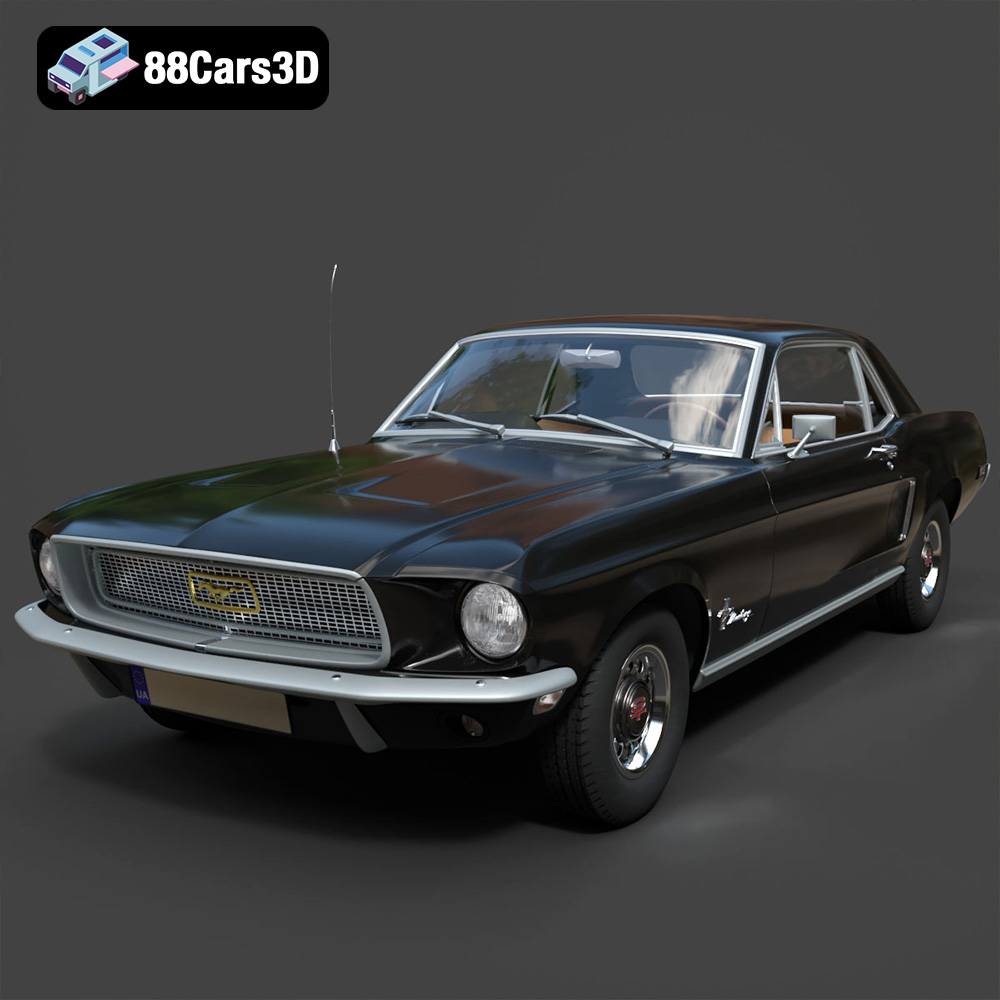
Texture: Yes | Material: Yes
Download the highly detailed, game-ready Ford Mustang Hardtop 1968 3D Model. Features the iconic galloping pony grille, signature tri-bar taillights, and an authentic vintage interior. Includes .blend, .fbx, .obj, .glb, .stl, .ply, .unreal, and .max formats for game development, AR/VR, and rendering.
Price: $19.99
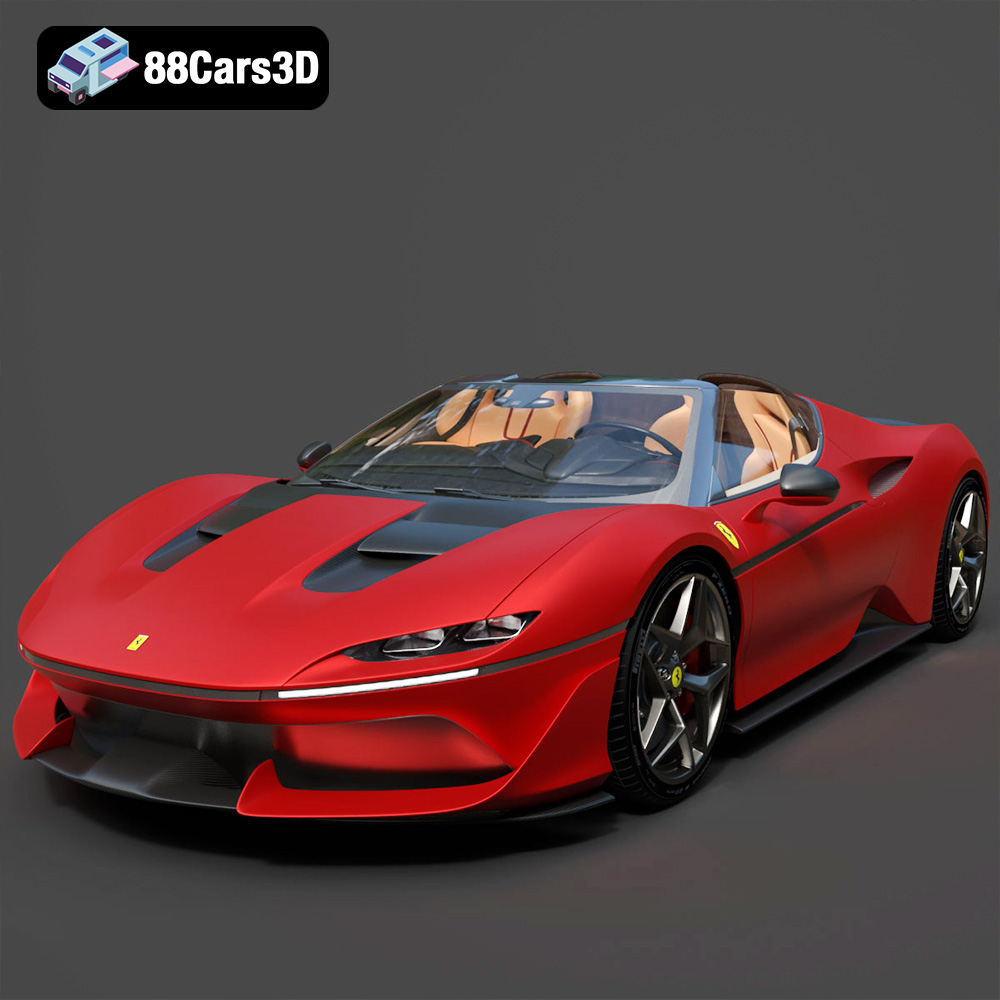
Texture: Yes | Material: Yes
Download the highly detailed, game-ready Ferrari J50 2017 3D Model. Features aggressive aerodynamic styling, twin-turbo V8 engine details, and targa top design. Includes .blend, .fbx, .obj, .glb, .stl, .ply, .unreal, and .max formats for game development, AR/VR, and rendering.
Price: $19.99
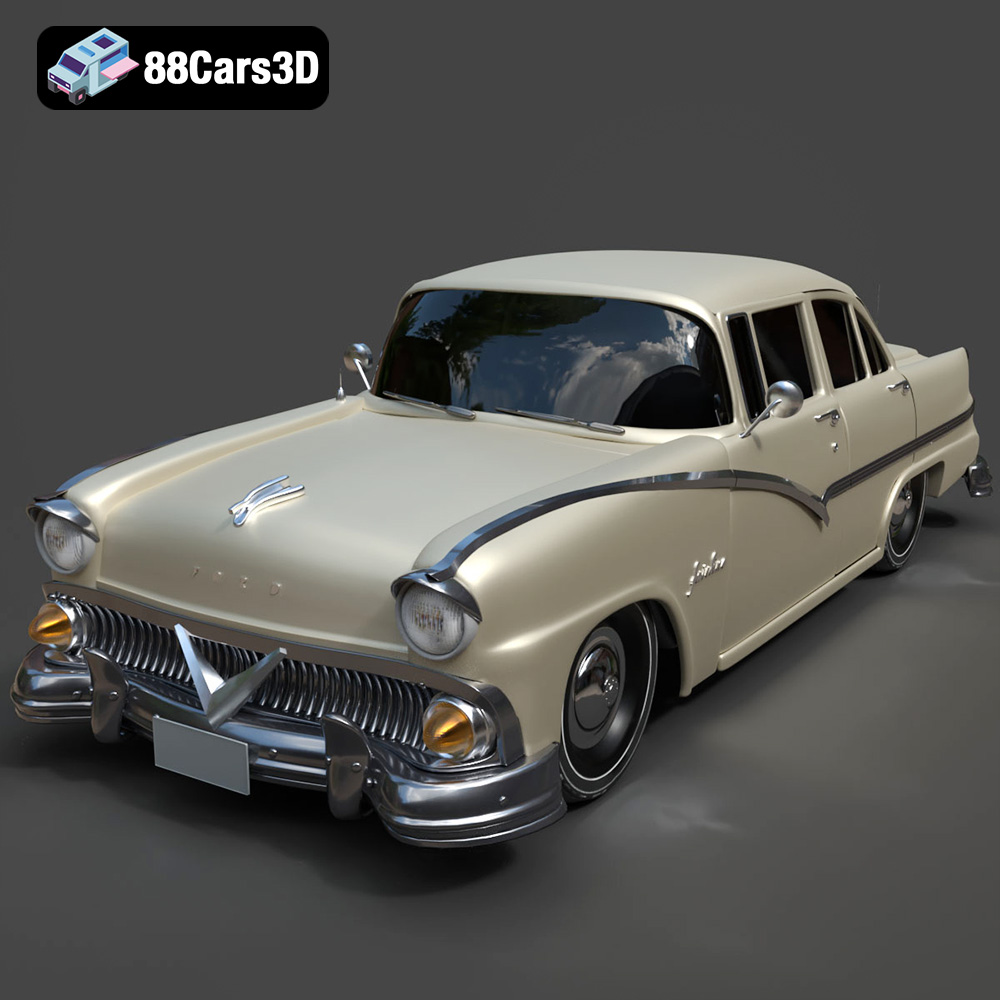
Texture: Yes | Material: Yes
Download the highly detailed, game-ready Ford Fairlin 3D Model. Features iconic classic styling, sweeping bodylines, and an accurate vintage interior. Includes .blend, .fbx, .obj, .glb, .stl, .ply, .unreal, and .max formats for game development, AR/VR, and rendering.
Price: $19.99
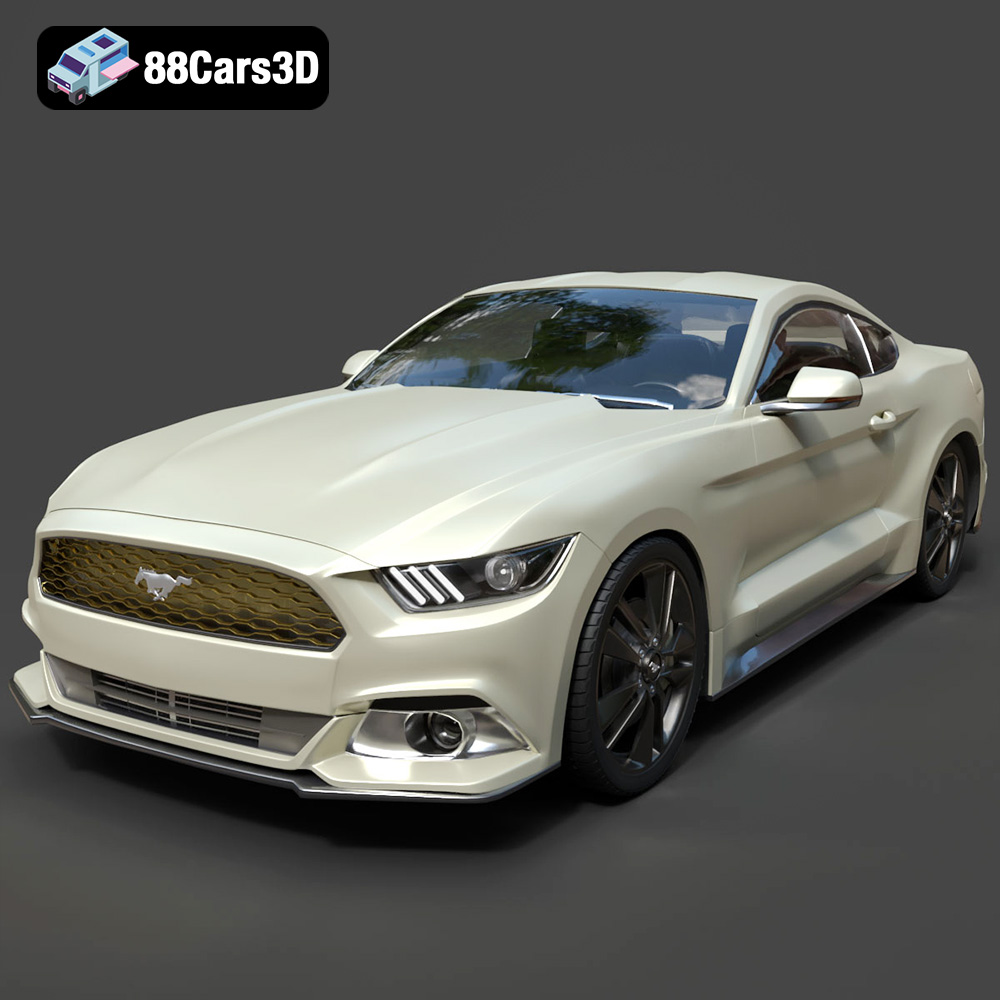
Texture: Yes | Material: Yes
Download the highly detailed, game-ready Ford Mustang GT 3D Model. Features aggressive muscle car styling, a highly detailed V8 engine bay, and accurate interior cockpit. Includes .blend, .fbx, .obj, .glb, .stl, .ply, .unreal, and .max formats for game development, AR/VR, and rendering.
Price: $19.99

Texture: Yes | Material: Yes
Download the highly detailed, game-ready Renault Megane CC 2011 3D Model. Features an accurately modeled folding glass roof, sleek aerodynamic body lines, and a detailed interior. Includes .blend, .fbx, .obj, .glb, .stl, .ply, .unreal, and .max formats for game development, AR/VR, and rendering.
Price: $19.99

Texture: Yes | Material: Yes
Download the highly detailed, game-ready Ford GT 2005 3D Model. Features signature aerodynamic bodylines, mid-mounted supercharged V8 detailing, and iconic racing stripes. Includes .blend, .fbx, .obj, .glb, .stl, .ply, .unreal, and .max formats for game development, AR/VR, and rendering.
Price: $19.99

Texture: Yes | Material: Yes
Download the highly detailed, game-ready Yamaha YZF-R125 EU 3D Model. Features an aggressive aerodynamic fairing, twin LED headlights, and a detailed 125cc engine block. Includes .blend, .fbx, .obj, .glb, .stl, .ply, .unreal, and .max formats for game development, AR/VR, and rendering.
Price: $19.99

Texture: Yes | Material: Yes
Download the highly detailed, game-ready Yamaha R1 3D Model. Features aggressive aerodynamic fairings, a detailed crossplane inline-4 engine, and track-focused suspension geometry. Includes .blend, .fbx, .obj, .glb, .stl, .ply, .unreal, and .max formats for game development, AR/VR, and rendering.
Price: $19.99

Texture: Yes | Material: Yes
Download the highly detailed, game-ready Yamaha XV950 Racer 3D Model. Features an aggressive cafe-racer front cowl, detailed air-cooled V-twin engine, and classic retro styling. Includes .blend, .fbx, .obj, .glb, .stl, .ply, .unreal, and .max formats for game development, AR/VR, and rendering.
Price: $19.99

