Get 20% OFF All Premium 3D & STL Models!

The Audi RS6. Just the name evokes images of raw power, aggressive styling, and unparalleled performance. Now, thanks to the detailed 3D model available on 88cars3d.com, you can bring this automotive icon to life through the magic of 3D printing. This blog post will guide you through the entire process, from selecting the right materials and settings to achieving a showroom-worthy finish. Whether you’re a seasoned 3D printing enthusiast or a newcomer to the world of additive manufacturing, get ready to embark on a thrilling journey to create your very own miniature RS6.
The Audi RS6 3D model from 88cars3d.com is designed for versatility, but achieving optimal results requires choosing the right 3D printing technology. Two primary options stand out: Fused Deposition Modeling (FDM) and Stereolithography (SLA) resin printing.
FDM, with its reliance on filament, is the most common and affordable 3D printing method. Materials like PLA and PETG are readily available, offering a good balance of strength and ease of use. For larger-scale prints (1:12 or 1:18), FDM can be a practical choice. However, FDM printers may struggle with the intricate details of the RS6 model, particularly around the exhaust, mirrors, and interior components.
SLA resin printing excels at capturing fine details and producing smooth surfaces. This makes it ideal for smaller-scale models (1:24 or smaller) where precision is paramount. While resin printers tend to be more expensive than FDM printers, the superior quality and resolution often justify the investment, especially for showcasing the intricate design of the Audi RS6. Resin printing is highly recommended in the provided product description.
The availability of multiple file formats for the Audi RS6 3D model is a huge advantage, offering flexibility for various applications. However, understanding which formats are best suited for 3D printing is crucial.
The .stl (Stereolithography) format is the workhorse of 3D printing. It represents the model’s surface geometry as a mesh of triangles, making it universally compatible with slicing software. The STL format is the go-to choice for 3D printing due to its simplicity and widespread support. It contains no color or texture information, focusing solely on the 3D shape. For the vast majority of 3D printing projects, especially for beginners, the STL format is the best option.
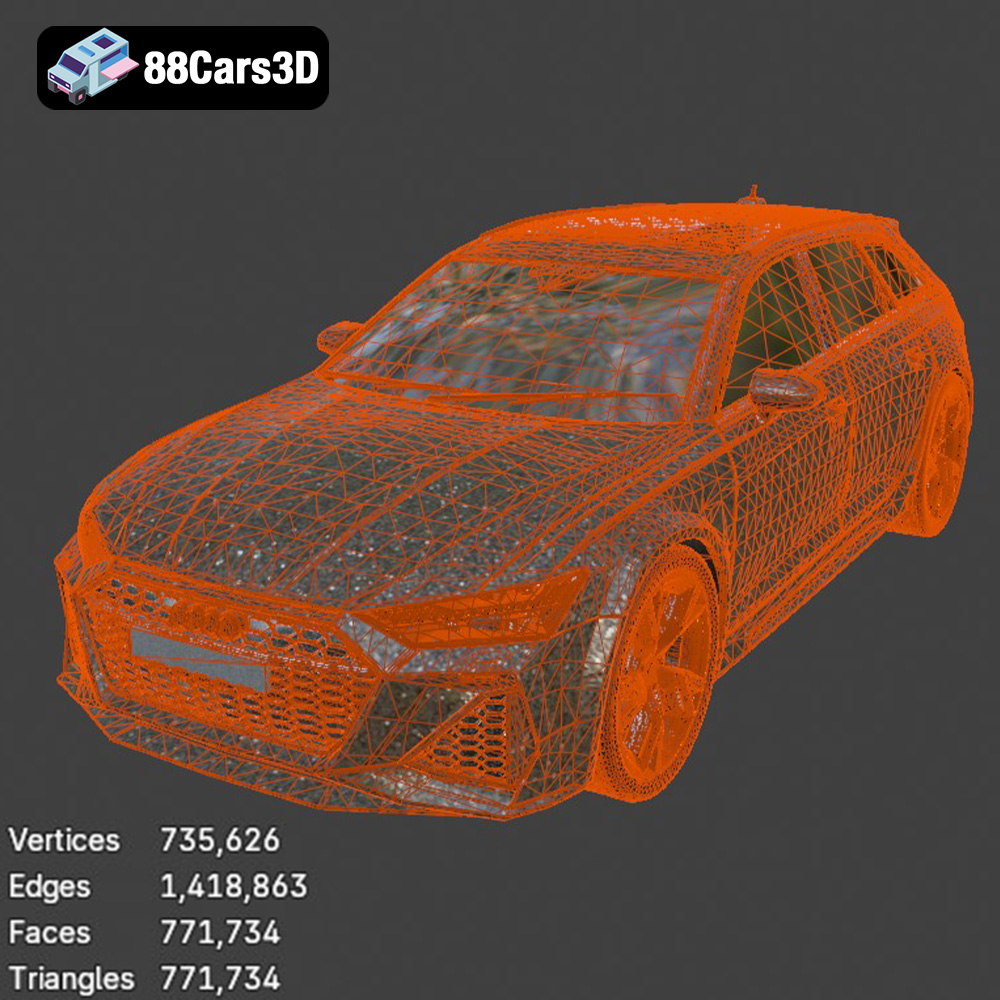
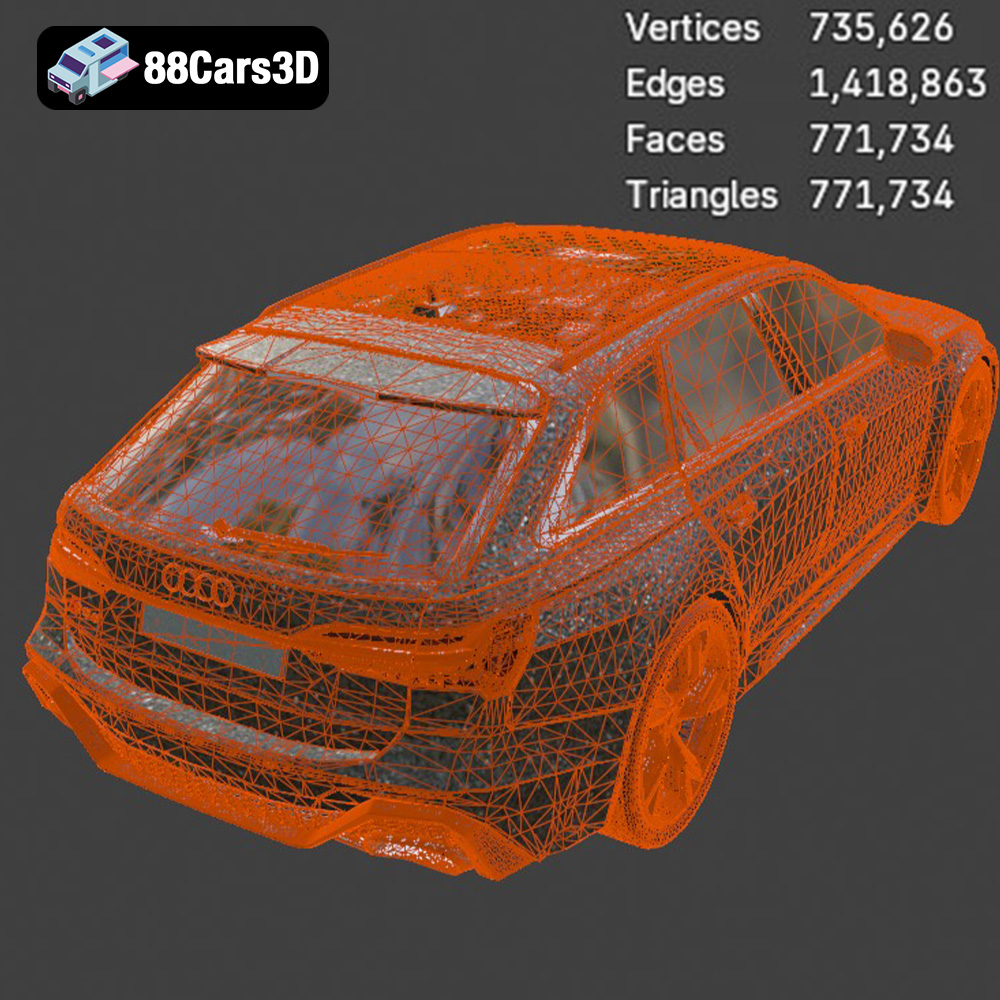
When working with STL files, it’s important to ensure the mesh is watertight (no holes or gaps) and that the triangle count is sufficient to capture the model’s details without being excessively large and slowing down the slicing process. Slicing software can often repair minor mesh issues, but for complex problems, a dedicated mesh editing tool may be required. The higher the triangle count, the smoother the curved surfaces will appear in the final print. However, a very high triangle count can make the file size large and difficult to handle, so a balance must be found.
The .obj (Object) format is a more versatile format than STL, capable of storing color and texture information in addition to the mesh geometry. While .obj files can be used for 3D printing, they are more commonly used in rendering and animation applications where color and texture are important. If you intend to paint your 3D printed Audi RS6 model, the .stl format is sufficient. However, if you are using a multi-material printer capable of printing in color, the .obj format might be relevant, though less common than other methods of multi-color printing.
The .ply (Polygon File Format) is designed for storing 3D data acquired from 3D scanners. It’s known for its ability to represent high-detail meshes with greater precision than .stl. While potentially useful for 3D printing complex geometries, .ply files aren’t as universally supported by slicing software as .stl. In most cases, converting the .ply file to .stl will be necessary before printing. The advantage of using a .ply file initially would be to preserve as much detail as possible during any editing or manipulation of the model, before ultimately converting it to .stl for printing.
The .blend format is the native file format for Blender, a popular open-source 3D modeling software. This format is incredibly valuable if you want to customize the Audi RS6 model before printing. You can modify the geometry, add details, or even create variations of the design. However, you’ll need Blender installed to open and edit .blend files. Before printing, you’ll need to export the modified model as an .stl file.
The .fbx (Filmbox) format is a proprietary format developed by Autodesk and is commonly used for exchanging 3D data between different software applications. It supports geometry, materials, textures, and animations. While some advanced slicing software might be able to import .fbx files, it’s generally not the preferred format for 3D printing. Like .obj, its strength lies in preserving material and texture information, which is less relevant for standard 3D printing processes.
The .glb (GL Transmission Format Binary) is designed for efficient transmission and loading of 3D models, particularly in web and mobile applications. It’s often used for augmented reality (AR) applications, allowing you to preview the model in a real-world environment before printing. While not directly used for 3D printing, the .glb format can be helpful for visualizing the final printed model and determining the appropriate scale and placement.
Similar to .blend, the .max format is the native file format for Autodesk 3ds Max, another professional 3D modeling software. It offers extensive editing capabilities, allowing for significant customization of the Audi RS6 model. You’ll need 3ds Max installed to work with .max files, and you’ll need to export the modified model as an .stl file before printing.
Once you’ve chosen your printing technology and file format (ideally .stl), the next step is to prepare the model for printing using slicing software. Popular options include Cura, PrusaSlicer, and Simplify3D.
The orientation of the model on the build plate is crucial for print quality and support generation. The product description recommends printing the frame angled for structural integrity and the wheels separately. Experiment with different orientations to minimize the need for support structures, especially on visible surfaces. When supports are necessary, choose a support pattern that is easy to remove and minimizes surface damage. Cura’s tree support option can be particularly useful for complex models like the Audi RS6.
The slicing parameters determine the quality and strength of the printed model. The recommended settings for the Audi RS6 are:
* **Layer Height:** 0.04-0.12 mm (lower for resin, higher for FDM)
* **Wall Thickness:** 1.2-2.0 mm
* **Infill:** 20-30%
Experiment with these settings to find the optimal balance between print time, material usage, and structural integrity. Lower layer heights will result in smoother surfaces but longer print times. A higher infill percentage will increase the model’s strength but also increase material consumption.
Before slicing, it’s essential to check the model for any errors or imperfections. Most slicing software includes tools for repairing minor mesh issues. You may also want to scale the model to your desired size. The product description suggests scales of 1:12, 1:18, or 1:24. Ensure that all parts are scaled proportionally to maintain accuracy.
The choice of material significantly impacts the final appearance and properties of your 3D printed Audi RS6.
PLA (Polylactic Acid) is a popular choice for FDM printing due to its ease of use, low printing temperature, and biodegradability. It’s a good option for beginners and for creating display models. However, PLA is not as strong or heat-resistant as other materials.
PETG (Polyethylene Terephthalate Glycol) offers a good balance of strength, flexibility, and heat resistance. It’s a suitable alternative to PLA for parts that require more durability. PETG can be slightly more challenging to print than PLA, but with proper settings, it can produce excellent results.
For resin printing, a wide range of resins are available, each with its own properties. Standard resins are a good starting point, but you can also explore tough resins for increased durability or flexible resins for parts that need to bend.
Post-processing is essential for achieving a professional-looking finish on your 3D printed Audi RS6.
Sanding removes layer lines and imperfections, creating a smooth surface for painting. Start with a coarse grit sandpaper and gradually move to finer grits. For larger gaps or imperfections, use a filler primer or putty.
Priming provides a smooth, uniform surface for paint to adhere to. Apply multiple thin coats of primer, allowing each coat to dry completely. Once the primer is dry, you can apply your chosen paint colors. The product description recommends using authentic factory colors with metallic finishes for the Audi RS6. Consider using an airbrush for a professional-looking finish.
After painting, carefully assemble the individual parts of the model. Use glue or adhesive to secure the parts together. Add any final details, such as decals or badges, to complete the model.
Even with careful preparation, you may encounter some challenges during the 3D printing process. Here are some common issues and their solutions:
* **Warping:** Ensure your bed is properly leveled and heated. Use a brim or raft to increase adhesion.
* **Stringing:** Reduce printing temperature and retraction settings.
* **Layer Shifting:** Check your printer’s belts and ensure they are properly tensioned.
* **Support Issues:** Adjust support settings, such as density and overhang angle.
By understanding these common issues and their solutions, you can overcome challenges and achieve successful 3D prints.
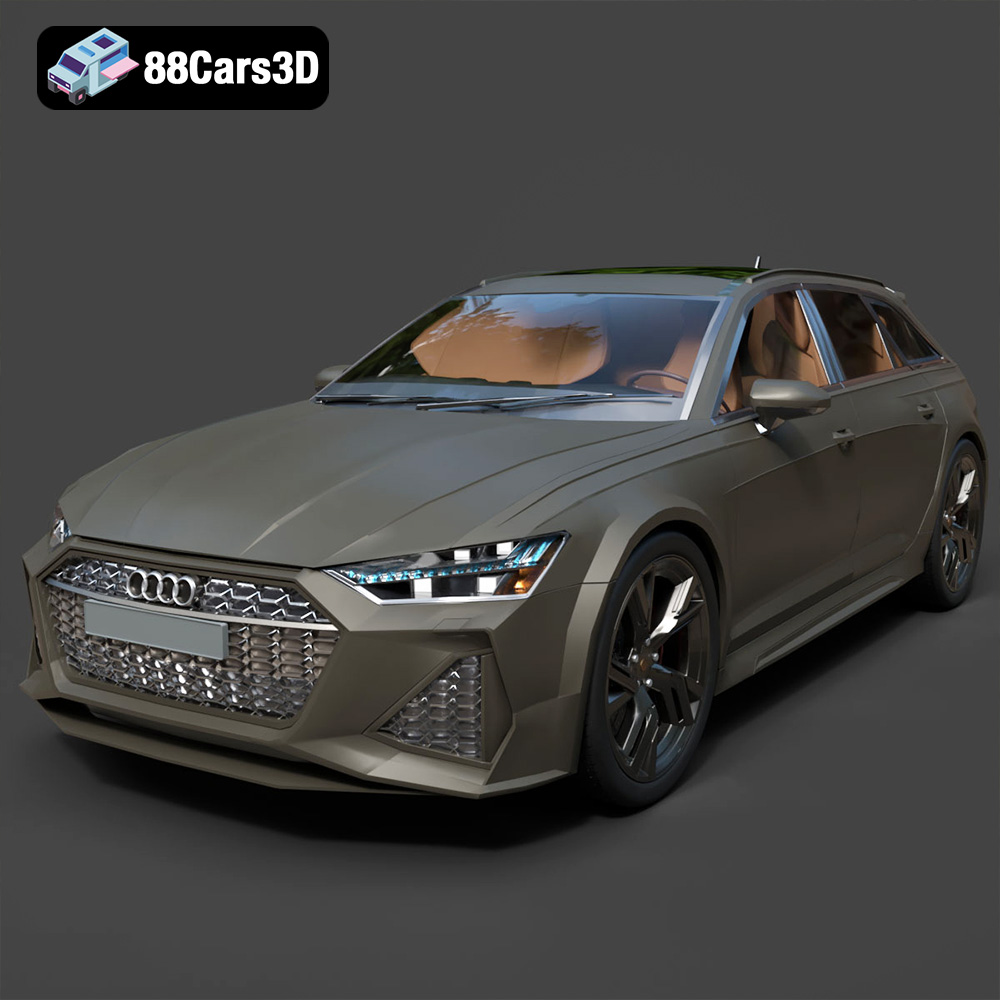
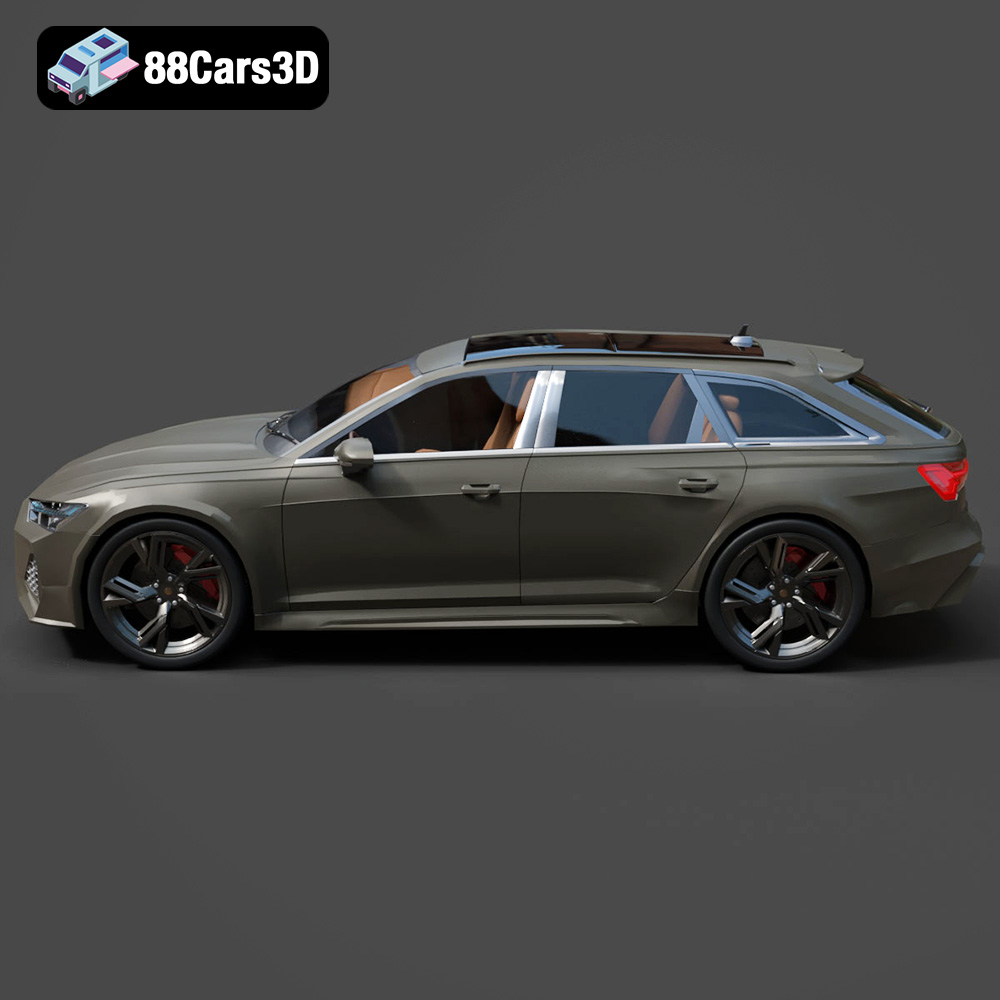
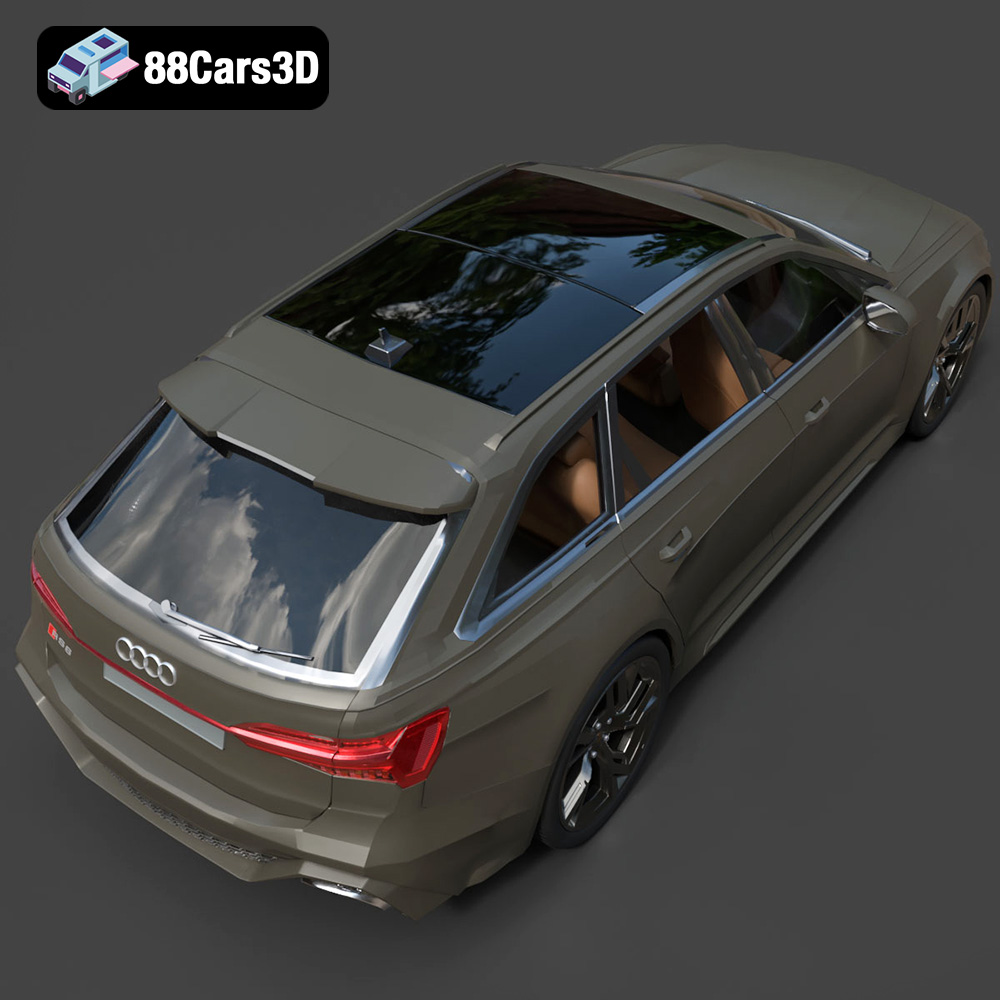
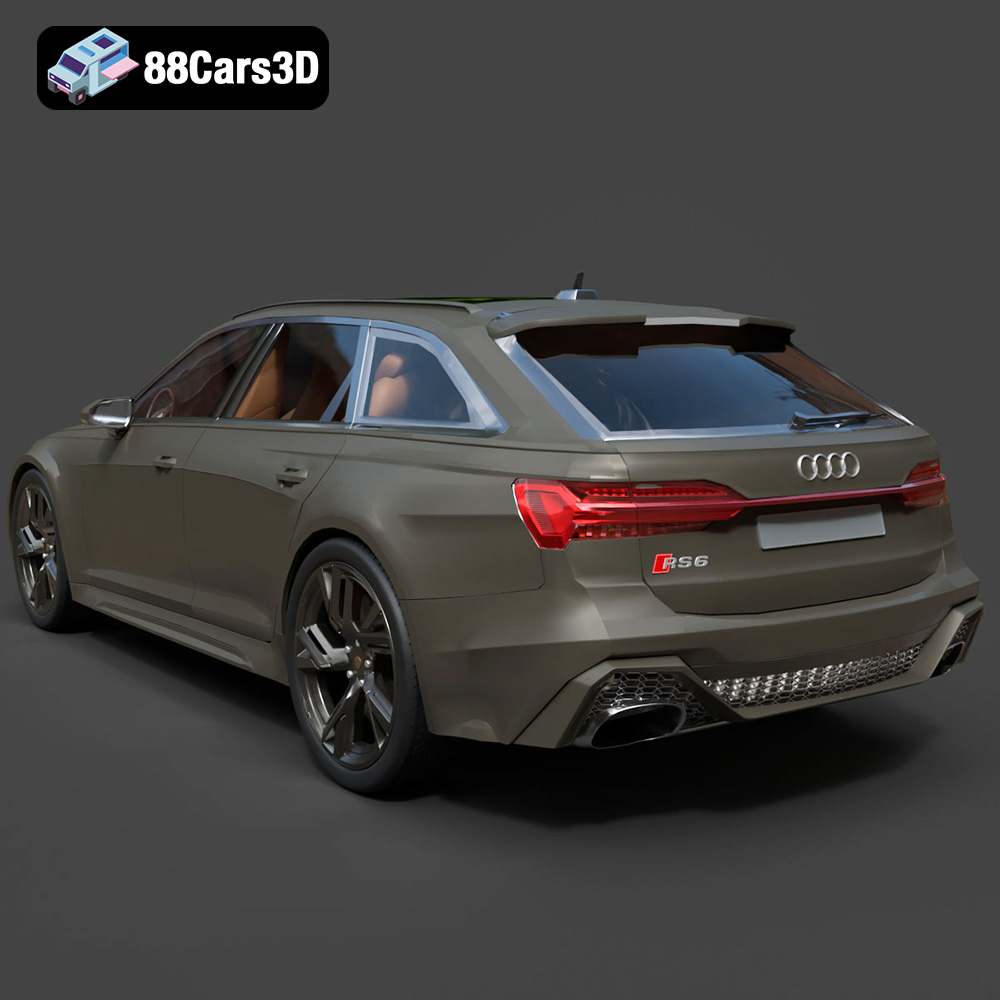
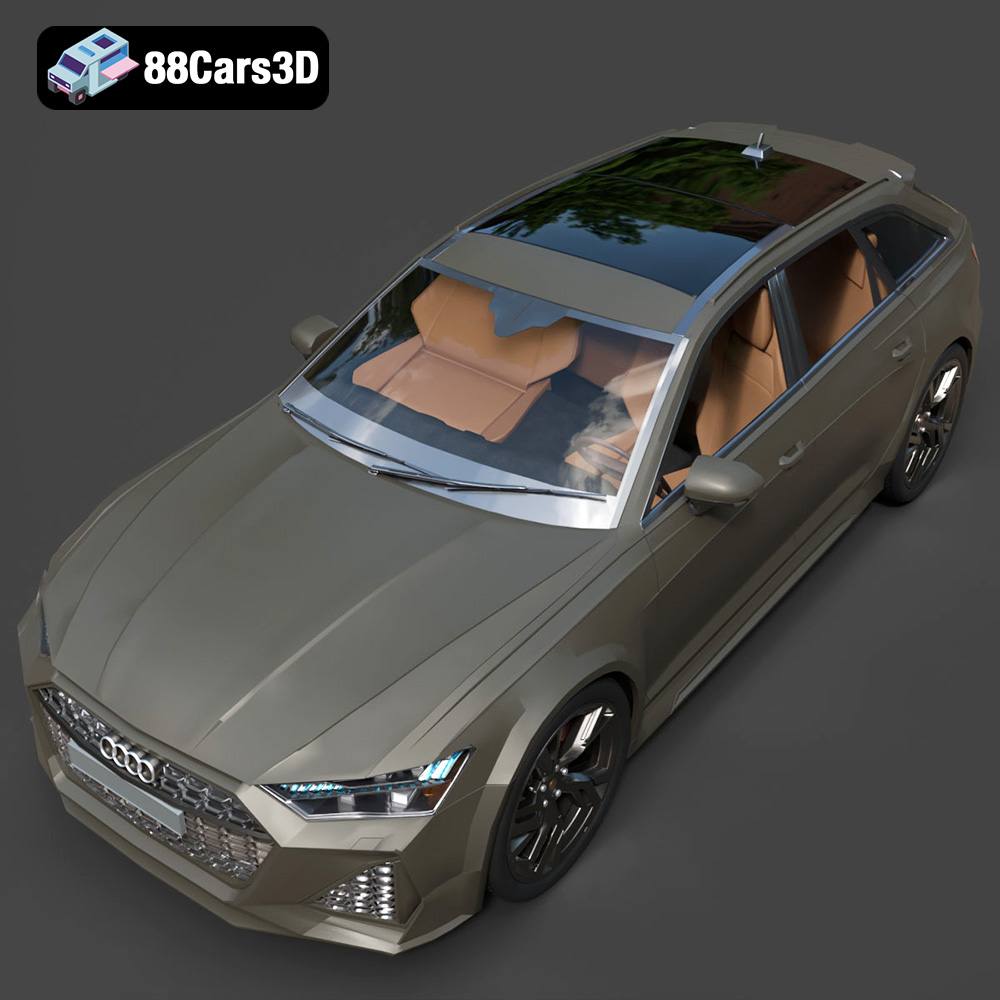
The Audi RS6 is a legendary high-performance estate car, combining aggressive styling with immense practicality and blistering speed. Known for its wide stance, iconic Singleframe grille, massive air intakes, and signature dual oval exhaust pipes, it represents the pinnacle of the modern sports wagon.
$19.99
3D printing the Audi RS6 model from 88cars3d.com is a rewarding project that combines technical skill with creative expression. By carefully selecting your printing technology, preparing the model with appropriate slicing parameters, and meticulously post-processing the printed parts, you can create a stunning replica of this automotive icon. Whether you’re a seasoned 3D printing enthusiast or just starting out, this project offers a unique opportunity to explore the possibilities of additive manufacturing and bring your passion for cars to life. Remember to experiment with different materials and techniques to find what works best for you. The Audi RS6 model, available in multiple file formats, including the crucial .stl format, is a fantastic asset for exploring the world of 3D printed models.
.airbus .a380 .qatar .airliner .aircraft .airplane .jet .commercialaircraft .car3dmodel .rendering .simulation .gameasset .arvr .flight .blend .fbx .obj .glb .stl .ply .unreal .max
.audi
.blend
.fbx
.glb
.obj
.ply
.rendering
.stl
.unreal
audi-rs6
car-3d-model
estate-car
game asset
game-ready
low-poly
optimized
rs6
sports-wagon
VR/AR