Get 20% OFF All Premium 3D & STL Models!

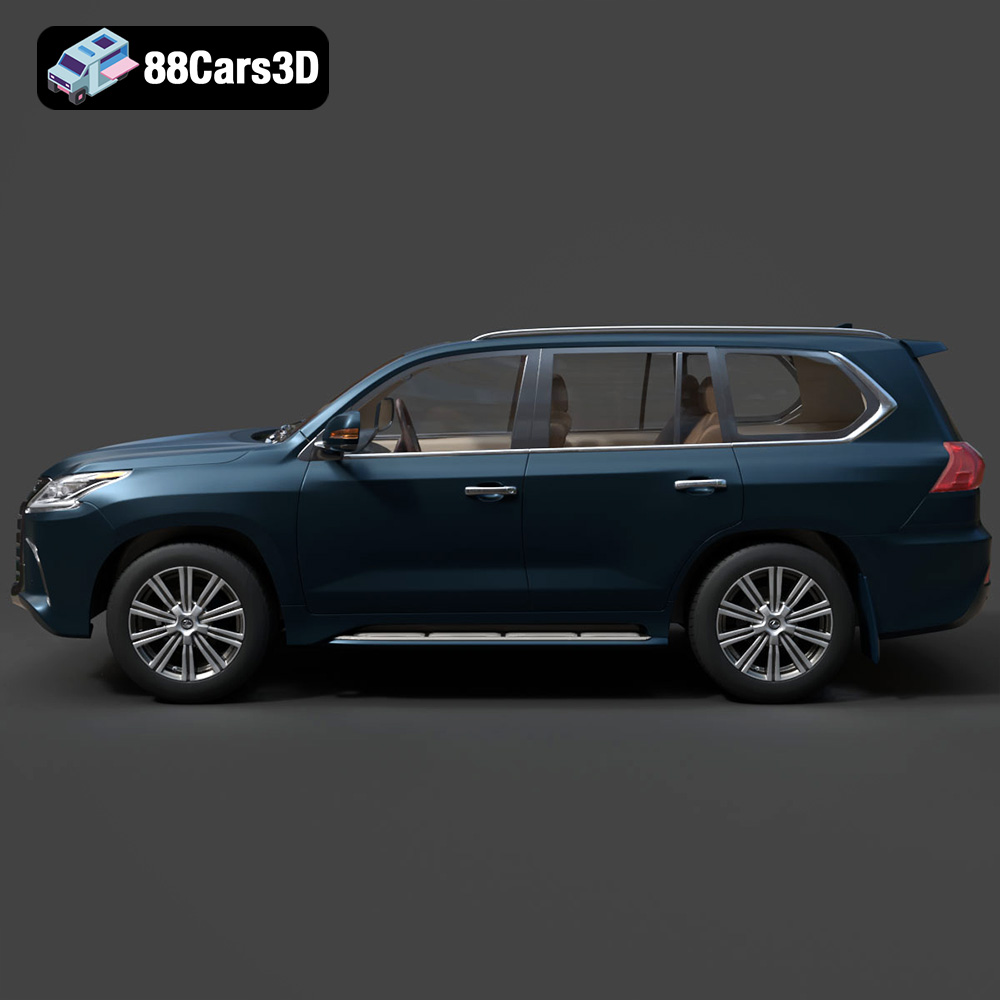
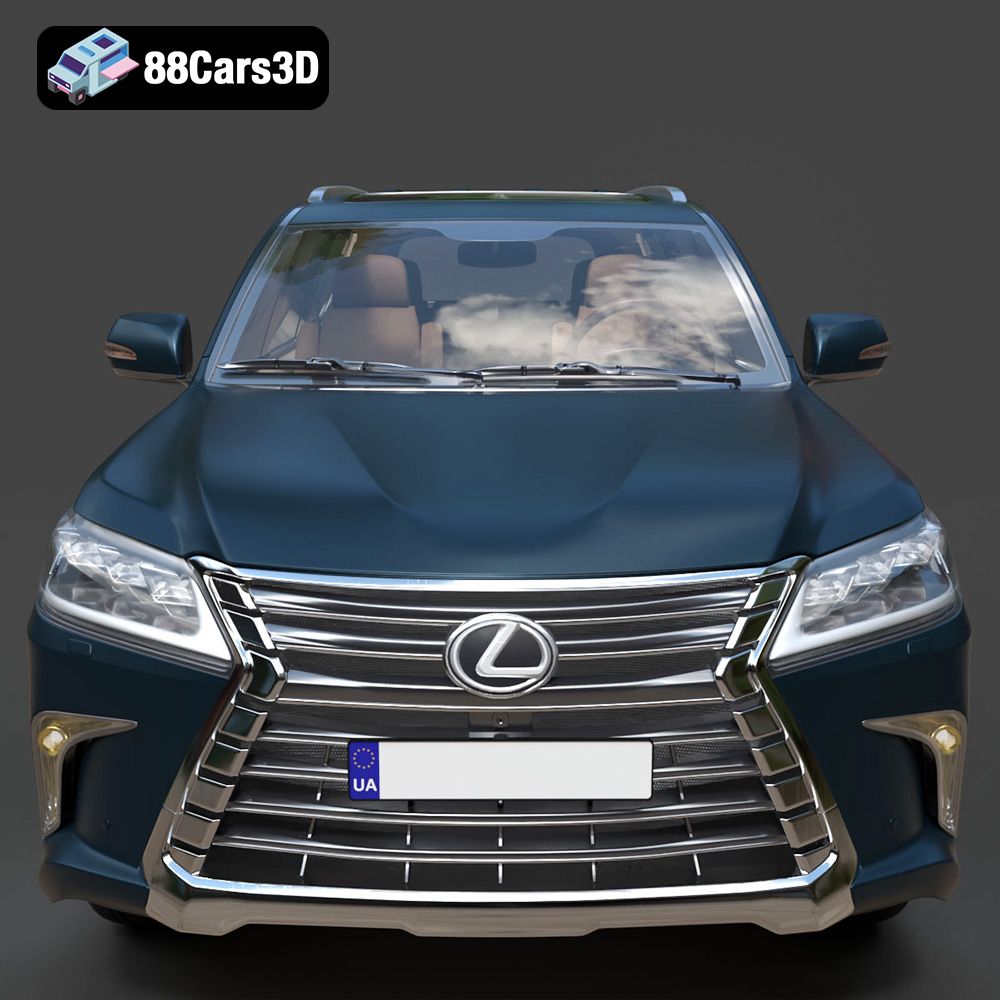
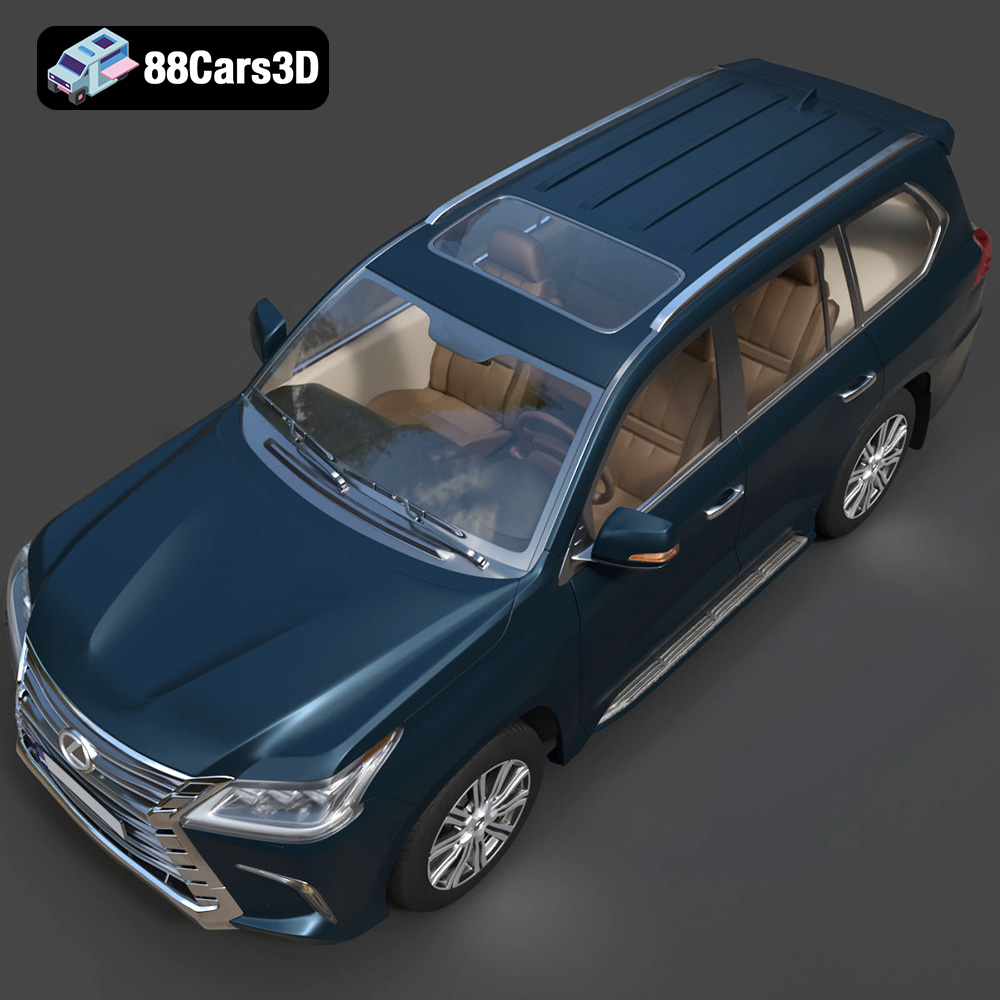
The Lexus LX Mk3f J200 2016, a symbol of luxury and off-road capability, is now within reach for 3D printing enthusiasts. Thanks to the detailed 3D model available at 88cars3d.com, you can recreate this iconic SUV in miniature form. This guide will walk you through the entire process, from selecting the right materials and preparing the STL files to fine-tuning your printer settings and applying post-processing techniques for a stunning final product. Whether you are a seasoned 3D printing expert or a beginner eager to explore the world of additive manufacturing, this article provides valuable insights for bringing your Lexus LX Mk3f J200 2016 3D model to life. Let’s dive in!
Before you even begin to think about printing your Lexus LX Mk3f J200 2016 3D model, it’s essential to understand the different file formats available and which ones are most suitable for 3D printing. The variety of formats can be confusing, but choosing the right one is crucial for a successful print.
The STL (Stereolithography) file format is the industry standard for 3D printing. It represents the surface geometry of a 3D object using a collection of triangles. While it’s a simple format, it only stores the surface information, meaning it doesn’t contain color, texture, or material properties. For 3D printing, STL is the most widely supported and often the best choice. Most slicing software programs are designed to work seamlessly with STL files, allowing you to prepare the model for your specific 3D printer. The Lexus LX Mk3f J200 2016 model from 88cars3d.com includes an STL file, ensuring compatibility with virtually any 3D printer.
OBJ is a more versatile format than STL, as it can store color and texture information in addition to the geometry. This makes it useful for colored 3D prints or for applications where the visual appearance of the model is important. However, OBJ files can be larger and more complex than STL files, potentially leading to longer processing times in slicing software. While OBJ is supported by many slicers, ensure your software can handle textures if you plan to utilize them.
PLY (Polygon File Format) is designed for storing 3D data acquired from 3D scanners. It can represent color, transparency, surface normals, and other properties. The primary advantage of PLY is its ability to capture high-detail meshes, making it suitable for models with intricate surfaces. However, PLY files can be quite large, and compatibility with slicing software is not as universal as STL.
.blend files are the native format for Blender, a popular open-source 3D modeling software. This format stores the entire Blender scene, including the model’s geometry, textures, materials, lighting, and animations. Using a .blend file gives you maximum flexibility to customize the Lexus LX Mk3f J200 2016 model before exporting it to a printable format like STL. This allows for modifications like adding custom features, simplifying the geometry for easier printing, or splitting the model into multiple parts for better printability.
FBX (Filmbox) is a proprietary file format developed by Autodesk, primarily used for data exchange between 3D applications. It supports geometry, textures, materials, animations, and more. While FBX files can be imported into some slicing software, their primary use is for transferring models between different 3D programs. For printing, it’s generally better to export the model from FBX to STL to ensure compatibility and optimal results.
GLB (GL Transmission Format Binary) is a binary file format that represents 3D models in a compact and efficient way. It is commonly used for displaying 3D models on the web and in augmented reality (AR) applications. While GLB files are not directly used for 3D printing, they can be useful for previewing the model on a mobile device or in a web browser before printing. This allows you to get a better sense of the model’s size, scale, and appearance.
Similar to .blend files for Blender, .max files are the native format for 3ds Max, another professional 3D modeling software. This format contains the entire 3ds Max project, offering complete control over the model’s geometry, textures, materials, and animations. If you have access to 3ds Max, you can use the .max file to customize the Lexus LX Mk3f J200 2016 model before exporting it to STL for 3D printing.
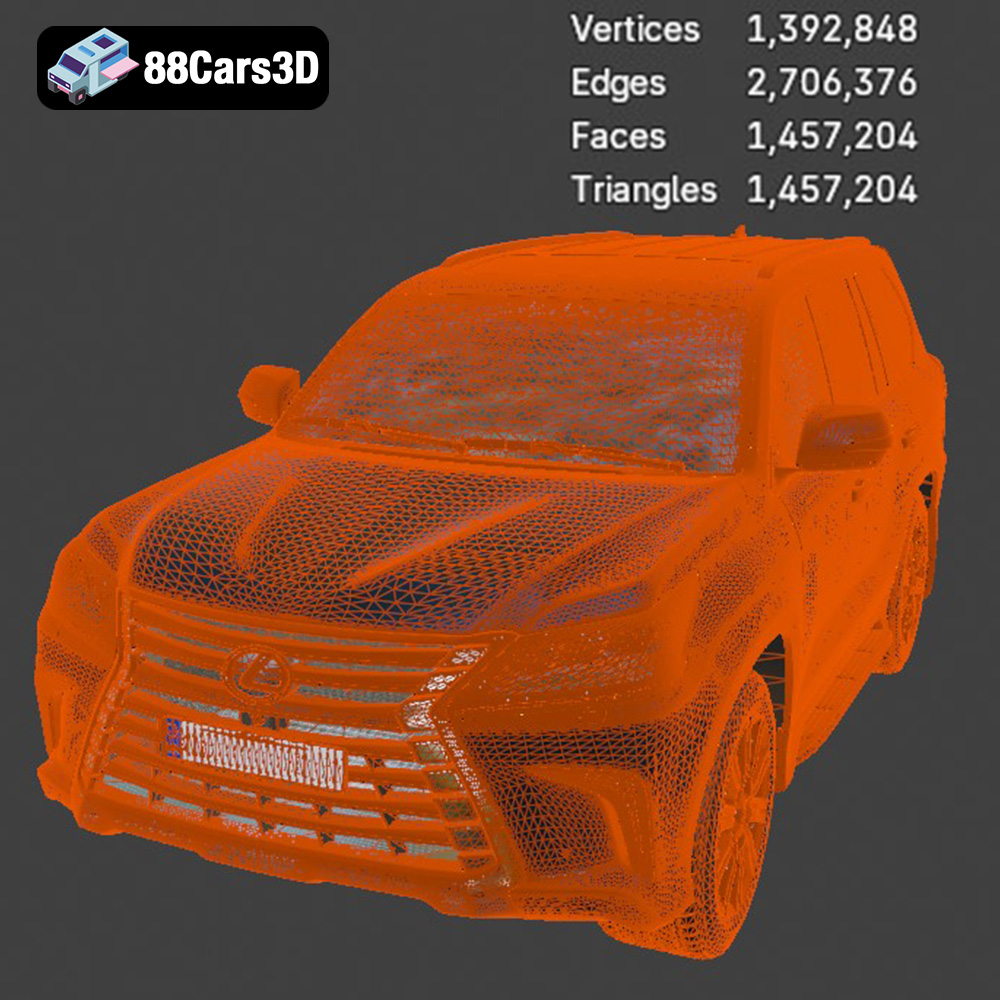
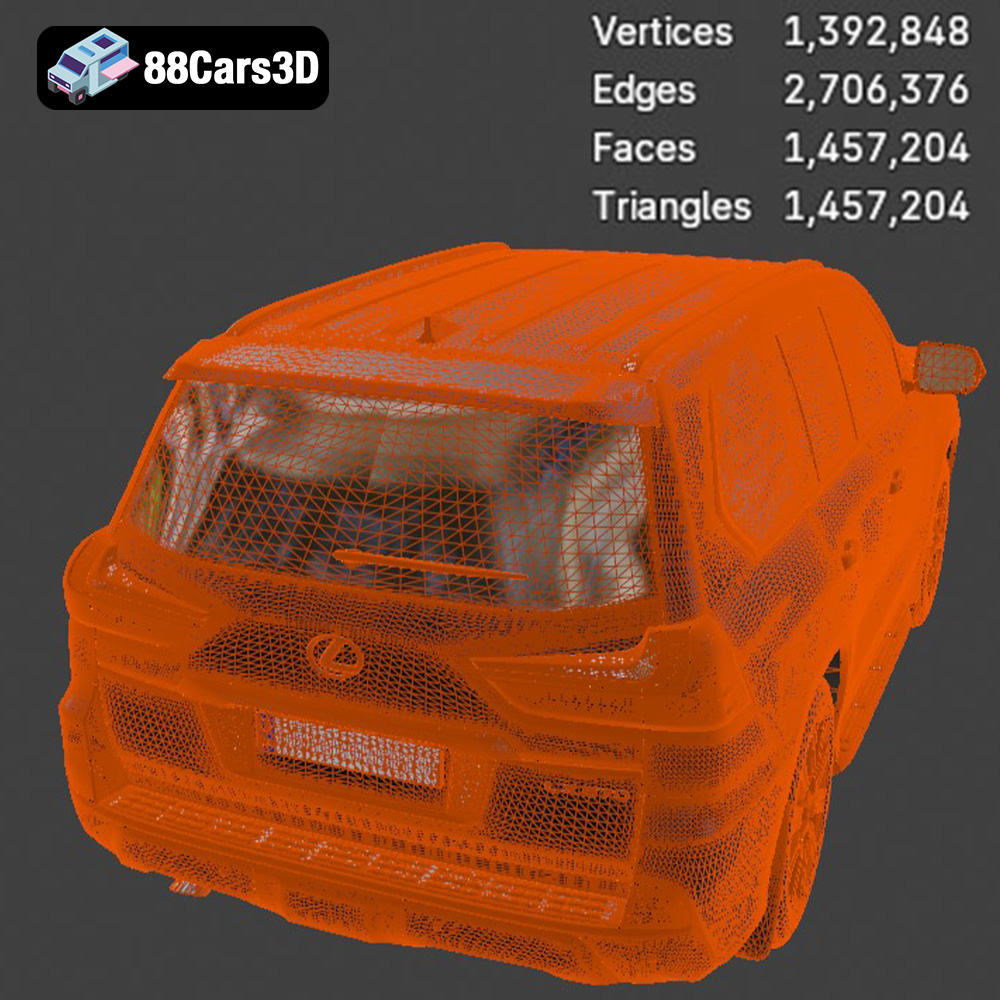
In summary, for 3D printing the Lexus LX Mk3f J200 2016, the STL format is generally the best choice due to its widespread compatibility and simplicity. However, if you need to make modifications to the model, using the .blend or .max file (if you have the corresponding software) can be beneficial before exporting to STL. Always ensure the STL file is free of errors and has a reasonable triangle count to ensure a smooth and accurate print. The higher the triangle count, the more detailed the print, but also the longer the slicing and printing times.
The Lexus LX Mk3f J200 2016 3D model can be printed using various additive manufacturing technologies, each with its own strengths and weaknesses. Understanding these differences is crucial for achieving the desired results.
FDM is the most common and affordable 3D printing technology. It involves extruding a thermoplastic filament through a heated nozzle and depositing it layer by layer onto a build platform.
* Pros: Low cost, wide range of materials (PLA, ABS, PETG, TPU), easy to use.
* Cons: Lower resolution compared to resin printing, visible layer lines, requires support structures for complex geometries.
For the Lexus LX Mk3f J200 2016, FDM printing is suitable for larger scales (1:12 or 1:18) where fine details are less critical. Materials like PLA and PETG are recommended for their ease of use and good mechanical properties. You’ll need to carefully consider print orientation and support placement to minimize the impact of layer lines and support marks on the finished model.
SLA and DLP are resin-based 3D printing technologies that use a light source (laser or projector) to cure liquid resin layer by layer.
* Pros: High resolution, smooth surface finish, excellent detail reproduction.
* Cons: Higher cost, limited material selection, requires post-processing (washing and curing).
Resin printing is ideal for the Lexus LX Mk3f J200 2016 when you want to capture the finest details, especially at smaller scales (1:24 or smaller). The smooth surface finish minimizes the need for extensive sanding and allows for intricate features like the grille, headlights, and interior details to be faithfully reproduced.
SLS is a powder-based 3D printing technology that uses a laser to fuse powdered material (typically nylon) layer by layer.
* Pros: High strength and durability, no support structures required, good for functional parts.
* Cons: Higher cost, limited material selection, rough surface finish.
While SLS is not typically used for aesthetic models like the Lexus LX Mk3f J200 2016, it could be considered if you need a very durable and functional model. The rough surface finish would require significant post-processing to achieve a smooth, paintable surface.
Before sending the Lexus LX Mk3f J200 2016 model to your 3D printer, careful preparation is essential. This involves using slicing software to convert the 3D model into instructions for the printer and optimizing the model for printability.
Choosing the right slicing software is crucial. Popular options include:
* Cura: Free, user-friendly, and widely compatible.
* Simplify3D: Paid software with advanced features and customization options.
* PrusaSlicer: Open-source and feature-rich, with excellent support for Prusa printers.
* Chitubox/Lychee Slicer: Recommended for resin printing, with advanced support generation and hollowing features.
The orientation of the model on the build platform significantly impacts print quality and support requirements.
* For FDM printing, orient the chassis at an angle to minimize the need for supports on the body panels. Print wheels separately for better detail.
* For resin printing, angle the model to minimize suction forces and reduce the risk of print failures. Use supports strategically to support overhangs and delicate features.
The product description suggests supports are required for detailed parts like the exhaust, mirrors, and steering wheel. Using auto-support generation in your slicer is a good starting point, but manually adjusting support placement is often necessary for optimal results.
Hollowing the model can significantly reduce material consumption and print time, especially for resin printing.
* For FDM, use an infill percentage between 20-30% for a good balance of strength and weight.
* For resin, hollow the model and add drainage holes to prevent resin from being trapped inside. Use a wall thickness of 1.5-2mm for adequate strength.
The choice of material affects the appearance, strength, and durability of your 3D printed Lexus LX Mk3f J200 2016.
* Pros: Biodegradable, easy to print, wide range of colors.
* Cons: Lower strength and heat resistance compared to other materials.
PLA is a good choice for beginners and for models that will not be exposed to high temperatures.
* Pros: Stronger and more heat-resistant than PLA, good layer adhesion.
* Cons: Can be more challenging to print than PLA, may require higher temperatures.
PETG is a versatile material suitable for models that require higher strength and durability.
* Pros: High strength and heat resistance, good for functional parts.
* Cons: More difficult to print than PLA and PETG, requires a heated bed and enclosure to prevent warping.
ABS is a good choice for experienced users who need a strong and durable model.
* Pros: High detail, smooth surface finish, wide range of properties.
* Cons: Brittle, requires post-processing (washing and curing), can be expensive.
Resin is the best choice for models that require high detail and a smooth surface finish. Choose a resin type based on the desired properties, such as standard resin, tough resin, or flexible resin.
Post-processing is the key to transforming a raw 3D print into a polished and professional-looking Lexus LX Mk3f J200 2016 model.
Carefully remove support structures using appropriate tools. Sand the surface to remove layer lines and imperfections. Start with coarse sandpaper and gradually move to finer grits for a smooth finish.
Apply a primer to the model to create a uniform surface for painting. Choose high-quality paints designed for plastic models. Apply multiple thin coats for best results. Consider using an airbrush for a smoother and more professional finish. The product description mentions authentic factory colors with metallic finishes, so researching and selecting the correct paint colors is important.
If the model was printed in multiple parts, carefully assemble them using glue or other fasteners. Ensure proper alignment and secure bonding for a seamless finish. Separate wheels and suspension components can be attached at this stage.
Even with careful preparation, 3D printing can present challenges. Here are some common issues and their solutions:
* Ensure the build plate is properly leveled and heated.
* Use a brim or raft to increase adhesion.
* Reduce print speed.
* Use an enclosure to maintain a consistent temperature.
* Increase the printing temperature.
* Reduce print speed.
* Ensure proper bed adhesion.
* Increase the fan speed (but not too much).
* Increase exposure time.
* Ensure proper support placement.
* Reduce lift speed.
* Check the resin for contamination.
The print time and material costs for the Lexus LX Mk3f J200 2016 model will vary depending on the chosen printing technology, material, scale, and settings.
* **FDM:** A 1:18 scale model printed in PLA could take 20-40 hours and use 200-400 grams of filament, costing approximately $5-$15 in material.
* **Resin:** A 1:24 scale model printed in resin could take 8-15 hours and use 100-200 ml of resin, costing approximately $10-$20 in material.
These are just estimates. Actual costs may vary.
Experience luxury and capability with the highly detailed Lexus LX Mk3f J200 2016 3D model. Representing the iconic third facelift of the acclaimed J200 generation, this full-size luxury SUV perfectly captures the bold spindle grille, sharp L-shaped LED lighting signatures, and robust, imposing stance. Renowned for its legendary 5.7-liter V8 engine and unmatched off-road prowess combined with premium refinement, this digital replica brings the flagship Lexus SUV to life in stunning detail.
$39.99
3D printing the Lexus LX Mk3f J200 2016 model from 88cars3d.com is a rewarding project that combines technical skills with creative expression. By understanding the different 3D printing technologies, choosing the right materials, carefully preparing the model in slicing software, and mastering post-processing techniques, you can create a stunning replica of this iconic SUV. Remember to troubleshoot common printing issues and adjust your settings as needed. With patience and attention to detail, you can achieve a professional-looking result that showcases the beauty and engineering of the Lexus LX Mk3f J200 2016. Happy printing!
.2016
.blend
.fbx
.glb
.lexus
.luxury suv
.lx
.max
.obj
.ply
.rendering
.stl
.unreal
car-3d-model
game asset
game-ready
j200
low-poly
mk3f
optimized
SUV
VR/AR