Get 20% OFF All Premium 3D & STL Models!

“`html
For automotive enthusiasts and model-making hobbyists, the ability to 3D print incredibly detailed vehicle models is now a tangible reality. With advancements in 3D printing technology, achieving museum-quality replicas is within reach, right from your desktop. However, not all 3D printers are created equal. This comprehensive guide will navigate you through the best 3D printer technologies and models currently available, specifically tailored for printing intricate car models from STL files. We’ll delve into the critical settings, material considerations, and post-processing techniques required to bring your miniature automotive masterpieces to life. We’ll cover everything from the basics of file preparation to advanced optimization strategies, ensuring you get the most out of your 3D printing experience. Whether you’re a beginner or an experienced maker, this guide will empower you to select the right equipment and master the techniques for creating stunningly realistic vehicle models. Let’s dive in and explore the world of 3D printing and automotive artistry!
Fused Deposition Modeling (FDM) 3D printers are a popular choice due to their affordability and ease of use. While not always the best option for the finest details, advancements in FDM technology and materials are closing the gap. When it comes to 3D printing printable car models, FDM printers excel in producing larger parts of the vehicle, like the chassis or interior components, where the surface finish isn’t as critical. Platforms like 88cars3d.com offer a wide selection of STL files optimized for both FDM and resin printing, providing flexibility for makers with different types of printers.
The nozzle size significantly impacts the level of detail achievable with an FDM printer. A smaller nozzle, such as 0.25mm or 0.4mm, is crucial for printing finer details and smoother curves. Lowering the layer height is equally important. A layer height of 0.1mm or even 0.05mm (if your printer supports it reliably) will produce smoother surfaces and reduce the visible layering effect. Keep in mind that reducing layer height drastically increases print time. For example, printing at 0.1mm layer height compared to 0.2mm will double the print time. A good starting point is a 0.4mm nozzle with a 0.15mm layer height, then adjust based on your specific model and desired quality.
PLA (Polylactic Acid) is a popular and easy-to-use material for FDM printing, making it a good choice for beginners. It’s biodegradable and prints at relatively low temperatures (around 200-220°C). However, PLA can be brittle and not ideal for parts requiring high strength or heat resistance. PETG (Polyethylene Terephthalate Glycol-modified) offers a good balance of strength, flexibility, and heat resistance. It’s a more durable option than PLA and prints at slightly higher temperatures (around 230-250°C). ABS (Acrylonitrile Butadiene Styrene) is known for its strength and heat resistance but is more challenging to print due to its tendency to warp. It requires higher temperatures (around 230-260°C) and an enclosed build chamber is highly recommended. For car models, PETG is often a preferred choice for its balance of properties.
Resin printing, using technologies like SLA (Stereolithography), DLP (Digital Light Processing), and MSLA (Masked Stereolithography), is the undisputed champion when it comes to printing incredibly detailed vehicle models. Resin printers offer superior resolution and surface finish compared to FDM printers, making them ideal for intricate parts like grilles, emblems, and complex body panels. When downloading models from marketplaces such as 88cars3d.com, resin printing allows you to truly capture the artist’s vision with breathtaking accuracy.
Standard resin is a general-purpose resin suitable for many applications, offering good detail and relatively fast curing times. However, it can be brittle and prone to cracking. Tough resin is designed to be more durable and impact-resistant, making it ideal for parts that need to withstand stress or handling. Flexible resin allows for the creation of parts that can bend and flex without breaking, useful for tires or suspension components. Water-washable resin simplifies the post-processing cleaning process as it can be cleaned with water instead of isopropyl alcohol (IPA). Each resin type has its optimal exposure settings, which need to be configured in your slicer software. For example, a standard grey resin might require a layer exposure time of 2.5 seconds, while a tough resin might need 3.5 seconds.
Popular slicing software for resin printing includes Chitubox, Lychee Slicer, and PrusaSlicer (which also supports resin printing). Key settings to adjust include layer height, exposure time, lift distance, and retraction speed. Lower layer heights (e.g., 0.025mm or 0.05mm) result in finer details but increase print time. The optimal exposure time depends on the resin type and printer but generally falls between 2 and 8 seconds. Lift distance and retraction speed affect print success and minimizing failures caused by suction forces. Hollowing out models and adding drain holes is crucial for reducing resin consumption and preventing cracking during the curing process. A wall thickness of 1.5-2mm is generally sufficient for most car model parts. Remember to generate adequate support structures, especially for overhanging features. Angling the model during printing is also critical for minimizing support requirements and improving surface finish.
Support structures are essential for 3D printing models with overhanging features. They provide a temporary base for these features to print correctly. Whether you’re using FDM or resin printing, understanding how to generate and remove supports effectively is crucial for achieving high-quality results. Poorly designed supports can lead to print failures or damage to the model during removal. Intelligent support placement and optimization are key to a successful print.
In FDM printing, supports are typically generated using the slicing software. Common support types include linear supports, tree supports, and hybrid supports. Linear supports are simple and effective but can leave noticeable marks on the model. Tree supports are more efficient in terms of material usage and easier to remove, but they may not be suitable for all geometries. Hybrid supports combine the benefits of both linear and tree supports. Support settings to adjust include support density, overhang angle, and support interface. Lowering the support density reduces material usage and removal difficulty but may compromise support stability. Adjusting the overhang angle determines when supports are generated – a lower angle will generate more supports. The support interface creates a thin layer between the support and the model, facilitating easier removal. For complex car model geometries, experiment with different support types and settings to find the optimal configuration.
Resin printing typically utilizes support structures that are manually placed or automatically generated by the slicing software. Manual placement allows for greater control over support location and density, minimizing damage to the model surface. Automatic support generation is faster but may require manual adjustments to optimize support placement. Key support parameters include tip diameter, connection shape, and support density. Thinner tip diameters result in smaller marks on the model but are more prone to breaking. Different connection shapes (e.g., cone, sphere) affect support stability and removal difficulty. Support density determines the number of supports generated – higher density provides more stability but increases material usage and removal effort. Angling the model strategically during printing can significantly reduce the need for supports. Post-curing the supports before removal can make them more brittle and easier to break away cleanly.
Before you even think about pressing the print button, ensuring your STL file is watertight and free of errors is paramount. A flawed STL file can lead to print failures, unexpected artifacts, and a frustrating experience overall. Many car models, especially those with complex geometries, may contain imperfections that need to be addressed before printing. Utilizing mesh repair tools and adhering to best practices for file preparation will significantly improve your 3D printing success rate.
Netfabb Basic is a free and powerful tool for repairing STL files. It can automatically identify and fix common mesh errors such as holes, flipped normals, and self-intersections. Meshmixer is another excellent free option that offers a range of mesh editing and sculpting tools, including mesh repair capabilities. Blender, while primarily a 3D modeling software, also provides robust mesh repair tools. For more advanced users, commercial software like Materialise Magics offers comprehensive mesh analysis and repair functionalities. These tools allow for in-depth inspection of the mesh topology, identification of potential issues, and automated or manual repair options. Regularly using these tools on your STL files, especially when sourcing them from various online sources, will significantly reduce the risk of print failures.
The first step is to import your STL file into a mesh repair software and run an analysis to identify any errors. Common errors include holes in the mesh, non-manifold edges, flipped normals, and overlapping triangles. Use the software’s automated repair tools to fix these errors. If manual repair is necessary, you may need to use the software’s editing tools to close holes, re-orient normals, or remove overlapping geometry. Ensure that the mesh is watertight, meaning that it has no holes and all edges are properly connected. Check the mesh for self-intersections, where parts of the model intersect with themselves. These can cause printing issues and should be resolved. Finally, ensure the model is properly scaled for your desired size. Many models are designed for specific scales, so verifying the dimensions is crucial. Platforms like 88cars3d.com often provide models already optimized, reducing the need for extensive prep work.
Post-processing is the often-overlooked final step in the 3D printing process that transforms a raw print into a polished and professional-looking model. It involves a series of techniques to refine the surface finish, remove support marks, and add color and detail. Effective post-processing can significantly enhance the aesthetic appeal of your 3D printed car models, elevating them from simple prototypes to stunning replicas.
Sanding is a crucial step for smoothing the surface of FDM-printed models. Start with coarse sandpaper (e.g., 220 grit) to remove larger imperfections and support marks. Gradually move to finer grits (e.g., 400, 600, 800, 1000) to achieve a smooth finish. Wet sanding can help reduce dust and improve the smoothness of the surface. For resin-printed models, sanding is generally less necessary due to the finer layer resolution. However, you may still need to sand away support marks. Consider using specialized tools like sanding sponges or rotary tools with sanding attachments for more precise control. Chemical smoothing, using solvents like acetone (for ABS) or ethyl acetate (for PLA), can further smooth the surface but requires careful handling and ventilation. Experiment with different sanding techniques and chemical smoothing methods to achieve the desired level of smoothness for your car models.
Painting is the final touch that brings your 3D printed car model to life. Start by applying a primer to the model to create a uniform surface for the paint to adhere to. Choose high-quality acrylic paints designed for model making. Airbrushing provides the best results, allowing for smooth and even application of paint. Apply multiple thin coats of paint, allowing each coat to dry completely before applying the next. Masking techniques can be used to create intricate paint schemes and details. Consider using decals to add realistic markings and logos. Finally, apply a clear coat to protect the paint and add a glossy or matte finish. Experiment with different painting techniques and finishing products to achieve the desired level of realism and detail for your car models. Weathering techniques, such as washes and dry brushing, can add realism and character to your models, simulating wear and tear or environmental effects.
Different car model types may require specific 3D printer settings to ensure optimal print quality and accuracy. A vintage car model with intricate details may need different settings compared to a modern sports car with smooth curves and aerodynamic features. Understanding these nuances and adjusting your print settings accordingly can significantly improve the final result.
Classic and vintage car models often feature intricate details such as chrome trim, detailed grilles, and complex body panels. When printing these models, prioritize high resolution and accuracy. Use a small nozzle (e.g., 0.25mm or 0.4mm) and a low layer height (e.g., 0.05mm or 0.1mm) to capture these fine details. Pay close attention to support placement, ensuring that delicate features are adequately supported without causing damage during removal. Consider using a resin printer for the most intricate parts, as it offers superior detail compared to FDM printers. Use a slower print speed to minimize vibrations and ensure accurate layer placement. For FDM prints, choose a material that can be easily sanded and painted to achieve a smooth and realistic finish. When painting, use masking techniques to accurately replicate the chrome trim and other details. Consider using specialized paints designed for model making to achieve a realistic look.
Modern and sports car models often feature smooth curves, aerodynamic features, and sleek designs. When printing these models, prioritize surface finish and accuracy. Use a moderate nozzle size (e.g., 0.4mm or 0.6mm) and a layer height that balances detail and print speed (e.g., 0.1mm or 0.2mm). Optimize your print orientation to minimize the need for supports on curved surfaces. Consider using a material that is resistant to warping and can maintain its shape during printing. ABS or PETG are good choices for FDM prints, while tough resin is suitable for resin prints. Use a moderate print speed to balance print time and surface quality. When painting, use techniques that create a smooth and glossy finish, such as wet sanding and clear coating. Consider using decals to accurately replicate logos and markings. Pay attention to the alignment of parts during assembly to ensure a seamless and accurate representation of the original car design.
3D printing detailed vehicle models is a rewarding and technically enriching hobby that merges automotive passion with cutting-edge technology. By carefully selecting the right 3D printer – considering FDM for affordability and larger parts, or resin for unparalleled detail – and mastering key settings like layer height, support structures, and material choices, you can transform digital STL files into tangible automotive masterpieces. Remember that proper file preparation, including mesh repair and optimization, is crucial for print success. Post-processing techniques, like sanding, painting, and assembly, elevate the final product from a raw print to a stunning showpiece. Explore platforms like 88cars3d.com for high-quality, print-ready STL files to fuel your creativity. The journey from digital design to physical model requires patience, experimentation, and a keen eye for detail. By embracing these techniques and continuously refining your workflow, you can unlock the full potential of 3D printing and create breathtakingly realistic vehicle models that will impress even the most discerning automotive enthusiast. Now, take this knowledge, fire up your 3D printer, and start bringing your dream cars to life!
“`
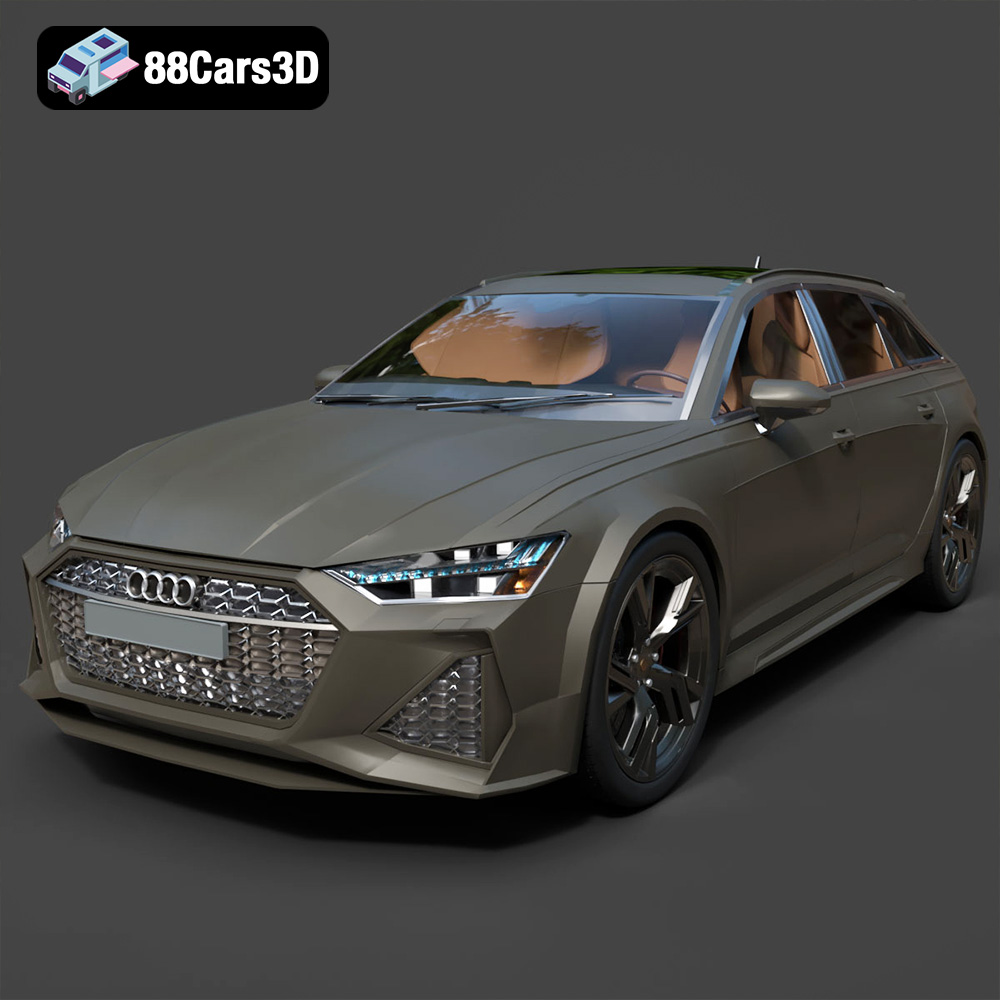
Texture: Yes | Material: Yes
Download the highly detailed, game-ready Audi RS6 3D Model. Features aggressive RS bodywork, detailed alloy wheels, and signature LED lighting. Includes .blend, .fbx, .obj, .glb, .stl, .ply, .unreal, and .max formats for game development, AR/VR, and rendering.
Price: $19.99

Texture: Yes | Material: Yes
Download the highly detailed, game-ready Toyota Camry 2018 3D Model. Features an aggressive aerodynamic body, distinct LED lighting signature, and precise interior detailing. Includes .blend, .fbx, .obj, .glb, .stl, .ply, .unreal, and .max formats for game development, AR/VR, and rendering.
Price: $19.99
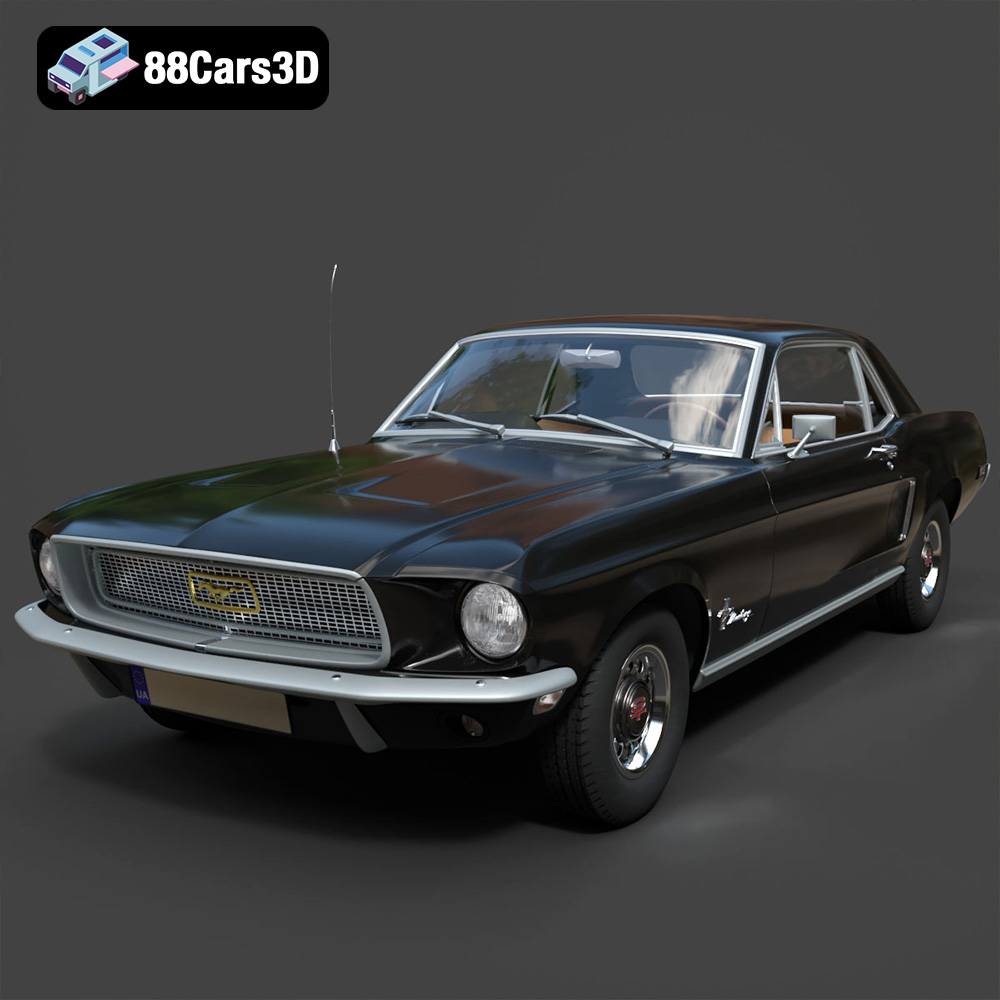
Texture: Yes | Material: Yes
Download the highly detailed, game-ready Ford Mustang Hardtop 1968 3D Model. Features the iconic galloping pony grille, signature tri-bar taillights, and an authentic vintage interior. Includes .blend, .fbx, .obj, .glb, .stl, .ply, .unreal, and .max formats for game development, AR/VR, and rendering.
Price: $19.99
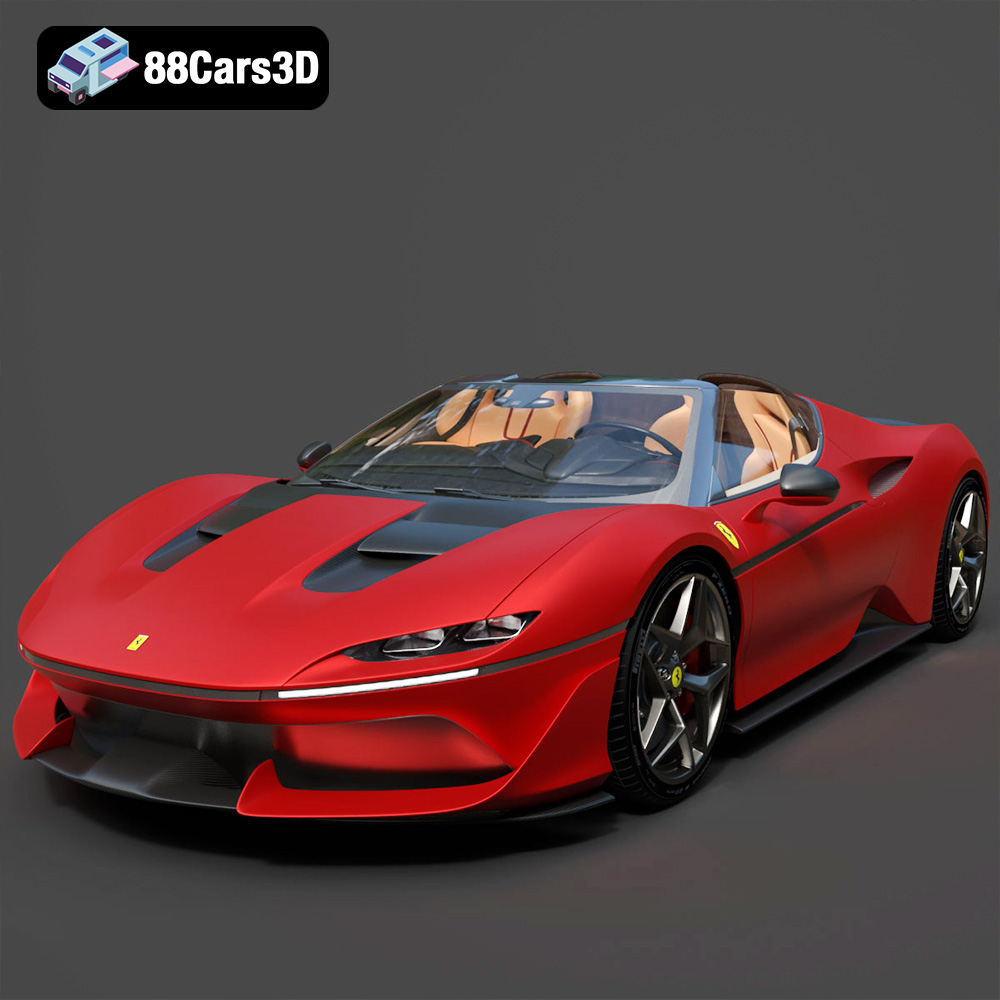
Texture: Yes | Material: Yes
Download the highly detailed, game-ready Ferrari J50 2017 3D Model. Features aggressive aerodynamic styling, twin-turbo V8 engine details, and targa top design. Includes .blend, .fbx, .obj, .glb, .stl, .ply, .unreal, and .max formats for game development, AR/VR, and rendering.
Price: $19.99
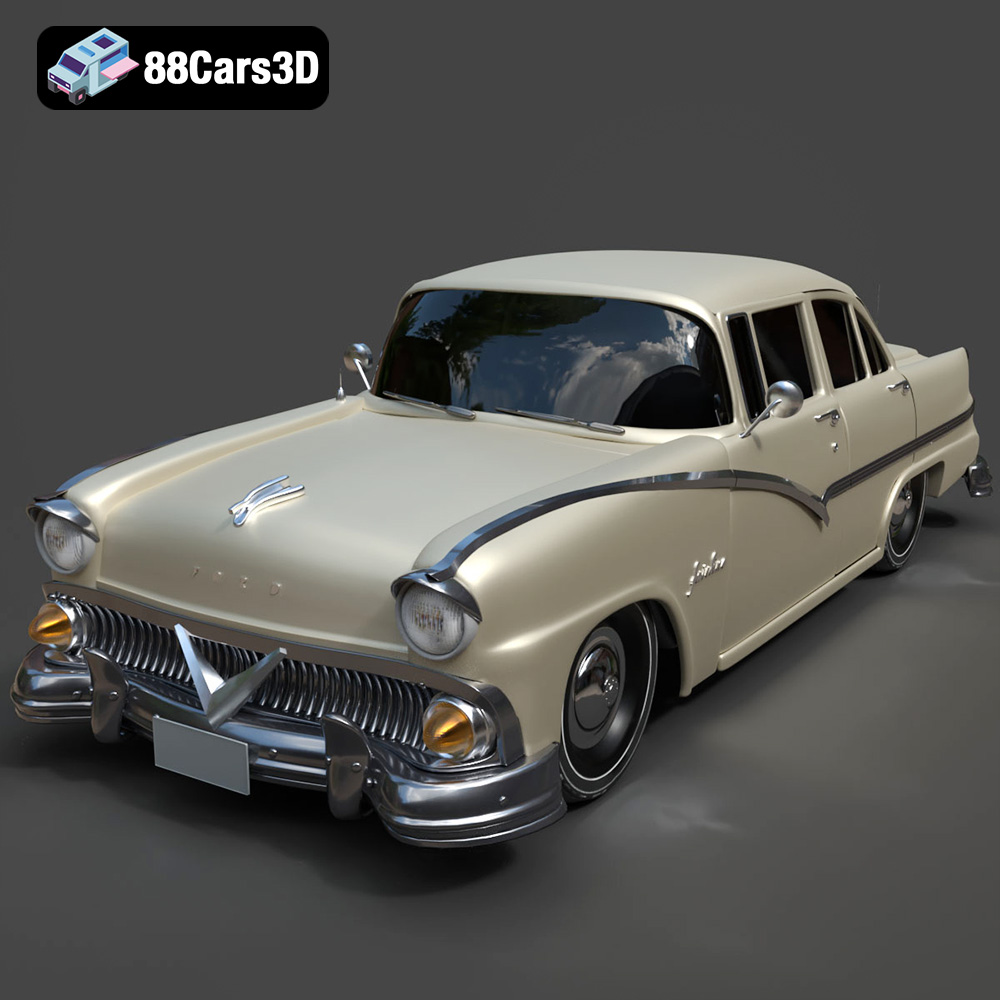
Texture: Yes | Material: Yes
Download the highly detailed, game-ready Ford Fairlin 3D Model. Features iconic classic styling, sweeping bodylines, and an accurate vintage interior. Includes .blend, .fbx, .obj, .glb, .stl, .ply, .unreal, and .max formats for game development, AR/VR, and rendering.
Price: $19.99
Texture: Yes | Material: Yes
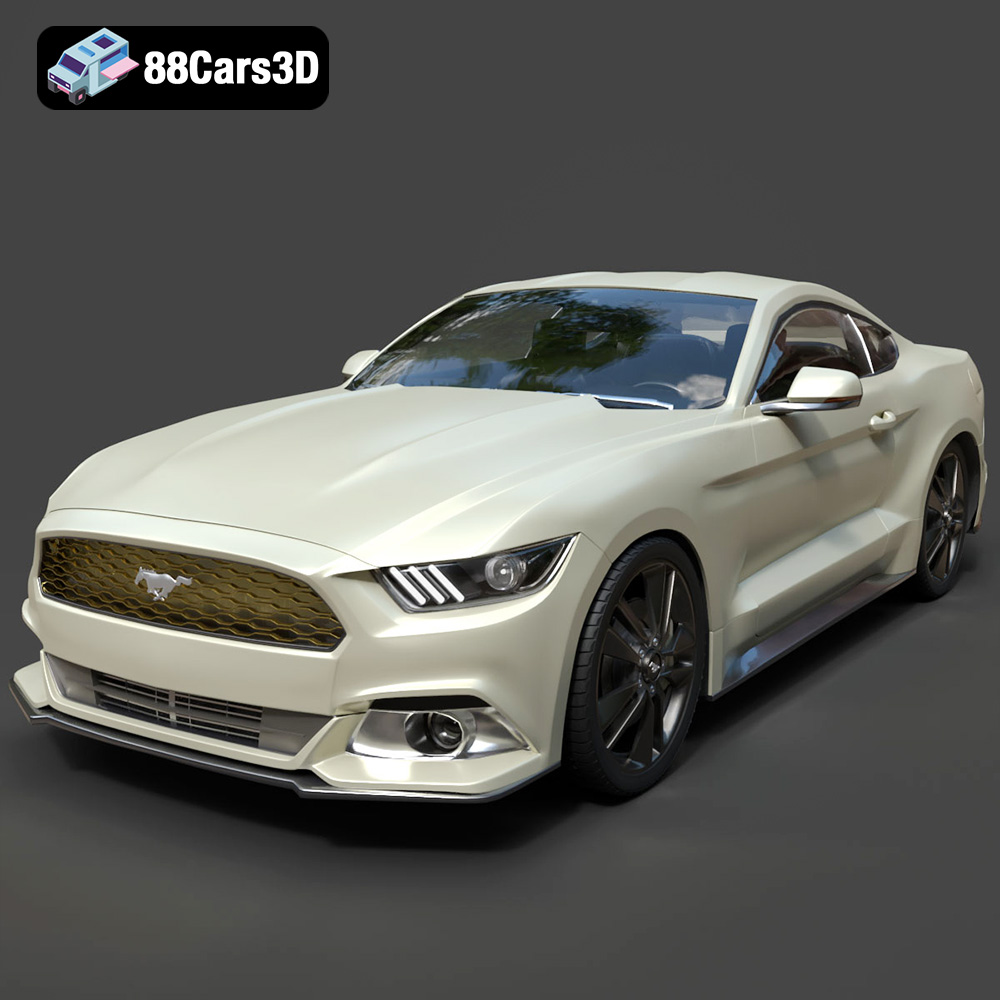
Download the highly detailed, game-ready Ford Mustang GT 3D Model. Features aggressive muscle car styling, a highly detailed V8 engine bay, and accurate interior cockpit. Includes .blend, .fbx, .obj, .glb, .stl, .ply, .unreal, and .max formats for game development, AR/VR, and rendering.
Price: $19.99

Texture: Yes | Material: Yes
Download the highly detailed, game-ready Renault Megane CC 2011 3D Model. Features an accurately modeled folding glass roof, sleek aerodynamic body lines, and a detailed interior. Includes .blend, .fbx, .obj, .glb, .stl, .ply, .unreal, and .max formats for game development, AR/VR, and rendering.
Price: $19.99

Texture: Yes | Material: Yes
Download the highly detailed, game-ready Ford GT 2005 3D Model. Features signature aerodynamic bodylines, mid-mounted supercharged V8 detailing, and iconic racing stripes. Includes .blend, .fbx, .obj, .glb, .stl, .ply, .unreal, and .max formats for game development, AR/VR, and rendering.
Price: $19.99

Texture: Yes | Material: Yes
Download the highly detailed, game-ready Yamaha YZF-R125 EU 3D Model. Features an aggressive aerodynamic fairing, twin LED headlights, and a detailed 125cc engine block. Includes .blend, .fbx, .obj, .glb, .stl, .ply, .unreal, and .max formats for game development, AR/VR, and rendering.
Price: $19.99

Texture: Yes | Material: Yes
Download the highly detailed, game-ready Yamaha R1 3D Model. Features aggressive aerodynamic fairings, a detailed crossplane inline-4 engine, and track-focused suspension geometry. Includes .blend, .fbx, .obj, .glb, .stl, .ply, .unreal, and .max formats for game development, AR/VR, and rendering.
Price: $19.99

