Get 20% OFF All Premium 3D & STL Models!

The Toyota Supra 2020’s revival sent shockwaves through the automotive world, and now you can bring this iconic sports car to life with the power of 3D printing. The availability of a detailed 3D model from sites like 88cars3d.com opens a world of possibilities, allowing enthusiasts to create their own miniature Supras for display, customization, or even integration into larger dioramas. This article will guide you through the process of 3D printing the Toyota Supra 2020 model, covering everything from selecting the right materials and settings to post-processing techniques for achieving a professional-looking finish.
The success of your 3D printed Supra hinges on selecting the appropriate printer and material. Both Fused Deposition Modeling (FDM) and Stereolithography (SLA) printers can produce excellent results, but each has its strengths and weaknesses.
FDM printers are generally more affordable and use a wider range of materials like PLA, PETG, and ABS. For the Supra, PLA is a good starting point due to its ease of use and biodegradability. PETG offers greater strength and heat resistance, which might be preferable if you plan to display your model in a warmer environment.
* **PLA Advantages:** Easy to print, wide availability, lower cost.
* **PETG Advantages:** Higher strength and heat resistance, good layer adhesion.
* **FDM Considerations:** Layer lines are more visible compared to SLA, potentially requiring more post-processing.
SLA printers, using resin, excel at producing highly detailed parts with smooth surfaces. This makes them ideal for capturing the Supra’s complex curves and intricate features like the headlights, taillights, and interior components.
* **Resin Advantages:** Superior detail, smooth surfaces, minimal layer lines.
* **Resin Considerations:** Resin printers tend to be more expensive, and resins can be brittle and require careful handling. Post-processing involves washing and curing the resin.
* **Recommended Resin:** Grey resin is a good all-around choice for painting, while clear resin can be used for translucent parts like headlights and taillights.
The Toyota Supra 2020 3D model is available in several file formats, each with its own characteristics and compatibility with different software and applications. Choosing the right format is essential for a smooth 3D printing workflow. Understanding the nuances of each file type ensures optimal model preparation and slicing.
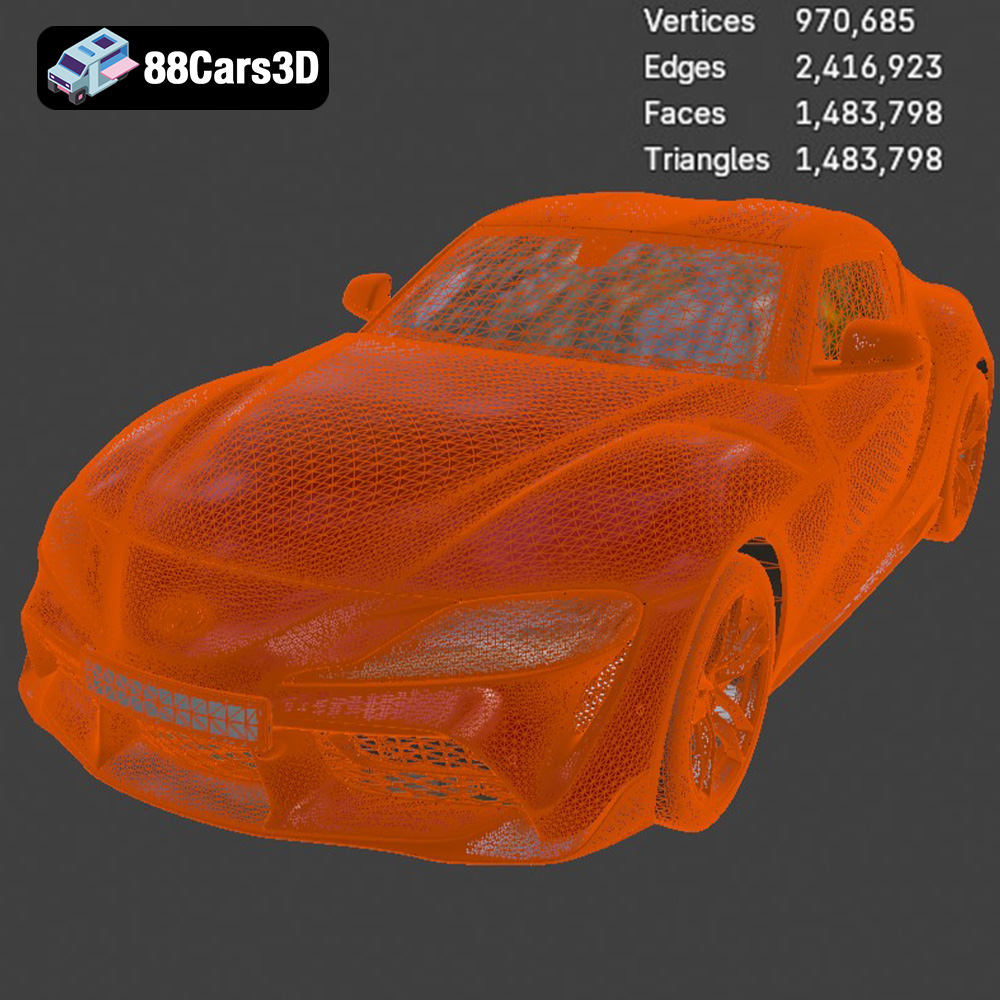
The .stl (Stereolithography) format is the most widely used file type in 3D printing. It represents the surface geometry of a 3D object as a collection of triangles. This simplicity makes it universally compatible with slicing software, which translates the 3D model into instructions for your 3D printer. The STL files available from 88cars3d.com are optimized for 3D printing, but it’s still crucial to check the mesh quality before printing. High triangle counts result in smoother surfaces but larger file sizes. Low triangle counts can lead to faceted surfaces, particularly on curved areas of the Supra. Slicing software can often repair minor errors in STL files, such as holes or non-manifold geometry. Always run a repair function before generating the G-code.
The .obj (Wavefront Object) format is another popular file type that, unlike STL, can store color and texture information. While this is beneficial for rendering and visualization, it’s not directly applicable to standard 3D printing unless you are using a multi-material printer. However, the OBJ file can be useful as a source for creating a texture map to use after painting the 3D printed model. It is also an option in most slicing software.
The .ply (Polygon File Format) is designed for storing 3D data acquired from 3D scanners. It’s capable of representing color, texture, and other properties. While less common than STL and OBJ in general 3D printing, it can be useful if you require a very high level of detail from a 3D scan.
The .blend format is the native file format for Blender, a free and open-source 3D creation suite. Having access to the .blend file allows you to fully customize the Toyota Supra 2020 model before 3D printing. You can modify the geometry, add details, separate parts, or even create custom variants. The Blender file gives you maximum flexibility, assuming you have some familiarity with Blender.
The .fbx (Filmbox) format is often used for exchanging 3D models between different software packages. It supports animations, textures, and materials, making it suitable for game development and animation workflows. While not directly used for 3D printing, you might import the FBX into a 3D modeling program to prepare the model for printing.
The .glb (GL Transmission Format Binary) is a binary file format that represents 3D models in a compact and efficient way. It’s commonly used for displaying 3D models on the web and in augmented reality (AR) applications. While not directly used for 3D printing, GLB files allow you to preview the model on your phone or tablet to ensure it is the right size and look before going through the effort of printing it.
The .max format is the native file format for Autodesk 3ds Max, a professional 3D modeling, animation, and rendering software. Similar to .blend for Blender, having access to the .max file gives you extensive control over the model’s geometry and materials. This allows for advanced customization and preparation for 3D printing.
Once you’ve chosen your printer and material, the next step is to prepare the 3D model for printing. This involves using slicing software to convert the 3D model into a series of instructions (G-code) that the printer can understand. Popular slicing software options include Cura, Simplify3D, and PrusaSlicer.
The orientation of the model on the print bed significantly affects print quality and the need for support structures. For the Toyota Supra 2020, printing the body at an angle (approximately 45 degrees) can reduce the number of supports required, especially for overhanging areas like the rear spoiler and side mirrors.
* **Support Strategies:** Use tree supports or lightweight linear supports to minimize material usage and simplify removal. Focus supports on areas that are prone to sagging, such as the underside of the car body.
* **Rafts and Brims:** Consider using a raft or brim for improved adhesion, especially if you are printing with ABS or have a print bed that is not perfectly level.
Fine-tuning the slicing parameters is critical for achieving the desired level of detail and strength.
* **Layer Height:** Use a layer height of 0.1mm to 0.15mm for FDM printing to balance detail and print time. For resin printing, a layer height of 0.05mm or lower is recommended for exceptional detail.
* **Infill Density:** An infill density of 15-25% is generally sufficient for structural integrity. Consider increasing the infill density to 30-40% for areas that will experience stress, such as the wheel axles.
* **Print Speed:** A slower print speed (e.g., 40-50mm/s for FDM) can improve layer adhesion and reduce the risk of warping, especially for larger parts.
* **Wall Thickness:** A wall thickness of 1.2mm to 1.6mm (3-4 perimeters) provides adequate strength and helps conceal the infill pattern.
The Toyota Supra 2020 model is best printed in several parts to allow for optimal orientation and minimize support usage. Consider printing the body, wheels, and interior components separately.
The body shell is the largest and most complex part. As mentioned earlier, printing it at an angle reduces the need for supports. Pay close attention to the first layer adhesion to prevent warping.
* **Material:** PLA or PETG for FDM, standard resin for SLA.
* **Orientation:** 45-degree angle.
* **Supports:** Tree supports or lightweight linear supports.
The wheels and tires can be printed separately for a more realistic look. Use a flexible filament like TPU for the tires if you want them to have a rubbery feel.
* **Material:** PLA or PETG for the wheels, TPU for the tires (optional).
* **Orientation:** Wheels printed upright, tires printed flat.
* **Supports:** Minimal supports required.
The interior components, such as the seats, dashboard, and steering wheel, can be printed with high detail using resin or a fine layer height on an FDM printer.
* **Material:** Resin for maximum detail, PLA for cost-effectiveness.
* **Orientation:** Varies depending on the part geometry.
* **Supports:** Carefully placed supports to minimize damage to the surface finish.
Post-processing is essential for achieving a professional-looking finish on your 3D printed Toyota Supra 2020.
Carefully remove the support structures using pliers or a sharp knife. Sand the surface of the model to smooth out any imperfections and layer lines. Start with a coarse grit sandpaper (e.g., 220 grit) and gradually move to finer grits (e.g., 400, 600, 800 grit) for a smooth finish.
* **Wet Sanding:** Wet sanding can help reduce dust and improve the smoothness of the surface.
* **Sanding Tools:** Use sanding blocks or sponges for even pressure and to avoid creating flat spots.
Apply a primer coat to the model to create a smooth surface for painting. Use multiple thin coats of primer for best results. Once the primer is dry, sand it lightly with fine-grit sandpaper. Then, apply your chosen paint colors. Automotive spray paints are a good option for achieving a realistic finish.
* **Color Matching:** Research the original Toyota Supra 2020 paint colors for an authentic look.
* **Clear Coat:** Apply a clear coat to protect the paint and add a glossy finish.
Once all the parts are painted and finished, carefully assemble the model using glue or screws.
* **Adhesive Selection:** Use a glue that is compatible with the material you printed with (e.g., cyanoacrylate for PLA, epoxy for resin).
* **Alignment:** Ensure that all the parts are properly aligned before the glue sets.
Even with careful preparation, you might encounter some challenges during the 3D printing process. Here are some common issues and their solutions:
* **Warping:** Ensure the print bed is properly leveled and use a raft or brim for improved adhesion. Increase the bed temperature if necessary.
* **Layer Delamination:** Increase the print temperature and reduce the print speed. Ensure that the filament is dry and free of moisture.
* **Stringing:** Reduce the retraction distance and speed. Ensure that the nozzle temperature is not too high.
* **Support Failure:** Increase the support density and thickness. Ensure that the supports are properly anchored to the print bed.
The print time and material costs will vary depending on the size of the model, the printer settings, and the material used. A typical 1:24 scale Toyota Supra 2020 model can take anywhere from 10 to 30 hours to print, depending on the complexity and infill. The material cost can range from $5 to $20, depending on the material and the amount used.
With patience, careful planning, and attention to detail, you can 3D print a stunning replica of the Toyota Supra 2020. Websites like 88cars3d.com provide high-quality STL files that make the process easier and more rewarding. So, fire up your 3D printer and unleash the legend!
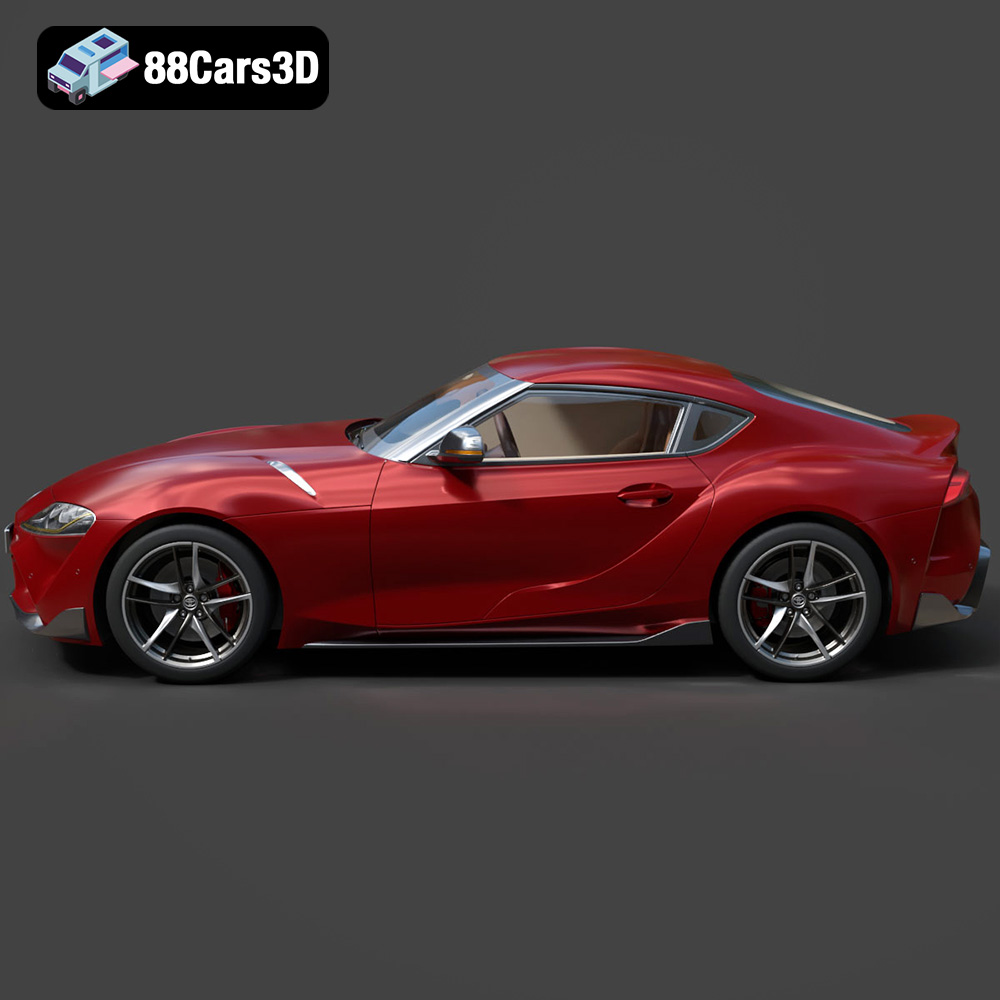
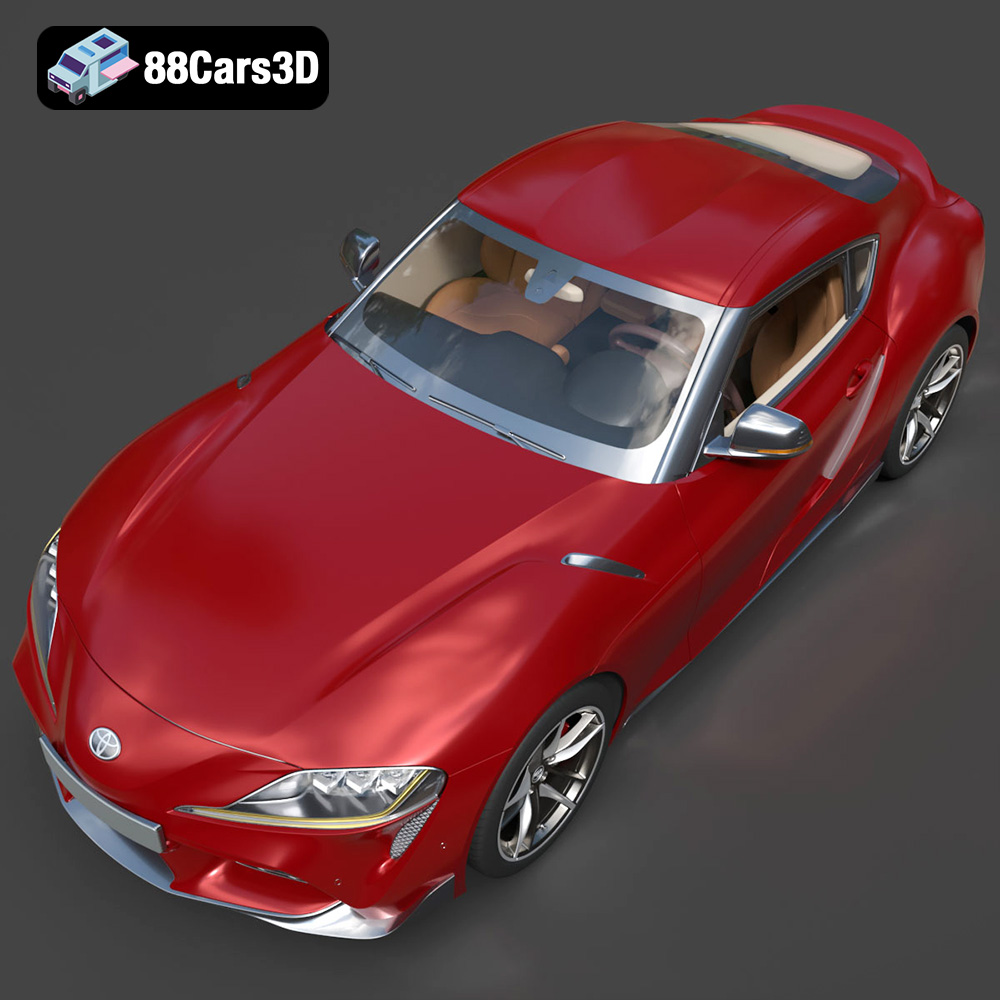
The Toyota Supra 2020 marks the triumphant return of a legendary sports car icon. Fusing a rich heritage with modern engineering, this masterpiece boasts an aggressive aerodynamic profile, signature double-bubble roof, and a meticulously detailed B58 3.0L turbocharged inline-six engine bay. Every curve, from the striking LED headlight clusters to the prominent rear lip spoiler and dual-branch exhaust system, has been faithfully recreated to capture its powerful stance and dynamic aesthetics.
$39.99
.blend
.coupe
.fbx
.glb
.jdm
.max
.obj
.ply
.rendering
.sports car
.stl
.toyota
.unreal
car-3d-model
game asset
game-ready
low-poly
optimized
supra-2020
VR/AR