Get 20% OFF All Premium 3D & STL Models!

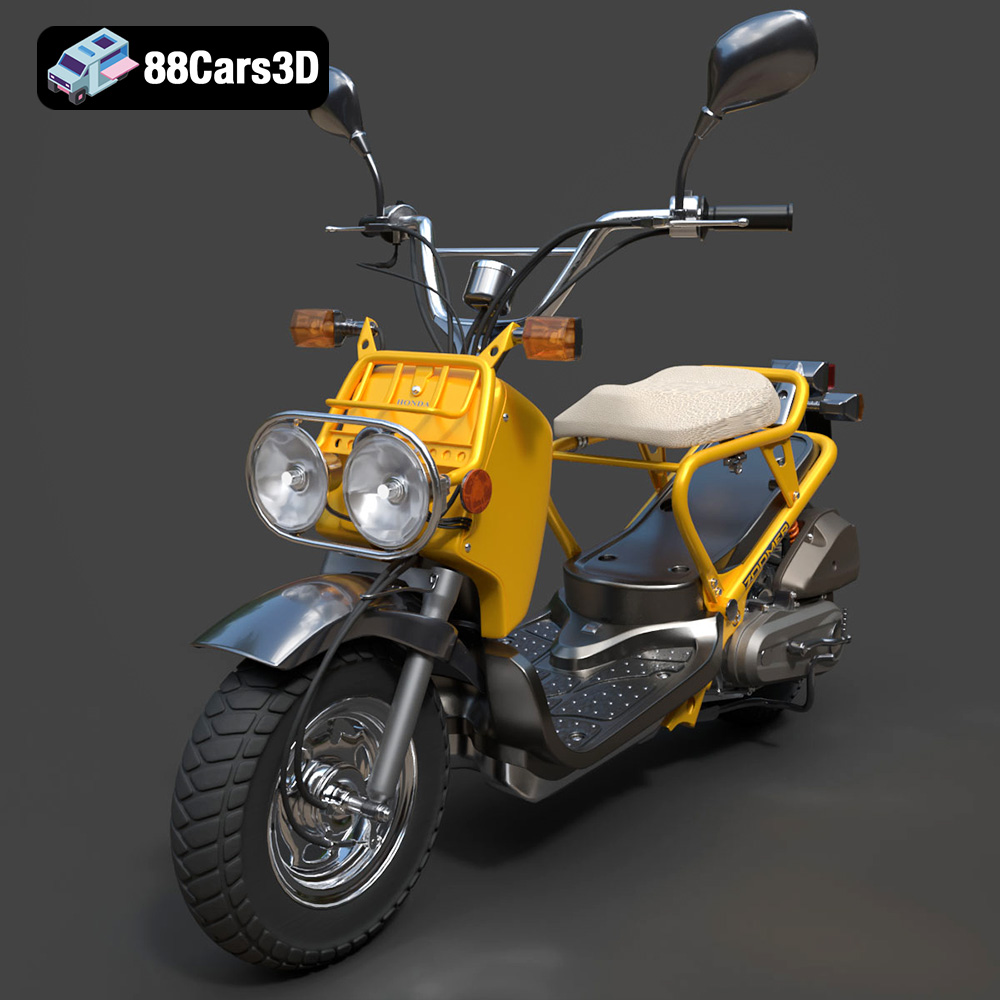
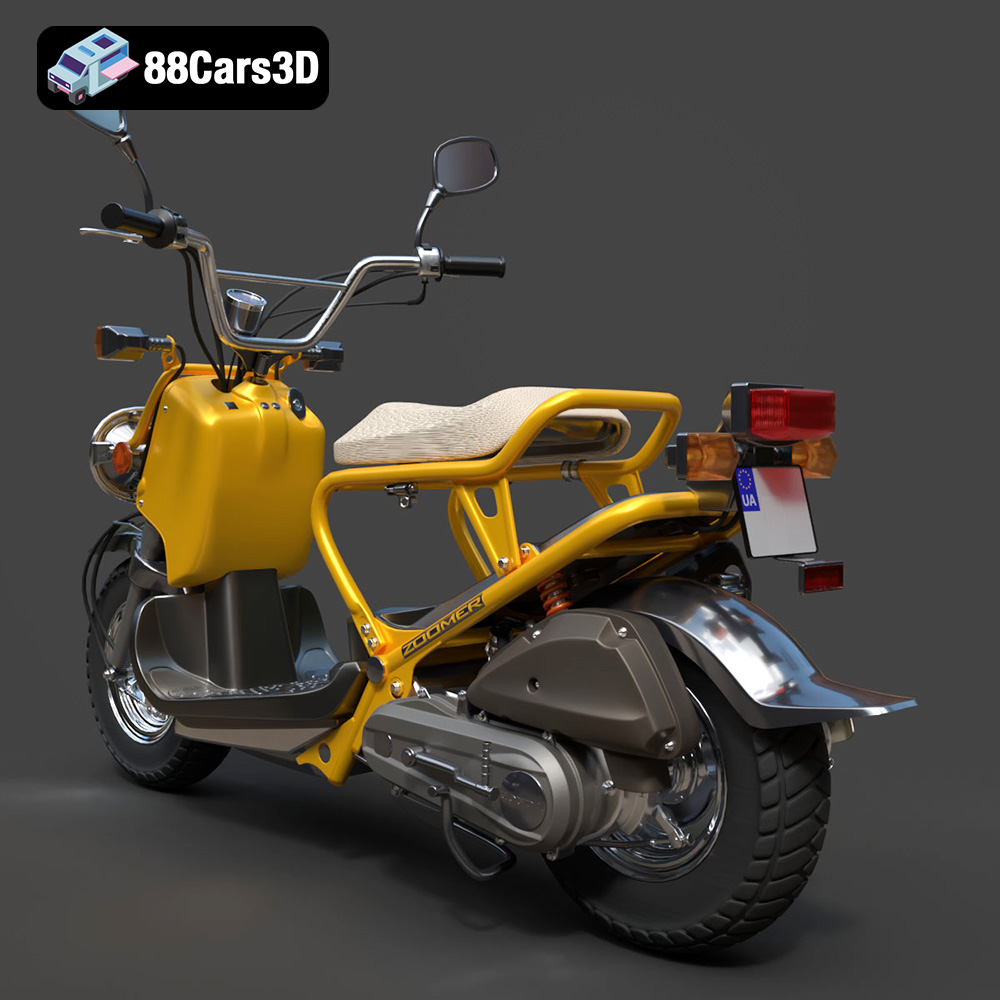
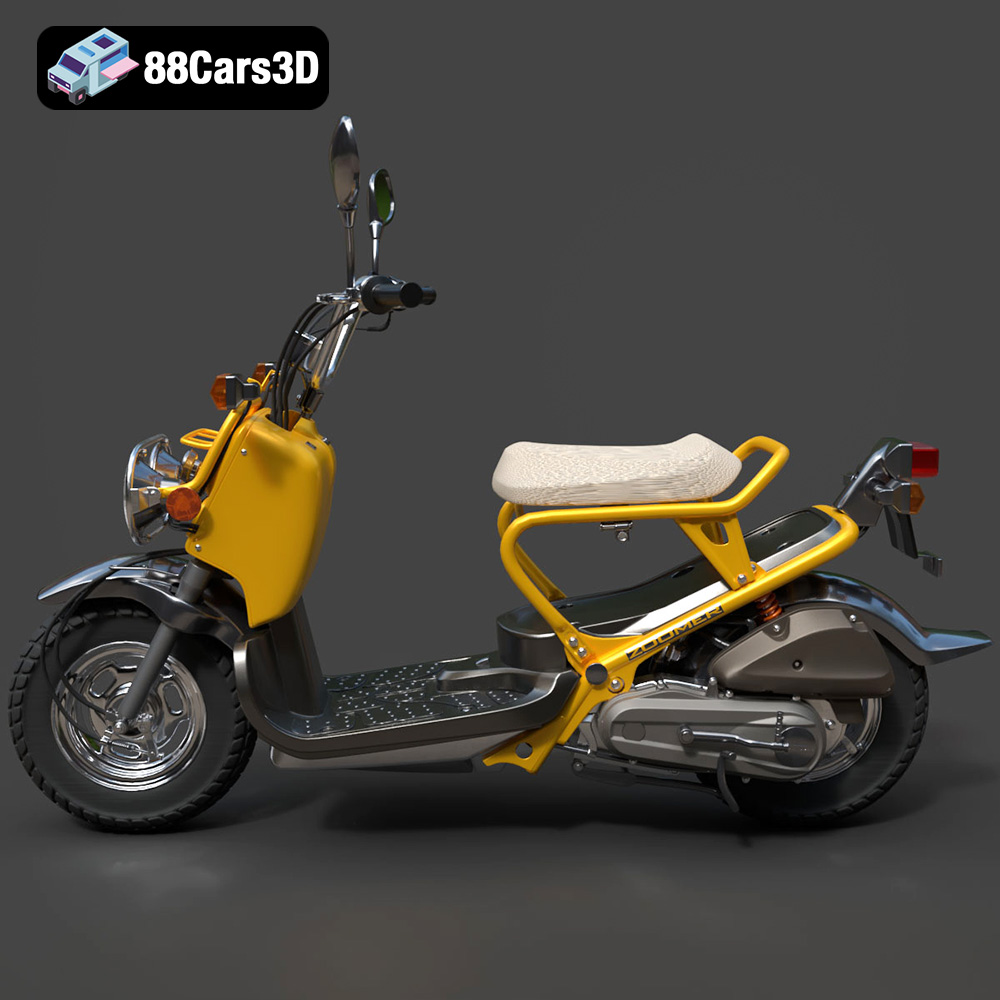
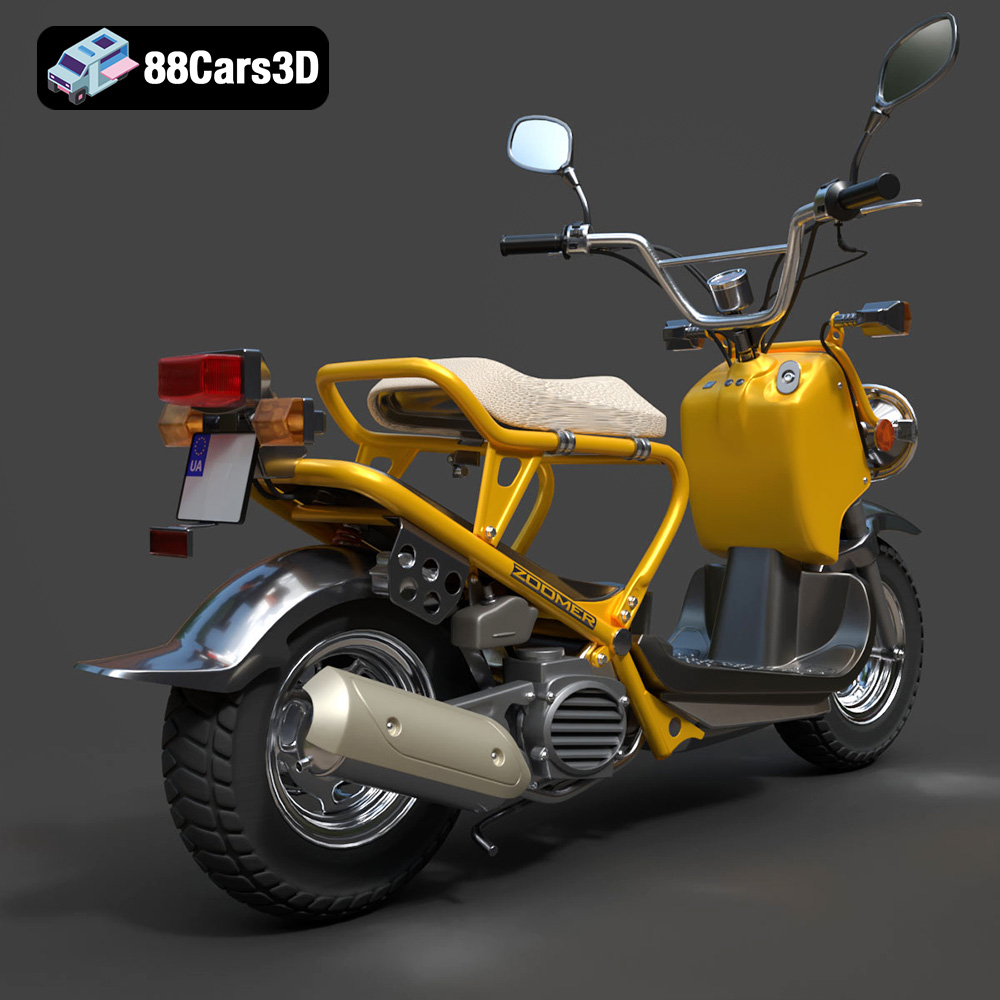
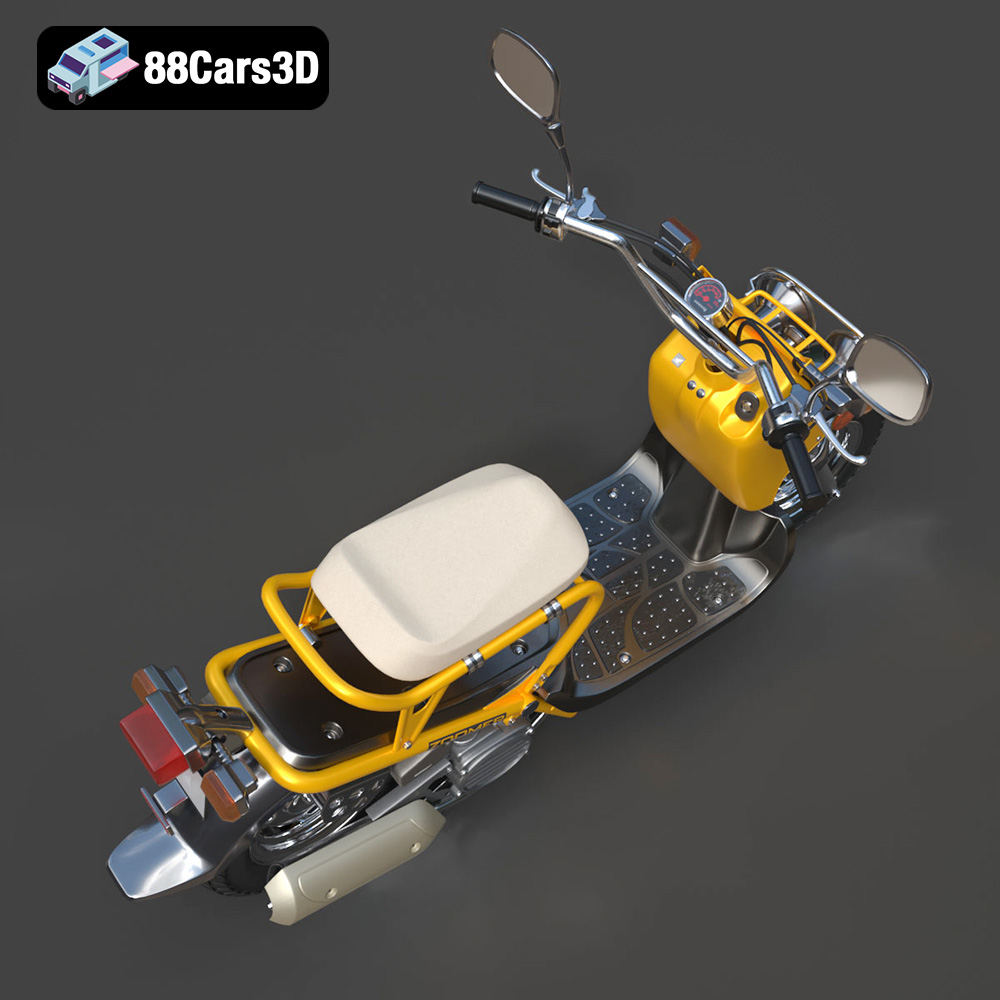
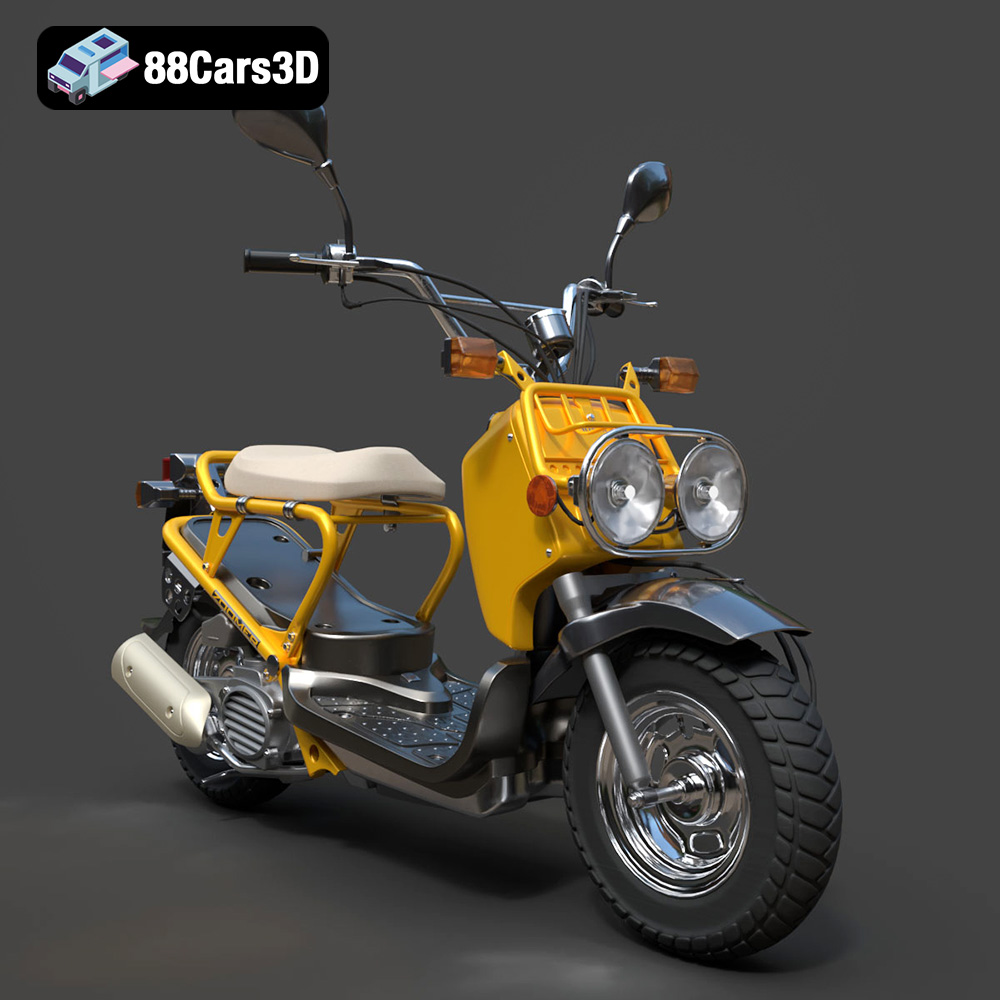
The Honda Zoomer 50 2005 is an iconic scooter known for its distinctive, rugged design. Bringing this scooter to life through 3D printing offers a fantastic project for enthusiasts and model makers. Whether you’re aiming for a detailed replica for display, a component for a larger diorama, or simply a fun build, this guide provides a comprehensive overview of 3D printing the Honda Zoomer 50 2005 3D model available from 88cars3d.com. We’ll cover everything from preparing the STL files to post-processing techniques, ensuring a successful and satisfying 3D printing experience.
Choosing the right file format is crucial for a successful 3D printing project. While several formats exist, each has strengths and weaknesses that can affect the final outcome. Let’s delve into the details of common 3D model file formats and their suitability for printing the Honda Zoomer 50 2005.
The STL (Stereolithography) file format is the workhorse of 3D printing. It represents the surface geometry of a 3D object as a collection of triangles. This simplicity makes it universally compatible with slicing software and 3D printers. The STL format is the primary format you’ll be using for printing the Honda Zoomer 50 2005 from 88cars3d.com.
* **Benefits:** Widespread compatibility, simple structure, relatively small file size.
* **Drawbacks:** Doesn’t store color, texture, or material information; represents curves as faceted approximations; can be inefficient for complex geometries.
* **Slicing Software Compatibility:** All slicing software packages, such as Cura, Simplify3D, PrusaSlicer, and others, fully support the STL format.
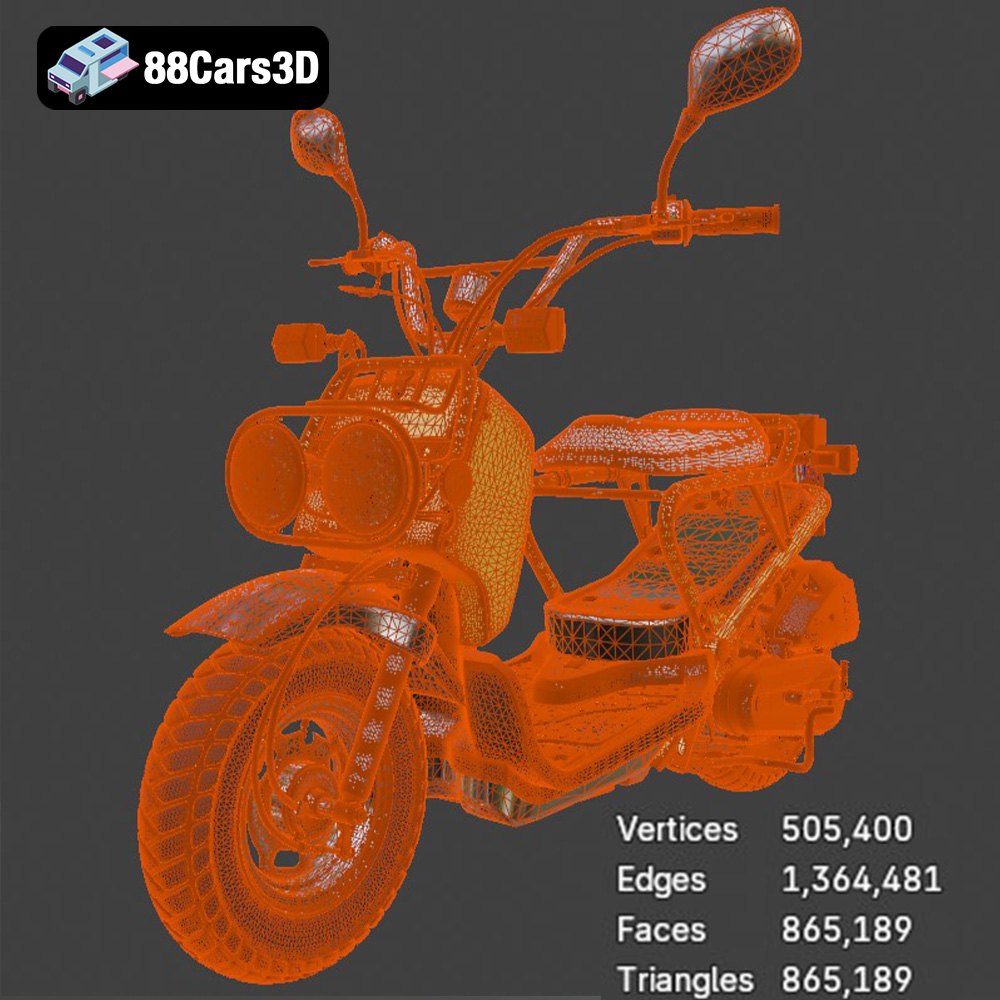
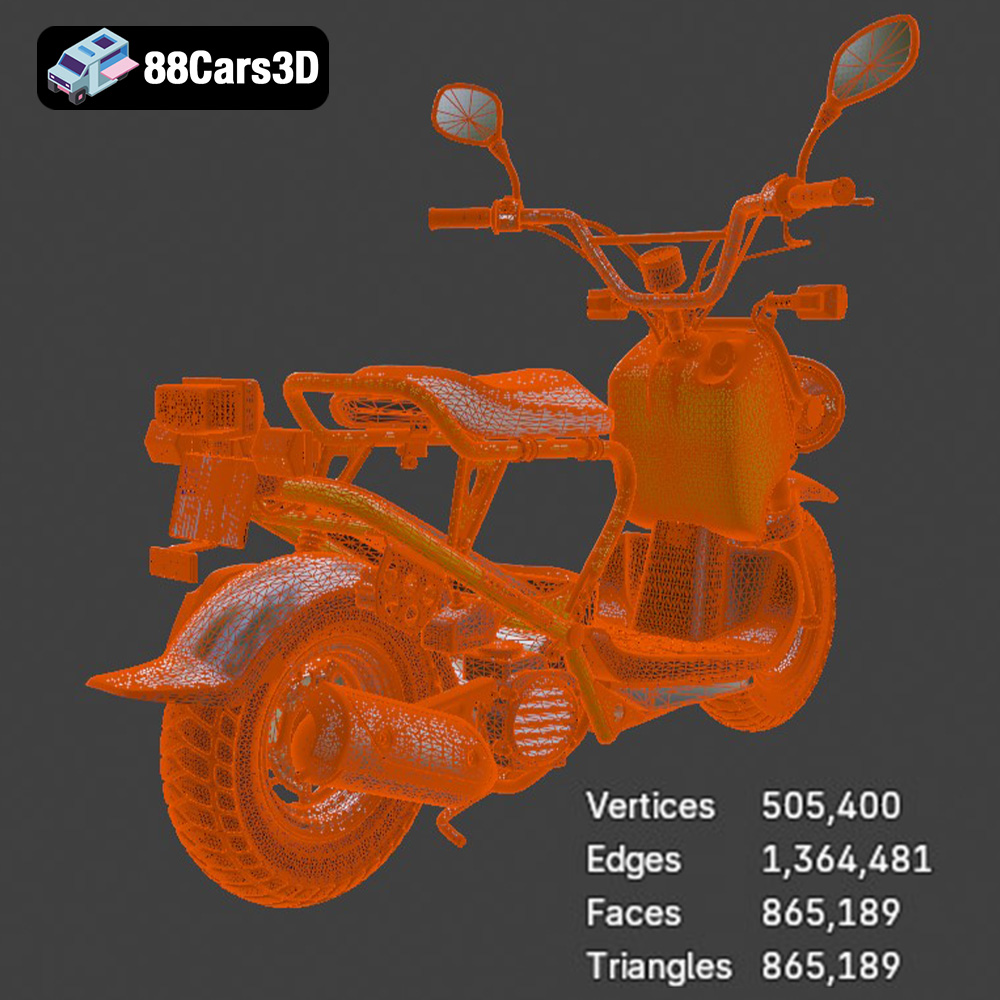
* **Mesh Quality:** The quality of the STL file directly impacts the printed model. High-resolution STL files have more triangles, resulting in smoother surfaces and finer details. However, this comes at the cost of increased file size and potentially longer slicing times. For the Honda Zoomer 50, ensure the STL file has sufficient resolution to capture the details of the body panels, wheels, and frame. Aim for a balance between detail and file size to avoid overwhelming your slicing software.
The OBJ (Wavefront Object) format is another popular format that, unlike STL, can store color and texture information. This is particularly useful if you plan on creating a multi-colored 3D print or want to visualize the model with realistic textures in your slicing software.
* **Benefits:** Supports color and texture data, widely compatible.
* **Drawbacks:** Can be larger in file size than STL, less optimized for 3D printing than STL.
* **Slicing Software Compatibility:** Most slicing software supports OBJ, but some may require additional plugins or configurations to handle texture information correctly.
* **Mesh Quality:** Similar to STL, the mesh quality in an OBJ file impacts the final print. Higher polygon counts result in smoother surfaces.
PLY (Polygon File Format) is designed to store 3D data acquired from 3D scanners. It supports color, texture, and other properties, and is often used for representing complex, high-detail models.
* **Benefits:** Excellent for storing scanned data, supports various properties.
* **Drawbacks:** Less common in 3D printing than STL or OBJ, can result in large file sizes.
* **Slicing Software Compatibility:** Compatibility varies; some specialized slicing software supports PLY, but it’s not as universally supported as STL.
The .blend format is the native file format for Blender, a free and open-source 3D creation suite. This format contains the entire Blender scene, including the model, materials, lighting, and animation data. If you intend to modify the Honda Zoomer 50 2005 model before printing, the .blend file is invaluable.
* **Benefits:** Fully editable model, access to all modeling tools and features in Blender.
* **Drawbacks:** Requires Blender software, not directly printable; requires export to STL or other printable format.
* **Slicing Software Compatibility:** Not directly compatible. Export to STL after making necessary modifications in Blender.
FBX (Filmbox) is a proprietary file format developed by Autodesk, primarily used for exchanging data between 3D applications. It supports animations, textures, and materials, making it suitable for game development and film.
* **Benefits:** Supports animations and complex scenes, useful for transferring assets between different software packages.
* **Drawbacks:** Can be complex, not always optimized for 3D printing, focus on animation and visual effects, not physical prototypes.
* **Slicing Software Compatibility:** Some advanced slicing software can import FBX files, but direct printing is rare. Typically used to extract the mesh data and export to STL.
GLB (GL Transmission Format Binary) is a binary file format representing 3D models, primarily designed for efficient transmission and loading in web and mobile applications. It is widely used for AR/VR applications.
* **Benefits:** Optimized for real-time rendering, ideal for AR/VR previews.
* **Drawbacks:** Not directly printable, optimized for display, not for physical manufacturing.
* **Slicing Software Compatibility:** Not compatible with slicing software.
The .max format is the native file format for Autodesk 3ds Max, a professional 3D modeling, animation, and rendering software. Similar to the .blend format for Blender, the .max format contains the complete scene setup including the model, textures, lighting, and other scene-specific data.
* **Benefits:** Allows for full editing capabilities within 3ds Max.
* **Drawbacks:** Requires 3ds Max software, not directly printable; model needs to be exported in a printable format such as .STL.
* **Slicing Software Compatibility:** Slicing software cannot directly read .max files.
For 3D printing the Honda Zoomer 50 2005, the **STL file is the most suitable choice.** Ensure you have a high-quality STL file to maximize the detail and accuracy of your 3D print. If you need to make modifications, use the .blend file (if available), edit the model in Blender, and then export it as an STL for printing.
Before sending the Honda Zoomer 50 2005 model to your 3D printer, proper preparation is essential. This involves using slicing software to convert the 3D model into machine-readable instructions and optimizing the model for printability.
Choosing the right slicing software is crucial. Popular options include Cura, Simplify3D, PrusaSlicer, and others. Each offers a range of settings to control the printing process.
* **Layer Height:** A lower layer height (e.g., 0.1mm) produces smoother surfaces and finer details, ideal for the Honda Zoomer 50’s intricate body panels. However, it increases print time. A layer height of 0.15mm to 0.2mm offers a good balance between detail and speed.
* **Infill Density:** Infill affects the internal strength and weight of the model. For a display model, a 15-20% infill is usually sufficient. For functional parts or models requiring more strength, consider increasing the infill density to 40-50%. Gyroid or cubic infill patterns provide a good balance between strength and material usage.
* **Print Speed:** A moderate print speed (40-60 mm/s) is recommended for the Honda Zoomer 50 to maintain detail and prevent print failures. Reduce speed for intricate sections.
* **Support Structures:** The Honda Zoomer 50 has several overhanging parts, such as the seat and parts of the frame. Enable support structures in your slicing software to prevent these areas from collapsing during printing. Consider using tree supports or customizable supports for easier removal and minimal scarring.
* **Adhesion:** Ensure the first layer adheres firmly to the build plate by using a brim or raft. This is especially important for models with small contact areas.
* **Temperature:** Adjust the nozzle and bed temperature according to your chosen material (see material recommendations below).
Before slicing, inspect the STL file for errors such as non-manifold geometry or inverted faces. Software like Meshmixer or Netfabb can repair these issues, ensuring a successful print.
* **Mesh Analysis:** Use the analysis tools in Meshmixer or your slicing software to identify and repair any mesh errors.
* **Orientation:** Optimize the model’s orientation on the build plate to minimize the need for support structures and maximize print quality. Consider printing the model with the largest flat surface on the build plate.
* **Scaling:** Adjust the model’s scale to your desired size. Be mindful of the printer’s build volume. Ensure that fine details are still printable at the chosen scale.
The choice of material greatly influences the final appearance, strength, and durability of your 3D printed Honda Zoomer 50 2005 model. Here’s an overview of suitable materials and their properties:
PLA is a biodegradable thermoplastic derived from renewable resources. It’s easy to print, making it an excellent choice for beginners.
* **Pros:** Easy to print, low warping, wide range of colors, smooth surface finish.
* **Cons:** Lower heat resistance, less durable than other materials, can be brittle.
* **Recommended Settings:** Nozzle temperature: 200-220°C, Bed temperature: 60°C, Print speed: 40-60 mm/s.
* **Suitable for:** Display models, non-functional prototypes.
PETG combines the ease of printing of PLA with improved strength and durability. It’s a good all-around material for 3D printing.
* **Pros:** Good strength and flexibility, higher heat resistance than PLA, good layer adhesion.
* **Cons:** Can be stringy, requires higher printing temperatures, can be more prone to warping than PLA.
* **Recommended Settings:** Nozzle temperature: 230-250°C, Bed temperature: 70-80°C, Print speed: 40-50 mm/s.
* **Suitable for:** Parts requiring moderate strength and durability, functional prototypes.
Resin 3D printing (SLA/DLP) offers exceptional detail and smooth surfaces, making it ideal for intricate models like the Honda Zoomer 50 2005.
* **Pros:** High detail, smooth surface finish, excellent for small parts.
* **Cons:** More expensive than FDM printing, requires post-processing (washing and curing), resins can be brittle, more complex printing process.
* **Recommended Settings:** Follow the resin manufacturer’s guidelines for exposure time, layer height, and other settings.
* **Suitable for:** Highly detailed models, miniatures, parts requiring smooth surfaces.
ABS is a strong and durable thermoplastic commonly used in injection molding. It offers good heat resistance and impact strength but can be more challenging to print than PLA or PETG.
* **Pros:** High strength and durability, good heat resistance, good impact resistance.
* **Cons:** Prone to warping, requires a heated bed, emits fumes during printing.
* **Recommended Settings:** Nozzle temperature: 230-250°C, Bed temperature: 80-110°C, Print speed: 40-50 mm/s.
* **Suitable for:** Functional parts requiring high strength and heat resistance.
For the Honda Zoomer 50 2005, **PETG is an excellent choice for FDM printing**, offering a good balance of strength, durability, and ease of printing. **If you prioritize detail and surface finish, consider using resin printing**.
Achieving a successful 3D print depends on fine-tuning your printer settings. Here’s a detailed breakdown of recommended settings for the Honda Zoomer 50 2005, along with estimates for print time and material costs.
* **Layer Height:** 0.15mm
* **Infill Density:** 20% (Gyroid pattern)
* **Print Speed:** 50 mm/s (adjust as needed for intricate areas)
* **Nozzle Temperature:** 240°C
* **Bed Temperature:** 75°C
* **Support Structures:** Enabled (Tree supports recommended)
* **Adhesion:** Brim (5mm width)
* **Retraction Distance:** 6mm
* **Retraction Speed:** 40 mm/s
* **Cooling:** 50% fan speed (adjust as needed)
* **Layer Height:** 0.05mm
* **Bottom Layer Count:** 6
* **Exposure Time:** Based on resin manufacturer’s recommendations (e.g., 6-8 seconds)
* **Bottom Exposure Time:** Based on resin manufacturer’s recommendations (e.g., 40-60 seconds)
* **Lifting Speed:** 60 mm/min
* **Retract Speed:** 150 mm/min
* **FDM Printing (PETG):**
* Estimated Print Time: 15-25 hours (depending on size and complexity)
* Estimated Material Cost: $10-20 (depending on filament price)
* **Resin Printing:**
* Estimated Print Time: 8-15 hours (depending on size and complexity)
* Estimated Material Cost: $20-30 (depending on resin price)
These are estimates and can vary depending on your printer, settings, and the specific model complexity. Always monitor the first few layers of your print to ensure proper adhesion and adjust settings as needed.
Once the 3D printing process is complete, post-processing enhances the final appearance and functionality of your Honda Zoomer 50 2005 model.
* **Support Removal:** Carefully remove support structures using pliers, tweezers, or a sharp knife. Take care not to damage the model’s surface.
* **Sanding:** Start with coarse-grit sandpaper (e.g., 220-grit) to remove any remaining support marks or imperfections. Gradually move to finer grits (e.g., 400-grit, 600-grit, 800-grit) to achieve a smooth surface. Wet sanding can further refine the surface finish.
* **Priming:** Apply a primer to the model to create a uniform surface for painting. Use multiple thin coats to avoid runs or drips.
* **Painting:** Choose paints suitable for your chosen material (acrylics for PLA/PETG, model paints for resin). Apply thin coats of paint using an airbrush or fine-tipped brushes.
* **Detailing:** Add details such as panel lines, lights, and badges using fine-tipped markers or paintbrushes.
* **Clear Coating:** Apply a clear coat to protect the paint and add a glossy or matte finish.
The Honda Zoomer 50 2005 model from 88cars3d.com may consist of multiple parts that need to be assembled.
* **Dry Fitting:** Before applying glue, dry fit the parts to ensure proper alignment.
* **Gluing:** Use a suitable adhesive (e.g., super glue, epoxy) to join the parts. Apply a small amount of glue to the joining surfaces and hold the parts together until the glue sets.
* **Filling Gaps:** If there are any gaps between the parts, fill them with putty or filler. Sand smooth and repaint as needed.
Even with careful preparation, you may encounter issues during the 3D printing process. Here are some common problems and their solutions:
* **Problem:** The corners of the model lift off the build plate.
* **Solutions:**
* Ensure the bed is properly leveled.
* Increase bed adhesion using a brim or raft.
* Increase bed temperature.
* Reduce print speed for the first few layers.
* Use an enclosure to maintain a consistent temperature around the print.
* **Problem:** Thin strands of filament appear between different parts of the model.
* **Solutions:**
* Increase retraction distance and speed.
* Lower nozzle temperature.
* Increase travel speed.
* Ensure the filament is dry.
* **Problem:** Layers are misaligned, resulting in a “shifted” print.
* **Solutions:**
* Check belt tension and tighten if necessary.
* Reduce print speed.
* Ensure the printer is stable and not subject to vibrations.
* Check the stepper motor drivers for overheating.
* **Problem:** The first layer doesn’t stick to the build plate.
* **Solutions:**
* Level the bed properly.
* Clean the build plate with isopropyl alcohol.
* Increase bed temperature.
* Use a bed adhesive (e.g., hairspray, glue stick).
* Adjust the Z-offset.
By carefully addressing these potential issues, you can improve the success rate and quality of your 3D prints of the Honda Zoomer 50 2005.
3D printing the Honda Zoomer 50 2005 model from 88cars3d.com offers a rewarding and challenging project. By understanding the nuances of file formats, carefully preparing your model with appropriate slicing software settings, selecting the right materials, and mastering post-processing techniques, you can create a stunning replica of this iconic scooter. Remember to troubleshoot common issues and adjust your settings as needed. With patience and attention to detail, you can bring the Honda Zoomer 50 2005 to life in a tangible and impressive way. Happy printing!
Discover the realistic Honda Zoomer 50 2005 3D Model, meticulously crafted to represent the iconic rugged scooter. This model delivers unparalleled precision, making it an excellent choice for detailed visualizations and dynamic projects.
$39.99
.arvr
.blend
.car3dmodel
.fbx
.gameasset
.glb
.honda
.max
.moped
.motorcycle
.obj
.ply
.rendering
.scooter
.simulation
.stl
.unreal
.zoomer50