Get 20% OFF All Premium 3D & STL Models!

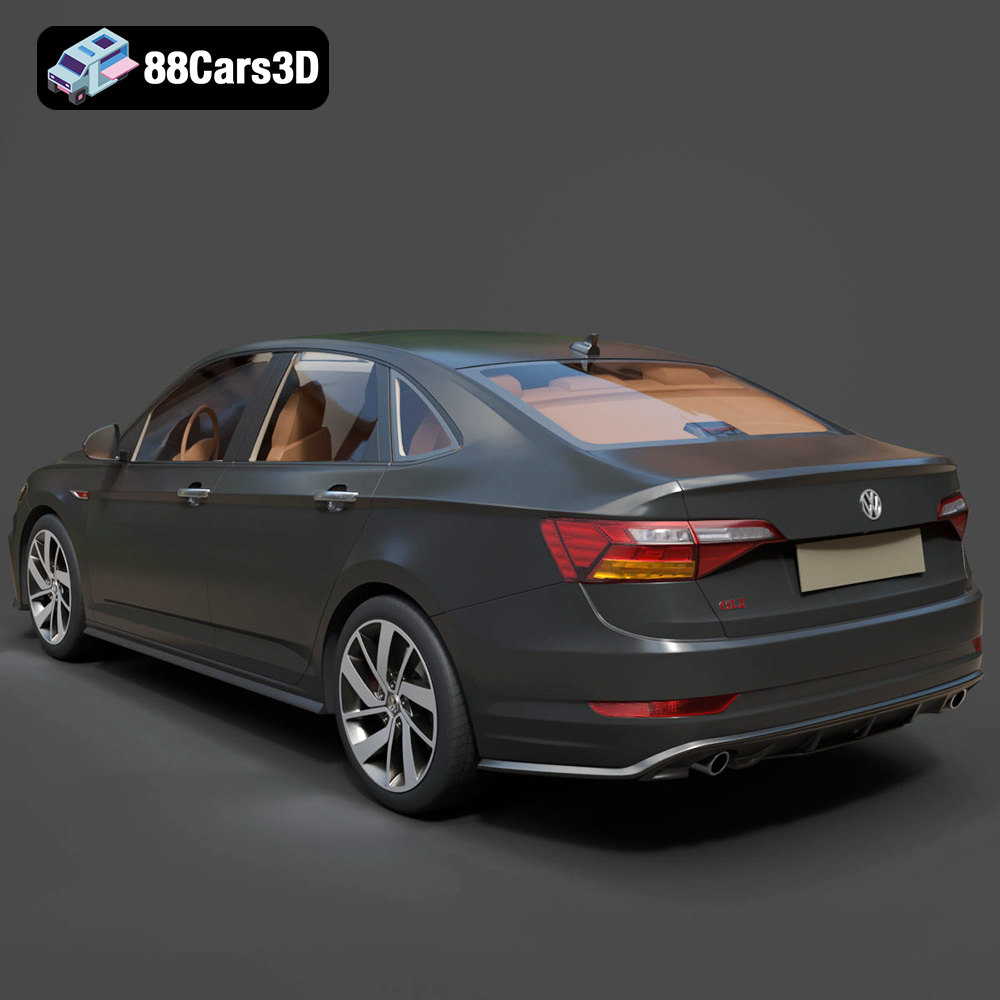
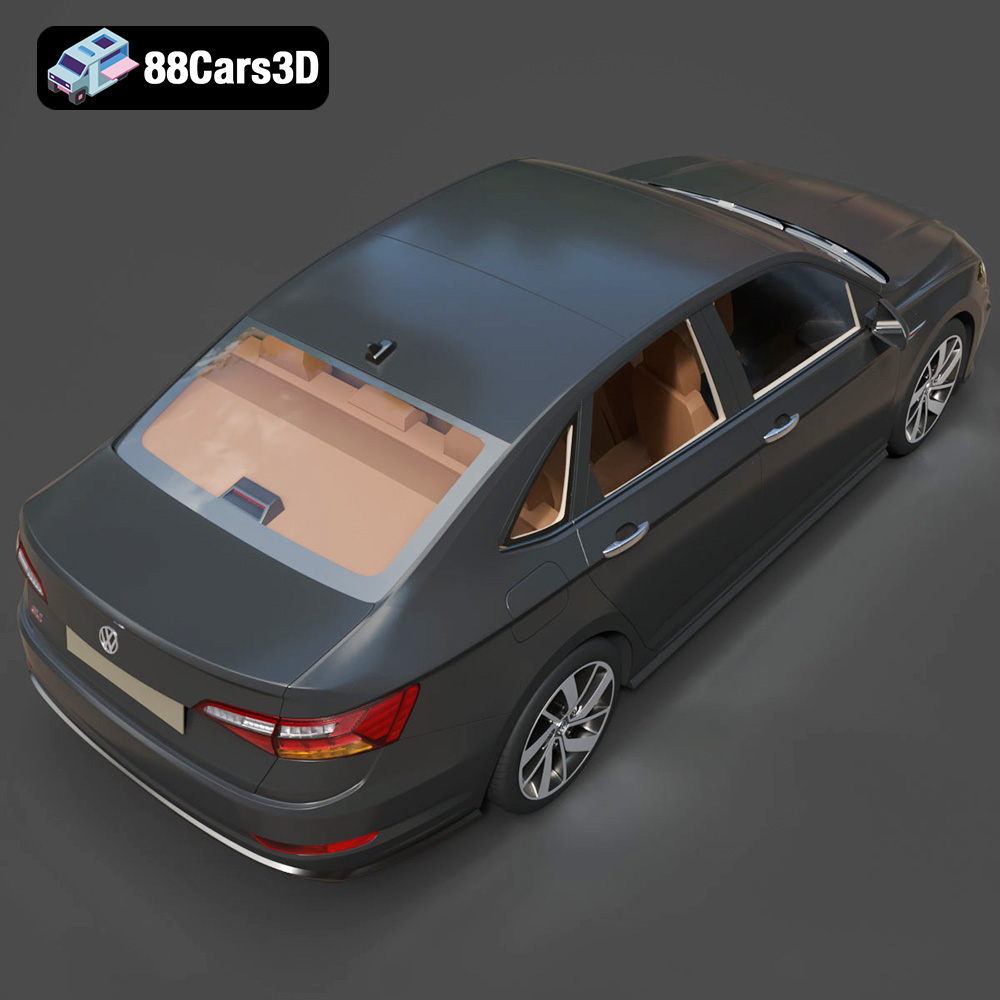
The Volkswagen Jetta GLI 2019 is a sports sedan that strikes a compelling balance between practicality and performance. Now, thanks to the detailed 3D model available at 88cars3d.com, you can bring this iconic vehicle to life in your own home through the magic of 3D printing. This comprehensive guide will walk you through every step, from preparing the STL files to applying the final touches, ensuring a stunning and accurate replica. Whether you’re a seasoned 3D printing enthusiast or a beginner looking for an exciting project, this guide will provide the knowledge and techniques needed to successfully 3D print the Volkswagen Jetta GLI 2019 model. Let’s dive in!
The type of 3D printer you choose significantly impacts the final quality and detail of your 3D printed Jetta GLI. Fused Deposition Modeling (FDM) and Stereolithography (SLA) are the two most common technologies for hobbyist 3D printing.
FDM printers extrude melted plastic filament layer by layer to build the object. They are generally more affordable and offer a wider range of materials, like PLA, ABS, PETG, and even flexible filaments. For larger scale models (1:12 or 1:18), FDM printers are a great option. However, achieving fine details might require more post-processing.
* Printer Choice: Consider printers with good temperature control and reliable filament feeding.
* Benefits: Affordable, wide material selection, large build volumes.
SLA printers use a UV light source to cure liquid resin layer by layer. They excel at producing highly detailed prints with smooth surfaces, making them ideal for smaller-scale models (1:24 or smaller) where intricate features like the Jetta GLI’s badging and interior details are crucial. Resin printing is highly recommended by 88cars3d.com for capturing fine details of this specific model.
* Printer Choice: Opt for a printer with a high resolution LCD screen or laser.
* Benefits: Exceptional detail, smooth surfaces, ideal for intricate parts.
Choosing the correct file format is crucial for successful 3D printing. Different file formats offer varying levels of detail, texture support, and compatibility with slicing software. Understanding these differences will allow you to prepare the Volkswagen Jetta GLI 2019 model for optimal print quality.
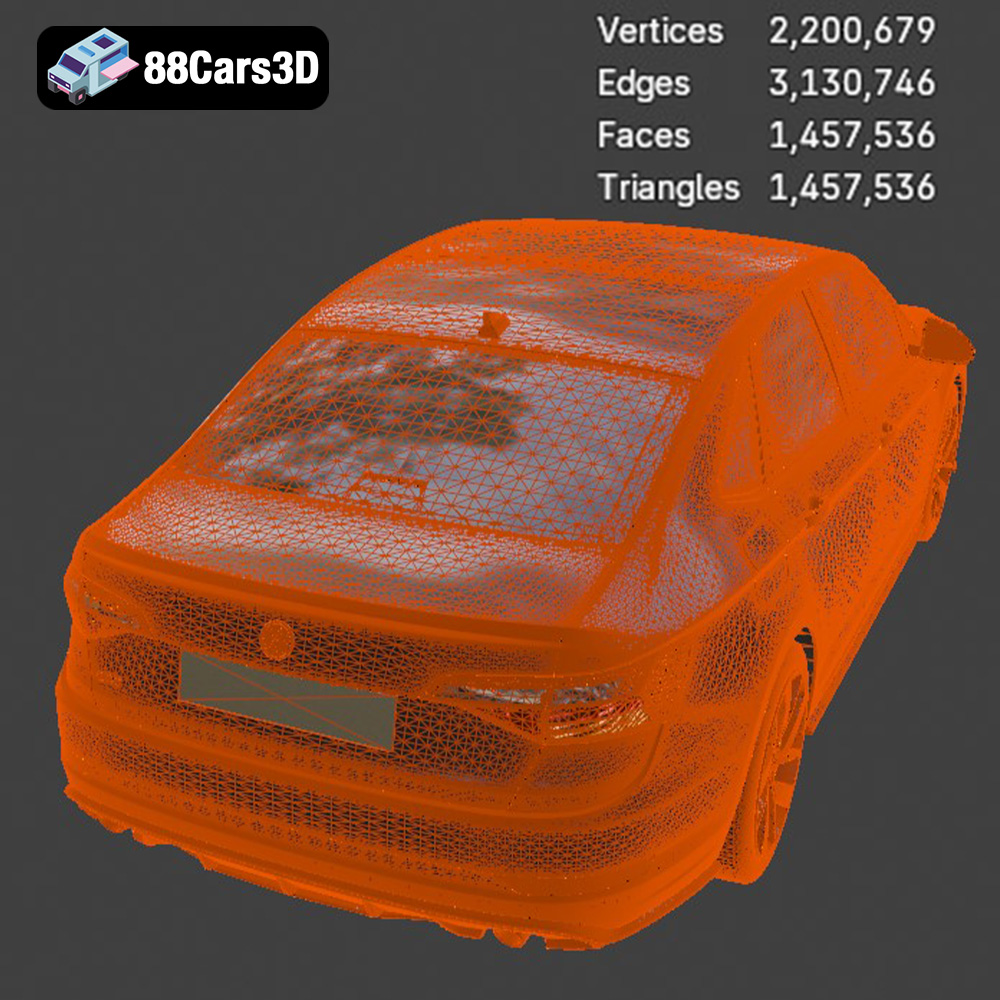
The STL (Stereolithography) file format is the workhorse of 3D printing. It represents the surface geometry of a 3D object as a collection of triangles. STL files are simple, widely supported by slicing software, and excellent for representing complex shapes. However, STL files only contain mesh data (surface information) and do not include color or texture information. This means your 3D printed Jetta GLI will be a single color unless you paint it during post-processing. The mesh quality of an STL file depends on the number of triangles used to represent the object. A higher triangle count results in a smoother surface, but also a larger file size, which can increase processing time. Slicing software like Cura, PrusaSlicer, and Simplify3D all readily accept STL files, making them a versatile option for preparing the Jetta GLI for 3D printing. When exporting to STL, ensure the export settings are set to “binary” to minimize file size. For the Volkswagen Jetta GLI, it is the primary format to be used.
The OBJ file format is another popular choice for 3D models. Unlike STL, OBJ files can store color and texture information, allowing for the possibility of 3D printing in multiple colors (with appropriate hardware). OBJ files are also widely compatible with 3D modeling software.
The PLY (Polygon File Format) is designed for storing 3D data acquired from 3D scanners. It supports color, texture, and other properties like normals. It’s well-suited for high-detail models, but less common for general 3D printing than STL.
The BLEND file format is the native format for Blender, a powerful and free 3D modeling software. If you want to customize the Volkswagen Jetta GLI model before printing, the BLEND file allows you to modify the geometry, add details, or even create variations of the design. After making your changes, you would then export the model as an STL for 3D printing.
The FBX (Filmbox) file format is primarily used for exchanging 3D data between different software applications, particularly in game development and animation. While it can store material information, it is not ideal for direct 3D printing without first converting to STL.
The GLB (GL Transmission Format Binary) format is designed for efficient transmission of 3D models, particularly for use in augmented reality (AR) applications. It packages all the necessary data (geometry, textures, animations) into a single file. Useful for previewing the Jetta GLI in AR before committing to printing.
The MAX file format is the native format for 3ds Max, a professional 3D modeling, animation, and rendering software. Similar to BLEND, it allows for complete modification of the model before exporting as STL for 3D printing.
Once you’ve chosen your printer and understand the file formats, the next step is preparing the 3D model for printing using slicing software.
Slicing software converts the 3D model (typically in STL format) into a set of instructions (G-code) that the 3D printer can understand. Popular options include:
* **Cura:** Free, user-friendly, and highly customizable.
* **PrusaSlicer:** Open-source, known for its advanced features and excellent print quality.
* **Simplify3D:** Paid software with advanced control over printing parameters.
For the Volkswagen Jetta GLI, consider PrusaSlicer for FDM printing due to its advanced support generation and Cura for ease of use.
The orientation of the model on the print bed significantly affects print quality, support requirements, and structural integrity. For the Jetta GLI:
* **Frame:** Print the frame at an angle (e.g., 45 degrees) to minimize the need for supports on the body and to enhance structural strength along the longer axis.
* **Wheels:** Print the wheels separately, lying flat on the print bed for optimal roundness and minimal support material.
* **Suspension components:** Print vertically for optimal strength of small parts.
Support structures are necessary to support overhanging features like the exhaust system, mirrors, and potentially the roof of the car depending on the orientation. Use the slicing software’s support generation tools to automatically create these structures.
The recommended scales for the Volkswagen Jetta GLI are 1:12, 1:18, and 1:24. Choose a scale that suits your printer’s build volume and desired level of detail. Before slicing, use a mesh repair tool (often included in slicing software) to fix any potential errors in the STL file, such as non-manifold edges or holes. This ensures a clean and successful print.
Achieving a high-quality 3D printed Jetta GLI requires careful selection of printing parameters.
* **Layer Height:** For FDM printing, a layer height of 0.1-0.2mm is recommended for a good balance between detail and print time. For SLA printing, a layer height of 0.05mm or lower will yield excellent results.
* **Print Speed:** Reduce the print speed for external perimeters (walls) to improve surface quality. A speed of 30-40mm/s is generally suitable for FDM. Resin printing speeds are automatically determined by the resin and printer.
* **Infill Density:** An infill density of 20-30% provides sufficient strength for most display models.
* **Infill Pattern:** Choose a pattern like rectilinear or gyroid for a good balance of strength and print time. Avoid concentric patterns for complex shapes.
* **PLA:** Nozzle temperature 200-220°C, bed temperature 60°C.
* **PETG:** Nozzle temperature 230-250°C, bed temperature 70-80°C.
* **Resin:** Follow the resin manufacturer’s recommendations for exposure time and layer thickness.
The material you choose for printing the Volkswagen Jetta GLI significantly impacts its final appearance, durability, and post-processing requirements.
PLA (Polylactic Acid) is a biodegradable thermoplastic that is easy to print and available in a wide range of colors. It’s a good option for beginners due to its low printing temperature and minimal warping. However, PLA is not as heat-resistant as other materials and can be brittle.
PETG (Polyethylene Terephthalate Glycol-modified) offers better strength, flexibility, and heat resistance than PLA. It’s a good choice for parts that need to withstand some stress or be used outdoors. PETG can be slightly more challenging to print than PLA, requiring higher temperatures and careful bed adhesion.
Resins come in different varieties such as standard, tough, and flexible. Resin printing is the superior method for high detail, as indicated by 88cars3d.com in the product description.
Post-processing is the final stage of bringing your 3D printed Jetta GLI to life.
Carefully remove the support structures using pliers, a hobby knife, or a specialized support removal tool. Be gentle to avoid damaging the model. Sand down any remaining support marks or imperfections.
Start with coarse sandpaper (e.g., 220 grit) to remove larger imperfections, then gradually move to finer grits (e.g., 400, 600, 800) to achieve a smooth surface. Apply a primer coat to fill in any remaining imperfections and provide a good base for painting.
Use spray paint or an airbrush to apply the desired color to the Jetta GLI model. Consider using automotive paints for a realistic finish. Apply multiple thin coats for best results. Once the paint is dry, you can apply a clear coat for added protection and shine. Add details like the red accents on the grill using fine brushes and appropriate paint.
If you printed the wheels and other components separately, assemble them using glue or small screws. Ensure all parts are properly aligned for a realistic appearance.
Even with careful preparation, you may encounter issues during the 3D printing process.
Warping occurs when the corners of the print lift off the print bed due to uneven cooling. To prevent warping:
* Use a heated bed.
* Apply an adhesive like glue stick or hairspray to the print bed.
* Enclose the printer in a draft-free environment.
* Increase the bed temperature.
Stringing is when thin strands of plastic form between different parts of the print. To prevent stringing:
* Reduce the nozzle temperature.
* Increase retraction distance and speed.
* Ensure the filament is dry.
Layer shifting occurs when the print head moves out of alignment during printing. To prevent layer shifting:
* Tighten the belts on the printer.
* Reduce the print speed.
* Ensure the printer is stable.
The Volkswagen Jetta GLI 2019 combines everyday practicality with thrilling performance, standing out as a premier sports sedan in its class. Known for its GTI-borrowed turbocharged engine, aggressive honeycomb grille with iconic red accents, and sleek aerodynamic profile, this vehicle strikes the perfect balance between track-ready styling and modern sophistication. From its distinctive front fascia to the dual exhaust setup, every element of this athletic sedan has been meticulously captured.
$39.99
3D printing the Volkswagen Jetta GLI 2019 model from 88cars3d.com is a rewarding project that combines technical skill with artistic expression. By carefully selecting your printer, preparing the STL files, optimizing your printing parameters, and mastering post-processing techniques, you can create a stunning replica of this iconic sports sedan. Embrace the challenge, experiment with different materials and finishes, and enjoy the satisfaction of bringing a digital model into the physical world. Happy printing!
.2019
.blend
.fbx
.glb
.max
.obj
.ply
.rendering
.sedan
.stl
.unreal
.volkswagen
car-3d-model
game asset
game-ready
jetta-gli
low-poly
optimized
sports-sedan
VR/AR