Get 20% OFF All Premium 3D & STL Models!

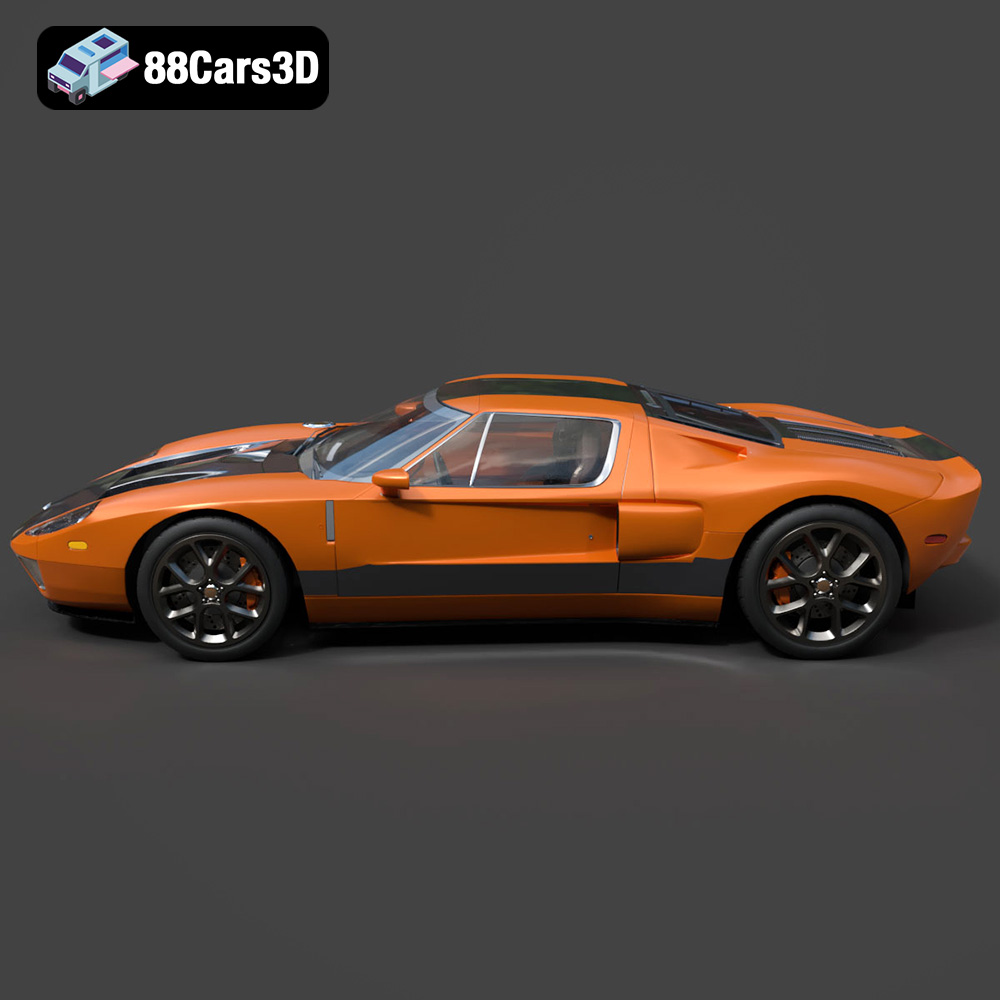
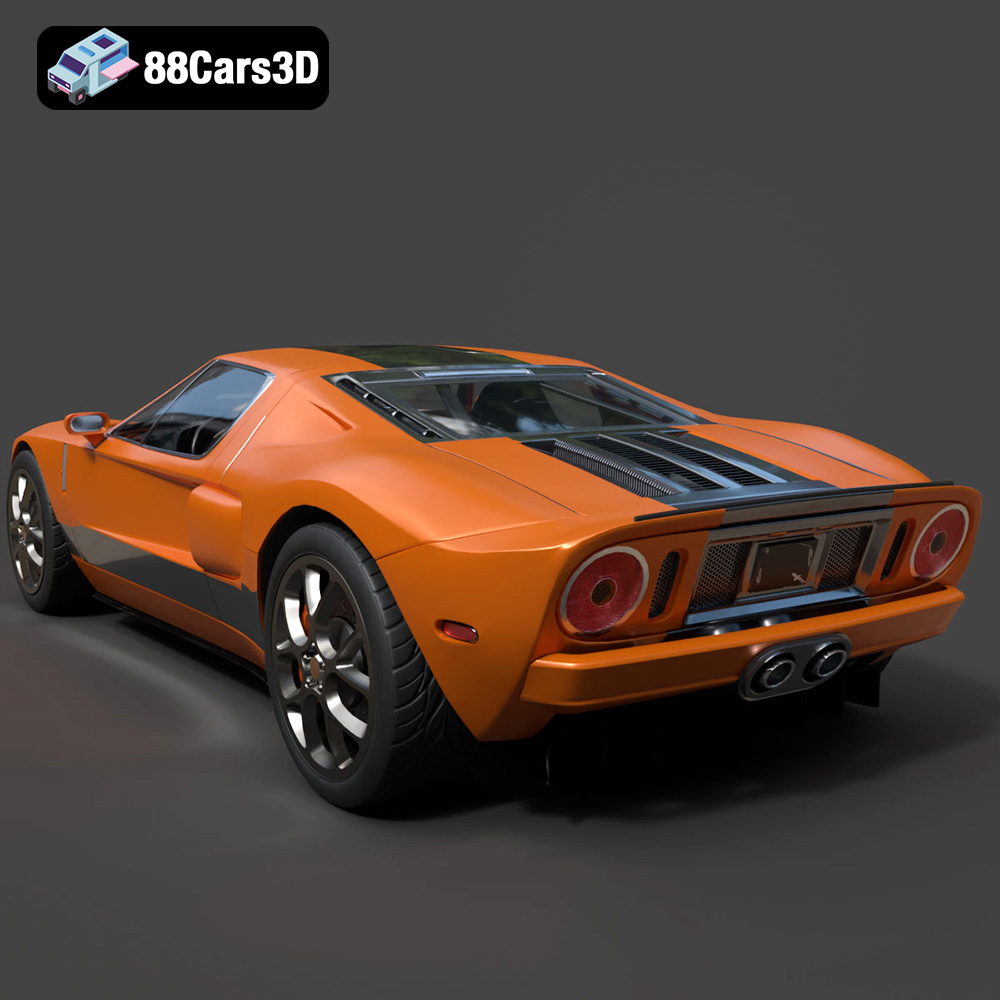
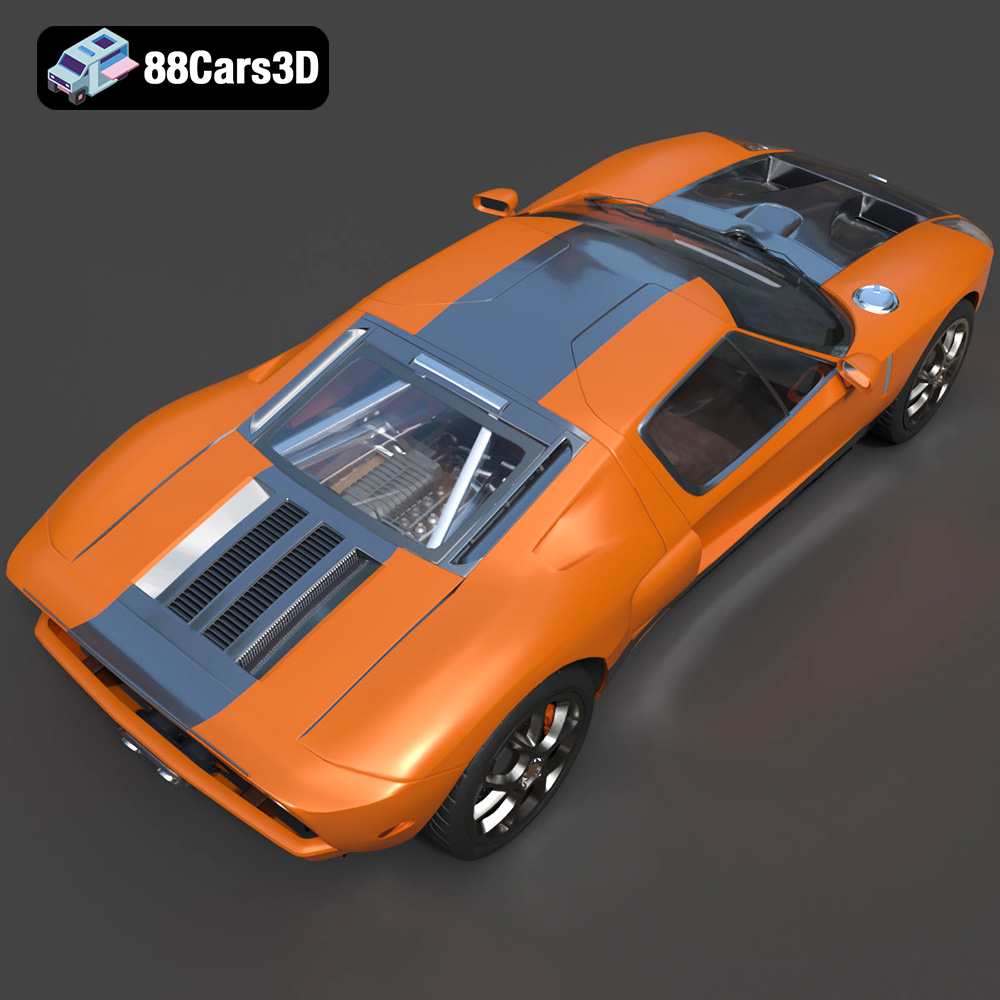
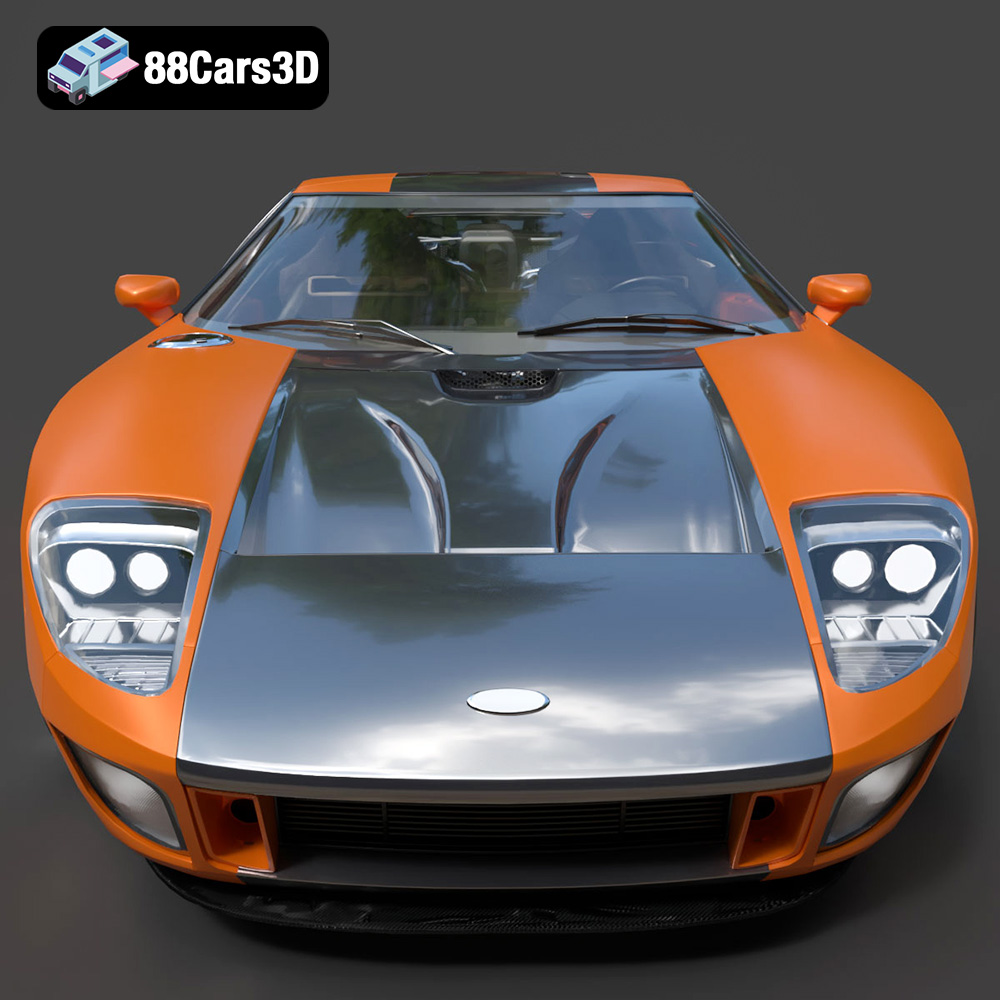
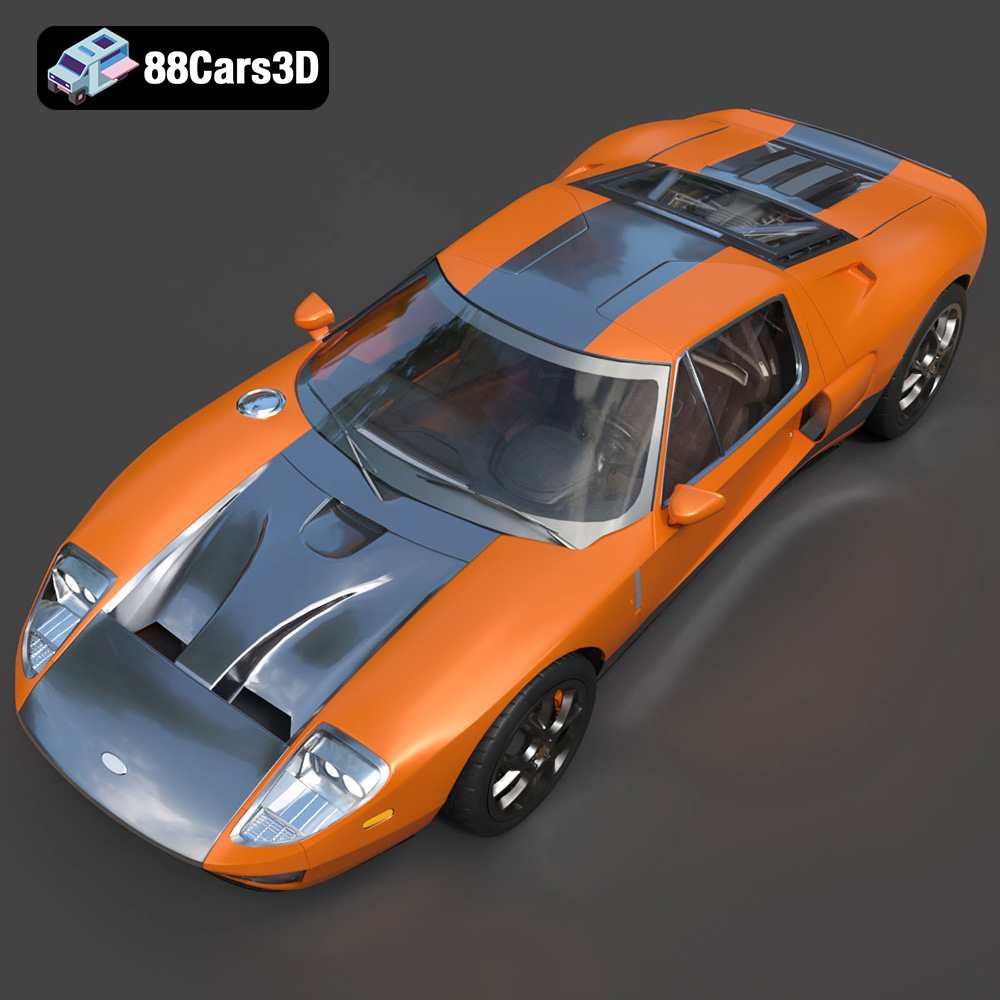
The Ford GT 2005 – an icon of American automotive engineering, a tribute to the legendary GT40, and a symbol of raw power and retro-futuristic design. Now, thanks to advancements in 3D printing technology, you can bring this automotive masterpiece to life in your own home. This comprehensive guide will walk you through the process of 3D printing a stunning replica of the Ford GT 2005, focusing on achieving the best possible results with the downloadable 3D model available at 88cars3d.com. We’ll cover everything from pre-print preparation to post-processing, ensuring your printed GT is a showstopper.
Before you even think about loading filament, proper preparation is key to a successful 3D printing endeavor. The 3D model from 88cars3d.com comes in various formats, but we’ll primarily focus on the STL file for 3D printing.
* **Software Check:** Open the STL file in a mesh editing software like MeshMixer, Blender, or even your slicer’s built-in repair tools.
* **Watertight Integrity:** Ensure the model is “watertight,” meaning it has no holes or gaps in the mesh. Non-watertight models can cause slicing errors and lead to incomplete prints.
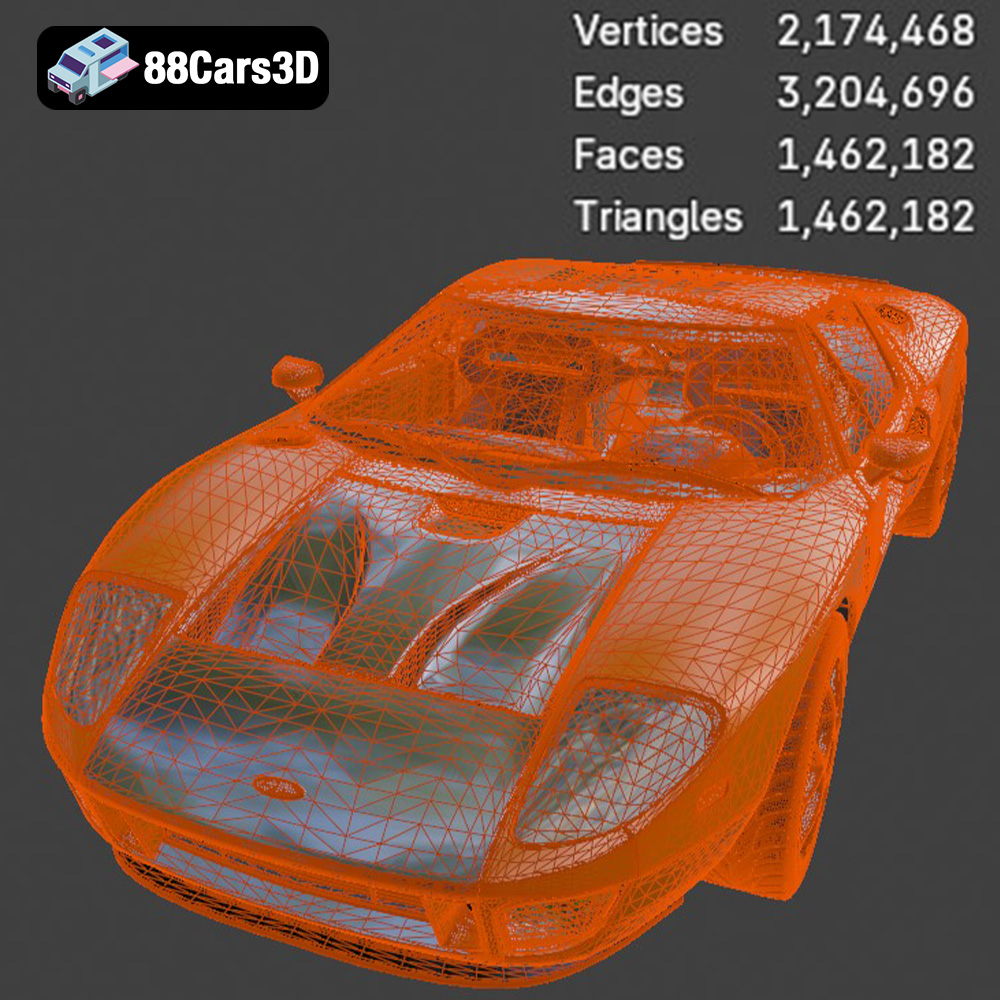
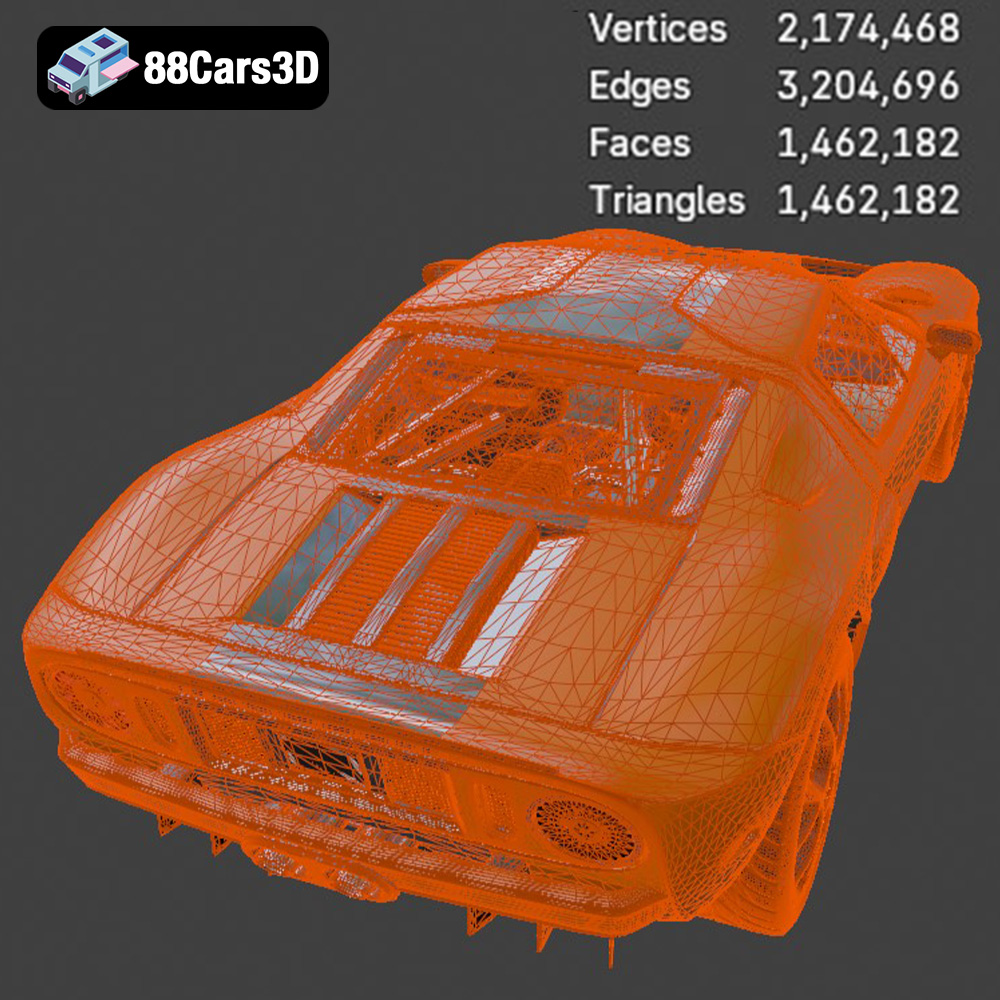
* **Mesh Simplification (If Needed):** While the 88cars3d.com model is optimized, you might consider slight mesh simplification if your printer struggles with extremely high polygon counts. However, be careful not to sacrifice crucial details.
* **Recommended Scales:** The product description suggests scales of 1:12, 1:18, and 1:24. These are excellent starting points.
* **Printer Volume Considerations:** Before scaling, measure your 3D printer’s build volume. Ensure the scaled model, including any necessary supports, fits comfortably within these dimensions.
* **Detail vs. Size:** Smaller scales will naturally lose some fine details. If you want to capture every nuance of the Ford GT’s design, opt for a larger scale if possible.
Choosing the right file format is crucial for a smooth and successful 3D printing experience. While many formats exist, some are better suited for additive manufacturing than others.
* **.stl – Industry standard for 3D printing, mesh-only format:** STL (Stereolithography) is the workhorse of 3D printing. It represents a 3D model as a collection of interconnected triangles, defining the surface geometry. Its simplicity and widespread compatibility make it the go-to format for most 3D printing applications. However, STL files only store geometric data; they don’t contain information about color, texture, or materials. This means that all STL prints will be a single color unless you paint them afterwards. The resolution of an STL file (the size and number of triangles) impacts the smoothness of curved surfaces. Higher resolution STL files capture more detail but can be larger and more demanding to process. Most slicing software readily accepts STL files, allowing you to prepare your model for printing by setting parameters like layer height, infill density, and support structures. Always ensure that the STL file you are using is properly oriented and scaled before importing it into your slicer.
* **.obj – Universal format with texture support for colored prints:** OBJ files are more versatile than STL, as they can store color and texture information in addition to the geometry. This makes them suitable for printing multi-colored objects, provided you have a multi-material 3D printer. However, the color information is usually stored in a separate Material Template Library (MTL) file, which must accompany the OBJ file. While OBJ is widely supported, it might require some extra steps in slicing software to properly import and apply the texture information, especially if the model has complex UV mapping.
* **.ply – Precision mesh format for high-detail prints:** PLY (Polygon File Format) is designed for storing 3D data acquired from 3D scanners. It can represent models with high precision and detail, making it suitable for printing objects with complex geometries. However, PLY files can be quite large, and their compatibility with slicing software might be limited compared to STL or OBJ.
* **.blend – Editable Blender scene for customization before export:** BLEND files are the native format for Blender, a popular open-source 3D modeling software. These files contain the complete Blender scene, including the model’s geometry, materials, textures, lighting, and animations. BLEND files are ideal for making modifications to the 3D model before exporting it for printing. For example, you could use Blender to add custom details, adjust the model’s scale, or simplify the mesh to reduce the printing time. However, you will need Blender installed on your computer to open and edit BLEND files. After making the necessary changes, you’ll need to export the model to a more printer-friendly format like STL.
* **.fbx – For importing into slicing software with materials:** FBX (Filmbox) is a proprietary file format developed by Autodesk, widely used in the game development and animation industries. It supports storing geometry, materials, textures, animations, and other scene data. FBX files can be imported into some slicing software, potentially allowing you to retain material information when preparing the model for printing. However, the level of support for FBX files varies between different slicing programs. You may need to experiment to see if your preferred slicer can properly handle the FBX file and its associated material data.
* **.glb – For previewing models in AR before printing:** GLB (GL Transmission Format Binary) is a binary file format designed for efficient transmission and loading of 3D models in web and AR/VR applications. It’s a compact format that includes the model’s geometry, textures, and animations in a single file. While GLB files are not directly used for 3D printing, they are excellent for previewing the model in augmented reality (AR) before you commit to printing it. This allows you to visualize the model in a real-world environment and get a better sense of its size and appearance.
* **.max – Editable 3ds Max project for modifications:** MAX files are the native format for Autodesk 3ds Max, another popular 3D modeling software. Similar to BLEND files, MAX files contain the complete 3ds Max project, including the model’s geometry, materials, textures, lighting, and animations. These files are ideal for users who prefer 3ds Max for modifying the 3D model before printing. You can use 3ds Max to make detailed changes, optimize the mesh, or prepare the model for multi-material printing. However, you’ll need 3ds Max installed on your computer to open and edit MAX files. Once you’ve finished editing, you’ll need to export the model to a printable format like STL.
For 3D printing, STL remains the most reliable and widely supported format. While other formats like OBJ and FBX offer additional features like color and material support, they might require more complex workflows and compatibility considerations. Regardless of the format you choose, always ensure that your 3D model has a clean and well-defined mesh for optimal printing results.
The slicing process translates your 3D model into instructions for your printer. Choosing the right settings is critical for achieving a detailed and structurally sound Ford GT.
* **Fine Detail Printing:** The product description recommends a layer height of 0.04-0.12 mm, especially for resin printing. Lower layer heights result in smoother surfaces and finer details, which is essential for capturing the Ford GT’s complex curves.
* **Compromise with FDM:** If you’re using an FDM printer, you might need to balance layer height with print time. A layer height of 0.1-0.15 mm can still yield good results while reducing the overall printing duration.
* **Adaptive Layer Height:** Some slicers offer adaptive layer height features, allowing you to use finer layers for curved areas and coarser layers for flat surfaces, optimizing both detail and print speed.
* **Essential for Details:** The Ford GT has several overhanging features like the exhaust pipes, mirrors, and parts of the interior. Supports are crucial to prevent these areas from collapsing during printing.
* **Support Type:** Choose a support type that’s easy to remove without damaging the model. Tree supports or light linear supports are often preferred.
* **Support Placement:** Carefully consider where supports are placed. Minimize their contact with visible surfaces to reduce post-processing effort. Use your slicer’s manual support placement tools to fine-tune the support structure.
* **Strength vs. Weight:** A 20-30% infill density is a good starting point, as suggested in the product description. This provides sufficient structural integrity without adding excessive weight.
* **Infill Pattern:** Choose an infill pattern that balances strength and print time. Gyroid or cubic patterns are generally good choices.
* **Optimize for Specific Areas:** In some slicers, you can adjust infill density for specific sections of the model. Consider increasing infill in areas that require more strength, such as the chassis.
* **Angled Printing for Structural Integrity:** Printing the frame at an angle, as suggested, can improve its strength along the Z-axis. This helps distribute stress and prevent layer separation.
* **Wheels Separately:** Printing the wheels separately allows for better control over their orientation and support placement.
* **Minimize Support Contact:** Orient the model to minimize the need for supports on visible surfaces. Experiment with different orientations in your slicer to find the optimal arrangement.
The material you choose significantly impacts the appearance, durability, and overall quality of your 3D printed Ford GT.
* **Ease of Use:** PLA is a popular choice for beginners due to its ease of printing and wide availability.
* **Good for Visual Prototypes:** PLA is ideal for creating visual prototypes and display models.
* **Limited Heat Resistance:** PLA has lower heat resistance compared to other materials, so it’s not suitable for parts that will be exposed to high temperatures.
* **Consider PLA+:** PLA+ filaments offer improved strength and heat resistance compared to standard PLA, making them a better option for functional parts.
* **Improved Strength and Durability:** PETG offers better strength, flexibility, and heat resistance than PLA.
* **Good Layer Adhesion:** PETG has excellent layer adhesion, resulting in stronger and more durable prints.
* **Slightly More Challenging to Print:** PETG can be slightly more challenging to print than PLA, requiring higher temperatures and potentially a heated bed.
* **Exceptional Detail:** Resin printing offers unparalleled detail and smooth surfaces, making it ideal for capturing the Ford GT’s intricate features.
* **Smaller Build Volume:** Resin printers typically have smaller build volumes compared to FDM printers, so you might need to print the model in multiple parts.
* **Post-Processing Required:** Resin prints require post-processing, including washing and curing, to remove uncured resin and fully harden the parts.
* **Safety Precautions:** Resin printing involves handling potentially hazardous materials. Always wear gloves and eye protection when working with resin.
* **Enhanced Properties:** Exotic filaments like carbon fiber-infused PLA or metal-infused filaments can add unique properties to your printed Ford GT, such as increased strength or a metallic appearance.
* **Specialized Nozzles:** Some exotic filaments require specialized nozzles to prevent clogging or wear.
* **Experimentation Required:** Printing with exotic filaments often requires experimentation to find the optimal settings.
Post-processing is where you transform your raw 3D print into a polished and realistic replica of the Ford GT 2005.
* **Careful Removal:** Use appropriate tools like pliers, flush cutters, or a hobby knife to carefully remove support structures.
* **Avoid Damage:** Take your time and avoid applying excessive force, which can damage the model.
* **Dissolvable Supports (If Used):** If you used dissolvable supports (e.g., PVA), dissolve them in water according to the filament manufacturer’s instructions.
* **Start with Coarse Grit:** Begin with a coarse-grit sandpaper (e.g., 220 grit) to remove any significant imperfections or support marks.
* **Progress to Finer Grits:** Gradually progress to finer grits (e.g., 400, 600, 800 grit) to smooth the surface.
* **Wet Sanding:** Wet sanding can help reduce dust and produce a smoother finish.
* **Focus on Layer Lines:** Pay particular attention to smoothing out layer lines, especially on curved surfaces.
* **Apply a Primer Coat:** Apply a thin, even coat of primer to the entire model. This helps to fill in any remaining imperfections and provides a good surface for paint to adhere to.
* **Sand After Priming:** After the primer has dried, lightly sand it with fine-grit sandpaper (e.g., 800 grit) to create an even smoother surface.
* **Authentic Colors:** Research the original Ford GT 2005 colors and choose paints that accurately replicate them.
* **Multiple Thin Coats:** Apply multiple thin coats of paint, allowing each coat to dry completely before applying the next. This prevents drips and runs and results in a smoother finish.
* **Metallic Finishes:** If you’re using metallic paints, apply them in light, even coats to achieve the desired effect.
* **Clear Coat:** Apply a clear coat to protect the paint and add a glossy finish.
* **Dry Fit First:** Before gluing any parts together, dry fit them to ensure a proper fit.
* **Use Appropriate Adhesive:** Use an adhesive that’s compatible with the material you printed with. Cyanoacrylate (super glue) works well for most plastics.
* **Apply Adhesive Sparingly:** Apply adhesive sparingly to avoid messy glue lines.
* **Clamp or Hold Parts in Place:** Clamp or hold parts in place while the adhesive dries.
Even with careful preparation, 3D printing can sometimes present challenges. Here are some common issues and their solutions:
* **Heated Bed:** Ensure your heated bed is properly calibrated and set to the correct temperature for the material you’re using.
* **Bed Adhesion:** Use a bed adhesion aid like glue stick, hairspray, or painter’s tape to improve adhesion.
* **Draft Shield:** Enclose your printer or use a draft shield to prevent drafts from cooling the print unevenly.
* **Retraction Settings:** Adjust your retraction settings to reduce the amount of filament oozing from the nozzle during travel moves.
* **Temperature Control:** Reduce the printing temperature slightly to prevent the filament from becoming too runny.
* **Travel Speed:** Increase the travel speed to minimize the time the nozzle spends moving between parts.
* **Belt Tension:** Check and tighten the belts on your printer to ensure they’re properly tensioned.
* **Motor Drivers:** Ensure your motor drivers are properly calibrated and providing sufficient current to the motors.
* **Obstructions:** Check for any obstructions that might be interfering with the movement of the print head or bed.
Predicting exact print times and material costs is difficult without knowing your specific printer and settings. However, we can provide some general estimates:
* **Print Time:** A 1:18 scale Ford GT, printed with moderate settings, could take anywhere from 20 to 40 hours on an FDM printer. Resin prints might be faster for smaller scales.
* **Material Cost:** Depending on the material you choose and the size of the print, the material cost could range from $5 to $30 or more.
3D printing the Ford GT 2005 is a rewarding project that combines technical skill with a passion for automotive history. By following the guidelines outlined in this article, you can create a stunning replica that showcases the iconic design of this American supercar. Remember to pay close attention to pre-print preparation, slicing settings, material selection, and post-processing techniques to achieve the best possible results. And don’t forget to visit 88cars3d.com for a high-quality 3D model of the Ford GT 2005 and other amazing automotive designs. With patience, practice, and a little bit of creativity, you can bring the legend of the Ford GT to life in your own home.
Experience the legendary performance and retro-futuristic styling of the 2005 Ford GT with this high-fidelity 3D model. Built as a tribute to the four-time Le Mans-winning GT40, this iconic mid-engine supercar boasts a timeless design characterized by its aerodynamic silhouette, cantilevered doors that cut into the roofline, and the muscular presence of its 5.4-liter supercharged V8 visible through the rear clamshell. The model perfectly captures its distinctive dual central exhausts, aggressive stance, and the classic twin racing stripes that define its American racing heritage. Perfect for open-world racing games, high-end automotive visualizations, immersive VR showroom experiences, dynamic cinematic animations and of course, 3D Printing.
$19.99
.blend
.fbx
.ford
.glb
.max
.obj
.ply
.rendering
.sports car
.stl
.supercar
.unreal
car-3d-model
classic-car
game asset
game-ready
gt-2005
low-poly
optimized
VR/AR