Get 20% OFF All Premium 3D & STL Models!

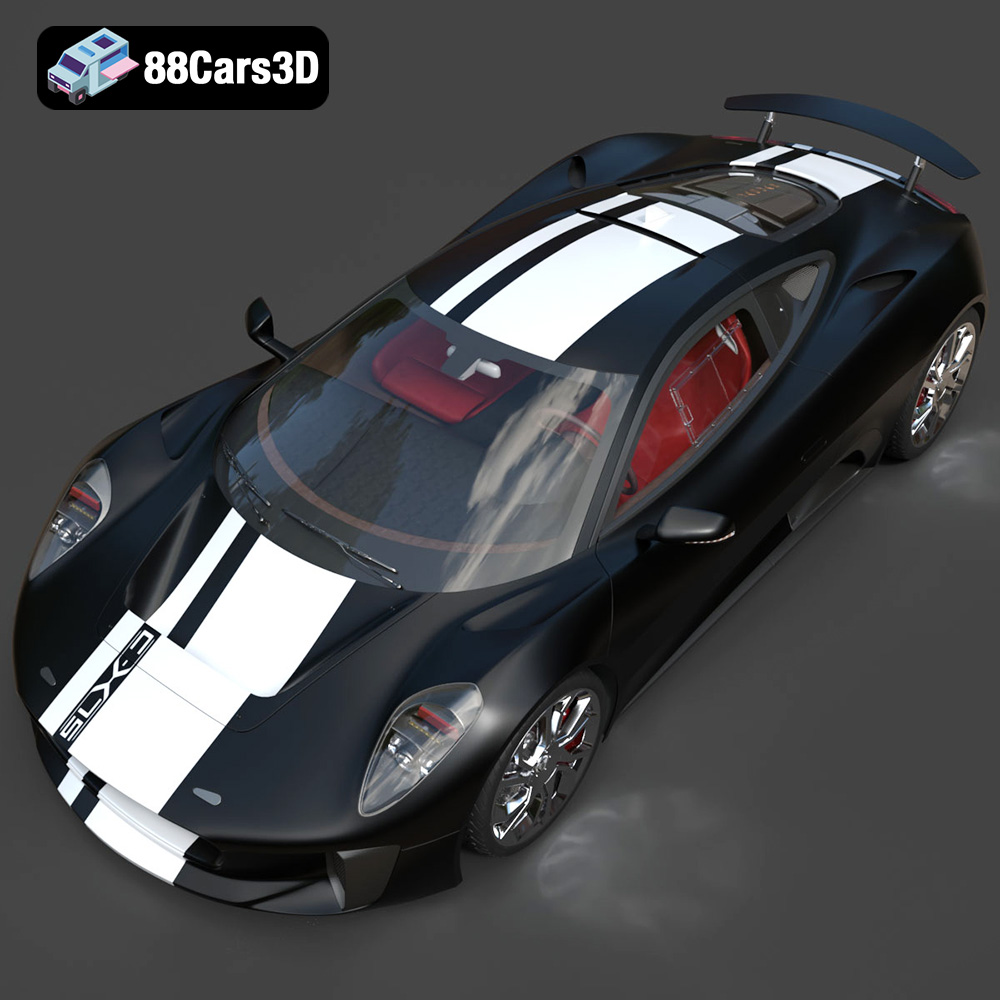
The Jaguar C-X75 2014, a breathtaking hybrid-electric concept car, represents the pinnacle of automotive engineering and design. Now, thanks to 88cars3d.com, you can bring this iconic vehicle to life through the magic of 3D printing. This blog post will serve as your comprehensive guide to successfully 3D printing the Jaguar C-X75 2014 model, covering everything from choosing the right materials and printer settings to mastering post-processing techniques. Whether you’re a seasoned 3D printing enthusiast or a newcomer to additive manufacturing, this detailed guide will equip you with the knowledge and skills needed to create a stunning replica of this legendary car. We’ll explore the intricacies of preparing the STL files, optimizing your slicer settings, and finishing your 3D printed masterpiece to achieve a professional-quality result.
Before diving into the specifics of printing the Jaguar C-X75 2014 model, it’s crucial to understand the different file formats available and which ones are best suited for 3D printing. While 88cars3d.com provides the model in various formats, including .blend, .fbx, .obj, .glb, .ply, .unreal, and .max, the .stl format reigns supreme for 3D printing due to its simplicity and compatibility with virtually all slicing software.
The .stl (stereolithography) file format is the industry standard for 3D printing. It represents the surface geometry of a 3D object as a collection of triangles. This format is simple and widely supported, making it the most reliable choice for transferring 3D models to your printer. However, it’s important to note that STL files only contain geometric data; they don’t include information about color, texture, or materials. When downloading STL files from 88cars3d.com, you’re essentially receiving a blueprint of the model’s shape, ready to be interpreted and built by your 3D printer.
While STL is the primary format for printing, understanding the other available formats can be beneficial for pre-printing preparation and customization.
* **.obj:** This is a more versatile format than STL, as it can store color and texture information. While some advanced 3D printers can utilize OBJ files for multi-color printing, it’s less common for typical FDM (Fused Deposition Modeling) or SLA (Stereolithography) printing.
* **.ply:** Known for its ability to capture high-resolution mesh data, PLY is useful for representing scanned objects or models with intricate details. It’s less frequently used for general 3D printing due to the large file sizes and potential compatibility issues with some slicing software.
* **.blend:** This is the native file format for Blender, a popular open-source 3D modeling software. It contains the complete scene, including the model, materials, lighting, and camera setups. You can use the .blend file to modify the Jaguar C-X75 2014 model before exporting it as an STL for printing.
* **.fbx:** A popular format for game development and animation, FBX can store animation data, textures, and materials. While you won’t directly print from an FBX file, it can be useful for importing the model into a 3D modeling program for further refinement or to extract specific components.
* **.glb:** Designed for web-based viewing and AR/VR applications, GLB files are optimized for real-time rendering. They’re generally not used for 3D printing.
* **.max:** The native file format for 3ds Max, another professional 3D modeling and rendering software. Similar to .blend, you can use .max files to modify the model before exporting it as an STL.
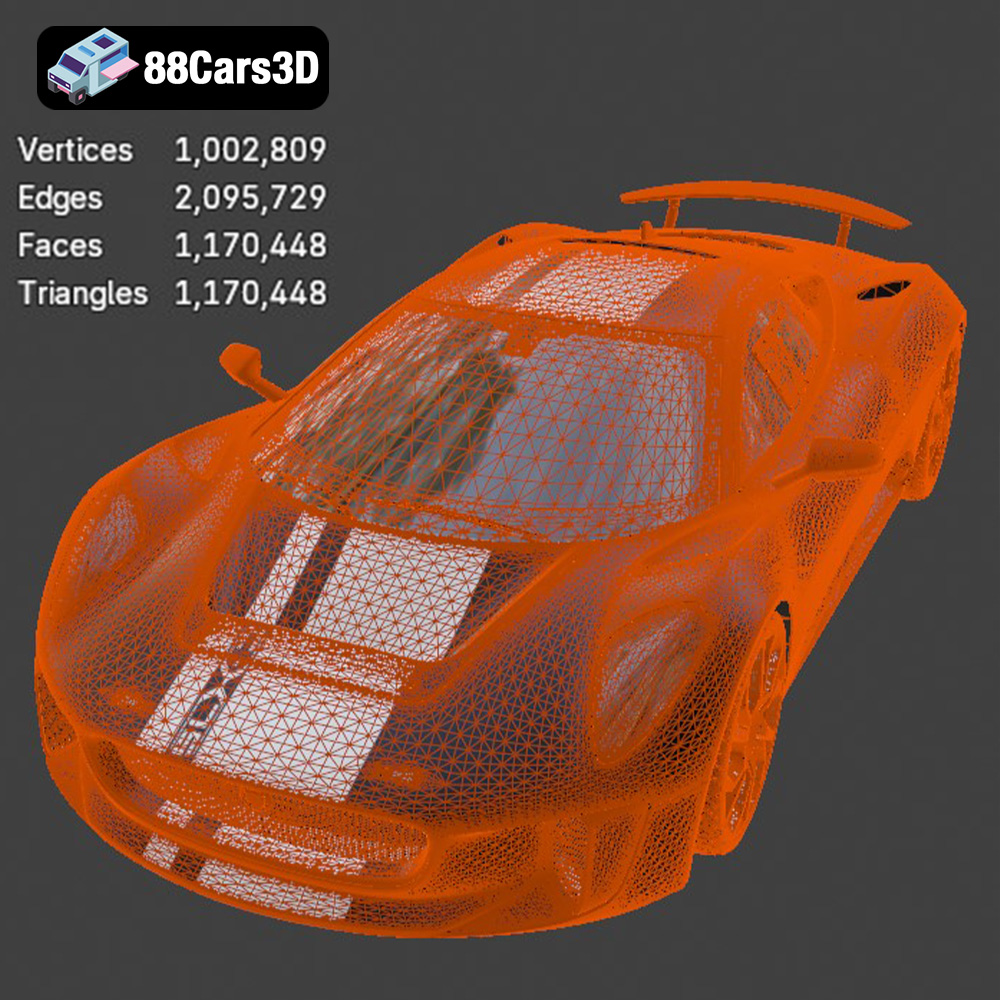
The quality of the STL file directly impacts the final print quality. A poorly designed STL file with gaps, non-manifold geometry, or excessive triangulation can lead to printing errors. Fortunately, the STL files from 88cars3d.com are meticulously crafted to ensure high mesh quality and optimal printability. However, it’s always a good practice to inspect the STL file in your slicing software before printing.
Slicing software, such as Cura, PrusaSlicer, Simplify3D, and others, takes the STL file as input and converts it into a series of instructions (G-code) that your 3D printer can understand. These programs allow you to adjust various printing parameters, such as layer height, infill density, support structures, and print speed, to optimize the printing process. Ensure your slicing software is up-to-date to handle complex models like the Jaguar C-X75 2014.
Selecting the appropriate material is crucial for achieving a successful and visually appealing 3D printed Jaguar C-X75 2014. The choice depends on your desired aesthetic, functional requirements, and printer capabilities.
PLA (Polylactic Acid) is a biodegradable thermoplastic derived from renewable resources like cornstarch or sugarcane. It’s a popular choice for 3D printing due to its ease of use, low printing temperature, and minimal warping. PLA is ideal for creating visually appealing models with intricate details, making it a suitable option for the Jaguar C-X75. However, PLA is not as heat-resistant or durable as other materials, so it may not be the best choice for functional parts or models that will be exposed to high temperatures. Consider using PLA+ for improved strength and heat resistance over standard PLA.
* **Pros:** Easy to print, low warping, good detail resolution, wide range of colors.
* **Cons:** Lower heat resistance, less durable than other materials.
* **Recommended Settings:** Nozzle temperature: 200-220°C, Bed temperature: 60-70°C, Print speed: 40-60 mm/s.
PETG (Polyethylene Terephthalate Glycol-modified) is a strong and durable thermoplastic that offers a good balance between PLA and ABS (Acrylonitrile Butadiene Styrene). It’s more heat-resistant and flexible than PLA, making it a better choice for functional parts or models that need to withstand some stress. PETG is also relatively easy to print, although it may require slightly higher temperatures and slower print speeds than PLA. For the Jaguar C-X75, PETG can be used for components that require more durability, such as the chassis or suspension parts.
* **Pros:** Good strength and durability, higher heat resistance than PLA, relatively easy to print.
* **Cons:** Can be stringy, requires careful temperature control.
* **Recommended Settings:** Nozzle temperature: 230-250°C, Bed temperature: 70-80°C, Print speed: 30-50 mm/s.
Resin 3D printing (SLA or DLP) offers unparalleled detail and surface finish compared to FDM printing. If you’re looking to create a highly detailed replica of the Jaguar C-X75 2014, resin is the way to go. However, resin printing requires a different type of printer and post-processing steps, such as washing and curing. Resin is also more brittle than PLA or PETG, so it’s not suitable for functional parts that need to withstand significant stress.
* **Pros:** Exceptional detail resolution, smooth surface finish.
* **Cons:** More brittle than other materials, requires post-processing, more expensive than FDM printing.
* **Recommended Settings:** Follow the resin manufacturer’s recommendations for exposure time, layer height, and curing time.
Achieving a high-quality 3D print of the Jaguar C-X75 2014 model requires careful attention to print settings. These settings will significantly impact the final result, affecting everything from the model’s strength and appearance to the overall print time.
Layer height determines the thickness of each layer of plastic deposited by the printer. A lower layer height results in finer details and a smoother surface finish but also increases the print time. For the Jaguar C-X75, a layer height of 0.1-0.2 mm is recommended for FDM printing, balancing detail and print time. For resin printing, layer heights can be much finer, typically ranging from 0.025-0.05 mm, resulting in exceptionally detailed prints.
Infill density refers to the amount of material used to fill the interior of the 3D printed model. A higher infill density increases the model’s strength but also consumes more material and increases the print time. For the Jaguar C-X75, an infill density of 15-25% is generally sufficient for most parts. However, for components that require more strength, such as the axles or wheels, a higher infill density (e.g., 50-75%) may be necessary.
Support structures are temporary structures that are printed to support overhanging parts of the model. The Jaguar C-X75 2014 features many complex curves and overhangs, so support structures will be necessary for many parts. Your slicing software can automatically generate support structures, but it’s essential to optimize their placement and density to minimize material usage and simplify removal. Consider using tree supports, which are more efficient and easier to remove than traditional linear supports.
The orientation of the model on the print bed can significantly impact the print quality and the amount of support required. Experiment with different orientations to minimize the number of overhanging features and the amount of support material needed. For the Jaguar C-X75, consider printing the body in sections, oriented to minimize the need for supports on visible surfaces.
Before sending the STL files to your 3D printer, it’s essential to prepare them properly using slicing software and, if necessary, repair any potential issues with the model.
As mentioned earlier, slicing software is used to convert the STL file into G-code, the language that your 3D printer understands. Popular slicing programs include Cura, PrusaSlicer, Simplify3D, and others. Each program offers a wide range of settings that you can adjust to optimize the printing process. Familiarize yourself with the settings and experiment to find the best configuration for your printer and material.
Even with high-quality STL files from 88cars3d.com, it’s always a good idea to inspect the model for potential issues, such as gaps, non-manifold geometry, or self-intersecting faces. These issues can lead to printing errors and affect the final print quality. Many slicing programs include basic repair tools, but dedicated mesh repair software, such as Meshmixer or Netfabb, can provide more advanced options.
You may want to scale the Jaguar C-X75 2014 model to a different size before printing. This can be done easily in your slicing software. However, be mindful of the impact on detail and structural integrity. Scaling the model down too much may result in the loss of fine details, while scaling it up too much may require stronger materials and higher infill densities.
Once the 3D printing is complete, the real work begins. Post-processing is the process of refining and finishing the printed model to achieve the desired look and feel.
Removing support structures carefully is crucial to avoid damaging the delicate parts of the Jaguar C-X75. Use specialized tools like pliers, knives, or sandpaper to gently detach the supports. For resin prints, you may need to use a solvent like isopropyl alcohol to dissolve the supports.
Sanding is essential for smoothing the surface of the 3D printed model and removing any layer lines or imperfections. Start with coarse sandpaper (e.g., 200 grit) and gradually move to finer grits (e.g., 400, 600, 800 grit) to achieve a smooth surface. Wet sanding can help to reduce dust and improve the sanding process.
Painting is the final step in transforming your 3D printed Jaguar C-X75 2014 into a realistic replica. Start by applying a primer to the model to create a smooth and even surface for the paint to adhere to. Then, use acrylic paints or spray paints to apply the desired colors. Consider using masking tape to create clean lines and intricate details. Finally, apply a clear coat to protect the paint and add a glossy or matte finish.
The Jaguar C-X75 model may be printed in multiple parts to optimize the printing process and minimize support requirements. If this is the case, you’ll need to assemble the parts using glue or other adhesives. Ensure that the parts are properly aligned before gluing them together.
Even with careful planning and preparation, 3D printing can sometimes be challenging. Here are some common issues you may encounter when printing the Jaguar C-X75 2014 model and how to troubleshoot them:
* **Warping:** This occurs when the corners of the model lift off the print bed during printing. To prevent warping, ensure that the print bed is properly leveled and heated, use a brim or raft, and reduce the cooling fan speed.
* **Stringing:** This is when thin strands of plastic are left between different parts of the model. To reduce stringing, decrease the nozzle temperature, increase the retraction distance, and reduce the print speed.
* **Layer Shifting:** This is when the layers of the model are misaligned. To prevent layer shifting, ensure that the belts are properly tensioned, reduce the print speed, and avoid vibrations.
* **Underextrusion:** This is when the printer doesn’t extrude enough plastic. To fix underextrusion, increase the nozzle temperature, increase the flow rate, and check for clogs in the nozzle.
By understanding these common issues and their solutions, you’ll be well-equipped to overcome any challenges you may encounter while 3D printing the Jaguar C-X75 2014 model.
Experience unparalleled realism with the Jaguar C-X75 2014 3D Model. This exceptionally detailed digital replica captures the essence of the renowned hybrid-electric concept car, offering automotive enthusiasts and professionals an immaculate asset for their digital projects. Engineered with precision, this model brings the stunning aerodynamics and aggressive styling of the C-X75 to your virtual environments.
$39.99
.arvr
.blend
.c-x75
.car3dmodel
.conceptcar
.cx75
.fbx
.gameasset
.glb
.hybrid
.hypercar
.jaguar
.max
.obj
.ply
.rendering
.simulation
.sportsCar
.stl
.unreal