Get 20% OFF All Premium 3D & STL Models!

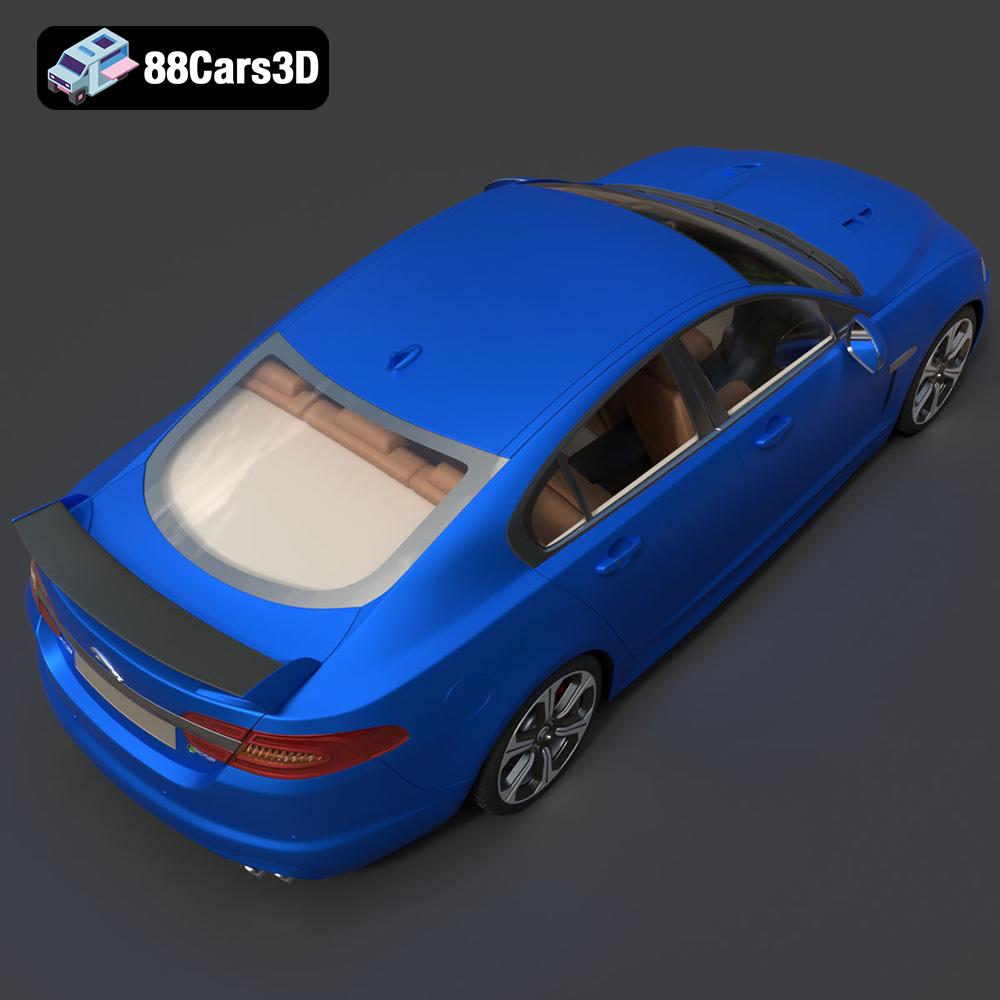
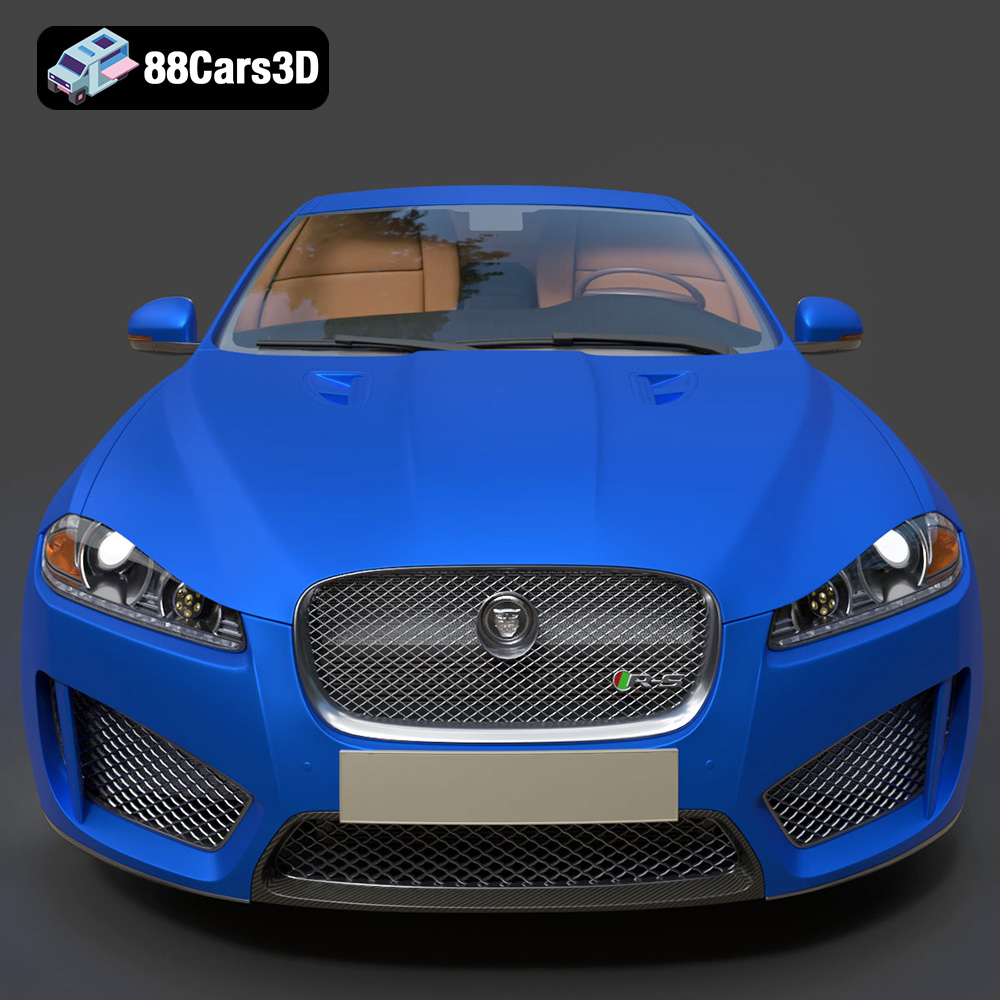
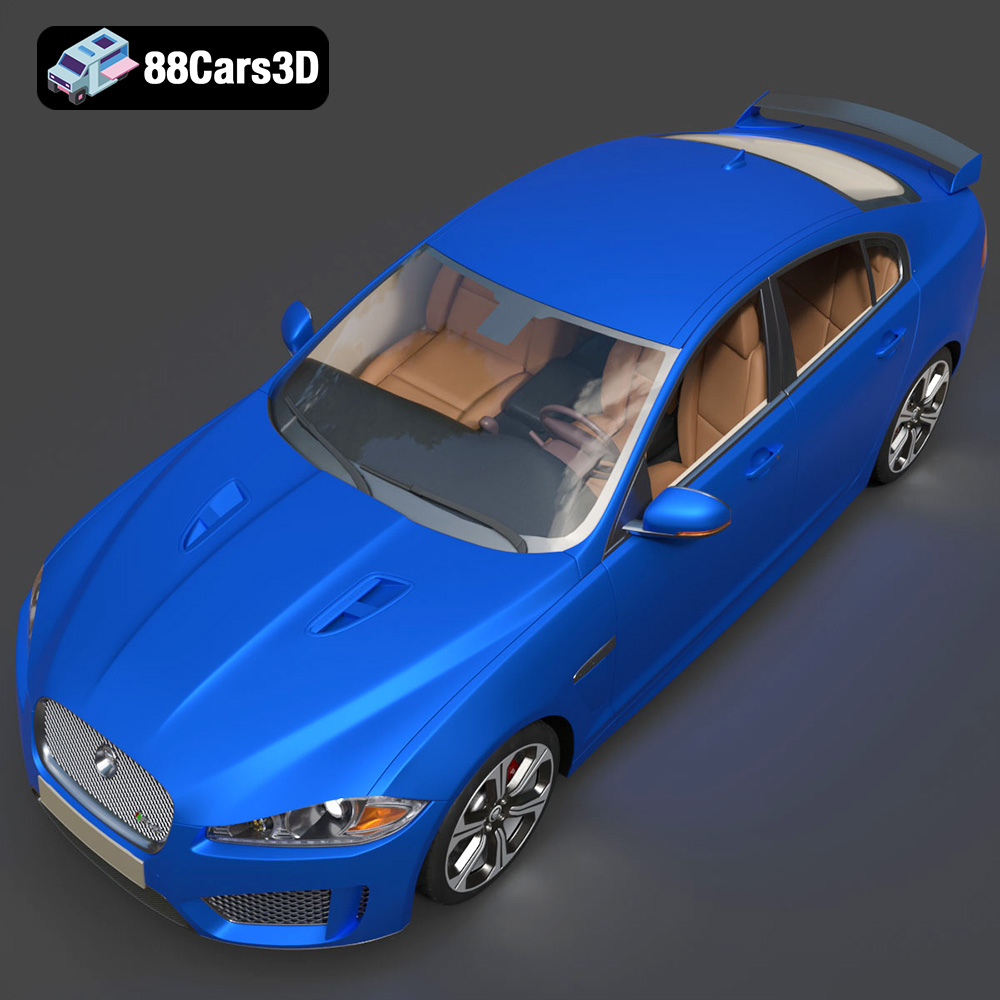
The Jaguar XFR-S 2014 embodies performance and luxury, and now, thanks to the detailed 3D model available at 88cars3d.com, you can bring this iconic sedan to life with 3D printing. This comprehensive guide will walk you through every step, from preparing the STL files to achieving a stunning finished product. Whether you’re a seasoned 3D printing enthusiast or just starting out, this article provides the technical insights needed to successfully 3D print your own Jaguar XFR-S.
Before diving into the printing process, it’s crucial to understand the different file formats included with the Jaguar XFR-S 2014 3D model and how they relate to 3D printing. While 88cars3d.com offers a variety of formats to suit different applications, the **.stl** file is your primary focus for additive manufacturing.
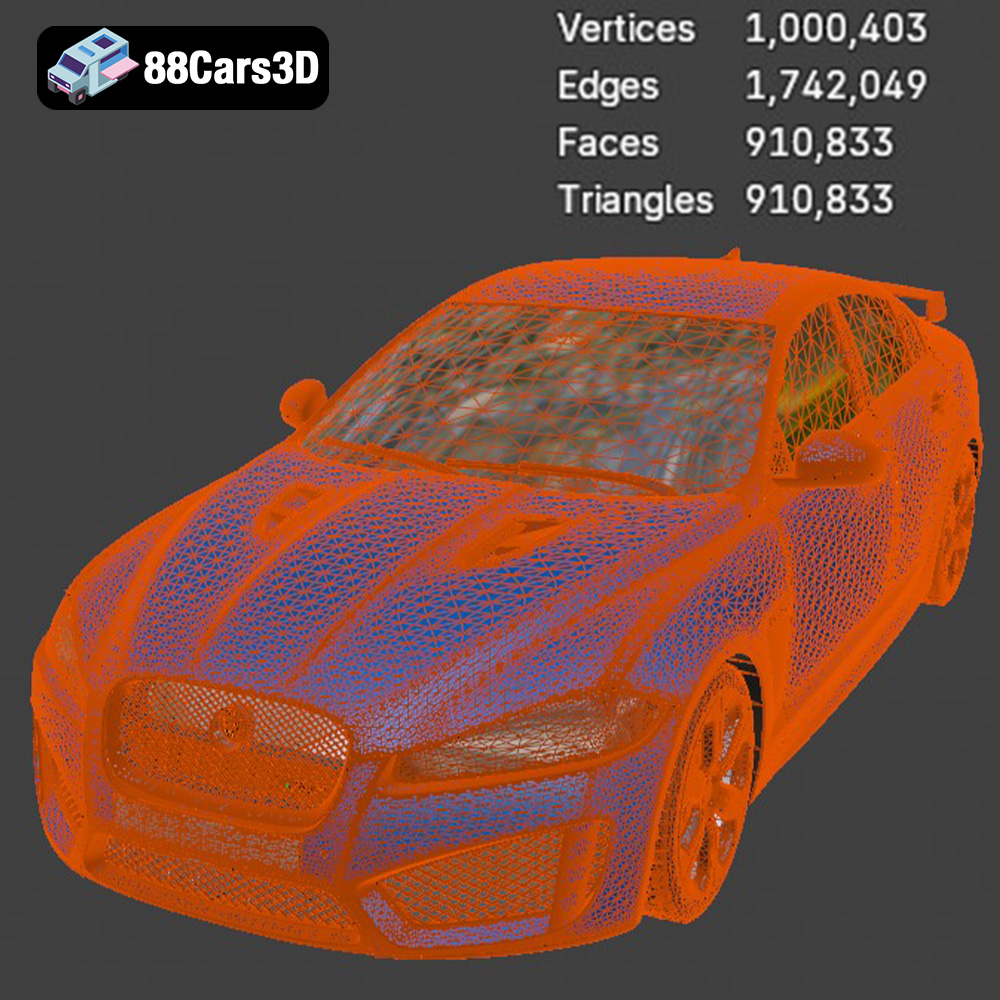
The STL (Stereolithography) file format is the industry standard for 3D printing. It represents the surface geometry of a 3D object as a collection of triangles. The higher the number of triangles, the smoother and more detailed the final print will be. However, a very high triangle count can also increase file size and processing time in your slicing software. The STL file included with the Jaguar XFR-S 2014 model is carefully optimized to balance detail and printability.
When working with STL files, it’s important to check for errors such as non-manifold geometry (edges that are not shared by exactly two triangles) or holes in the mesh. These errors can cause problems during slicing and printing. Many free and paid software tools are available to repair STL files, such as MeshMixer, Netfabb Basic, and 3D Builder (included with Windows). Ensure your STL file is watertight and free of errors before proceeding.
While STL is the king of 3D printing, here’s a breakdown of the other formats and how they might indirectly assist:
* **.obj:** This is a more universal 3D format that can also include color and texture information, unlike STL. It’s useful if you plan to paint the car later and want to bake specific texture details onto the model first in a program like Blender.
* **.ply:** This format excels at capturing high-detail mesh data. You likely won’t print directly from .ply, but you might use it to create a higher-resolution STL if the included version doesn’t meet your needs.
* **.blend:** The native Blender file is great if you want to modify the model before printing. You could simplify intricate areas, add custom details, or split the model into smaller, more manageable parts for printing.
* **.fbx:** This is primarily for game engines. You might use the .fbx to preview the car and then export a modified version as an STL for printing.
* **.glb:** Designed for AR/VR, the .glb format offers a quick way to preview the Jaguar XFR-S in a real-world setting using your phone or tablet. This can help you visualize the scale of the 3D print before you start.
* **.max:** Similar to .blend, the .max file allows for editing within 3ds Max. This can be useful for advanced users who want to make precise modifications before exporting an STL for printing.
Most slicing software packages readily support STL files. Popular options include Cura, PrusaSlicer, Simplify3D, and IdeaMaker. When importing the Jaguar XFR-S 2014 STL file into your chosen slicer, ensure the model is correctly oriented and scaled before generating the toolpath. The slicing software will convert the STL data into a set of instructions (G-code) that your 3D printer can understand.
The choice of material significantly impacts the final appearance, strength, and durability of your 3D printed Jaguar XFR-S. Here’s a breakdown of suitable materials:
PLA is a biodegradable thermoplastic derived from renewable resources. It’s easy to print, widely available, and comes in a vast array of colors. PLA is an excellent choice for beginners due to its low printing temperature and minimal warping. However, PLA is less heat-resistant and more brittle than other materials, making it less suitable for parts that will be exposed to high temperatures or stress. For a display model of the Jaguar XFR-S, PLA is perfectly adequate.
* **Pros:** Easy to print, wide color selection, biodegradable.
* **Cons:** Low heat resistance, brittle.
* **Recommended Settings:** Nozzle temperature: 200-220°C, Bed temperature: 60°C, Print speed: 40-60 mm/s.
PETG combines the ease of printing of PLA with improved strength and heat resistance. It’s more flexible than PLA, making it less prone to cracking. PETG is a good all-around choice for the Jaguar XFR-S, especially if you plan to handle it frequently or subject it to minor stress.
* **Pros:** Stronger and more heat-resistant than PLA, good layer adhesion.
* **Cons:** Can be stringy during printing, requires slightly higher temperatures.
* **Recommended Settings:** Nozzle temperature: 220-250°C, Bed temperature: 70-80°C, Print speed: 40-60 mm/s.
Resin 3D printing, also known as stereolithography (SLA) or digital light processing (DLP), uses liquid resin cured by UV light. Resin printers excel at producing parts with exceptional detail and smooth surfaces. If you’re after a truly show-stopping model of the Jaguar XFR-S with incredibly fine features, resin printing is the way to go. However, resin prints tend to be more brittle than FDM (Fused Deposition Modeling) prints made from PLA or PETG. Resin printing also requires more post-processing, including washing and curing.
* **Pros:** Exceptional detail, smooth surfaces.
* **Cons:** More brittle than FDM prints, requires more post-processing, resin can be messy.
* **Recommended Settings:** Follow the specific resin manufacturer’s recommendations for exposure time, layer height, and curing time.
Achieving a successful 3D print requires carefully tuning your printer settings. Here are the key parameters to consider:
Layer height determines the thickness of each printed layer. A lower layer height results in smoother surfaces and finer details but increases print time. For the Jaguar XFR-S, a layer height of 0.1-0.2 mm is a good balance between detail and speed when using FDM. For resin printing, layer heights can be significantly lower, often in the range of 0.025-0.05 mm.
* **Lower Layer Height (0.1 mm or less):** Best for capturing intricate details and smooth curves, but significantly increases print time.
* **Higher Layer Height (0.2 mm or more):** Faster printing but sacrifices some detail.
Infill density refers to the amount of material used inside the model. A higher infill density increases the strength and weight of the print but also consumes more material. For a primarily decorative model of the Jaguar XFR-S, an infill density of 15-20% is usually sufficient. If you need a more robust model, you can increase the infill to 50% or higher. Consider using a gyroid infill pattern for a good balance of strength and material usage.
* **Low Infill (10-20%):** Lightweight and uses less material, suitable for display models.
* **High Infill (50% or more):** Stronger and more durable, suitable for models that will be handled frequently.
Support structures are temporary scaffolding used to support overhangs and bridges during printing. The Jaguar XFR-S has several areas that will require supports, such as the roof, side mirrors, and rear spoiler. In your slicing software, enable support generation and carefully adjust the settings to minimize material usage and ensure easy removal. Consider using tree supports or light supports for easier removal and cleaner surfaces.
* **Support Placement:** Automatic support generation is a good starting point, but manually adjusting support placement can optimize material usage and prevent supports from attaching to critical surfaces.
* **Support Density:** Lower support density makes removal easier but may compromise support strength.
* **Support Interface:** Adding a support interface layer improves adhesion between the support and the model but can make removal more challenging.
Proper pre-print preparation is essential for a successful outcome. This involves slicing the model and carefully considering its orientation on the build plate.
Your slicing software will take the STL file of the Jaguar XFR-S 2014 and convert it into a series of layers that your 3D printer can understand. Experiment with different settings, such as layer height, infill density, and support generation, to find the optimal combination for your printer and material.
The orientation of the Jaguar XFR-S on the build plate significantly affects print quality and the amount of support material required. Orient the model to minimize the number of overhangs and maximize the surface area in contact with the build plate. Consider printing the car body with the roof facing up to minimize the need for supports on the exterior surfaces. The wheels can be printed separately, oriented vertically to minimize support usage.
* **Consider Aesthetics:** Orient the model so that the most visible surfaces are printed with minimal or no support structures.
* **Think About Strength:** If the model will be subjected to stress, orient it so that the strongest axis aligns with the direction of force.
The Jaguar XFR-S 2014 3D model can be scaled to your desired size in your slicing software. Keep in mind that scaling the model up will increase print time and material usage, while scaling it down may make fine details difficult to print. Before printing, measure your printer’s build volume to ensure the scaled model will fit. Consider splitting the model into multiple parts if you want to print a very large version of the Jaguar XFR-S.
Post-processing is the final step in bringing your 3D printed Jaguar XFR-S to life. This involves removing support structures, sanding, painting, and assembling the model.
Carefully remove the support structures from the printed parts using pliers, cutters, or a sharp knife. Be patient and avoid applying excessive force, which could damage the model. For supports that are difficult to remove, try softening them with a heat gun or soaking them in warm water.
Sanding is essential for smoothing out layer lines and imperfections on the surface of the 3D printed parts. Start with coarse sandpaper (e.g., 220 grit) to remove major imperfections, then gradually move to finer grits (e.g., 400, 600, 800 grit) to achieve a smooth finish. Wet sanding can help to reduce dust and prevent the sandpaper from clogging.
Painting can transform your 3D printed Jaguar XFR-S from a plastic prototype into a stunning replica. Start by applying a primer to the sanded parts to create a smooth surface for the paint to adhere to. Then, apply several thin coats of paint, allowing each coat to dry completely before applying the next. Consider using an airbrush for a professional-looking finish. After painting, apply a clear coat to protect the paint and add a glossy shine.
If you printed the Jaguar XFR-S in multiple parts, you’ll need to assemble them. Use glue or epoxy to join the parts together. Ensure the parts are properly aligned before the glue dries. For a stronger bond, consider using pegs or dowels to reinforce the joints.
Even with careful preparation, you may encounter issues during the 3D printing process. Here are some common problems and their solutions:
Warping occurs when the first layer of the print detaches from the build plate due to uneven cooling. To prevent warping, ensure the build plate is clean and level, and use a bed adhesion agent such as glue stick or hairspray. Increasing the bed temperature and reducing the fan speed can also help.
Stringing occurs when the printer nozzle leaks filament while moving between different parts of the print. To reduce stringing, decrease the printing temperature, increase retraction distance and speed, and enable travel moves that avoid crossing open spaces.
Layer shifting occurs when the printer head suddenly shifts position during printing, resulting in misaligned layers. This can be caused by loose belts, stepper motor issues, or a clogged nozzle. Check the tension of the belts, ensure the stepper motors are functioning correctly, and clean the nozzle.
Elephant’s foot refers to the bottom layer of a print being wider than subsequent layers. This is often caused by the nozzle being too close to the bed during the first layer. Increasing the Z-offset slightly can resolve this. Also, ensure your bed is properly calibrated.
By following this comprehensive guide, you’ll be well-equipped to successfully 3D print your own Jaguar XFR-S 2014 3D model. Remember to experiment with different settings and techniques to find what works best for your printer and material. The detailed model from 88cars3d.com provides a fantastic foundation for creating a stunning 3D printed replica of this iconic sports sedan.
The Jaguar XFR-S 2014 3D Model delivers an exceptionally realistic representation of the iconic performance sedan. Designed with precision, this asset captures the aggressive styling, aerodynamic profile, and distinct characteristics of the XFR-S.
$39.99
.arvr
.blend
.car3dmodel
.fbx
.gameasset
.glb
.jaguar
.luxurycar
.max
.obj
.ply
.rendering
.sedan
.simulation
.sportssedan
.stl
.unreal
.xfrs