Get 20% OFF All Premium 3D & STL Models!

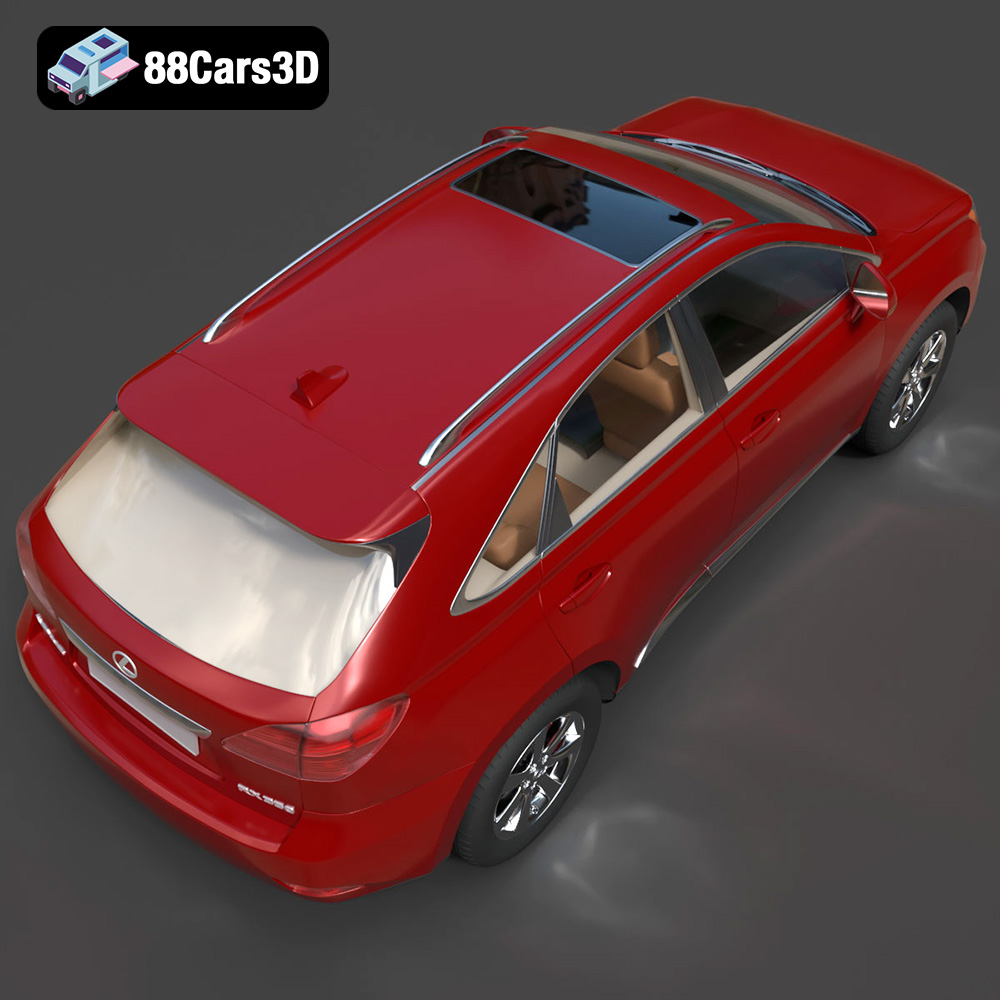
The Lexus RX350 2010, a hallmark of luxury crossover SUVs, can now grace your desk or collection as a meticulously 3D printed model. Thanks to 88cars3d.com, a highly detailed 3D model of this iconic vehicle is available, ready to be brought to life through additive manufacturing. This guide will walk you through the entire 3D printing process, from preparing the STL files to achieving a showroom-worthy finish. Whether you are a seasoned 3D printing enthusiast or a beginner, this article provides the essential knowledge to successfully 3D print the Lexus RX350 2010 model and achieve exceptional results.
Choosing the right file format is crucial for a successful 3D printing experience. While many formats exist, some are better suited for additive manufacturing than others. The Lexus RX350 2010 3D model from 88cars3d.com includes a variety of formats to cater to different user needs, but understanding their specific applications is key.
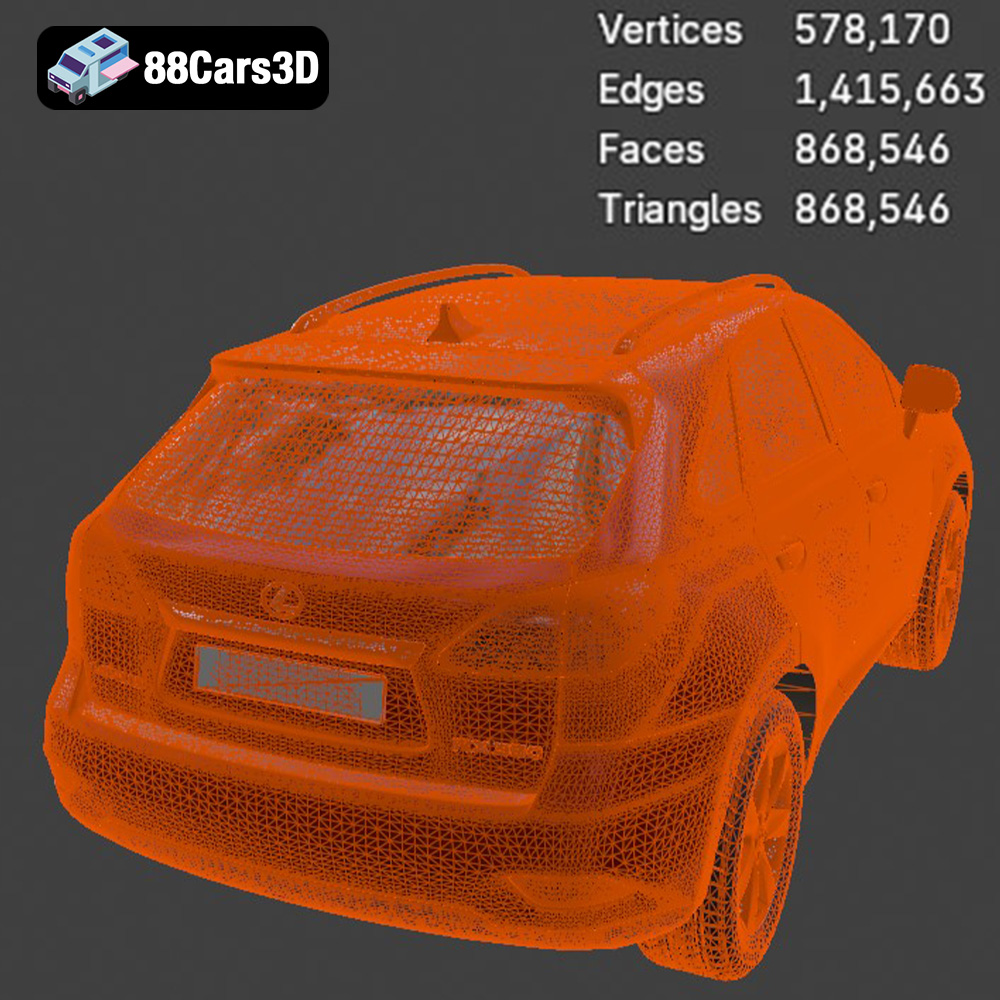
The .stl (Stereolithography) format is the de facto standard for 3D printing. It represents the surface geometry of a 3D object as a collection of triangles. This simplicity makes it universally compatible with slicing software and 3D printers. However, .stl files only contain mesh data, meaning they don’t include information about color, texture, or materials. When 3D printing, the slicing software interprets the .stl file and generates instructions for the printer to build the object layer by layer. The resolution of the triangles in the .stl file directly impacts the smoothness and detail of the final print. A higher triangle count results in a smoother surface but also increases the file size and processing time. For the Lexus RX350 2010, ensure the STL file used has a sufficiently high triangle count to capture the vehicle’s subtle curves and intricate details.
The .obj (Wavefront Object) format is another widely used format that, unlike .stl, can store color and texture information. This is particularly useful if you plan to create a visually appealing model with different colored parts. However, the texture information is stored in separate material files (.mtl), which need to be imported along with the .obj file into the slicing software. While .obj files are compatible with many slicing programs, they might require additional configuration to correctly interpret the color and texture data. If you intend to paint the 3D printed Lexus RX350 2010, the .obj format can be useful for referencing color schemes but isn’t strictly necessary for printing.
The .ply (Polygon File Format) is designed for storing 3D data acquired from 3D scanners. It can represent color, normals, and other properties, making it suitable for high-detail models. While less common for 3D printing than .stl or .obj, .ply files can be useful for preserving fine details. Some advanced slicing software supports .ply, but compatibility can vary. For the Lexus RX350 2010, if you’re focused on capturing every minute detail, .ply might be an option, but ensure your slicing software can handle the format.
The remaining formats included with the Lexus RX350 2010 model cater to different applications beyond 3D printing.
* **.blend** files are native to Blender, a popular open-source 3D modeling software. This format allows for full editing capabilities, enabling you to customize the model before exporting it for printing.
* **.fbx** (Filmbox) is an interchange format commonly used in game development and animation. It supports materials and animations, but its primary use is for importing the model into game engines or animation software rather than directly for printing.
* **.glb** (GL Transmission Format) is designed for efficient transmission and loading of 3D models, often used for web-based applications and AR/VR experiences. It’s excellent for previewing the model but not ideal for 3D printing preparation.
* **.max** is the native file format for 3ds Max, another professional 3D modeling software. Similar to .blend, it allows for extensive editing and customization before exporting for printing.
For 3D printing the Lexus RX350 2010, the .stl format is generally the best choice due to its widespread compatibility and simplicity. However, if you wish to modify the model before printing, the .blend or .max files offer the most flexibility, allowing you to make changes and then export the modified model as an .stl file.
Before sending the Lexus RX350 2010 model to your 3D printer, meticulous preparation is essential. This involves using slicing software to convert the 3D model into a format the printer can understand, as well as optimizing the model for printability.
Slicing software is the bridge between your 3D model and your printer. Popular options include Cura, Simplify3D, PrusaSlicer, and others. Each slicer has its strengths, but the core function is the same: to divide the 3D model into thin horizontal layers and generate the G-code instructions that control the printer’s movements, temperature, and material extrusion. Consider factors like user-friendliness, advanced features (such as adaptive layer height), and compatibility with your printer when selecting your slicing software. Most slicers support .stl files, making them ideal for the Lexus RX350 2010 model.
Sometimes, 3D models, especially those designed for other applications like gaming, may contain imperfections that can hinder 3D printing. These can include non-manifold edges, holes, or intersecting faces. Slicing software often has built-in repair tools to automatically fix these issues. Alternatively, you can use dedicated mesh repair software like MeshMixer or Netfabb.
The orientation of the Lexus RX350 2010 model on the print bed is crucial for print quality and support material usage. Printing the frame at an angle, as suggested, provides better structural integrity. Consider the overhangs and areas that will require support structures. Minimizing the support material needed will not only save material but also reduce the time spent on post-processing to remove them. Separating the wheels and printing them separately allows for more optimal orientation, often resulting in smoother surfaces and more accurate details.
The recommended scales of 1:12, 1:18, or 1:24 are ideal for displaying the Lexus RX350 2010. Adjust the scale in your slicing software to match your desired size. For resin printing, hollowing the model is crucial to save resin and reduce printing time. Ensure you add drainage holes in discreet locations to allow the resin to escape. For FDM printing, you may also consider hollowing the model to reduce material consumption, although infill will still be necessary for structural support.
The material you choose significantly impacts the final appearance, strength, and detail of your 3D printed Lexus RX350 2010 model. Consider your desired outcome and the capabilities of your 3D printer when selecting a material.
PLA (Polylactic Acid) is a popular thermoplastic known for its ease of use and biodegradability. It’s an excellent choice for beginners due to its low printing temperature and minimal warping. PLA is available in a wide range of colors, making it suitable for creating a visually appealing Lexus RX350 2010 model. However, PLA has limitations in terms of heat resistance and impact strength.
PETG (Polyethylene Terephthalate Glycol-modified) offers improved strength, flexibility, and heat resistance compared to PLA. It’s a good option if you want a more durable 3D printed Lexus RX350 2010 that can withstand higher temperatures or more physical stress. PETG can be slightly more challenging to print than PLA, requiring higher temperatures and careful attention to bed adhesion.
Resin printing, using technologies like SLA (Stereolithography) or DLP (Digital Light Processing), is ideal for achieving incredibly high detail and smooth surfaces. Resin printers use liquid resin that is cured by UV light, allowing for intricate designs and fine features. If you want to capture the Lexus RX350 2010’s elegant curves and small details like the grill and emblems, resin printing is highly recommended. However, resin prints tend to be more brittle than FDM prints and require careful post-processing, including washing and curing.
While PLA, PETG, and resin are the most common choices, other materials like ABS (Acrylonitrile Butadiene Styrene), Nylon, and composite filaments can also be used. ABS offers high strength and heat resistance but is more prone to warping and requires an enclosed printer. Nylon is incredibly strong and flexible but can be challenging to print due to its moisture sensitivity. Composite filaments, such as carbon fiber-infused PLA or PETG, provide enhanced strength and stiffness. These materials are often used for functional parts but can also enhance the aesthetics of your 3D printed Lexus RX350 2010.
The right printer settings are essential for achieving a successful 3D print of the Lexus RX350 2010. These settings will vary depending on the material and printer you are using, but here are some general guidelines to consider.
Layer height determines the vertical resolution of your print. A smaller layer height results in smoother surfaces and more detailed features but increases printing time. For the Lexus RX350 2010, a layer height of 0.1mm to 0.2mm is a good starting point for FDM printing. For resin printing, layer heights as low as 0.025mm can be used to capture extremely fine details.
Infill density determines the amount of material inside the 3D printed object. A higher infill density increases strength but also increases printing time and material consumption. For a display model like the Lexus RX350 2010, an infill density of 15-25% is typically sufficient. Choose an infill pattern that provides good structural support, such as rectilinear, grid, or gyroid.
Print speed and temperature are crucial for achieving good layer adhesion and preventing warping. The optimal settings will depend on the material you are using. Refer to the filament or resin manufacturer’s recommendations for specific guidelines. Generally, slower print speeds result in better quality but increase printing time.
Support structures are necessary for printing overhangs and complex geometries. Use support settings that provide sufficient support while minimizing material usage and the difficulty of removal. Bed adhesion is crucial for preventing warping, especially with materials like ABS and PETG. Use a heated bed, adhesive spray, or a raft to improve bed adhesion.
Once your Lexus RX350 2010 is 3D printed, post-processing is essential for achieving a professional finish. This involves removing support structures, sanding the surfaces, painting, and assembling the individual parts.
Carefully remove support structures using pliers, cutters, or a specialized support removal tool. Be gentle to avoid damaging the model’s surface. Once the supports are removed, sand the surfaces with progressively finer grit sandpaper to smooth out any imperfections. Start with a rougher grit (e.g., 220 grit) and gradually move to finer grits (e.g., 400, 600, 800 grit) for a smooth finish.
Apply a primer to the 3D printed model to create a smooth and uniform surface for painting. Use a primer that is compatible with the material you used for printing. Once the primer is dry, sand it lightly with fine-grit sandpaper.
Use high-quality acrylic paints or automotive paints to achieve a professional finish. Consider using an airbrush for a smooth and even coat. Apply multiple thin coats of paint, allowing each coat to dry completely before applying the next. For the Lexus RX350 2010, research the original factory colors and use metallic finishes to replicate the authentic look.
If you printed the wheels and other parts separately, carefully assemble them using glue or fasteners. Pay attention to the alignment and fit of the parts. Add any final details, such as decals, emblems, or chrome trim, to enhance the realism of your 3D printed Lexus RX350 2010.
Even with careful preparation, 3D printing can sometimes present challenges. Here are some common issues and their solutions:
Warping occurs when the 3D printed object lifts from the print bed during printing. This is often caused by poor bed adhesion or temperature fluctuations. To prevent warping, use a heated bed, apply adhesive spray, and ensure the printer is in a stable environment.
Stringing occurs when the printer extrudes material while moving between different parts of the print. This can be caused by excessive retraction distance, high printing temperature, or moisture in the filament. Adjust the retraction settings in your slicing software and ensure your filament is dry.
Layer delamination occurs when the layers of the 3D printed object do not adhere properly. This can be caused by low printing temperature, insufficient cooling, or poor layer adhesion. Increase the printing temperature, reduce cooling fan speed, and ensure the first layer is properly adhered to the print bed.
Overhangs are areas of the 3D model that are not supported from below. These areas can sag or collapse during printing if not properly supported. Use support structures to support overhangs and adjust the support settings in your slicing software to optimize their placement and density.
3D printing the Lexus RX350 2010 model from 88cars3d.com is a rewarding project that combines technical skill with creative expression. By understanding the nuances of file formats, material selection, printer settings, and post-processing techniques, you can create a stunning replica of this iconic vehicle. Remember to choose the right material, optimize your printer settings, and take your time with post-processing to achieve the best possible results. Whether you’re a seasoned 3D printing enthusiast or a beginner, this guide provides the knowledge and inspiration to bring your Lexus RX350 2010 model to life.
The Lexus RX350 2010 is a definitive representation of the luxury crossover SUV segment, bringing together refined elegance, advanced comfort, and robust versatility. This 3D model is meticulously crafted to deliver exceptional visual fidelity while maintaining an optimized topology of approximately 200k triangles. Perfect for urban driving simulations, luxury lifestyle architectural visualizations, virtual dealership showrooms, and cinematic renders.
$39.99
.2010
.blend
.crossover
.fbx
.glb
.lexus
.luxury suv
.max
.obj
.ply
.rendering
.stl
.unreal
car-3d-model
game asset
game-ready
low-poly
optimized
rx350
SUV
vehicle-3d-model
VR/AR