Get 20% OFF All Premium 3D & STL Models!

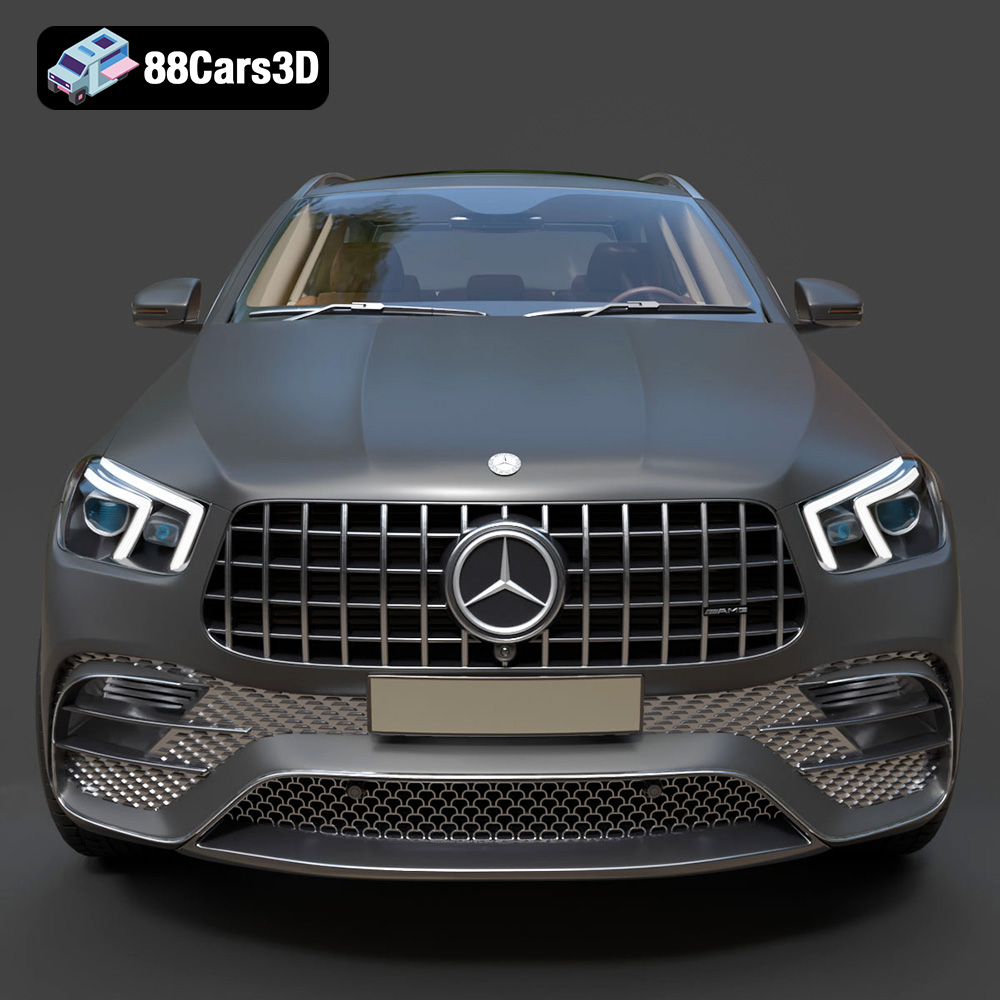
The Mercedes-Benz AMG GLE 63 2021, a fusion of luxury and performance, is now within reach as a 3D printed model. Thanks to 88cars3d.com, a detailed digital replica of this iconic SUV is available for download in various formats, including STL, making it perfect for 3D printing enthusiasts. This guide provides a comprehensive walkthrough on how to successfully 3D print the AMG GLE 63, covering everything from printer settings to post-processing techniques. Whether you’re a seasoned 3D printing expert or a beginner, this guide will help you bring this stunning vehicle to life.
The AMG GLE 63 model can be 3D printed using various technologies, each with its own strengths and weaknesses. The two most common methods are Fused Deposition Modeling (FDM) and Stereolithography (SLA) or resin printing.
FDM printers use filaments like PLA, PETG, or ABS. They are generally more affordable and easier to use, making them suitable for beginners. However, FDM prints often require more post-processing to achieve a smooth surface finish, especially with intricate details like the AMG’s Panamericana grille.
* Material Recommendations: PLA is a good starting point due to its ease of use and biodegradability. PETG offers improved strength and heat resistance.
* Pros: Affordable, easy to use, wide range of materials.
* Cons: Lower resolution, visible layer lines, requires more post-processing.
Resin printers use liquid resins cured by UV light. They offer significantly higher resolution and can capture fine details, making them ideal for intricate models like the AMG GLE 63. However, resin printers are generally more expensive, and the resin itself can be costly and requires careful handling.
* Material Recommendations: Standard resin is suitable for display models. Tough resin provides increased durability.
* Pros: High resolution, excellent detail, smooth surface finish.
* Cons: More expensive, resin requires careful handling, smaller build volume.
Before you begin 3D printing the Mercedes-Benz AMG GLE 63, it’s essential to understand the different file formats available and their suitability for 3D printing. 88cars3d.com provides the model in multiple formats, each designed for specific applications. For 3D printing, the STL format is the most crucial.
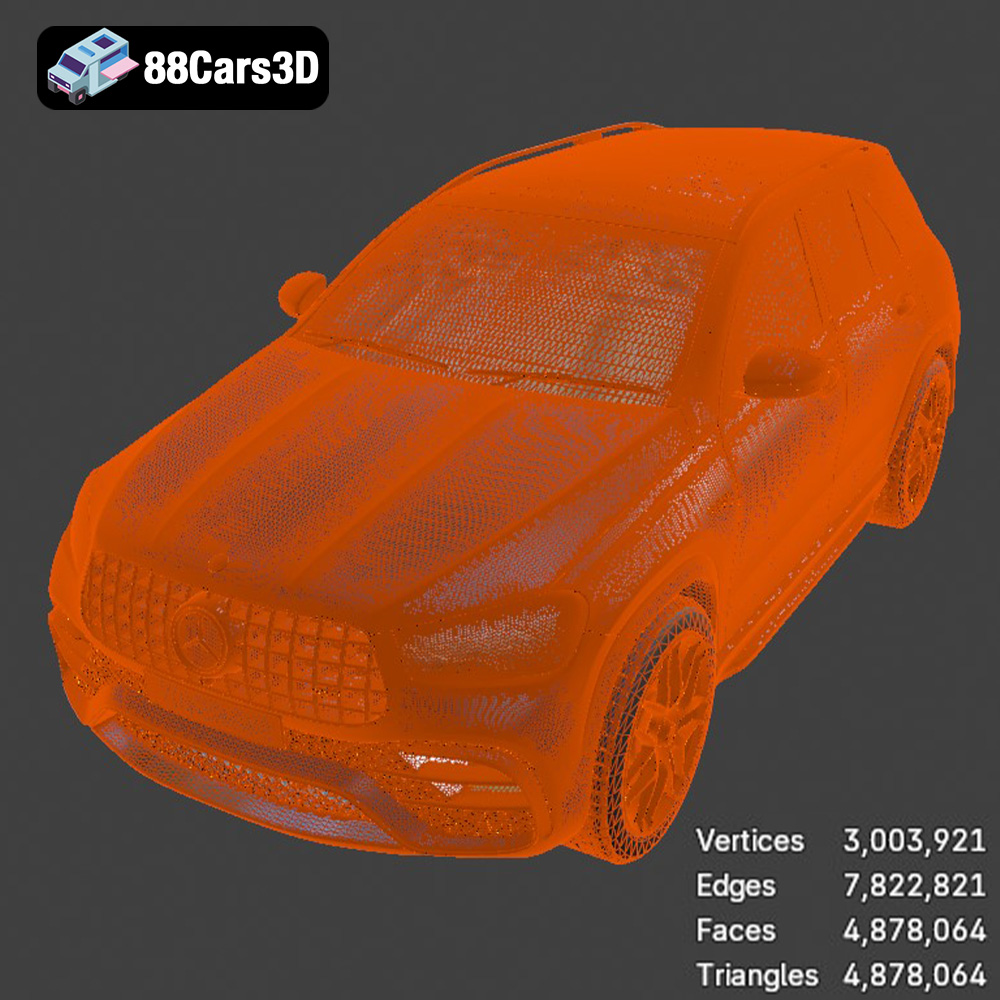
The STL (Stereolithography) file format is the workhorse of 3D printing. It represents the surface geometry of a 3D object as a collection of triangles. This format is universally supported by slicing software, making it the go-to choice for preparing models for additive manufacturing. The key advantage of STL is its simplicity and widespread compatibility. However, it only stores the surface geometry (mesh data) and doesn’t include color, texture, or material information.
For 3D printing the AMG GLE 63, the STL file contains all the necessary information for the printer to build the model layer by layer. The quality of the STL file directly impacts the final print quality. A high-resolution STL file, like the one provided by 88cars3d.com, will result in a smoother surface and more accurate representation of the original design.
When working with STL files, it’s essential to ensure that the mesh is “watertight,” meaning it has no holes or gaps. Non-watertight meshes can cause errors during slicing, leading to printing failures. Slicing software often includes tools to repair minor mesh issues, but it’s always best to start with a clean, well-prepared STL file.
OBJ (Object) files are another common 3D model format that supports both geometry and texture information. Unlike STL, OBJ files can store color and material properties, making them suitable for colored 3D printing (if your printer supports it). However, for basic 3D printing, the STL format is generally preferred due to its simplicity and better compatibility with slicing software.
PLY (Polygon File Format) is designed to store 3D data acquired from 3D scanners. It can represent color, normals, and other properties, making it suitable for high-detail prints. However, PLY files can be larger than STL files, and compatibility with slicing software may vary.
BLEND files are native to Blender, a popular open-source 3D modeling software. This format allows you to open and edit the 3D model directly in Blender, making it ideal for customization before exporting to STL for printing. If you want to modify the AMG GLE 63 model, such as adding custom details or splitting it into separate parts for easier printing, the BLEND file is the way to go.
FBX (Filmbox) is a proprietary file format developed by Autodesk. It supports geometry, materials, textures, and animations. While it’s commonly used in game development and animation, it’s less relevant for basic 3D printing unless you need to preserve material information for specific printing processes.
GLB (GL Transmission Format Binary) is a binary file format that represents 3D models in a compact and efficient manner. It’s often used for displaying 3D models in web browsers and augmented reality (AR) applications. You can use the GLB file to preview the AMG GLE 63 model in AR before printing, giving you a better sense of its size and appearance.
MAX files are native to 3ds Max, another professional 3D modeling software. Similar to BLEND files, MAX files allow you to edit the 3D model in 3ds Max before exporting to STL for printing.
Once you’ve chosen the right file format (STL for most cases), the next step is to prepare the model for printing using slicing software. Popular options include Cura, Simplify3D, and PrusaSlicer.
Slicing software converts the 3D model into a series of layers that the 3D printer can understand. Key settings include:
* Layer Height: A lower layer height (e.g., 0.1mm) results in smoother surfaces but increases print time. A higher layer height (e.g., 0.2mm) is faster but less detailed. 88cars3d.com recommends a layer height of 0.04-0.12mm for resin printing to capture fine details.
* Infill Density: Infill is the internal structure of the print. A higher infill density (e.g., 20-30%) increases strength but also uses more material. For a display model, a lower infill is usually sufficient.
* Wall Thickness: This refers to the thickness of the outer walls of the print. A thicker wall (e.g., 1.2-2.0mm) increases strength and improves the appearance of the surface.
* Supports: Supports are structures that hold up overhanging parts of the model during printing. They are essential for complex models like the AMG GLE 63, especially for features like the exhaust, mirrors, and steering wheel.
* Print Speed: Adjust the print speed according to your printer and material. Slower speeds generally result in better quality prints.
The orientation of the model on the print bed can significantly impact the print quality and the amount of support material required. 88cars3d.com recommends printing the frame angled for structural integrity. This helps to distribute stress and prevent warping. Wheels should be printed separately. Experiment with different orientations in your slicing software to find the one that minimizes the need for supports and produces the best results.
88cars3d.com suggests a scale of 1:12, 1:18, or 1:24 for 3D printing the AMG GLE 63. Choose a scale that suits your printer’s build volume and desired level of detail. Larger scales will capture more detail but require more material and time.
Achieving a successful print of the AMG GLE 63 requires careful consideration of printing parameters. These settings can significantly impact the final product’s quality, strength, and appearance.
As mentioned earlier, both FDM and resin printing are viable options. PLA and PETG are excellent choices for FDM, while standard and tough resins are suitable for resin printing. Consider the desired properties of the final model when selecting a material.
For FDM printing, the nozzle and bed temperatures must be carefully calibrated. PLA typically prints at 200-220°C with a bed temperature of 60°C. PETG requires higher temperatures, around 230-250°C with a bed temperature of 70-80°C. Always consult the material manufacturer’s recommendations.
Generating the right support structures is crucial for preventing print failures. Use your slicing software to automatically generate supports, but also manually adjust them to ensure that all overhanging features are adequately supported. Pay particular attention to the exhaust system, mirrors, and steering wheel.
Ensuring proper bed adhesion is essential for preventing warping and print failures. Use a bed adhesive like glue stick or hairspray for FDM printing. For resin printing, ensure that the build plate is properly leveled and that the resin is thoroughly mixed.
Once the printing is complete, post-processing is necessary to achieve a polished and professional-looking model.
Carefully remove the support structures using pliers or a sharp knife. Take your time and avoid damaging the model. For resin prints, supports are often easier to remove after a short soak in warm water.
Sanding smooths out the surface and removes any imperfections. Start with coarse sandpaper (e.g., 220 grit) and gradually move to finer grits (e.g., 400, 600, 800) for a smooth finish. Wet sanding can help to reduce dust and improve the surface finish.
Apply a primer to the model to create a uniform surface for painting. Primer also helps the paint adhere better. Use multiple thin coats of primer rather than one thick coat to avoid drips and runs.
Paint the model using high-quality acrylic paints. 88cars3d.com recommends using authentic factory colors with metallic finishes for a realistic look. Use masking tape to create clean lines and protect areas that you don’t want to paint. Consider using an airbrush for a smooth and even finish.
If you printed the model in separate parts (e.g., wheels, body), assemble them using glue or epoxy. Ensure that the parts fit together properly and that the glue is applied evenly.
Even with careful preparation, 3D printing can sometimes present challenges. Here are some common issues and how to address them:
* Warping: This occurs when the corners of the print lift off the bed. Ensure proper bed adhesion, use a heated bed, and enclose the printer to maintain a consistent temperature.
* Stringing: This is when thin strands of plastic are left between different parts of the print. Reduce the nozzle temperature, increase retraction settings, and decrease print speed.
* Layer Separation: This occurs when the layers of the print don’t adhere properly. Increase the nozzle temperature, decrease print speed, and ensure proper bed leveling.
* Support Failures: If supports fail, the overhanging parts of the model will collapse. Increase the support density, use thicker support structures, and ensure that the supports are properly anchored to the bed.
3D printing the Mercedes-Benz AMG GLE 63 2021 is a rewarding project that combines technical skill with artistic creativity. By following this comprehensive guide, you can successfully create a stunning replica of this iconic SUV. Remember to experiment with different settings and techniques to find what works best for your printer and materials. With patience and attention to detail, you’ll be cruising with your very own 3D printed AMG GLE 63 in no time. And with 88cars3d.com providing high-quality STL files, the journey from digital design to tangible model is smoother than ever. Happy printing!
Experience the perfect fusion of luxury and raw performance with this highly detailed 3D model of the 2021 Mercedes-Benz AMG GLE 63. Renowned for its commanding presence, this performance SUV features the unmistakable aggressive Panamericana front grille, massive air intakes, and the distinctive AMG quad-trapezoidal exhaust system.
$19.99
.blend
.fbx
.glb
.luxury suv
.max
.obj
.ply
.rendering
.stl
.unreal
amg-gle-63
car-3d-model
game asset
game-ready
low-poly
mercedes-benz
optimized
performance suv
SUV
VR/AR