Get 20% OFF All Premium 3D & STL Models!

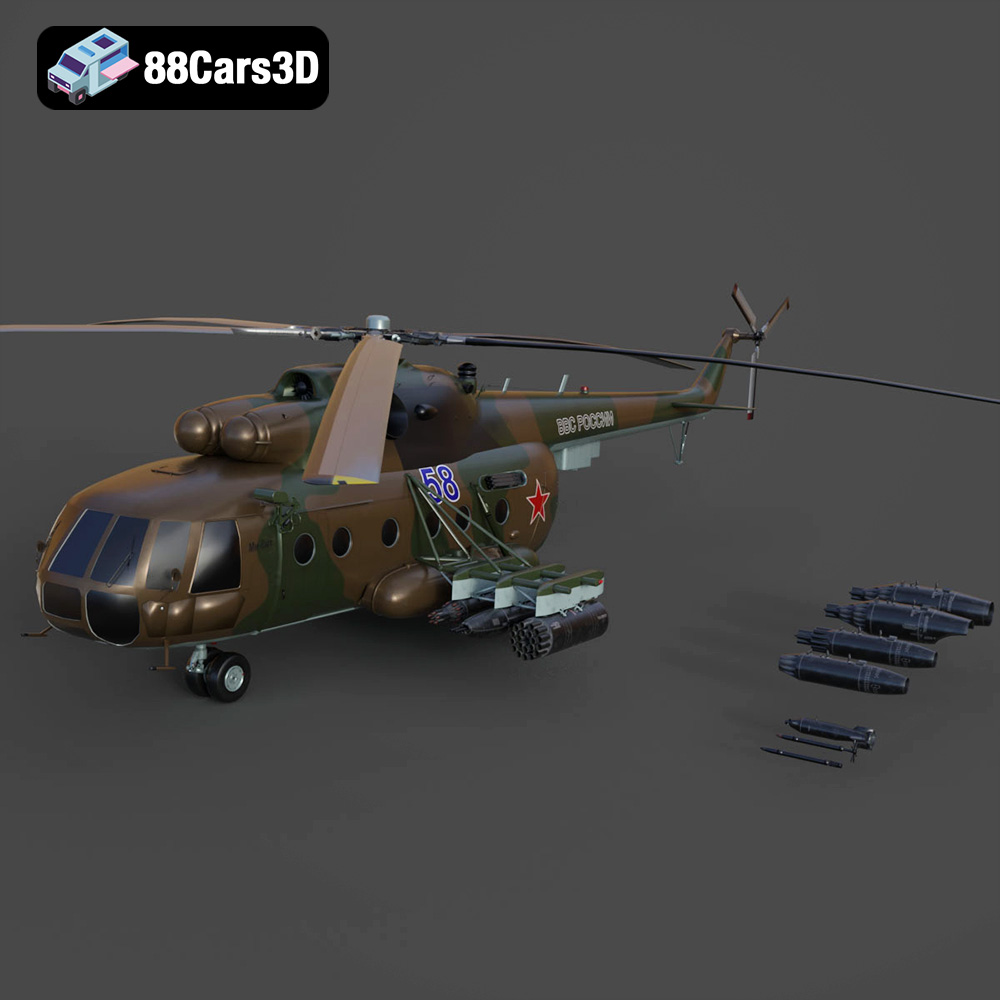
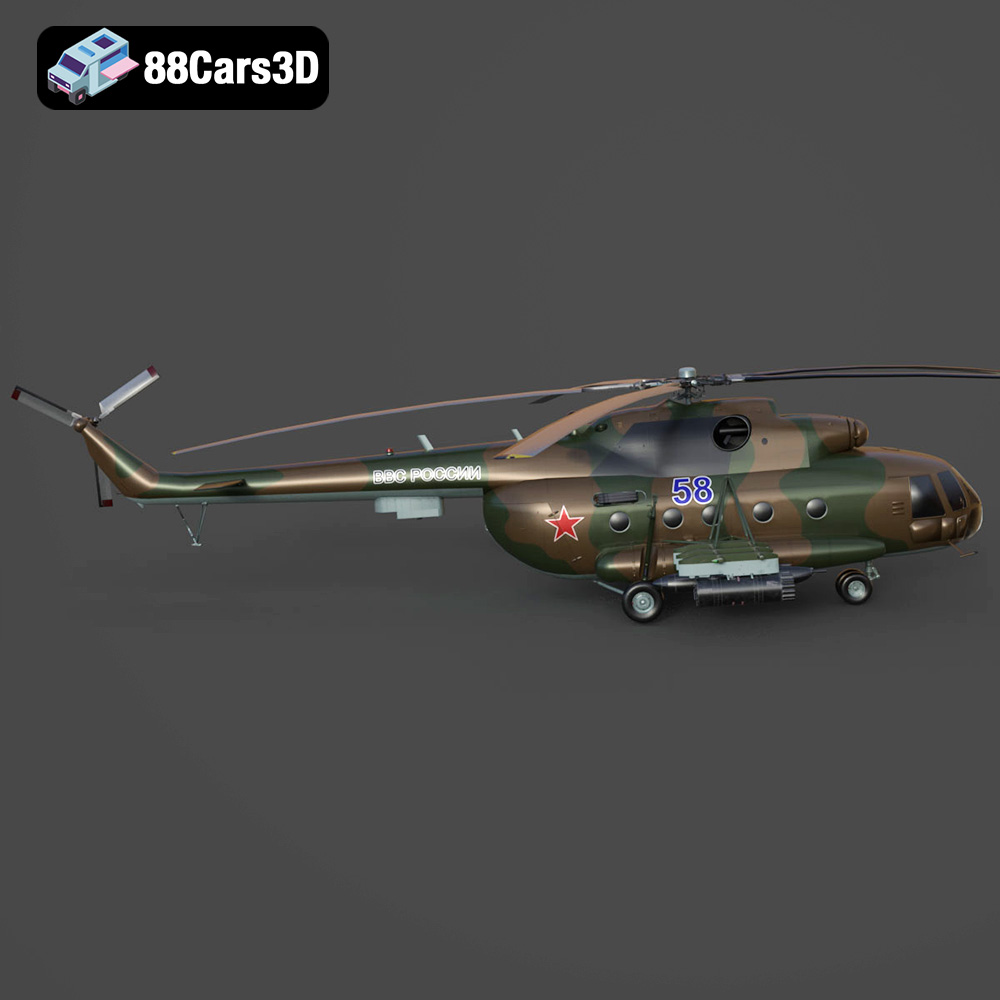
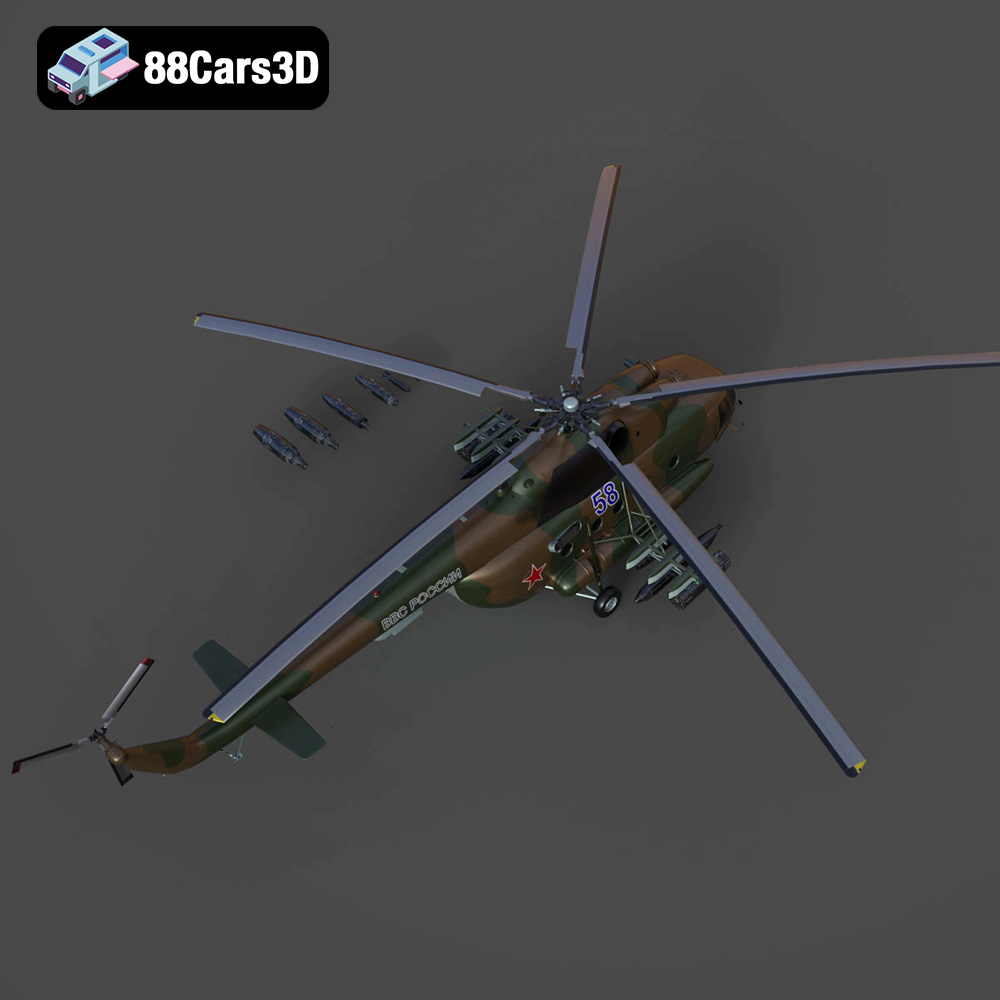
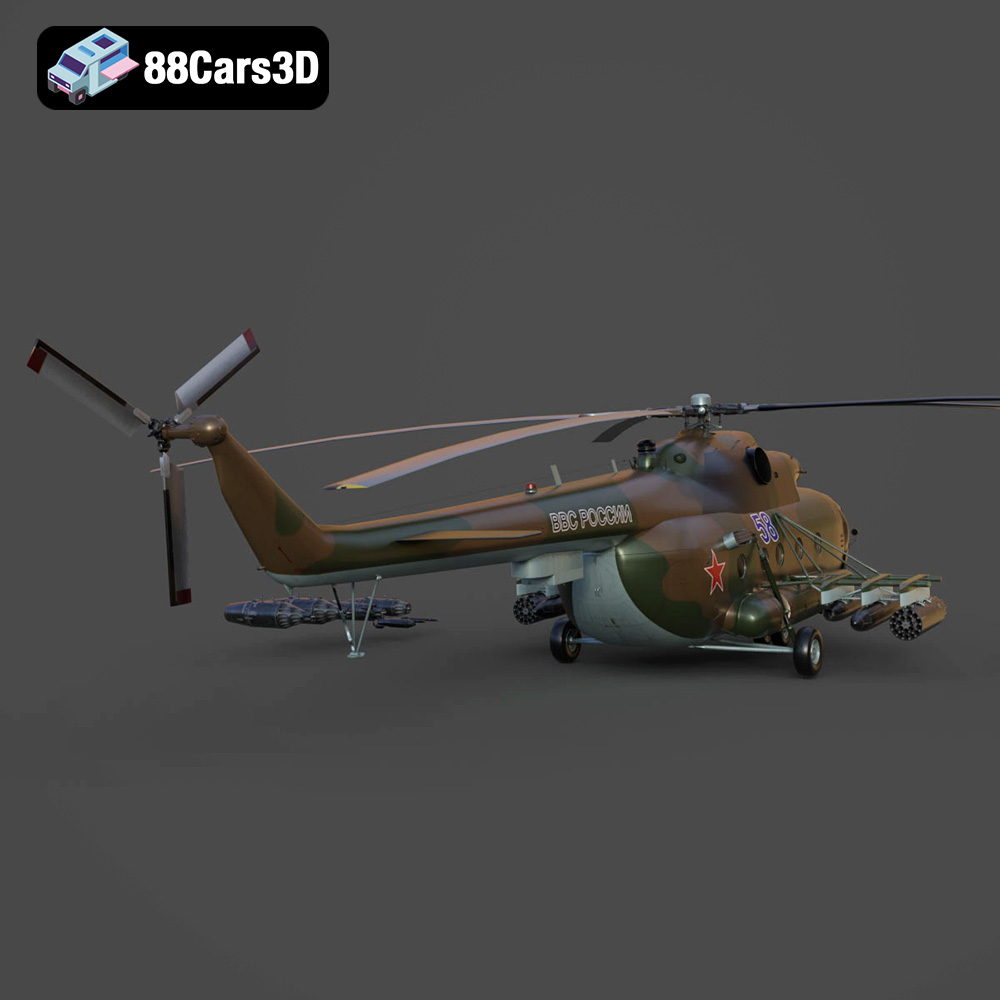
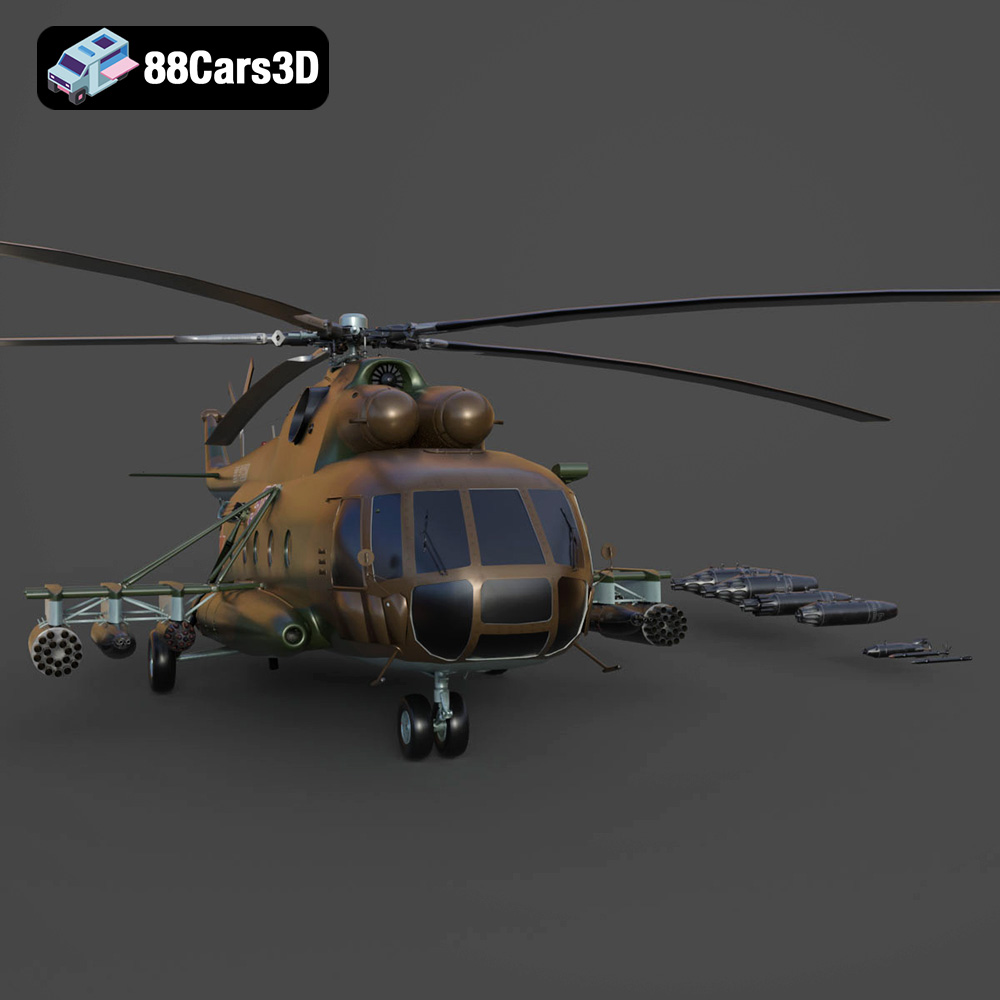
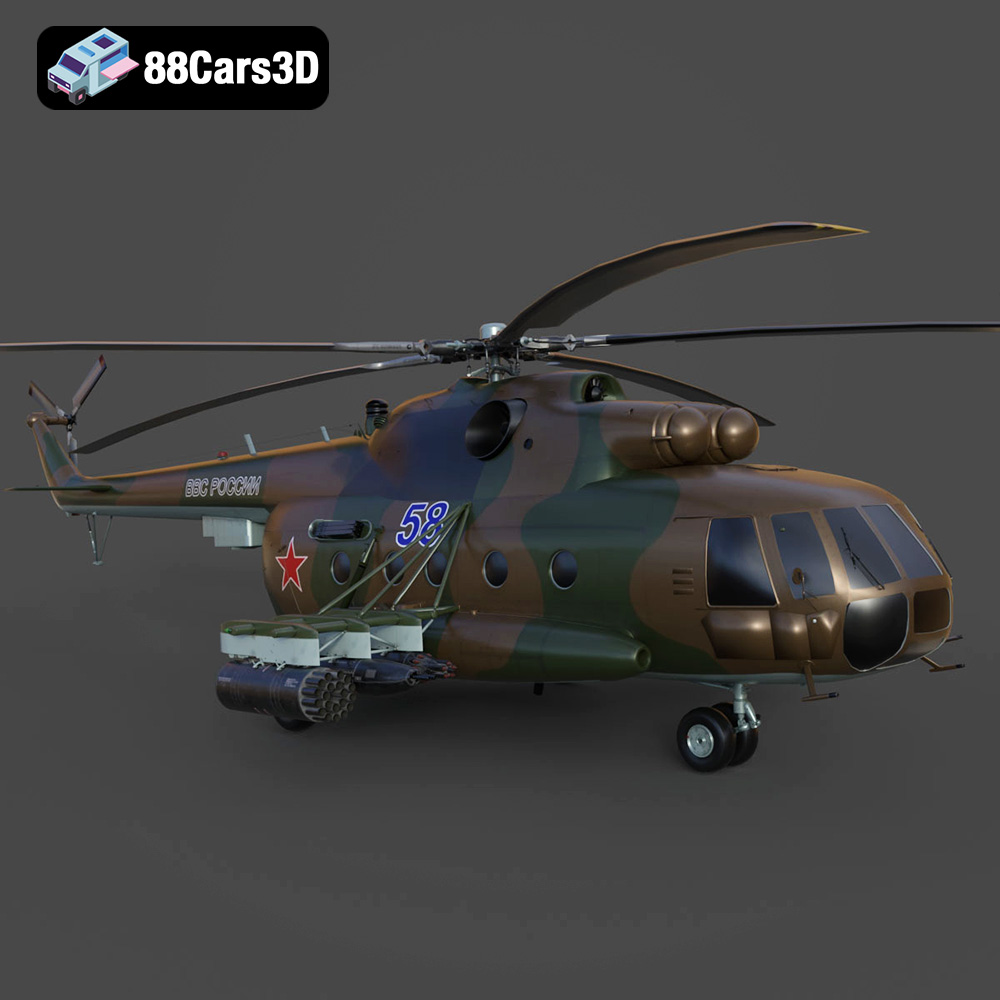
The Mil Mi-8MT is an iconic helicopter, a workhorse of both military and civilian operations worldwide. Its distinctive design and robust functionality have made it a recognizable symbol of aviation. Now, thanks to the detailed 3D model available at 88cars3d.com, you can bring this incredible machine to life through the magic of 3D printing. This guide will walk you through the process of 3D printing the Mil Mi-8MT Helicopter model, covering everything from pre-print preparation to post-processing finishing touches. Whether you’re a seasoned 3D printing enthusiast or a newcomer to the world of additive manufacturing, this comprehensive guide will provide you with the knowledge and techniques necessary to create a stunning replica of this legendary helicopter.
Before diving into the specifics of printing the Mil Mi-8MT Helicopter model, it’s crucial to understand the different file formats that are used in the world of 3D modeling and 3D printing. Each format has its own strengths and weaknesses, impacting the quality, compatibility, and ease of use in the 3D printing workflow. The Mil Mi-8MT Helicopter model available on 88cars3d.com, comes with a variety of formats, but understanding which one is best suited for 3D printing is key to a successful outcome.
The STL (Stereolithography) file format is the cornerstone of 3D printing. It represents the 3D model’s surface geometry as a collection of triangles, forming a mesh. STL files are simple, widely supported, and are the go-to format for most 3D printing applications. While STL files efficiently describe the shape of an object, they do not contain information about color, texture, or materials. When preparing the Mil Mi-8MT Helicopter model for 3D printing, the STL format will be your primary focus.
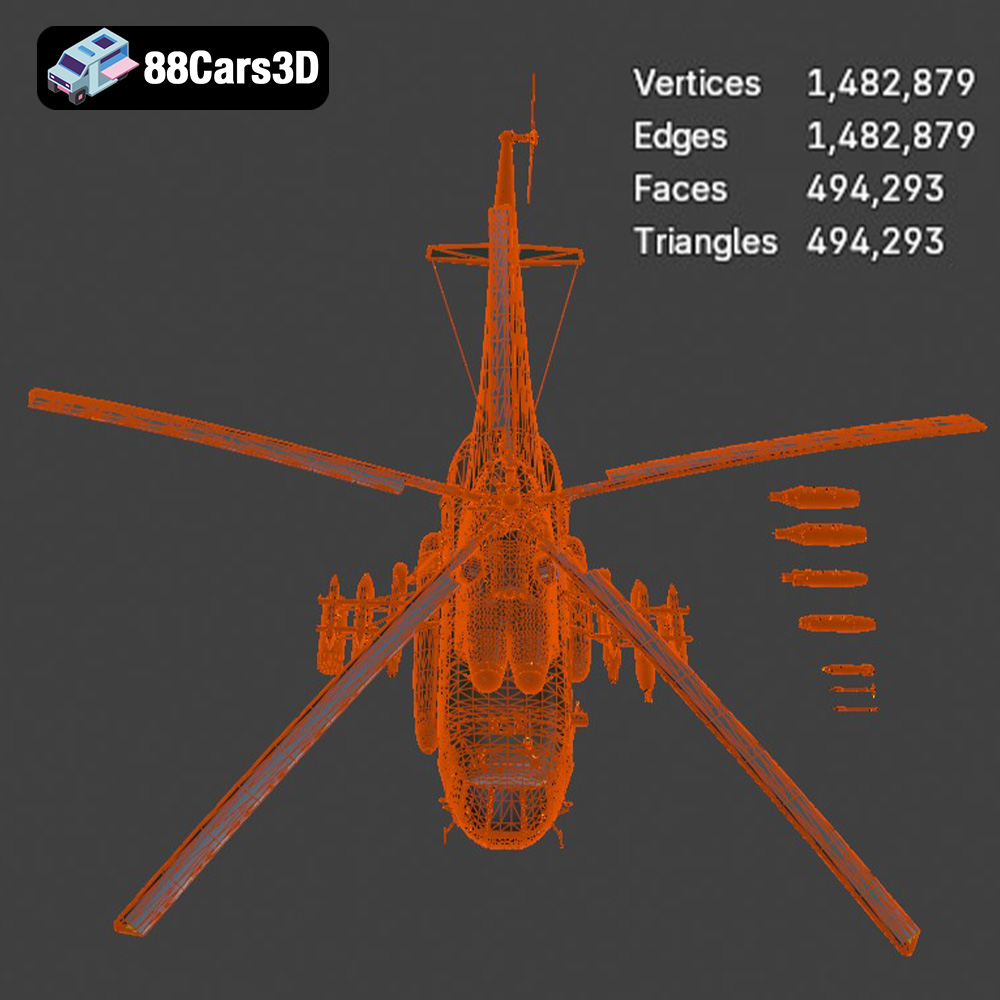
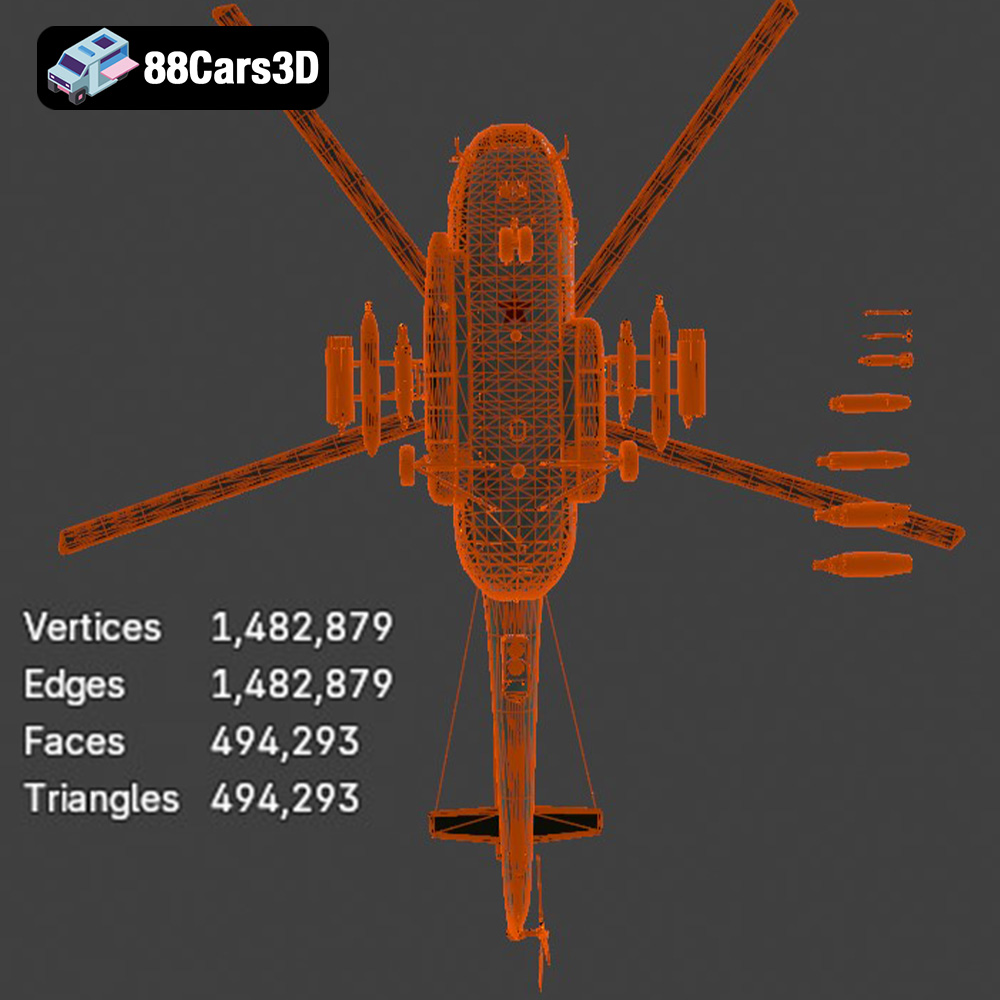
The quality of an STL file directly affects the quality of the final 3D print. A high-resolution STL file contains a greater number of smaller triangles, resulting in a smoother surface. However, a very high-resolution STL file can be large and computationally demanding, potentially slowing down slicing software and the 3D printer. Finding the right balance between resolution and file size is essential for optimal 3D printing results. Most slicing programs allow you to control the resolution when importing an STL, allowing for custom optimization.
OBJ files are another popular 3D model format, similar to STL but with the added ability to store color and texture information. This makes OBJ files suitable for 3D printing in full color, provided you have a 3D printer capable of such. For the Mil Mi-8MT Helicopter model, the OBJ format can be beneficial if you wish to experiment with multi-color printing or project textures onto the model before converting it to STL for printing on a single-color printer.
The PLY format is designed to store 3D data acquired from 3D scanners. It’s known for its ability to accurately represent complex geometries and is capable of storing color and texture information. While PLY files can be used for 3D printing, they are less common than STL or OBJ, and may require specific slicer support. Consider using PLY if you require the highest possible accuracy in representing the helicopter’s complex details, but be prepared for potential compatibility issues with some slicing software.
The .blend file is the native format for Blender, a powerful open-source 3D creation suite. This format contains the entire Blender scene, including the model’s geometry, textures, materials, lighting, and animation data. The .blend format is not directly used for 3D printing; however, it allows for extensive customization of the Mil Mi-8MT Helicopter model before exporting it to a 3D printable format like STL. If you want to modify the model’s design, add details, or prepare it for printing by splitting it into smaller parts, Blender is an excellent tool.
The FBX format is a proprietary file format developed by Autodesk, primarily used for exchanging data between different 3D software applications. While FBX files can contain materials, textures, and animations, most 3D printing slicing software primarily utilizes the geometric data within the FBX file, similar to STL. If you’re working with other 3D modeling software and need to import the Mil Mi-8MT Helicopter model, the FBX format is a convenient option, but remember to export to STL before printing.
The GLB format is a binary file format representing 3D models, designed for efficient transmission and loading. It is often used for displaying 3D models in augmented reality (AR) applications and web browsers. While GLB isn’t directly used for 3D printing, it provides a useful way to preview the Mil Mi-8MT Helicopter model in a real-world context before committing to a print. This can help you determine the appropriate scale and orientation for your print.
Like .blend files for Blender, .max files are the native format for Autodesk 3ds Max, another industry-standard 3D modeling software package. It contains the entire scene, including geometry, materials, textures, lighting, and animation data. The .max format is not directly used for 3D printing, but it allows for comprehensive modification and preparation of the Mil Mi-8MT Helicopter model before exporting it to a 3D printable format like STL.
Once you have your STL file ready, the next step is to prepare it for 3D printing using slicing software. Slicing software takes your 3D model and converts it into a series of layers that the 3D printer can understand. Here are the key considerations for pre-print preparation:
There are many excellent slicing software options available, both free and paid. Popular choices include Cura, PrusaSlicer, Simplify3D, and IdeaMaker. Each software offers a range of features and settings that allow you to fine-tune the 3D printing process. For the Mil Mi-8MT Helicopter model, Cura and PrusaSlicer are excellent free options that offer a balance of ease of use and advanced features.
Print orientation is critical for achieving the best possible results. The Mil Mi-8MT Helicopter model has many intricate details, especially on the rotors and landing gear. Consider printing the fuselage at an angle to minimize the need for supports and improve the surface finish. Rotors and other small parts should be printed separately for maximum detail. Support structures are necessary to support overhanging parts of the model during printing. The density and type of supports can significantly impact the print quality and the amount of post-processing required. Experiment with different support settings in your slicing software to find the optimal balance.
The 3D Print Settings section on 88cars3d.com recommends scales of 1:35, 1:48, or 1:72 for this model. Choose the scale that best suits your needs and printer size. Before slicing, it’s essential to ensure that your STL file is free of errors. Slicing software often includes basic repair tools, but for more complex issues, you may need to use dedicated mesh repair software like MeshLab or Netfabb. These tools can help you fix holes, non-manifold edges, and other common problems that can cause printing failures.
The choice of material depends on your desired print quality, strength, and aesthetic. Here’s a breakdown of the most common options for 3D printing the Mil Mi-8MT Helicopter model:
PLA is a popular choice for beginners due to its ease of printing and biodegradability. It offers good detail and a smooth surface finish. However, PLA is not as strong or heat-resistant as other materials, so it may not be suitable for functional parts that will be subjected to stress or high temperatures. For a display model of the Mil Mi-8MT Helicopter, PLA is an excellent option.
PETG is a strong, durable, and heat-resistant material that offers a good balance between printability and performance. It is more flexible than PLA, making it less prone to cracking. PETG is a good choice for parts that need to withstand some stress or higher temperatures. It can be a great choice for the Mil Mi-8MT helicopter’s landing gear and rotor parts.
Resin printing offers the highest level of detail and surface finish. Resin printers use liquid resin that is cured by UV light, allowing for incredibly fine details. However, resin printing requires more post-processing, including washing and curing the prints. It is also more expensive and produces more fumes than FDM printing. If you want to capture every tiny detail of the Mil Mi-8MT Helicopter model, resin printing is the way to go, especially for smaller-scale models.
Achieving a successful 3D print requires careful attention to printer settings. Here are the recommended settings for printing the Mil Mi-8MT Helicopter model:
According to the 3D Print Settings section on 88cars3d.com, a layer height of 0.04–0.12 mm is recommended. Lower layer heights result in smoother surfaces and finer details, but they also increase print time. An infill density of 20–30% is sufficient for most parts of the Mil Mi-8MT Helicopter model. Increase the infill density for parts that need to be stronger, such as the landing gear and rotor hubs.
A wall thickness of 1.2–2.0 mm is recommended for structural integrity. Multiple walls provide additional strength and rigidity to the printed parts. Print speed can significantly impact the quality of your prints. Slower print speeds generally result in better detail and fewer errors. Experiment with different print speeds to find the optimal balance between speed and quality.
The optimal printing temperature depends on the material you are using. Consult the manufacturer’s recommendations for the specific filament or resin you have chosen. Proper cooling is essential for preventing warping and improving surface finish, especially for PLA. Ensure that your printer’s cooling fan is properly configured and that you are using adequate part cooling.
Once your 3D prints are complete, it’s time to clean them up and assemble the Mil Mi-8MT Helicopter model. Post-processing can significantly enhance the appearance and durability of your finished model.
Carefully remove support structures using pliers, a hobby knife, or other appropriate tools. Be gentle to avoid damaging the printed parts. Clean the prints with a brush and soapy water to remove any residue or debris. For resin prints, follow the manufacturer’s instructions for washing and curing the prints.
Sanding is essential for smoothing out layer lines and other imperfections. Start with a coarse grit sandpaper and gradually move to finer grits. Use wet sanding to minimize dust and improve the surface finish. Apply a primer to the sanded parts to create a smooth, uniform surface for painting. Primer also helps the paint adhere better to the plastic.
Painting is where you can truly bring the Mil Mi-8MT Helicopter model to life. Use acrylic paints or airbrush paints for best results. Apply multiple thin coats of paint, allowing each coat to dry completely before applying the next. Use masking tape to create clean lines and details. Consider using weathering techniques, such as dry brushing and washes, to add realism to the model. The 3D Print Settings section on 88cars3d.com suggests authentic military camouflage or civilian livery finishes.
Carefully assemble the printed parts using glue or epoxy. Ensure that all parts are properly aligned and securely attached. Add any final details, such as decals, antennas, or other small components. Display your finished Mil Mi-8MT Helicopter model with pride.
Even with careful preparation, 3D printing can sometimes present challenges. Here are some common issues and their solutions:
Warping occurs when the printed part lifts off the build plate during printing. This is often caused by poor bed adhesion or uneven temperature distribution. To prevent warping, ensure that your build plate is clean and level. Use a bed adhesive, such as glue stick or hairspray, to improve adhesion. Enclosing your printer can also help to maintain a more consistent temperature and reduce warping.
Stringing and blobs are caused by excess filament oozing from the nozzle during printing. This can be caused by incorrect temperature settings, retraction settings, or print speed. Adjust your temperature and retraction settings to minimize stringing and blobs. Increasing print speed can also help to reduce oozing.
Layer shifting occurs when the printer’s axes move unexpectedly during printing, resulting in misaligned layers. This can be caused by loose belts, stepper motor issues, or excessive print speed. Check your printer’s belts and tighten them if necessary. Ensure that your stepper motors are properly calibrated and that you are not exceeding the printer’s maximum speed.
The total print time and material cost for the Mil Mi-8MT Helicopter model will depend on the scale, layer height, infill density, and material you choose. A smaller-scale model printed with PLA at a layer height of 0.1 mm and 20% infill may take 20-30 hours to print and cost $10-20 in material. A larger-scale model printed with PETG at a layer height of 0.04 mm and 30% infill may take 50-70 hours to print and cost $30-50 in material. Resin printing will typically be more expensive due to the higher cost of resin and the additional post-processing steps.
By following this comprehensive guide, you can successfully 3D print a stunning replica of the Mil Mi-8MT Helicopter. From understanding file formats to fine-tuning printer settings and mastering post-processing techniques, you now have the knowledge and skills to bring this iconic aircraft to life. Remember to experiment with different settings and materials to find what works best for your printer and your desired results. The Mil Mi-8MT Helicopter 3D model from 88cars3d.com provides a fantastic opportunity to explore the capabilities of 3D printing and create a truly impressive display piece.
The Mil Mi-8MT is a legendary medium twin-turbine transport helicopter, renowned for its ruggedness, versatility, and widespread military and civilian use across the globe. This iconic rotorcraft features distinctive top-mounted TV3-117MT turboshaft engines, a robust airframe, an intricate exhaust system, and its recognizable five-blade main rotor. Perfect for military flight simulators, action-adventure game environments, cinematic rendering, and historical aviation visualizations.
$39.99
.blend
.fbx
.glb
.helicopter
.max
.obj
.ply
.rendering
.stl
.unreal
game asset
game-ready
helicopter-3d-model
low-poly
mi-8mt
mil
military-helicopter
optimized
transport-helicopter
VR/AR