Get 20% OFF All Premium 3D & STL Models!

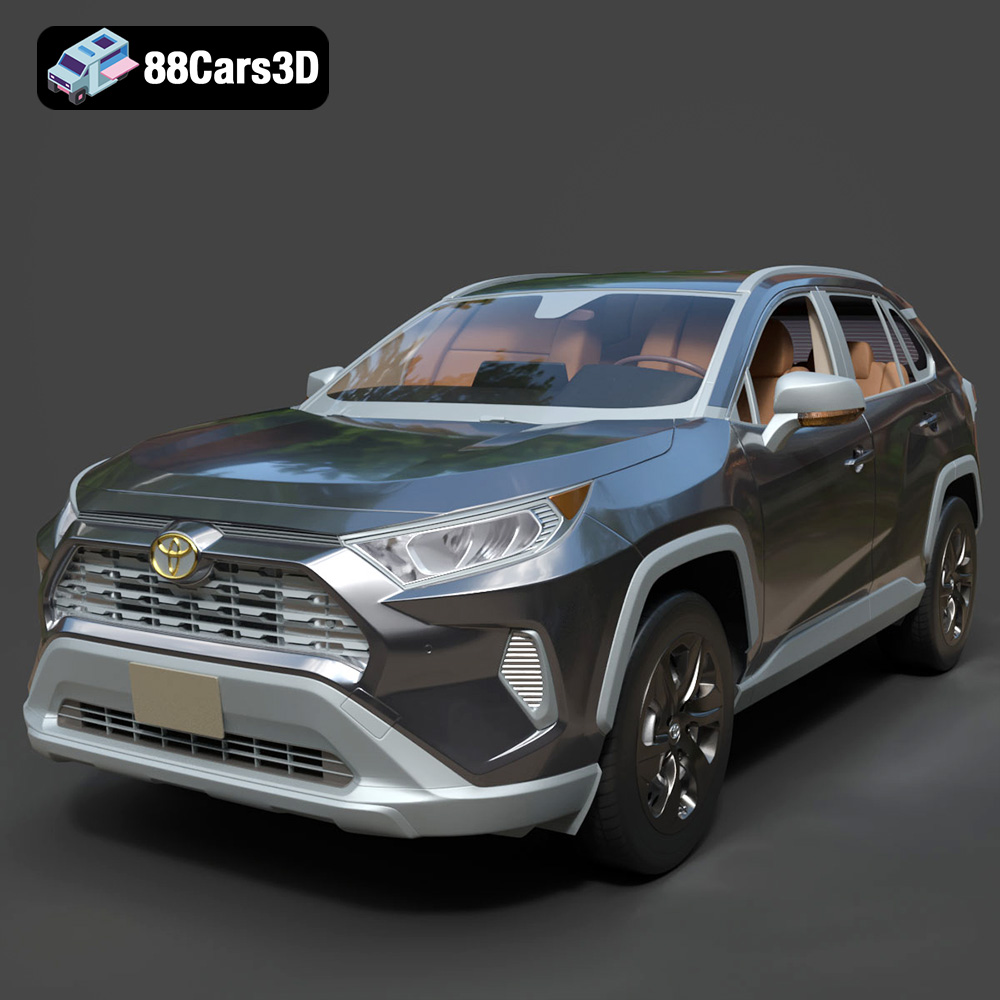
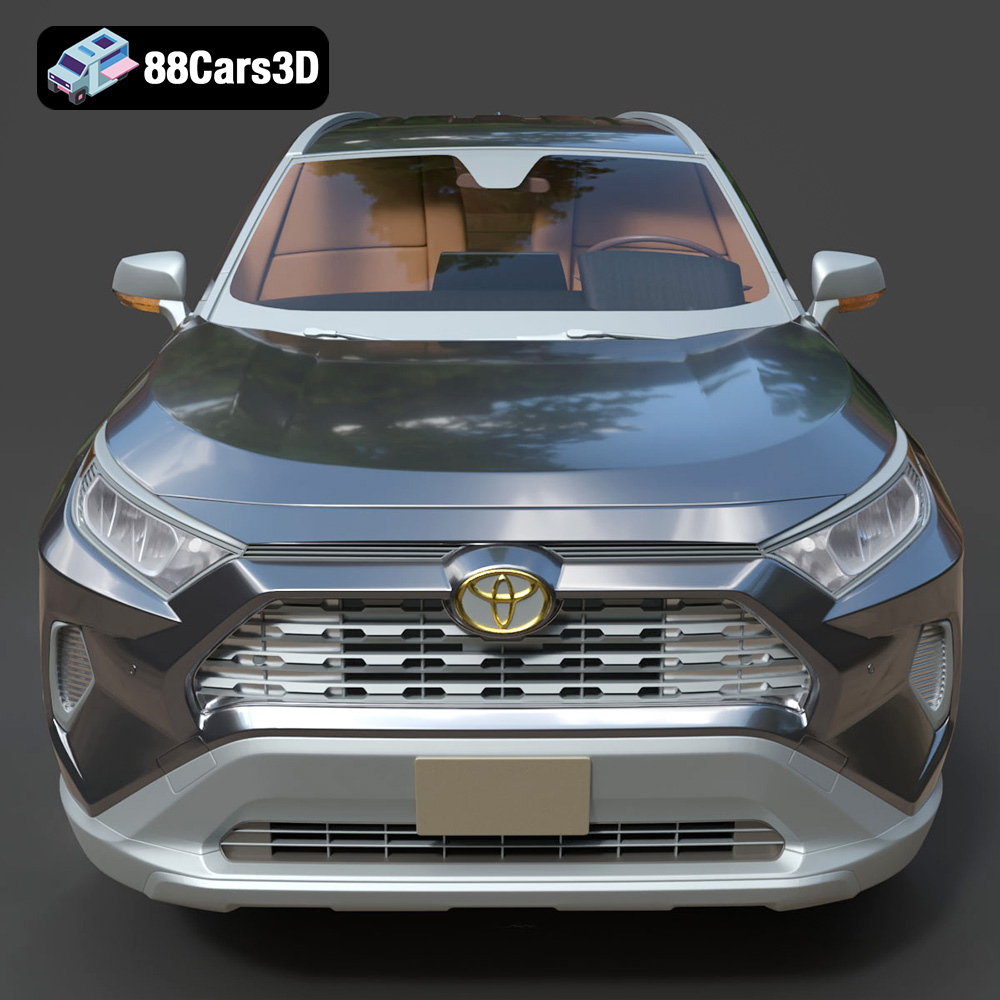
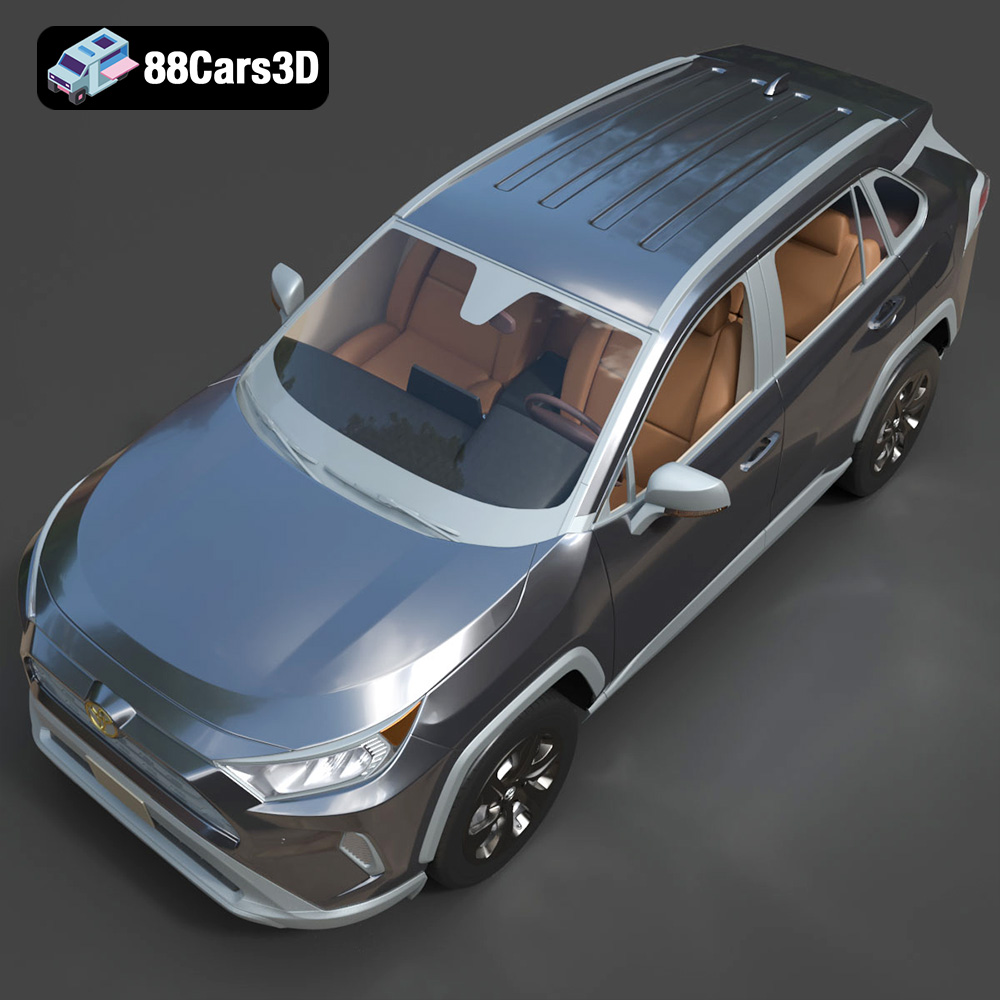
The Toyota RAV4 LE 2019, with its bold design and versatile nature, makes for a compelling 3D printing project. Whether you’re a seasoned hobbyist or just getting started with additive manufacturing, this guide will walk you through the entire process, from preparing the STL files to achieving a showroom-worthy finish on your 3D printed model. Thanks to 88cars3d.com, you can acquire a high-quality 3D model of this iconic SUV optimized for various applications, including, crucially, 3D printing. Let’s dive into the world of 3D printing your very own Toyota RAV4 LE 2019!
Before we start printing, it’s vital to understand the different file formats provided with the Toyota RAV4 LE 2019 model and how they relate to 3D printing. While several formats are included for versatility, the STL format is the workhorse for additive manufacturing.
The STL (Stereolithography) file format is the most common and widely supported format for 3D printing. It represents the surface geometry of a 3D object as a collection of triangles. This simplicity is its strength, making it universally compatible with slicing software and 3D printers. However, STL files only store the mesh data (shape), lacking information about color, texture, or materials. When you download the Toyota RAV4 LE 2019 model from 88cars3d.com, the STL file is what you’ll use directly in your slicer.
OBJ files are another popular format that, unlike STL, can store color and texture information along with the geometry. This is beneficial if you want to eventually paint your 3D printed RAV4 with a specific color scheme. Some advanced slicing software can interpret OBJ files with color information, allowing for multi-material printing on capable printers.
PLY files are designed for storing 3D data acquired from 3D scanners or generated by advanced modeling software. They often contain high-resolution mesh data with additional properties like color per vertex, making them suitable for high-detail prints. The Toyota RAV4 LE 2019 model in PLY format could potentially capture finer details.
The .blend file is the native format for Blender, a powerful and free 3D modeling software. This format is excellent if you want to customize the model before printing. You can modify the geometry, add details, or split the model into separate parts for easier printing and assembly. However, you’ll need Blender installed to open and edit this file.
FBX is a popular format for exchanging 3D data between different software applications. It can store geometry, textures, animations, and materials. While not directly used for 3D printing, you might import the FBX file into a 3D modeling program to prepare it for printing by simplifying the mesh or adding features like connection points.
GLB files are used for displaying 3D models in augmented reality (AR) applications. They contain the geometry, textures, and animations of the model in a compact format. This is useful for previewing the Toyota RAV4 LE 2019 model in your real-world environment using a smartphone or tablet before committing to printing.
Similar to .blend, .max is the native file format for Autodesk 3ds Max, a professional 3D modeling and animation software. If you’re a 3ds Max user, this format allows you to fully customize the Toyota RAV4 LE 2019 model before exporting it to STL for printing.
**Slicing Software Compatibility and Mesh Quality:**
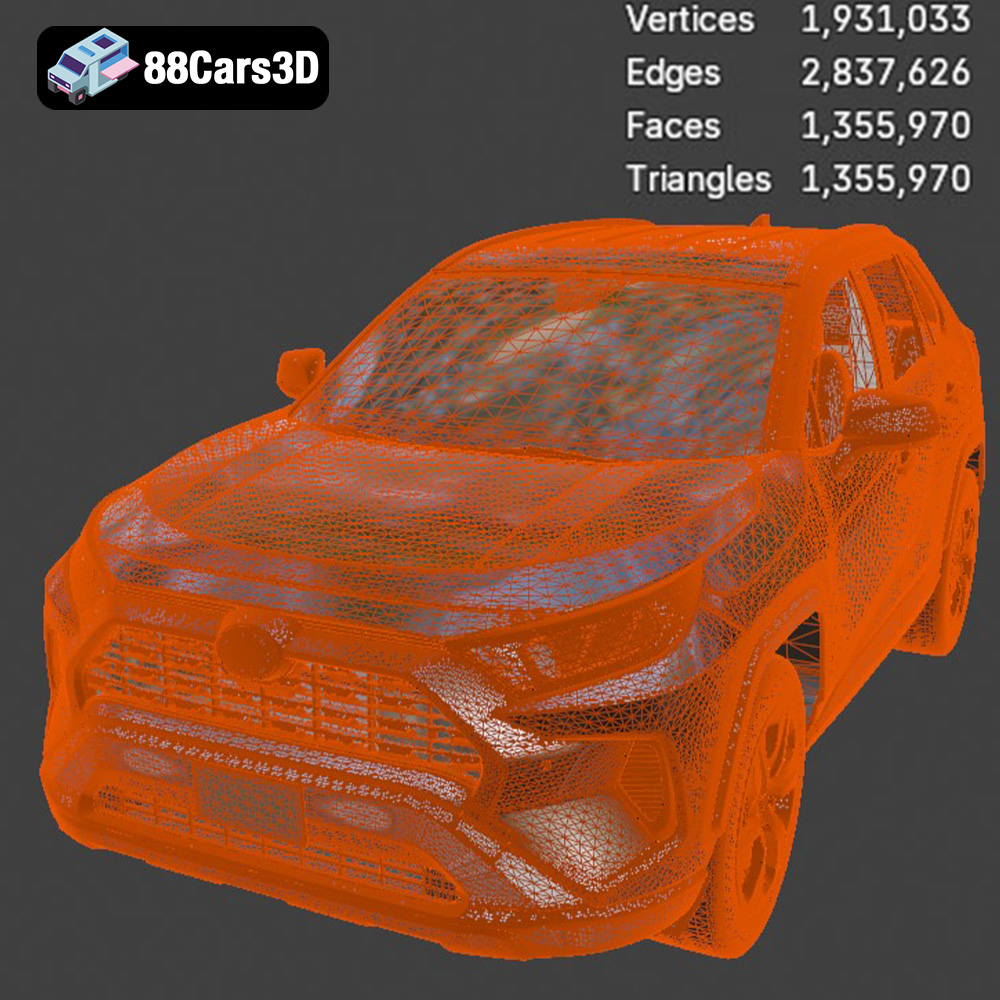
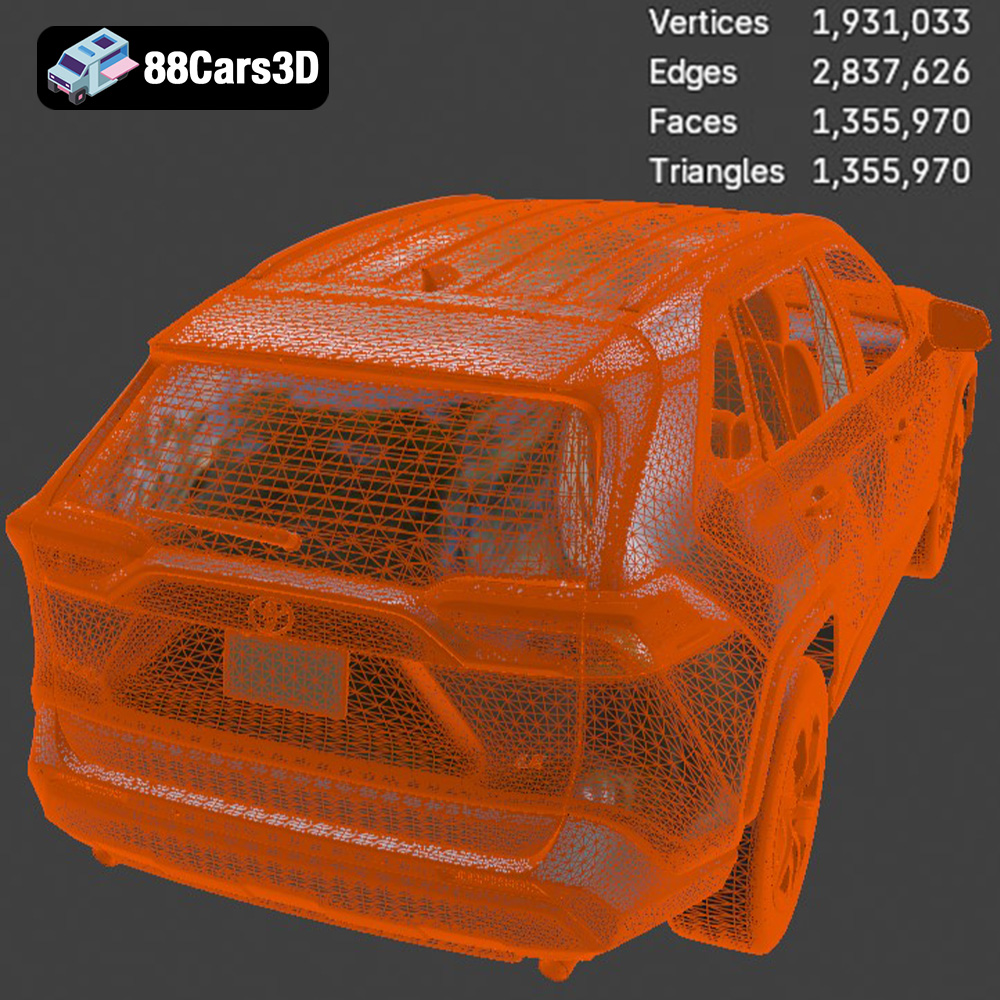
For 3D printing, the STL format reigns supreme due to its compatibility with almost all slicing software. The quality of the STL file directly impacts the print quality. A finely meshed STL file will capture more details but may increase the file size and printing time. Conversely, a coarsely meshed STL file will print faster but might lose fine details. Before slicing, examine the STL file in a mesh viewer to check for any errors, such as non-manifold edges or holes, and repair them using software like MeshMixer or Netfabb.
Before sending the Toyota RAV4 LE 2019 model to your 3D printer, careful preparation is crucial. This involves using slicing software to convert the 3D model into a series of instructions (G-code) that the printer can understand. You’ll also need to optimize the model for printing, considering factors like orientation, supports, and infill.
Several excellent slicing software options are available, both free and paid. Popular choices include Cura, PrusaSlicer, Simplify3D, and Chitubox (for resin printing). Each slicer has its own strengths and weaknesses, so experiment to find the one that best suits your needs and printer. For the Toyota RAV4 LE 2019, Cura or PrusaSlicer are excellent starting points due to their user-friendly interfaces and extensive customization options.
The orientation of the Toyota RAV4 LE 2019 model on the print bed significantly affects the print quality, support requirements, and overall success. Consider the following:
* **Minimize Overhangs:** Position the model to minimize the amount of unsupported material. Overhangs greater than 45 degrees typically require support structures.
* **Surface Finish:** The bottom layer, which is in contact with the print bed, often has a different surface finish than the rest of the model. Choose an orientation that places less critical surfaces on the bottom.
* **Strength and Stability:** Orient the model to maximize its structural integrity. For example, printing the RAV4’s frame angled can provide better layer adhesion and prevent warping.
Support structures are temporary scaffolding that supports overhangs and bridges during printing. Manually placing supports provides greater control and can reduce material waste. Focus support placement on areas like the exhaust, mirrors, and potentially around the wheel wells if the model is scaled up.
The Toyota RAV4 LE 2019 model from 88cars3d.com is likely designed for optimal detail. For 3D printing, consider these scaling and splitting options:
* **Scaling:** Scale the model to your desired size. The product description suggests scales of 1:12, 1:18, or 1:24. Larger scales will reveal more detail but require more material and printing time.
* **Model Decomposition:** Complex models can be difficult to print as a single piece. Consider splitting the Toyota RAV4 LE 2019 model into smaller, more manageable parts (e.g., body, wheels, interior). This allows you to optimize the printing parameters for each part and reduce the risk of print failures. Software like Meshmixer can assist with splitting and adding connection points for assembly.
Choosing the right material is critical for achieving the desired look, feel, and functionality of your 3D printed Toyota RAV4 LE 2019. The two primary categories are Fused Deposition Modeling (FDM) filaments and resins for Stereolithography (SLA) or Digital Light Processing (DLP) printers.
FDM 3D printers use filaments, and each filament type offers unique properties:
* **PLA (Polylactic Acid):** PLA is a biodegradable thermoplastic polymer derived from renewable resources like corn starch or sugarcane. It’s easy to print, produces minimal warping, and is available in a wide range of colors. PLA is ideal for non-functional parts or models where aesthetics are the primary concern.
* **PETG (Polyethylene Terephthalate Glycol-modified):** PETG is a modified version of PET, the plastic used in water bottles. It offers a good balance of strength, flexibility, and temperature resistance. PETG is a great all-around filament for 3D printing the Toyota RAV4 LE 2019.
* **ABS (Acrylonitrile Butadiene Styrene):** ABS is a strong and durable thermoplastic known for its high-temperature resistance. It’s commonly used in automotive parts and other demanding applications. However, ABS is more challenging to print than PLA or PETG, as it’s prone to warping and requires a heated bed and enclosure.
For the Toyota RAV4 LE 2019, PETG is an excellent choice for its balance of properties. If you’re prioritizing ease of printing and vibrant colors, PLA is suitable. ABS can be used if you need higher temperature resistance or greater durability.
Resin printers use liquid resins that are cured by light (laser or projector). Resin printing offers significantly higher resolution and detail than FDM printing, making it ideal for intricate models like the Toyota RAV4 LE 2019, especially at smaller scales.
* **Standard Resin:** Standard resins are a good starting point for resin printing. They offer a balance of strength and detail and are available in various colors.
* **Tough Resin:** Tough resins are formulated to be more durable and impact-resistant than standard resins. This can be important for parts that might be handled frequently or subjected to stress.
* **Flexible Resin:** Flexible resins allow you to print parts that can bend and flex without breaking. This could be useful for components like tires or suspension parts on the Toyota RAV4 LE 2019 model.
Given the detailed nature of the RAV4 model, resin printing is highly recommended, especially at smaller scales like 1:24.
Proper printer settings are crucial for a successful 3D print. These settings will vary depending on your printer, material, and desired outcome. Here are some general guidelines for printing the Toyota RAV4 LE 2019:
* **Layer Height:** 0.1-0.2 mm. Lower layer heights result in smoother surfaces but increase printing time.
* **Infill Density:** 15-25%. Infill provides internal support and strength. A higher infill density increases the part’s weight and material consumption.
* **Print Speed:** 40-60 mm/s. Slower print speeds generally improve print quality, especially for intricate details.
* **Nozzle Temperature:** Follow the filament manufacturer’s recommendations.
* **Bed Temperature:** Follow the filament manufacturer’s recommendations.
* **Support Structure:** Use support structures as needed for overhangs and bridges. Experiment with different support patterns and densities to find the optimal balance between support and ease of removal.
* **Bed Adhesion:** Use a brim or raft to improve bed adhesion, especially for larger prints or filaments prone to warping.
* **Layer Height:** 0.025-0.05 mm. Resin printing allows for much finer layer heights than FDM printing, resulting in exceptional detail.
* **Exposure Time:** Follow the resin manufacturer’s recommendations. Exposure time determines how long each layer is exposed to light, affecting the resin’s curing process.
* **Lift Distance:** The distance the build plate moves up between layers.
* **Lift Speed:** The speed at which the build plate moves up between layers.
* **Support Structure:** Use support structures as needed for overhangs and islands. Resin printing often requires more supports than FDM printing.
Once your Toyota RAV4 LE 2019 is printed, post-processing is necessary to remove supports, smooth surfaces, and achieve the desired aesthetic.
* **Support Removal:** Carefully remove support structures using pliers, cutters, or a deburring tool. Take care not to damage the model’s surface.
* **Sanding:** Sand the model’s surface with progressively finer grits of sandpaper to remove layer lines and imperfections. Start with a coarse grit (e.g., 220) and gradually move to finer grits (e.g., 400, 600, 800).
* **Priming:** Apply a primer coat to the model’s surface to fill in any remaining imperfections and provide a smooth base for painting.
* **Painting:** Use acrylic paints or spray paints to apply the desired colors and finishes to the model. Consider using stencils or masking tape to create intricate details. Automotive paints can create a realistic finish.
* **Assembly:** If you printed the model in multiple parts, carefully assemble them using glue or epoxy. Ensure proper alignment and secure bonding.
Print time and material costs vary depending on the model size, print settings, and material used. Here’s a rough estimate for the Toyota RAV4 LE 2019:
* **FDM (PLA/PETG):** Print time: 12-36 hours, Material cost: $10-$30
* **Resin:** Print time: 8-24 hours, Material cost: $20-$40
Even with careful preparation, 3D printing can present challenges. Here are some common issues and their solutions:
* **Warping:** Warping occurs when the printed part lifts from the print bed due to uneven cooling. Solutions include using a heated bed, increasing bed adhesion, and enclosing the printer.
* **Stringing:** Stringing occurs when the printer extrudes filament while moving between different parts of the model. Solutions include adjusting retraction settings, lowering the nozzle temperature, and increasing travel speed.
* **Layer Delamination:** Layer delamination occurs when the layers of the printed part do not adhere properly. Solutions include increasing the nozzle temperature, lowering the print speed, and ensuring proper bed adhesion.
* **Support Structure Issues:** Supports that are too weak or difficult to remove can cause print failures. Solutions include adjusting support density, using different support patterns, and carefully removing supports with appropriate tools.
By carefully following these guidelines, you can successfully 3D print a stunning Toyota RAV4 LE 2019 model from 88cars3d.com, bringing this iconic SUV to life in your own home.
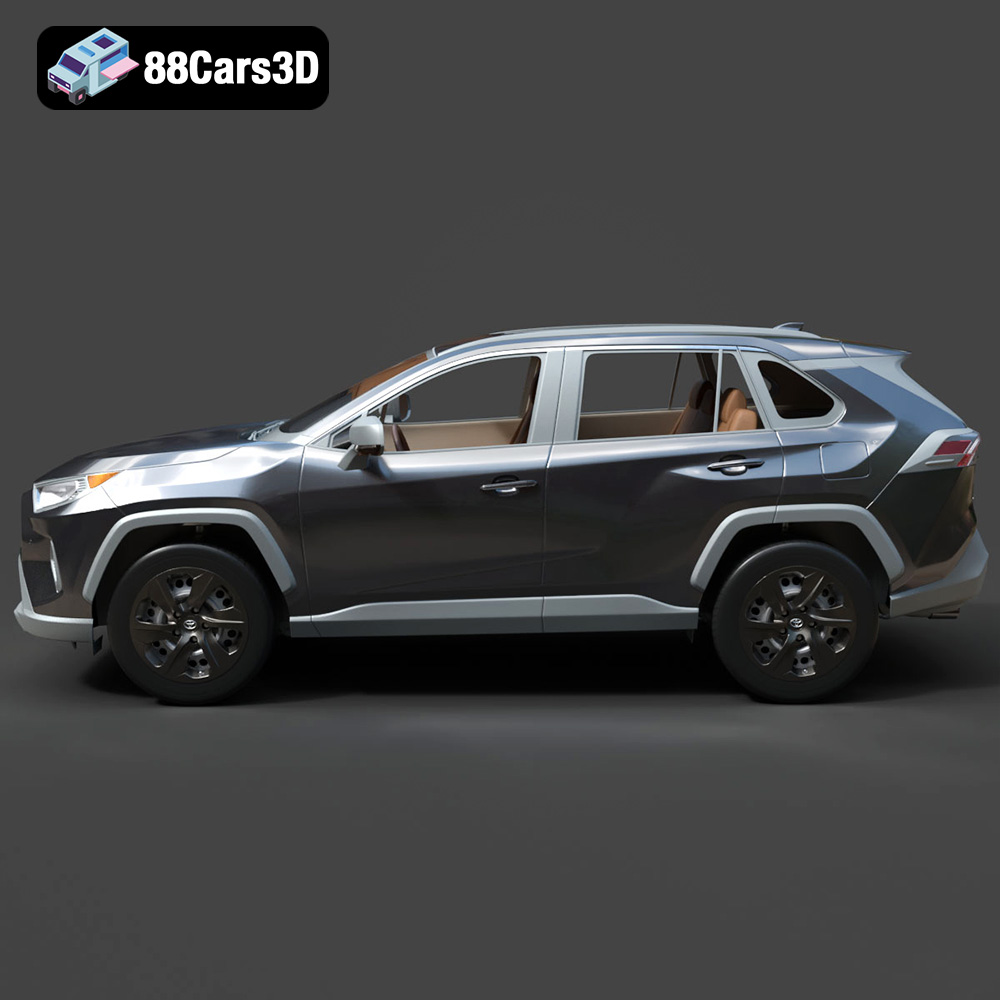
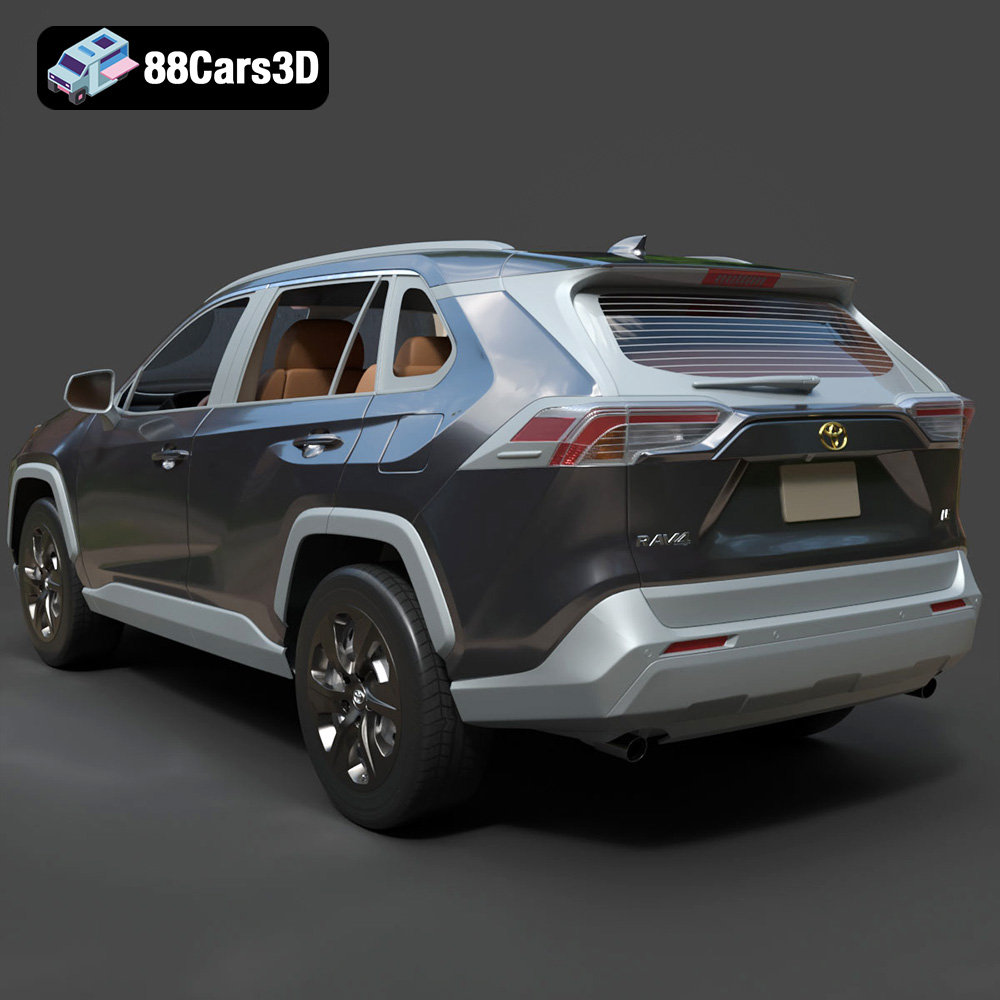
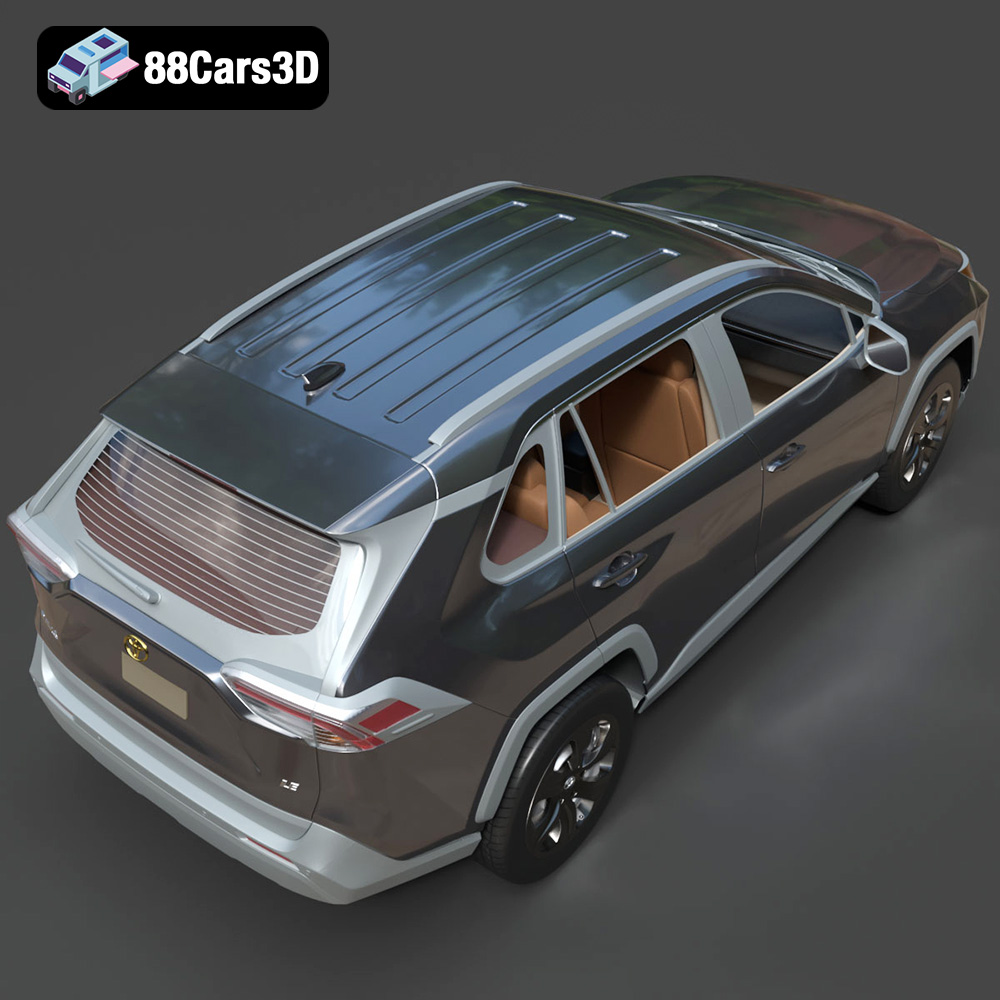
The Toyota RAV4 LE 2019 represents a bold, dynamic shift in the compact SUV segment. Known for its rugged, chiseled styling inspired by Toyota’s off-road heritage, this 3D model captures the essence of the LE trim with its distinctive front grille, striking LED headlights, and aerodynamic profile. Crafted with precision, this high-quality 3D model features excellent topology with an optimized triangle count, ensuring game-ready performance without compromising visual fidelity. It is perfectly suited for use in real-time engines, game development, AR/VR experiences, and high-end architectural or lifestyle visualizations.
$39.99
.blend
.fbx
.glb
.max
.obj
.ply
.rendering
.stl
.toyota
.unreal
car-3d-model
compact-suv
game asset
game-ready
low-poly
optimized
rav4
rav4-le-2019
SUV
VR/AR