Get 20% OFF All Premium 3D & STL Models!

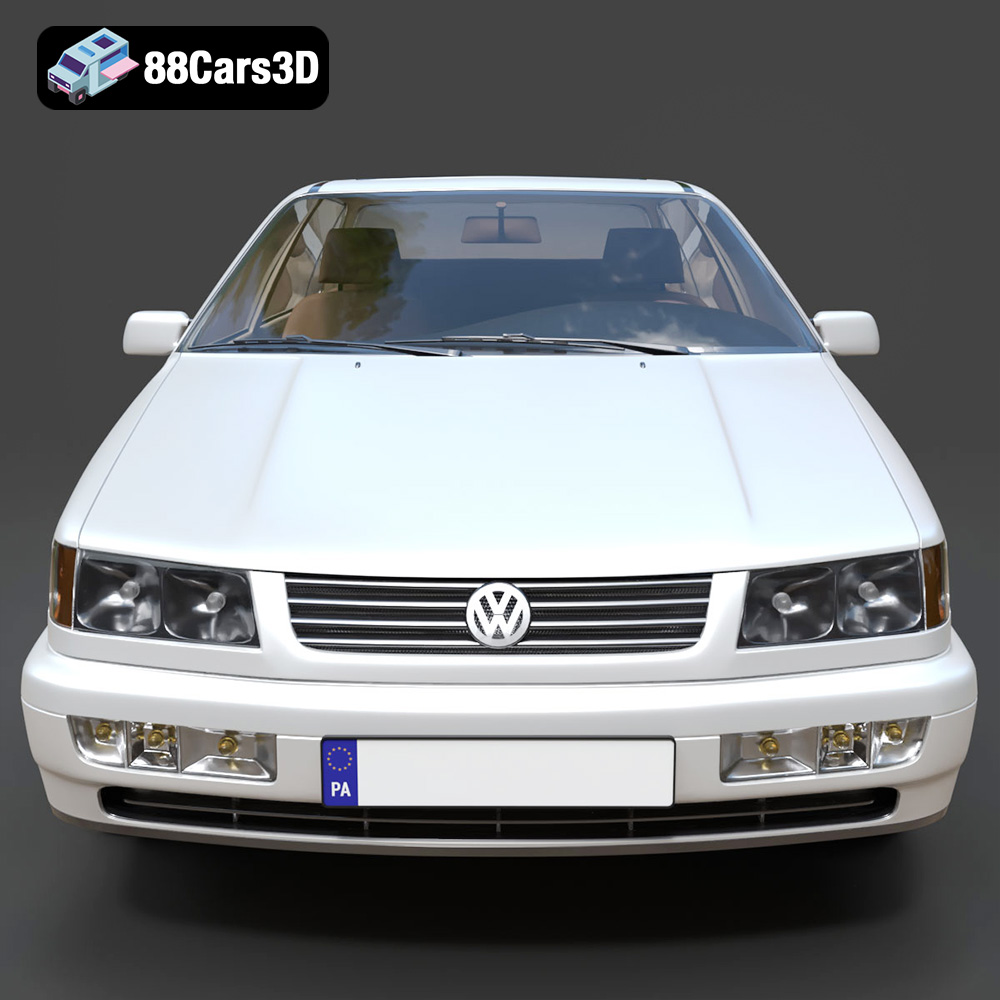
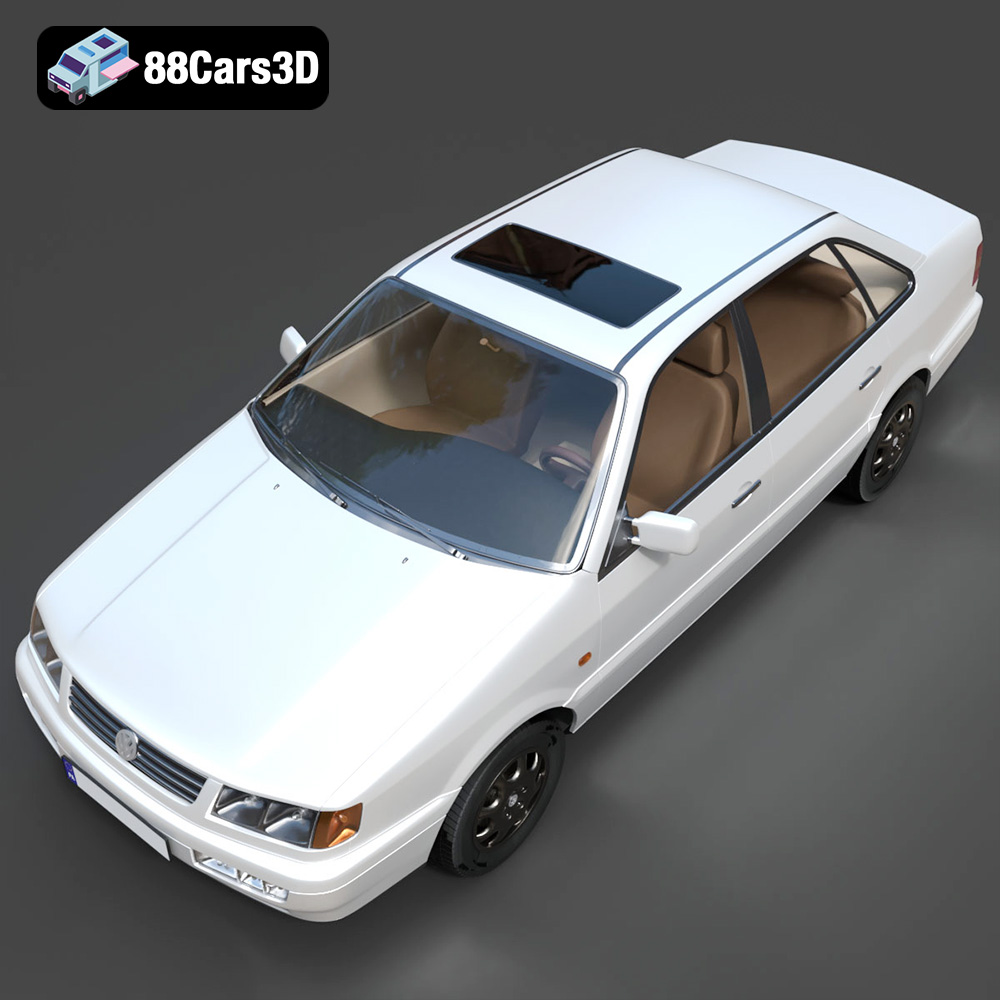
The 1993 Volkswagen Passat Mk4 B4 sedan is an iconic piece of automotive history, a symbol of practicality and understated design. Thanks to 88cars3d.com, you can now bring this classic to life with the power of 3D printing. This guide will walk you through every step, from pre-print preparation to post-processing, ensuring a successful and satisfying 3D printing experience. Whether you’re a seasoned modeler or a 3D printing enthusiast looking for a rewarding project, this detailed breakdown will provide the knowledge you need to create a stunning replica.
Before diving into the specifics of printing your Volkswagen Passat, it’s crucial to understand the different file formats included with your purchase and how they relate to the 3D printing process. Different formats serve different purposes, and selecting the right one is essential for optimal results.
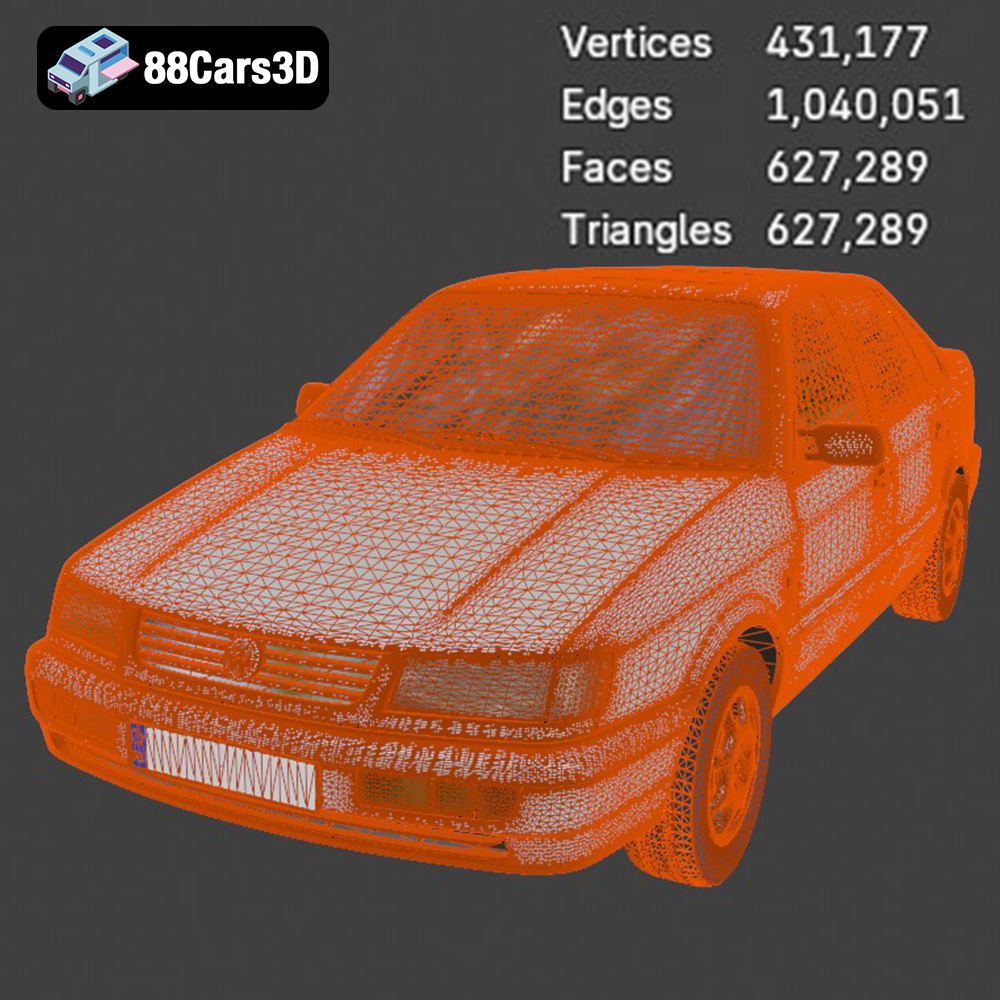
The STL (Stereolithography) file format is the workhorse of 3D printing. It represents the surface geometry of a 3D object as a collection of triangles, effectively creating a mesh. This format is universally compatible with slicing software, which translates the 3D model into a series of instructions that your 3D printer can understand. Because STL files only contain mesh data without any color or texture information, they are ideal for single-color 3D prints or as the starting point for models you intend to paint. STL is the most compatible format for 3D printing due to its simplicity and widespread adoption. The quality of the print relies heavily on the resolution of the mesh; a higher triangle count results in a smoother, more detailed surface.
OBJ files are another common 3D model format, and unlike STL, OBJ supports color and texture information. This makes it suitable for models with intricate surface details that you want to preserve in your 3D print. While some advanced 3D printers can print in multiple colors, most hobbyist printers rely on post-processing techniques like painting to achieve the desired aesthetic. You can import OBJ files into slicing software, but be aware that not all slicers handle textures equally well. Some slicers may require you to convert the textures to a format they support, or they may simply ignore the texture information altogether.
PLY (Polygon File Format) is designed for storing 3D data acquired from 3D scanners. It’s capable of representing high-resolution meshes with exceptional precision. While not as universally supported as STL, PLY can be a great choice for models with complex geometry that require a high level of detail. Check your slicing software’s compatibility with PLY files before using this format.
The .blend file is the native format for Blender, a popular open-source 3D modeling software. This file contains the entire Blender scene, including the model’s geometry, textures, materials, and any modifiers that have been applied. If you want to make significant modifications to the Volkswagen Passat model before printing, the .blend file gives you the most flexibility. You can adjust the model’s size, add details, or even separate parts for easier printing. Keep in mind that you will need to export the model to a printable format like STL after making your changes.
FBX (Filmbox) is a proprietary file format developed by Autodesk. It supports a wide range of 3D data, including geometry, textures, materials, and animations. While FBX is commonly used for game development and animation, it can also be used for 3D printing. Some slicing software packages can import FBX files and preserve material information, allowing you to assign different printing settings to different parts of the model based on their assigned materials.
GLB is a binary file format that represents 3D models in a compact and efficient manner. It is often used for displaying 3D models on the web or in augmented reality (AR) applications. While not directly used for 3D printing, GLB files can be helpful for previewing the model on your mobile device or tablet before you commit to printing it. This can give you a better sense of the model’s scale and detail.
Similar to .blend, the .max file is the native format for 3ds Max, another professional 3D modeling software. It contains the entire project, including the model, its materials, and scene settings. If you are a 3ds Max user, this format allows you to fully customize the Volkswagen Passat model before exporting it for 3D printing.
For 3D printing the Volkswagen Passat Mk4 B4 Sedan model from 88cars3d.com, the **STL file format is the most suitable**. It’s widely supported by slicing software and provides a solid foundation for creating a detailed and accurate 3D printed replica. When importing the STL file into your slicing software, pay close attention to the mesh quality. If the model appears faceted or blocky, you may need to increase the mesh resolution in your slicing software or in a 3D modeling program before exporting to STL.
Preparing the 3D model for printing is a critical step that significantly impacts the final outcome. This involves using slicing software to convert the 3D model into a set of instructions for your 3D printer.
Choosing the right slicing software is crucial. Popular options include Cura, Simplify3D, PrusaSlicer, and others. Each slicer has its own strengths and weaknesses, so experiment to find one that suits your needs and printer. Once you’ve chosen your software, you’ll need to configure it with the correct settings for your printer and the material you’re using. This includes parameters like nozzle size, bed temperature, and printing speed.
The orientation of the model on the print bed can significantly affect the print quality and the amount of support material required. For the Volkswagen Passat Mk4 B4 Sedan, printing the frame at an angle is recommended for structural integrity, as indicated in the product description. This reduces the need for extensive support structures and improves the overall strength of the printed part. Parts like the wheels should be printed separately, as this allows for better detail and easier post-processing. The product description suggests supports will be required for detailed parts like the exhaust, mirrors, and bumpers. Ensure your support settings are configured to provide adequate support without being too difficult to remove after printing.
The product description recommends scales of 1:12, 1:18, and 1:24. Choose the scale that best suits your needs and printer’s capabilities. Before slicing, it’s essential to check the model for any errors, such as non-manifold geometry or flipped normals. Most slicing software includes tools to automatically repair minor issues. If the model has significant errors, you may need to use a 3D modeling program to fix them manually.
The material you choose for 3D printing your Volkswagen Passat Mk4 B4 Sedan will influence its strength, appearance, and overall durability.
PLA (Polylactic Acid) is a biodegradable thermoplastic derived from renewable resources. It’s known for its ease of use, low printing temperature, and minimal warping. PLA is an excellent choice for beginners and for printing models that don’t require high strength or heat resistance. However, PLA can be brittle and is not suitable for outdoor use or applications where it will be exposed to high temperatures.
PETG (Polyethylene Terephthalate Glycol-modified) offers a good balance of strength, flexibility, and heat resistance. It’s more durable than PLA and less prone to warping than ABS. PETG is a good choice for parts that need to withstand some stress or heat, such as the chassis or wheels of the car model.
For intricate details, 88cars3d.com recommends resin printing. Resin printers use liquid resin that is cured by UV light, resulting in exceptionally high resolution and smooth surfaces. Resin is ideal for parts like the taillights, headlights, and interior components of the Volkswagen Passat, where fine details are crucial. However, resin prints tend to be more brittle than filament prints and require post-processing steps like washing and curing. Resin also requires more safety precautions because of fumes and skin contact.
Fine-tuning your printer settings is essential for achieving the best possible results. These settings will vary depending on your printer, material, and desired level of detail.
The product description recommends a layer height of 0.04–0.12 mm. Lower layer heights result in smoother surfaces and finer details, but they also increase print time. Experiment to find the optimal balance between quality and speed. Print speed also affects print quality; slower speeds generally produce better results, especially for complex geometries.
Infill density determines the internal strength of the printed part. A higher infill density will make the part stronger but will also increase print time and material consumption. The product description suggests an infill of 20–30%, which is a good starting point for a model like the Volkswagen Passat. Experiment with different infill patterns, such as rectilinear, honeycomb, or gyroid, to find one that provides the desired strength and weight.
Proper support settings are essential for printing overhangs and intricate details. Use a support pattern that is easy to remove without damaging the printed part. Bed adhesion is also crucial, especially for larger prints. Use a heated bed and consider applying a bed adhesion agent like glue stick or hairspray to prevent warping.
Post-processing is the final step in the 3D printing process, and it involves cleaning up the printed parts and adding finishing touches to achieve a professional look.
Carefully remove any support structures from the printed parts using pliers or a sharp knife. Be careful not to damage the model during support removal. After removing the supports, use sandpaper to smooth any rough edges or imperfections. Start with a coarse grit sandpaper and gradually work your way up to a finer grit for a smooth finish.
Apply a primer to the 3D printed parts to create a smooth and uniform surface for painting. Use a primer specifically designed for plastics. Once the primer has dried, you can paint the model using acrylic paints or automotive paints. The product description suggests using authentic factory colors with metallic finishes for a realistic look. Consider using masking tape to create clean lines and separate different colored areas.
Once the parts are painted and dry, you can assemble them using glue or screws. Pay attention to the alignment of the parts to ensure a proper fit. Add any final details, such as decals or chrome trim, to complete the model.
Even with careful preparation, 3D printing can sometimes present challenges. Here are some common issues and how to address them:
Warping occurs when the printed part lifts off the print bed due to uneven cooling. To prevent warping, use a heated bed, apply a bed adhesion agent, and avoid drafts.
Stringing happens when the printer nozzle oozes filament while traveling between different parts of the print. To reduce stringing, adjust your retraction settings, lower your printing temperature, and increase your travel speed.
Layer separation occurs when the layers of the print don’t adhere properly to each other. To fix layer separation, increase your printing temperature, decrease your printing speed, and ensure that your bed is properly leveled.
Elephant’s foot is a phenomenon where the first few layers of the print are wider than the rest. To prevent elephant’s foot, adjust your initial layer height and temperature, and ensure that your bed is properly leveled.
By following these steps and troubleshooting tips, you can successfully 3D print a stunning replica of the 1993 Volkswagen Passat Mk4 B4 Sedan from 88cars3d.com. Remember to take your time, experiment with different settings, and enjoy the process!
The 1993 Volkswagen Passat Mk4 (B4) Sedan represents a pivotal moment in German automotive design, blending practical family hauling capabilities with robust, reliable engineering. Known for its clean, understated aesthetic and the distinct introduction of a traditional front grille compared to its B3 predecessor, this classic sedan has cemented its legacy as an icon of 90s European motoring. The model captures the quintessential utilitarian charm, featuring the accurate sedan roofline, distinctive halogen headlight housings, and classic factory wheel options that defined mid-90s Volkswagen styling.
$39.99
.blend
.fbx
.glb
.max
.obj
.passat
.ply
.rendering
.sedan
.stl
.unreal
.volkswagen
1993
b4
car-3d-model
classic-car
family-car
game asset
game-ready
low-poly
mk4
optimized
VR/AR