Get 20% OFF All Premium 3D & STL Models!

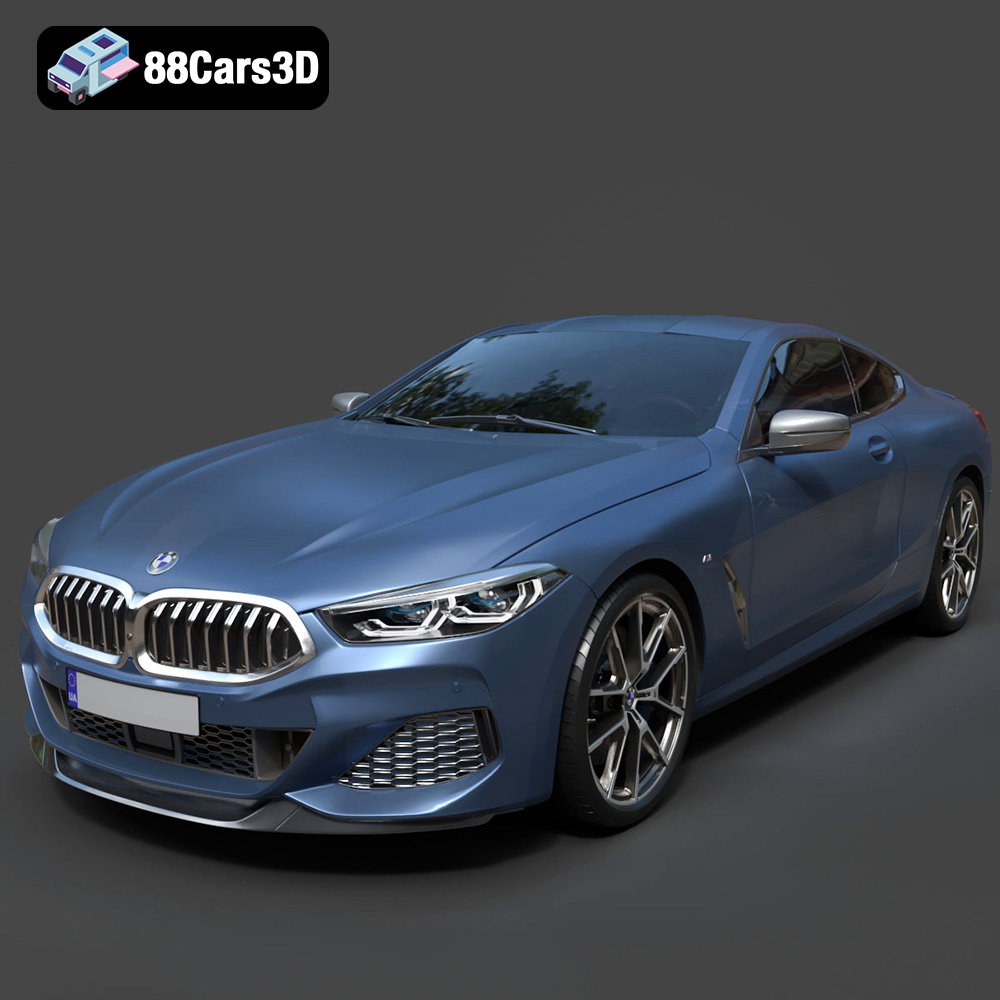
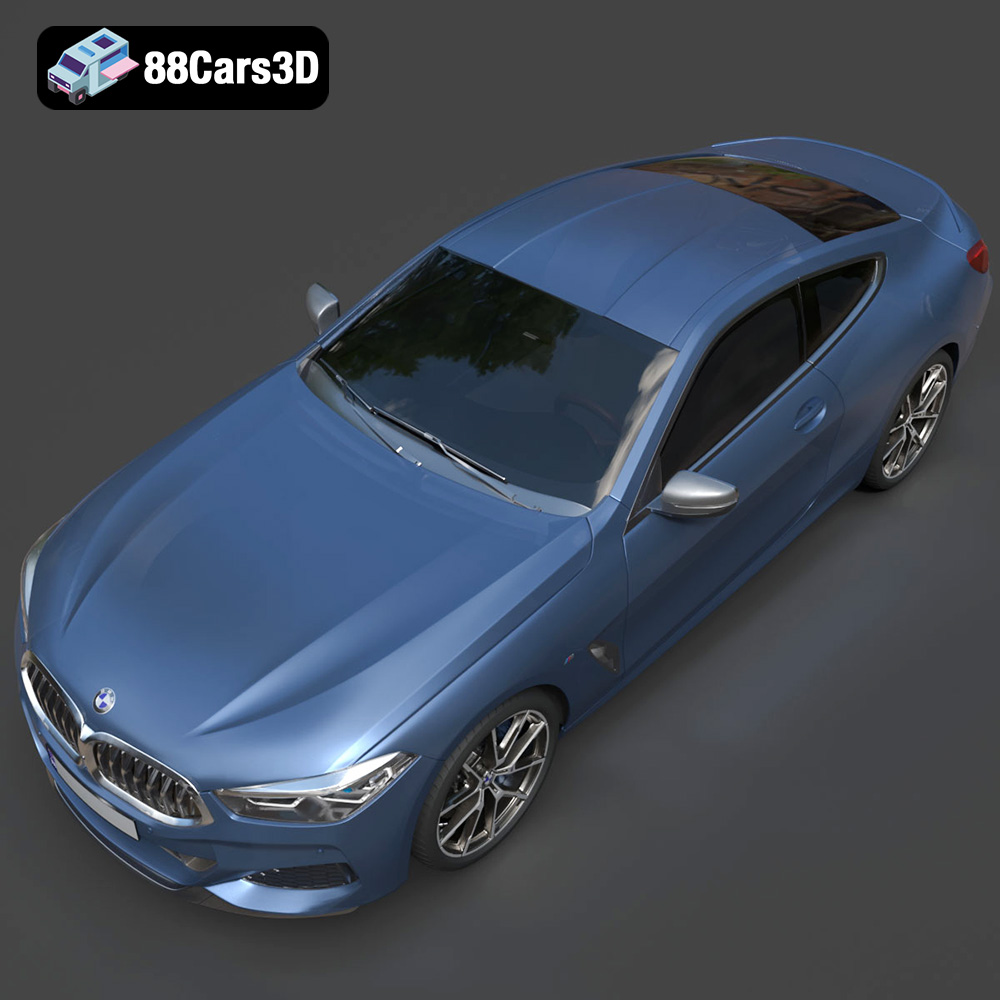
The allure of the BMW 8-Series M850i G15 Coupe 2019 is undeniable. Its sleek lines, powerful stance, and luxurious details make it a dream car for many. Thanks to advancements in 3D printing, you can now bring a piece of that dream into your reality. This comprehensive guide will walk you through the process of successfully 3D printing a detailed replica of this iconic vehicle, focusing on pre-print preparation, optimal printer settings, material choices, and post-processing techniques. Whether you’re a seasoned additive manufacturing enthusiast or just starting out, this article will equip you with the knowledge to create a stunning 3D printed model. We’ll be using the high-quality STL files available on 88cars3d.com to ensure the best possible results.
3D printing car models extends beyond mere novelty. It’s a gateway to understanding automotive design, a canvas for personalized customization, and a practical tool for prototyping and testing ideas. Imagine holding a miniature version of your dream car, meticulously crafted to capture every curve and detail. The ability to 3D print complex geometries allows you to experiment with different colors, materials, and modifications, pushing the boundaries of creativity and innovation. Furthermore, 3D printed car models serve as impressive display pieces, educational tools, and unique gifts for automotive enthusiasts. This BMW 8-Series M850i G15 Coupe 2019 model from 88cars3d.com offers a great starting point for this.
The world of 3D models is filled with various file formats, each designed for specific applications and software compatibility. Understanding these formats is crucial for successful 3D printing. While several formats might be included with your 3D model purchase, some are better suited for additive manufacturing than others.
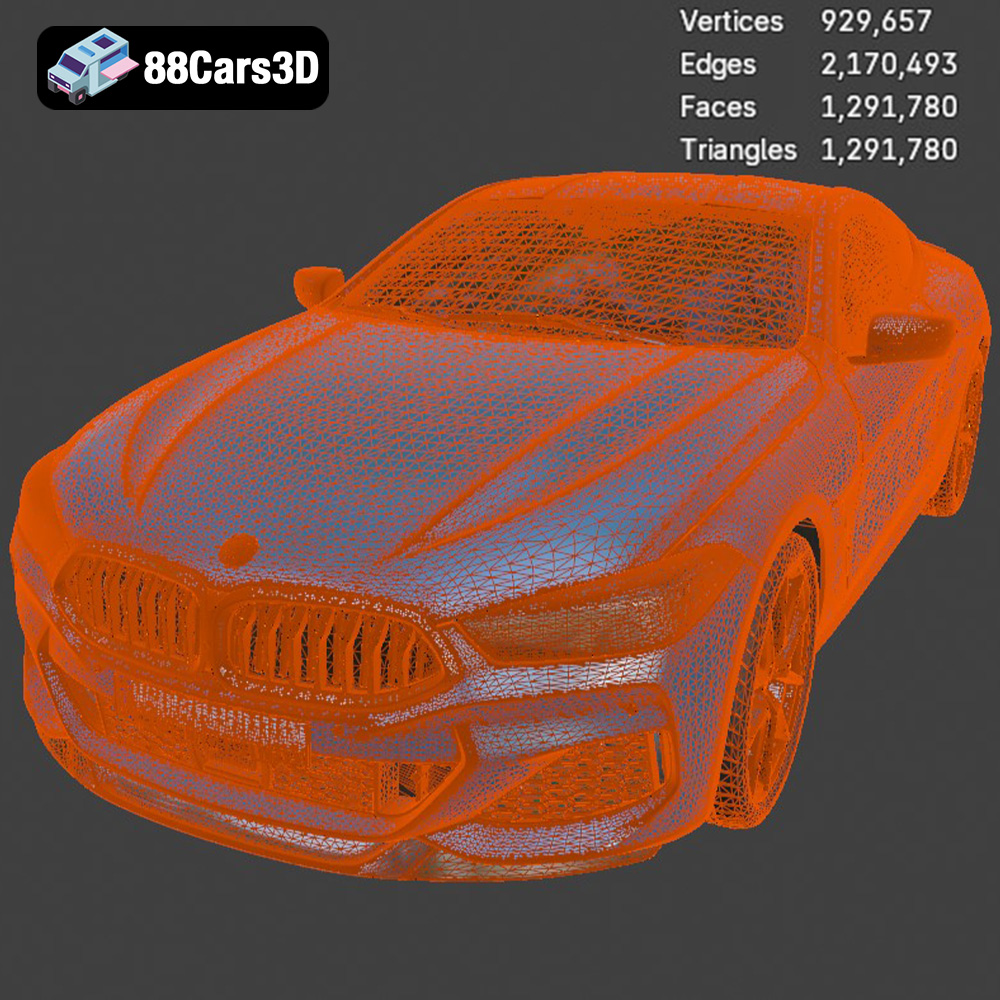
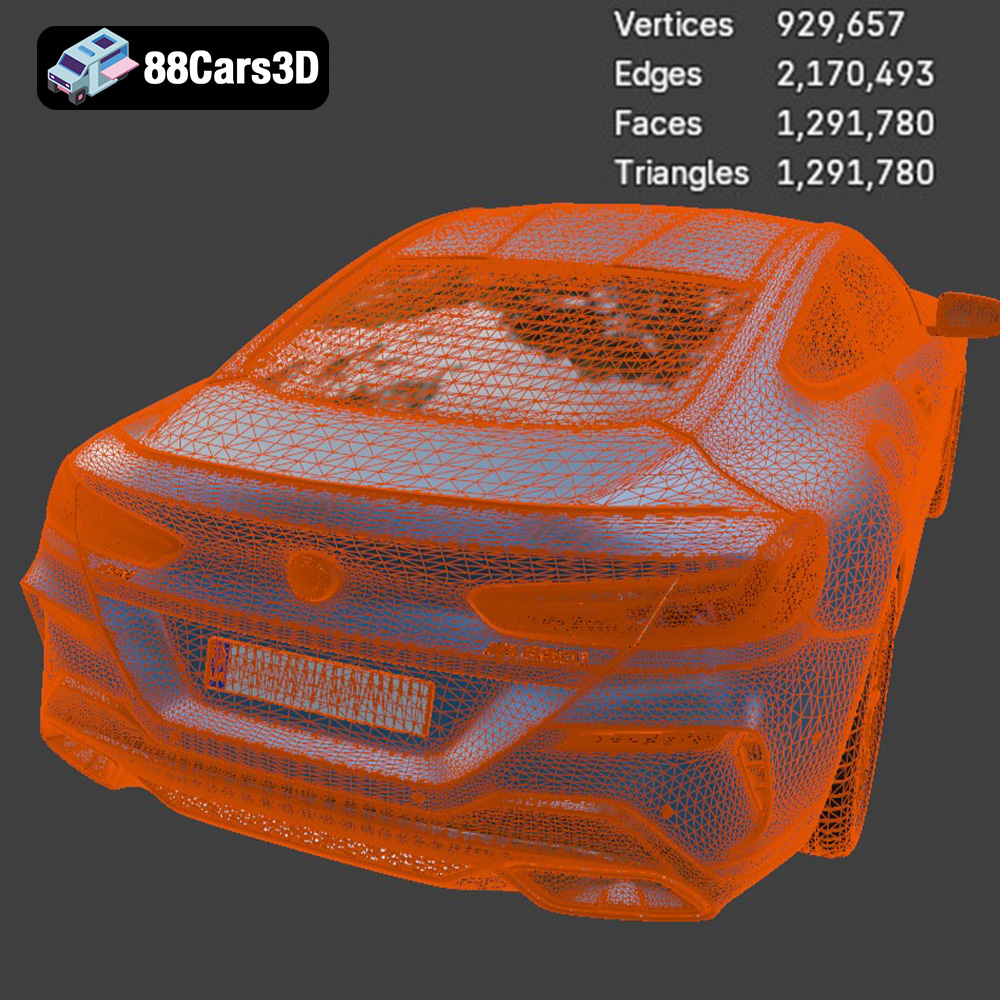
The .stl (Stereolithography) file format has become the undisputed standard for 3D printing. It represents the surface geometry of a 3D object as a collection of triangles. This format is simple, widely supported, and ideal for representing complex shapes. However, .stl files only contain information about the object’s shape; they do not include color, texture, or material properties. For 3D printing, this limitation is often irrelevant as most printers process one material at a time. When preparing an .stl file, ensure the mesh is “watertight,” meaning it has no holes or gaps, as these can cause errors during slicing. Also, the triangle density should be high enough to accurately represent the curves and details of the BMW 8-Series M850i G15 Coupe 2019, but not so high that it creates unnecessarily large files or processing overhead.
The .obj (Object) file format is another common format that supports more complex data than .stl. In addition to geometric data, .obj files can store color, texture coordinates, and material properties. This makes them suitable for colored 3D printing or rendering applications. However, some slicing software may not fully support all the features of .obj files, potentially leading to issues with texture mapping or color reproduction during the printing process. For the BMW model, if you intend to add custom paint or decals after printing, the .stl format is generally preferred.
The .ply (Polygon) file format is designed for storing 3D data acquired from 3D scanners. It can represent the geometry, color, and other properties of a 3D object with high precision. This format is often used for applications like reverse engineering and scientific visualization. While .ply files can be used for 3D printing, they are not as widely supported as .stl and may require more processing power due to their high data density.
The .blend file is the native format for Blender, a popular open-source 3D modeling software. It contains the entire scene, including the model, materials, lighting, and animations. This format is ideal if you want to customize the BMW 8-Series M850i G15 Coupe 2019 before printing, such as adding modifications, simplifying the geometry, or creating separate parts for easier printing. However, you will need Blender to open and edit .blend files. Once your modifications are complete, you will need to export the model as an .stl file for 3D printing.
The .fbx (Filmbox) format is a proprietary format developed by Autodesk for interoperability between different 3D software packages. It supports complex data such as geometry, materials, textures, animations, and skeletal rigs. While .fbx is primarily used for game development and animation, it can also be imported into some slicing software that supports color or multi-material printing. However, the compatibility and performance may vary depending on the slicing software.
The .glb (GL Transmission Format Binary) file is a binary format that represents 3D models in a compact and efficient way. It is often used for web-based and AR/VR applications. The .glb format supports geometry, textures, materials, and animations, making it suitable for previewing the BMW 8-Series M850i G15 Coupe 2019 in augmented reality before you commit to printing it. This allows you to visualize the model in your physical environment and assess its size and appearance.
Similar to .blend for Blender, .max is the native file format for Autodesk 3ds Max. It contains the complete scene data, allowing for extensive editing and customization of the 3D model. If you have access to 3ds Max, you can use the .max file to modify the BMW 8-Series M850i G15 Coupe 2019 model before exporting it to a more printer-friendly format like .stl.
For 3D printing the BMW 8-Series M850i G15 Coupe 2019, the .stl format is generally the best choice due to its wide compatibility with slicing software and its simplicity. Ensure the .stl file is properly prepared with a watertight mesh and an appropriate level of detail for your desired print quality.
Before sending your 3D model to the printer, proper preparation is crucial for achieving a successful print. This involves using slicing software to convert the 3D model into a series of instructions (G-code) that the printer can understand. The slicing software also allows you to customize various printing parameters, such as layer height, infill density, and support structures. Model optimization involves ensuring the 3D model is watertight, properly oriented, and scaled appropriately for your printer’s build volume.
Numerous slicing software options are available, each with its strengths and weaknesses. Popular choices include Cura, Simplify3D, PrusaSlicer, and Chitubox (for resin printing). Cura is a free and open-source option that is widely used and offers a user-friendly interface. Simplify3D is a paid option that provides advanced customization options and optimized print settings. PrusaSlicer is another excellent free option known for its accurate slicing and support for various printer types. The choice of slicing software depends on your experience level, printer type, and desired level of control over the printing process.
Before slicing the BMW 8-Series M850i G15 Coupe 2019 model, it’s essential to inspect the .stl file for any errors or imperfections. These can include non-manifold edges, holes, or intersecting faces. Several tools can help you repair these issues, such as Meshmixer, Netfabb, and online services like MakePrintable. Meshmixer is a free software from Autodesk that allows you to easily repair and modify 3D models. Netfabb is a more advanced option that offers a wider range of repair and optimization tools.
Optimizing the model involves simplifying the geometry without sacrificing important details. This can reduce the file size and improve print performance. You can also split the model into multiple parts for easier printing and assembly. For example, you might separate the body, wheels, and interior components of the BMW 8-Series M850i G15 Coupe 2019 model.
The choice of material significantly impacts the appearance, strength, and durability of your 3D printed model. Several materials are commonly used in 3D printing, each with its own unique properties and applications. For the BMW 8-Series M850i G15 Coupe 2019, consider the following options:
PLA is a biodegradable thermoplastic derived from renewable resources like cornstarch or sugarcane. It is easy to print, produces minimal warping, and offers a wide range of colors and finishes. PLA is an excellent choice for beginners and for printing models with intricate details. However, PLA is not as strong or heat-resistant as other materials, making it less suitable for functional parts or models exposed to high temperatures.
PETG is a modified version of PET (the plastic used in water bottles) that is more flexible and durable than PLA. It offers good strength, chemical resistance, and heat resistance. PETG is also relatively easy to print and produces parts with a glossy finish. It is a good option for printing parts that need to withstand some stress or outdoor conditions.
ABS is a petroleum-based thermoplastic that is known for its high strength, impact resistance, and heat resistance. It is commonly used in automotive parts, electronic housings, and other demanding applications. However, ABS is more difficult to print than PLA and requires a heated bed and enclosure to prevent warping and cracking. It also emits fumes during printing, so proper ventilation is essential.
Resin 3D printing, using technologies like SLA (Stereolithography) or DLP (Digital Light Processing), offers exceptional detail and smooth surfaces. This is perfect for capturing the intricate design of the BMW 8-Series M850i G15 Coupe 2019. However, resin prints are generally more brittle than filament-based prints and may require more post-processing, such as washing and curing.
For the BMW 8-Series M850i G15 Coupe 2019 model, PLA or PETG are recommended for FDM (Fused Deposition Modeling) printing due to their ease of use and good detail resolution. If you want to achieve the highest level of detail and surface finish, resin printing is the preferred option.
Achieving a successful 3D print depends heavily on optimizing your printer settings for the chosen material and model complexity. Here are some key settings to consider:
Layer height determines the resolution and print time of your model. Lower layer heights (e.g., 0.1mm) result in smoother surfaces and finer details but increase print time. Higher layer heights (e.g., 0.2mm) reduce print time but may sacrifice some detail. For the BMW 8-Series M850i G15 Coupe 2019, a layer height of 0.1mm to 0.15mm is recommended for achieving a good balance between detail and print time.
Infill density determines the internal structure of your model and affects its strength and weight. Higher infill densities (e.g., 20-30%) result in stronger but heavier models. Lower infill densities (e.g., 10-15%) reduce weight and material consumption but may compromise strength. The infill pattern also affects the strength and print time. Common patterns include rectilinear, grid, and honeycomb. For the BMW 8-Series M850i G15 Coupe 2019, an infill density of 15-20% with a rectilinear or honeycomb pattern is sufficient for most applications.
Print speed affects the quality and print time of your model. Lower print speeds (e.g., 40-50mm/s) generally result in better quality but increase print time. Higher print speeds (e.g., 60-70mm/s) reduce print time but may compromise quality. For the BMW 8-Series M850i G15 Coupe 2019, a print speed of 50-60mm/s is recommended for achieving a good balance between quality and print time.
Support structures are necessary for printing overhangs and complex geometries. They provide a foundation for the model and prevent it from collapsing during printing. The type and placement of support structures can significantly affect the print quality and post-processing effort. For the BMW 8-Series M850i G15 Coupe 2019, consider using tree supports or automatically generated supports from your slicing software. Optimize the support settings to minimize material consumption and ease of removal.
Ensuring proper bed adhesion is crucial for preventing warping and ensuring the model sticks to the build plate. Use a heated bed (if available) and apply a bed adhesion agent like glue stick, hairspray, or painter’s tape. You can also use a raft or brim to increase the contact area between the model and the build plate.
Once the 3D printing process is complete, post-processing is often necessary to refine the appearance and functionality of your model. This can involve sanding, painting, assembly, and other finishing techniques.
Sanding is used to remove layer lines and smooth the surface of the 3D printed model. Start with coarse sandpaper (e.g., 220 grit) and gradually move to finer grits (e.g., 400, 600, 800 grit) to achieve a smooth finish. For hard-to-reach areas, use small sanding tools or flexible sanding pads. Chemical smoothing, using solvents like acetone (for ABS) or ethyl acetate (for PLA), can also be used to further smooth the surface. However, use caution when working with solvents and ensure proper ventilation.
Painting can enhance the appearance of your 3D printed model and add realistic details. Start with a primer coat to improve paint adhesion and hide any imperfections. Then, apply multiple thin coats of your desired paint color. Use masking tape to create clean lines and protect areas you don’t want to paint. Consider using airbrushing for a smoother and more even finish. After painting, apply a clear coat to protect the paint and add a glossy or matte finish.
If you printed the BMW 8-Series M850i G15 Coupe 2019 model in multiple parts, assembly is required to create the final product. Use glue or screws to attach the different parts together. Ensure the parts are properly aligned and secured before the adhesive dries. You may need to use clamps or jigs to hold the parts in place during assembly.
Even with careful preparation and optimized settings, 3D printing can sometimes present challenges. Here are some common issues and their solutions:
Warping occurs when the corners of the model lift off the build plate during printing. This is often caused by temperature differences between the printed layers and the build plate. To prevent warping, use a heated bed, apply a bed adhesion agent, and enclose the printer to maintain a consistent temperature.
Stringing occurs when thin strands of filament are left between different parts of the model. This is often caused by excessive retraction distance or temperature. To prevent stringing, adjust the retraction settings in your slicing software and lower the printing temperature.
Layer shifting occurs when the layers of the model are misaligned. This can be caused by loose belts, stepper motor issues, or vibrations. To prevent layer shifting, tighten the belts, check the stepper motor drivers, and ensure the printer is placed on a stable surface.
Under-extrusion occurs when the printer does not extrude enough filament, resulting in gaps or weak layers. This can be caused by a clogged nozzle, insufficient filament feed, or incorrect temperature settings. To prevent under-extrusion, clean or replace the nozzle, check the filament feed mechanism, and increase the printing temperature.
3D printing the BMW 8-Series M850i G15 Coupe 2019 is an exciting project that combines technology, creativity, and a passion for automotive design. By following the steps outlined in this guide, you can successfully create a stunning 3D printed model that showcases the beauty and detail of this iconic vehicle. Remember to choose the right materials, optimize your printer settings, and pay attention to post-processing techniques to achieve the best possible results. Whether you’re a seasoned 3D printing enthusiast or just starting out, the journey of bringing this digital model to life is both rewarding and educational. With the high-quality STL files available at 88cars3d.com, you’re well on your way to holding your own miniature masterpiece. Now, fire up your 3D printer and get ready to experience the power of additive manufacturing!
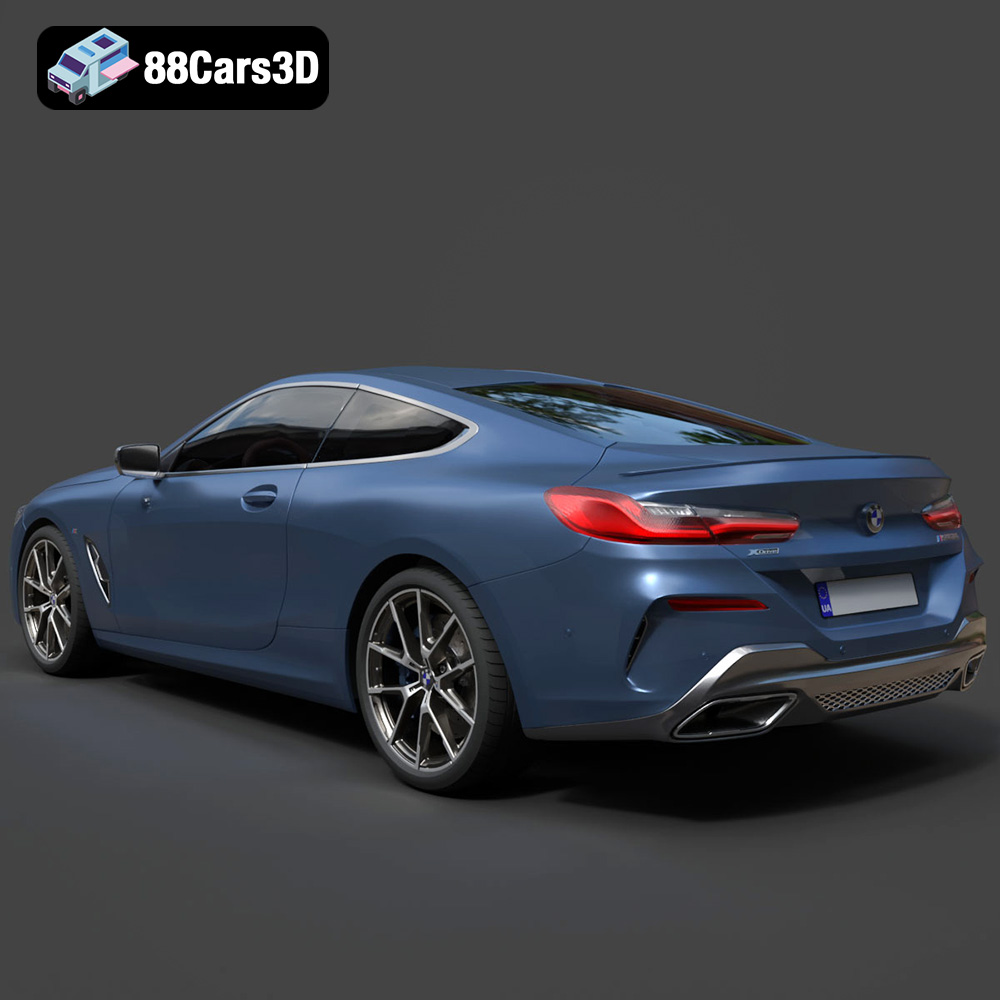
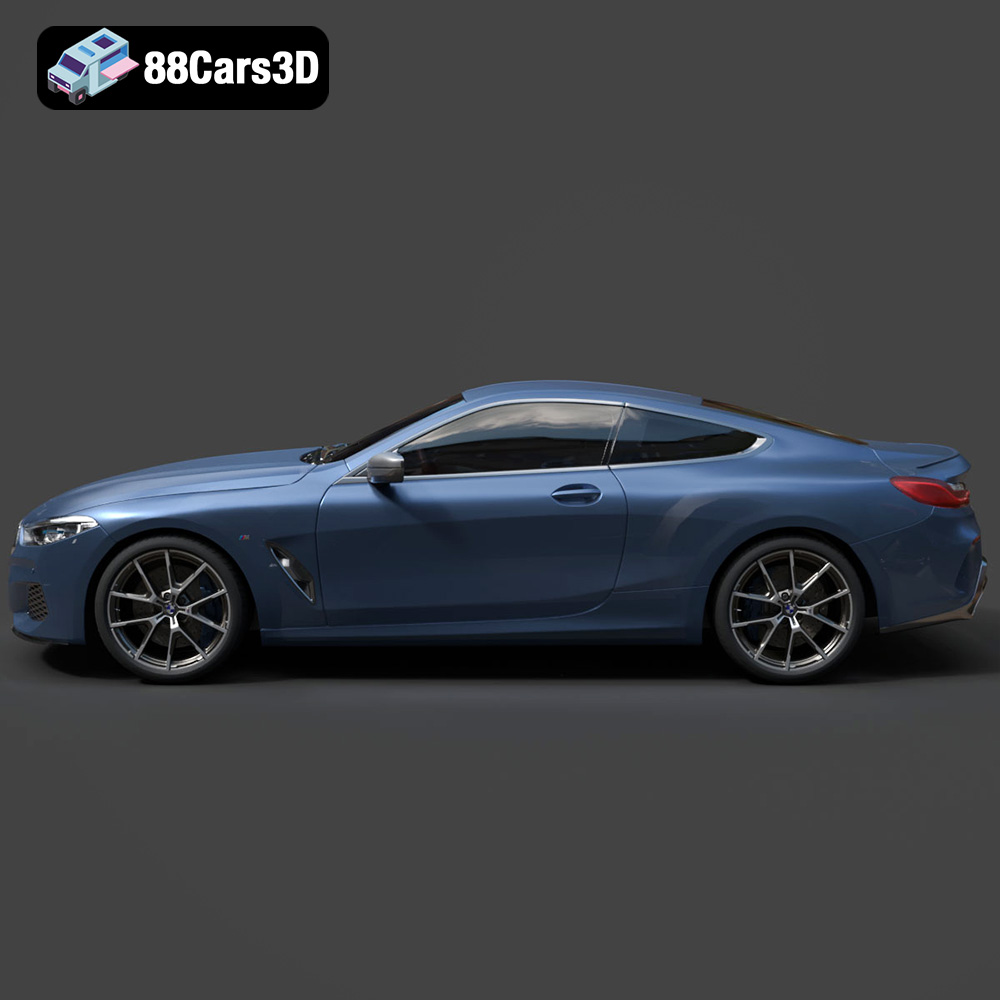
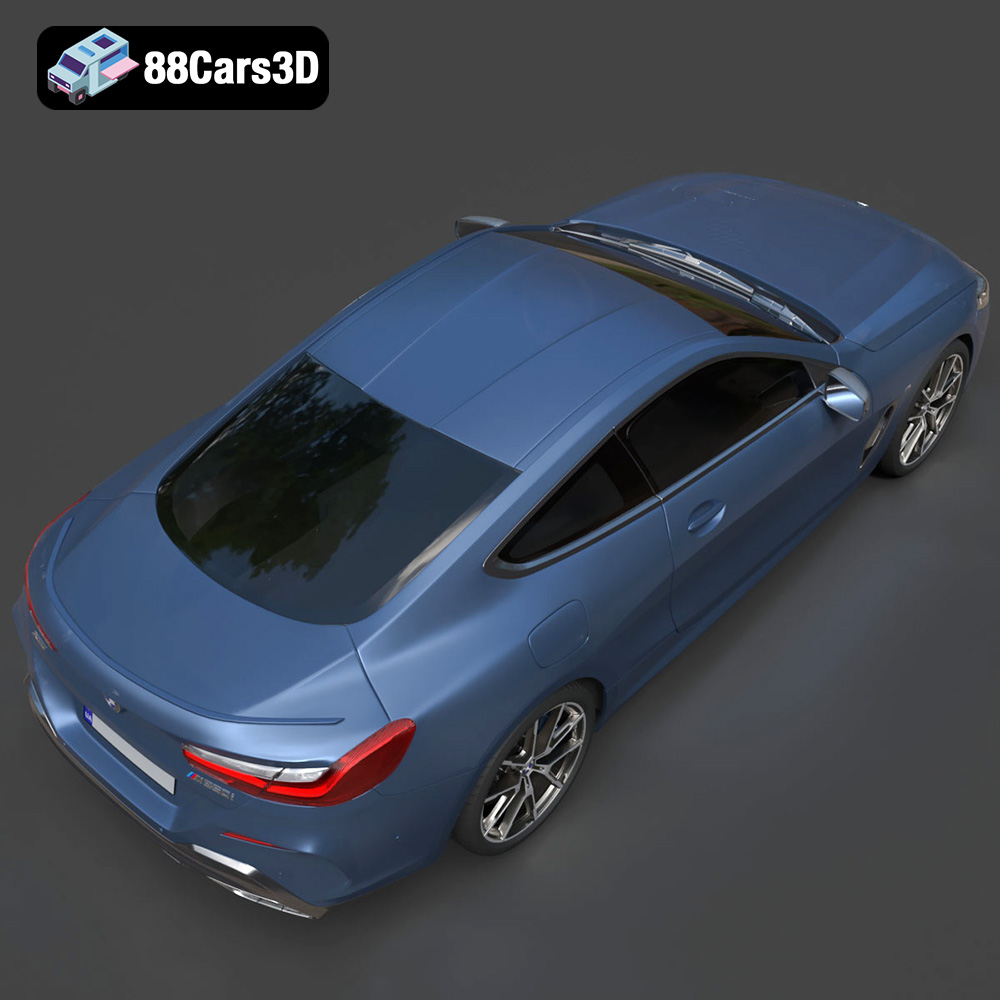
Experience unparalleled realism with the BMW 8-Series M850i G15 Coupe 2019 3D Model. Designed to meet professional standards, this model captures the sleek proportions and aggressive styling of the iconic luxury sports coupe, ensuring exceptional visual fidelity for any digital project.
$39.99
.8series
.arvr
.blend
.bmw
.car3dmodel
.coupe
.fbx
.g15
.gameasset
.glb
.luxurycar
.m850i
.max
.obj
.ply
.rendering
.simulation
.sportsCar
.stl
.unreal