Get 20% OFF All Premium 3D & STL Models!

The Mitsubishi L200 Crew Cab 2019, a vehicle celebrated for its robust design and off-road capabilities, translates remarkably well into a 3D printed model. This guide provides a comprehensive overview of how to successfully 3D print this iconic pickup truck, covering everything from file preparation to post-processing. Whether you are a seasoned 3D printing enthusiast or a beginner looking to tackle a detailed project, this article will equip you with the knowledge to create a stunning replica of the L200. The high-quality STL files available at 88cars3d.com make this project accessible and rewarding.
The Mitsubishi L200 Crew Cab 2019 3D model can be effectively printed using both Fused Deposition Modeling (FDM) and Stereolithography (SLA) technologies, each offering distinct advantages and disadvantages.
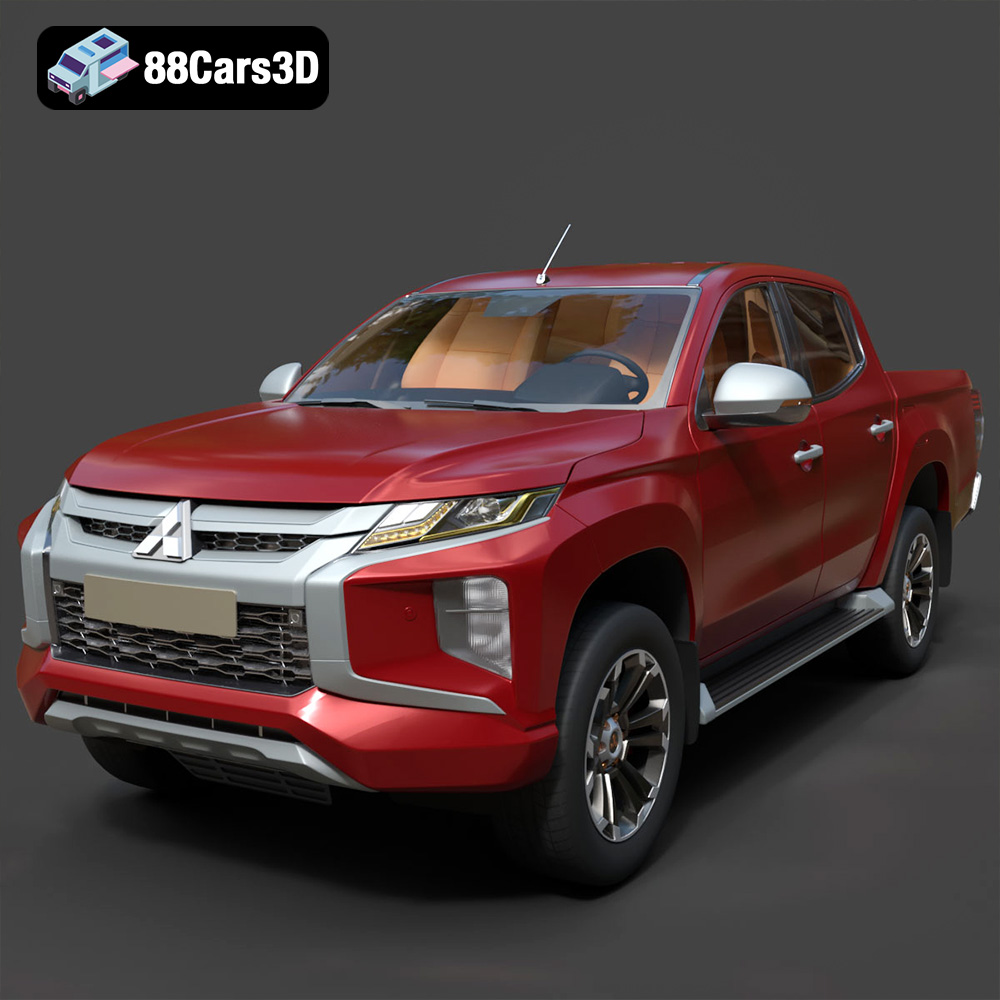
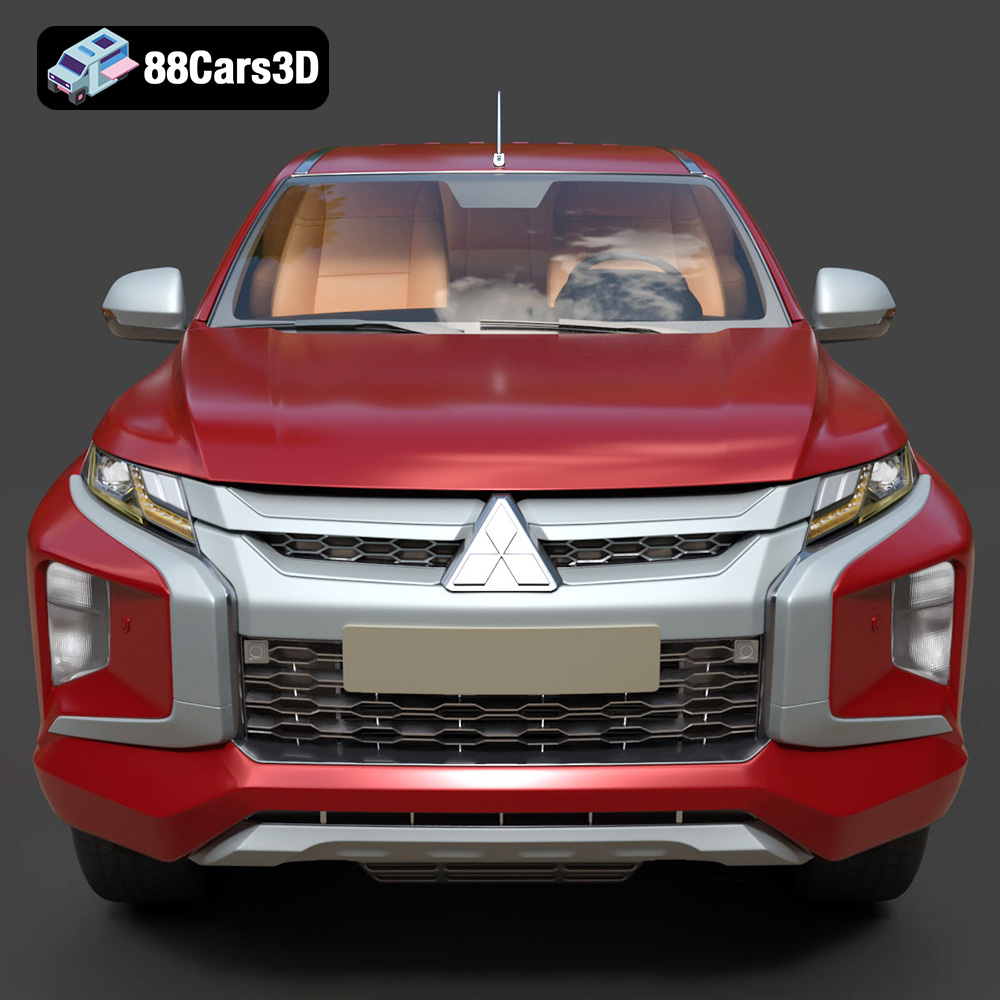
FDM printers are the most common type of 3D printer, known for their affordability and ease of use. When using an FDM printer, consider materials like PLA or PETG. PLA is biodegradable and easier to print with, while PETG offers higher strength and temperature resistance, ideal if you want a more durable model. Given the L200’s intricate details, a smaller nozzle (0.4mm or even 0.25mm) and lower layer height are recommended to capture features like the “Dynamic Shield” front fascia and detailed wheel arches.
SLA printers, which use resin, excel at producing highly detailed parts. Given the L200’s fine features, resin printing offers a superior level of accuracy. This is particularly beneficial for replicating the complex geometry of the headlights, taillights, and interior components. However, resin printing typically requires more post-processing, including washing and curing, and the resin itself can be more expensive. For the best results, use a high-resolution resin printer with a layer height of 0.04mm or less.
Selecting the right file format is crucial for a successful 3D printing project. Different formats offer varying levels of compatibility and detail, impacting the final print quality.
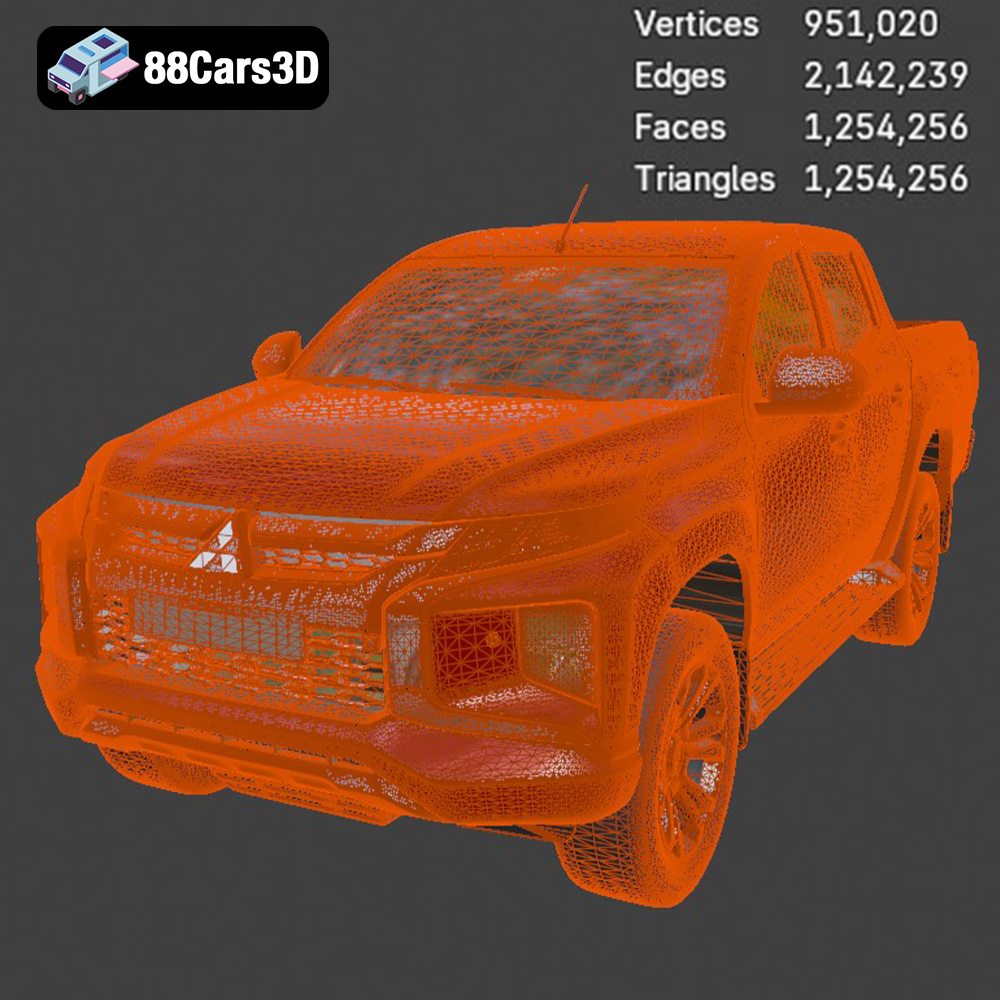
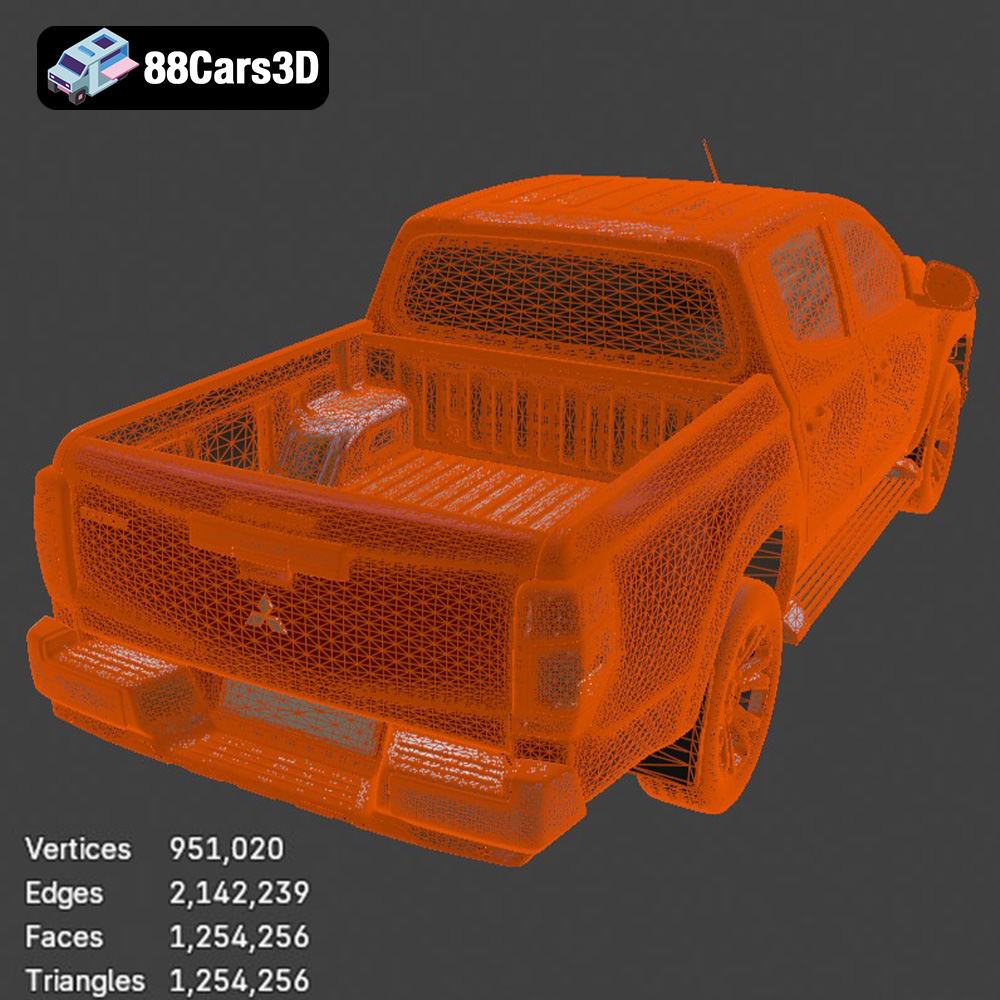
STL (Stereolithography) is the workhorse of 3D printing. It represents the surface geometry of a 3D object as a collection of triangles. This format is universally compatible with slicing software and 3D printers, making it the go-to choice for most printing applications. When working with STL files, it’s important to ensure the mesh is watertight (closed and without holes) and that the triangle count is sufficient to capture the desired level of detail. Too few triangles can result in a faceted appearance, while too many can lead to unnecessarily large file sizes and longer processing times. For the Mitsubishi L200 Crew Cab 2019, the STL files from 88cars3d.com are pre-optimized to strike a balance between detail and printability.
OBJ is a more versatile format than STL, as it can store color and texture information in addition to geometry. While OBJ files can be used for 3D printing, they are less common than STL because most 3D printers still print in a single color at a time. However, if you plan to paint or apply textures to your 3D printed L200, having the OBJ file as a reference can be helpful.
PLY (Polygon File Format) is designed for storing 3D data acquired from scanning devices. It can handle complex mesh data with color information. While not as widely used as STL, it can be suitable for high-detail prints where preserving fine surface details is paramount.
BLEND files are native to Blender, a popular open-source 3D modeling software. If you want to customize the L200 model before printing, having the BLEND file is invaluable. You can modify the geometry, add details, or even split the model into smaller parts for easier printing. After making your changes, you’ll need to export the model as an STL file for printing.
FBX (Filmbox) is a proprietary format developed by Autodesk, commonly used for exchanging data between 3D software applications. It supports geometry, materials, textures, and animation data. While not directly used for 3D printing, the FBX file can be helpful for importing the model into slicing software that supports material assignments, allowing you to visualize how different parts of the L200 will look with different materials or colors.
GLB (GL Transmission Format Binary) is designed for efficient transmission and loading of 3D scenes and models in web and mobile applications. It’s particularly useful for previewing the L200 model in augmented reality (AR) before committing to a print. This allows you to visualize the model in a real-world setting and assess its size and appearance.
MAX files are native to 3ds Max, another professional 3D modeling software package. Similar to BLEND files, having the MAX file allows for extensive customization of the L200 model before exporting it for 3D printing.
For 3D printing, STL remains the most practical and widely supported format. The optimized STL files from 88cars3d.com ensure a smooth and efficient printing experience, minimizing the need for extensive mesh repair or modification.
Once you have your STL files, you need to prepare them using slicing software. Popular options include Cura, Simplify3D, and PrusaSlicer.
The product description suggests scales of 1:12, 1:18, and 1:24. Choose a scale that suits your printer’s build volume and desired level of detail. Before scaling, consider the limitations of your 3D printer and the level of detail you wish to achieve. Remember that smaller scales may sacrifice fine details. Proper orientation is crucial. Printing the L200’s frame at an angle (e.g., 45 degrees) can improve structural integrity and reduce the need for supports on large flat surfaces. Print the wheels separately for better detail and easier post-processing.
Given the complex geometry of the L200, particularly the mirrors, door handles, and undercarriage, support structures are essential. Experiment with different support settings in your slicing software. Consider using tree supports, which use less material and are easier to remove than traditional linear supports. Ensure that supports adequately brace any overhanging features to prevent warping or collapse during printing.
For FDM printing, start with a layer height of 0.1mm to 0.2mm for a good balance between speed and detail. Increase wall thickness to 1.2-2.0mm for added strength. An infill percentage of 20-30% is generally sufficient for structural integrity. If using resin, a layer height of 0.04mm to 0.08mm is recommended for capturing fine details.
The choice of material significantly impacts the appearance, strength, and durability of your 3D printed Mitsubishi L200 Crew Cab 2019.
PLA is a popular choice for beginners due to its ease of printing and biodegradability. It offers decent strength and is available in a wide range of colors. However, PLA is not as heat-resistant as other materials and may warp in high-temperature environments.
PETG combines the ease of printing of PLA with enhanced strength and heat resistance. It is a good choice for parts that need to withstand some stress or exposure to sunlight.
ABS offers excellent strength and heat resistance, making it suitable for functional parts. However, ABS is more difficult to print with than PLA or PETG, requiring a heated bed and enclosure to prevent warping.
Resin offers the highest level of detail and a smooth surface finish. It is ideal for printing intricate parts with fine features. However, resin prints tend to be more brittle than FDM prints and require careful handling.
Post-processing is essential for achieving a professional-looking 3D printed L200.
Carefully remove support structures using pliers or a sharp knife. Be gentle to avoid damaging the model. Sand down any rough edges or imperfections using sandpaper of increasing grit (e.g., 220, 400, 600). For resin prints, washing the model in isopropyl alcohol and curing it under UV light is necessary.
Apply a primer coat to the model to create a smooth surface for painting. Use spray paint or an airbrush to apply the desired colors. Consider using automotive paints to achieve authentic factory colors with metallic finishes. Apply clear coat for added protection and shine.
If you printed the wheels and other parts separately, carefully assemble them using glue or adhesive. Ensure that all parts fit together seamlessly.
Even with careful preparation, you may encounter some common 3D printing issues.
Warping occurs when the corners of the print lift off the build plate. This can be caused by poor bed adhesion, insufficient bed temperature, or drafts. Use a heated bed, apply adhesive to the build plate, and ensure that the printer is in a draft-free environment.
Stringing occurs when small strands of plastic are left between parts of the print. This can be caused by excessive retraction distance or temperature. Adjust the retraction settings in your slicing software and lower the printing temperature.
Layer separation occurs when the layers of the print do not adhere properly. This can be caused by insufficient printing temperature, poor layer adhesion, or insufficient cooling. Increase the printing temperature, ensure that the build plate is clean and level, and adjust the cooling fan settings.
An elephant’s foot is where the bottom layers of a print are wider than the rest of the model. This is usually caused by the initial layer being too squished. Adjust the Z-offset or reduce the initial layer flow rate in your slicer.
The 2019 Mitsubishi L200 Crew Cab 3D model available on 88cars3d.com offers a fantastic opportunity to create a highly detailed and realistic replica of this iconic pickup truck. By following the guidelines outlined in this comprehensive guide, you can successfully navigate the 3D printing process and achieve outstanding results.
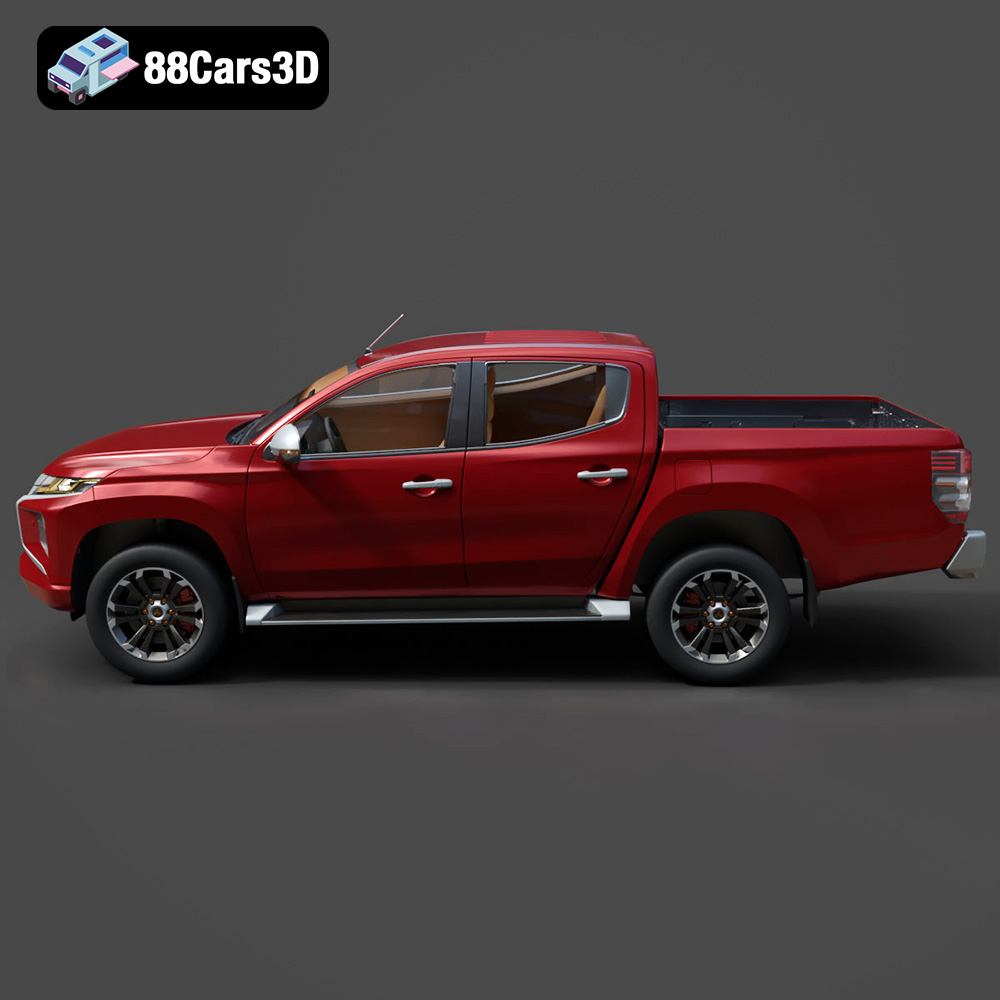
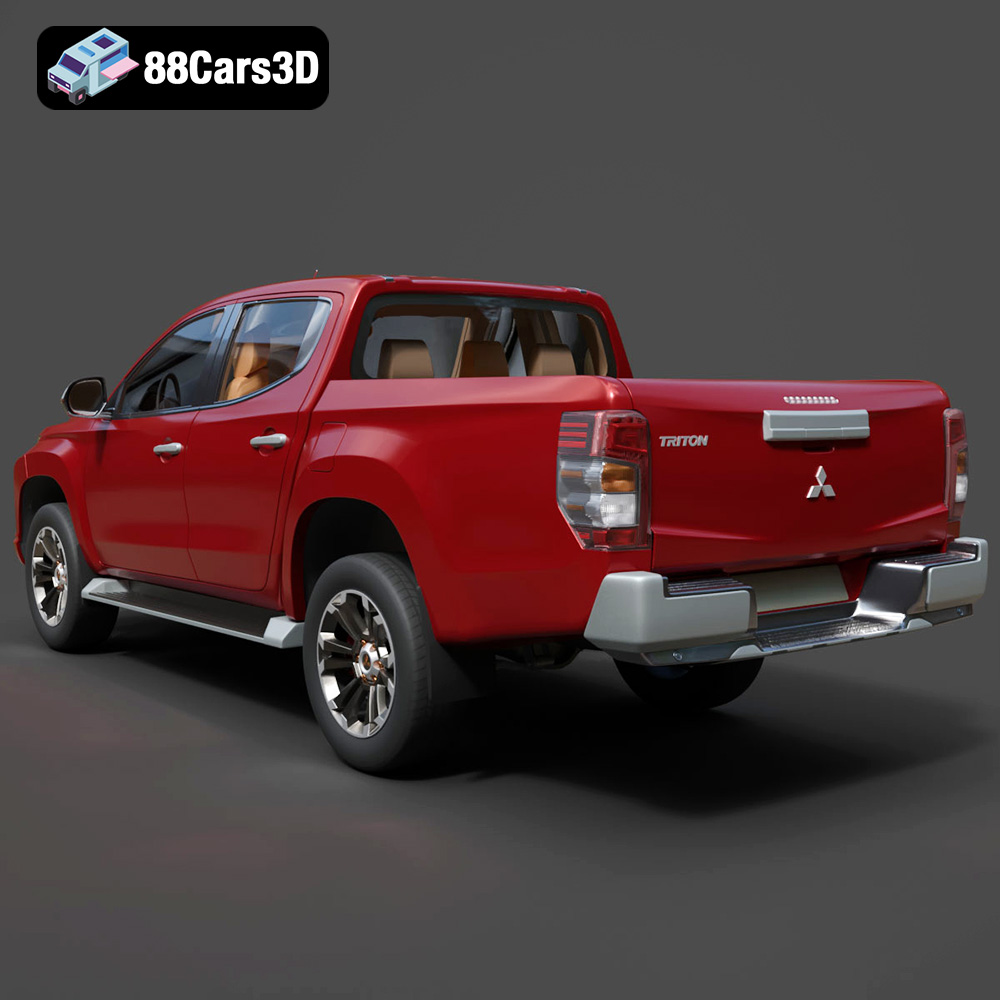
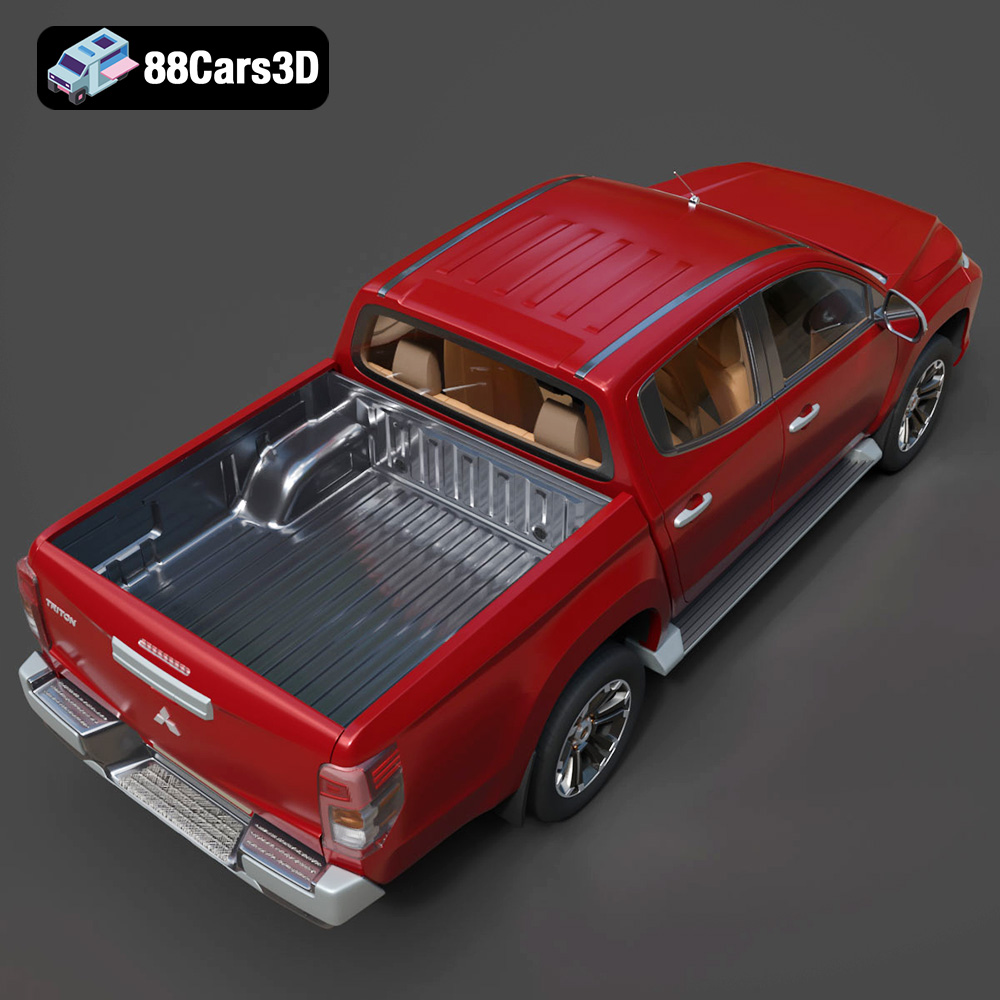
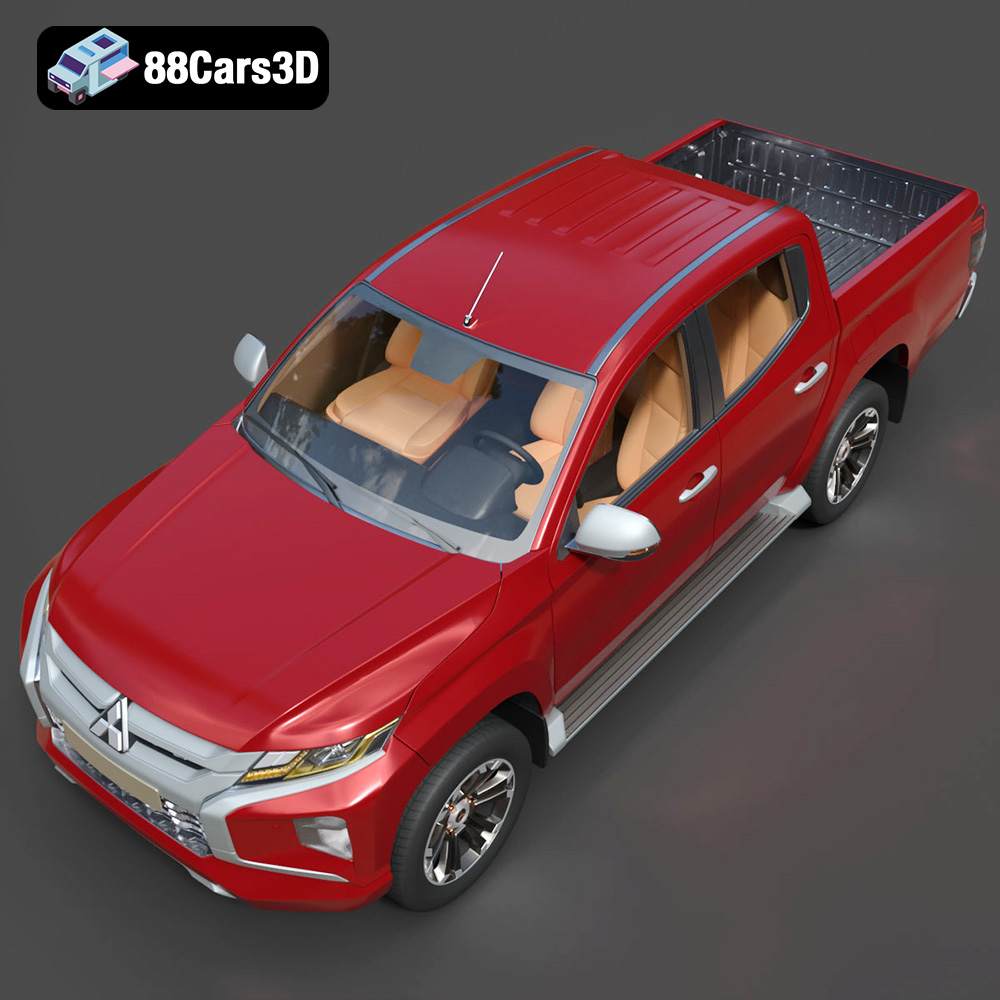
The 2019 Mitsubishi L200 Crew Cab (also known as the Triton) is a masterclass in rugged utility and modern design. Known for its robust “Dynamic Shield” front fascia, aggressive styling, and exceptional 4WD capabilities, this pickup truck bridges the gap between commercial workhorse and comfortable family vehicle.
$39.99
.2019
.4×4
.blend
.fbx
.glb
.max
.mitsubishi
.obj
.ply
.rendering
.stl
.unreal
car-3d-model
crew-cab
game asset
game-ready
l200
low-poly
off-road
optimized
pickup-truck
utility-vehicle
VR/AR