Get 20% OFF All Premium 3D & STL Models!

The 2019 Mitsubishi L200 Crew Cab, a symbol of rugged utility and modern design, makes an excellent subject for 3D printing. Whether you’re a scale model enthusiast, a gamer looking to enhance your tabletop experience, or simply appreciate the iconic design of this pickup truck, 3D printing offers a fantastic way to bring the L200 to life. This comprehensive guide will walk you through the entire process, from selecting the right materials and preparing your STL files to post-processing and painting your finished model. Let’s dive into the world of additive manufacturing and create a stunning replica of the Mitsubishi L200.
The Mitsubishi L200 Crew Cab 3D model from 88cars3d.com can be successfully printed using various 3D printing technologies, each with its own strengths and weaknesses. The optimal choice depends on your budget, desired level of detail, and experience with post-processing.
FDM is the most common and affordable 3D printing technology. It works by extruding molten plastic filament layer by layer to build the object. For the L200, FDM is suitable for larger scales (1:12 or 1:18) where fine details are less critical. PLA and PETG are the recommended materials for FDM printing due to their ease of use and relatively low cost. However, FDM prints typically require more post-processing to smooth layer lines and achieve a polished finish.
SLA and DLP are resin-based 3D printing technologies that offer superior detail and smoother surfaces compared to FDM. These technologies use UV light to cure liquid resin layer by layer. For the Mitsubishi L200, resin printing is highly recommended, especially for smaller scales (1:24 or smaller) where intricate details like the “Dynamic Shield” front fascia, headlight clusters, and interior components need to be accurately reproduced. Resin prints generally require less post-processing than FDM prints, but they are more brittle and may require careful handling.
When working with 3D models for printing, understanding the different file formats and their compatibility with slicing software is crucial. Here’s a breakdown of the common file formats provided by 88cars3d.com for the Mitsubishi L200 Crew Cab and how they relate to 3D printing:
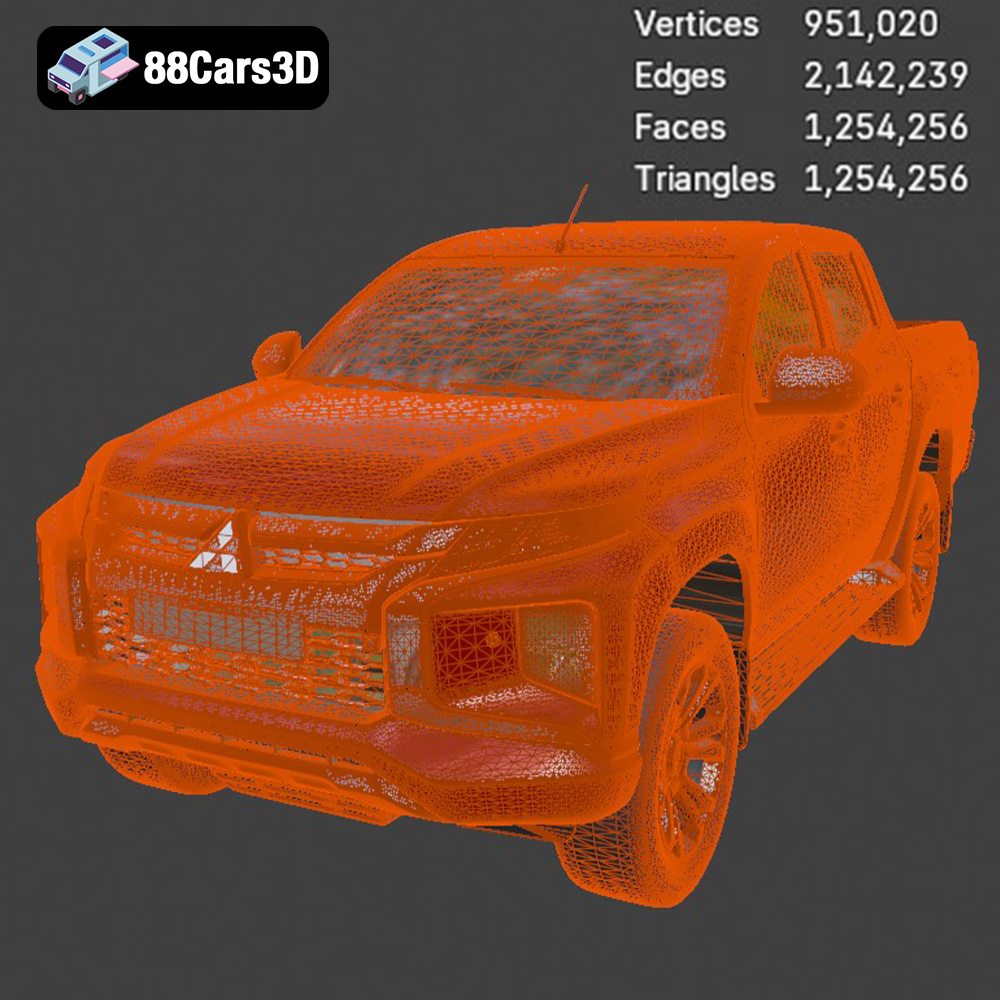
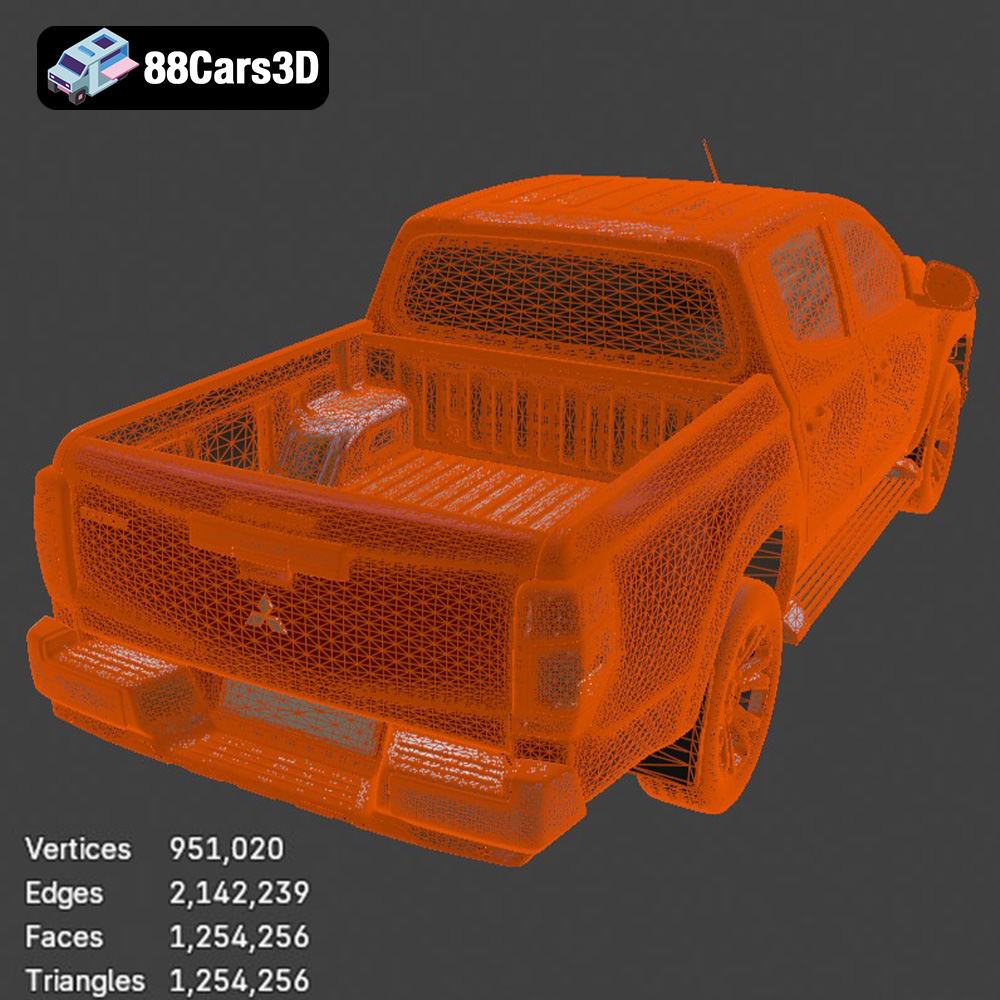
STL (Stereolithography) is the industry-standard file format for 3D printing. It represents the surface geometry of a 3D object as a collection of triangles. STL files are widely supported by all slicing software and 3D printers. When preparing the Mitsubishi L200 for printing, the STL file will be your primary format. Ensure the STL file is watertight (no holes or gaps in the mesh) and has a sufficient level of detail for your desired print quality. The denser the mesh (more triangles), the smoother the final print will be, but it also increases file size and processing time. If the STL file has errors, you can use mesh repair tools in software like MeshMixer or Netfabb to fix them before slicing.
OBJ (Object) is a more versatile file format than STL, as it can store not only geometry but also color and texture information. While OBJ files are compatible with some 3D printers that support multi-material or full-color printing, they are less commonly used for standard 3D printing. You might use the OBJ file of the L200 if you plan to apply custom textures or colors in a 3D modeling program before converting it to STL for printing.
PLY (Polygon File Format) is another format capable of storing color and texture data along with 3D geometry. It’s often used for high-resolution scans and models where preserving detail is paramount. While you could theoretically use a PLY file for 3D printing the Mitsubishi L200, it’s generally not the optimal choice. PLY files can be quite large and may not be as widely supported by slicing software as STL files are. If you choose to use a PLY file, ensure your slicing software can handle it and that the mesh is properly optimized for printing.
BLEND is the native file format for Blender, a popular open-source 3D modeling software. The BLEND file of the Mitsubishi L200 contains the entire scene, including the model’s geometry, materials, textures, and lighting. This format is incredibly useful if you want to customize the model before printing. You can modify the design, add details, or split the model into separate parts for easier printing and assembly. After making your changes in Blender, you would then export the modified model as an STL file for 3D printing.
FBX (Filmbox) is a proprietary file format developed by Autodesk, commonly used for exchanging 3D data between different software applications. It supports geometry, materials, textures, animations, and other scene information. While some advanced slicing software might be able to import FBX files and retain material information, this is not typically used for standard 3D printing workflows. The primary use of the FBX file for the Mitsubishi L200 would be for importing the model into other 3D software, not directly for printing.
GLB (GL Transmission Format Binary) is a binary file format that represents 3D models in a compact and efficient manner. It’s often used for displaying 3D models on the web and in augmented reality (AR) applications. The GLB file for the Mitsubishi L200 would primarily be used for previewing the model in AR environments before committing to a 3D print. This allows you to visualize the model in real-world settings and get a better sense of its size and scale.
MAX is the native file format for 3ds Max, another professional 3D modeling software package. Similar to the BLEND file, the MAX file contains the complete project scene, including the model’s geometry, materials, textures, and lighting. You can use the MAX file to customize the Mitsubishi L200 if you are a 3ds Max user. After making modifications, you would export the model as an STL file for 3D printing.
In Summary: For 3D printing the Mitsubishi L200, the STL file format is the most important. Ensure that the STL file is clean, watertight, and has sufficient detail for your desired print quality. You may use the BLEND or MAX files to customize the model before exporting it as an STL. Other formats like OBJ, PLY, FBX, and GLB are less directly relevant to the 3D printing process but can be useful for previewing, texturing, or importing the model into other software.
Once you’ve chosen your 3D printing technology and material, the next step is to prepare the Mitsubishi L200 model for printing using slicing software. Slicing software takes the 3D model (typically an STL file) and converts it into a series of instructions (G-code) that the 3D printer can understand.
Several excellent slicing software options are available, both free and paid. Popular choices include Cura, PrusaSlicer, Simplify3D, and Chitubox (for resin printers). Each software has its own features and interface, but they all perform the same basic function: slicing the model and generating G-code.
The orientation of the Mitsubishi L200 model on the print bed is crucial for print quality and support requirements. As the provided notes indicate, angling the frame of the truck during printing can enhance structural integrity. Experiment with different orientations to minimize the need for supports, especially in areas with fine details. For FDM printing, consider orienting the model to minimize overhangs. For resin printing, orient the model to minimize suction forces during printing. Add supports strategically to areas that require them, such as the mirrors, door handles, and undercarriage. Use tree supports or light supports to reduce the amount of material used and simplify post-processing.
The recommended scales for the Mitsubishi L200 are 1:12, 1:18, and 1:24. Choose a scale that suits your needs and the build volume of your 3D printer. Set the infill density according to the intended use of the model. For a display model, a 20-30% infill is sufficient. If you plan to handle the model frequently or subject it to stress, increase the infill density for added strength. The provided settings indicate a wall thickness of 1.2-2.0 mm for robustness.
The choice of material greatly impacts the final appearance, strength, and durability of your 3D printed Mitsubishi L200 model. Consider the following factors when selecting a material:
PLA is a biodegradable thermoplastic derived from renewable resources. It’s easy to print, affordable, and available in a wide range of colors. PLA is a good choice for the Mitsubishi L200 if you’re primarily concerned with aesthetics and don’t require high strength or temperature resistance. It’s suitable for display models and parts that won’t be subjected to significant stress.
PETG is a modified version of PET that offers improved strength, flexibility, and temperature resistance compared to PLA. It’s also more resistant to chemicals and moisture. PETG is a better choice for the Mitsubishi L200 if you need a more durable model that can withstand some handling and outdoor exposure. It’s suitable for parts that might be subjected to stress or impact.
Resin, specifically photopolymer resin used in SLA and DLP printers, offers the highest level of detail and surface finish. Resin prints are ideal for the Mitsubishi L200 if you want to capture every intricate detail of the model. However, resin prints are typically more brittle than FDM prints and may require careful handling. Choose a resin that is specifically formulated for strength and durability if you plan to handle the model frequently.
Fine-tuning your printer settings is essential for achieving high-quality 3D prints of the Mitsubishi L200. The optimal settings will vary depending on your 3D printer, material, and desired level of detail.
Layer height is the thickness of each layer of material deposited by the 3D printer. A lower layer height results in smoother surfaces and finer details, but it also increases print time. For FDM printing, a layer height of 0.1-0.2 mm is a good starting point for the Mitsubishi L200. For resin printing, a layer height of 0.04-0.12 mm is recommended for capturing fine details, as noted in the provided settings.
Print speed is the rate at which the 3D printer moves while depositing material. A slower print speed generally results in better print quality, but it also increases print time. Experiment with different print speeds to find the optimal balance between quality and speed. For FDM printing, a print speed of 40-60 mm/s is a good starting point. For resin printing, the print speed is determined by the resin’s exposure time, which should be set according to the manufacturer’s recommendations.
Temperature settings are critical for FDM printing. The optimal nozzle temperature and bed temperature will vary depending on the material you’re using. Consult the material manufacturer’s recommendations for the recommended temperature ranges. For PLA, a nozzle temperature of 200-220°C and a bed temperature of 60-70°C are typical. For PETG, a nozzle temperature of 230-250°C and a bed temperature of 70-80°C are recommended.
Once the 3D print is complete, post-processing is necessary to remove supports, smooth surfaces, and add finishing touches.
Carefully remove the supports from the Mitsubishi L200 model using pliers, cutters, or a sharp knife. Be gentle to avoid damaging the model. Once the supports are removed, sand the surfaces to smooth out any imperfections and layer lines. Start with coarse sandpaper (e.g., 220 grit) and gradually move to finer grits (e.g., 400 grit, 600 grit) to achieve a smooth finish. Wet sanding can help to reduce dust and improve the sanding results.
Apply a primer coat to the Mitsubishi L200 model to prepare it for painting. Primer helps to fill in any remaining imperfections and provides a uniform surface for the paint to adhere to. Once the primer is dry, paint the model using acrylic paints or spray paints. Apply multiple thin coats of paint rather than one thick coat to avoid drips and runs. Use masking tape to create clean lines and separate different colors. As the provided information notes, use authentic factory colors with metallic finishes to accurately replicate the look of the real Mitsubishi L200. Consider using an airbrush for a professional-looking finish.
If you printed the Mitsubishi L200 in separate parts (e.g., the frame and wheels), assemble the parts using glue or screws. Ensure that the parts are properly aligned before gluing them together. Use clamps to hold the parts in place while the glue dries.
Despite careful preparation, you may encounter some common 3D printing issues. Here are some troubleshooting tips:
Warping occurs when the corners of the 3D print lift off the print bed. This is often caused by poor bed adhesion or temperature fluctuations. To prevent warping, ensure that the print bed is clean and level, use a bed adhesive (e.g., glue stick, hairspray), and enclose the 3D printer to maintain a consistent temperature.
Stringing occurs when thin strands of plastic are left between different parts of the 3D print. This is often caused by excessive nozzle temperature or retraction settings. To prevent stringing, lower the nozzle temperature, increase the retraction distance, and increase the retraction speed.
Layer shifting occurs when the layers of the 3D print are misaligned. This is often caused by loose belts, stepper motor issues, or vibrations. To prevent layer shifting, tighten the belts, check the stepper motors for proper function, and ensure that the 3D printer is placed on a stable surface.
By following these steps and troubleshooting tips, you can successfully 3D print a stunning replica of the 2019 Mitsubishi L200 Crew Cab. Remember to experiment with different settings and materials to find what works best for your 3D printer and desired level of detail. The Mitsubishi L200 3D model available at 88cars3d.com provides an excellent starting point for this exciting project, and with a little patience and skill, you’ll be able to create a masterpiece that you’ll be proud to display. The models at 88cars3d.com are a great way to enter the world of 3D printing and scale modeling.
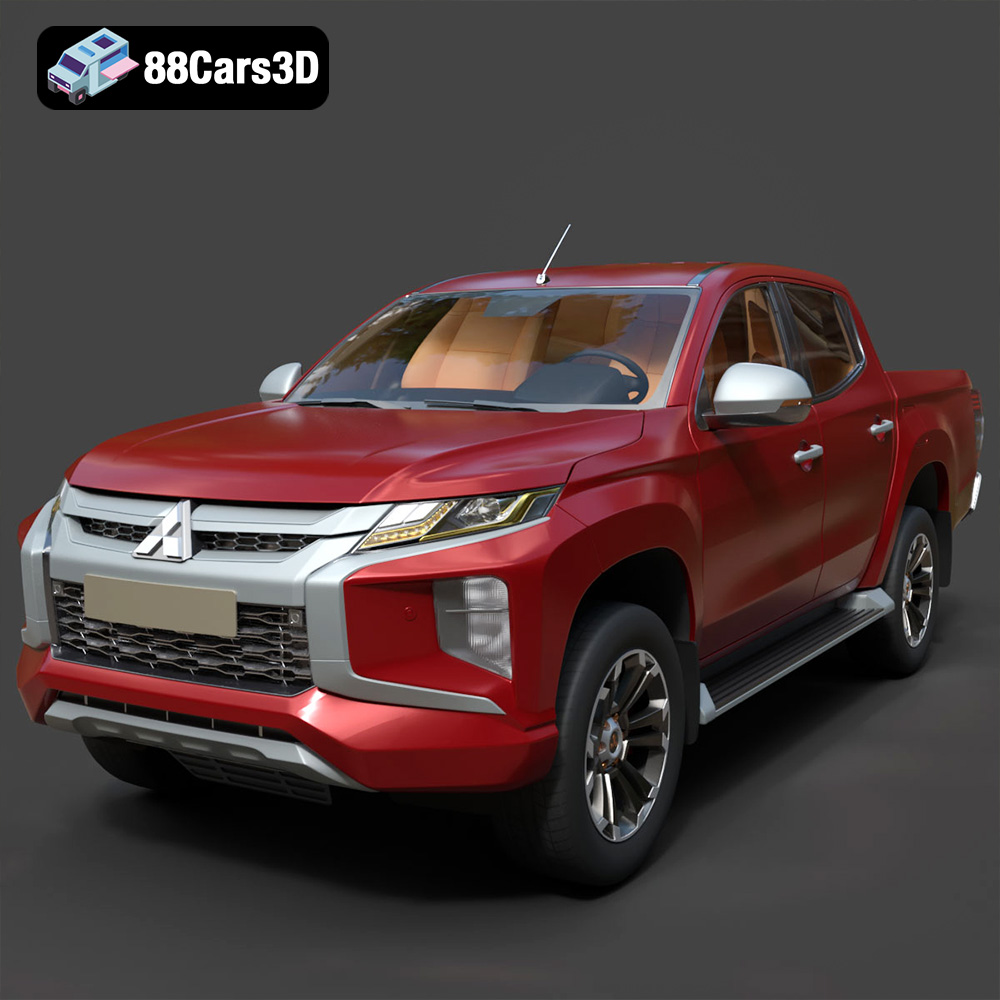
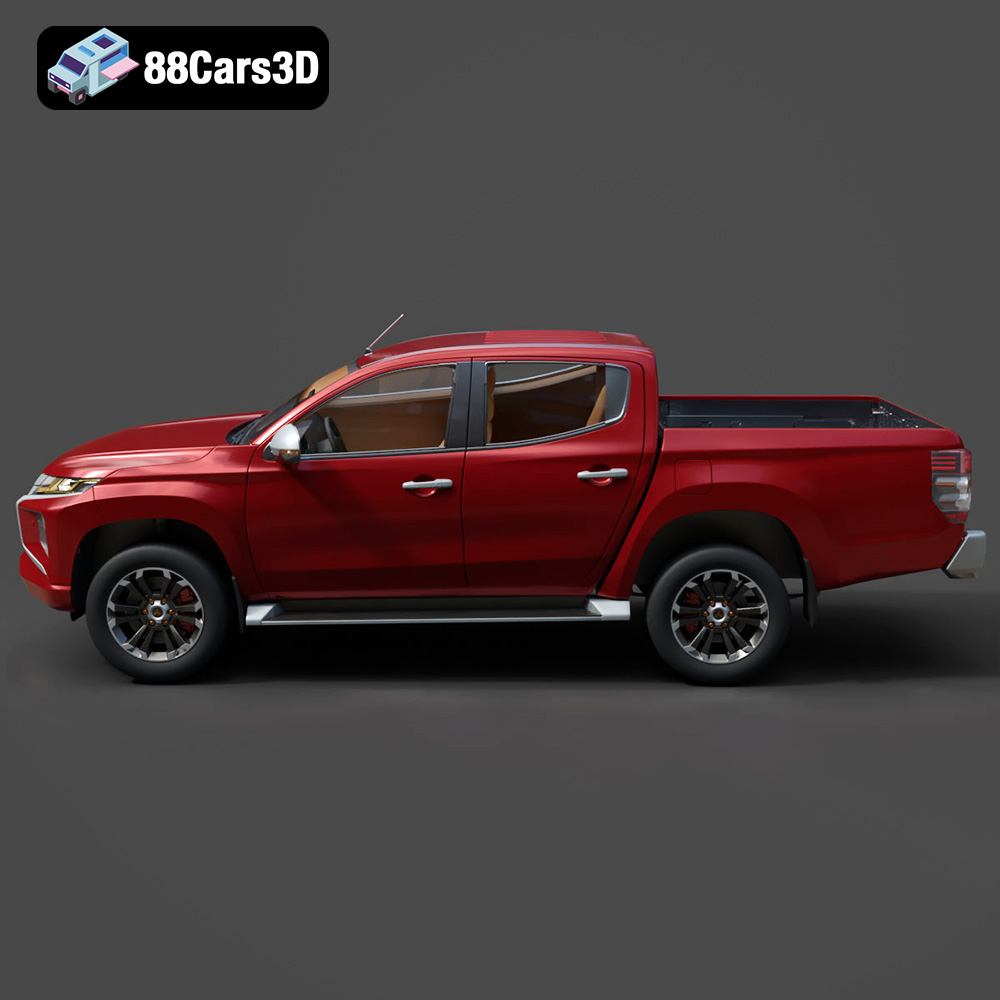
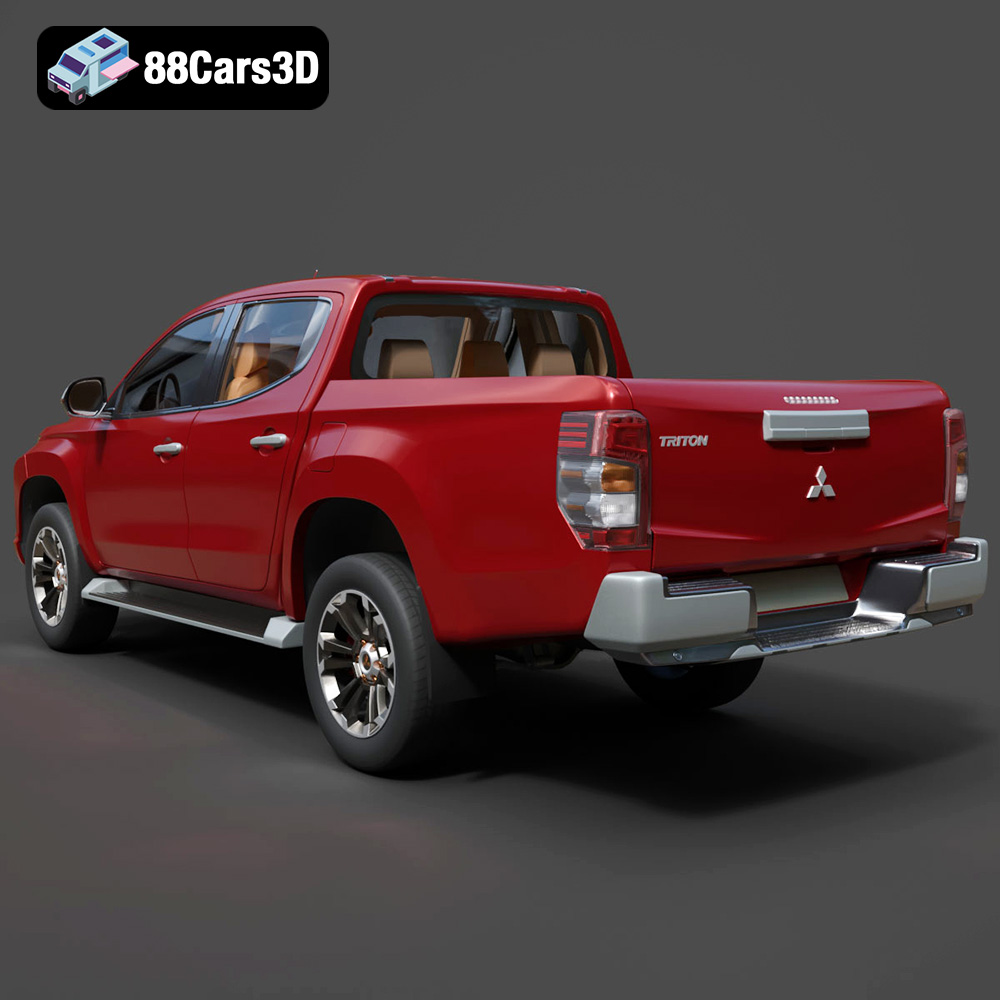
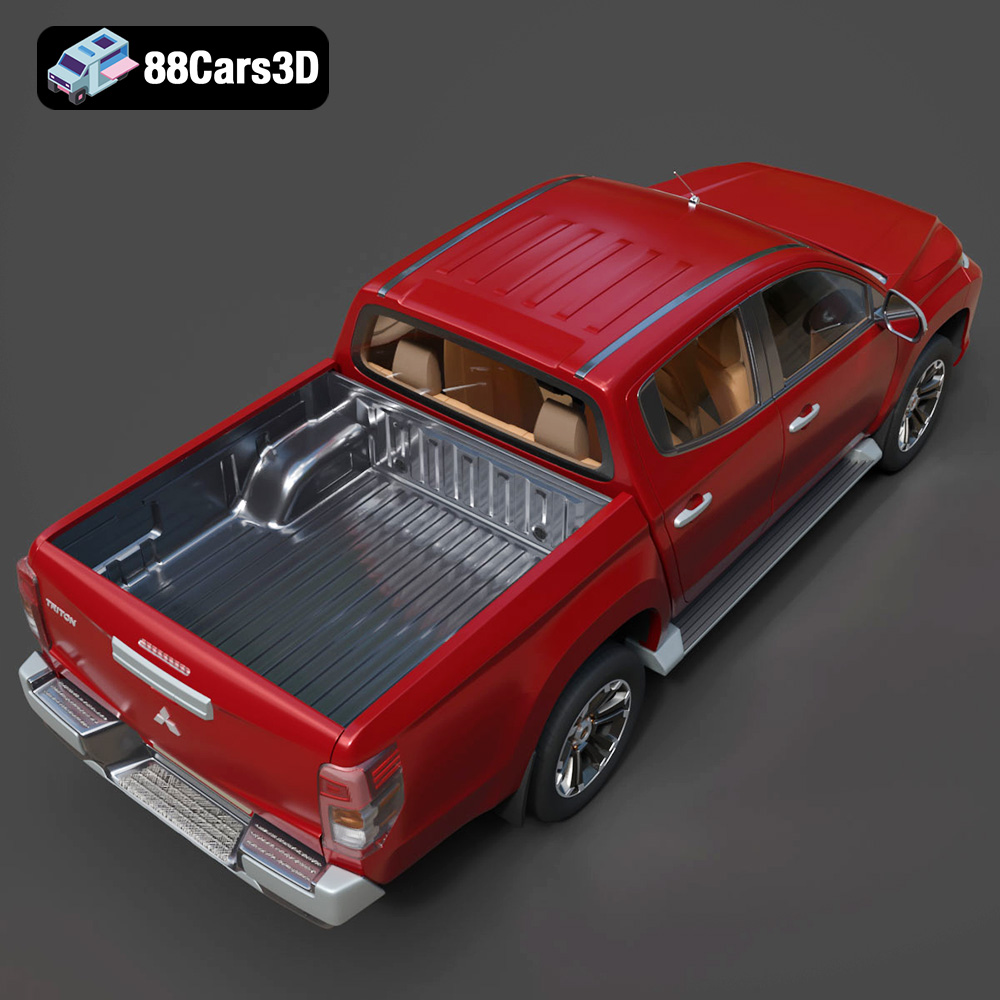
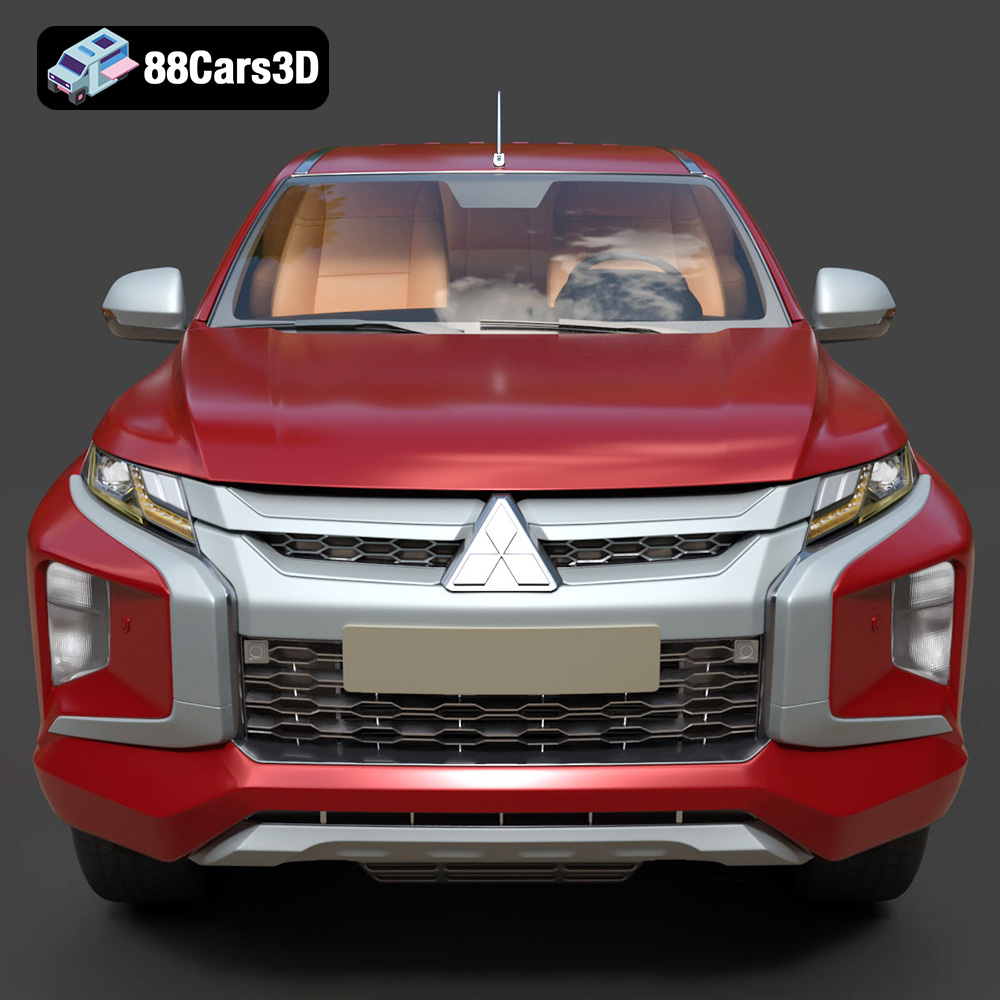
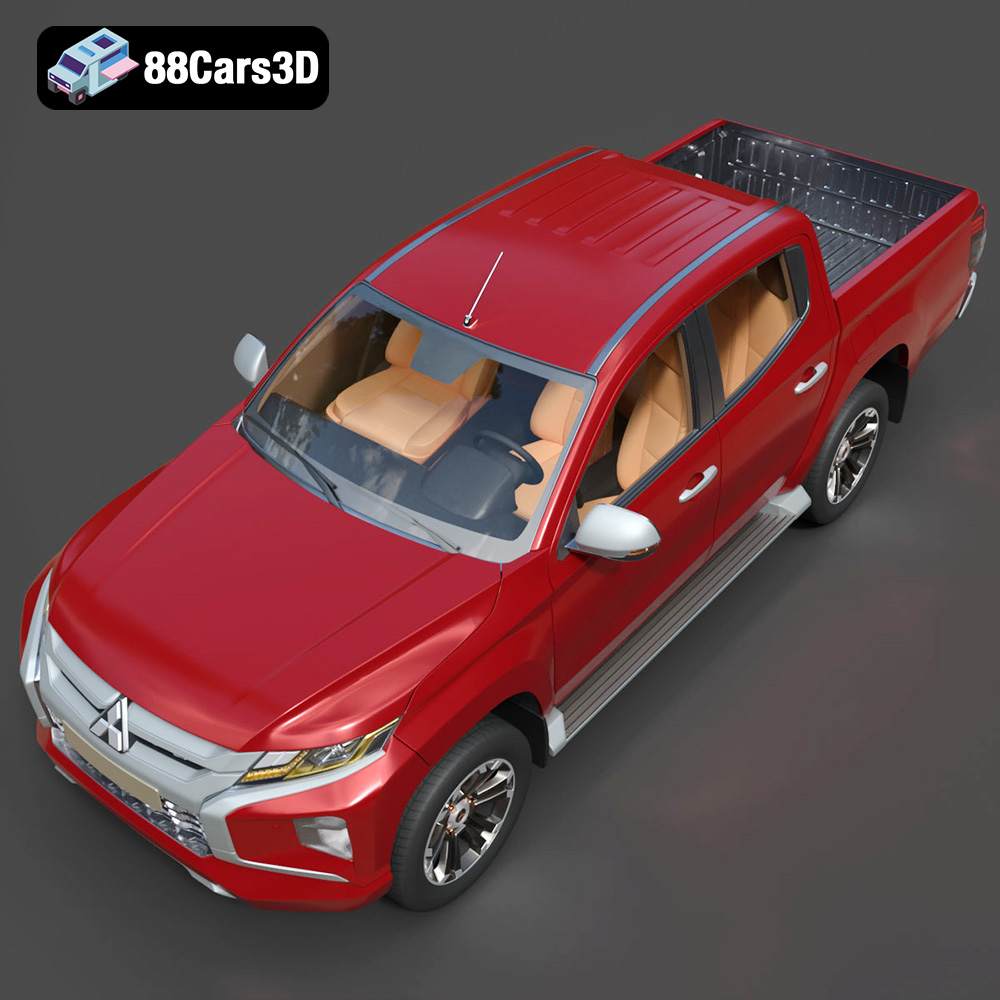
The 2019 Mitsubishi L200 Crew Cab (also known as the Triton) is a masterclass in rugged utility and modern design. Known for its robust “Dynamic Shield” front fascia, aggressive styling, and exceptional 4WD capabilities, this pickup truck bridges the gap between commercial workhorse and comfortable family vehicle. Key visual elements include the distinctive front grille, striking LED headlight arrays, sculpted side panels, and a durable cargo bed designed to handle any load.
$39.99
.2019
.4×4
.blend
.fbx
.glb
.max
.mitsubishi
.obj
.ply
.rendering
.stl
.unreal
car-3d-model
crew-cab
game asset
game-ready
l200
low-poly
off-road
optimized
pickup-truck
utility-vehicle
VR/AR