Get 20% OFF All Premium 3D & STL Models!

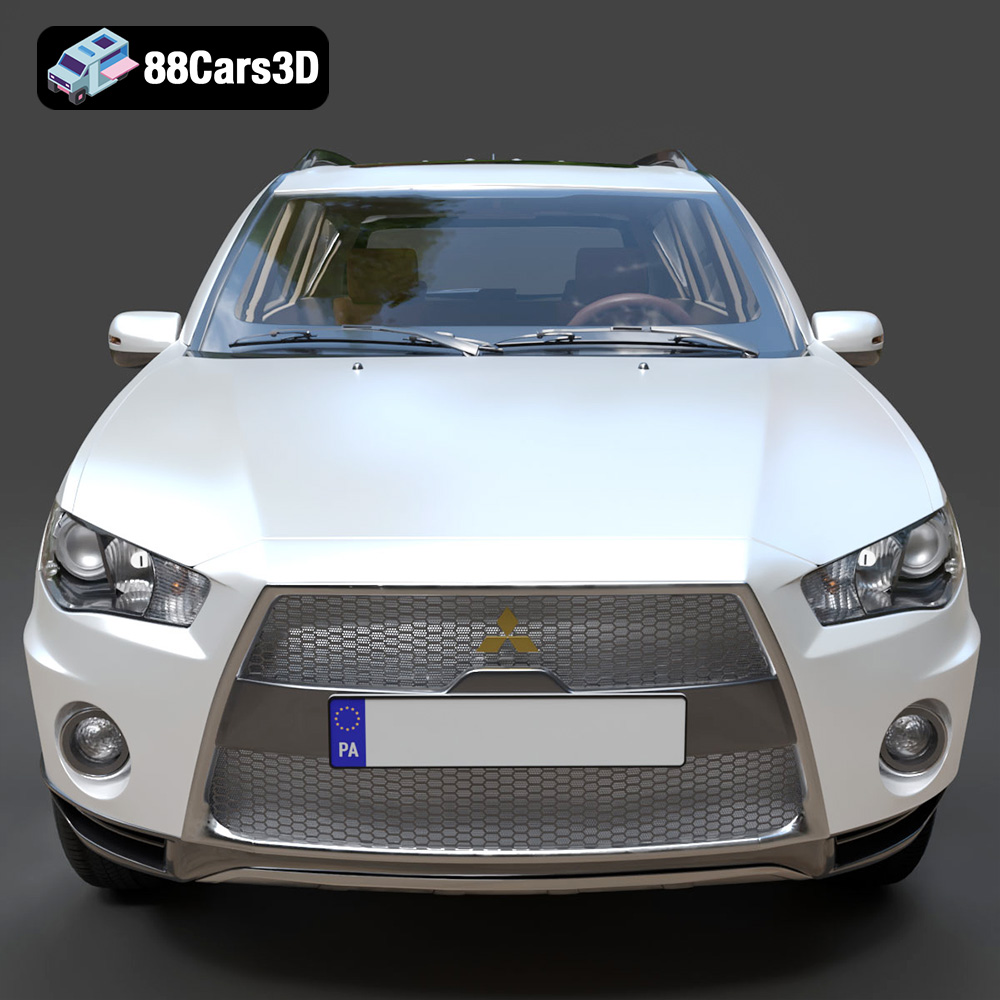
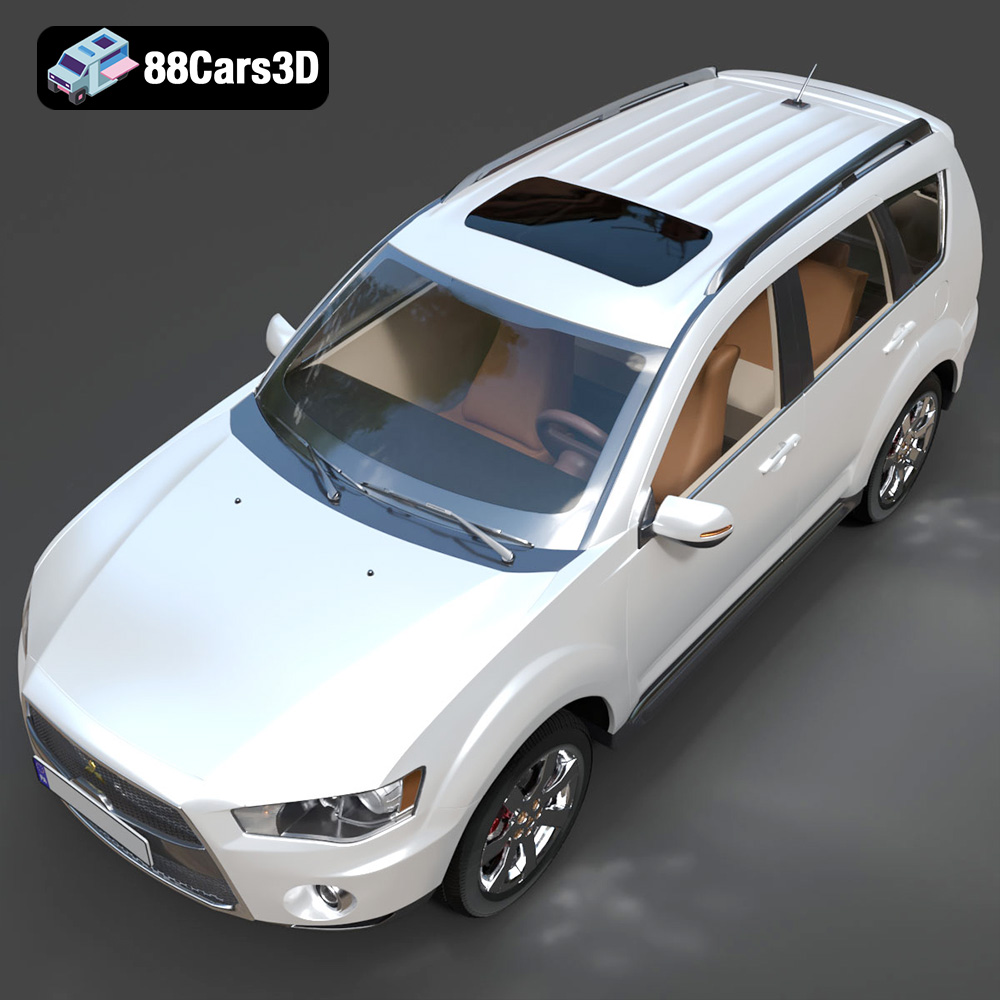
The Mitsubishi Outlander GT 2010, with its distinctive “Jet Fighter” grille and sporty design, is a fantastic subject for 3D printing. Thanks to 88cars3d.com, you can now bring this iconic crossover SUV to life in miniature form. This comprehensive guide will walk you through the entire 3D printing process, from selecting the right materials and preparing the STL files to post-processing techniques that will give your model a professional finish. Whether you’re a seasoned 3D printing enthusiast or just starting out, this guide provides the technical details and practical tips you need to create a stunning replica of the Mitsubishi Outlander GT 2010.
The choice of 3D printing technology significantly impacts the final result. Two primary technologies are suitable for printing the Mitsubishi Outlander GT 2010: Fused Deposition Modeling (FDM) and Stereolithography (SLA) or resin printing.
FDM printing is a popular and cost-effective method. It involves extruding a thermoplastic filament layer by layer to build the model.
* Pros: Affordable, readily available materials (PLA, PETG), larger build volumes.
* Cons: Lower resolution, visible layer lines, requires more post-processing.
For the Outlander GT, FDM printing works best for larger scale models (1:12 or 1:18) where fine details are less critical.
Resin printing, using SLA or similar technologies, utilizes liquid resin cured by a UV light source.
* Pros: High resolution, excellent detail reproduction, smooth surfaces.
* Cons: More expensive materials, smaller build volumes, requires thorough cleaning and curing.
Resin printing is ideal for smaller scale models (1:24 or smaller) of the Outlander GT, where capturing the intricate details of the grille, headlights, and interior is paramount.
Choosing the right file format is crucial for a successful 3D printing experience. Several formats exist, each with its strengths and weaknesses. The Mitsubishi Outlander GT 2010 model from 88cars3d.com includes a variety of formats, catering to different applications.
* **.stl (Stereolithography):** This is the industry standard for 3D printing. STL files represent the surface geometry of a 3D object as a collection of triangles. It’s a mesh-only format, meaning it doesn’t contain color or texture information. STL files are universally compatible with slicing software, making them the go-to choice for most 3D printing tasks. The quality of an STL file depends on the number of triangles used to represent the model; a higher triangle count results in a smoother, more detailed print. When preparing an STL file for the Outlander GT, ensure the mesh is watertight (no holes) and that the normals are correctly oriented to avoid printing errors. Slicing software interprets the STL file and generates instructions (G-code) for the 3D printer.
* **.obj (Object):** OBJ is a more versatile format than STL, as it supports color and texture information. This can be useful if you plan to paint the 3D printed model and want to use the OBJ file as a reference for the color scheme. However, OBJ files can be larger than STL files and may not be as universally supported by all slicing software.
* **.ply (Polygon File Format):** PLY is a precision mesh format designed for storing high-detail 3D data, often used in 3D scanning. It can store color information and other properties like surface normals and texture coordinates. While PLY offers high fidelity, it’s not as widely used as STL for 3D printing due to compatibility issues with some slicing software.
* **.blend (Blender):** BLEND files are native to Blender, a free and open-source 3D creation suite. This format allows you to directly edit the 3D model before exporting it to a printable format like STL. You can use Blender to modify the Outlander GT model, add details, or optimize it for printing.
* **.fbx (Filmbox):** FBX is a proprietary format developed by Autodesk, commonly used for exchanging 3D data between different software applications. It supports materials, textures, and animations. While FBX itself isn’t directly used for 3D printing, it can be imported into slicing software and then exported as an STL file.
* **.glb (GL Transmission Format Binary):** GLB is a binary file format that represents 3D models in a compact and efficient manner. It’s often used for web-based applications and augmented reality (AR) previews. While not directly printable, GLB files allow you to preview the Outlander GT model in AR before committing to a print.
* **.max (3ds Max):** MAX files are native to 3ds Max, another professional 3D modeling and animation software. Similar to BLEND files, MAX files allow you to edit the model before exporting it to a printable format.
For 3D printing the Mitsubishi Outlander GT 2010, **STL is the most practical and widely supported format**. Ensure that the STL file is properly prepared with a watertight mesh and appropriate resolution for your desired print size. You can use Blender or other 3D modeling software to repair and optimize the STL file before slicing. When importing into your slicer, check for errors, scale appropriately, and orient the model for optimal printing.
Before sending the 3D model to the printer, you need to prepare it using slicing software. This software converts the 3D model into a series of instructions (G-code) that the printer can understand. Popular slicing software options include Cura, Simplify3D, PrusaSlicer, and Chitubox (for resin printing).
Sometimes, 3D models may contain errors such as non-manifold geometry, holes, or intersecting faces. These errors can cause printing problems. Use mesh repair tools in your slicing software or dedicated software like MeshMixer or Netfabb to fix these issues before slicing. This is especially important for models from various sources, ensuring a smooth and successful print. For the Mitsubishi Outlander GT, pay attention to intricate areas like the grille and exhaust, which are more prone to errors.
The orientation of the model on the print bed significantly affects print quality, support requirements, and overall structural integrity.
* **Frame:** Printing the frame at an angle (e.g., 45 degrees) often provides the best structural integrity and reduces the need for extensive supports. Consider splitting the frame into multiple parts for easier printing and assembly.
* **Wheels:** Print the wheels separately, oriented vertically, for a clean, round finish. This also allows you to print them with different materials or colors for added realism.
* **Small Details:** Print smaller, detailed parts like mirrors and antennas separately and attach them after printing the main body.
The choice of material depends on the desired properties of the final 3D printed Mitsubishi Outlander GT 2010 model, such as strength, flexibility, and visual appearance.
PLA is a biodegradable thermoplastic derived from renewable resources.
* Pros: Easy to print, low odor, wide range of colors, good surface finish.
* Cons: Lower strength and heat resistance compared to other materials, can be brittle.
PLA is a good choice for beginner 3D printers and for creating display models that don’t require high strength or heat resistance.
PETG is a thermoplastic known for its strength and flexibility.
* Pros: Stronger and more heat-resistant than PLA, good layer adhesion, relatively easy to print.
* Cons: Can be stringy, requires slightly higher printing temperatures.
PETG is a good choice for parts that need to withstand some stress or heat, such as the chassis components or wheels.
Resin materials offer the highest level of detail and surface finish.
* Pros: Extremely high resolution, smooth surfaces, excellent detail reproduction.
* Cons: More expensive than filament-based materials, requires post-processing (washing and curing), can be brittle.
Resin is the best choice for printing small, highly detailed parts like the grille, headlights, and interior components of the Outlander GT.
The correct printer settings are crucial for achieving a high-quality 3D printed model of the Mitsubishi Outlander GT 2010. Here are some recommended settings for both FDM and resin printing:
* **Layer Height:** 0.1mm – 0.2mm (lower layer height for finer details)
* **Infill Density:** 15-25% (adjust for desired strength)
* **Wall Thickness:** 1.2mm – 1.6mm (3-4 perimeters)
* **Print Speed:** 40-60 mm/s
* **Support Structure:** Enable supports for overhanging features (adjust density and placement for optimal removal)
* **Bed Adhesion:** Use a brim or raft to ensure good adhesion to the print bed.
* **Material:** PLA or PETG (refer to manufacturer’s recommended temperature settings)
* **Layer Height:** 0.03mm – 0.05mm (lower layer height for finer details)
* **Exposure Time:** Refer to resin manufacturer’s recommendations (usually 6-12 seconds)
* **Bottom Layer Exposure Time:** Higher than normal layer exposure (e.g., 40-60 seconds)
* **Lift Speed:** Moderate to slow (reduces stress on the model)
* **Support Structure:** Carefully place supports to minimize scarring on visible surfaces (adjust density and thickness for optimal removal)
* **Material:** Standard or Engineering Resin (refer to manufacturer’s recommended settings)
After printing, post-processing is essential to refine the appearance and assemble the various components of the Mitsubishi Outlander GT 2010 model.
* **FDM Prints:** Start with coarse-grit sandpaper (e.g., 220 grit) to remove support marks and layer lines. Gradually move to finer grits (e.g., 400, 600, 800 grit) to smooth the surface.
* **Resin Prints:** Sanding resin prints requires more care as the material can be brittle. Use wet sanding techniques to minimize dust and prevent chipping.
Apply a primer coat to the sanded surface to create a uniform base for painting. Primer fills in small imperfections and improves paint adhesion.
Use acrylic paints or automotive spray paints for a durable and realistic finish. Apply multiple thin coats, allowing each coat to dry completely before applying the next. Consider using masking tape to create clean lines and separate different colored areas. For an authentic look, research the factory colors available for the 2010 Mitsubishi Outlander GT.
Carefully glue the various components together using super glue or epoxy. Ensure proper alignment and allow the glue to dry completely before handling the model. Consider using clamps or jigs to hold parts in place during the gluing process.
Even with careful preparation, 3D printing can sometimes present challenges. Here are some common issues and solutions:
* **Warping:** This occurs when the corners of the print lift off the print bed. Ensure the bed is properly leveled and heated, and use a brim or raft to improve adhesion.
* **Stringing:** This is caused by excessive filament oozing from the nozzle. Reduce printing temperature, increase retraction settings, and ensure the filament is dry.
* **Layer Shifting:** This occurs when the print head shifts position during printing. Check the printer’s belts and pulleys for tightness, and ensure the print bed is stable.
* **Support Issues:** Supports may be difficult to remove or leave scarring on the model. Adjust support density, placement, and interface settings for easier removal. Consider using dissolvable support materials for complex geometries.
* **Resin Printing Failures:** Parts may fail to adhere to the build plate or may delaminate during printing. Ensure the build plate is properly leveled, increase bottom layer exposure time, and use a resin with good adhesion properties.
By addressing these common issues, you can improve the success rate and quality of your 3D prints.
The Mitsubishi Outlander GT 2010 3D model available at 88cars3d.com is meticulously crafted for optimal printing results. Remember that the suggested print settings provided are excellent starting points but may require tweaking based on your printer, material, and specific requirements.
Discover the dynamic and versatile 2010 Mitsubishi Outlander GT, a highly acclaimed crossover SUV known for its aggressive Lancer Evolution-inspired ‘Jet Fighter’ front grille and advanced S-AWC all-wheel-drive system. Our meticulously crafted 3D model perfectly captures the vehicle’s sporty aesthetic, featuring accurate exterior lines, a robust V6 engine profile, and its signature dual exhaust setup.
$39.99
.2010
.blend
.crossover
.fbx
.glb
.max
.mitsubishi
.obj
.outlander
.ply
.rendering
.stl
.unreal
car-3d-model
game asset
game-ready
low-poly
optimized
outlander-gt
SUV
VR/AR