Get 20% OFF All Premium 3D & STL Models!

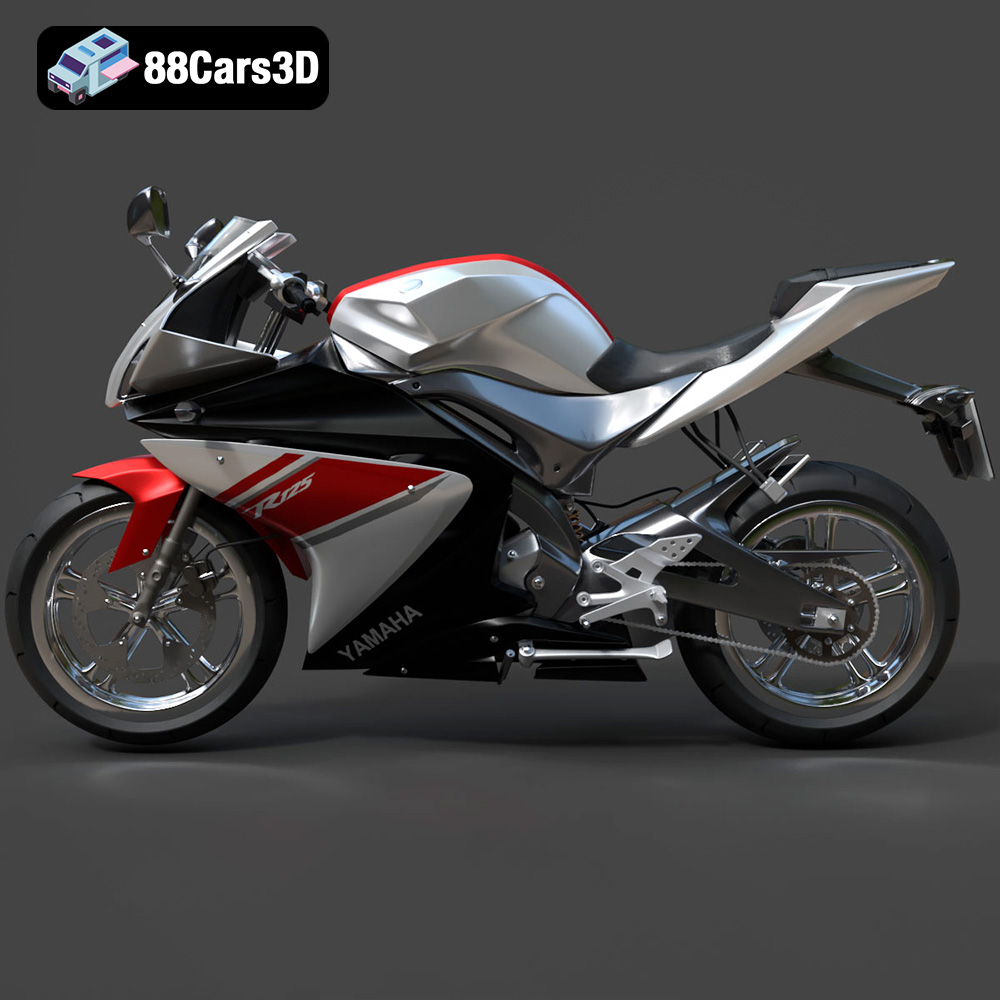
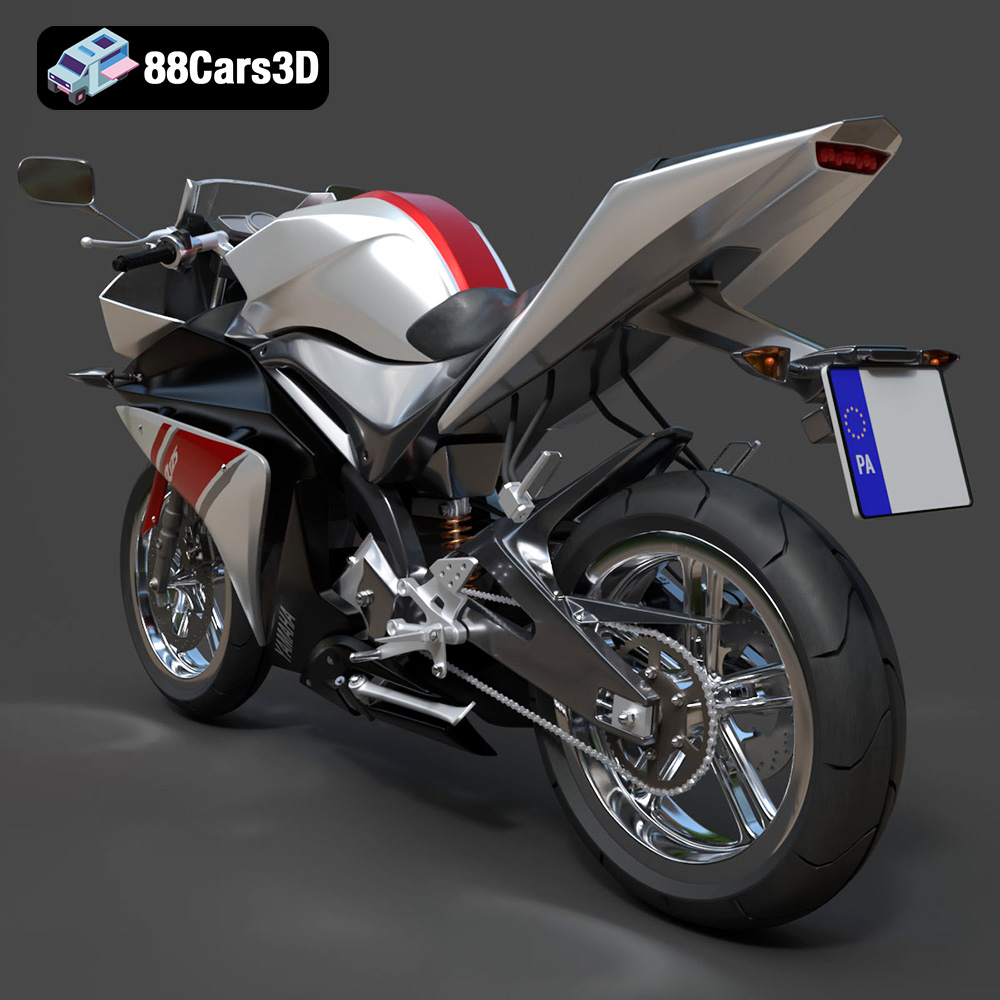
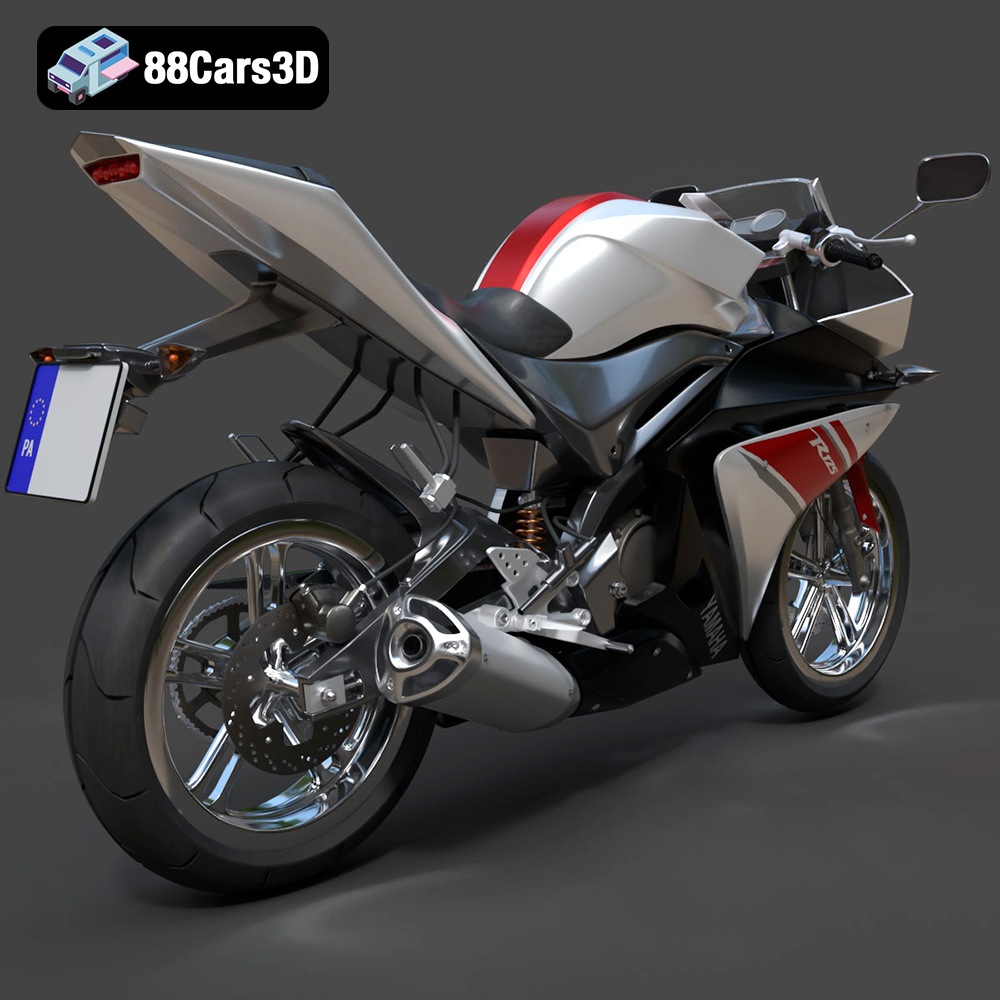
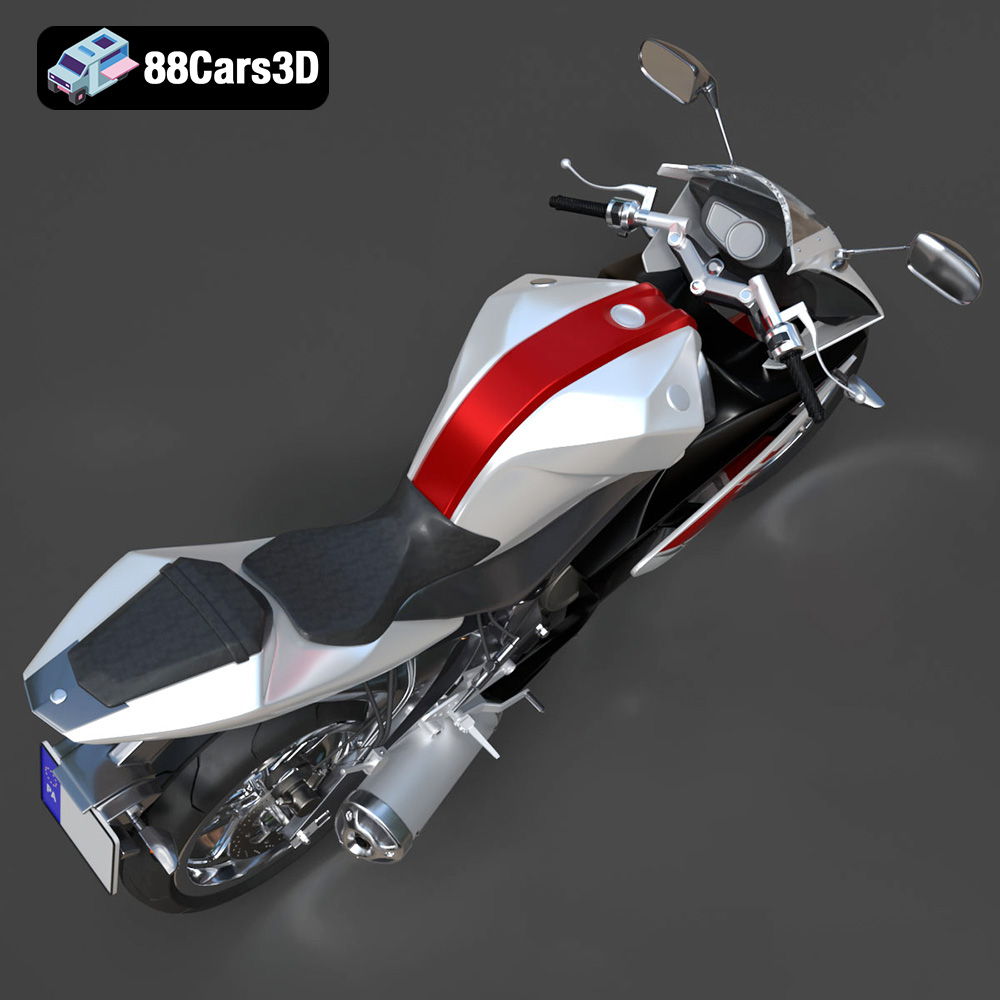
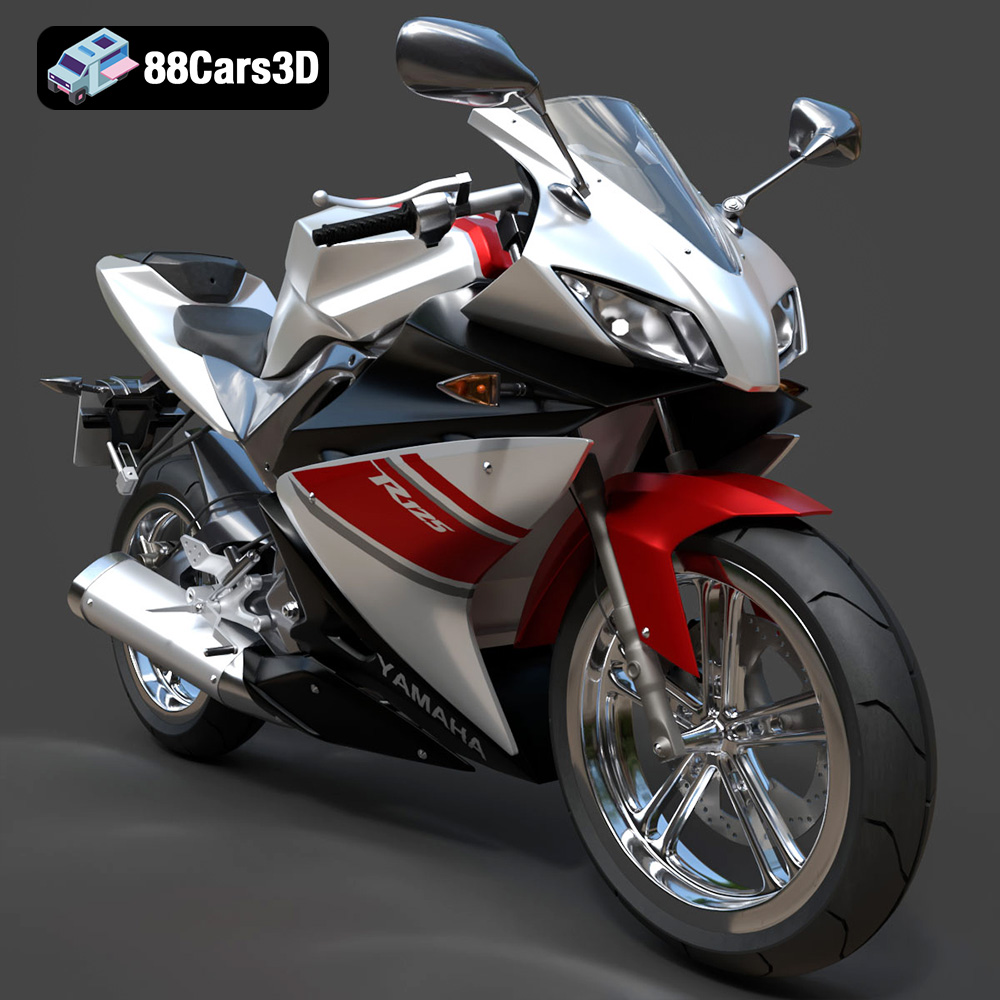
The Yamaha YZF-R125 EU isn’t just a motorcycle; it’s a statement. Its aggressive styling and R-Series DNA make it a desirable machine for enthusiasts worldwide. Now, thanks to 88cars3d.com, you can bring this iconic sportbike to life in your own home through the magic of 3D printing. This guide will walk you through the entire process, from selecting the right materials and settings to post-processing techniques that will make your 3D printed YZF-R125 EU a true showpiece.
Before diving into the specifics, it’s essential to understand the two primary 3D printing technologies suitable for a model like the Yamaha YZF-R125 EU: Fused Deposition Modeling (FDM) and Stereolithography (SLA) resin printing. Each offers unique advantages and disadvantages.
FDM printers extrude melted plastic filament layer by layer to create the final object. They are generally more affordable and can handle a wider variety of materials, including PLA, PETG, ABS, and more exotic options. For the YZF-R125 EU, FDM printing is a good option for larger scale models where extreme detail isn’t paramount.
SLA printers use a laser or projector to cure liquid resin layer by layer. This technology allows for much finer details and smoother surfaces compared to FDM. If you’re aiming for a highly detailed, display-quality model of the YZF-R125 EU, especially at smaller scales (1:24 or smaller), resin printing is the way to go.
Choosing the correct file format is critical for successful 3D printing. The Yamaha YZF-R125 EU 3D model from 88cars3d.com is available in several formats, each suited for different applications. Understanding these formats will help you optimize your printing process.
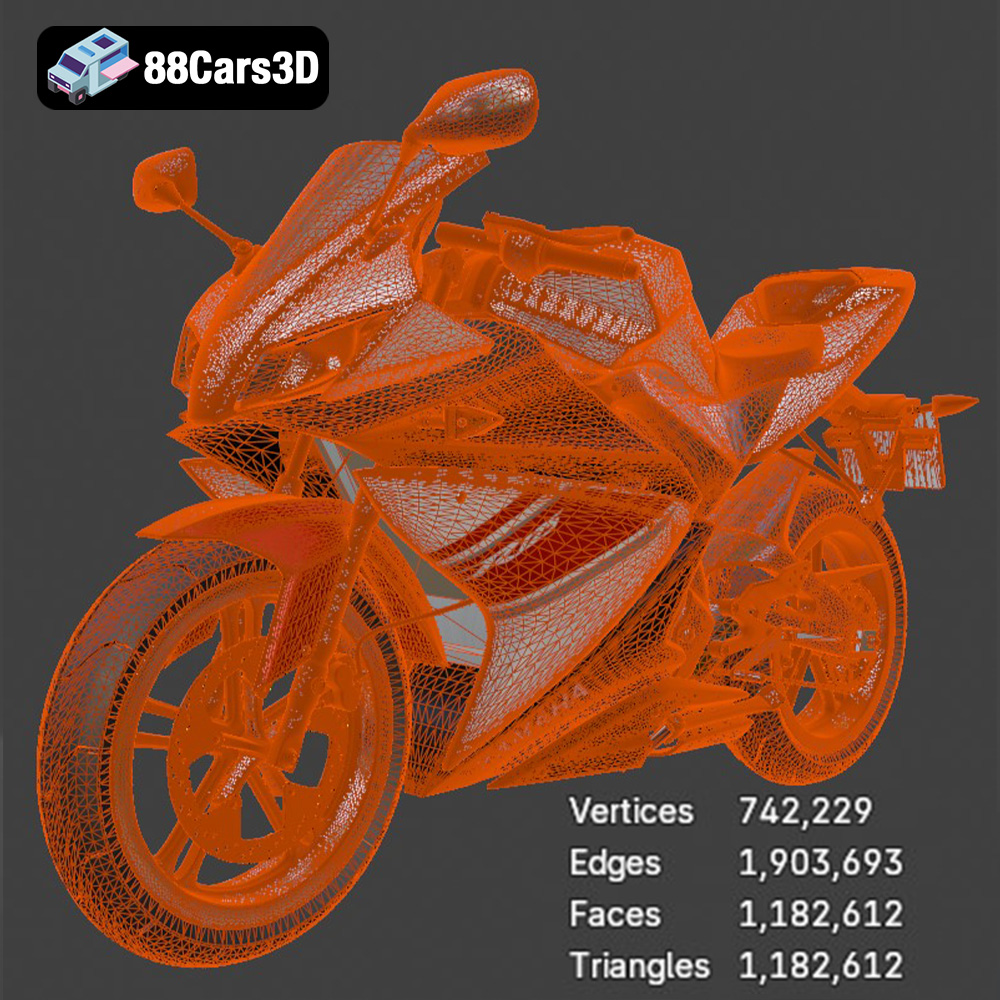
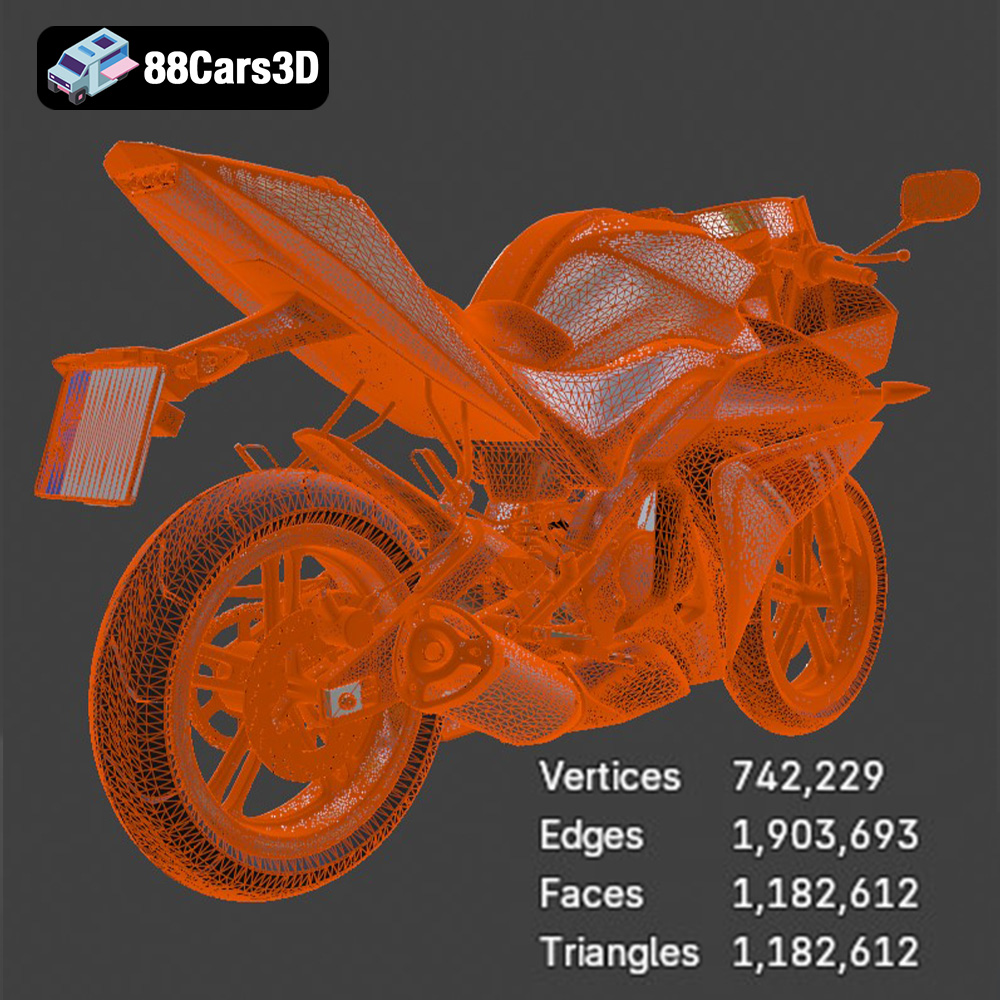
The .stl (Stereolithography) file format is the de facto standard for 3D printing. It represents the 3D model’s surface geometry as a mesh of triangles. This format is universally compatible with virtually all 3D slicing software. When preparing the YZF-R125 EU model for printing, the .stl format is generally the best starting point. Its simplicity and widespread support make it ideal for transferring the model to your slicer and generating the necessary instructions for your 3D printer. However, .stl files only store the mesh data and don’t include information about color, texture, or materials. When importing into slicing software, ensure that the units (millimeters or inches) are correctly interpreted to maintain the model’s intended scale. Mesh quality is paramount with .stl files; a higher triangle count translates to a smoother surface but also a larger file size and potentially longer slicing times.
The .obj (Object) file format is a more versatile format that can store not only the geometry but also color and texture information. While .obj is widely supported, it’s not as optimized for 3D printing as .stl. If you plan to paint your 3D printed YZF-R125 EU, the .obj format can be useful for visualizing the final look with different colors applied within your 3D modeling software before printing. However, ensure your slicing software supports .obj and that the textures are correctly interpreted.
The .ply (Polygon File Format) is designed for storing 3D data acquired from 3D scanners. It can represent high-resolution meshes with detailed surface information. While not as common as .stl or .obj for general 3D printing, .ply can be useful if you have access to a high-resolution scan of a motorcycle part that you want to incorporate into your YZF-R125 EU model. However, check for compatibility with your slicing software as .ply support might be limited.
The .blend file is the native format for Blender, a popular open-source 3D modeling software. Having the model in .blend format allows you to make modifications and customize the YZF-R125 EU before exporting it to a 3D printable format like .stl. You can adjust the model’s geometry, add details, or split it into separate parts for easier printing and assembly. If you are comfortable with Blender, this format provides the most flexibility.
The .fbx (Filmbox) format is widely used for exchanging 3D data between different software applications, especially in game development. It supports geometry, materials, textures, and animations. While not directly used for 3D printing, you can import the .fbx file into a 3D modeling program and then export it as an .stl file for printing. This can be helpful if you want to preserve the material definitions for reference when painting your printed model.
The .glb (GL Transmission Format Binary) is designed for efficient transmission and loading of 3D models, especially in web and mobile applications. It’s often used for Augmented Reality (AR) applications, allowing you to preview the YZF-R125 EU model in your real-world environment using your smartphone or tablet. While not directly related to 3D printing, .glb can be helpful for visualizing the model’s size and scale before committing to printing it.
Similar to .blend, the .max file is the native format for 3ds Max, another professional 3D modeling software. It offers the same advantages as .blend: full editability and customization options before exporting to a printable format. If you are a 3ds Max user, this format allows you to fine-tune the model to your exact specifications before printing.
Once you’ve chosen your printing technology and file format (ideally .stl for 3D printing), the next step is preparing the model for printing using slicing software. This software converts the 3D model into a series of instructions (G-code) that your 3D printer can understand.
Popular slicing software options include Cura (free and user-friendly), Simplify3D (paid, but with advanced features), PrusaSlicer (open-source and feature-rich), and Chitubox (specifically designed for resin printing). The choice depends on your printer type and desired level of control.
Proper model orientation is crucial for successful 3D printing. Consider the following:
* **Minimize overhangs:** Overhangs require support structures, which can be difficult to remove and leave blemishes on the surface. Orient the model to minimize the need for supports.
* **Structural integrity:** For the YZF-R125 EU, printing the frame at an angle (as suggested in the product description) can improve its structural integrity.
* **Detail preservation:** Orient the model to ensure that the most detailed features are facing upwards, allowing for the best possible resolution.
Support structures are often necessary to support overhanging features. Slicing software can automatically generate supports, but you may need to manually adjust them to optimize for print quality and ease of removal. For resin printing, consider using thinner supports to minimize scarring on the model’s surface.
The 88cars3d.com product description recommends scales of 1:12, 1:18, or 1:24. Choose a scale that suits your printer’s build volume and desired level of detail. Keep in mind that smaller scales will require more precise printing and may be better suited for resin printing.
The choice of material and print settings will significantly impact the final result. Here’s a breakdown of recommendations for both FDM and resin printing.
* **PLA:** A biodegradable and easy-to-print material. It’s a good choice for beginners and for models that don’t require high temperature resistance.
* **PETG:** Stronger and more heat-resistant than PLA, making it a good choice for parts that may be exposed to sunlight or stress.
**Recommended FDM Settings:**
* **Layer height:** 0.1-0.2mm (lower layer height for finer details)
* **Infill:** 20-30% (adjust based on desired strength and weight)
* **Wall thickness:** 1.2-2.0mm (3-5 perimeters)
* **Print speed:** 40-60mm/s
* **Support:** Enable supports, adjust density and overhang angle as needed.
* **Standard Resin:** Affordable and produces excellent detail. Suitable for display models.
* **Engineering Resin:** Offers improved strength, temperature resistance, and impact resistance. Consider this for parts that require more durability.
**Recommended Resin Settings:**
* **Layer height:** 0.04-0.08mm (lower layer height for finer details)
* **Exposure time:** Follow resin manufacturer’s recommendations. Perform exposure tests to dial in optimal settings.
* **Lift speed:** Moderate lift speed to avoid detaching the model from the build plate.
* **Support:** Use automatic support generation, but manually adjust for optimal placement and thickness.
Post-processing is essential to achieving a professional-looking finish on your 3D printed YZF-R125 EU.
Carefully remove support structures using pliers, cutters, or a hobby knife. Take your time to avoid damaging the model. For resin prints, consider soaking the model in warm water to soften the supports.
Sanding smooths out layer lines and imperfections. Start with coarse sandpaper (220 grit) and gradually move to finer grits (400, 600, 800, 1000) for a smooth finish. Wet sanding can help to reduce dust and improve the final result.
Apply a primer coat to fill in any remaining imperfections and provide a smooth surface for painting. Use a filler primer for best results. Sand the primer lightly after it dries.
Use high-quality acrylic paints or automotive paints for a realistic finish. Consider using an airbrush for a smoother and more even application. Apply multiple thin coats, allowing each coat to dry completely before applying the next. Research authentic Yamaha YZF-R125 EU colors to achieve a realistic look. The 88cars3d.com product description suggests Icon Blue, Tech Black, and custom racing liveries.
If you printed the model in separate parts, carefully assemble them using super glue or epoxy. Ensure proper alignment and secure bonding.
Even with careful preparation, you may encounter issues during printing. Here are some common problems and their solutions:
* **Warping (FDM):** Use a heated bed and ensure proper bed adhesion.
* **Layer separation (FDM):** Increase print temperature and reduce print speed.
* **Failed prints (Resin):** Increase exposure time and check for proper bed leveling.
* **Elephant’s foot (Resin):** Reduce bottom layer exposure time.
* **Stringing (FDM):** Adjust retraction settings and reduce print temperature.
The print time and material cost will depend on the scale, material, and settings you choose. Use your slicing software to estimate the print time and material usage before starting the print. As a rough estimate, a 1:12 scale model printed with FDM could take 20-30 hours and cost $10-20 in material. A resin print at the same scale could take 10-15 hours and cost $15-25 in resin.
The Yamaha YZF-R125 EU is a lightweight supersport motorcycle that brings authentic R-Series DNA to the A1 license class. Renowned for its aggressive styling inspired by the iconic R1, this dynamic sportbike features a high-revving 125cc liquid-cooled engine with Variable Valve Actuation (VVA), a sculpted aerodynamic fairing, and a lightweight twin-spar Deltabox frame. Every aspect of this motorcycle is designed to deliver a thrilling, high-performance riding experience, making it a standout in the entry-level sportbike category.
$19.99
3D printing the Yamaha YZF-R125 EU model from 88cars3d.com is a rewarding project that combines engineering, creativity, and craftsmanship. By carefully selecting your printing technology, preparing the model with the right slicing settings, and mastering post-processing techniques, you can create a stunning replica of this iconic sportbike. Whether you’re a seasoned 3D printing enthusiast or just starting, this guide provides the knowledge and insights to bring your vision to life. Remember to experiment, learn from your mistakes, and enjoy the process of turning digital designs into tangible objects.
.blend
.fbx
.glb
.max
.obj
.ply
.rendering
.stl
.supersport
.unreal
.yamaha
game asset
game-ready
low-poly
motorcycle-3d-model
optimized
sports-bike
VR/AR
yzf-r125
yzf-r125-eu