Get 20% OFF All Premium 3D & STL Models!

The Jaguar XFR-S 2014 is a performance sedan that embodies both luxury and power. Now, thanks to advancements in 3D printing, you can bring this iconic car to life in your own home or workshop. This article serves as a comprehensive guide to successfully 3D printing the Jaguar XFR-S 2014 3D model available on 88cars3d.com. We’ll delve into the best practices for pre-print preparation, material selection, printer settings, and post-processing techniques to ensure a stunning final result. Whether you’re a seasoned 3D printing enthusiast or a newcomer to the world of additive manufacturing, this guide will equip you with the knowledge to tackle this exciting project.
Choosing the right file format is crucial for a successful 3D printing experience. While the Jaguar XFR-S 2014 3D model comes in various formats on 88cars3d.com, the .stl format is the cornerstone of 3D printing. Understanding the strengths and limitations of each format will allow you to make informed decisions for optimal results.
The .stl (Stereolithography) format is the workhorse of 3D printing. It represents the surface geometry of a 3D object as a collection of triangles. This simplicity makes it universally compatible with slicing software and 3D printers. However, it’s important to note that .stl files only store the shape of the object, not color or texture information. When downloading the Jaguar XFR-S 2014 model from 88cars3d.com, the .stl file will be ideal for printing a single-color version of the car.
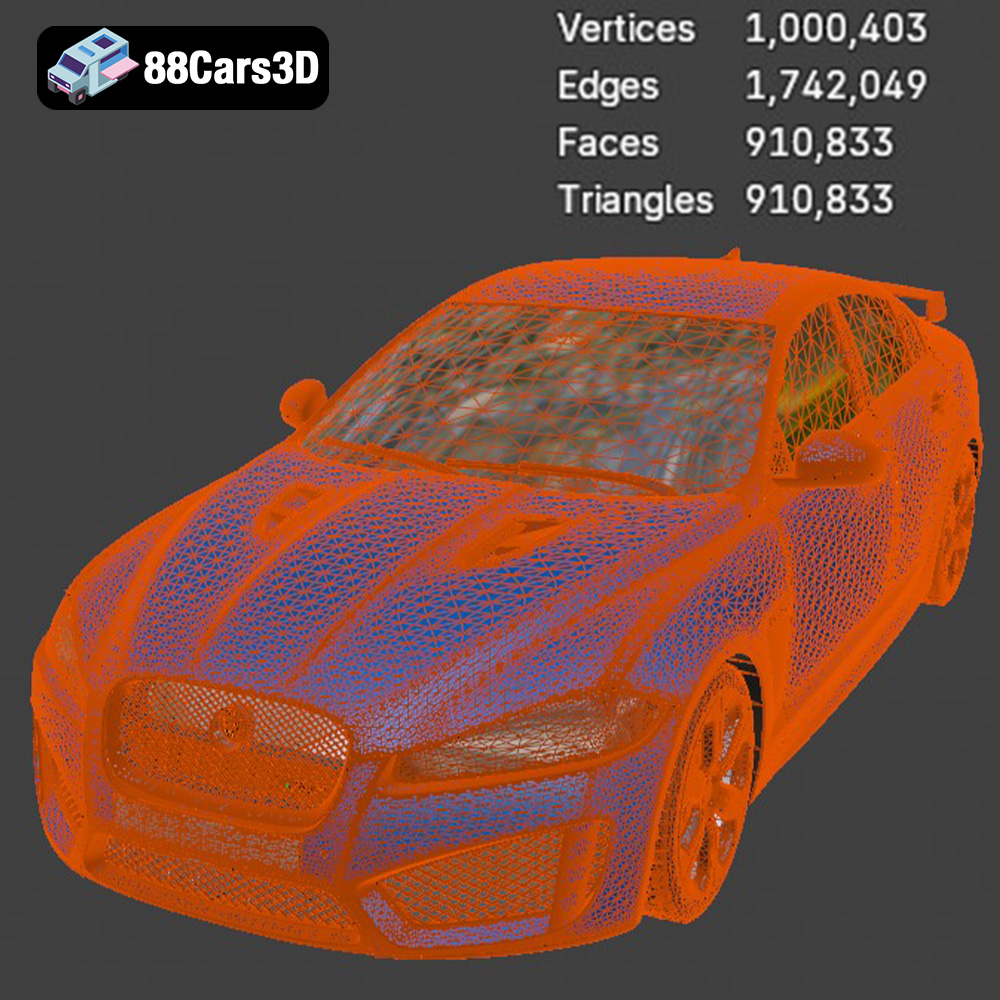
The quality of an .stl file is determined by the density of the triangular mesh. A higher triangle count results in a smoother surface and more accurate representation of the original model, but also increases the file size and processing time. When preparing the Jaguar XFR-S 2014 .stl for printing, pay attention to the mesh resolution. Slicing software often provides options to adjust the mesh quality, balancing detail with processing efficiency. Poorly optimized STL files can lead to faceting (visible flat surfaces instead of smooth curves) in the final print.
The .obj (Object) format is another widely supported 3D model format. Unlike .stl, .obj files can store color and texture information along with the geometry. This makes it suitable for printing multi-color models, although this requires a 3D printer capable of handling multiple filaments. If you plan to paint or otherwise customize the model after printing, the .stl format is generally preferred, as the initial color information in the .obj file will be overridden.
The .ply (Polygon File Format) is designed for storing high-detail 3D data, often captured from 3D scanners. It can store color, texture, and even surface normals, enabling highly accurate representations of complex shapes. While .ply files can be used for 3D printing, their large file size and potential complexity can pose challenges for some slicing software and printers. For the Jaguar XFR-S 2014 model, the level of detail provided by a .ply file might be overkill for typical 3D printing applications.
The .blend format is the native file format for Blender, a popular open-source 3D modeling software. It contains the entire Blender scene, including the model geometry, materials, textures, lighting, and camera setups. While you can’t directly 3D print a .blend file, it’s incredibly useful for making modifications to the Jaguar XFR-S 2014 model before exporting it to a printable format like .stl.
The .fbx (Filmbox) format is primarily used for exchanging 3D data between different software applications, particularly in the game development industry. It supports geometry, materials, textures, animations, and even skeletal rigging. Some advanced slicing software may be able to import .fbx files and utilize the material information for multi-material printing, but .stl remains the more reliable and widely supported choice.
The .glb (GL Transmission Format Binary) is a popular format for displaying 3D models in augmented reality (AR) applications and web browsers. It’s designed to be compact and efficient, making it ideal for real-time rendering on mobile devices. While you can’t directly 3D print a .glb file, it’s a great way to preview the Jaguar XFR-S 2014 model in AR to get a sense of its scale and appearance before committing to a print.
The .max file format is the native format for 3ds Max, a professional 3D modeling and rendering software. Like the .blend file, it contains the entire scene setup, allowing for extensive modifications to the Jaguar XFR-S 2014 model before exporting it for 3D printing.
In summary, for 3D printing the Jaguar XFR-S 2014 model, the .stl format is the recommended choice due to its widespread compatibility and simplicity. However, the other formats offer valuable options for pre-print customization and visualization.
Before sending the Jaguar XFR-S 2014 model to your 3D printer, careful preparation is essential. This involves using slicing software to convert the .stl file into a set of instructions that the printer can understand. It also includes optimizing the model for printing, which may involve repairing any errors in the mesh and choosing the appropriate orientation and support structures.
Choosing the right slicing software is crucial for successful 3D printing. Popular options include Cura, PrusaSlicer, Simplify3D, and others. Each slicer has its own strengths and weaknesses, so it’s worth experimenting to find one that suits your needs and printer. Key settings to consider include:
* **Layer Height:** This determines the thickness of each layer of plastic. A smaller layer height results in a smoother surface finish but increases print time. For the Jaguar XFR-S 2014, a layer height of 0.1mm to 0.2mm is a good starting point.
* **Infill Density:** This controls the amount of plastic used inside the model. A higher infill density makes the print stronger but also increases print time and material consumption. A 15-20% infill density should be sufficient for most parts of the car model.
* **Print Speed:** This affects both print time and print quality. A slower print speed generally results in better print quality, but it also increases print time. Experiment with different speeds to find a balance that works for your printer and material.
* **Support Structures:** These are necessary for printing overhangs and complex geometries. The Jaguar XFR-S 2014 model will likely require supports under the bumpers, mirrors, and other protruding features.
* **Bed Adhesion:** Ensuring the first layer adheres properly to the print bed is critical. Use a brim or raft if necessary to improve adhesion.
Before slicing, it’s important to check the .stl file for any errors, such as non-manifold edges or holes in the mesh. Many slicing programs have built-in repair tools that can automatically fix these issues. You can also use dedicated mesh editing software like Meshmixer or Blender.
The orientation of the model on the print bed can significantly impact print quality, support requirements, and print time. Consider orienting the Jaguar XFR-S 2014 to minimize overhangs and the need for supports. Printing the car body at an angle can often improve the surface finish on curved surfaces.
The choice of material is another crucial factor that affects the final appearance and durability of your 3D printed Jaguar XFR-S 2014. Several materials are well-suited for this project, each with its own unique properties.
PLA (Polylactic Acid) is a biodegradable thermoplastic derived from renewable resources. It’s easy to print with, doesn’t require a heated bed on many printers, and produces minimal warping. PLA is a great choice for beginners and for printing models that don’t need to withstand high temperatures or stress. The wide range of colors available in PLA makes it ideal for customizing your Jaguar XFR-S 2014. However, PLA is relatively brittle and can soften at temperatures above 60°C.
PETG (Polyethylene Terephthalate Glycol-modified) offers a good balance of strength, durability, and ease of printing. It’s more flexible and impact-resistant than PLA, and it can withstand higher temperatures. PETG is also food-safe, making it a good choice for functional parts or models that will come into contact with food. While PETG can be slightly more challenging to print than PLA, it’s still a relatively beginner-friendly material.
Resin 3D printing, using technologies like SLA (Stereolithography) or DLP (Digital Light Processing), offers exceptional detail and surface finish. Resin is ideal for printing small, intricate parts or models that require a high level of precision. If you want to capture every detail of the Jaguar XFR-S 2014, resin is an excellent choice. However, resin printing can be more expensive and requires more post-processing than FDM (Fused Deposition Modeling) printing. It also requires careful handling due to the toxicity of uncured resin.
Achieving a high-quality 3D print of the Jaguar XFR-S 2014 requires fine-tuning your printer settings to match your chosen material and printer capabilities.
The optimal printing temperature depends on the material you’re using. PLA typically prints at around 200-220°C, while PETG requires a higher temperature of 230-250°C. Refer to the filament manufacturer’s recommendations for the best results.
Print speed also plays a critical role in print quality. A slower print speed allows the plastic to cool and solidify properly, resulting in a smoother surface finish and better layer adhesion. For the Jaguar XFR-S 2014, consider reducing the print speed for the first few layers and for intricate details.
Properly placed and optimized supports are essential for printing overhangs and complex geometries. Experiment with different support settings in your slicing software to minimize the amount of support material used while still providing adequate support for the model. Consider using tree supports or lightweight supports, which are easier to remove and leave less scarring on the printed surface. Manual placement of supports can also be more effective than automatic placement in certain areas.
Even with the best print settings, some post-processing is usually required to achieve a professional-looking finish.
Sanding is a crucial step for removing layer lines and creating a smooth surface. Start with a coarse grit sandpaper (e.g., 220 grit) and gradually work your way up to finer grits (e.g., 400, 600, 800 grit). Wet sanding can help to reduce dust and create an even smoother surface.
For a truly flawless finish, consider using chemical smoothing techniques, such as vapor smoothing with acetone (for ABS) or ethyl acetate (for PLA). However, these techniques require caution and proper ventilation.
Painting is a great way to add realism and detail to your 3D printed Jaguar XFR-S 2014. Start with a primer to create a smooth base for the paint. Use masking tape to protect areas that you don’t want to paint. Apply multiple thin coats of paint rather than one thick coat to avoid drips and runs. Consider using an airbrush for a professional-looking finish.
Detailing can be further enhanced by using washes, dry brushing, and weathering techniques. These techniques can add depth and realism to the model, making it look more like a real car.
Even with careful preparation, you may encounter some issues during the 3D printing process. Here are some common problems and their solutions:
Warping occurs when the corners of the print lift off the print bed. This is often caused by temperature differences between the plastic and the surrounding environment. To prevent warping, ensure that your print bed is properly leveled and heated. Use a bed adhesion aid, such as hairspray or glue stick, to improve adhesion. Enclosing your printer can also help to maintain a consistent temperature.
Stringing occurs when the printer extrudes small strands of plastic while moving between different parts of the model. Blobs are small accumulations of plastic that appear on the surface of the print. These issues can be caused by excessive retraction, high printing temperature, or moisture in the filament. Reduce the retraction distance and speed, lower the printing temperature, and dry your filament if necessary.
Layer shifting occurs when the print suddenly shifts horizontally, resulting in misaligned layers. This can be caused by loose belts, stepper motor issues, or obstructions on the print bed. Tighten your belts, check your stepper motors, and ensure that the print bed is clean and free of obstructions.
By following these tips and techniques, you can successfully 3D print the Jaguar XFR-S 2014 model and create a stunning replica of this iconic performance sedan. Remember to be patient, experiment with different settings, and don’t be afraid to learn from your mistakes. Happy printing!
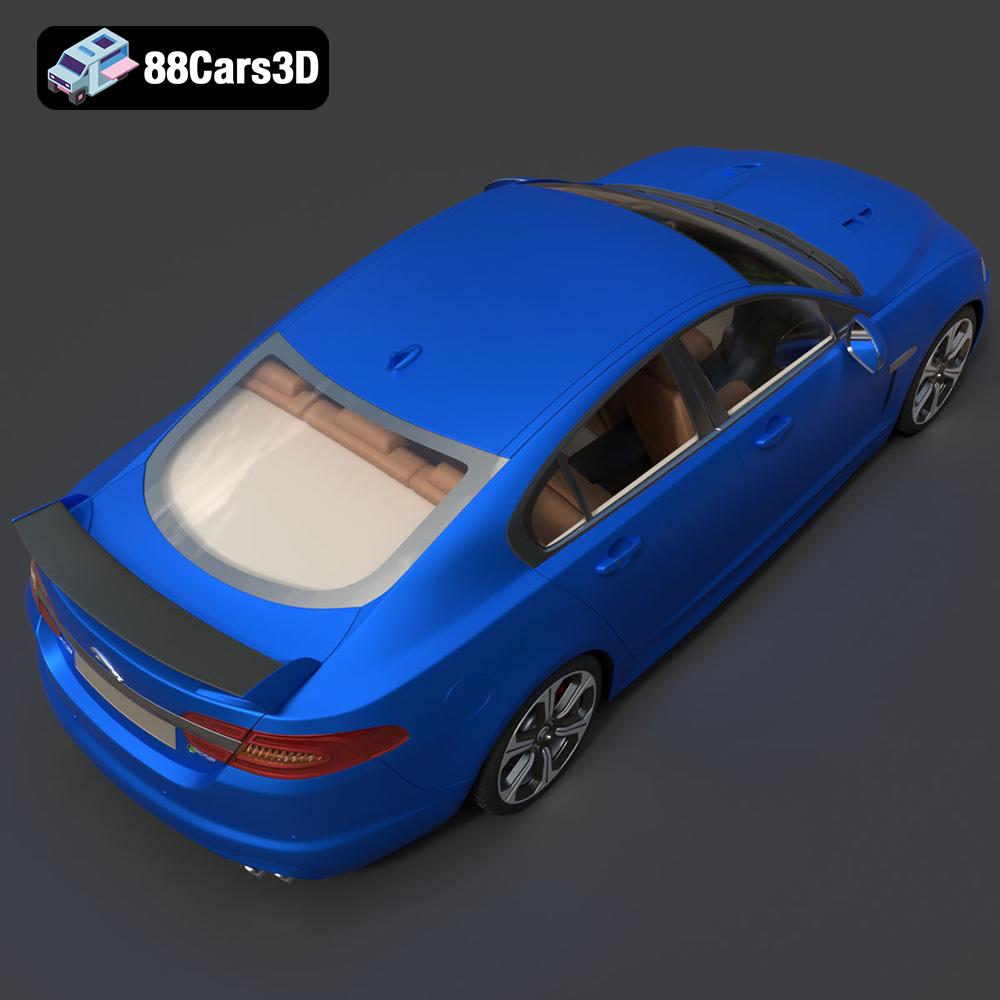
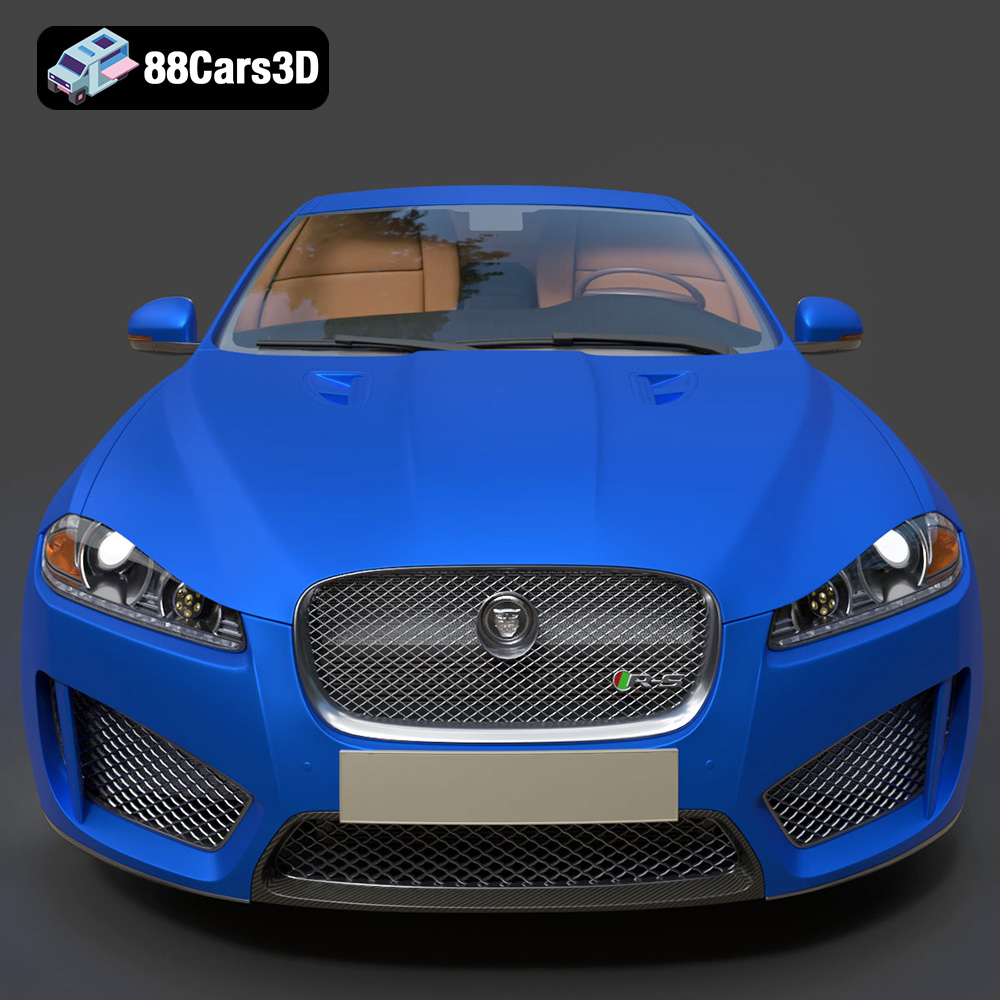
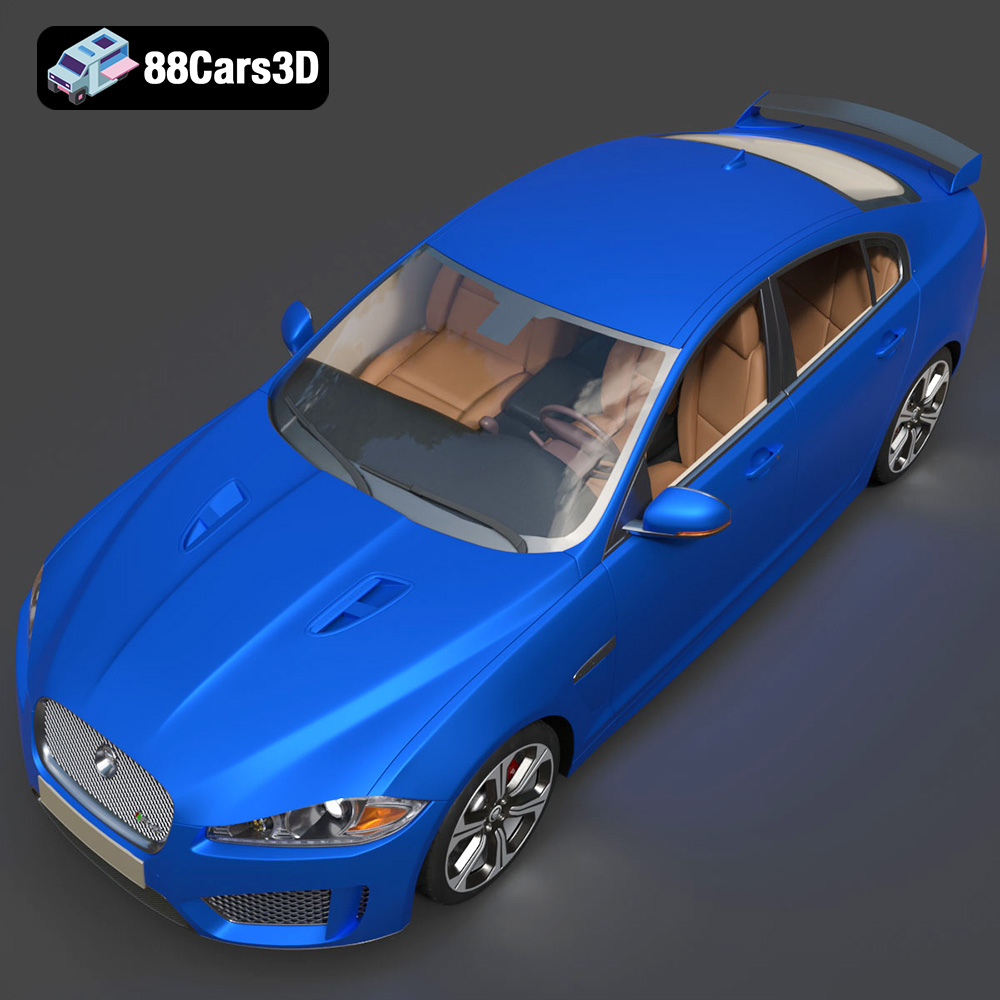
The Jaguar XFR-S 2014 3D Model delivers an exceptionally realistic representation of the iconic performance sedan. Designed with precision, this asset captures the aggressive styling, aerodynamic profile, and distinct characteristics of the XFR-S. Featuring clean geometry, meticulously crafted realistic materials, and an optimized polygon count, this model ensures professional-grade performance. The fully modeled interior and detailed exterior make it versatile for close-up shots and expansive scenes.
$39.99
.arvr
.blend
.car3dmodel
.fbx
.gameasset
.glb
.jaguar
.luxurycar
.max
.obj
.ply
.rendering
.sedan
.simulation
.sportssedan
.stl
.unreal
.xfrs