Get 20% OFF All Premium 3D & STL Models!

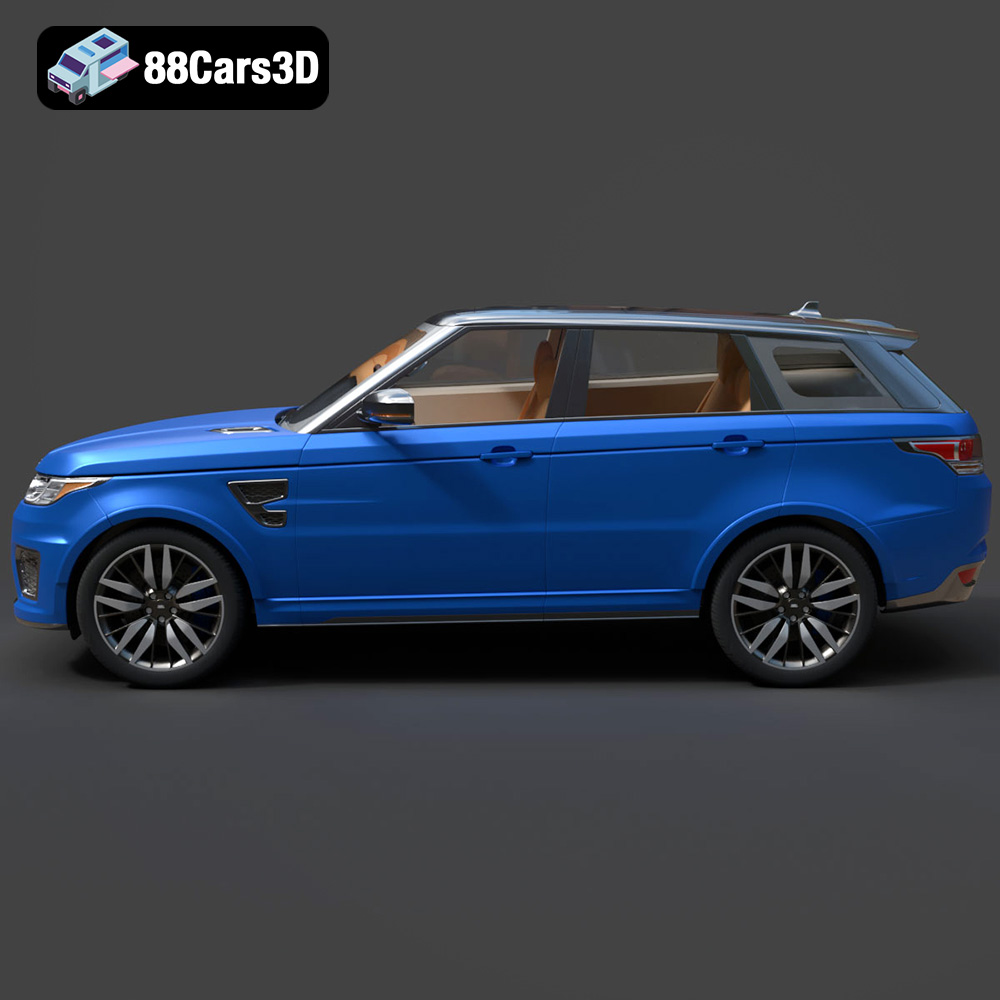
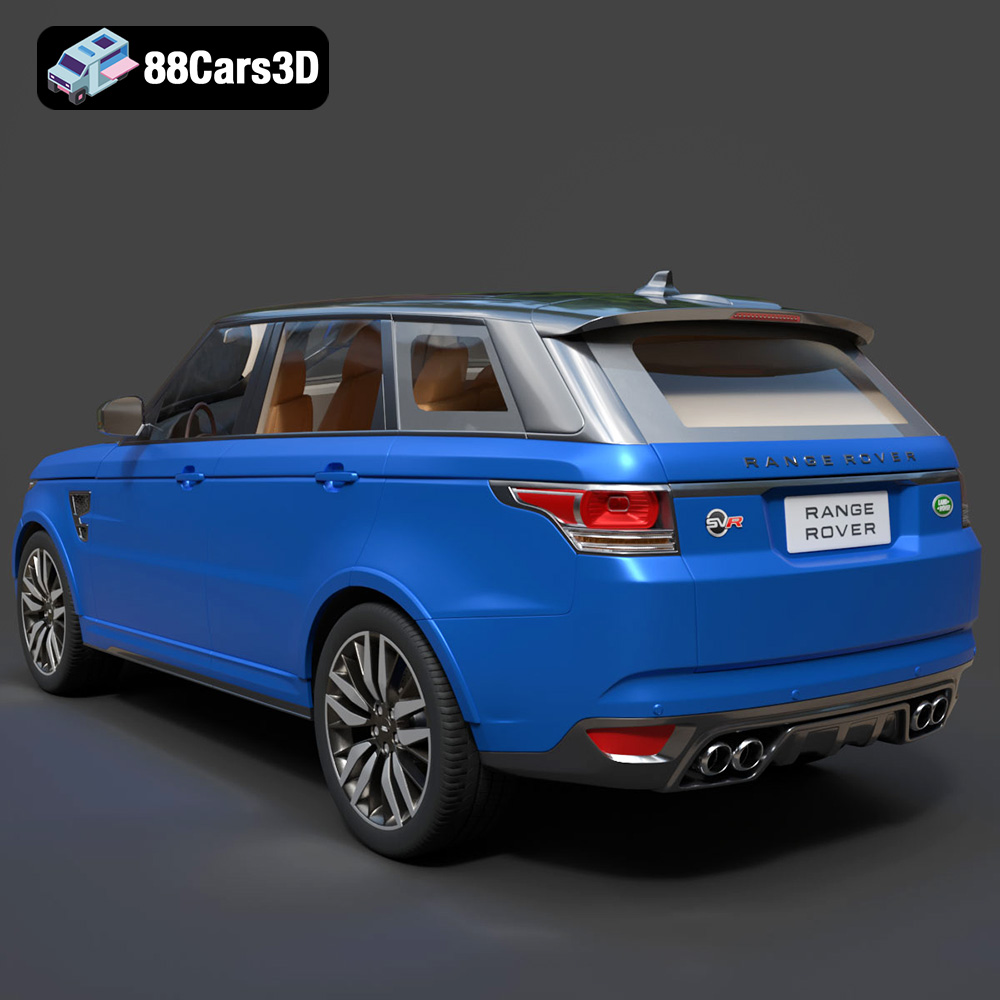
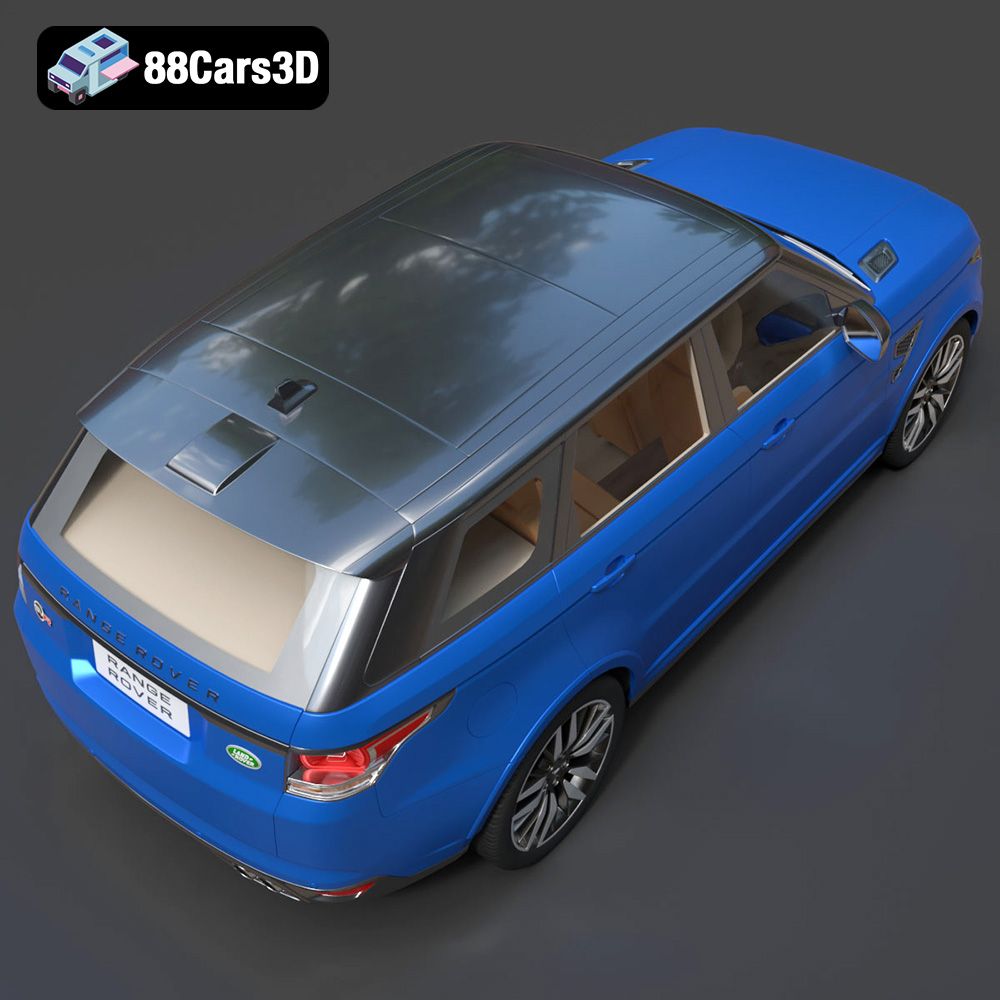
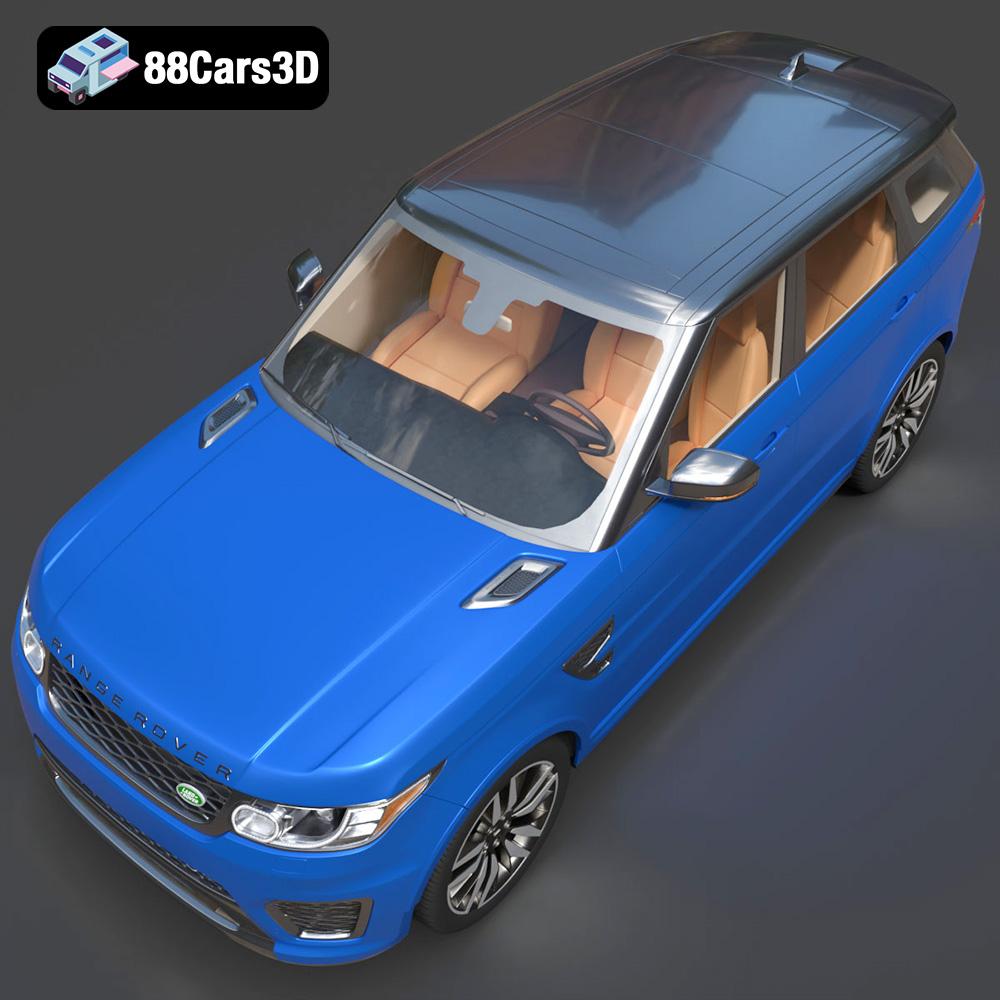
The Land Rover Range Rover Sport SVR 2015 is an iconic performance SUV, and now you can bring it to life with the magic of 3D printing. This detailed guide will walk you through every step of 3D printing the Range Rover Sport SVR 2015 3D model, from preparing the STL files to post-processing the finished product. Whether you’re a seasoned 3D printing enthusiast or a beginner eager to explore the world of additive manufacturing, this article will provide you with the technical knowledge and practical tips needed to achieve stunning results. We’ll cover material selection, optimal printer settings, troubleshooting, and even explore advanced techniques to make your 3D printed Range Rover Sport SVR 2015 stand out. The high-quality models available at 88cars3d.com are designed to be printer-friendly, making your journey into automotive 3D printing smoother and more rewarding.
Before diving into the specifics of printing the Land Rover Range Rover Sport SVR 2015, it’s crucial to understand the different file formats available and their suitability for 3D printing. 88cars3d.com provides a wide array of formats for their models, each catering to different needs and software compatibilities. Choosing the right format is the first step towards a successful print.
The .stl (Stereolithography) format is the industry standard for 3D printing. It represents the surface geometry of a 3D object using a collection of triangles. This mesh-based format is universally compatible with slicing software, which converts the 3D model into a series of instructions that the 3D printer can understand and execute.
The STL format is a mesh-only format, meaning it only stores information about the shape of the object. It doesn’t include color, texture, or material properties. While this simplicity makes it ideal for 3D printing, it also means that any color or texture information needs to be added during post-processing.
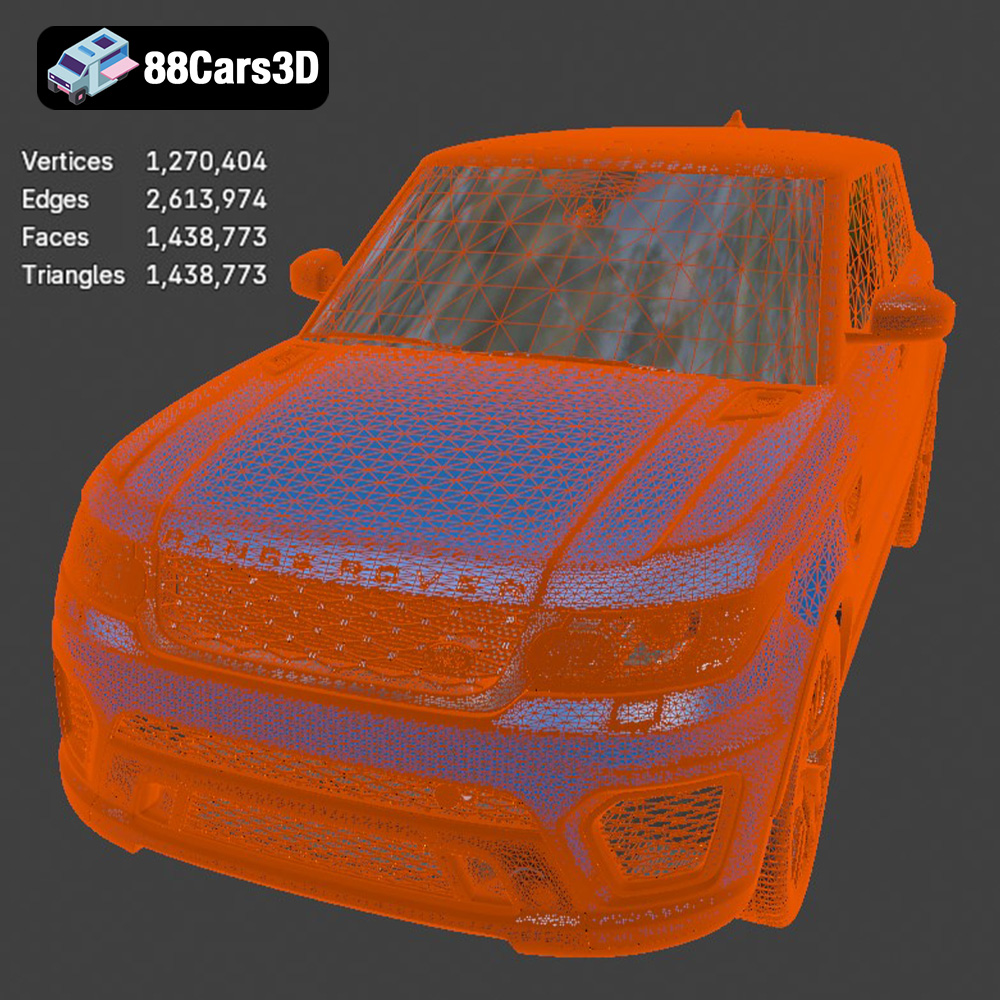
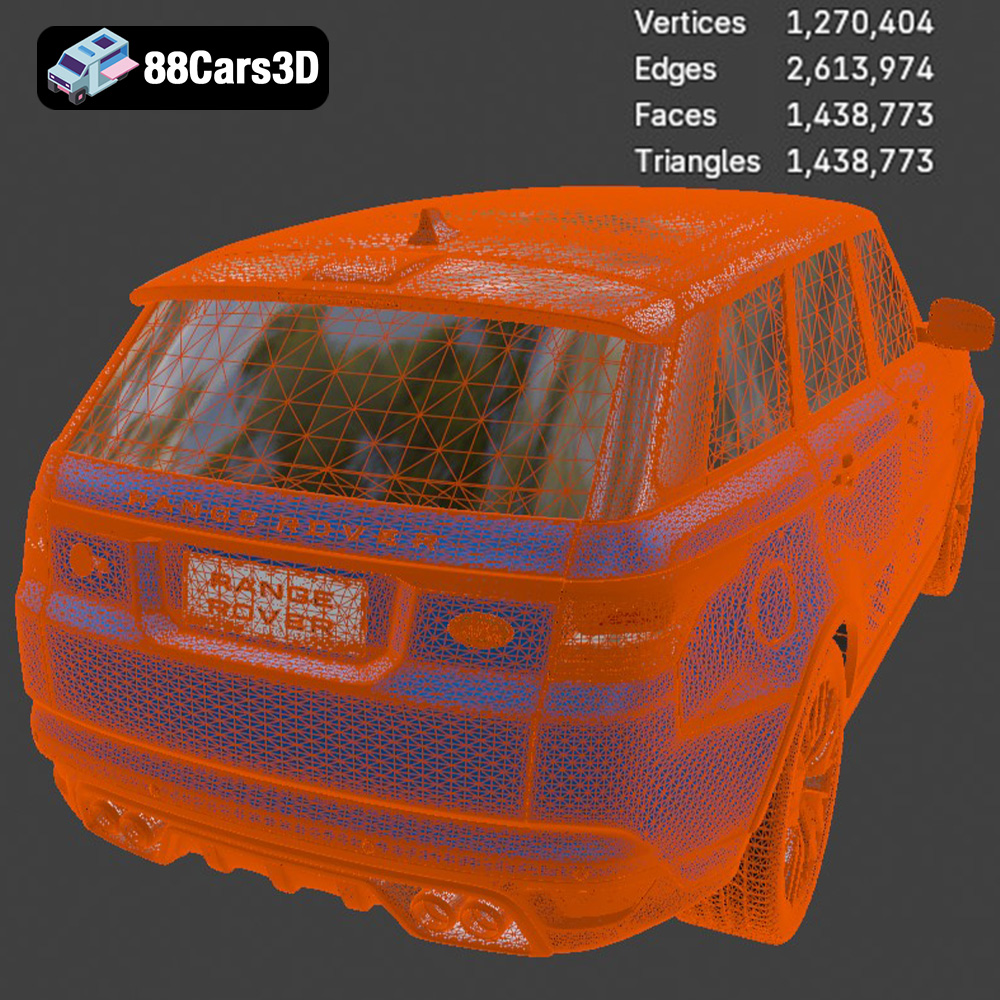
When working with STL files, it’s crucial to ensure that the mesh quality is high enough to capture the details of the model. Low-resolution meshes can result in a blocky or faceted print. The Land Rover Range Rover Sport SVR 2015 model from 88cars3d.com is optimized for 3D printing, featuring a balanced polygon count that preserves detail without being overly demanding on your printer.
* **.obj (Object):** A more universal format than STL, OBJ supports color and texture information. This makes it useful for creating colored 3D prints, although it’s less common for simple prototyping. Slicing software can import OBJ files, but some adjustments might be needed to convert color information into printable layers.
* **.ply (Polygon File Format):** PLY is a precision mesh format used to capture high-detail 3D scans. While it can be used for 3D printing, its large file size and the high polygon count may strain some slicing software and 3D printers.
* **.blend (Blender):** This is the native file format for Blender, a popular open-source 3D modeling software. You can use Blender to modify the Land Rover Range Rover Sport SVR 2015 model before exporting it to a printable format like STL.
* **.fbx (Filmbox):** FBX is primarily used for game development and animation. While it can store material information, its primary use in 3D printing is for importing models into slicing software with pre-defined material properties, if available.
* **.glb (GL Transmission Format Binary):** GLB is designed for AR/VR applications and web-based visualization. It’s a compact format that efficiently stores 3D models with textures and animations. While not directly used for 3D printing, it can be used to preview the model before conversion to STL.
* **.max (3ds Max):** This is the native file format for 3ds Max, a professional 3D modeling and rendering software. Like Blender files, you can modify the model in 3ds Max before exporting it to STL for printing.
Most slicing software, such as Cura, PrusaSlicer, Simplify3D, and others, are designed to work seamlessly with STL files. When importing other formats, you may encounter compatibility issues or need to perform additional steps to convert the model into a printable format. For the best results, it’s recommended to use the STL file provided with the Land Rover Range Rover Sport SVR 2015 model from 88cars3d.com.
Before you hit that print button, meticulous pre-print preparation is key. This involves using slicing software to convert the 3D model into a series of layers that the printer can understand, as well as optimizing the model for the best possible print quality.
Choosing the right slicing software is crucial. Popular options include Cura, PrusaSlicer, and Simplify3D, each offering a range of features and settings to fine-tune your print. For the Land Rover Range Rover Sport SVR 2015, consider these key settings:
* **Layer Height:** This determines the resolution of your print. A lower layer height (e.g., 0.1mm) will result in a smoother surface finish but will increase print time. A higher layer height (e.g., 0.2mm) will print faster but may sacrifice detail. Experiment to find the optimal balance.
* **Infill Density:** Infill affects the strength and weight of the print. A higher infill density (e.g., 20%) will make the model stronger but will also use more material. For a display model, a lower infill density (e.g., 10%) may be sufficient.
* **Support Structures:** Given the complex geometry of the Range Rover Sport SVR 2015, support structures will likely be necessary to support overhanging features during printing. Choose a support structure pattern that is easy to remove after printing.
* **Print Speed:** A slower print speed generally results in higher print quality, but it will also increase print time. Start with a moderate print speed (e.g., 50mm/s) and adjust as needed.
* **Bed Adhesion:** Ensure good bed adhesion to prevent warping or detachment during printing. Use a brim or raft if necessary.
The orientation of the model on the print bed can significantly impact print quality and the amount of support material required. Consider these factors:
* **Minimize Overhangs:** Orient the model to minimize the amount of overhanging features that require support.
* **Conceal Layer Lines:** Orient the model so that layer lines are less visible on the most prominent surfaces.
* **Optimize Support Removal:** Position the model to make support removal easier and minimize the risk of damaging the model.
Careful placement of support structures is crucial for successful printing of the Land Rover Range Rover Sport SVR 2015. Use the slicing software to manually add or adjust support placement, paying close attention to areas with significant overhangs or intricate details.
The STL file provided by 88cars3d.com can be scaled to your desired size within the slicing software. Consider the following:
* **Printer Build Volume:** Ensure that the scaled model fits within the build volume of your 3D printer.
* **Detail Preservation:** Scaling the model down too much may result in loss of detail.
* **Structural Integrity:** Scaling the model up too much may compromise its structural integrity, especially if using a weaker material.
The choice of material significantly impacts the appearance, strength, and durability of your 3D printed Land Rover Range Rover Sport SVR 2015. Here’s a breakdown of common materials and their suitability for this project.
PLA is a biodegradable thermoplastic that is easy to print with and produces good results. It’s an excellent choice for beginners due to its low printing temperature and minimal warping. However, PLA is not as strong or heat-resistant as other materials.
* **Pros:** Easy to print, low warping, good surface finish, biodegradable.
* **Cons:** Not as strong or heat-resistant as other materials.
* **Recommended Settings:** Printing temperature: 200-220°C, bed temperature: 60°C.
PETG offers a good balance of strength, flexibility, and ease of printing. It’s more durable and heat-resistant than PLA, making it a good choice for models that will be handled frequently.
* **Pros:** Strong, durable, heat-resistant, good layer adhesion.
* **Cons:** Slightly more difficult to print than PLA, may require higher printing temperatures.
* **Recommended Settings:** Printing temperature: 220-250°C, bed temperature: 70-80°C.
For resin-based 3D printers, the choice of resin greatly affects the final product. Standard resins are great for models focusing on aesthetics while tougher resins offer higher durability. Clear resins allow you to create transparent sections, perfect for windows or lights.
* **Pros: ** Incredible detail, smooth surface finish, ideal for intricate designs
* **Cons:** Requires post-processing (washing and curing), can be brittle
* **Recommended Settings:** As per resin manufacturer’s instructions, typically 20-80 second base layer exposure and 1.5-10 second normal layer exposure.
* **ABS (Acrylonitrile Butadiene Styrene):** ABS is a strong and heat-resistant material, but it’s more challenging to print with due to its tendency to warp.
* **Nylon:** Nylon is a very strong and durable material, but it requires high printing temperatures and careful bed adhesion.
* **TPU (Thermoplastic Polyurethane):** TPU is a flexible material that can be used to create tires or other flexible parts for the Land Rover Range Rover Sport SVR 2015.
Post-processing is where the magic happens, transforming a raw 3D print into a finished masterpiece. This involves removing support structures, sanding the surface to achieve a smooth finish, painting the model to add color and detail, and assembling any separate parts.
Carefully remove support structures using pliers, cutters, or a hobby knife. Take your time to avoid damaging the model. Once the supports are removed, use sandpaper to smooth the surface. Start with a coarse grit sandpaper (e.g., 220 grit) and gradually move to finer grits (e.g., 400, 600, 800 grit) to achieve a smooth, paintable surface. Wet sanding can help reduce dust and improve the surface finish.
Painting is an essential step in bringing the Land Rover Range Rover Sport SVR 2015 to life. Consider these tips:
* **Priming:** Apply a primer coat to the model to create a smooth, uniform surface for painting.
* **Painting Techniques:** Use spray paint or acrylic paints to apply the desired colors. Consider using masking tape to create sharp lines and details.
* **Detailing:** Use fine-tipped brushes to add intricate details, such as window trim, headlights, and logos.
If the model consists of multiple parts, carefully assemble them using glue or screws. Consider adding finishing touches such as clear coats, decals, or other embellishments to enhance the realism of the model.
Even with careful preparation, you may encounter some challenges during the 3D printing process. Here are some common issues and their solutions:
Warping occurs when the corners of the print lift off the build plate due to uneven cooling. To prevent warping:
* Ensure good bed adhesion by using a brim or raft.
* Maintain a consistent bed temperature.
* Reduce drafts in the printing environment.
Stringing occurs when small strands of filament are left behind as the print head moves between different parts of the model. To reduce stringing:
* Reduce the printing temperature.
* Increase retraction distance and speed.
* Ensure that the filament is dry.
Layer shifting occurs when the print head suddenly shifts position, resulting in misaligned layers. To prevent layer shifting:
* Ensure that the printer belts are properly tensioned.
* Reduce the printing speed.
* Check for any obstructions that may be interfering with the movement of the print head.
Under-extrusion occurs when the printer doesn’t extrude enough filament, resulting in gaps or weak layers. To fix under-extrusion:
* Increase the printing temperature.
* Increase the flow rate.
* Check for any clogs in the nozzle.
The print time and material cost for the Land Rover Range Rover Sport SVR 2015 will vary depending on the size of the model, the layer height, the infill density, and the material used. As a rough estimate:
* **Print Time:** A medium-sized model (e.g., 15cm long) printed with a 0.2mm layer height and 15% infill could take 10-20 hours to print.
* **Material Cost:** A 1kg spool of PLA or PETG typically costs around $20-30. Depending on the size of the model and the infill density, you may use $5-15 worth of material.
These are just estimates, and the actual print time and material cost may vary. Use your slicing software to get a more accurate estimate before starting the print. Remember to factor in the cost of support material and any failed prints. By purchasing the STL files from 88cars3d.com, you are already investing in quality and optimizing your chances for printing success!
Experience unparalleled realism with the Land Rover Range Rover Sport SVR 2015 3D model. Designed to meet the demanding requirements of modern digital environments, this asset delivers an exceptionally accurate representation of the iconic performance SUV, capturing its aggressive styling, aerodynamic contours, and detailed interior. Built with professional quality in mind, the model features clean geometry, an optimized polygon count, and realistic materials. Every curve and surface has been meticulously crafted to ensure flawless reflections and lighting interactions, making it suitable for close-up shots and demanding technical projects. This versatile 3D model is perfect for a wide range of professional applications, including game development, automotive rendering, AR/VR experiences, simulation environments, and commercial visualizations.
$39.99
.arvr
.blend
.car3dmodel
.fbx
.gameasset
.glb
.landrover
.luxurysuv
.max
.obj
.ply
.rangerover
.rendering
.simulation
.sport
.sportSUV
.stl
.svr
.unreal
SUV