Get 20% OFF All Premium 3D & STL Models!

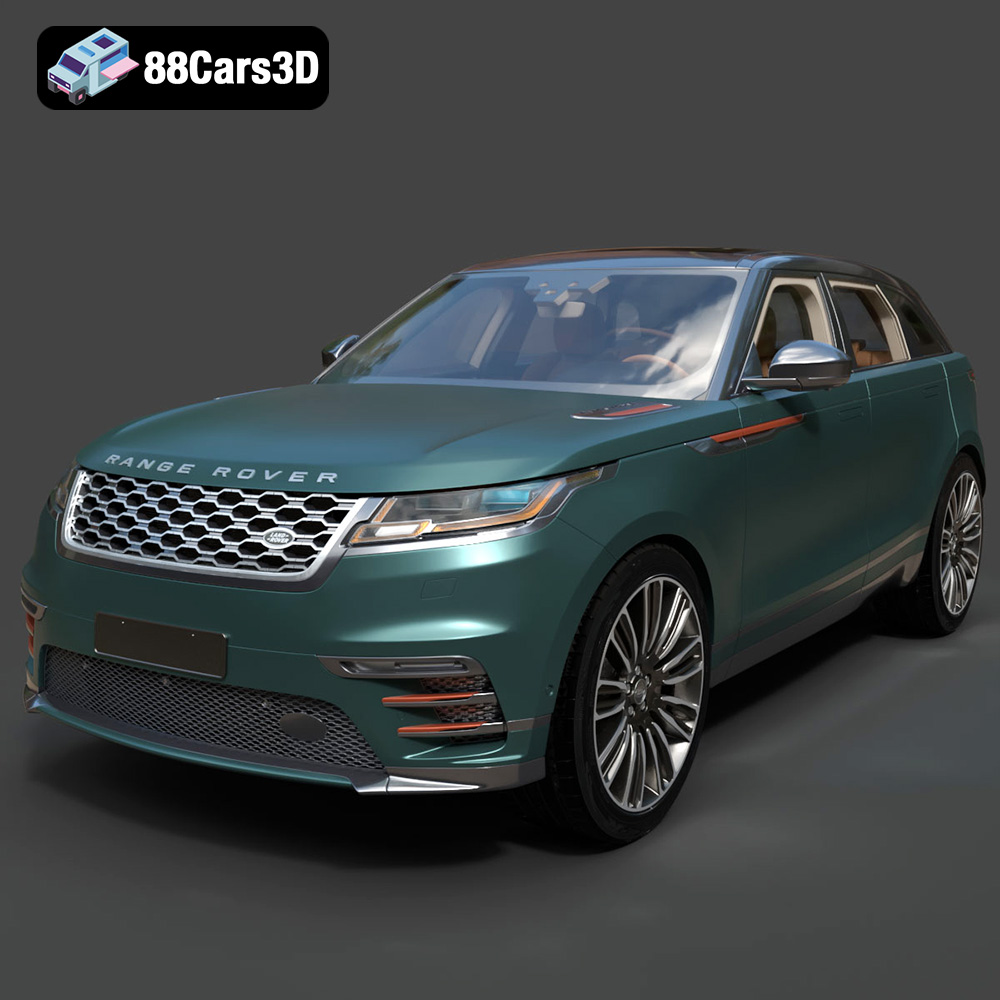
The Land Rover Range Rover Velar 2018 is a stunning example of modern automotive design, and bringing that elegance to life through 3D printing is a rewarding project. This guide will walk you through the entire process, from preparing the STL files to post-processing your finished 3D printed model. We’ll cover material selection, optimal printer settings, and troubleshooting common issues to ensure you get the best possible result. Whether you’re a seasoned 3D printing enthusiast or a beginner, this guide will provide the knowledge you need to successfully 3D print the Range Rover Velar 2018. The detailed 3D model available at 88cars3d.com makes this project accessible and ensures a high-quality final product.
Choosing the right file format is crucial for successful 3D printing. While the Land Rover Range Rover Velar 2018 3D model is available in multiple formats, including .blend, .fbx, .obj, .glb, .ply, .unreal, and .max, the .stl format is generally the preferred choice for additive manufacturing. Let’s delve deeper into these formats and understand their suitability for 3D printing.
The STL (Stereolithography) file format is the workhorse of 3D printing. It represents the surface geometry of a 3D object as a collection of triangles. This simplicity makes it universally compatible with slicing software and 3D printers. However, it’s important to note that STL files only contain geometric data (the mesh) and lack information about color, texture, or materials.
For 3D printing the Range Rover Velar, the STL format is ideal. When you download the STL file from 88cars3d.com, you’re getting a triangulated representation of the car’s surfaces. Slicing software then interprets this data to generate instructions for your 3D printer.
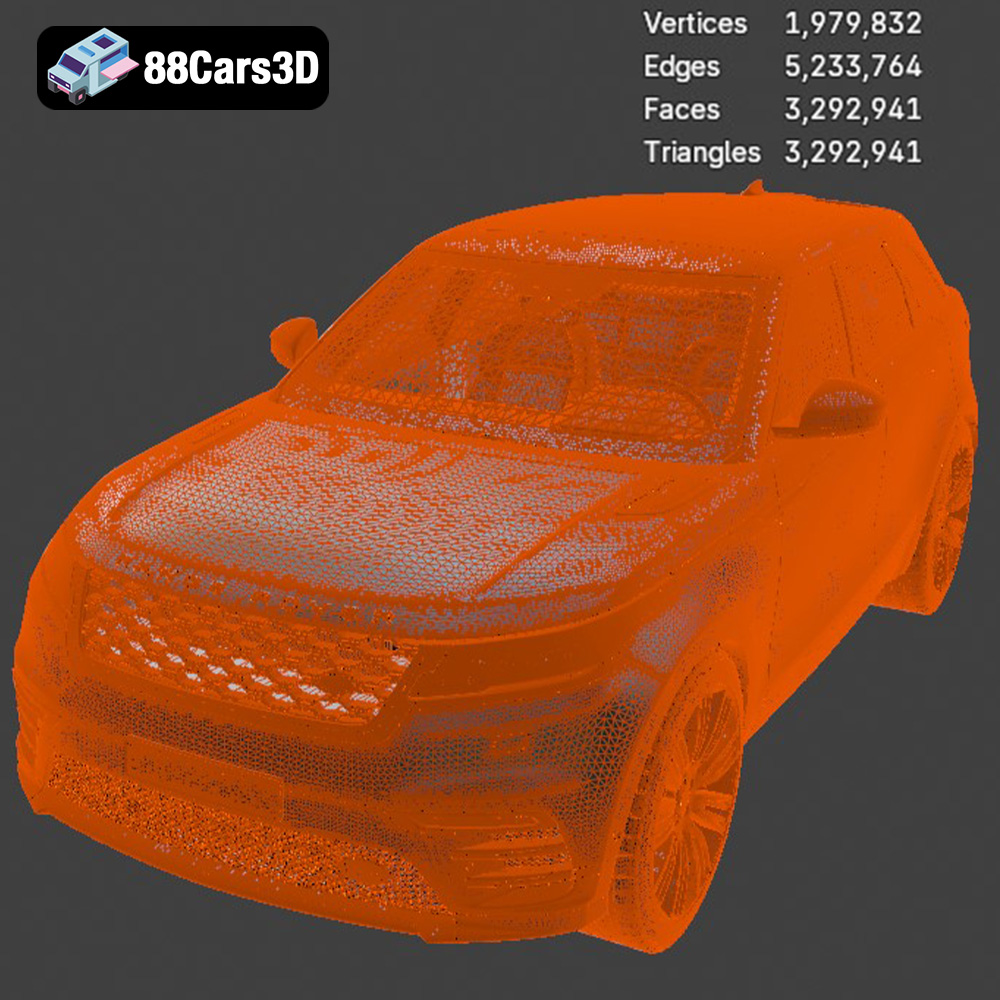
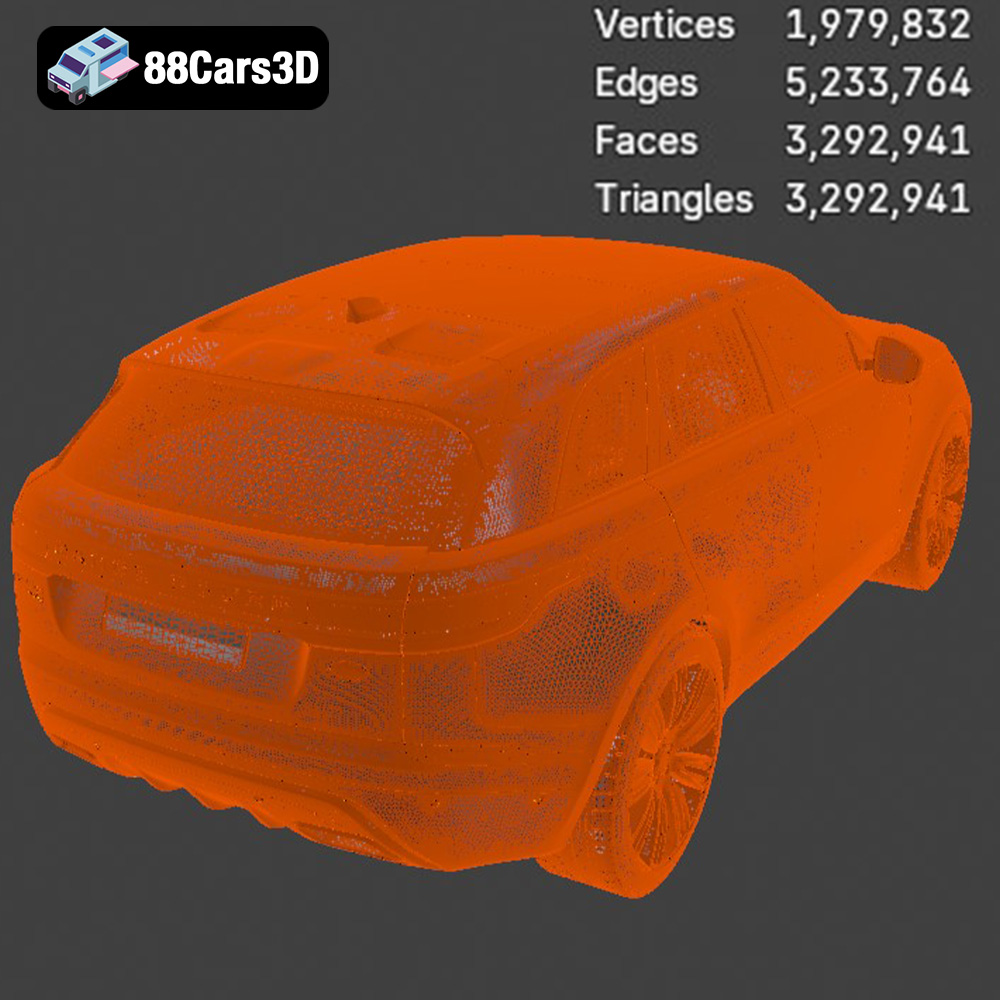
Mesh quality is paramount for STL files. A low-resolution mesh will result in a faceted, blocky print, while a high-resolution mesh can improve surface finish but significantly increase file size and processing time. Most slicing software allows you to adjust the mesh resolution during the import process, balancing detail and performance. A good rule of thumb is to start with a medium resolution and adjust based on your printer’s capabilities and desired print quality.
The OBJ (Wavefront Object) format is another widely used 3D model format. Unlike STL, OBJ supports color and texture information. This makes it suitable for colored 3D printing, if your printer supports it. However, for single-color prints, the OBJ format doesn’t offer any significant advantage over STL. Slicing software compatibility is generally good, but STL remains the more direct and reliable choice.
The PLY (Polygon File Format) is designed for storing 3D data acquired from scanning devices. It excels at representing complex geometry with high precision. While PLY files can be imported into some slicing software, they are less common for 3D printing than STL or OBJ. The higher level of detail in a PLY file might be useful for specific parts of the Range Rover Velar model where very fine details are important, but it is often unnecessary for the entire model.
The .blend file is the native format for Blender, a free and open-source 3D creation suite. It contains the entire scene, including the 3D model, materials, textures, lighting, and animation data. If you have Blender installed, you can directly open and edit the Land Rover Range Rover Velar 2018 model. You could use Blender to make modifications, such as simplifying the model for easier printing, adding custom details, or splitting the model into separate parts. However, for direct 3D printing, you would need to export the modified model as an STL file.
The FBX (Filmbox) format is commonly used for exchanging 3D models between different software applications. It supports geometric data, materials, textures, and animation. While some slicing software can import FBX files, the primary purpose of FBX is not 3D printing. It’s more relevant for game development or animation projects where materials and textures are important.
The GLB format is designed for efficient delivery and loading of 3D models in web and AR/VR applications. It’s a binary format that includes both the geometry and textures. While not directly used for 3D printing, GLB files can be helpful for previewing the Land Rover Range Rover Velar 2018 model in augmented reality before committing to printing it. This allows you to visualize the size and appearance of the printed model in a real-world context.
Similar to .blend, the .max format is a proprietary format for Autodesk 3ds Max. This is the native file format for that software. You can use the .max file to edit the Range Rover Velar model in 3ds Max, but you will need to export it to .stl for printing.
In conclusion, while various formats are available, STL remains the most reliable and widely compatible choice for 3D printing the Land Rover Range Rover Velar 2018 model. Ensure the STL file has a suitable mesh resolution for your printer and desired level of detail.
Once you have the STL file of the Range Rover Velar 2018, you need to prepare it for printing using slicing software. This software converts the 3D model into a series of instructions (G-code) that your printer can understand. Popular slicing software options include Cura, Simplify3D, PrusaSlicer, and IdeaMaker.
The first step is to import the STL file into your chosen slicing software. Most programs will automatically orient the model, but you may need to manually adjust it for optimal printing. Consider the following factors when orienting the Range Rover Velar:
* **Support Structures:** Minimize the need for support structures, especially on visible surfaces. Orient the model so that overhangs are reduced.
* **Surface Finish:** The bottom layer of the print will often have a different texture than the other layers. Consider which surfaces you want to be the smoothest. For the Range Rover Velar, you might want the roof or hood to be the smoothest, depending on how you plan to display it.
* **Print Bed Adhesion:** Ensure the model has a stable base to adhere to the print bed. A larger, flat surface area improves adhesion and reduces the risk of warping.
The slicing settings you choose will significantly impact the quality, strength, and print time of your Range Rover Velar model. Here are some key settings to consider:
* **Layer Height:** A lower layer height (e.g., 0.1mm – 0.2mm) will produce a smoother surface finish and capture finer details but will increase print time. A higher layer height (e.g., 0.2mm – 0.3mm) will print faster but may result in a more noticeable layer lines. For a model like the Velar, a layer height of 0.15mm to 0.2mm is a good starting point.
* **Infill:** Infill is the internal structure of the 3D print. Higher infill percentages (e.g., 20% – 30%) increase strength and weight but also increase material consumption and print time. Lower infill percentages (e.g., 10% – 15%) reduce material usage but may compromise structural integrity. For a display model, 15% to 20% infill is usually sufficient. Consider using a gyroid infill pattern for a good balance of strength and print time.
* **Supports:** Support structures are necessary for printing overhangs and bridges. Your slicing software will automatically generate supports, but you can often customize their placement and density. Minimize supports on visible surfaces to reduce post-processing effort. Consider using support blockers to prevent supports from generating in areas where they are not needed.
* **Print Speed:** Slower print speeds generally result in better print quality, especially for intricate details. Start with a moderate print speed (e.g., 40mm/s – 60mm/s) and adjust as needed based on your printer’s capabilities.
Before slicing, it’s essential to check the model for errors. Some STL files may contain non-manifold geometry (holes or intersecting faces) that can cause problems during printing. Most slicing software includes tools for automatically repairing minor errors. If the errors are significant, you may need to use a dedicated mesh repair tool like Meshmixer or Netfabb.
Scaling the model is another important consideration. The default size of the Range Rover Velar model may not be ideal for your needs. You can scale the model up or down in your slicing software. However, be mindful of the limitations of your printer’s build volume and the impact of scaling on detail. Scaling down too much can result in the loss of fine details.
The choice of material significantly impacts the appearance, strength, and durability of your 3D printed Range Rover Velar. Here are some popular options:
PLA is a biodegradable thermoplastic that is easy to print and produces good surface finish. It’s a great choice for beginners and for models that are primarily for display. PLA is available in a wide range of colors and finishes. However, PLA is not very heat-resistant and can warp or deform in high temperatures.
For the Range Rover Velar, PLA is a suitable option if you’re looking for a visually appealing model for indoor display. Consider using a high-quality PLA filament for best results.
PETG is a more durable and heat-resistant alternative to PLA. It offers good strength and flexibility, making it suitable for functional parts and models that may be exposed to higher temperatures. PETG is also resistant to moisture and chemicals.
If you want a more robust Range Rover Velar model that can withstand some handling, PETG is a good choice. It’s slightly more challenging to print than PLA, but the added durability is worth the effort.
Resin 3D printing (SLA/DLP) offers exceptional detail and smooth surface finish. Resin printers use liquid resin that is cured by UV light. This technology is ideal for printing intricate models with fine features. However, resin prints can be more brittle than FDM prints and may require post-curing.
If you want the highest possible level of detail and are willing to invest in a resin printer, resin is the best choice for the Range Rover Velar. The small features and intricate curves of the car will be rendered with exceptional accuracy.
Achieving a successful 3D print of the Range Rover Velar depends on fine-tuning your printer settings. Here are some specific recommendations:
* **PLA:** Bed temperature: 60°C – 70°C, Nozzle temperature: 200°C – 220°C
* **PETG:** Bed temperature: 70°C – 80°C, Nozzle temperature: 230°C – 250°C
* **Resin:** Follow the resin manufacturer’s recommendations for exposure time, layer thickness, and post-curing time.
* **Initial Layer Speed:** 20mm/s – 30mm/s (for better bed adhesion)
* **Print Speed:** 40mm/s – 60mm/s (adjust based on printer and material)
* **Travel Speed:** 100mm/s – 150mm/s
Proper retraction settings are crucial for preventing stringing and oozing. Experiment with different retraction distances and speeds to find the optimal settings for your printer and material.
* **Retraction Distance:** 4mm – 6mm (Bowden extruder), 1mm – 2mm (Direct Drive extruder)
* **Retraction Speed:** 40mm/s – 60mm/s
Adequate cooling is essential for PLA to prevent warping and ensure good layer adhesion. Use a cooling fan at 100% for PLA. For PETG, reduce the cooling fan speed or turn it off completely. Resin prints do not require cooling.
Once the 3D print is complete, post-processing is often necessary to achieve the desired finish.
Carefully remove the support structures from the model. Use a sharp knife or pliers to avoid damaging the surface. For PLA, you can often dissolve supports in warm water. For PETG, supports may be more difficult to remove.
Sanding is essential for removing layer lines and smoothing the surface. Start with a coarse grit sandpaper (e.g., 220 grit) and gradually move to finer grits (e.g., 400 grit, 600 grit, 800 grit). Wet sanding can help reduce dust and produce a smoother finish.
Apply a primer to the model to create a smooth and uniform surface for painting. Choose a primer that is compatible with your chosen paint. After the primer has dried, you can apply multiple coats of paint. Consider using automotive paints for a durable and realistic finish. Use masking tape to create clean lines and details.
The Land Rover Range Rover Velar 2018 model may be designed as a single piece, or it might consist of multiple parts that need to be assembled. Use glue or adhesive to join the parts together. Ensure proper alignment and allow the adhesive to dry completely before handling the assembled model.
Even with careful preparation, you may encounter some common 3D printing issues. Here are some troubleshooting tips:
* **Warping:** Warping occurs when the print detaches from the print bed. To prevent warping, ensure the bed is properly leveled and heated. Use a brim or raft to increase bed adhesion.
* **Stringing:** Stringing is caused by oozing filament during travel moves. Adjust retraction settings and reduce nozzle temperature to minimize stringing.
* **Layer Shifting:** Layer shifting occurs when the printer’s axes lose their position. Check belt tension and ensure the printer is stable.
* **Elephant’s Foot:** Elephant’s foot is a widening of the bottom layer due to excessive bed adhesion. Reduce the initial layer height and bed temperature.
* **Under-Extrusion:** Under-extrusion occurs when the printer is not extruding enough filament. Check the filament diameter, nozzle temperature, and extrusion multiplier.
By following these guidelines and experimenting with different settings, you can successfully 3D print a stunning replica of the Land Rover Range Rover Velar 2018. Remember to explore the variety of 3D models available at 88cars3d.com for your next project.
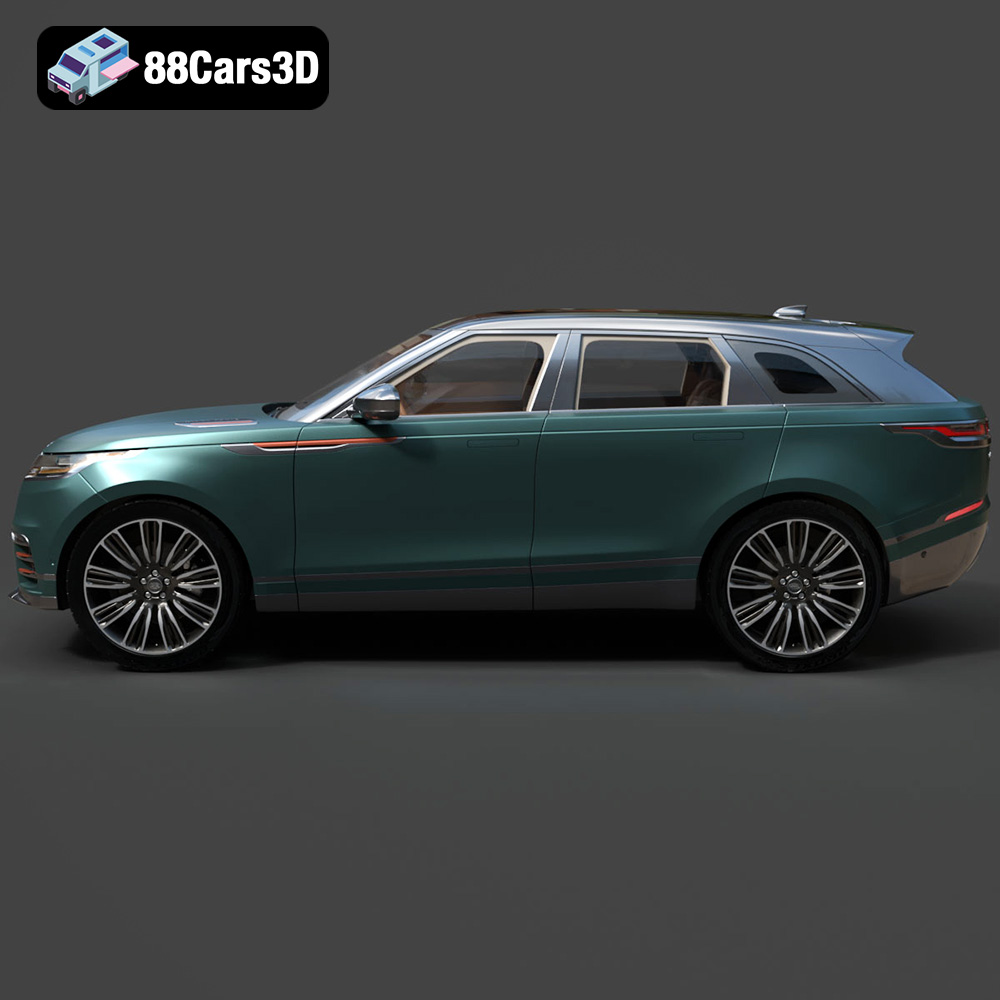
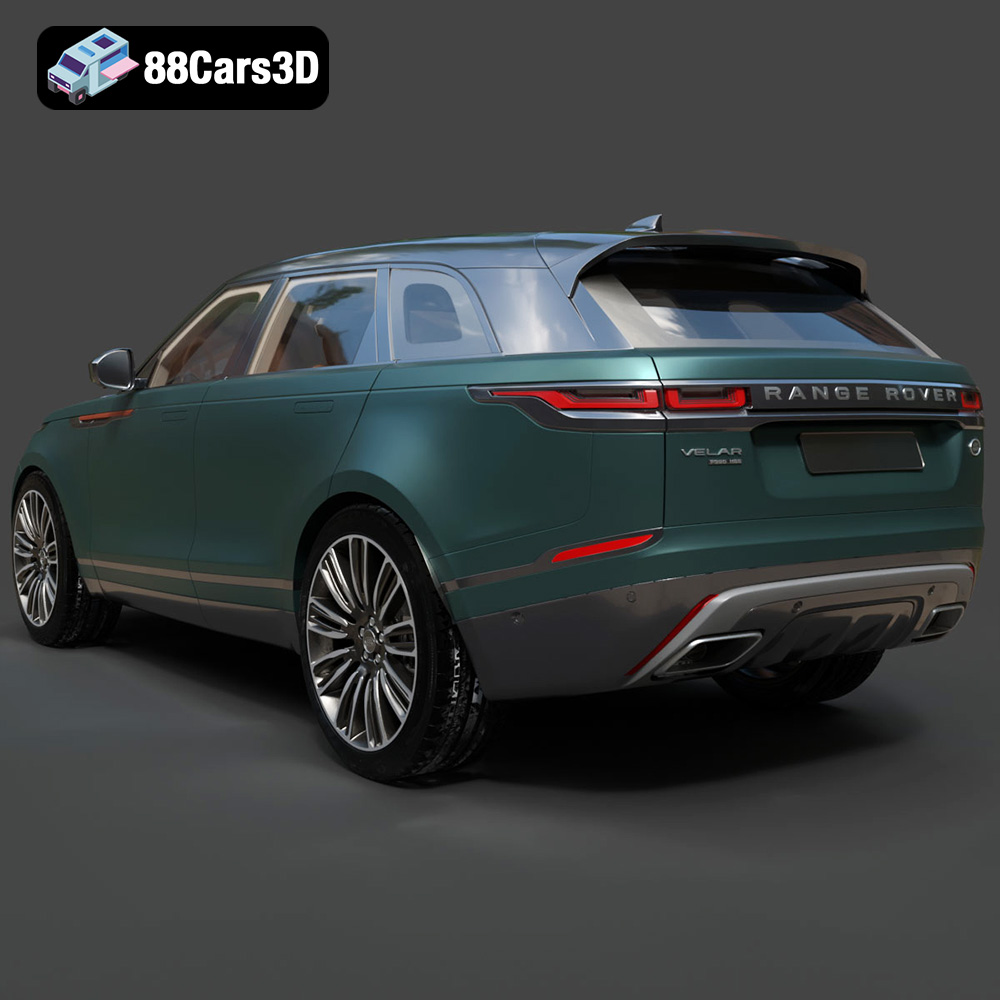
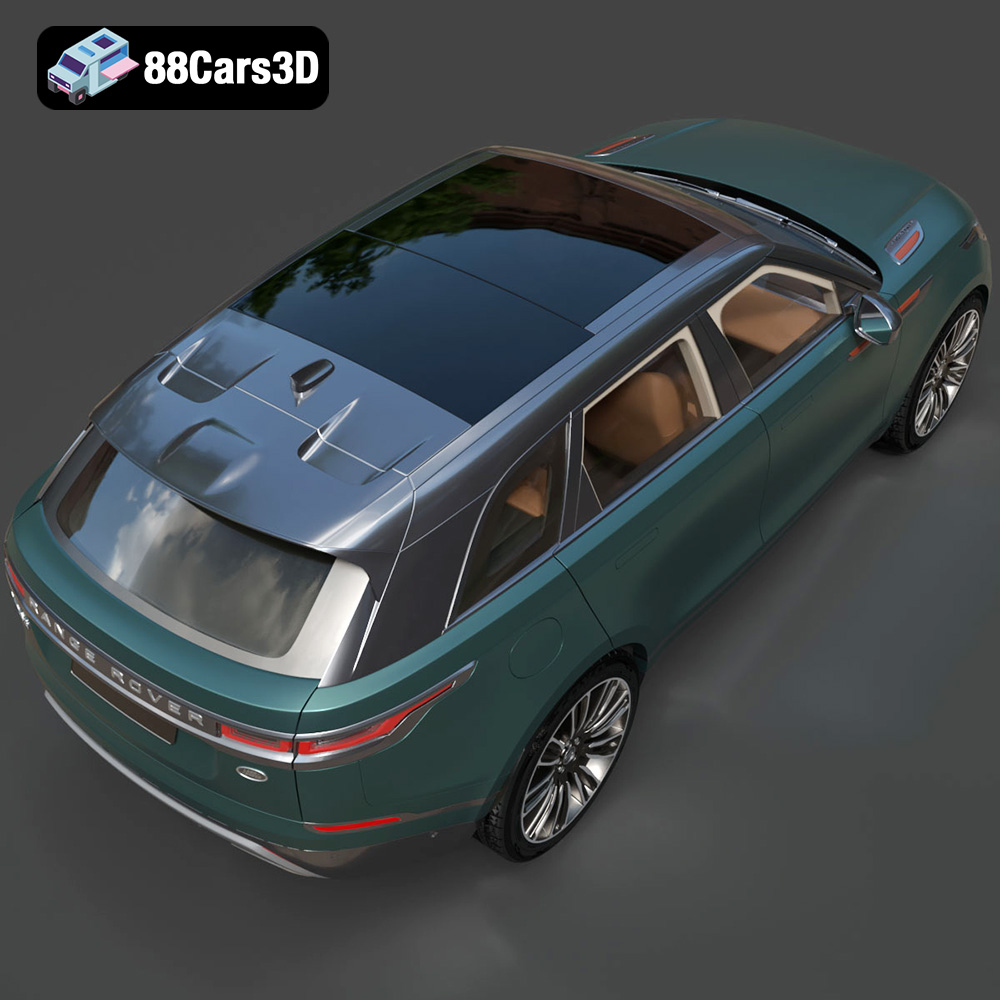
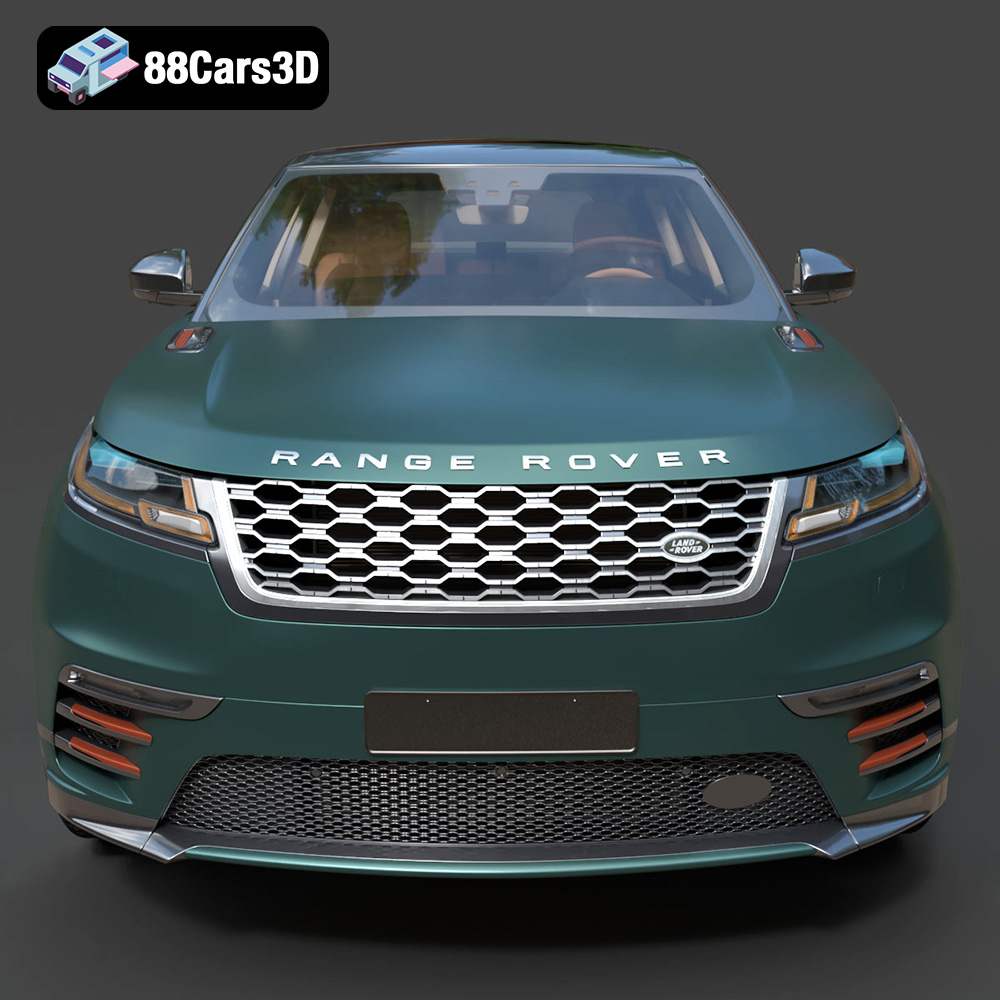
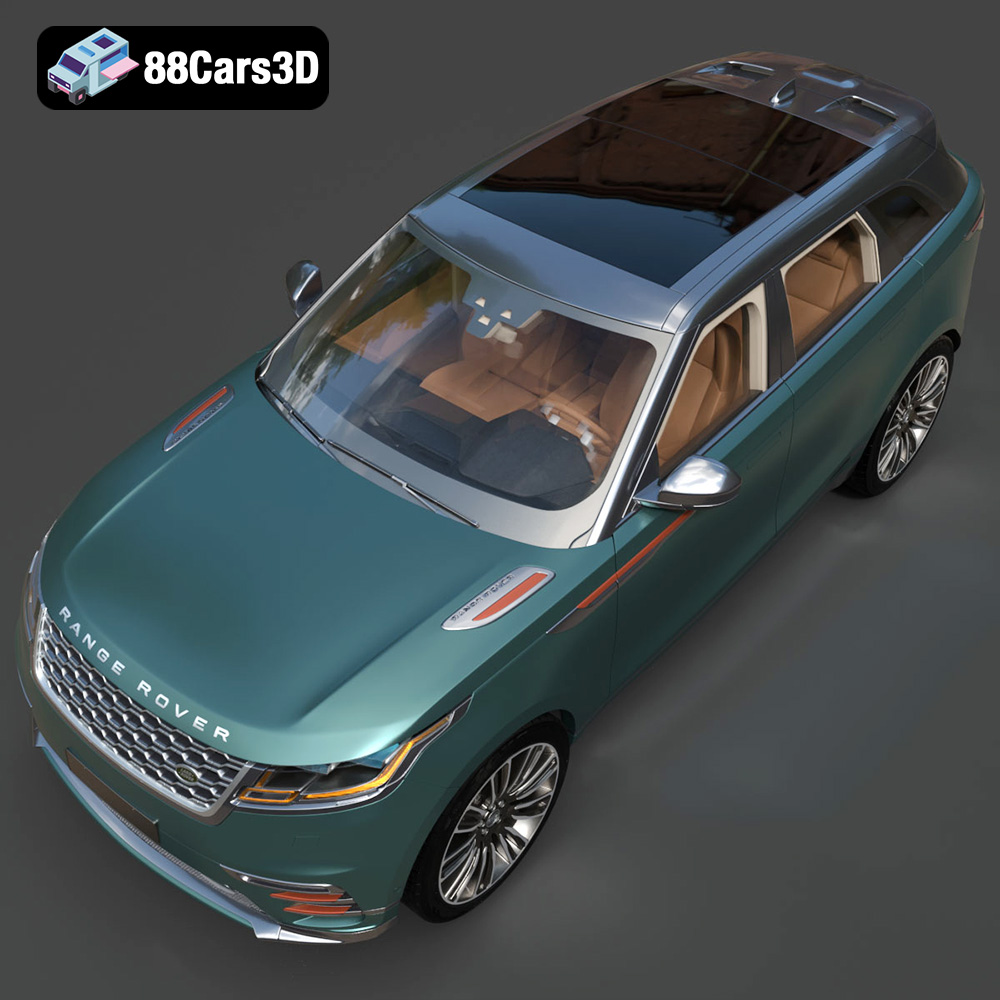
Experience unparalleled realism with the Land Rover Range Rover Velar 2018 3D Model. Crafted with precision, this digital replica captures the distinctive elegance, streamlined proportions, and modern aesthetic of the iconic luxury SUV. Whether viewed up close or from a distance, the model showcases exceptional attention to detail, making it an ideal asset for professional projects requiring true-to-life accuracy.
$39.99
.arvr
.blend
.car3dmodel
.fbx
.gameasset
.glb
.landrover
.luxurycar
.luxurysuv
.max
.obj
.ply
.rangerover
.rangerovervelar
.rendering
.simulation
.stl
.unreal
.velar
SUV