Get 20% OFF All Premium 3D & STL Models!

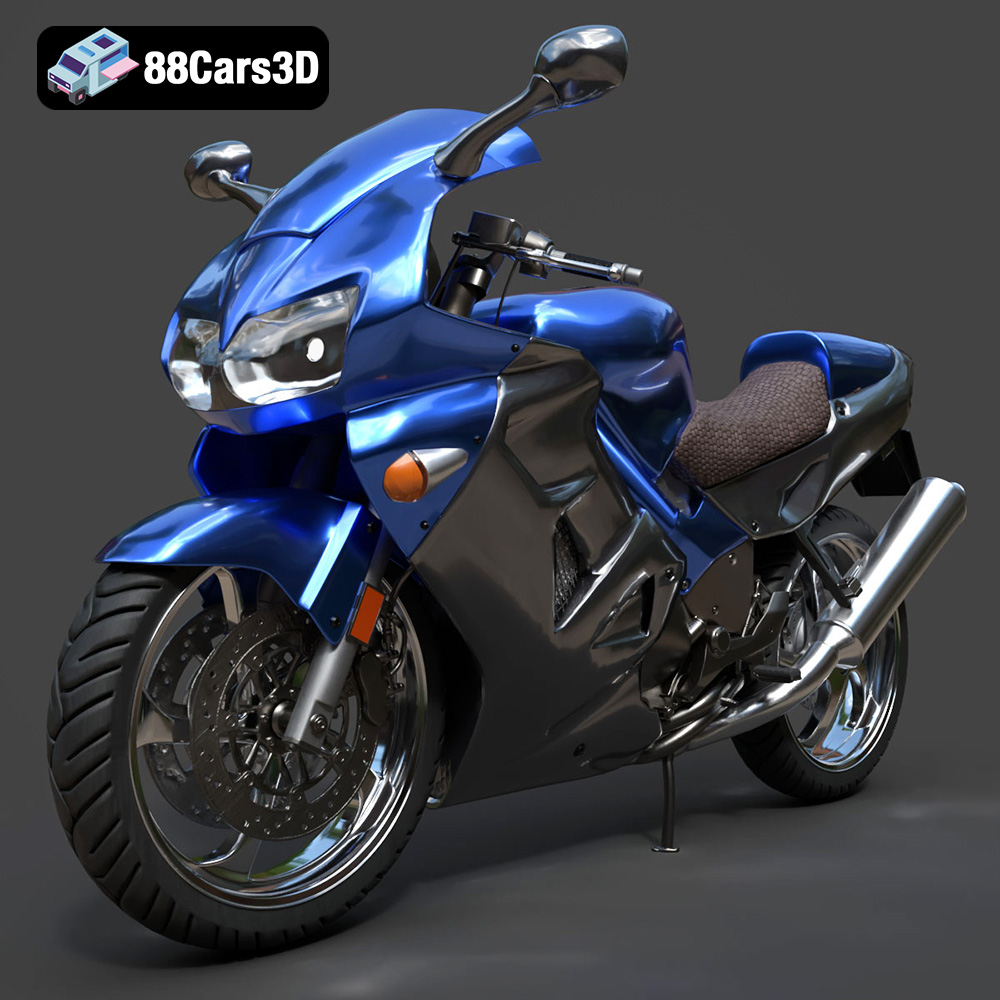
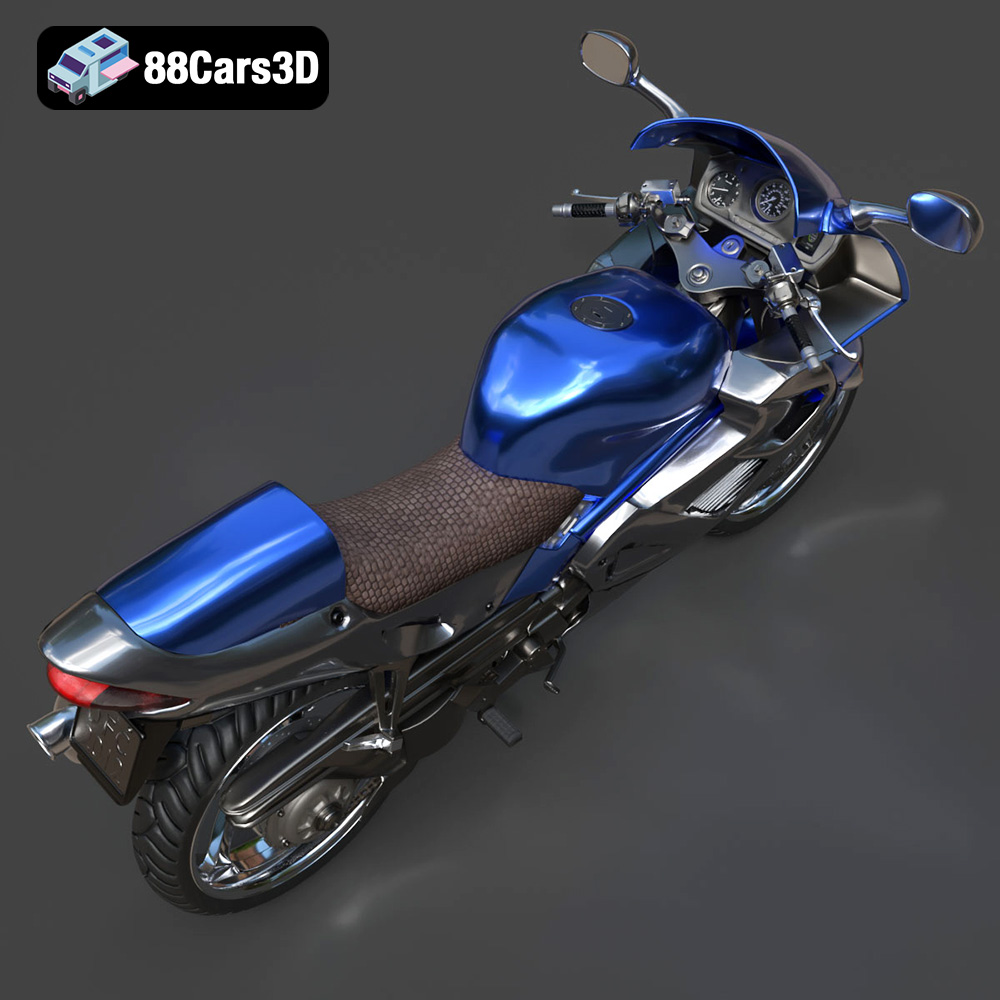
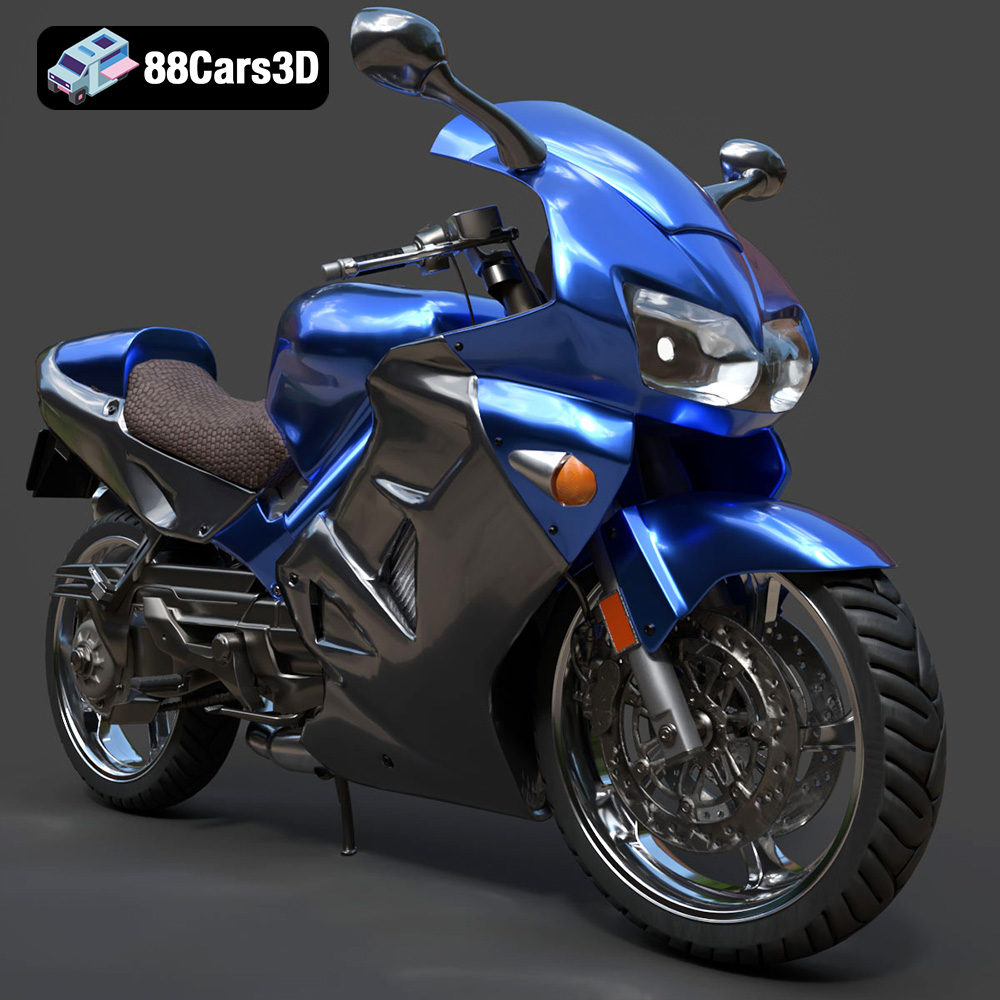
The Honda VFR 801, a motorcycle renowned for its sleek design and engineering excellence, can now grace your desk or collection thanks to the power of 3D printing. This detailed guide explores the intricacies of 3D printing the Honda VFR 801 3D model, ensuring a successful and rewarding additive manufacturing experience. Whether you’re a seasoned 3D printing enthusiast or a newcomer to the world of additive manufacturing, this article will provide you with the knowledge and techniques necessary to create a stunning replica of this iconic sportbike. This model, available at 88cars3d.com, offers a fantastic opportunity to showcase your 3D printing skills.
Before you even think about firing up your 3D printer, meticulous preparation of the 3D model is paramount. This stage determines the quality and success of your final print. Let’s dive into the key aspects of pre-print preparation.
* **Visual Examination:** Start by thoroughly inspecting the Honda VFR 801 STL file within your slicing software. Look for any obvious errors such as holes in the mesh, non-manifold edges, or intersecting faces. These defects can lead to print failures or visual imperfections in the final product.
* **Mesh Analysis Tools:** Utilize the mesh analysis tools available in your slicing software or specialized 3D modeling software like MeshMixer or Netfabb. These tools can automatically detect and repair common mesh errors, ensuring a watertight and printable model. Focus on repairing holes, inverting normals, and removing duplicate faces.
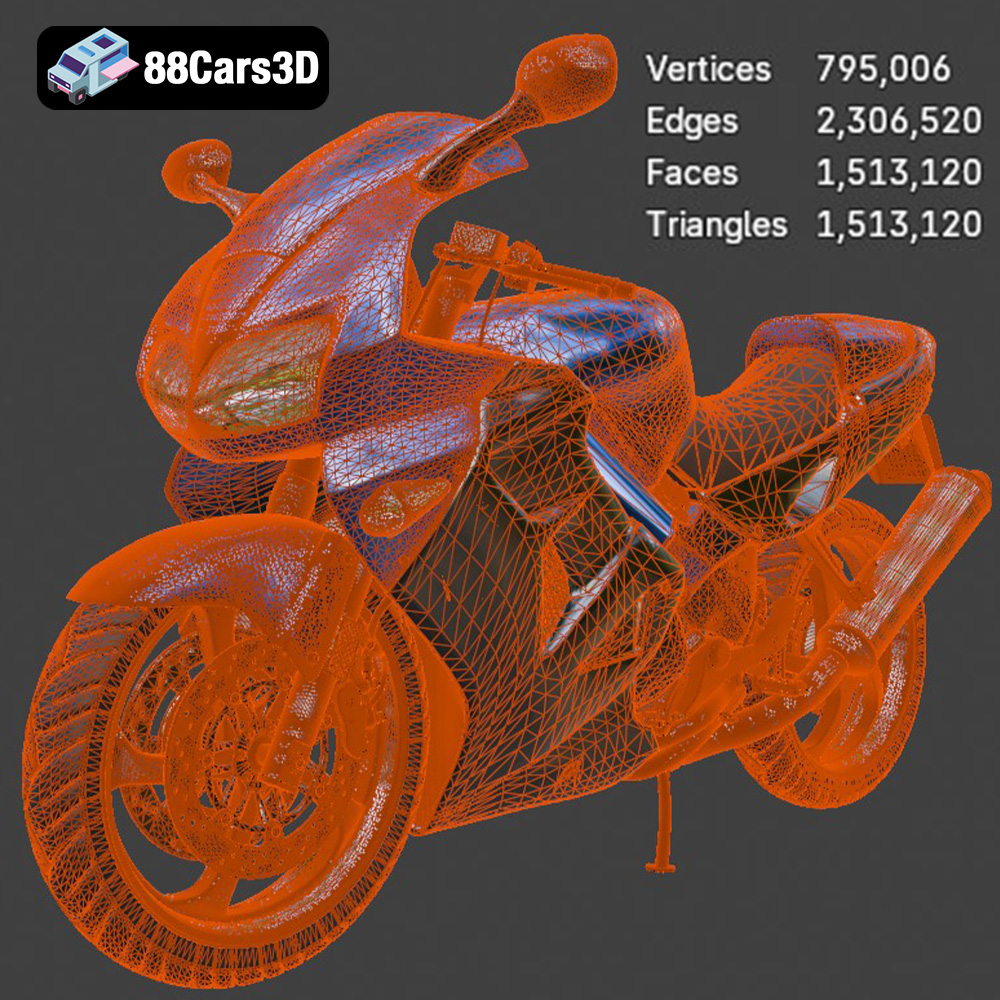
* **Simplify Model:** Depending on your 3D printer’s capabilities, consider simplifying the model. Reducing the polygon count (without losing key details) can decrease the file size and print time, while potentially improving print quality.
* **Optimal Orientation:** The orientation of the Honda VFR 801 model on the print bed significantly impacts the print quality, support requirements, and overall aesthetics. Consider placing the model at an angle that minimizes overhangs and maximizes the use of the print bed area. For a complex model like a motorcycle, orienting it so the largest flat surface is on the print bed may not be ideal; tilting it can reduce support structures.
* **Support Structure Strategy:** Carefully plan the placement of support structures. Aim for minimal support contact points on visually critical areas to reduce post-processing efforts. Utilize support blockers in your slicing software to prevent supports from generating in areas where they are not needed. Experiment with different support patterns (e.g., tree supports, linear supports) to find the best balance between support strength and ease of removal.
* **Raft or Brim:** For enhanced bed adhesion, especially with materials prone to warping like ABS, consider using a raft or brim. These features create a larger contact area with the print bed, improving stability during printing.
Choosing the right file format is critical for successful 3D printing. Different formats store 3D model data in various ways, affecting compatibility, detail, and overall print quality.
The STL (Stereolithography) format is the most widely used file type for 3D printing. It represents the surface geometry of a 3D object as a collection of triangles. While universally compatible with slicing software and 3D printers, STL files have limitations. They only store mesh data, lacking information about color, texture, or materials. This means the Honda VFR 801 model, when printed from an STL file, will be a single color, requiring post-processing for a more realistic look. STL files excel at representing complex shapes efficiently, but the quality of the mesh depends on the resolution at which the STL was generated. A low-resolution STL can result in a faceted or blocky appearance, while a high-resolution STL can significantly increase file size and processing time. When preparing the Honda VFR 801 model for 3D printing, ensure that the STL file has sufficient resolution to capture the intricate details of the motorcycle, such as the fairings, engine components, and exhaust system. Slicing software relies heavily on the STL format, interpreting the triangular mesh to generate toolpaths for the 3D printer. Mesh quality is paramount for a smooth and accurate print. Always inspect the STL file for errors (as mentioned earlier) before proceeding with the slicing process. STL files are the workhorse of 3D printing due to their simplicity and widespread support. Even when other formats are available, the STL is often the preferred choice for final printing.
OBJ files, unlike STL, can store color and texture information along with the 3D geometry. This allows for more visually rich 3D printed models, although color printing is still a niche area within the 3D printing world.
PLY files can store vertex colors, normals, and other properties, making them suitable for high-detail scans and models where precision is crucial.
The native format for Blender, a powerful open-source 3D modeling software. Opening the Honda VFR 801 in Blender allows for extensive customization before exporting to a printable format like STL.
FBX is a popular format for exchanging 3D data between different software applications, often used in game development and animation. It can contain geometry, textures, and animation data.
GLB is a binary file format that is optimized for fast loading and rendering, making it ideal for web-based applications and augmented reality (AR) experiences.
The native format for 3ds Max, another industry-standard 3D modeling software. Similar to Blender, it allows for in-depth editing of the Honda VFR 801 model.
The choice of material significantly affects the final appearance, strength, and functionality of your 3D printed Honda VFR 801.
* **Pros:** PLA is a biodegradable thermoplastic known for its ease of printing, low warping, and wide availability. It’s an excellent choice for beginners and for creating visually appealing models with fine details. PLA is available in a vast array of colors and finishes.
* **Cons:** PLA is not as strong or heat-resistant as other materials like ABS or PETG. It’s also more brittle and prone to cracking under stress.
* **Recommended Settings:**
* Nozzle Temperature: 200-220°C
* Bed Temperature: 60-70°C
* Print Speed: 40-60 mm/s
* Layer Height: 0.1-0.2 mm
* **Pros:** PETG combines the ease of printing of PLA with improved strength, flexibility, and heat resistance. It’s a versatile material suitable for functional parts and models that require more durability.
* **Cons:** PETG can be more prone to stringing than PLA and may require more careful tuning of retraction settings.
* **Recommended Settings:**
* Nozzle Temperature: 230-250°C
* Bed Temperature: 70-80°C
* Print Speed: 40-50 mm/s
* Layer Height: 0.1-0.2 mm
* **Pros:** Resin 3D printing (SLA/DLP) offers exceptional detail and smooth surface finishes, making it ideal for intricate models like the Honda VFR 801. Resin prints are typically much stronger and more accurate than FDM prints.
* **Cons:** Resin printing requires more post-processing, including washing and curing. Resins can also be brittle and more expensive than FDM filaments. The build volume is typically smaller than FDM printers.
* **Recommended Settings:** (Vary greatly depending on the resin used)
* Layer Height: 0.025-0.05 mm
* Exposure Time: Consult the resin manufacturer’s specifications
Achieving a high-quality 3D print of the Honda VFR 801 requires fine-tuning your printer settings. These settings will vary slightly depending on your specific printer and material, but the following guidelines provide a solid starting point.
* **Fine Detail vs. Print Time:** Lower layer heights (e.g., 0.1 mm) produce smoother surfaces and finer details but significantly increase print time. Higher layer heights (e.g., 0.2 mm) are faster but may result in a more stepped appearance. A layer height of 0.15mm is a good middle ground for the Honda VFR 801, balancing detail and speed.
* **First Layer Height:** Ensure proper adhesion by setting the first layer height slightly higher than subsequent layers (e.g., 0.2 mm for a 0.15 mm layer height). This helps the initial layer to bond firmly to the print bed.
* **Strength vs. Weight:** Infill density determines the internal solidity of the print. Higher infill densities increase strength but also increase weight and material consumption. For a display model like the Honda VFR 801, a moderate infill density of 15-20% is generally sufficient.
* **Infill Pattern:** Choose an infill pattern that balances strength and print time. Gyroid and honeycomb patterns offer good strength with relatively efficient printing. Concentric infill patterns can create visually appealing internal structures, although they may not be as strong.
* **Material-Specific Settings:** As mentioned earlier, refer to the material manufacturer’s recommendations for optimal nozzle and bed temperatures.
* **Print Speed Optimization:** Balance print speed with quality. Slower print speeds generally result in smoother surfaces and fewer errors, while faster speeds can significantly reduce print time. Experiment to find the sweet spot for your printer and material. Reducing speed for external perimeters improves surface finish.
Once the 3D printing process is complete, post-processing is essential to refine the Honda VFR 801 model and achieve a professional-looking finish.
* **Careful Removal:** Gently remove support structures using pliers, cutters, or a specialized support removal tool. Take care not to damage the model during this process.
* **Sanding and Filing:** Use sandpaper and files to smooth out any rough edges or imperfections left by the support structures. Start with coarse grit sandpaper and gradually move to finer grits for a polished surface.
* **Surface Preparation:** Sand the entire model to create a smooth and uniform surface for painting.
* **Priming:** Apply a primer coat to fill in any remaining imperfections and provide a better surface for paint adhesion.
* **Painting:** Use acrylic paints or spray paints to achieve the desired color scheme and finish. Apply multiple thin coats for a more even and durable finish. Consider using stencils or masking tape to create intricate details and color separations.
* **Clear Coating:** Apply a clear coat to protect the paint and add a glossy or matte finish.
* **Component Assembly:** If the Honda VFR 801 model is printed in multiple parts, carefully assemble the components using glue or epoxy. Ensure proper alignment and secure bonding.
* **Finishing Touches:** Add any final details, such as decals, miniature screws, or other embellishments, to enhance the realism of the model.
Even with careful preparation and optimized settings, 3D printing can sometimes present challenges. Here are some common issues and their solutions:
* **Cause:** Warping occurs when the first layer of the print detaches from the print bed due to uneven cooling or poor adhesion.
* **Solution:** Ensure proper bed adhesion by using a raft or brim, leveling the print bed correctly, and using a heated bed. Adjust the bed temperature according to the material recommendations.
* **Cause:** Stringing occurs when molten filament oozes from the nozzle during travel moves.
* **Solution:** Increase retraction distance and speed, lower the nozzle temperature, and ensure that the filament is dry.
* **Cause:** Layer separation occurs when layers fail to properly bond together.
* **Solution:** Increase the nozzle temperature, reduce print speed, and ensure that the filament is dry. Check for drafts or temperature fluctuations in the printing environment.
* **Cause:** The “elephant’s foot” effect is where the bottom layers of a print are wider than the rest of the model.
* **Solution:** Decrease the initial layer height and increase the bed temperature slightly. In your slicer software, experiment with adjusting the initial layer horizontal expansion.
With patience and attention to detail, you can overcome these challenges and produce a stunning 3D printed Honda VFR 801 model. Remember to experiment with different settings and techniques to find what works best for your specific printer and material. The journey of 3D printing is one of continuous learning and improvement.
Experience unmatched realism with the Honda VFR 801-002 3D Model. Constructed with meticulous attention to detail, this professional 3D asset captures the dynamic essence and engineering precision of the iconic Honda VFR. It is designed to elevate your visual projects with accurate scaling and true-to-life aesthetics.
$39.99
.arvr
.blend
.car3dmodel
.fbx
.gameasset
.glb
.honda
.max
.motorcycle
.obj
.ply
.rendering
.simulation
.sportbike
.stl
.twowheeler
.unreal
.vfr