Get 20% OFF All Premium 3D & STL Models!

The Mil Mi-8MT helicopter is an icon of aviation, known for its versatility and widespread use. Now, thanks to detailed 3D models available at online marketplaces like 88cars3d.com, you can bring this impressive machine to life through the power of 3D printing. This article provides a comprehensive guide to successfully 3D printing the Mil Mi-8MT helicopter model, covering everything from selecting the right materials and optimizing printer settings to post-processing techniques that will elevate your finished model to a display-worthy piece. Let’s dive in and explore the world of additive manufacturing for this remarkable aircraft!
Choosing the right file format is crucial for a successful 3D printing experience. The Mil Mi-8MT Helicopter 3D Model is available in several formats, each with its strengths and weaknesses. Understanding these formats is essential for optimizing your workflow and achieving the best possible print quality.
The .stl (stereolithography) format is the industry standard for 3D printing. It represents the surface geometry of a 3D object as a collection of triangles. While simple, this format is universally compatible with slicing software and 3D printers. When working with the Mil Mi-8MT helicopter model, the .stl file provides a solid foundation for printing. However, it’s important to remember that .stl files only contain mesh data – they do not store color, texture, or material information. This means that any post-processing, such as painting, will be necessary to achieve a realistic finish.
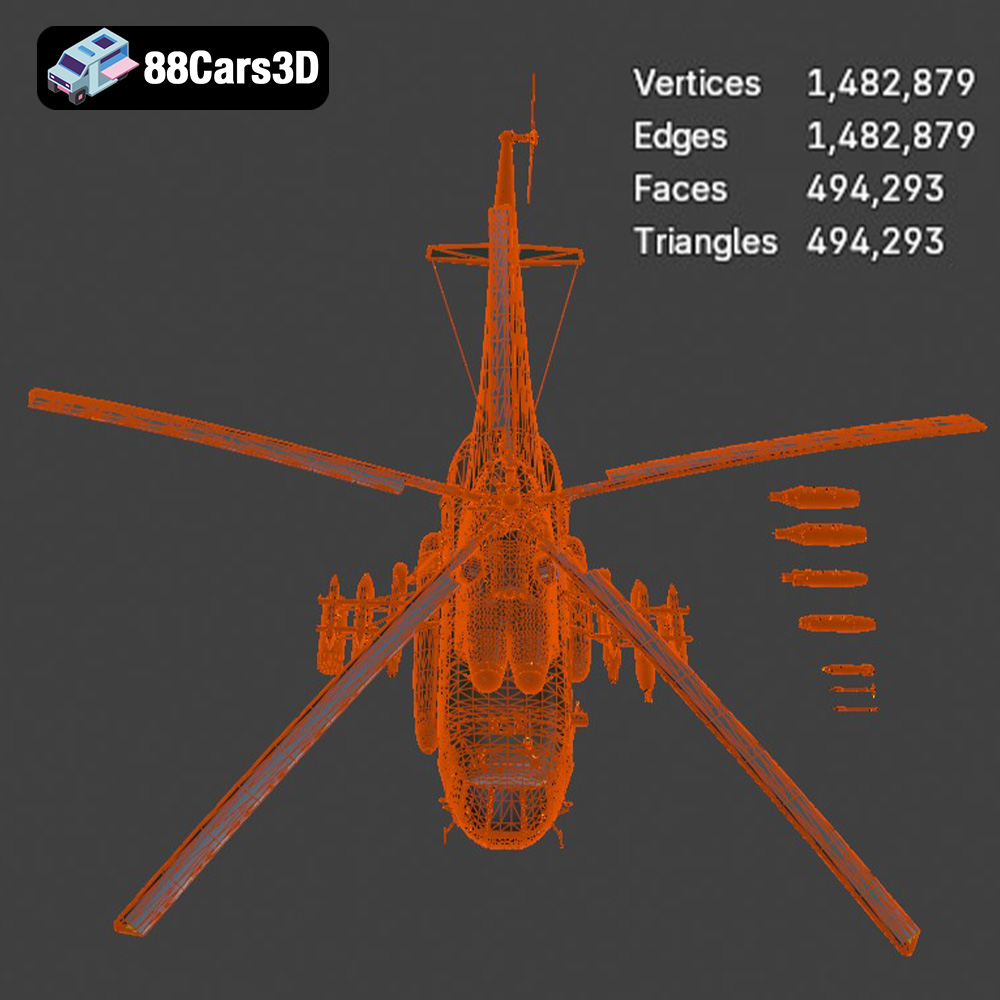
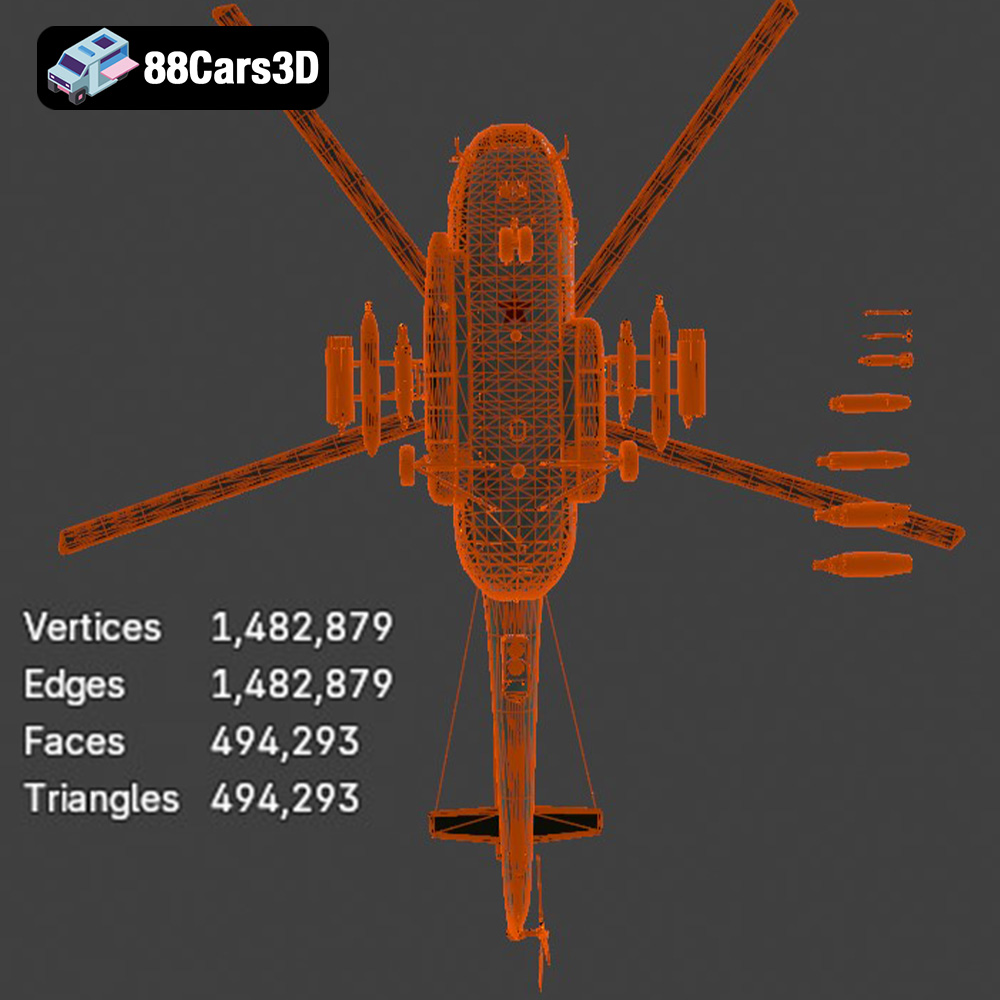
The quality of an .stl file directly impacts the final print. A higher number of triangles results in a smoother surface but also increases file size and processing time. Conversely, a low triangle count can lead to a faceted, less detailed print. Therefore, selecting an .stl file with an appropriate level of detail is crucial. Look for optimized .stl files from reputable sources like 88cars3d.com to ensure a balance between detail and printability. The Mil Mi-8MT Helicopter model benefits from its ~120,000 triangle count, ensuring a game-ready yet high-quality print.
* **.obj:** This format supports color and texture information, making it suitable for colored prints. However, it may not be as universally compatible with all slicing software as .stl.
* **.ply:** A precision mesh format capable of storing high-detail information, including color and texture. Ideal for complex models where accuracy is paramount, but can result in large file sizes.
* **.blend:** The native file format for Blender, a popular open-source 3D modeling software. This format allows for direct editing and customization of the model before exporting to a printable format like .stl.
* **.fbx:** Primarily used for animation and game development, .fbx files can contain material information. While not directly printable, they can be imported into slicing software for potential material settings, although .stl is preferred for printing.
* **.glb:** This format is often used for previewing models in augmented reality (AR) applications. While not ideal for 3D printing directly, it provides a convenient way to visualize the model before printing.
* **.max:** The native file format for 3ds Max, a professional 3D modeling and animation software. Similar to .blend, this format allows for extensive editing and customization before exporting to a printable format.
Slicing software is essential for converting a 3D model into instructions that a 3D printer can understand. Most slicing software programs are highly compatible with .stl files. Other formats may require plugins or conversion. Before importing your Mil Mi-8MT helicopter model, ensure your slicing software supports the chosen format and that you understand any limitations. For optimal results and ease of use, exporting the model to .stl is generally recommended for 3D printing.
Before hitting the “print” button, careful preparation is key to a successful outcome. This involves selecting the right slicing software, optimizing the model for printing, and making informed decisions about print orientation and support structures.
Choosing the right slicing software depends on your printer, experience level, and desired features. Popular options include Cura, PrusaSlicer, Simplify3D, and IdeaMaker. Regardless of your choice, familiarize yourself with the software’s settings and features. Key parameters to adjust for the Mil Mi-8MT helicopter model include:
* **Layer Height:** As suggested, a layer height of 0.04–0.12 mm is recommended for fine details, particularly if you are resin printing. Lower layer heights improve surface resolution but increase print time.
* **Wall Thickness:** A wall thickness of 1.2–2.0 mm provides adequate strength and rigidity for most parts of the helicopter model.
* **Infill:** Infill percentage affects the model’s strength and weight. A range of 20–30% is a good starting point for most parts. Consider increasing infill for load-bearing components like the landing gear.
* **Print Speed:** Adjust print speed based on your printer and material. Slower speeds generally improve print quality, especially for intricate details.
Proper orientation is crucial for minimizing support material and maximizing print quality. For the Mil Mi-8MT helicopter model, consider the following:
* **Fuselage:** Printing the fuselage at an angle can improve its structural integrity and reduce the need for supports on the upper surfaces. Experiment with different angles to find the optimal balance between support usage and print time.
* **Rotors:** Print the main and tail rotors separately, ideally flat on the build plate to minimize support requirements.
* **Landing Gear:** The landing gear will require supports due to its complex geometry. Position the model to minimize the amount of support material needed and to ensure that supports are placed in areas that are easy to remove and less visible.
Selecting the right support type is also important. Tree supports are often a good choice for complex geometries as they are easier to remove and leave fewer marks on the printed surface. Ensure that the supports are strong enough to hold the model during printing but not so strong that they are difficult to remove.
Before slicing, check the 3D model for any errors or imperfections. Many slicing programs have built-in repair tools that can fix common issues like non-manifold geometry or holes in the mesh. These repairs are crucial for ensuring a successful print.
The suggested scales for the Mil Mi-8MT helicopter model are 1:35, 1:48, and 1:72. Choose a scale that suits your printer’s build volume and your desired level of detail. Be mindful that smaller scales may require finer print settings and more precise post-processing.
The choice of material significantly impacts the final appearance, strength, and durability of your 3D printed Mil Mi-8MT helicopter model. Consider the following options:
PLA (Polylactic Acid) is a popular thermoplastic known for its ease of use and biodegradability. It’s a great choice for beginners due to its low printing temperature and minimal warping. PLA is suitable for display models and prototypes but may not be the best option for parts that require high strength or heat resistance.
PETG (Polyethylene Terephthalate Glycol-modified) offers a good balance of strength, flexibility, and ease of printing. It’s more durable and heat-resistant than PLA, making it a better choice for parts that will be subjected to stress or higher temperatures. PETG is a versatile option for the Mil Mi-8MT helicopter model, particularly for parts like the landing gear.
Resin printing, using technologies like SLA (Stereolithography) or DLP (Digital Light Processing), offers exceptional detail and surface finish. Resin is ideal for creating highly detailed scale models like the Mil Mi-8MT helicopter, where fine features like the rotors and cockpit details are crucial. However, resin prints tend to be more brittle than FDM (Fused Deposition Modeling) prints, so they may not be suitable for parts that require high impact resistance.
Depending on your specific needs, you might also consider materials like ABS (Acrylonitrile Butadiene Styrene) for its strength and heat resistance, or nylon for its durability and flexibility. However, these materials are more challenging to print and may require an enclosed printer and specialized settings.
With your model prepared and material selected, it’s time to start printing. Monitoring the print process and adjusting settings as needed is essential for a successful outcome.
Refer to the manufacturer’s recommendations for optimal print settings for your chosen material. However, you may need to fine-tune these settings based on your specific printer and the complexity of the Mil Mi-8MT helicopter model. Pay close attention to:
* **Temperature:** Adjust the nozzle and bed temperature to ensure proper adhesion and layer bonding.
* **Print Speed:** Reduce print speed for intricate details and overhangs.
* **Cooling:** Adequate cooling is crucial for preventing warping and ensuring sharp edges.
* **Retraction:** Adjust retraction settings to minimize stringing and oozing, especially when printing with flexible filaments like TPU.
Keep a close eye on the print during the first few layers to ensure proper adhesion. If you notice any issues, such as warping, layer separation, or excessive stringing, pause the print and adjust the settings accordingly. Remote monitoring tools, such as OctoPrint, can be helpful for keeping track of long prints.
Print time and material cost will vary depending on the size of the model, the chosen settings, and the material used. Slicing software typically provides estimates for both. Keep in mind that these are just estimates, and the actual print time and material usage may differ.
Once the 3D printing is complete, the real fun begins: post-processing! This involves cleaning up the print, removing supports, sanding, painting, and assembling the various parts of the Mil Mi-8MT helicopter model.
Carefully remove the support structures using pliers, cutters, or a sharp knife. Be gentle to avoid damaging the model. Sand down any remaining support marks to create a smooth surface.
Sanding is crucial for achieving a smooth, professional-looking finish. Start with coarse sandpaper (e.g., 220 grit) and gradually move to finer grits (e.g., 400, 600, 800 grit). Apply a primer to fill in any remaining imperfections and provide a smooth surface for painting.
Painting is where you can truly bring your Mil Mi-8MT helicopter model to life. Research authentic military camouflage or civilian livery finishes and use appropriate paints and techniques to replicate them. Consider using stencils or masking tape for intricate details. Apply a clear coat to protect the paint and add a glossy or matte finish.
Carefully assemble the various parts of the helicopter model using glue or other adhesives. Refer to reference images or diagrams to ensure proper alignment and placement.
Even with careful preparation, 3D printing can present challenges. Here are some common issues and their solutions:
* **Warping:** Ensure proper bed adhesion, use a heated bed, and enclose the printer to maintain a consistent temperature.
* **Layer Separation:** Increase nozzle temperature, reduce print speed, and ensure proper layer bonding.
* **Stringing:** Adjust retraction settings, reduce nozzle temperature, and ensure the filament is dry.
* **Elephant’s Foot:** Reduce the initial layer height and ensure the bed is properly leveled.
* **Overhangs:** Use supports, reduce print speed, and increase cooling.
3D printing the Mil Mi-8MT helicopter model is a rewarding project that combines technical skill with artistic expression. By understanding the nuances of 3D printing technology, selecting the right materials, optimizing printer settings, and mastering post-processing techniques, you can create a stunning replica of this iconic aircraft. Whether you’re a seasoned 3D printing enthusiast or a beginner eager to explore the world of additive manufacturing, this guide provides the knowledge and insights you need to succeed. Remember to explore the wide range of 3D models available at 88cars3d.com, including this incredible Mil Mi-8MT model, to fuel your next creative endeavor!
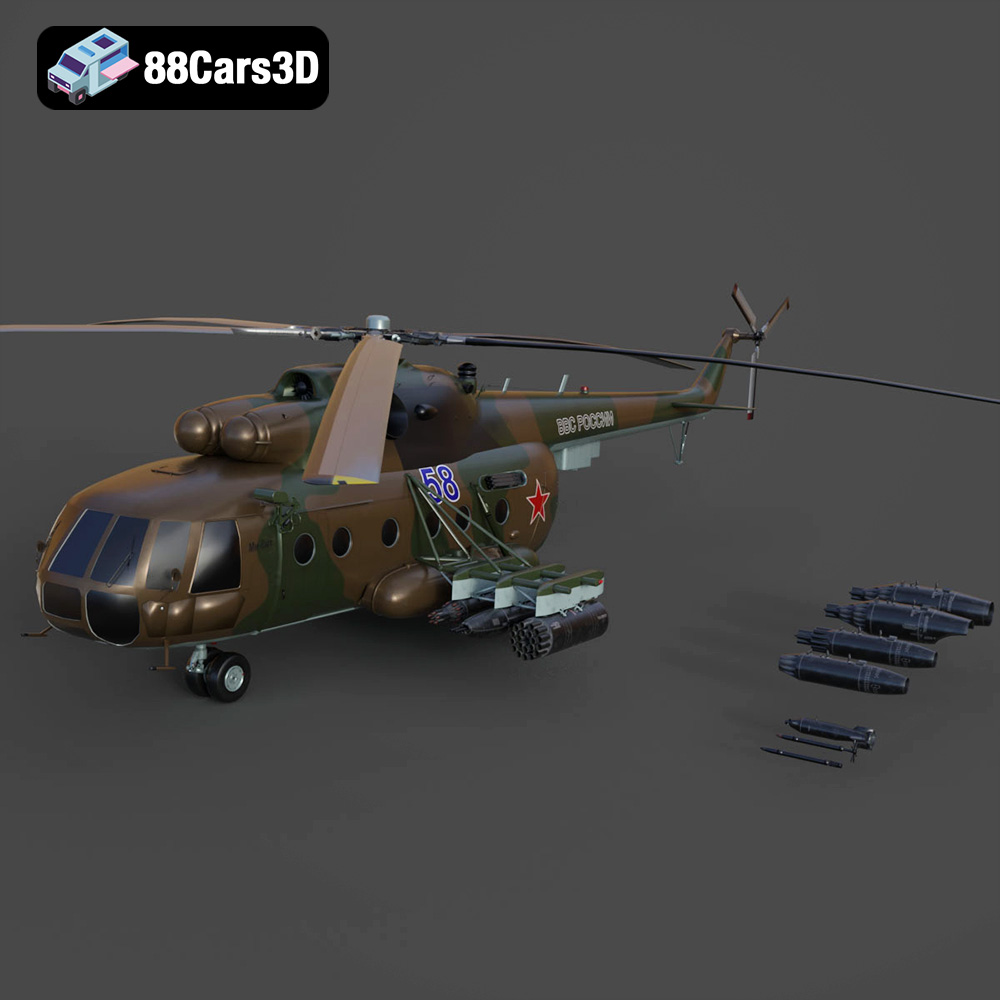
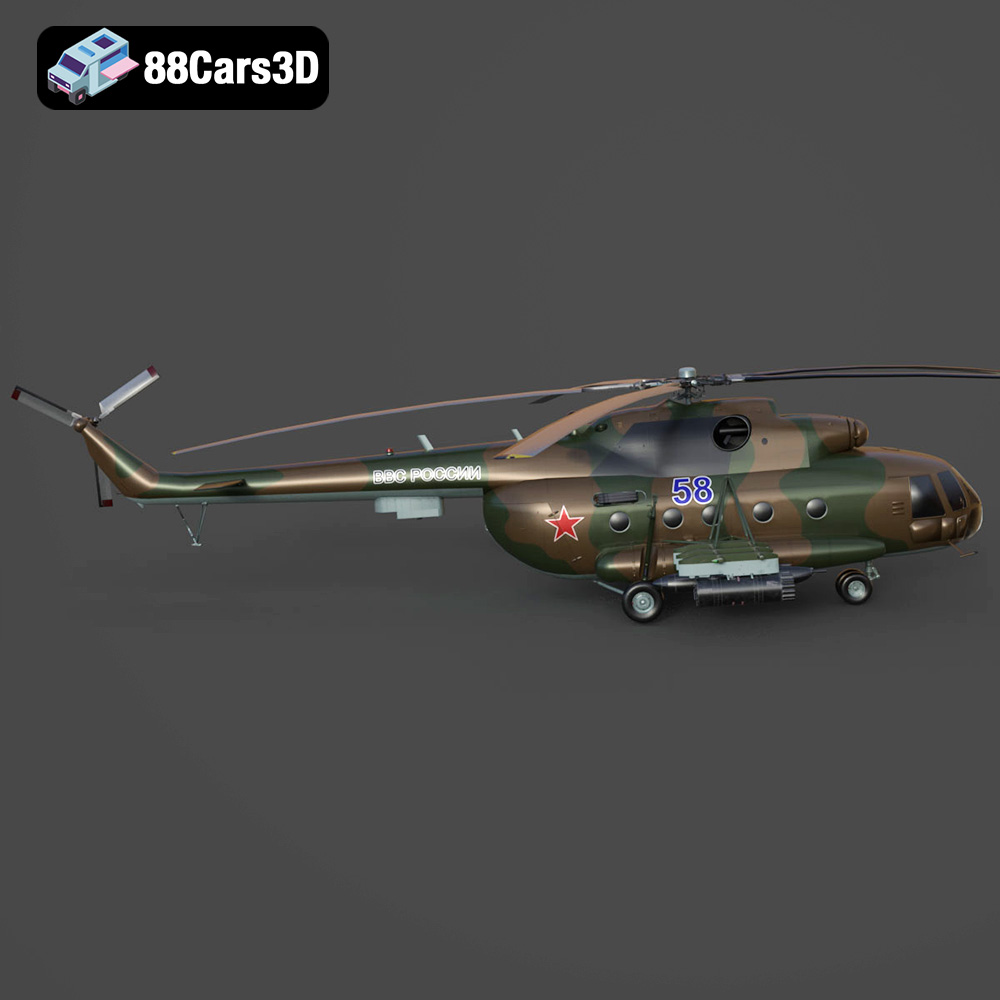
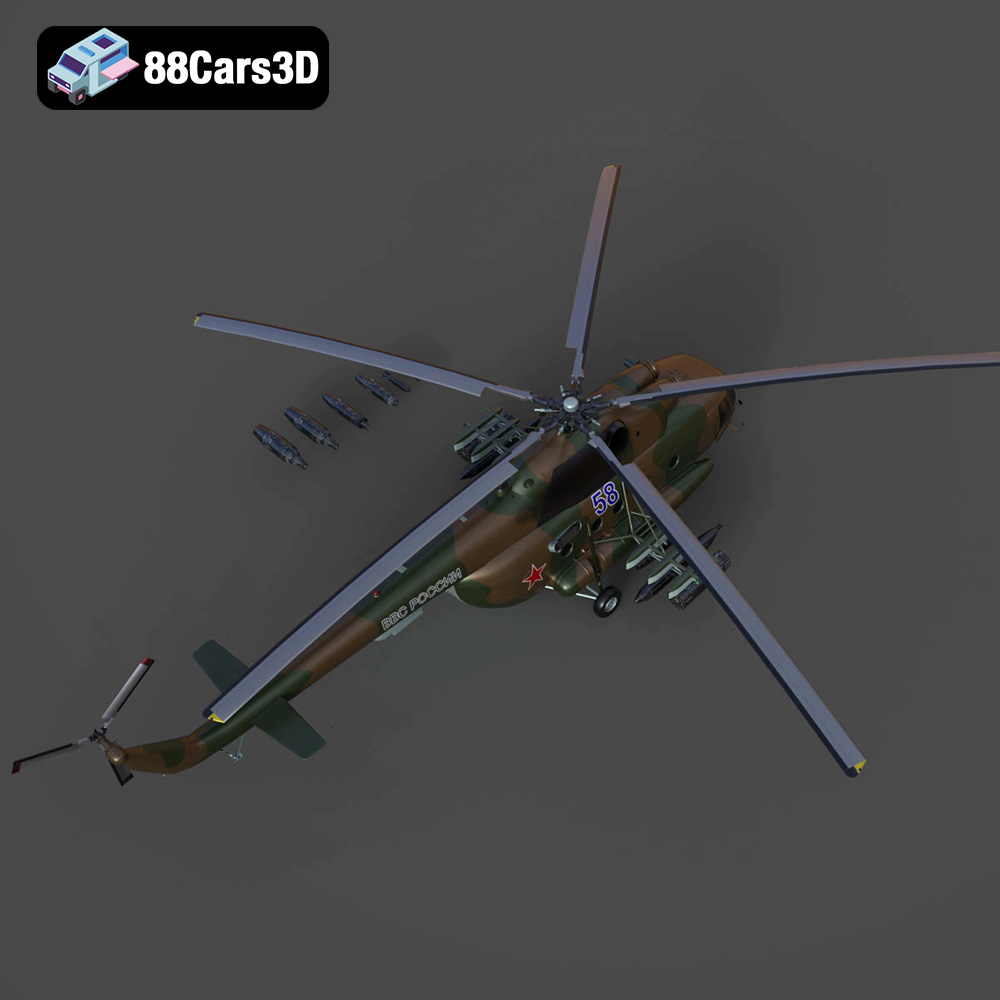
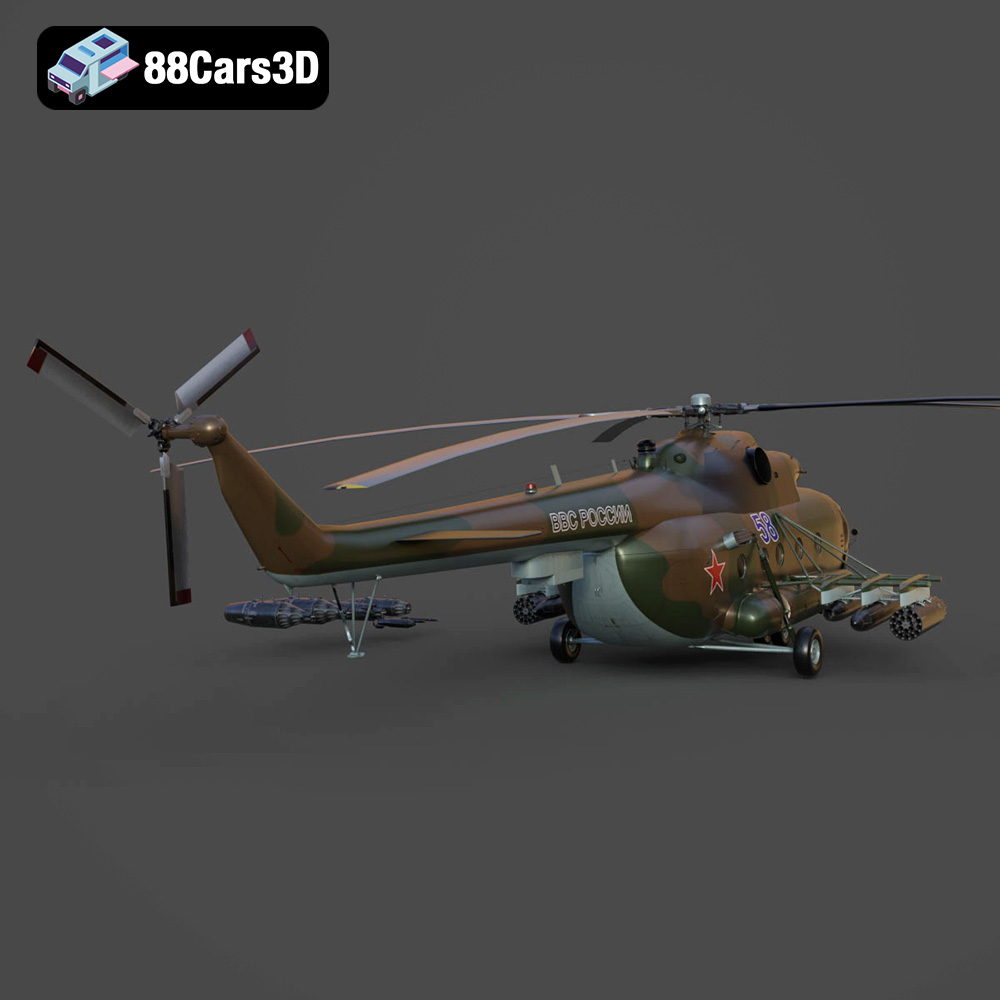
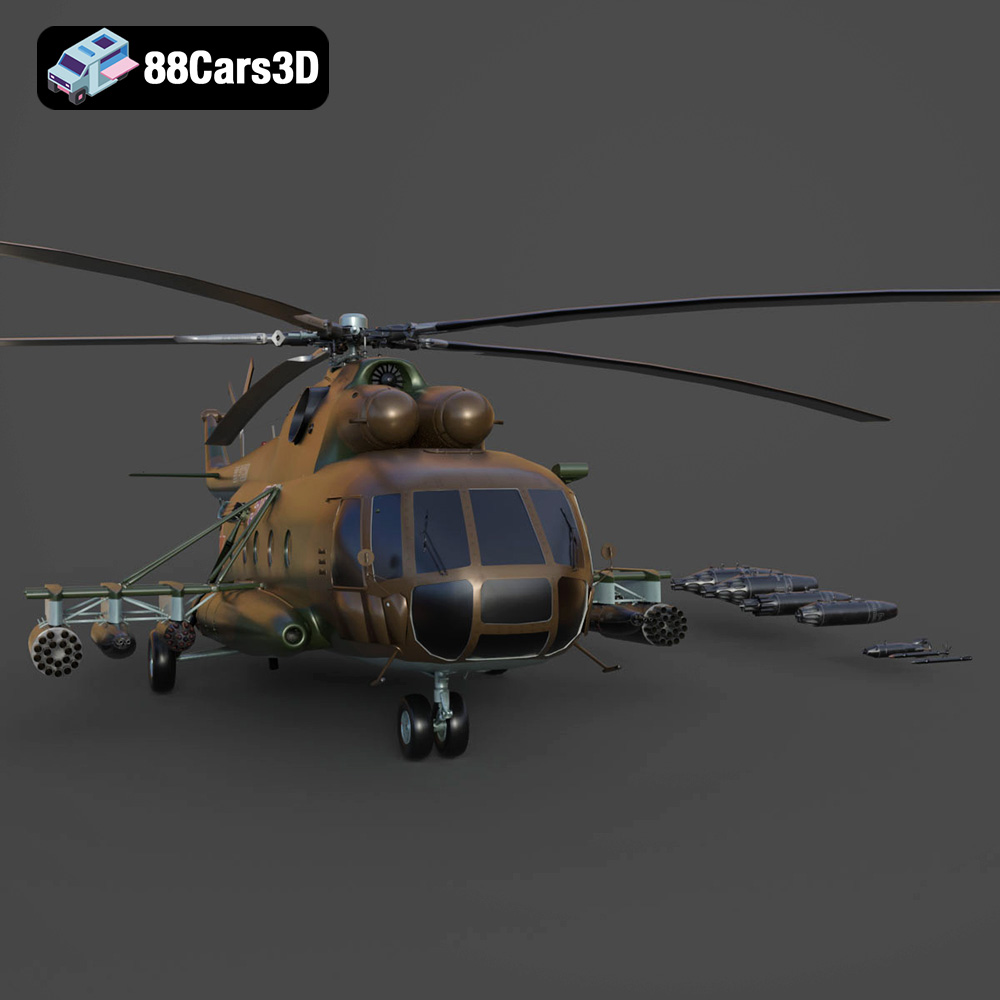
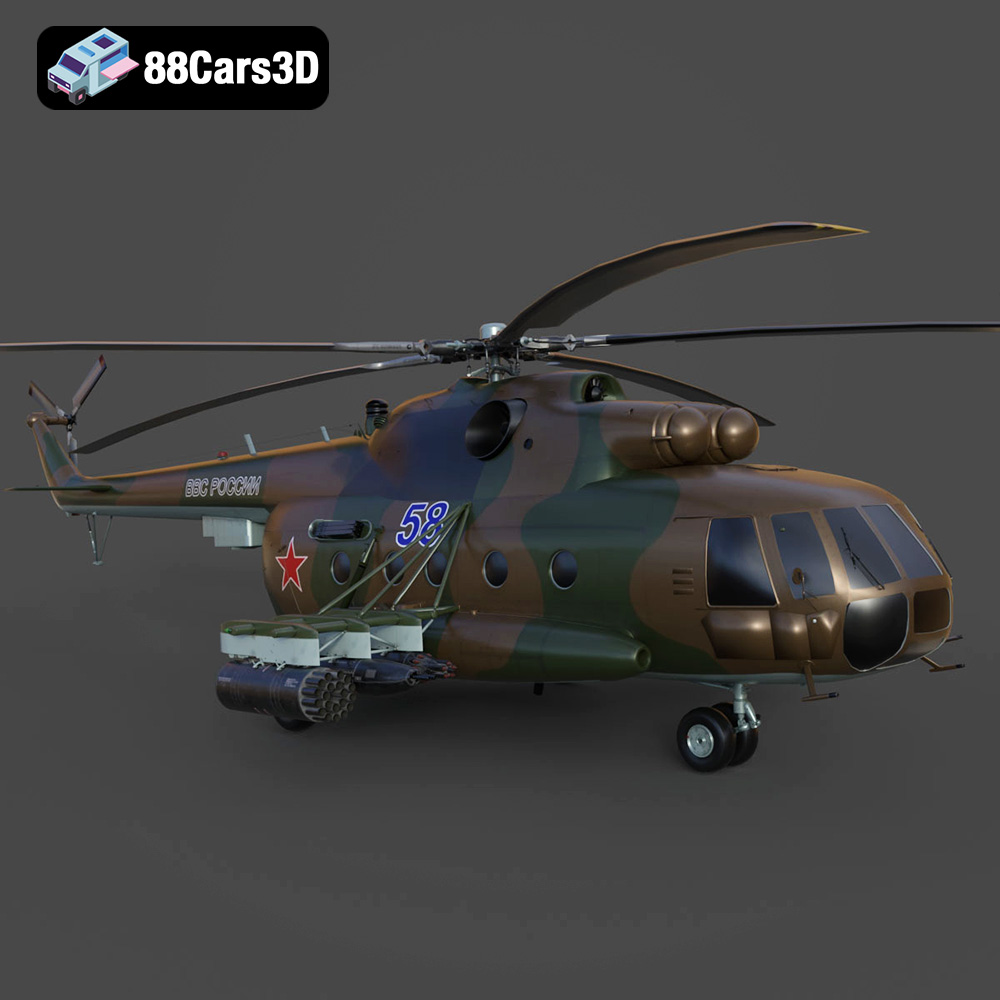
The Mil Mi-8MT is a legendary medium twin-turbine transport helicopter, renowned for its ruggedness, versatility, and widespread military and civilian use across the globe. This iconic rotorcraft features distinctive top-mounted TV3-117MT turboshaft engines, a robust airframe, an intricate exhaust system, and its recognizable five-blade main rotor. Perfect for military flight simulators, action-adventure game environments, cinematic rendering, and historical aviation visualizations.
$39.99
.blend
.fbx
.glb
.helicopter
.max
.obj
.ply
.rendering
.stl
.unreal
game asset
game-ready
helicopter-3d-model
low-poly
mi-8mt
mil
military-helicopter
optimized
transport-helicopter
VR/AR