Get 20% OFF All Premium 3D & STL Models!

The 2019 Mitsubishi L200 Crew Cab, a pickup truck celebrated for its “Dynamic Shield” design and off-road prowess, makes for an excellent 3D printing project. This guide will walk you through the entire process of 3D printing this detailed model, from pre-print preparation to post-processing, ensuring a satisfying and high-quality result. Whether you’re a seasoned 3D printing enthusiast or just starting, this article offers valuable insights into bringing this rugged vehicle to life on your printing platform. The meticulously crafted 3D model available at 88cars3d.com is perfect for hobbyists, collectors, and anyone looking to add a touch of off-road style to their collection.
Choosing the right file format is crucial for successful 3D printing. While the Mitsubishi L200 Crew Cab 2019 model is available in multiple formats, some are better suited for 3D printing than others. Let’s explore the common formats and their suitability:
The .stl (stereolithography) format is the workhorse of 3D printing. It represents a 3D object’s surface geometry as a collection of triangles, forming a mesh. Because it only contains geometric data (no color or texture information), it is incredibly efficient for storing and processing 3D models. Most slicing software packages are designed to work seamlessly with .stl files.
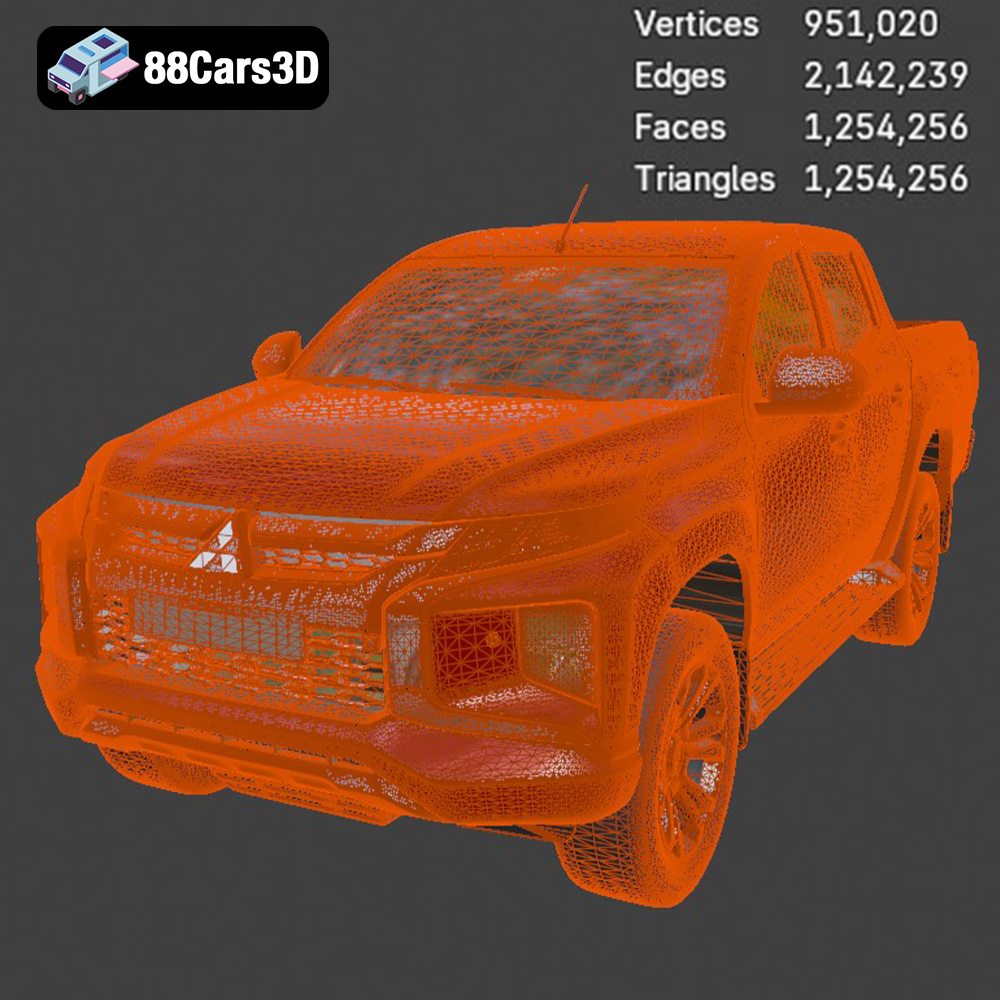
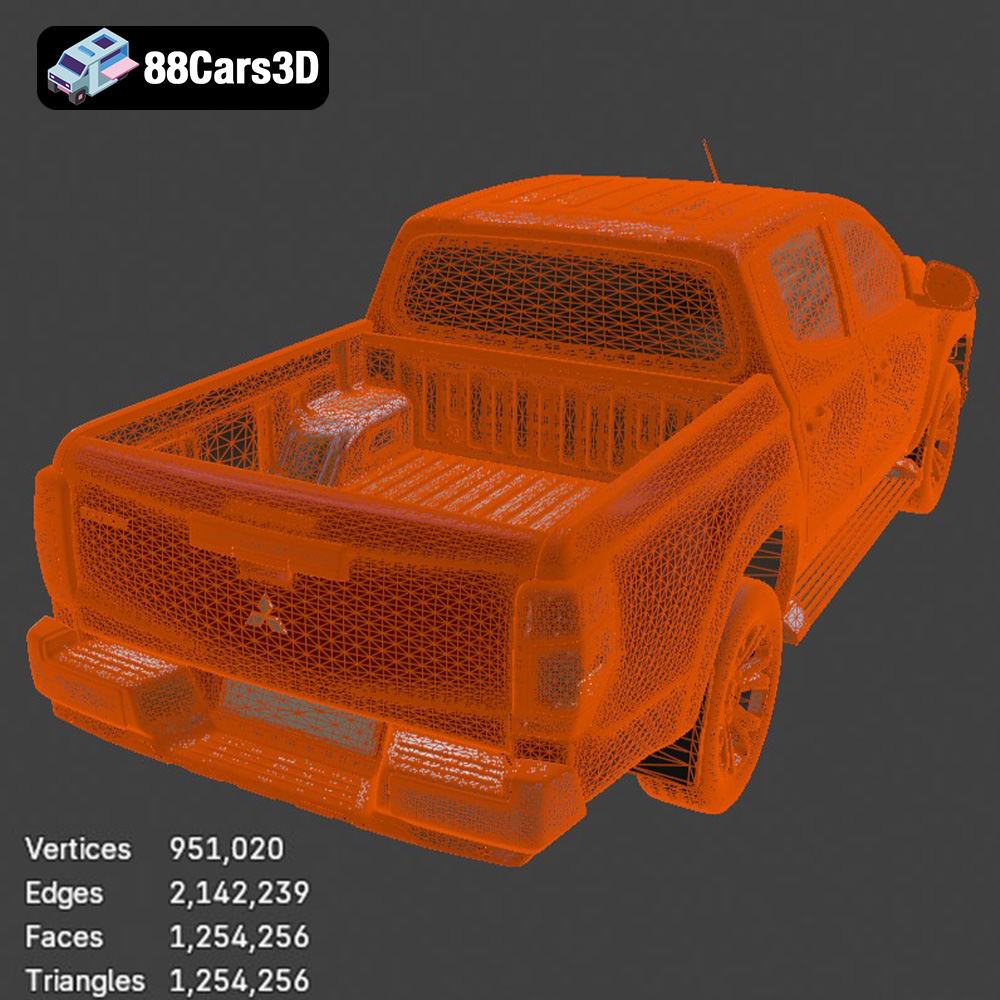
When preparing an .stl file for 3D printing, the mesh quality is paramount. A high-resolution mesh contains more triangles, resulting in a smoother surface finish on the printed model, but also a larger file size and potentially longer slicing times. Conversely, a low-resolution mesh will print faster but may exhibit noticeable facets or “stair-stepping” effects. The ideal mesh resolution depends on the desired level of detail and the capabilities of your 3D printer. The STL files available on 88cars3d.com are optimized to provide a good balance between detail and printability.
Slicing software compatibility is another essential consideration. Most popular slicers, such as Cura, Simplify3D, PrusaSlicer, and others, readily accept .stl files. However, it’s always a good practice to check for any compatibility issues and ensure your slicing software is up to date.
The .obj (object) format is a more versatile format than .stl, as it can store not only geometric data but also color and texture information. This makes it suitable for 3D models with complex surface appearances. However, .obj files are generally larger than .stl files and can be more demanding on your computer’s processing power during slicing. While some 3D printers support color printing, the .obj format is primarily used for rendering and visualization purposes. For printing the Mitsubishi L200, the .stl format will likely be a more straightforward choice.
The .ply (polygon) format is designed to store 3D data acquired from 3D scanners. It supports various data types, including color, normals, and texture coordinates, making it suitable for high-detail models. However, .ply files can be quite large, and not all slicing software packages fully support them.
The .blend format is the native file format for Blender, a popular open-source 3D modeling software. It contains all the information about a 3D scene, including models, textures, lighting, and animations. While .blend files are not directly printable, they offer the flexibility to customize the Mitsubishi L200 model before exporting it to a printable format like .stl. This is useful for making modifications or adding custom features.
The .fbx (Filmbox) format is a proprietary format developed by Autodesk for interoperability between different 3D software applications. It supports geometric data, textures, materials, and animations. While .fbx files are not directly printable, some advanced slicing software packages may allow you to import them and extract the geometric data for printing. However, .stl is generally preferred for its simplicity and wide compatibility.
The .glb (glTF Binary) format is designed for efficient transmission and loading of 3D models in web and mobile applications. It supports geometric data, textures, and animations, making it suitable for augmented reality (AR) applications. While .glb files are not directly printable, they allow you to preview the Mitsubishi L200 model in AR before committing to a print, helping you visualize the final result.
The .max format is the native file format for 3ds Max, another popular 3D modeling software from Autodesk. Similar to .blend, .max files contain all the information about a 3D scene and are not directly printable. However, they provide the flexibility to customize the Mitsubishi L200 model before exporting it to a printable format like .stl.
In summary, for 3D printing the Mitsubishi L200 Crew Cab 2019 model, the .stl format is the recommended choice. It’s widely supported by slicing software, efficient for storing geometric data, and provides a good balance between detail and printability. If you wish to customize the model before printing, you can use the .blend or .max files, make your modifications, and then export the model as an .stl file.
Before sending the Mitsubishi L200 model to your 3D printer, proper preparation is critical. This involves slicing the model, repairing any potential issues, and scaling it to your desired size.
Slicing software is used to convert the 3D model into a set of instructions (G-code) that your 3D printer can understand. Popular slicing software options include Cura, Simplify3D, PrusaSlicer, and others. Each offers a range of settings that affect the print quality, speed, and material usage.
Key slicing settings for the L200 model include:
* **Layer Height:** A lower layer height (e.g., 0.1mm) results in smoother surfaces and finer details, but increases print time. A higher layer height (e.g., 0.2mm) prints faster but may sacrifice some detail. The product description recommends 0.04–0.12 mm, particularly for resin printing to capture fine details.
* **Infill Density:** Infill refers to the internal structure of the printed model. A higher infill density (e.g., 30%) makes the model stronger but uses more material. A lower infill density (e.g., 15%) saves material but may compromise structural integrity. For a display model like the L200, 20-30% infill is generally sufficient.
* **Wall Thickness:** Wall thickness determines the thickness of the outer walls of the model. A thicker wall (e.g., 1.2-2.0 mm) provides greater strength and rigidity.
* **Supports:** Supports are structures that provide support to overhanging parts of the model during printing. The L200 model will likely require supports for areas such as the mirrors, door handles, and undercarriage.
* **Print Speed:** Print speed affects both the print time and the quality of the print. Slower speeds generally result in higher quality prints but take longer.
* **Bed Adhesion:** Ensure proper bed adhesion to prevent warping or detachment during printing. Using a brim or raft can help improve adhesion.
Sometimes, 3D models may contain errors that can cause problems during printing. These errors can include non-manifold geometry, holes, and self-intersections. Before slicing, it’s a good practice to repair the model using software like MeshLab, Meshmixer, or Netfabb. These tools can automatically identify and fix common errors.
The Mitsubishi L200 model can be scaled to your desired size before printing. The product description recommends scales of 1:12, 1:18, or 1:24. Consider the size of your 3D printer’s build plate and the level of detail you want to achieve when choosing a scale. A larger scale allows for more intricate details, but also requires more material and print time.
The choice of material significantly impacts the final appearance and durability of your 3D printed Mitsubishi L200 Crew Cab. Here are some recommended materials:
PLA is a biodegradable thermoplastic polymer derived from renewable resources. It’s a popular choice for 3D printing due to its ease of use, low printing temperature, and wide availability. PLA is ideal for printing the L200 model if you prioritize ease of use and environmental friendliness. It’s suitable for display models that don’t require high strength or heat resistance.
PETG is another popular thermoplastic polymer that offers a good balance of strength, flexibility, and heat resistance. It’s more durable than PLA and less prone to warping. PETG is a good choice for printing the L200 model if you need a slightly more robust material than PLA.
Resin 3D printing, also known as stereolithography (SLA) or digital light processing (DLP), uses liquid resin that is cured by UV light. Resin printing is capable of producing highly detailed and accurate parts, making it ideal for small-scale models with intricate features. The product description specifically recommends resin printing for the L200 to capture fine details. However, resin prints tend to be more brittle than FDM prints (PLA, PETG) and may require more post-processing.
Other materials like ABS, Nylon, and Polycarbonate can also be used, but they generally require more advanced 3D printing setups and are not typically necessary for printing a display model like the Mitsubishi L200.
Achieving a successful 3D print of the Mitsubishi L200 depends heavily on selecting the right printer settings and print orientation.
* **Temperature:** Follow the manufacturer’s recommended temperature settings for your chosen material. PLA typically prints at around 200-220°C, PETG at 230-250°C, and resin printing requires specific settings for your resin and printer.
* **Print Speed:** Start with a moderate print speed (e.g., 40-60 mm/s) and adjust as needed. Slower speeds generally improve print quality.
* **Retraction:** Adjust retraction settings to minimize stringing or oozing, particularly when printing with flexible filaments.
* **Cooling:** Proper cooling is essential for PLA to prevent warping. Use a cooling fan to cool each layer as it’s printed. PETG generally requires less cooling.
The orientation in which you print the Mitsubishi L200 model can significantly impact the print quality, strength, and support requirements.
* **Frame:** The product description suggests printing the frame angled for structural integrity. This helps to distribute stress and minimize warping.
* **Wheels:** Print the wheels separately for better detail and easier post-processing.
* **Supports:** Strategically position supports to minimize their impact on the visible surfaces of the model. Use support blockers to prevent supports from generating in areas where they are not needed.
* **Bed Adhesion:** Ensure good bed adhesion to prevent warping or detachment. Using a brim or raft can help.
Post-processing is an essential step in achieving a professional-looking finish on your 3D printed Mitsubishi L200.
* **Sanding:** Use progressively finer grits of sandpaper to smooth out layer lines and imperfections. Start with a coarse grit (e.g., 220) and gradually move to finer grits (e.g., 400, 600, 800).
* **Filling:** Use a filler primer or spot putty to fill in any remaining imperfections or gaps.
* **Priming:** Apply a primer coat to provide a smooth and uniform surface for painting.
* **Painting:** Use high-quality acrylic paints to achieve the desired colors and finishes. Consider using airbrushing for a smoother and more professional-looking finish. The product description recommends using authentic factory colors with metallic finishes for the Mitsubishi L200.
* **Detailing:** Use fine brushes and detailing paints to add intricate details, such as the headlights, taillights, and badges.
* **Clear Coating:** Apply a clear coat to protect the paint and add a glossy or matte finish.
* **Assembly:** If you printed the model in multiple parts, carefully assemble them using glue or other adhesives.
* **Fit and Finish:** Ensure that all parts fit together properly and that there are no gaps or misalignments.
* **Final Touches:** Add any final touches, such as decals or other accessories.
Despite careful preparation, you may encounter issues during the 3D printing process. Here are some common problems and their solutions:
* **Warping:** Warping occurs when the printed part lifts off the build plate. To prevent warping, ensure proper bed adhesion, use a heated bed, and avoid drafts.
* **Stringing:** Stringing is caused by excess filament oozing from the nozzle during travel moves. To minimize stringing, adjust retraction settings and lower the printing temperature.
* **Layer Shifting:** Layer shifting occurs when the layers of the print are misaligned. This can be caused by loose belts, motor issues, or bed instability.
* **Under-Extrusion:** Under-extrusion occurs when the printer is not extruding enough material. This can be caused by a clogged nozzle, low temperature, or incorrect filament diameter settings.
* **Over-Extrusion:** Over-extrusion occurs when the printer is extruding too much material. This can be caused by high temperature, incorrect filament diameter settings, or a worn nozzle.
* **Support Issues:** Supports may fail to adhere properly or may be difficult to remove. Adjust support settings, such as density and interface layers, to improve support performance.
By understanding these common issues and their solutions, you can increase your chances of a successful 3D print.
3D printing the Mitsubishi L200 Crew Cab 2019 model is a rewarding project that combines technical skill with creative expression. By carefully preparing the model, selecting the right materials and printer settings, and mastering post-processing techniques, you can create a stunning replica of this iconic pickup truck. Remember to leverage the resources available at 88cars3d.com for high-quality 3D models optimized for printing. Whether you’re a hobbyist, collector, or professional, the 3D printed Mitsubishi L200 is sure to impress. With the detailed STL files from 88cars3d.com, you can create a stunning model. Happy printing!
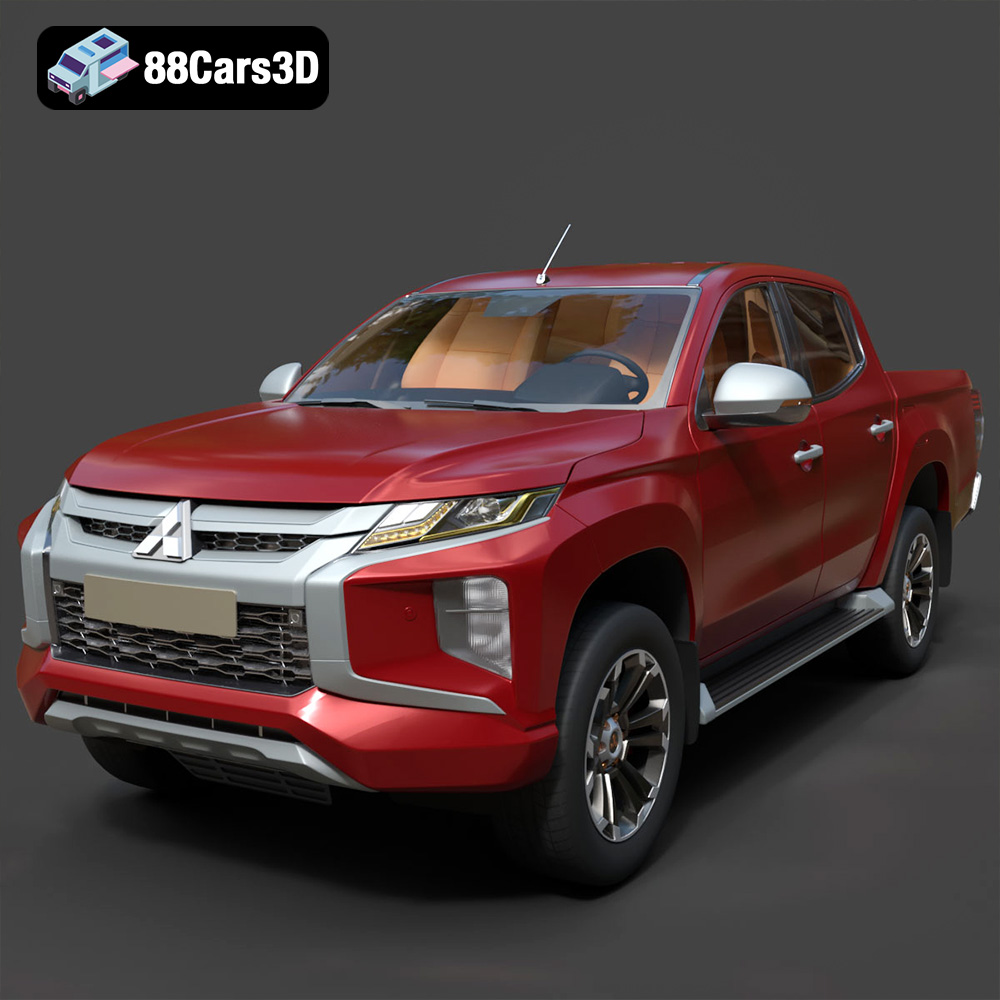
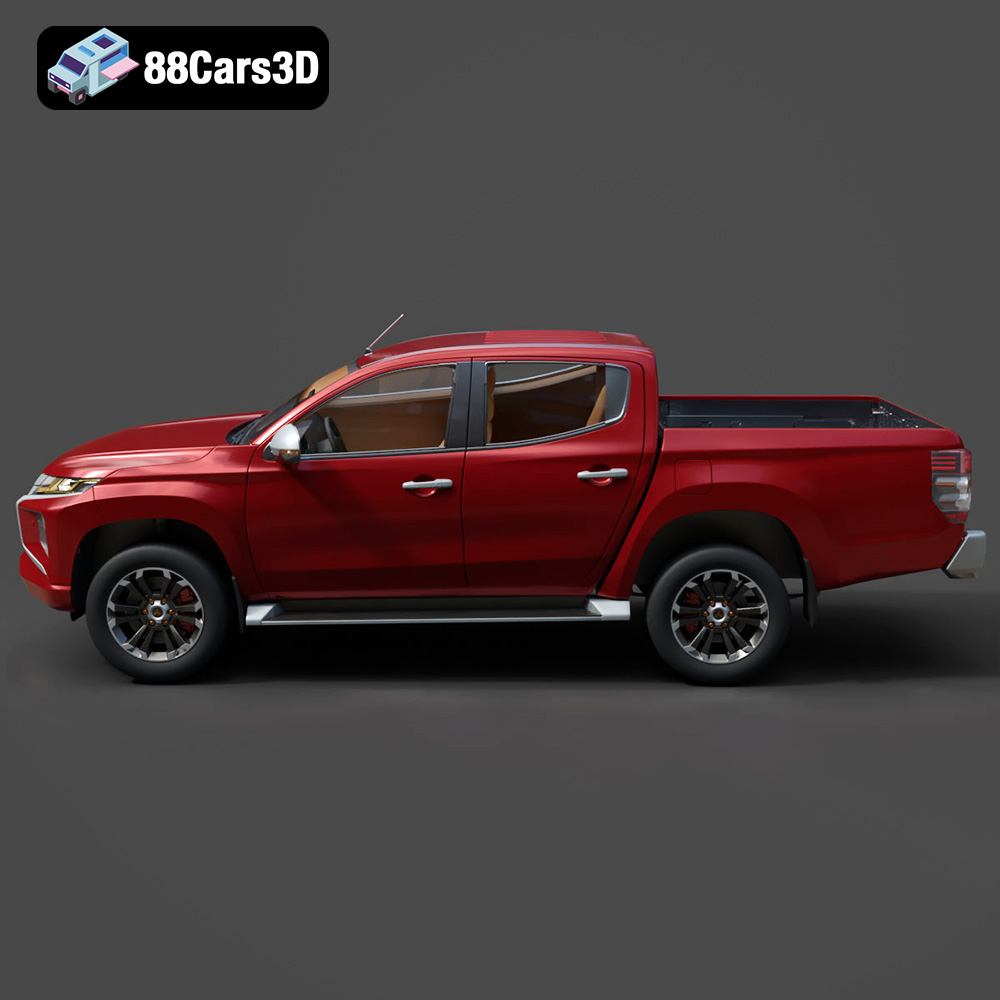
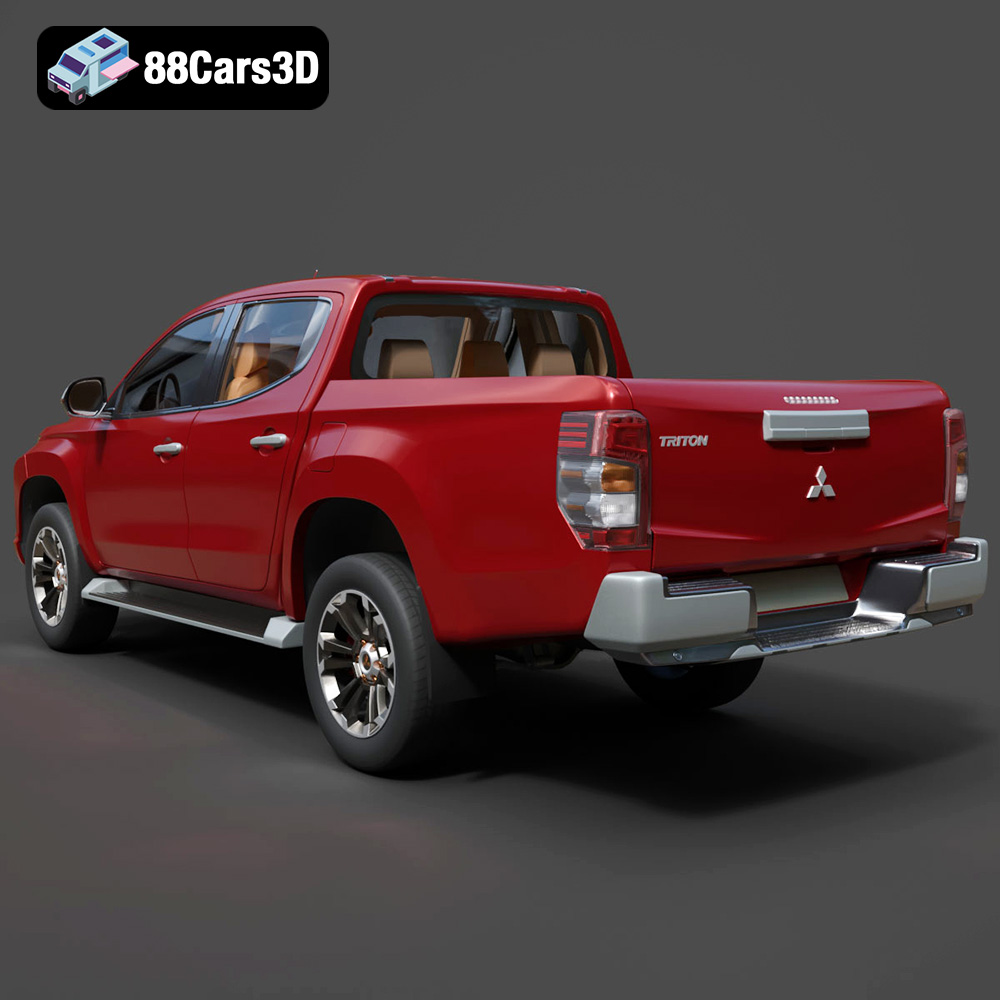
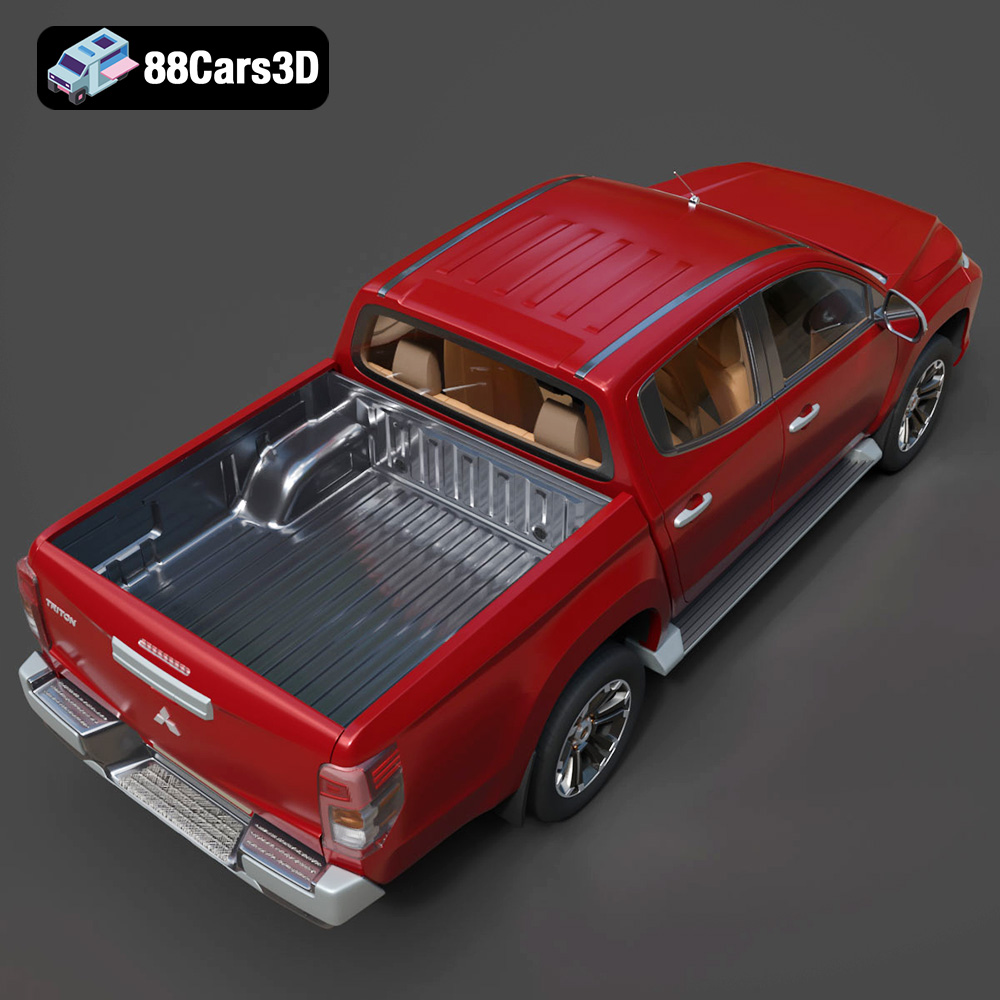
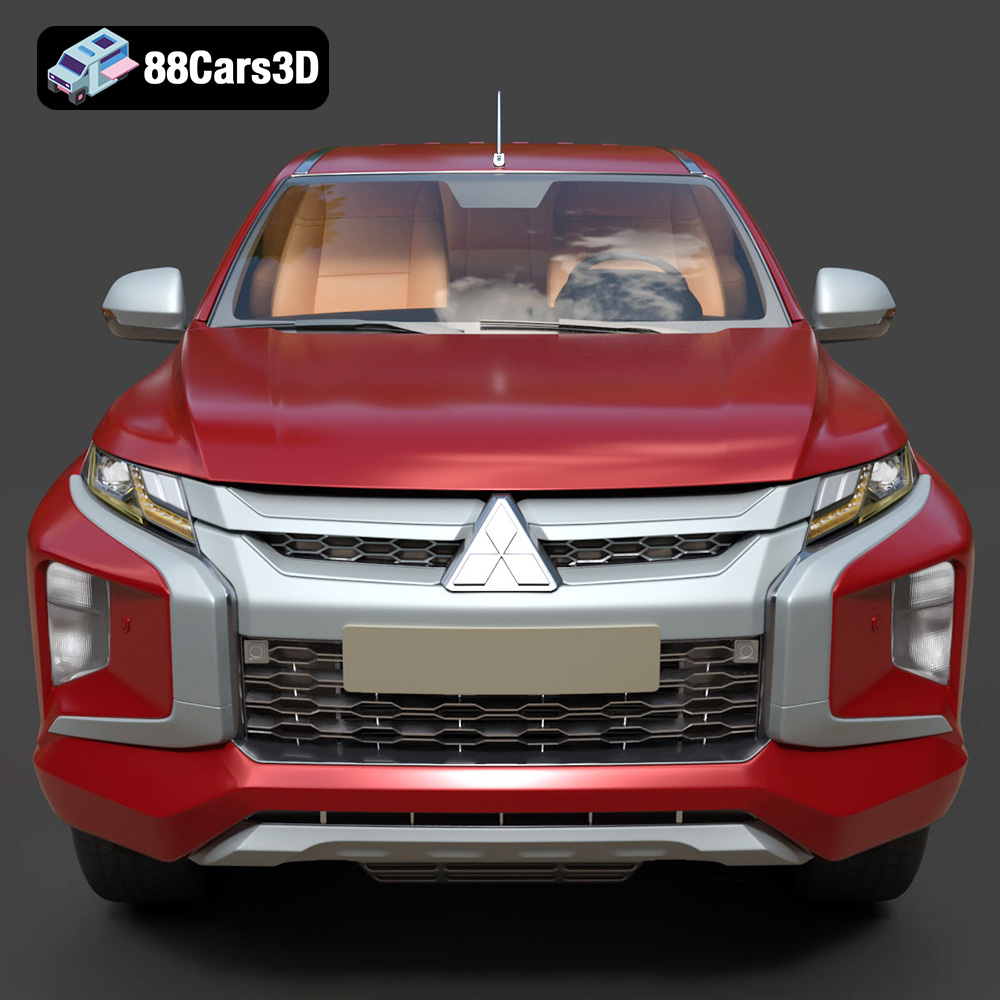
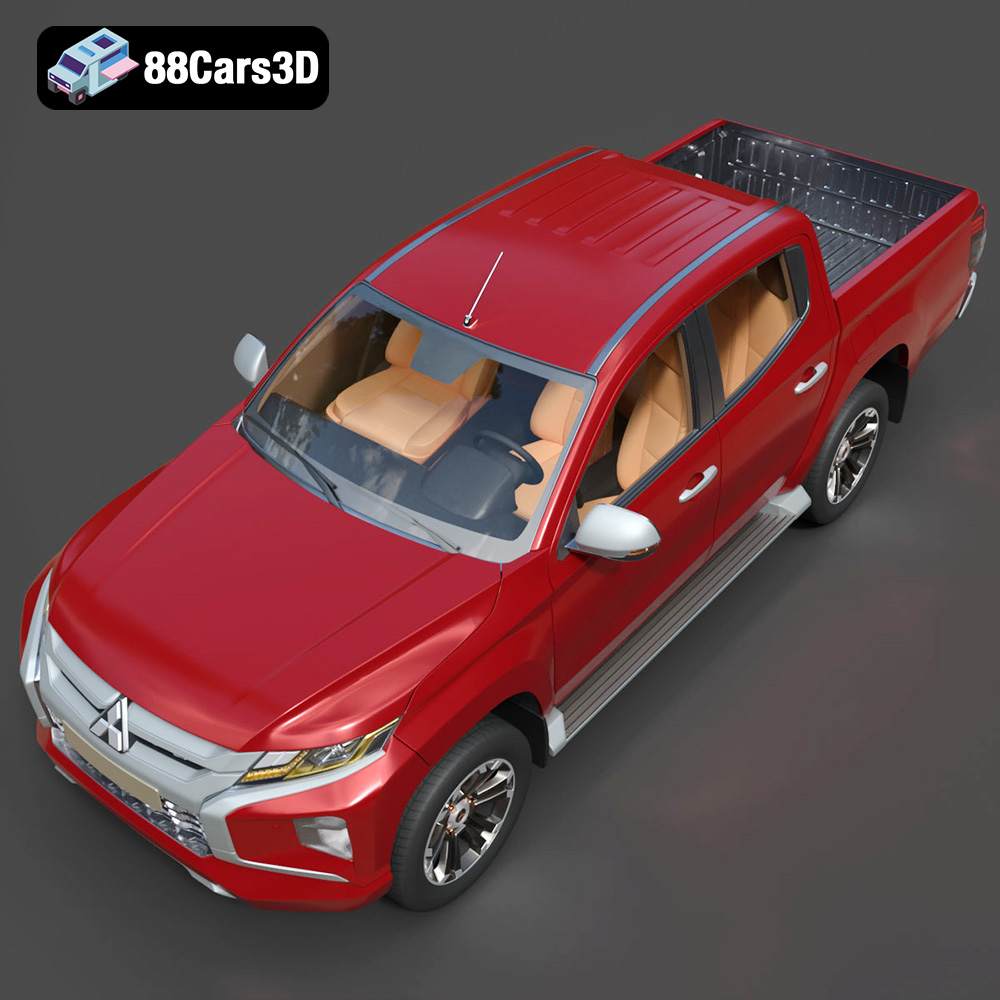
The 2019 Mitsubishi L200 Crew Cab (also known as the Triton) is a masterclass in rugged utility and modern design. Known for its robust “Dynamic Shield” front fascia, aggressive styling, and exceptional 4WD capabilities, this pickup truck bridges the gap between commercial workhorse and comfortable family vehicle. Key visual elements include the distinctive front grille, striking LED headlight arrays, sculpted side panels, and a durable cargo bed designed to handle any load. This high-quality 3D model strikes the perfect balance between high-end visual fidelity and game-ready optimization.
$39.99
.2019
.4×4
.blend
.fbx
.glb
.max
.mitsubishi
.obj
.ply
.rendering
.stl
.unreal
car-3d-model
crew-cab
game asset
game-ready
l200
low-poly
off-road
optimized
pickup-truck
utility-vehicle
VR/AR