Get 20% OFF All Premium 3D & STL Models!

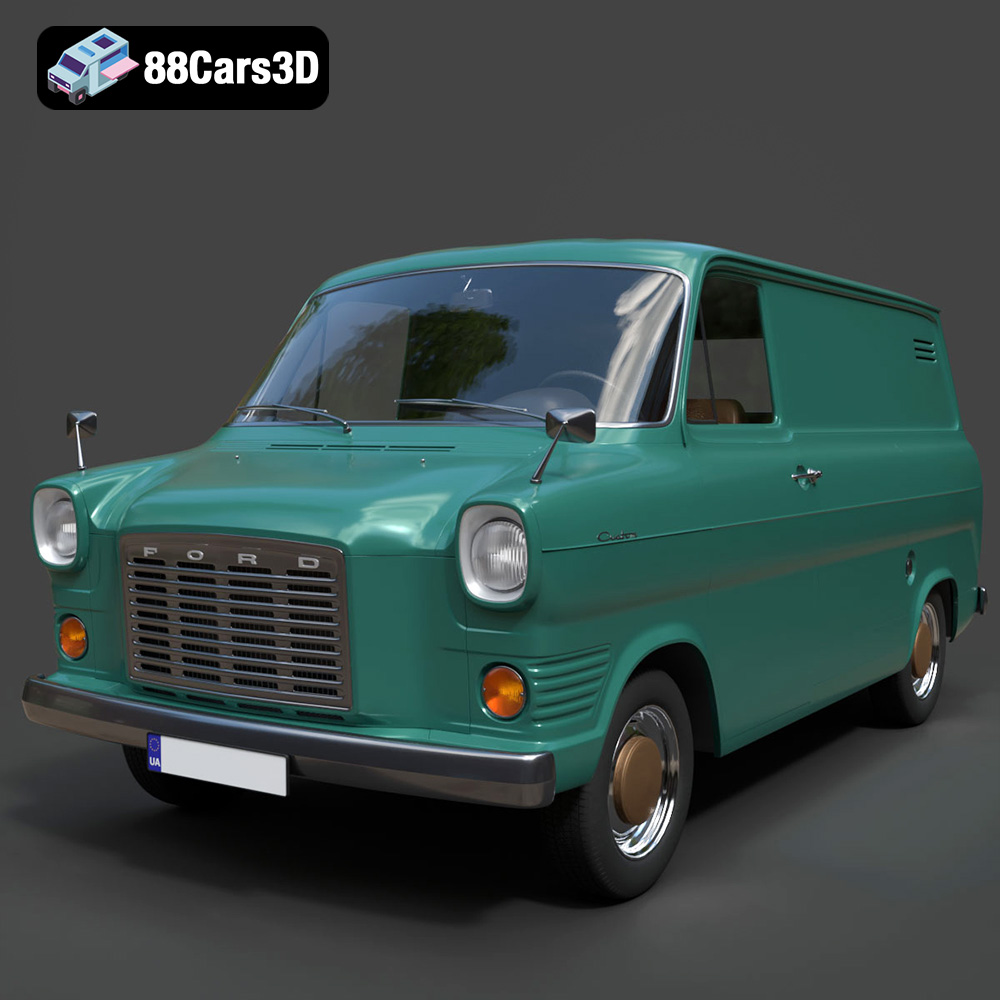
In the vast landscape of automotive history, few vehicles have achieved the iconic status and widespread recognition of the Ford Transit Mk1 Panel Van. Introduced in 1965, this groundbreaking commercial vehicle wasn’t just a means of transport; it was a revolution, redefining the European light commercial market with its robust utility, surprising car-like handling, and instantly recognizable flat-front styling. From bustling city streets to rural delivery routes, the Mk1 Transit became an indispensable workhorse, embodying an era of growth and practical design. Today, its distinctive silhouette, sturdy chassis, and classic engine configuration resonate deeply with enthusiasts and collectors, making it a beloved vintage classic.
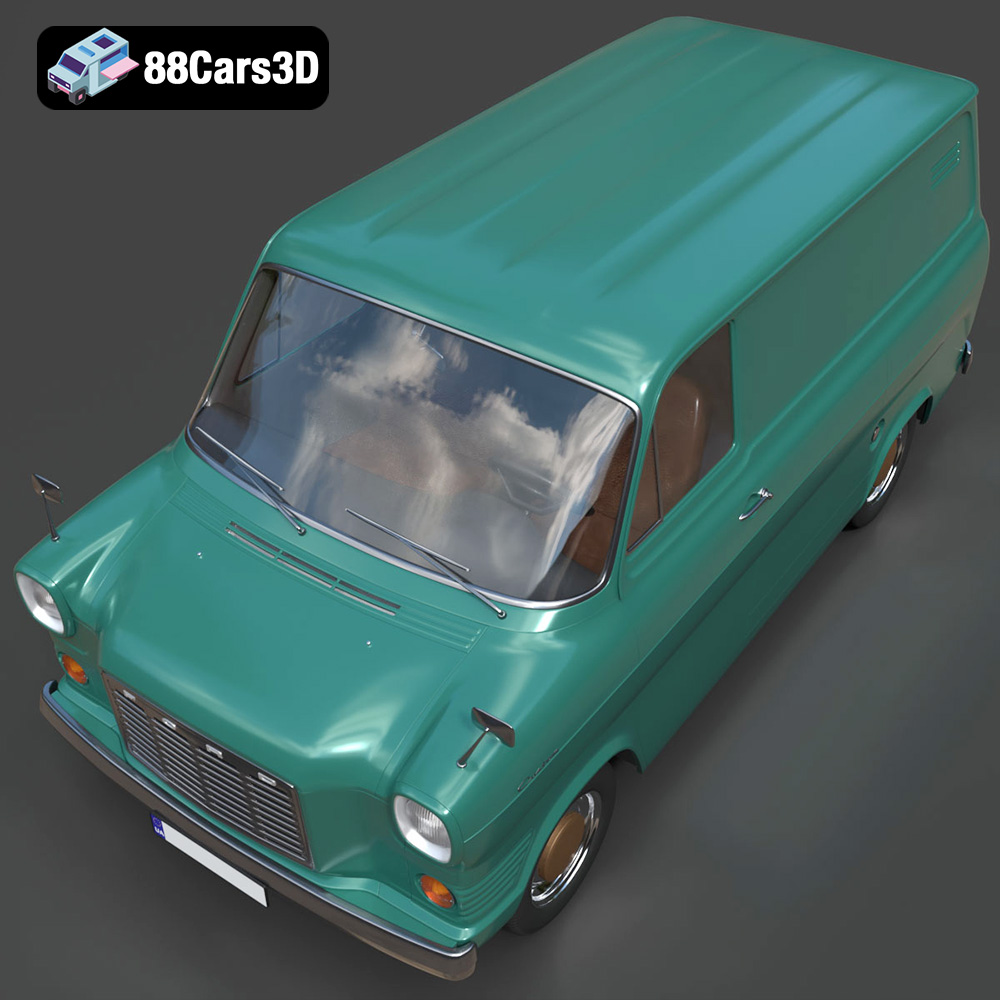
For 3D artists, game developers, architects, and visualization specialists, recreating such a quintessential piece of history is often a meticulous, time-consuming endeavor. That’s why having access to a high-quality, pre-built asset like the Ford Transit Mk1 Panel Van 1965 3D Model from 88cars3d.com becomes an invaluable resource. This isn’t just a digital replica; it’s a meticulously crafted, game-ready asset designed to integrate seamlessly into diverse professional workflows. It captures the essence of the original 1960s commercial aesthetic, from its authentic body frame geometry to the intricate details of its V4 engine block approximation and period-correct interior. Whether you’re populating a vintage city environment, developing a historical transport simulator, creating a classic garage scene, or producing a period-accurate architectural rendering, this model provides an exceptional foundation, balancing visual fidelity with optimized performance.
This comprehensive guide will delve into the technical prowess and versatile applications of this remarkable 3D asset. We’ll explore the critical aspects of 3D modeling, from understanding various file formats and their specific use cases to mastering automotive rendering techniques and integrating game-ready assets into real-time engines. We’ll also examine the burgeoning fields of AR/VR and 3D printing, demonstrating how this particular model transcends traditional visualization, offering tangible and immersive experiences. Join us as we unpack the intricate details and professional advantages this Ford Transit Mk1 model brings to the table for any serious digital artist or developer.
The world of 3D modeling is rich with a multitude of file formats, each serving specific purposes and catering to different software environments and end-use scenarios. Choosing the correct format is paramount for ensuring compatibility, maintaining data integrity, and optimizing your workflow. The Ford Transit Mk1 Panel Van 1965 3D Model is generously provided in a wide array of formats, making it exceptionally versatile.
The .blend file format is the native format for Blender, a powerful and popular open-source 3D creation suite. When you download the .blend file for the Ford Transit Mk1, you’re receiving a fully editable Blender scene. This means all the original modeling data, materials, textures, lighting setups, and even animation data (if present) are contained within this single file. Artists who primarily work in Blender will find this format ideal for direct modification, rigging, animation, and rendering using Cycles or Eevee. It offers the most flexibility for customization, allowing you to easily adjust topology, unwrap UVs, tweak shader networks, or even add custom elements to the van.
The .fbx (Filmbox) format, originally developed by Kaydara and now owned by Autodesk, has become an industry standard for 3D data interchange. It’s incredibly robust, capable of storing not only geometry but also materials, textures, rigging, skinning, animation, and even camera and light data. For assets like the Ford Transit Mk1, .fbx is the go-to format for importing into game engines like Unreal Engine and Unity, or other 3D applications such as 3ds Max, Maya, or Cinema 4D. Its widespread support makes it an excellent choice for collaborative pipelines and situations where you need to move assets between different software environments while retaining as much data as possible.
The .obj (Wavefront OBJ) format is one of the oldest and most widely supported 3D file formats, making it a truly universal choice for cross-software compatibility. While it’s primarily excellent for storing geometric data (vertices, normals, texture coordinates, and faces), it handles materials and textures through an accompanying .mtl (material template library) file. For the Ford Transit Mk1, the .obj provides a clean mesh that can be opened in virtually any 3D software without issues. It’s often preferred for static mesh imports where intricate animation data isn’t required, or as a reliable fallback when other formats encounter compatibility problems.
The .glb (GLB format, often referred to as binary glTF) is a relatively newer format rapidly gaining traction, especially in the realms of Augmented Reality (AR), Virtual Reality (VR), and browser-based 3D applications. It’s an optimized, self-contained format that bundles geometry, materials, textures, and animations into a single file, making it incredibly efficient for streaming and quick loading. For displaying the Ford Transit Mk1 in a web viewer, integrating it into a mobile AR experience, or deploying it in a lightweight VR environment, .glb is the superior choice due to its compact size and performance-focused design.
The .stl (Stereolithography) format is the industry standard for 3D printing. It represents 3D surfaces as a collection of unconnected triangles, forming the outer shell of an object. While it doesn’t store color or material information, its simplicity makes it universally compatible with 3D printers and slicing software. The Ford Transit Mk1 in .stl format is perfect for hobbyists and professionals looking to produce a physical replica, allowing them to leverage the detailed model for display-scale prints. The provided print settings further enhance its utility for this purpose.
The .ply (Polygon File Format or Stanford Triangle Format) is another format used for storing 3D data, particularly from 3D scanners. It can store a wider range of properties than .obj or .stl, including color, transparency, normals, texture coordinates, and even reliability information for each vertex and face. For the Ford Transit Mk1, the .ply format offers a precision mesh suitable for applications requiring detailed geometric analysis, CAD integration, or specific visualization pipelines where robust mesh data is crucial.
The inclusion of .unreal likely refers to an asset package or a configured FBX specifically prepared for Unreal Engine. While .unreal isn’t a direct file extension for a mesh in the same way .fbx or .obj are, it signifies that the model is ready to be directly imported and utilized within the Unreal Engine environment. This typically means the FBX has been exported with appropriate settings, the materials are set up, and perhaps even basic collision meshes or LODs (Level of Detail) are configured to ensure optimal performance in real-time environments. It streamlines the pipeline for developers, reducing the time spent on initial setup.
Similar to .blend for Blender, the .max file format is the native project file for Autodesk 3ds Max, a leading software for 3D modeling, animation, and rendering, particularly in architectural visualization and game development. The .max file for the Ford Transit Mk1 contains the full scene with editable geometry, modifiers, materials, textures, lighting, cameras, and animation data within 3ds Max. This format offers maximum control for users of 3ds Max, allowing for deep customization, integration into complex scenes, and high-fidelity rendering using engines like V-Ray or Corona Renderer.
Having the Ford Transit Mk1 Panel Van available in such a comprehensive suite of formats underscores the commitment of 88cars3d.com to providing truly versatile 3D car models for a global audience of digital artists and developers.
Automotive rendering is an art form that demands precision, an understanding of light physics, and a keen eye for aesthetics. The Ford Transit Mk1 3D model, with its highly detailed geometry and optimized topology, provides an excellent foundation for achieving stunning, photorealistic results across various rendering platforms.
Whether you prefer 3ds Max or Blender, the initial setup for rendering the Ford Transit Mk1 involves similar core principles.
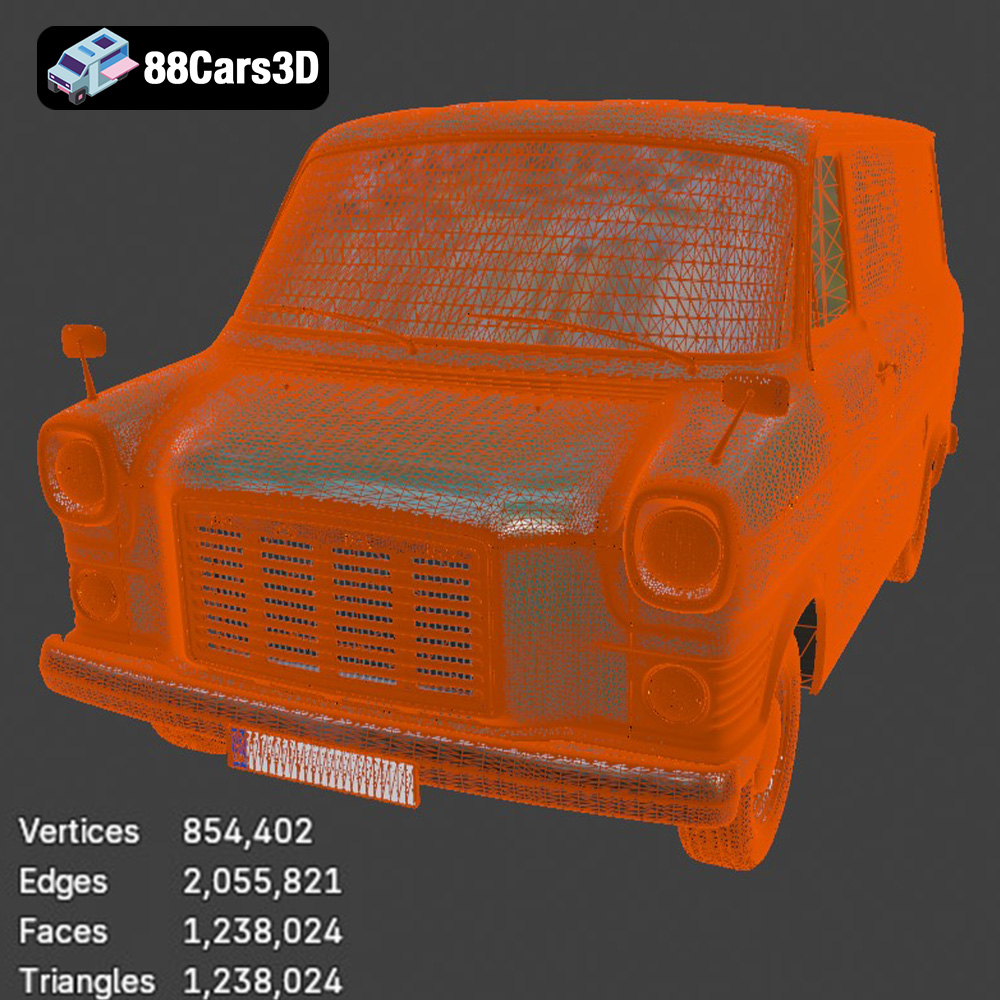
The Ford Transit Mk1 model is explicitly designed as “game-ready,” boasting an optimized polycount of approximately 180,000 triangles. This strikes an excellent balance between visual fidelity and real-time performance, making it ideal for engines like Unreal Engine and Unity.
The versatility of the Ford Transit Mk1 Panel Van 3D model extends far beyond traditional screen-based rendering and game development, opening doors to immersive AR/VR experiences and even tangible physical reproductions through 3D printing.
Augmented Reality (AR) and Virtual Reality (VR) are rapidly transforming how we interact with digital content. The Ford Transit Mk1 is perfectly suited for these emerging technologies, especially with the inclusion of the .glb format, which is optimized for web, AR, and VR deployment.
The Ford Transit Mk1 model also caters to the growing community of 3D printing enthusiasts and professionals, providing an .stl file specifically for this purpose. This allows for the creation of physical scale models, a fascinating bridge between the digital and physical realms.
This dual application in AR/VR and 3D printing showcases the incredible flexibility and inherent value of a high-quality 3D asset like the Ford Transit Mk1, sourced from platforms like 88cars3d.com.
A truly professional 3D asset is defined not just by its visual appeal, but by its underlying technical quality and adaptability. The Ford Transit Mk1 Panel Van 1965 3D model excels in these areas, offering features that streamline creative workflows and empower artists with extensive customization options.
The foundation of this model’s utility lies in its robust technical specifications:
Beyond its technical robustness, the model offers substantial customization potential, allowing artists to adapt it to specific project needs:
These technical specifications and customization options collectively elevate the Ford Transit Mk1 model from a mere digital asset to a powerful tool in a professional’s arsenal, significantly accelerating production cycles and expanding creative possibilities for projects requiring high-quality 3D car models.
The Ford Transit Mk1 Panel Van 1965 3D model’s technical qualities and versatility make it suitable for a wide array of professional applications, reflecting the diverse needs of the 3D industry. Here, we explore hypothetical but realistic case studies demonstrating its value.
A boutique game studio is developing a racing game focusing on vintage European commercial vehicles. The Ford Transit Mk1 is a perfect fit. The studio downloads the .fbx and .unreal files from 88cars3d.com.
The studio saves weeks of modeling and optimization time, allowing them to focus on gameplay mechanics and track design.
An architectural visualization firm is creating a detailed rendering of a proposed mixed-use development in a historic district. They need to populate the scene with period-appropriate vehicles to give it a realistic sense of time and place.
A museum specializing in automotive history wants to create an interactive AR/VR experience for visitors to explore iconic vehicles up close, even those not physically present.
This innovative use of the 3D model allows the museum to offer a dynamic, engaging, and accessible experience, expanding its reach beyond physical exhibits.
A lifestyle brand selling retro-inspired goods wants to launch a new advertising campaign. They envision a series of high-quality renders and short animations featuring their products alongside a classic vehicle, conveying a sense of heritage and rugged charm.
The model provides a cost-effective solution for creating stunning, brand-aligned visual content without the expense and logistical challenges of sourcing and photographing a real vintage vehicle.
The Ford Transit Mk1 Panel Van 1965 stands as a testament to functional design and enduring appeal. In the digital realm, a meticulously crafted 3D model like the one available on 88cars3d.com offers a gateway to bringing this iconic vehicle into an astounding array of creative projects. From its detailed exterior features, including accurate frame geometry and period-correct lighting, to its authentic cockpit and optimized undercarriage, every aspect of this model speaks to a commitment to quality and historical accuracy.
We’ve explored how this single asset, provided in a comprehensive suite of file formats – from the editable .blend and .max files to the universally compatible .fbx and .obj, the AR/VR optimized .glb, and the 3D printing ready .stl – caters to virtually every professional workflow. The dedicated section on file formats highlighted the crucial role each plays in ensuring seamless integration and maximum versatility across platforms like Blender, 3ds Max, Unreal Engine, and Unity.
Whether you’re an automotive renderer aiming for photorealistic cinematic shots, a game developer integrating game-ready assets into a bustling open-world environment, or an innovator creating immersive AR/VR experiences, the Ford Transit Mk1 model provides the technical foundation you need. Its optimized topology, real-world scale, and pre-configured pivots significantly accelerate production, while extensive customization options empower artists to tailor its appearance to specific project demands. Even for hobbyists, the provided .stl and detailed 3D print settings allow for the creation of tangible, display-worthy replicas.
Ultimately, the Ford Transit Mk1 Panel Van 1965 3D model from 88cars3d.com is more than just a collection of polygons and textures; it’s a versatile tool that empowers digital artists and developers to unlock new creative possibilities, streamline their workflows, and bring a piece of automotive history to life in stunning detail. Investing in such a high-quality asset allows professionals to focus on their creative vision, knowing the technical foundation is robust and ready for anything their projects demand.
The iconic 1965 Ford Transit Mk1 Panel Van is a legendary commercial vehicle that revolutionized the European light commercial market. Known for its wide track, car-like handling, and unmistakable flat-front styling, this workhorse set the standard for modern vans. Its distinctive silhouette, robust chassis, and classic V4 engine configuration make it a highly sought-after vintage classic among enthusiasts and collectors. This highly detailed, game-ready 3D model boasts optimized topology, ensuring exceptional visual fidelity while maintaining excellent real-time performance. Designed meticulously for seamless integration into modern game engines, architectural visualizations, and immersive AR/VR environments, the model captures every nuance of the original 1960s commercial aesthetic. Perfect for vintage city environments, historical transport simulations, classic garage scenes, and period-accurate architectural renderings.
$19.99
.blend
.fbx
.ford
.glb
.max
.obj
.ply
.rendering
.stl
.unreal
1965
car-3d-model
classic-van
commercial-vehicle
game asset
game-ready
low-poly
optimized
panel-van
transit-mk1
VR/AR