Get 20% OFF All Premium 3D & STL Models!

In the dynamic realm of 3D content creation, precision, detail, and versatility are paramount. From hyper-realistic automotive rendering to immersive game development and cutting-edge AR/VR experiences, the demand for high-quality 3D car models has never been greater. Professionals across industries seek assets that not only look authentic but are also optimized for performance and seamlessly integrate into diverse workflows.
Creating such assets from scratch, particularly complex military vehicles, can be an immensely time-consuming and resource-intensive endeavor. This is where specialized marketplaces like 88cars3d.com step in, offering a curated selection of pre-built, production-ready models designed to accelerate projects and elevate visual fidelity. Among their impressive catalog, the MaxxPro MRAP 3D Model stands out as a prime example of engineering and digital artistry converging to deliver an exceptional asset.
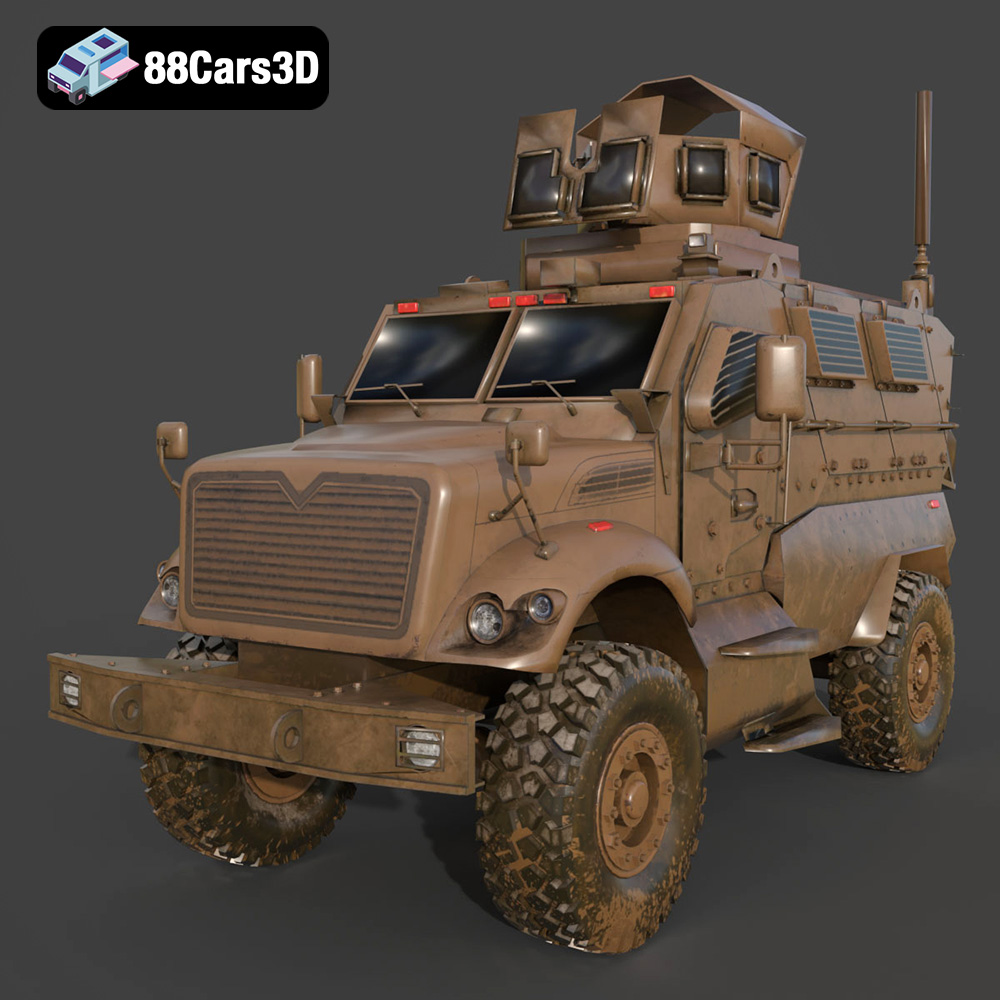
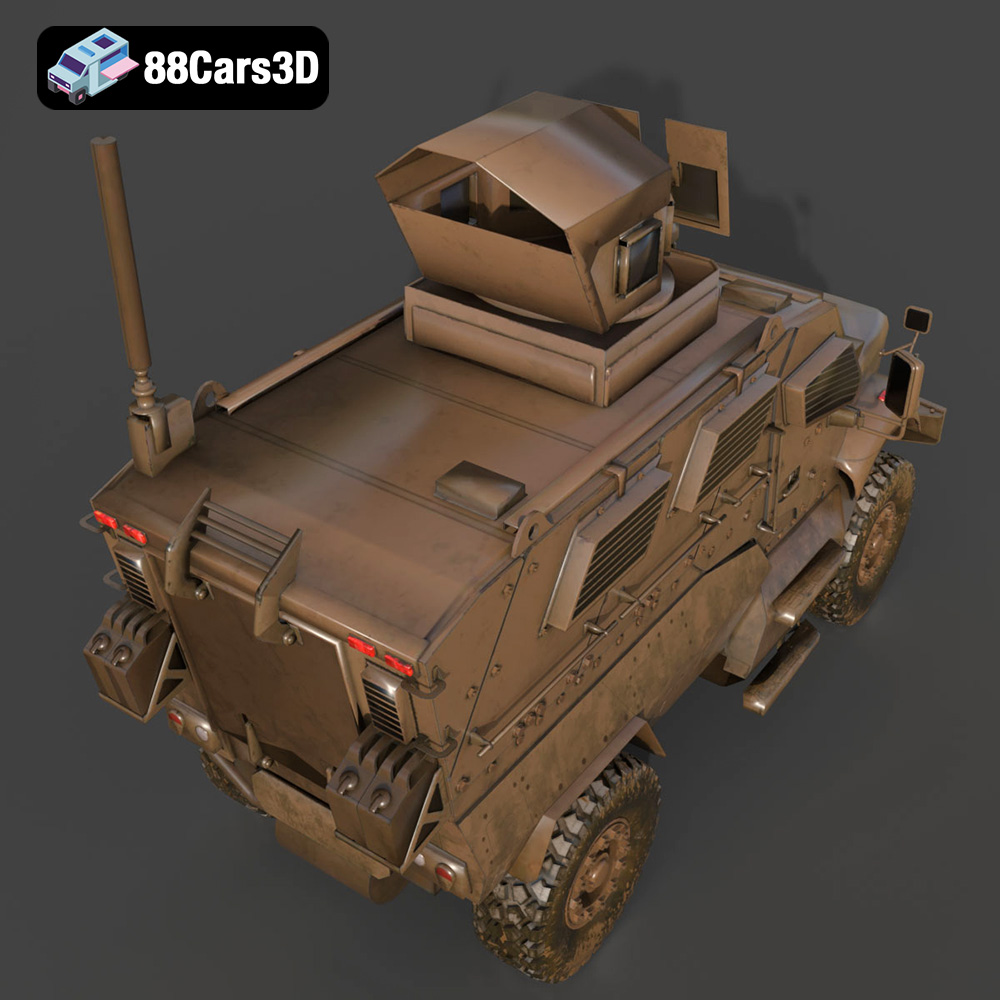
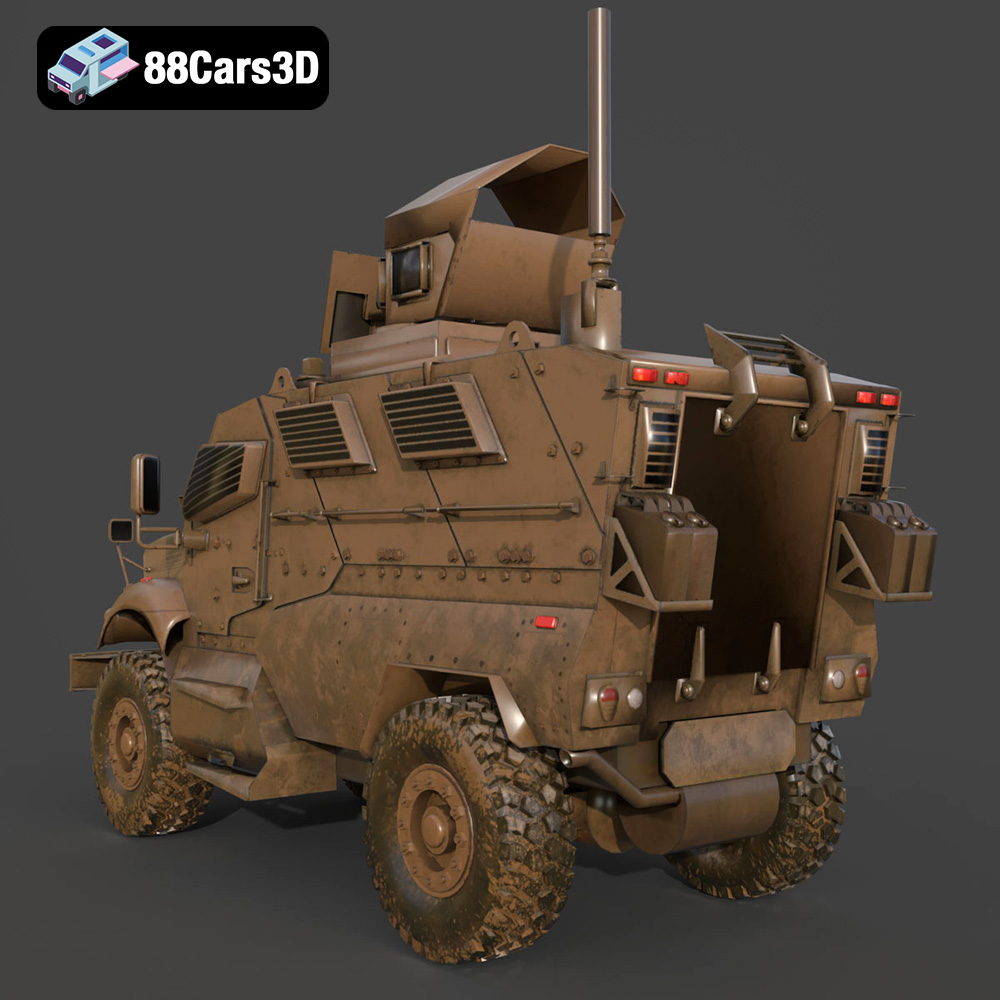
The MaxxPro MRAP, a symbol of modern tactical resilience, is a formidable subject for any 3D artist or developer. This particular model captures its rugged essence, from the iconic V-shaped hull designed for mine resistance to its heavy-duty suspension and intricate exterior elements. It’s an asset meticulously crafted not just for visual appeal but also with a keen eye on technical specifications crucial for real-time applications and high-fidelity rendering. As we delve deeper, we’ll explore the technical prowess behind such 3D car models, their diverse applications, and how a ready-made solution like the MaxxPro MRAP can be a game-changer for your next project.
The journey of a 3D model, from creation to final application, often involves traversing various software environments and platforms. This necessitates a deep understanding of the different file formats available, each tailored for specific purposes, compatibility, and technical characteristics. The MaxxPro MRAP 3D Model is provided in a comprehensive suite of formats, ensuring maximum flexibility for artists and developers.
Having the MaxxPro MRAP available in such a diverse array of formats underscores its versatility and the thoughtfulness behind its creation, catering to virtually any professional workflow.
The real challenge in creating a premium 3D asset lies not just in capturing visual accuracy but also in optimizing it for peak performance across various applications. The MaxxPro MRAP 3D model expertly navigates this balance, delivering both stunning visual fidelity and technical efficiency.
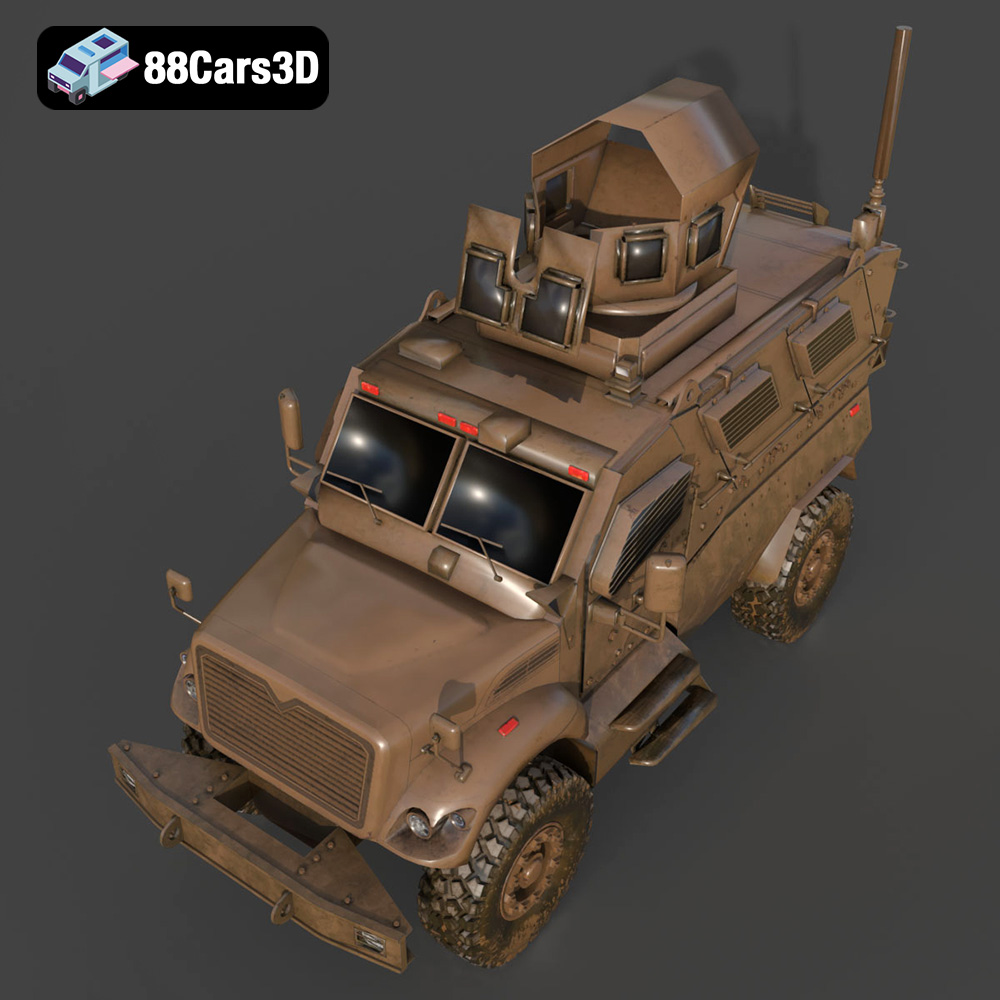
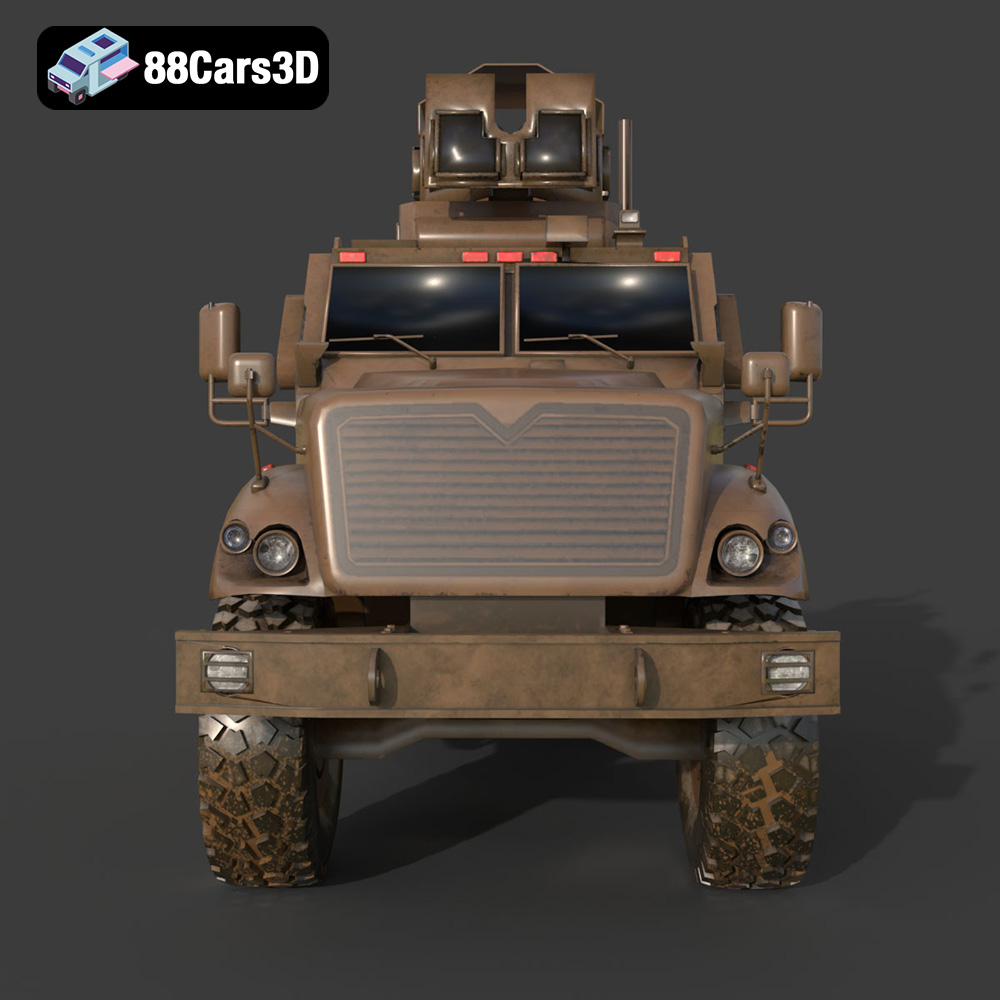
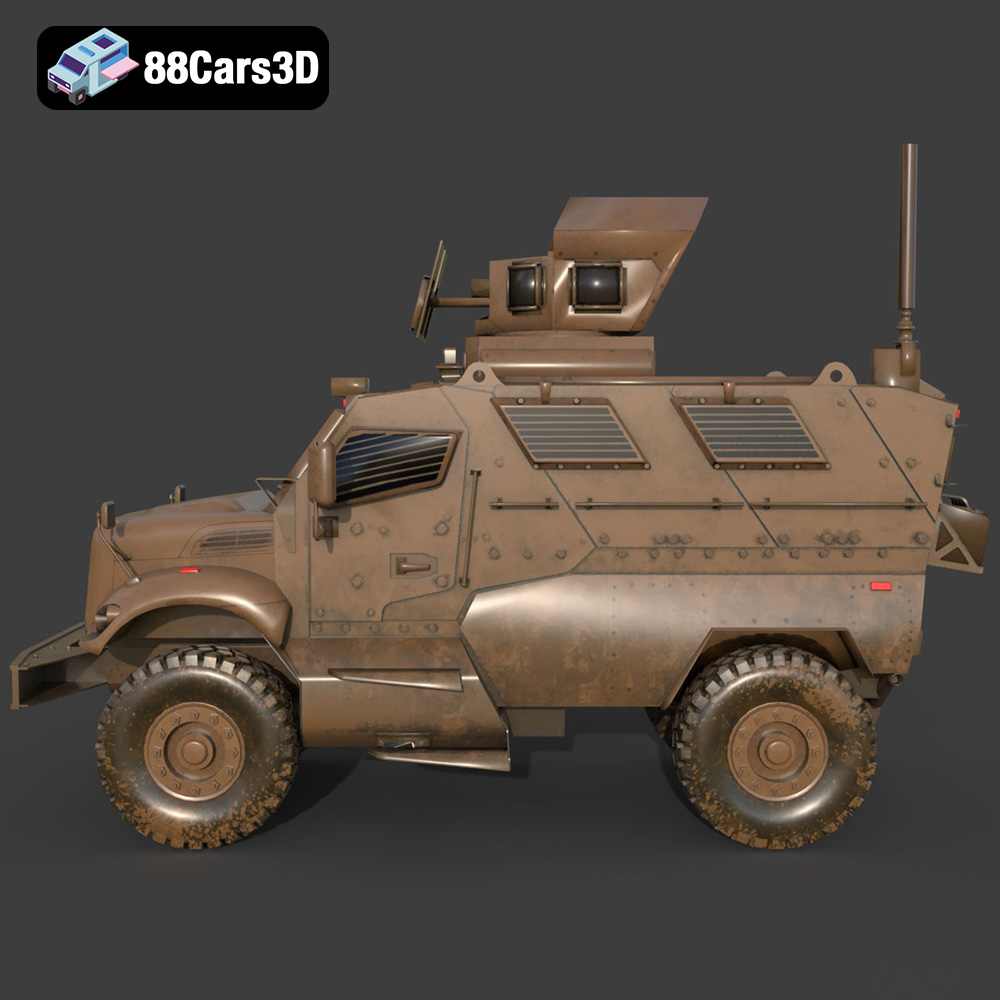
The MaxxPro MRAP is an icon of armored transport, instantly recognizable by its robust, battle-hardened appearance. This 3D model meticulously replicates these defining characteristics. The exterior boasts accurate geometry and proportions of the armored hull, highlighting the distinctive V-shaped chassis designed to deflect explosive forces. Every detail, from the reinforced plating and heavy-duty drivetrain housing to the tactical exhaust and protected ventilation systems, has been carefully modeled. Military-grade lighting, including searchlights and blackout lights, adds to its authentic presence. Furthermore, the massive rugged off-road tires and tactical beadlock wheels, coupled with high-clearance heavy-duty leaf spring and shock suspension details, contribute significantly to its imposing and realistic aesthetic. This level of detail makes the MaxxPro an excellent choice for 3D car models that demand authenticity.
Beyond the formidable exterior, the model also features a thoughtfully designed interior. The cockpit includes utilitarian military shock-mitigating seating, a tactical steering wheel, and a heavy-duty dashboard layout. Authentic military instrument clusters and communications gear panels are present, alongside control details such as pedals, gear selectors, and hatch mechanisms. This interior optimization is crucial for first-person perspective (POV) in gaming, offering a level of immersion rarely found in pre-made assets and making it a truly versatile game asset.
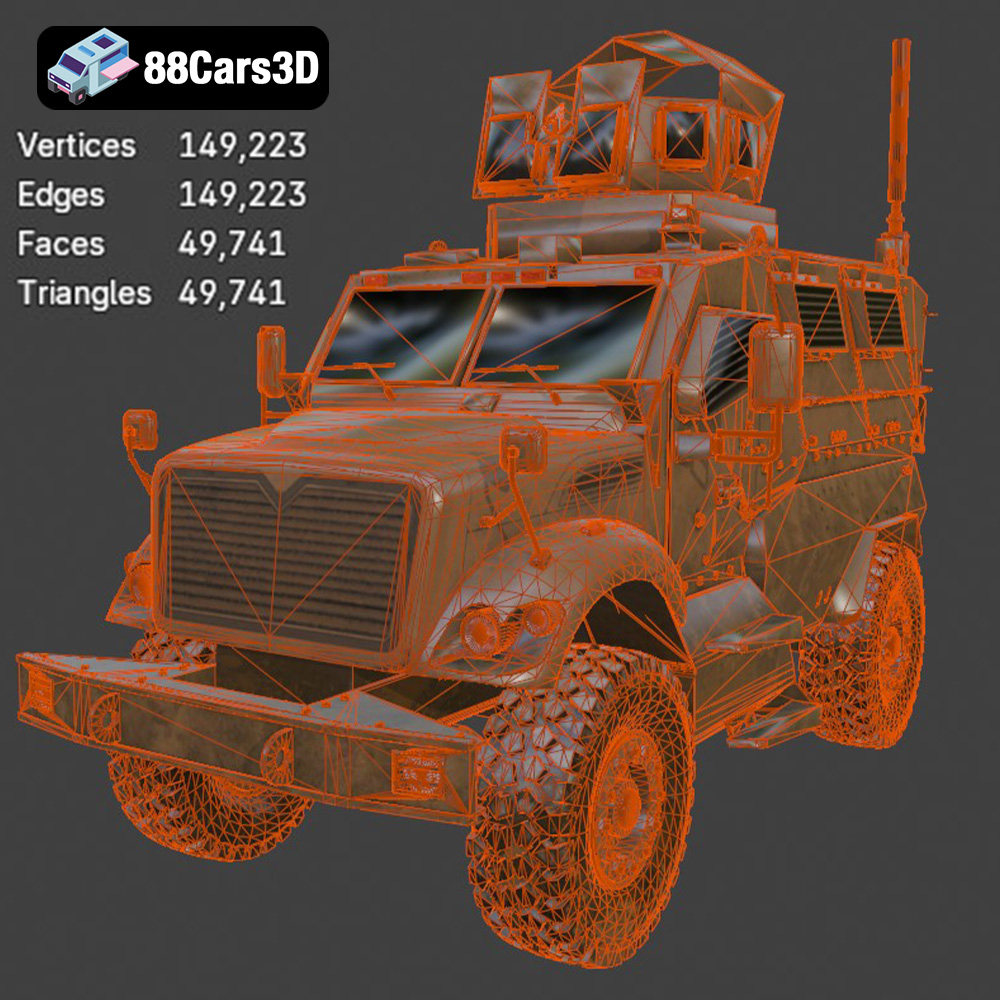
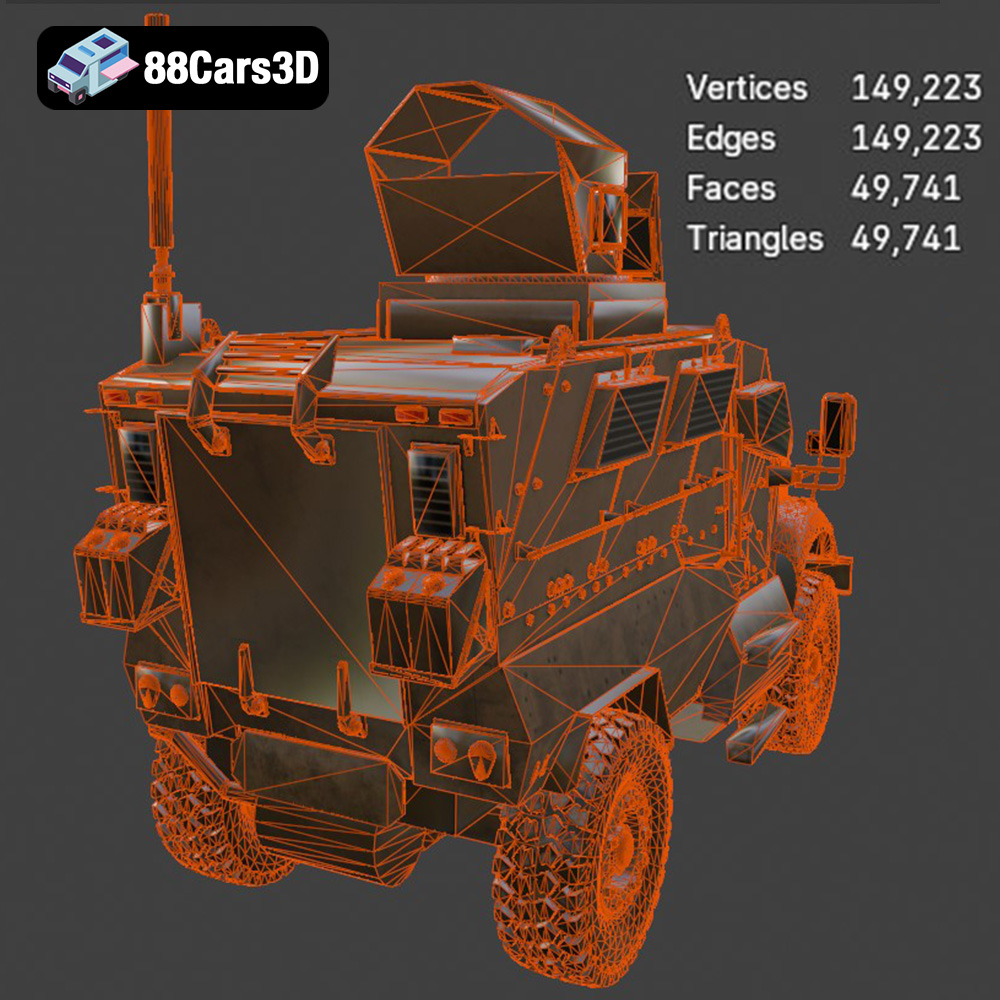
Visual fidelity without performance optimization is a non-starter in today’s demanding digital environments. The MaxxPro MRAP excels here with its “game-ready & optimized” designation. With approximately 250,000 triangles, the model strikes a perfect balance. This polycount is high enough to ensure exceptional visual crispness in close-up renders and detailed cinematics, yet efficient enough to maintain stable frame rates in real-time engines like Unreal and Unity. This careful optimization means developers don’t have to spend valuable time reducing polycounts or remodeling, making it an ideal choice for any project requiring high-performance 3D car models.
Technical precision extends to its real-world scale accuracy, which is based on actual vehicle chassis dimensions. This ensures that the MaxxPro MRAP integrates seamlessly into environments where realistic scaling is critical, such as military simulators or architectural visualizations. Furthermore, the model features a proper pivot setup for crucial animated components like steering, wheel rotation, and suspension travel. The separation of wheels, suspension, and steering components provides animators with granular control, allowing for realistic vehicle dynamics and complex movement sequences without extensive rigging work. This attention to mechanical detail underscores its professional-grade quality.
The utility of a meticulously crafted 3D model like the MaxxPro MRAP extends far beyond its initial design brief, finding relevance across a multitude of industries. Its blend of detail and optimization makes it a valuable asset for a spectrum of digital and even physical applications.
In the world of game development, authenticity and performance are key. The MaxxPro MRAP 3D model is an ideal candidate for military-themed games, whether they are tactical shooters, open-world adventures, or vehicle simulators. Its optimized polycount (~250,000 triangles) ensures it can be integrated into large game environments without unduly straining system resources, contributing to smooth gameplay. The detailed interior is particularly beneficial for first-person driving sequences or character interactions within the vehicle, providing a high level of immersion.
Similarly, the burgeoning fields of Augmented Reality (AR) and Virtual Reality (VR) demand highly optimized yet detailed models. For military training simulations, the MaxxPro MRAP can be used to create incredibly realistic virtual environments where personnel can practice vehicle operation, maintenance, or tactical maneuvers in a safe, controlled setting. In AR, it could be used for interactive virtual showrooms, allowing users to inspect the vehicle in a real-world space, or for educational applications demonstrating its design and features. Its compatibility with formats like .glb makes it perfect for these modern, interactive experiences.
High-fidelity rendering and visualization are critical for brand campaigns, cinematic productions, and detailed engineering reviews. The MaxxPro MRAP 3D model excels in this arena, offering the granular detail required for stunning close-up renders. Artists can leverage its robust geometry and material readiness to create photorealistic images and animations. Imagine a cinematic sequence depicting the MaxxPro traversing challenging terrain, or a detailed breakdown of its armor system for a documentary – the model provides the foundational quality needed for such endeavors. Its real-world scale and accurate proportions ensure that it appears correctly integrated into any digital scene, whether for a dramatic marketing visual or a technical presentation. This makes it an excellent choice for professionals seeking high-quality automotive rendering assets.
The digital world can often bridge into the physical, and 3D printing is a prime example of this convergence. The MaxxPro MRAP model’s availability in .stl format opens up a fascinating avenue for hobbyists, collectors, and educational institutions. From creating display-scale models (recommended scales: 1:12, 1:18, 1:24) to prototyping components, the accuracy of the digital model translates directly to the physical print. The detailed product description even provides specific 3D print settings: layer heights (0.04–0.12 mm for resin printing), wall thickness (1.2–2.0 mm), infill (20–30%), and crucial support requirements for intricate parts like the exhaust and suspension. This guidance ensures a successful print, allowing users to bring the formidable MaxxPro into the physical world, ready for post-processing with sanding, primer, and authentic military finishes.
The true value of a professional 3D asset lies in its ease of integration into established production pipelines. The MaxxPro MRAP 3D model, with its multiple file formats and optimized structure, is designed to be a plug-and-play solution for leading 3D software and real-time engines.
For artists working with industry-standard 3D modeling and animation software, the MaxxPro MRAP offers native compatibility. If your primary tool is 3ds Max, the `.max` file provides a complete scene, allowing you to open the project with all its intricate details, materials, and hierarchy intact. This is invaluable for animation studios or visualization firms that rely on 3ds Max’s robust toolset for complex rigging, advanced rendering (e.g., V-Ray, Corona), or integrating the vehicle into larger architectural or environmental scenes. You can easily modify lighting setups, adjust PBR (Physically Based Rendering) materials, or utilize the separate wheel, suspension, and steering components for sophisticated vehicle animations.
Similarly, Blender users benefit from the `.blend` file, offering the native project with full editability. This means immediate access to the mesh, textures, and material nodes within Blender’s intuitive interface. Artists can leverage Blender’s Cycles or Eevee renderers for stunning visuals, integrate the MaxxPro into existing Blender scenes, or even use its animation tools for dynamic sequences. The clean topology of the model ensures that any modifications or rigging attempts will be smooth and predictable, reducing the typical headaches associated with poorly constructed models.
Unreal Engine is at the forefront of real-time rendering and game development, and the MaxxPro MRAP is perfectly poised for seamless integration. The `.fbx` format is the industry workhorse for transferring assets into Unreal, preserving mesh data, pivot points, and material assignments. For even greater convenience, the model’s availability in a dedicated `.unreal` format (often pre-packaged as UAssets) means developers can skip many of the initial setup steps. This includes pre-configured material instances, appropriate collision meshes, and potentially even LODs (Levels of Detail) that automatically swap out simpler meshes at a distance, ensuring optimal performance.
Upon import, developers can quickly set up advanced PBR materials within Unreal, leveraging the engine’s powerful rendering capabilities to make the MaxxPro look hyper-realistic under various lighting conditions. Its “game-ready & optimized” nature, particularly the ~250,000 triangle count, is perfectly aligned with Unreal Engine’s performance guidelines for detailed vehicles. The proper pivot setup for wheels and suspension is crucial for setting up a functional vehicle blueprint in Unreal, allowing for realistic driving mechanics, damage systems, and interactive elements within a game or simulation environment. This level of preparation drastically reduces development time and allows teams to focus on gameplay and immersive experiences rather than asset optimization.
While a high-quality base model is essential, the ability to customize and adapt it to specific project needs is what truly elevates its utility. The MaxxPro MRAP 3D model provides ample scope for personalization, allowing artists to tailor its appearance to fit any narrative or environment.
The MaxxPro MRAP, by its very nature, is a vehicle built for diverse and challenging environments. The included materials and textures are designed to be highly adaptable. Users can easily modify body and tank colors to suit different tactical scenarios. Imagine the MaxxPro in a classic desert tan for arid operations, a multi-tone woodland camouflage for forested regions, or even a distinct UN white for peacekeeping missions. These color changes can dramatically alter the vehicle’s context and visual impact.
Beyond primary colors, the model allows for nuanced adjustments to material finishes. Artists can switch between matte, gloss, or metallic finishes to achieve different looks – perhaps a weathered, battle-worn matte finish for a realistic combat scene, or a cleaner, semi-gloss look for a promotional visualization. Tire textures can also be modified, swapping between rugged off-road variants for extreme terrain and more standardized street variants for urban deployment, further enhancing its versatility as a 3D car model.
Customization extends beyond mere aesthetics; it’s about seamlessly integrating the MaxxPro MRAP into a broader narrative or environment. Adjusting the lighting setup, for instance, can drastically change its mood and impact. A harsh, overhead sunlight emphasizes its rugged contours in a desert scene, while soft, volumetric lighting can create a more dramatic, atmospheric effect for a cinematic sequence. The ability to modify these elements ensures the MaxxPro doesn’t feel like a static object, but rather a dynamic component of your scene.
Furthermore, the detailed and separate components (wheels, suspension, steering) facilitate custom animations that can tell a richer story. A MaxxPro with its suspension articulating over rough terrain, or its wheels kicking up dust, adds a layer of realism and dynamism that captivates audiences. These customization options empower artists and developers to not just use a model, but to truly make it their own, fitting it perfectly into the unique vision of their project, whether it’s for automotive rendering or a complex game environment.
In the fast-paced world of digital content creation, the difference between success and struggle often lies in the quality and efficiency of your assets. The MaxxPro MRAP 3D Model exemplifies what a truly professional-grade asset should be: a perfect blend of meticulous detail, optimal performance, and broad versatility. From its faithfully replicated exterior and immersive interior to its game-ready polygon count and flexible file formats, this model is engineered to elevate a wide array of projects.
Whether you’re developing the next generation of tactical shooters, crafting cinematic military visualizations, designing immersive AR/VR training simulations, or even bringing a tangible replica to life through 3D printing, the MaxxPro MRAP offers a robust and reliable foundation. Its compatibility with industry-standard software like Blender, 3ds Max, and game engines like Unreal ensures seamless integration into your existing workflows, saving invaluable time and resources. The comprehensive suite of file formats, detailed technical specifications, and thoughtful optimization underscore its value as a powerful asset for any serious creator.
For those seeking to equip their projects with exceptional 3D car models and game assets, the MaxxPro MRAP 3D model, available for download at 88cars3d.com, represents a smart investment. It’s more than just a model; it’s a ready-to-deploy solution that empowers you to focus on creativity and innovation, confident in the quality of your foundational assets. Explore this formidable vehicle and unlock new possibilities for your digital endeavors.
The MaxxPro MRAP (Mine Resistant Ambush Protected) vehicle by Navistar Defense is a staple of modern military operations, designed to endure IEDs and ambushes with its iconic V-shaped hull. This imposing 3D model captures the rugged essence of the real-world armored transport, featuring meticulously detailed reinforced plating, heavy-duty suspension systems, and tactical exterior elements that define its battle-ready presence.
Designed with optimal topology and a balanced triangle count (~250,000 triangles), this model ensures exceptional visual fidelity without compromising game-ready performance. It is perfectly structured for real-time applications, offering incredible crispness in both close-up renders and dynamic gameplay scenarios such as game development, AR/VR, animation, and visualization.
Perfect for military simulators, tactical shooter games, cinematic war scenes, and combat training AR/VR environments.
.blend, .fbx, .obj, .glb, .stl, .ply, .unreal, .max
Tags:
maxxpro, mrap, navistar-defense, military-vehicle, armored-vehicle, game-ready, low-poly, optimized, car-3d-model, game-asset, rendering, vr-ar, blend, fbx, obj, glb, stl, ply, unreal, max
$19.99
.blend
.fbx
.glb
.max
.obj
.ply
.rendering
.stl
.unreal
armored-vehicle
car-3d-model
game asset
game-ready
low-poly
maxxpro
military-vehicle
mrap
navistar-defense
optimized
VR/AR